Banner Background

Kotokoto Lab

/konabe
Level 7
Small Unity editor tools for VRChat avatars.
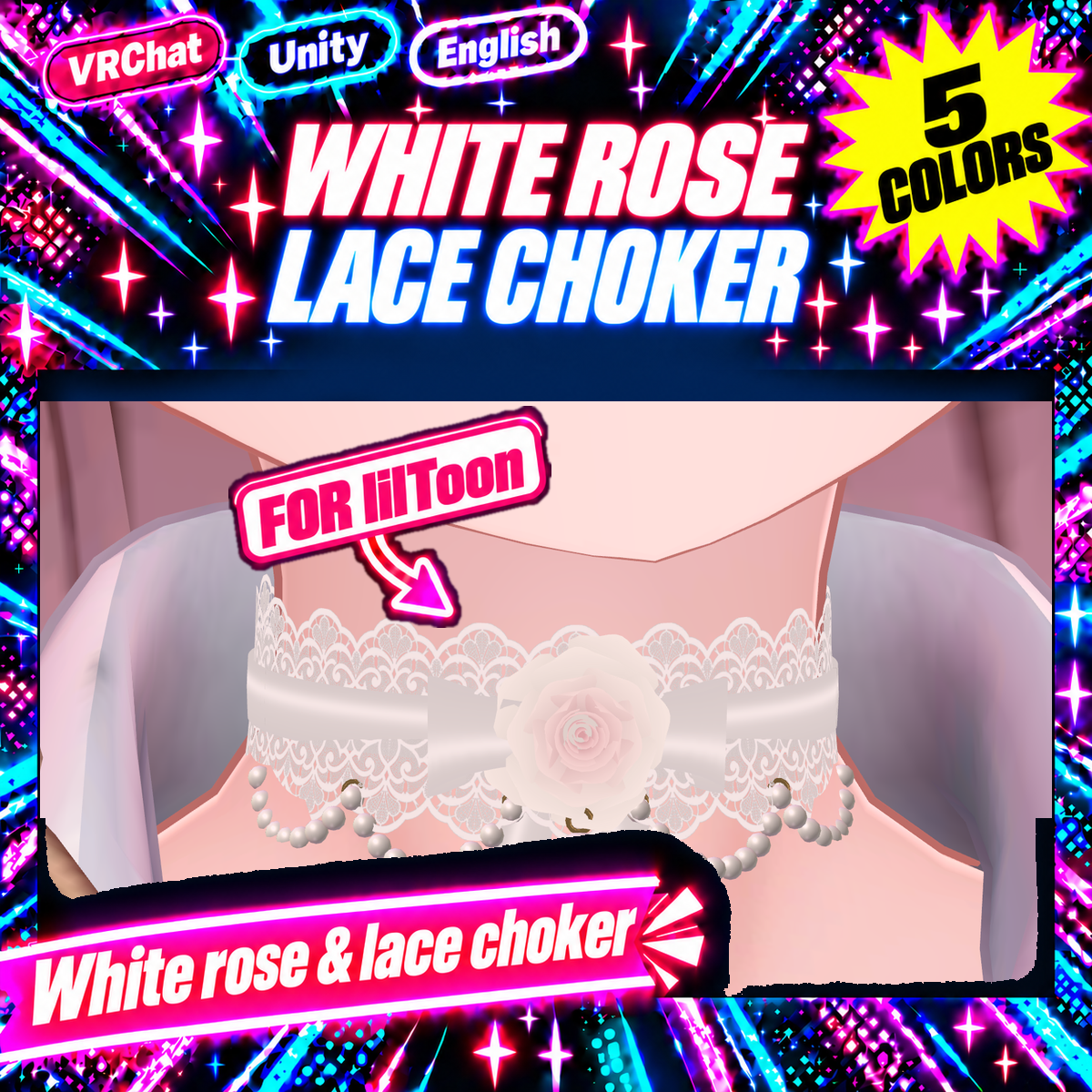
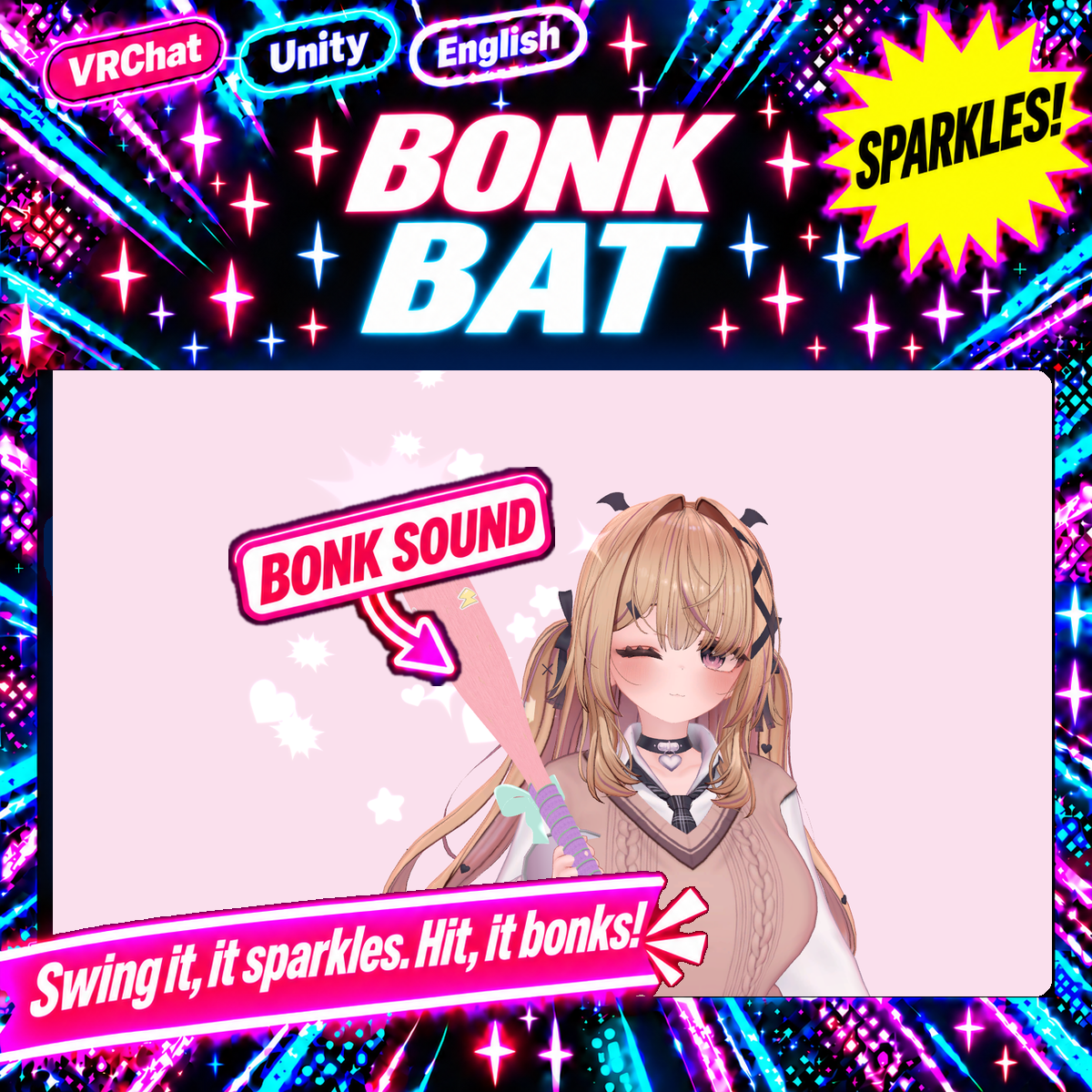
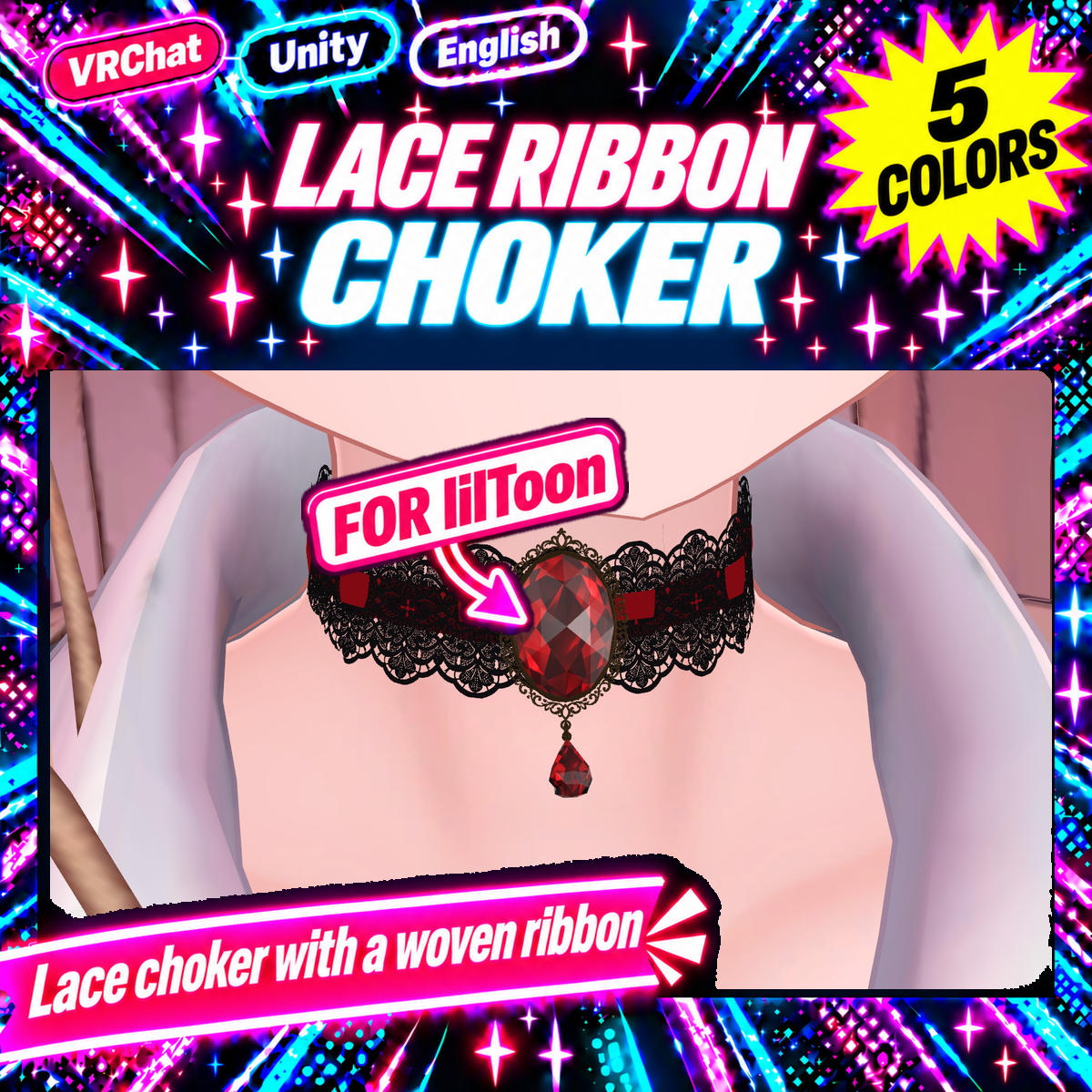
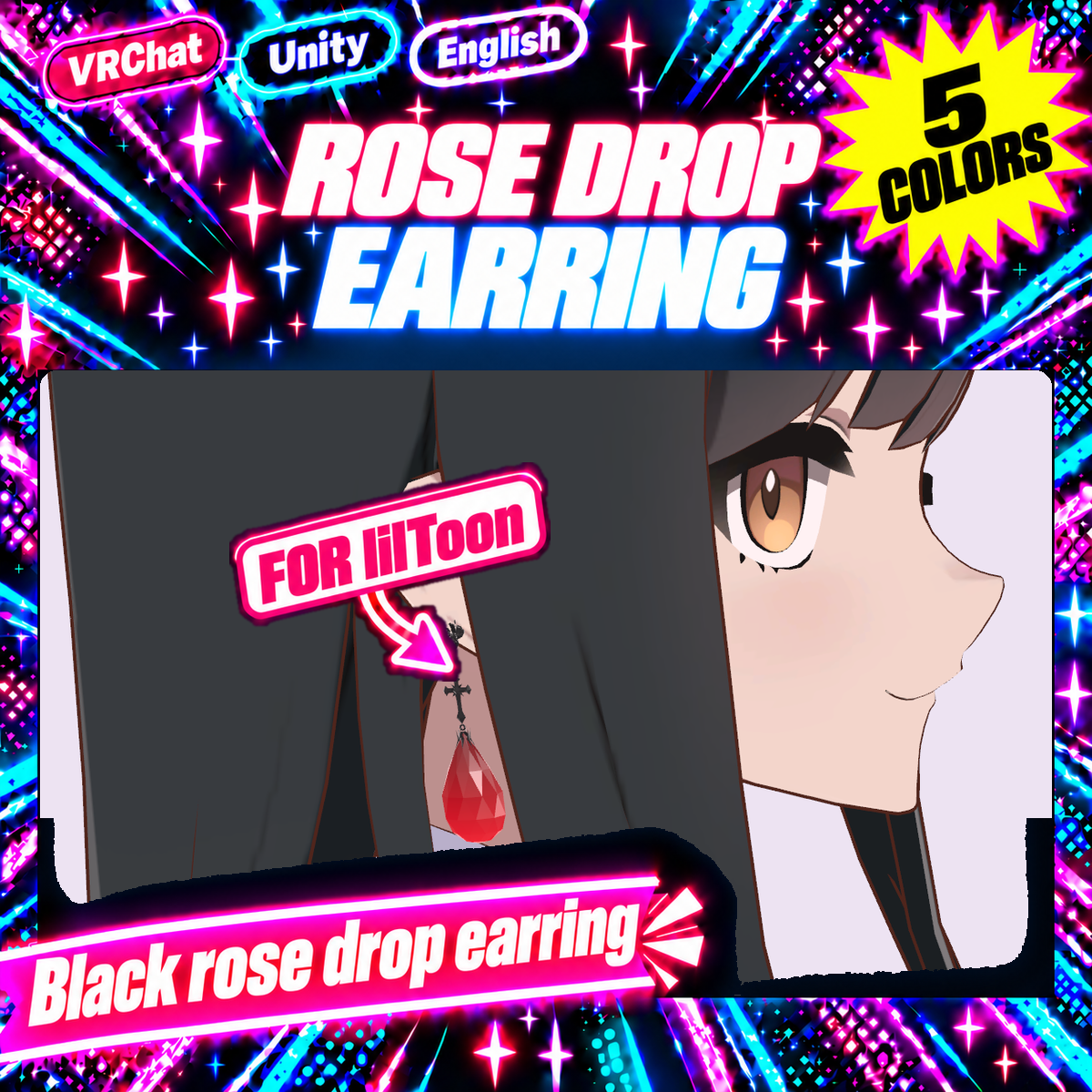
One click to fit accessories β€” chokers, tails, wings, horns and more.
Every tool has a Free version, and each tool was tested on popular free avatars before release.
Questions and bug reports are welcome.
10Followers
58Likes
9Products

Links

One-click Auto Fit tools

Try the Free versions first. Fits accessories to your avatar in Unity with one click.
Collider Auto Fit β€” PhysBone colliders sized to your avatar's body, connected to hair, skirt and tail in one click [VRChat / Unity] (Free version available)
Shape Key Finder β€” Search Japanese shape keys in English, click the face to find keys [VRChat / Unity] (Free version available)
Bracelet Auto Fit β€” Fit a bracelet or bangle to your avatar's wrist in one click [VRChat / Unity] (Free trial available)
Paint Mesh Remover β€” Paint the parts of your avatar mesh you want gone. Removed on upload, non-destructive [VRChat / Unity / NDMF]
Auto Hide Body Under Clothes β€” Remove the hidden body polygons under your avatar's clothes [VRChat / Unity / AAO]
Horn Auto Fit β€” Attach horns to the top of your avatar's head in one click [VRChat / Unity]
β€’

10h ago

I make Unity tools for VRChat avatars, and now I'm trying to make my own avatar too. Left: the concept. Right: the first 3D try in Blender. 😭 How did it end up like this?! Any tips for going from concept to a cute 3D model? πŸ¦ŠπŸ’—πŸ’™

Post media 1
0