Product Description
This product contains AI-generated content.
The 3D model and textures were made with code written with AI assistance. The design ideas, the leather texture and the store cover frame were made with generative AI.
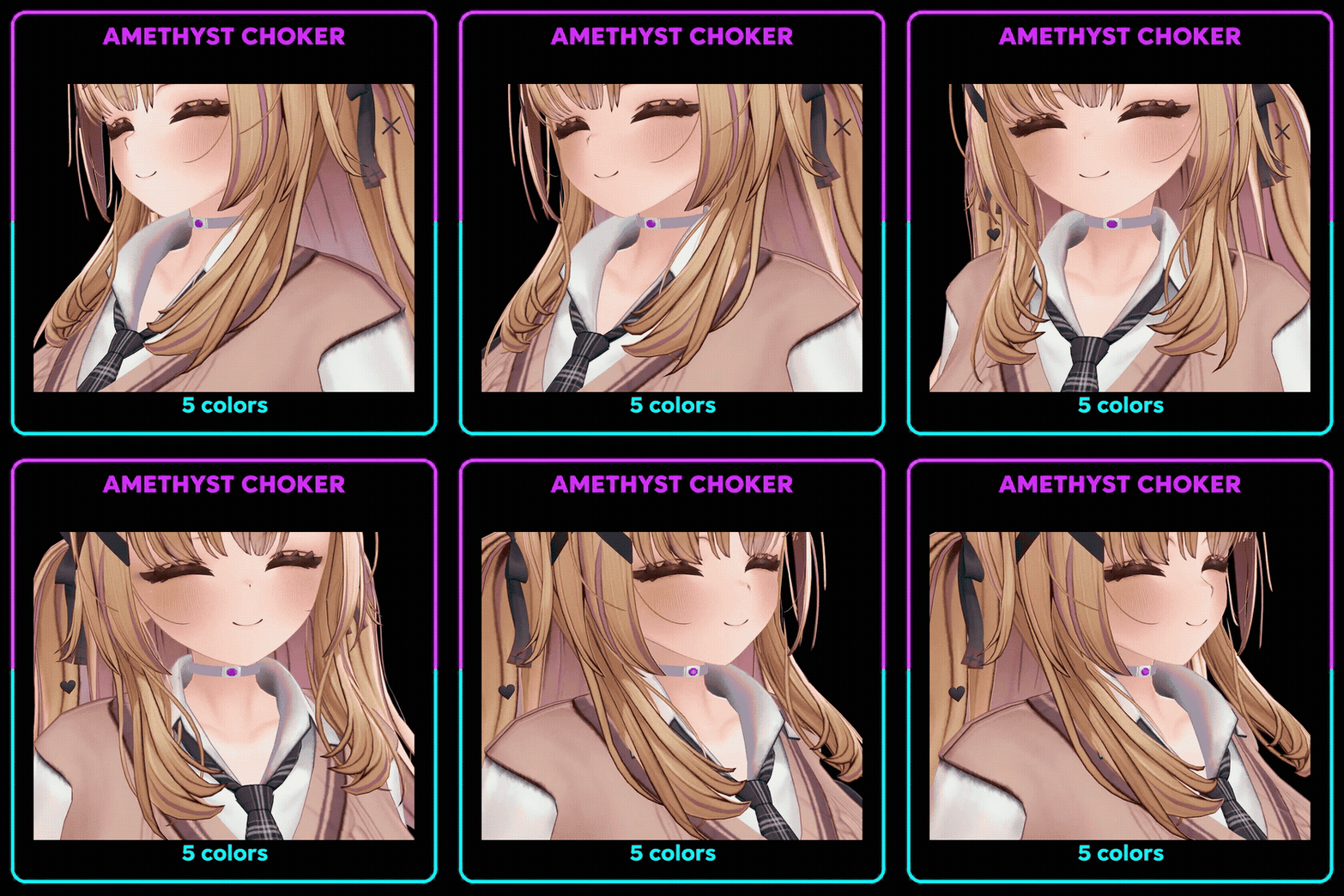
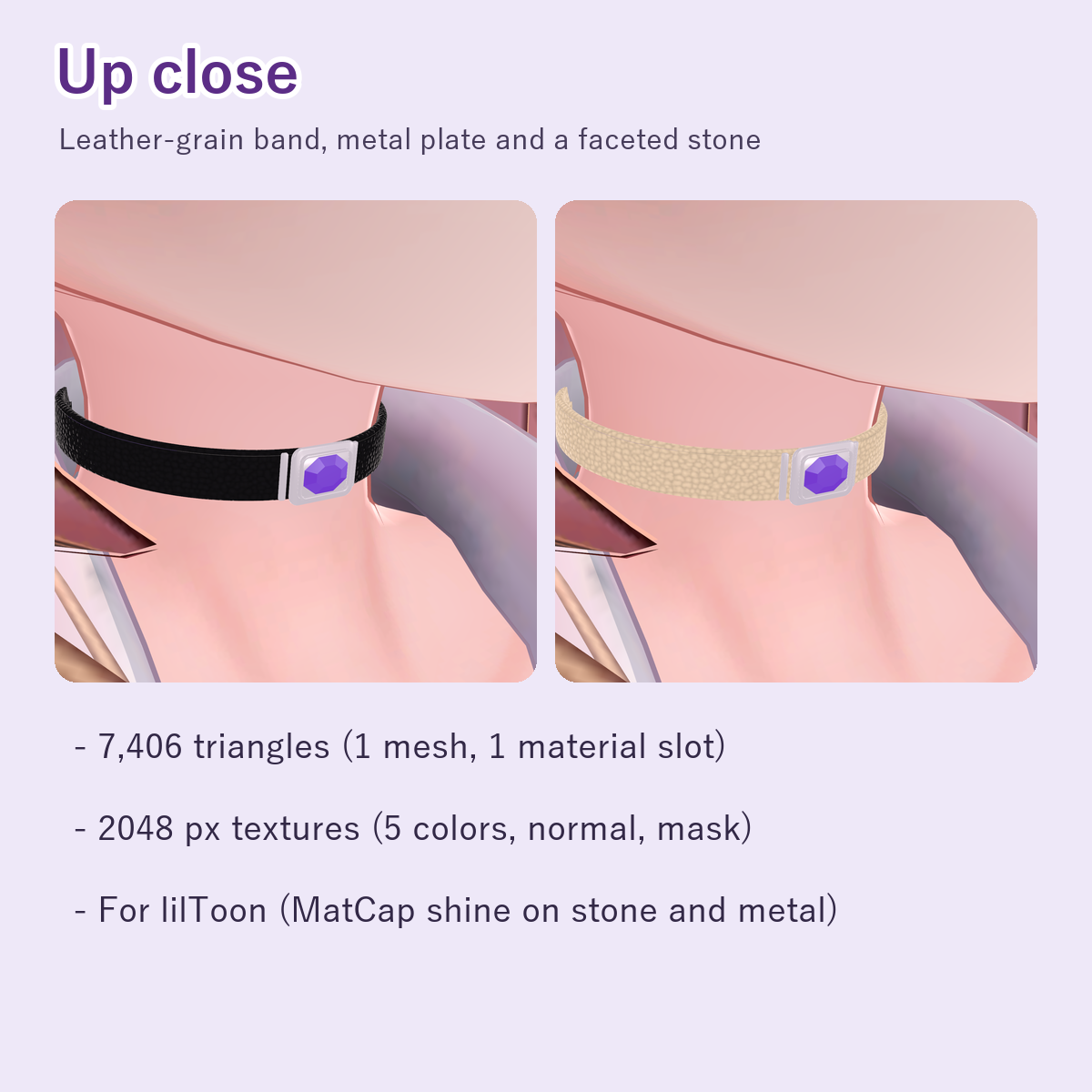
A choker with an amethyst-purple stone set in a small metal plate on a slim leather-grain band.
What's included
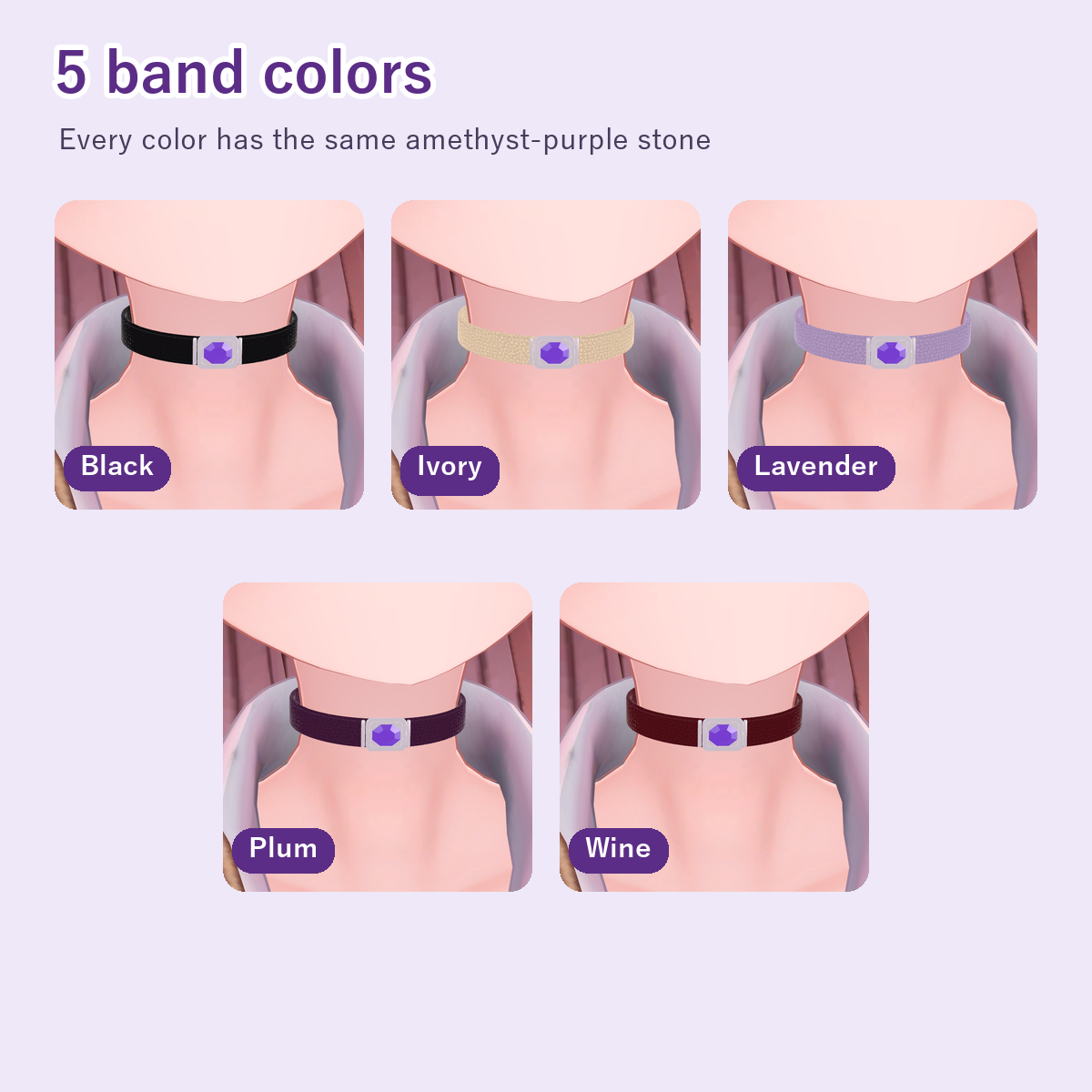
- 5 color prefabs: Black, Ivory, Plum, Lavender, Wine
- 1 mesh (7,406 triangles), 5 materials (one per color), 2048 px textures (5 colors, normal, mask)
- 2 shape keys to slim the band to the neck (Slim_Width / Slim_Depth). The stone and the ornament keep their shape
- README (English)
Requirements
- Unity 2022.3 (the version VRChat uses)
- lilToon (tested with 2.3.4)
How to put it on
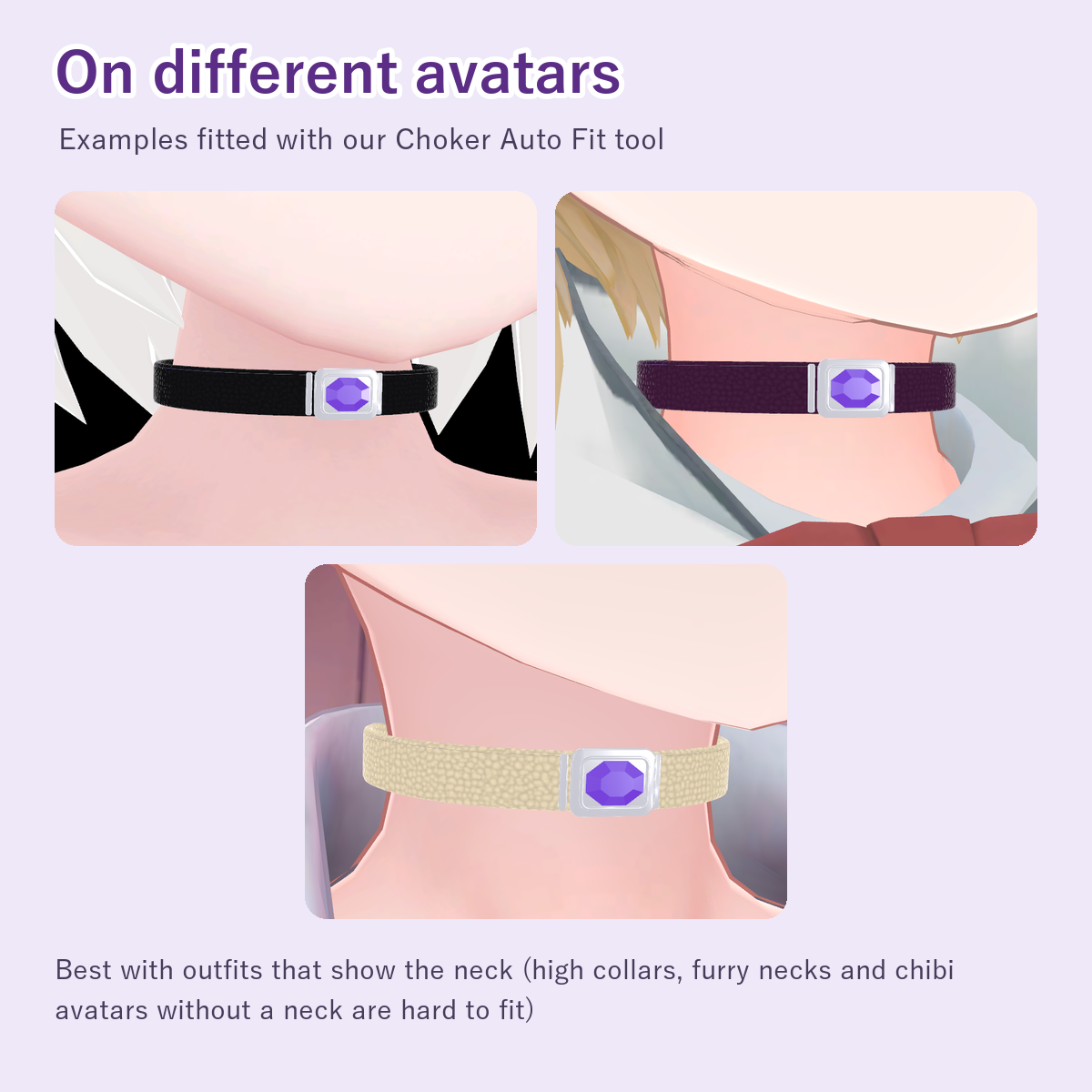
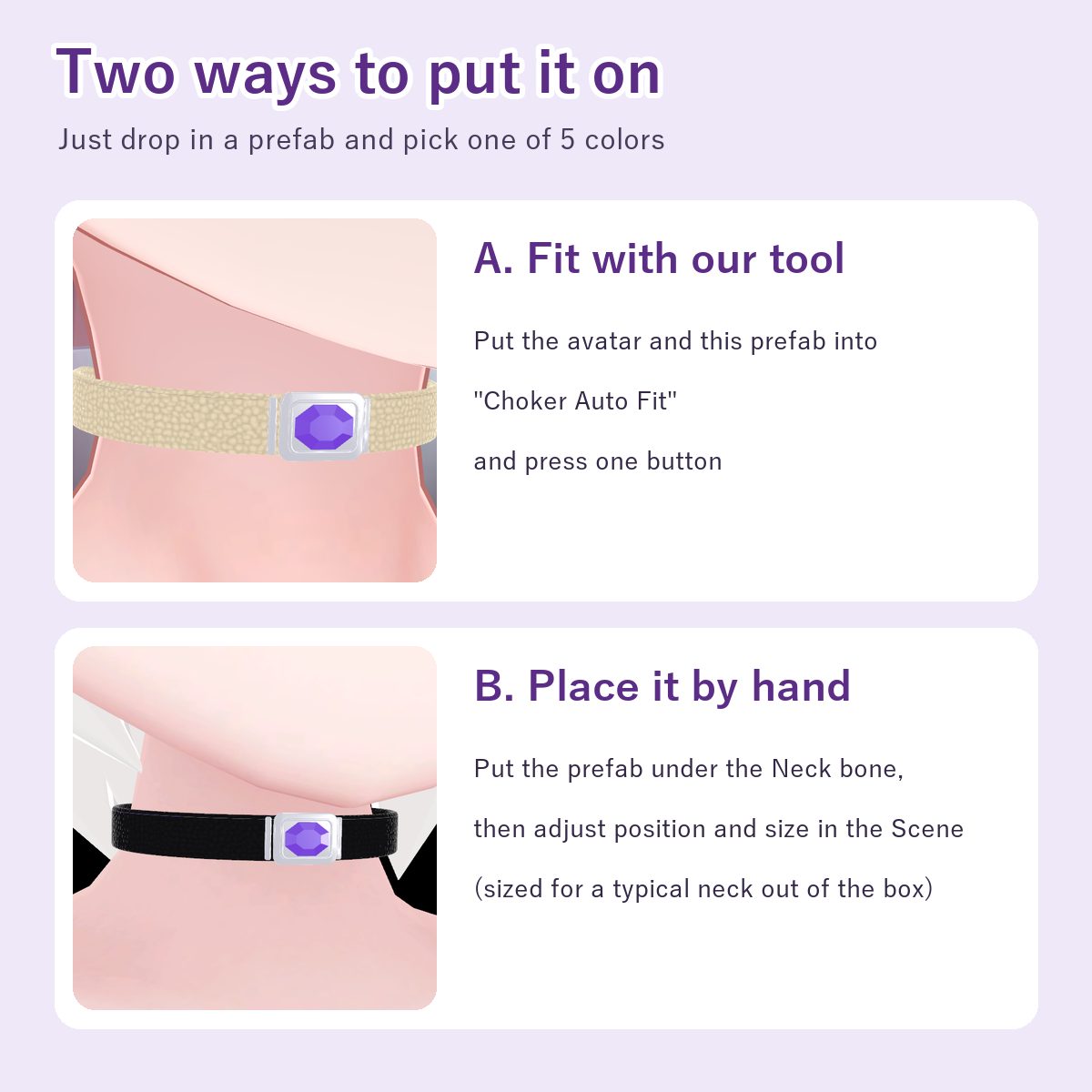
- A. Fit it with our "Choker Auto Fit" tool (sold separately, free trial available): https://jinxxy.com/konabe/3GYbt
- B. Place the prefab under the avatar's Neck bone and adjust position and size in the Scene view. It comes sized for a typical neck.
- If there are gaps at the sides or at the front and back, raise Slim_Width or Slim_Depth on the choker's Skinned Mesh Renderer.
What we tested
- Passes the VRChat SDK pre-upload check (Build & Test).
- Fitted on 13 free avatars with Choker Auto Fit in Unity; it sits on the neck on the 6 avatars whose outfit shows the neck.
Notes
- Best with outfits that show the neck. With high collars, turtlenecks or furry necks it may sit on top of the collar or fur, or be hidden in it.
- Avatars without a neck mesh (some chibi avatars) cannot be fitted with the tool.
- No swinging parts (PhysBone). It follows the Neck bone.
- Tested with lilToon 2.3.4 only. How it looks depends on world lighting and shader settings.
- No avatar models included.
Terms of use
- OK for personal and commercial use on your own avatars: uploading to VRChat for your own use, streams, photos, videos and screenshots.
- You may edit it (color, shape, size, etc.).
- Do not distribute, sell or hand over this data (including edited versions) on its own or as a material, or avatars / outfits that include it in a form other people can use (including public or cloneable avatars).
- You may hand it to someone you ask to edit your avatar, only for that work.
- Use at your own risk.
Updates
- v1.0.1: Fixed import settings that stopped the VRChat pre-upload check (Read/Write, Blendshape Normals, Mip Maps). Added shape keys to slim the band.
Questions or bug reports: please send a message through the shop.
Developed with AI assistance (modeling scripts and testing). The design ideas, leather texture and store cover frame were made with generative AI.