Product Description
This product contains AI-generated content.
Developed with AI assistance (modeling scripts and testing). The design sketches and the store cover frame were made with generative AI.
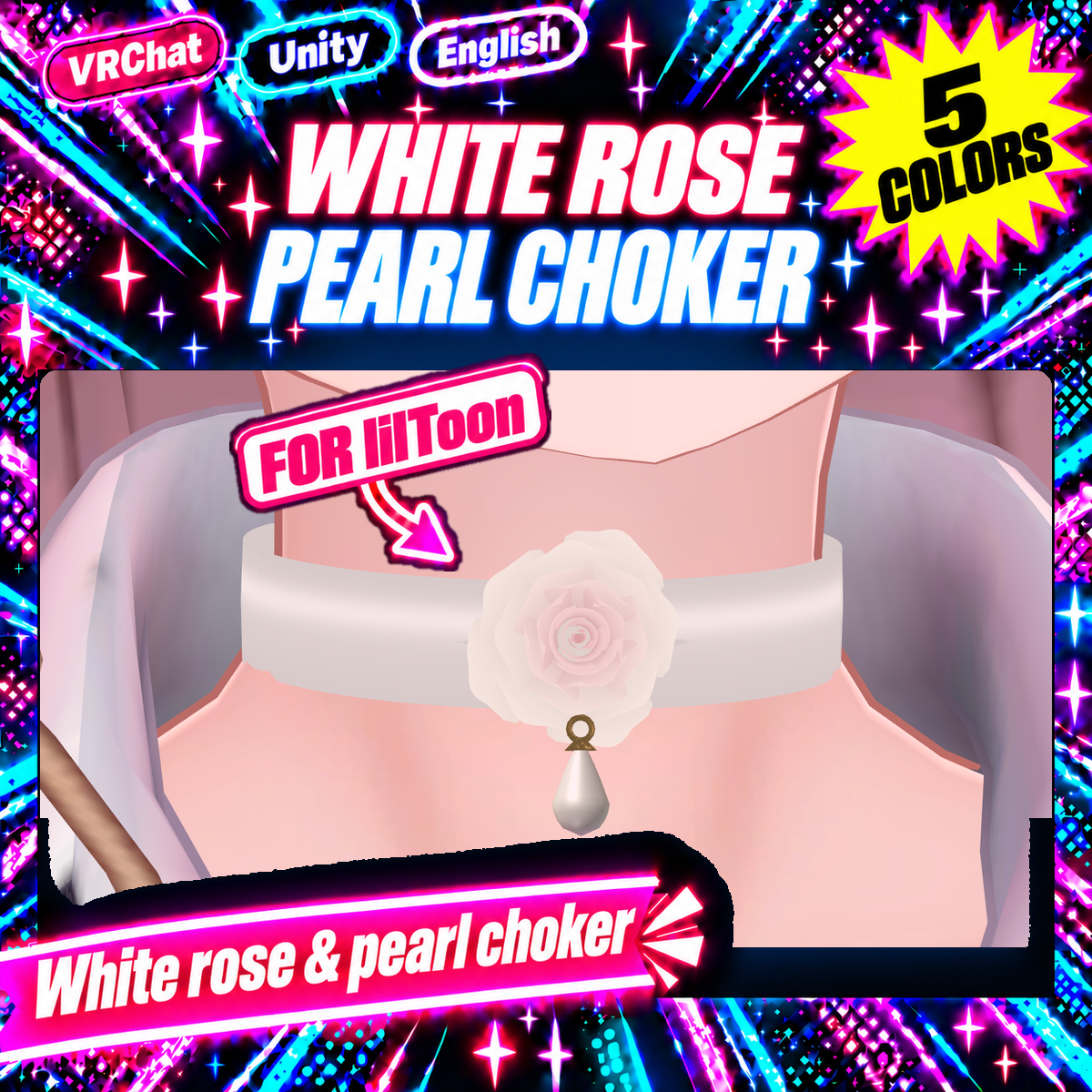
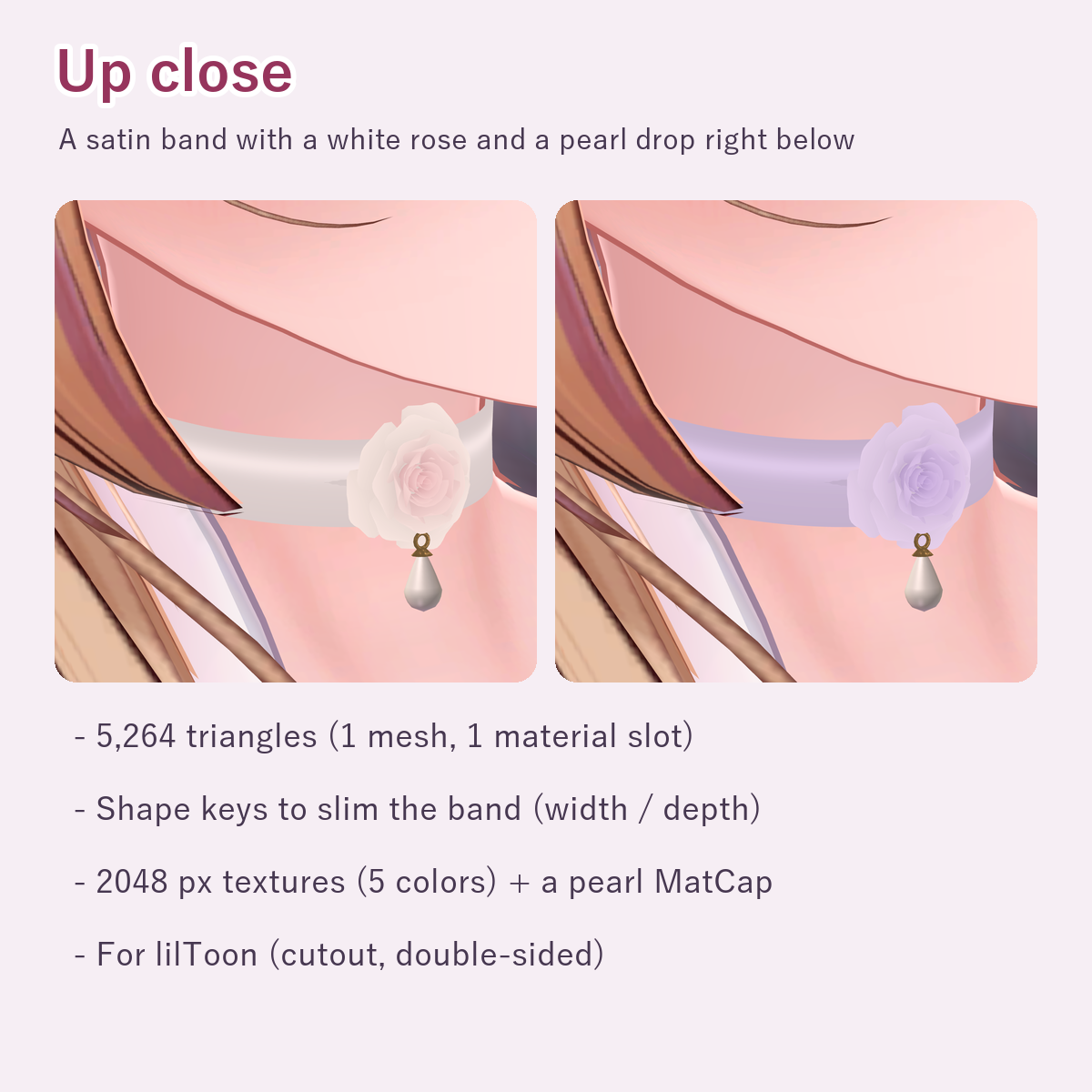
A satin choker with a white rose at the front, a pearl drop right below it and a gold clasp at the back.
What's included
- WhiteRosePearlChoker_v1.0.0.unitypackage
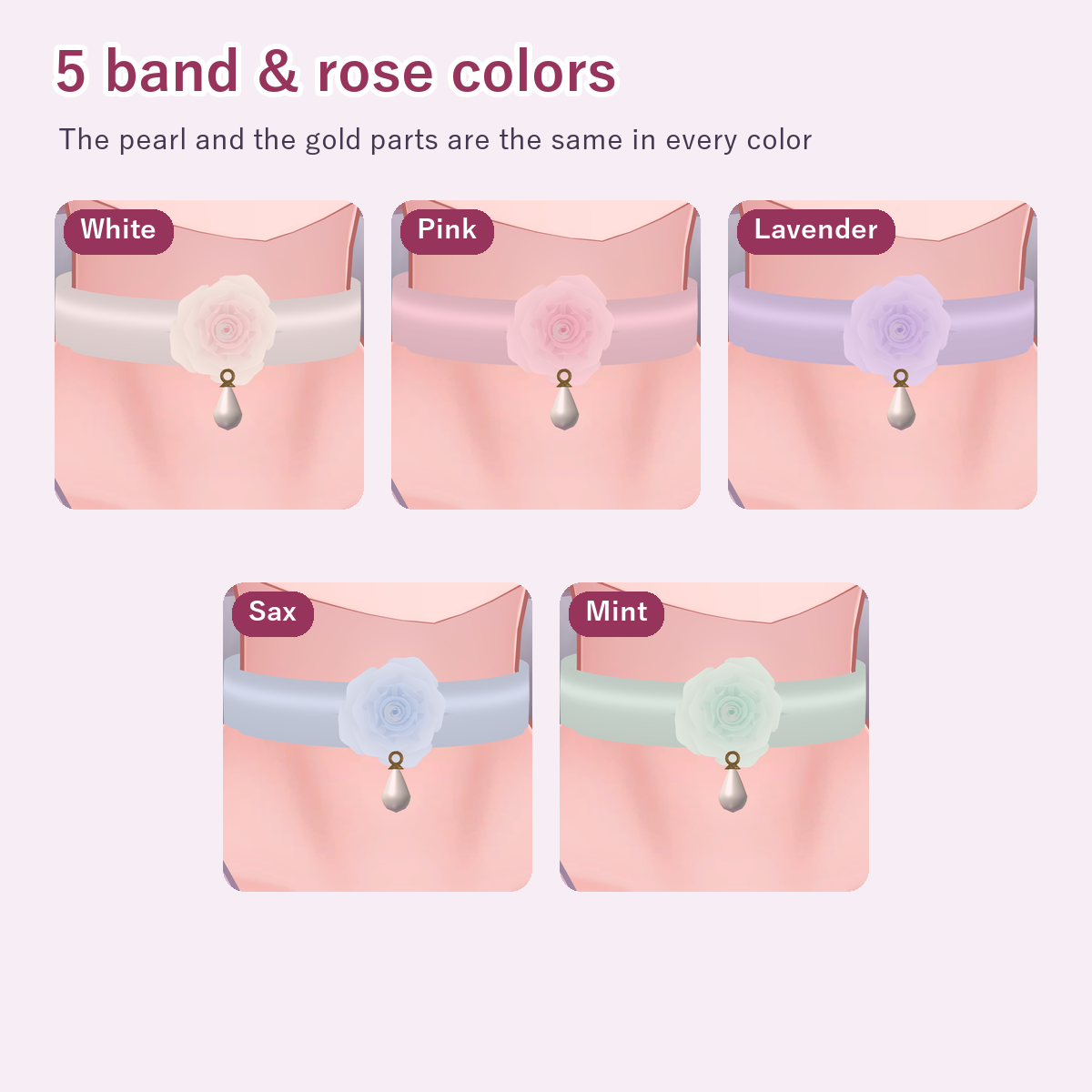
- 5 color prefabs (Prefabs/WhiteRosePearlChoker_White, Pink, Lavender, Sax, Mint)
- 5 band & rose colors (White, Pink, Lavender, Sax, Mint). The pearl and gold parts are the same in every color
- 1 mesh (5,264 triangles, 2 shape keys to slim the band), 5 materials (one per color; lilToon cutout, double-sided), textures (2048 px: 5 colors, a pearl MatCap, 2 masks)
- README (English)
Requirements
- Unity 2022.3 (the version VRChat uses)
- lilToon (import it into the project first; tested with 2.3.4)
Install
- 1. Drag WhiteRosePearlChoker_v1.0.0.unitypackage into Unity's Project window and import it
- 2. The 5 color prefabs are in Assets/KotokotoLab/WhiteRosePearlChoker/Prefabs
How to put it on (either way)
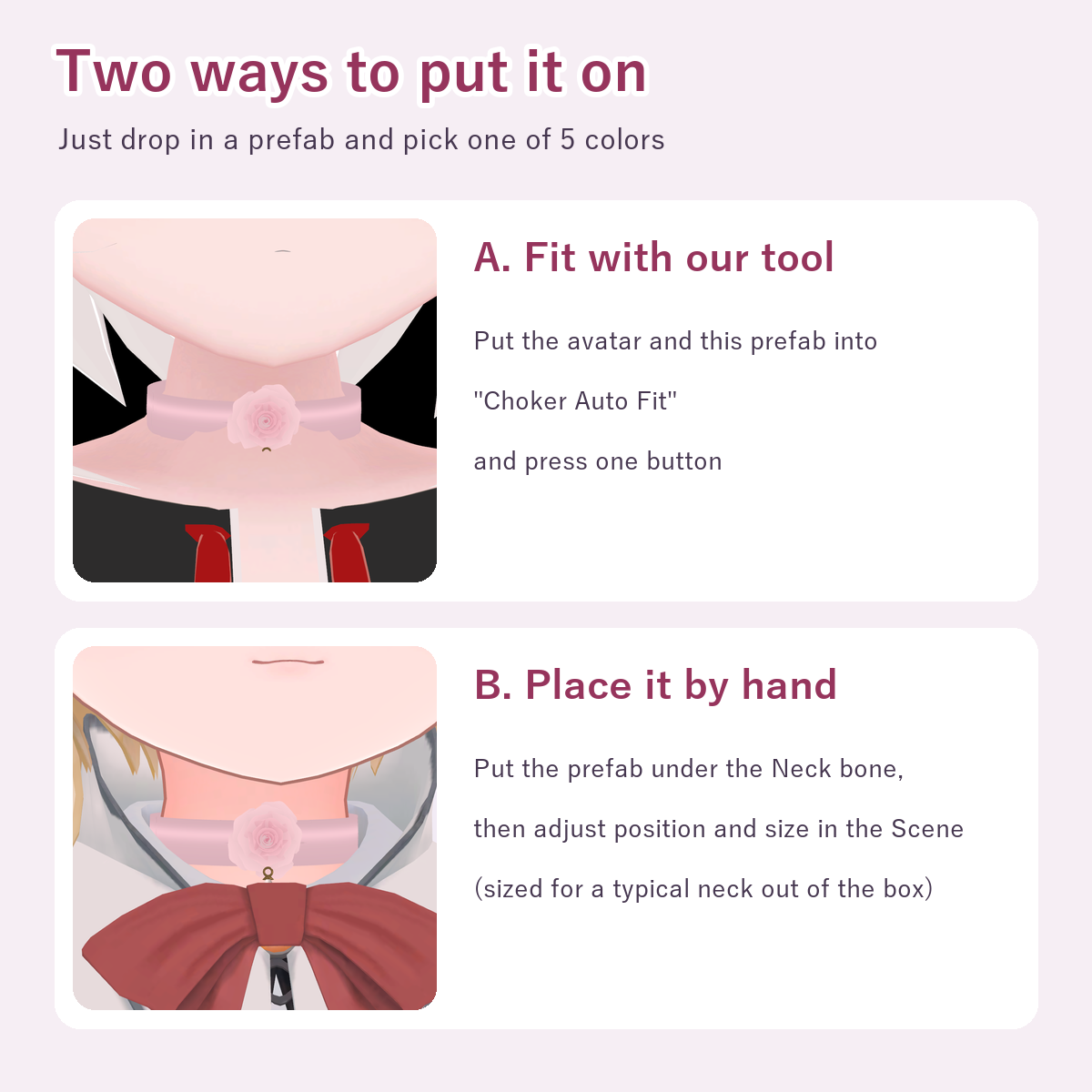
- A. Fit it with our "Choker Auto Fit" tool (sold separately)
- https://jinxxy.com/konabe/3GYbt
- Put the avatar and this prefab into the window and press the button; it goes under the Neck bone, sized to the neck
- B. Place it by hand
- 1. Put the prefab in the scene, under the avatar's Neck bone (inside the Armature)
- 2. In the Scene view, adjust position, size (the same value for all 3 Scale axes) and rotation to the neck
- It comes sized for a typical neck (about 5 cm wide)
Fitting the neck shape (shape keys)
Necks differ in width and depth. On WhiteRosePearlChoker (Skinned Mesh Renderer) inside the choker, use BlendShapes to slim the band:
- Slim_Width ... slims the width (20% at 100)
- Slim_Depth ... slims the depth (20% at 100)
- Only the band changes; the rose and pearls keep their shape
- After moving the keys, press the fit button of Choker Auto Fit again to refit with the slimmer shape
Notes
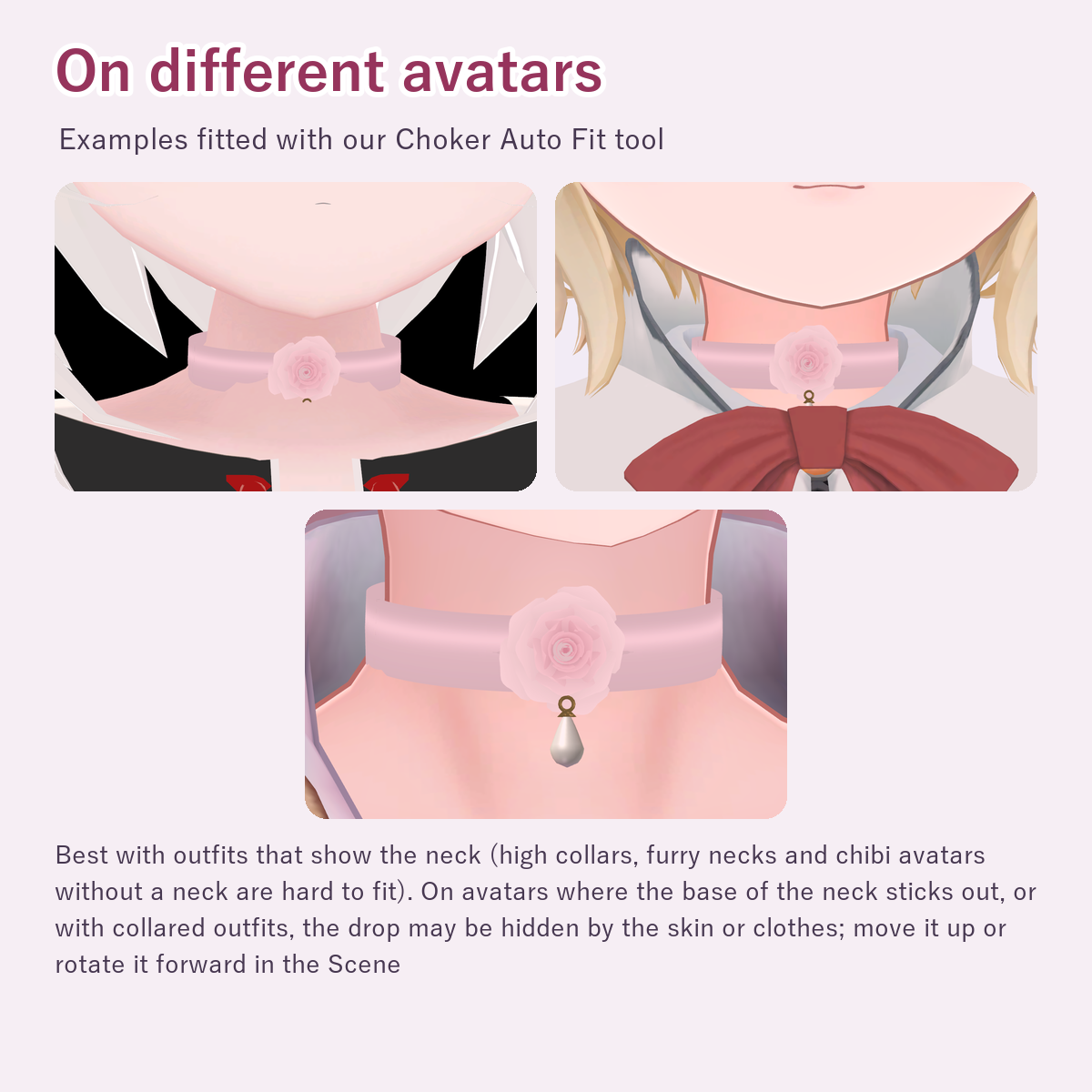
- Best with outfits that show the neck. With high collars, turtlenecks or furry necks it may sit on the collar or fur, or be partly hidden
- The tool cannot fit avatars without a neck mesh (some chibi avatars)
- On avatars where the base of the neck sticks out, or with collared outfits, the drop may be hidden by the skin or clothes; move it up or rotate it forward in the Scene (or raise it with Height in the Full version of Choker Auto Fit)
- No swinging parts (PhysBone). It follows the Neck bone
- The petals are flat cards shaped by a cutout texture (double-sided). Changing the material rendering mode changes how they look
- Tested with lilToon 2.3.4 only. How it looks depends on world lighting and shader settings
What we tested
- Passed the VRChat SDK Build & Test (the same processing as an upload)
- Fitted on 13 avatars with Choker Auto Fit in Unity; on the 6 with outfits that show the neck it sits on the neck and the rose is visible from eye level (the drop is visible on 3 of these 6, only the gold ring on 1, and hidden by skin or the collar on 2). On 2 with high collars or hoods it was fitted around the outside of the collar and came out much larger; scale it down in the Scene. On 3 more it sits on the collar or sinks into fur, and 2 without a neck mesh could not be fitted.
Terms of use
- OK for personal and commercial use on your own avatars: uploading to VRChat for your own use, streams, photos, videos and screenshots
- You may edit it (color, shape, size, etc.)
- Do not distribute, sell or hand over this data (including edited versions) on its own or as a material, or avatars / outfits that include it in a form other people can use (including public or cloneable avatars)
- You may hand it to someone you ask to edit your avatar, only for that work (ask them to delete it afterwards)
- Use at your own risk
Updates
- 2026-11 v1.0.0 released
Questions or bug reports: please send a message through the shop.
Developed with AI assistance (modeling scripts and testing). The design sketches and the store cover frame were made with generative AI.