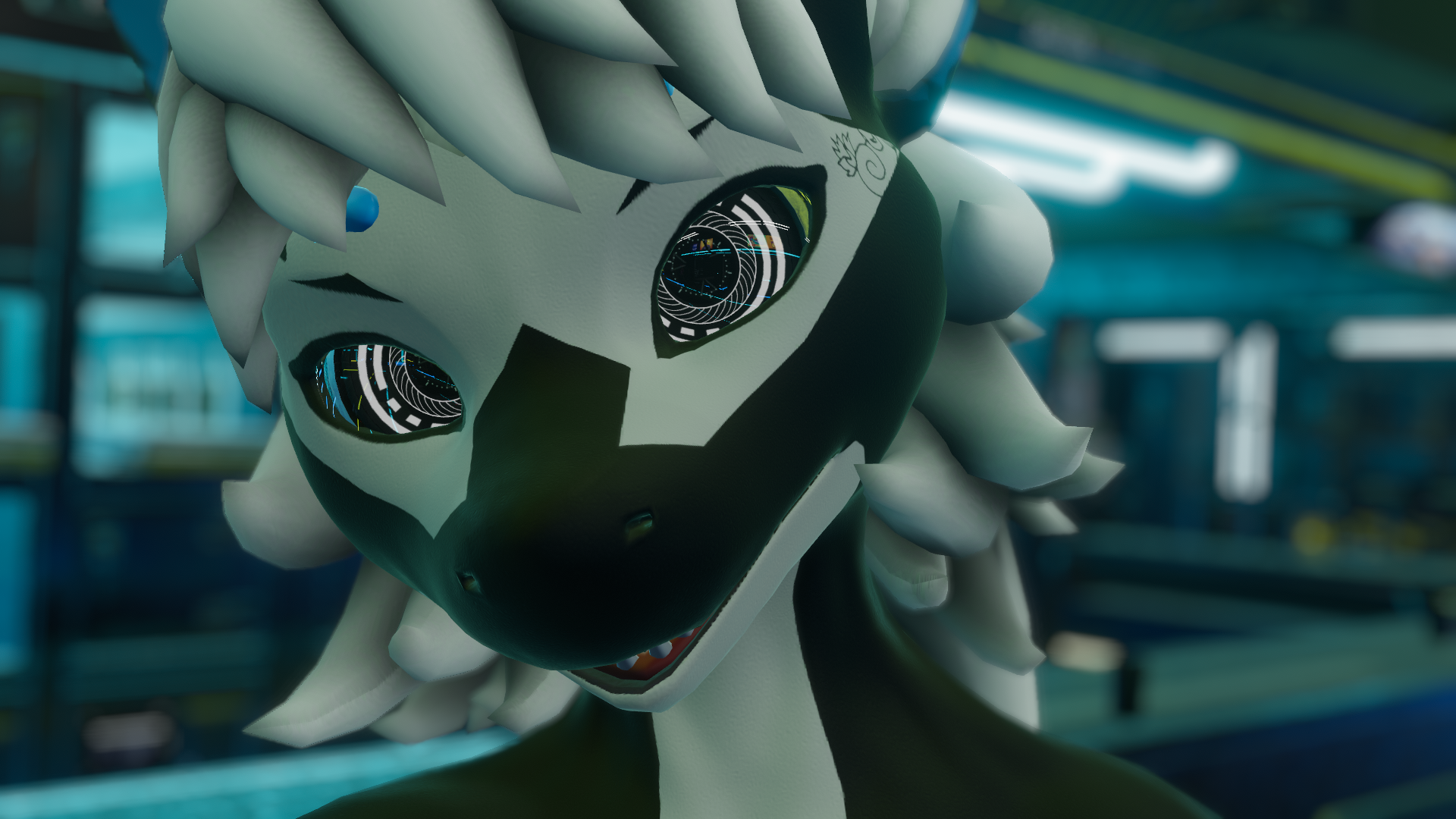
Cybernetic Eyes
Product Description
Like the Asset? ☆☆☆☆☆
It would mean a lot to me, if you could leave a review.
It's the best way to help a creator grow.
Something not right?
Please don't hesitate to reach out, If you're not happy. ♡

[Virtual Reality optimized Asset - Cybernetic Eyes]
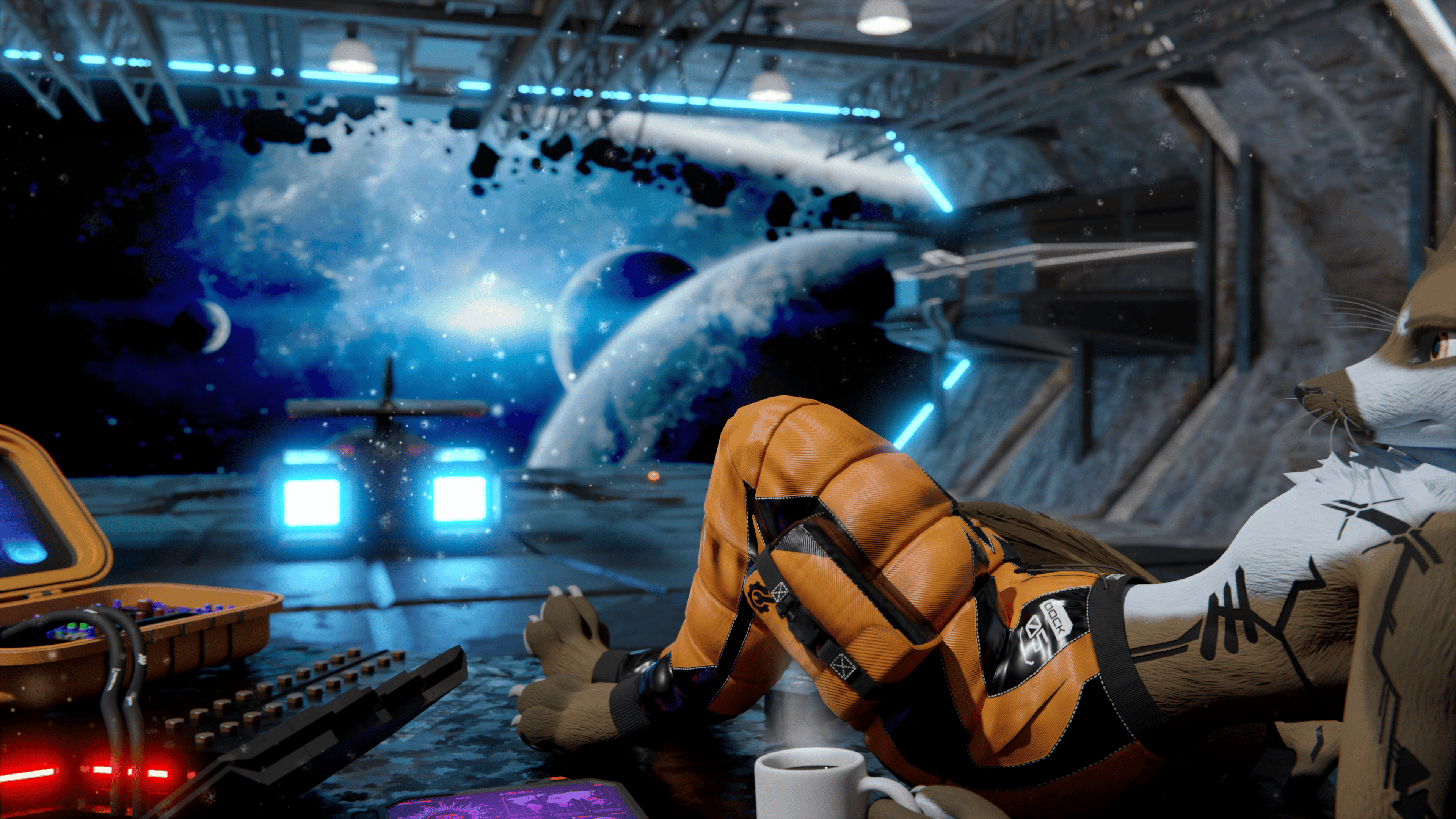
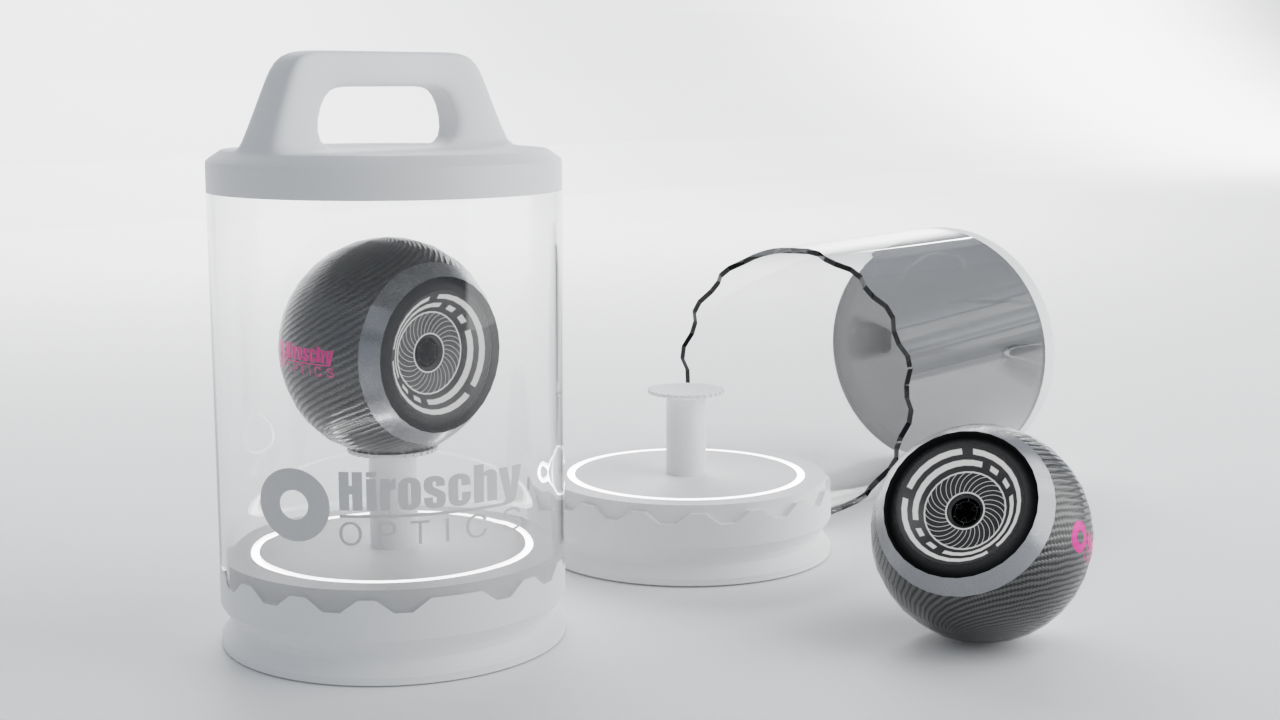
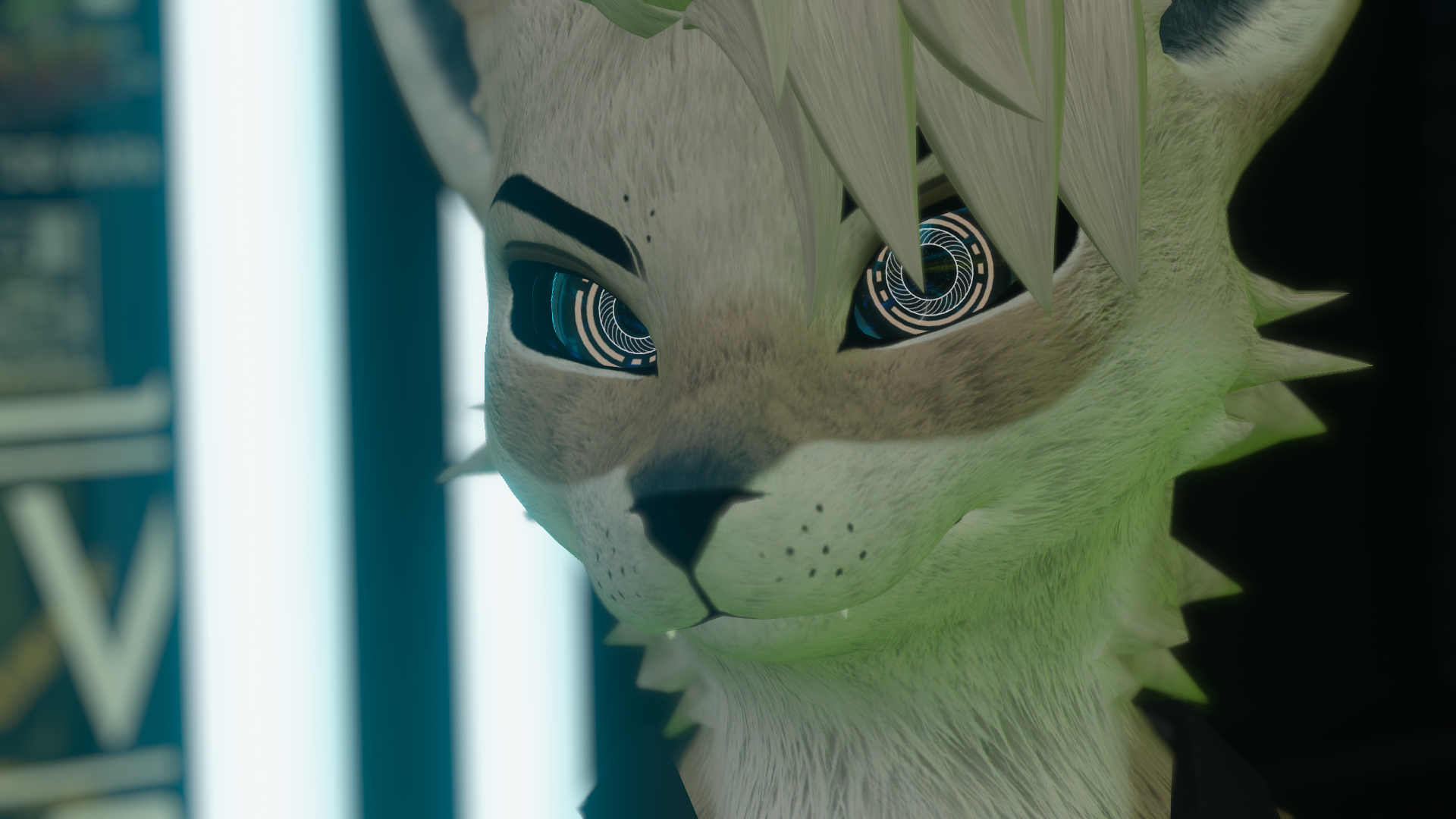
Cyberpunk-style eye implants with two animated rotating rings.
Replaces the avatar's existing eyes — Fits any avatar with round eyes and a eye socket.

[Whats included?]
▦ - Blender File⁽ˢ⁾
❒ - Unity Package
⌬ - Substance Painter File⁽ˢ⁾
🖹 - License Document
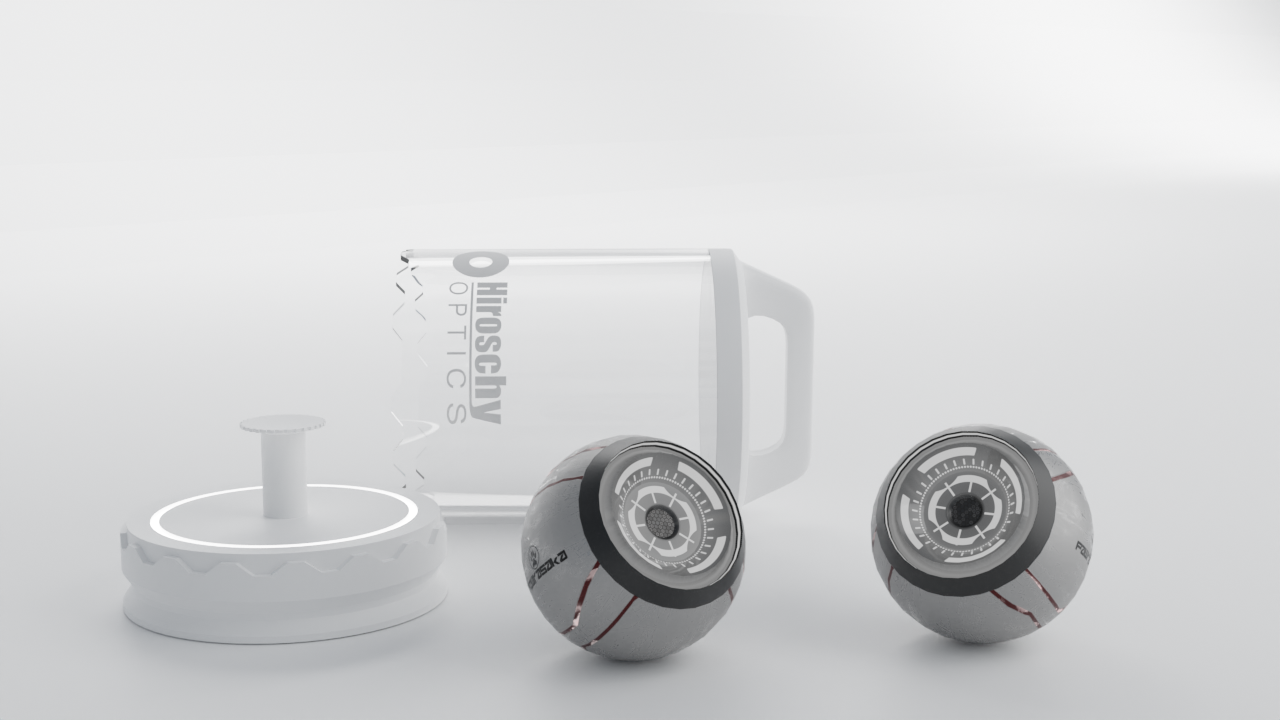
Two material variants
For different emission color pairs, use Poiyomis emission slots
Two animated ring with different rotations patterns
◐ - Material Variants — 2

[Specs]
△ - Vertex Count — 1000
◩ - Texture Resolution — 1K
◐ - Material Variants — 2
↦ - BlendShapes — Pupil Dilation
⚙ - Animators — One per Eye

[How to setup?]
🛠 Requires Poiyomi Toon Shader — available via the Poiyomi VPM or from the Poiyomi Discord.
- Install VRCFury via the Creator Companion repository
- Import the Cybernetic Eyes Unity package and drag the scene into your hierarchy
- Pick a pair and select your preferred emission color in the two emission slots of the Poiyomi shader
- Make the existing eyes on your avatar transparent — switch their shader to Metallic Standard, set Alpha Method to Cutout, and raise alpha to maximum
- Parent the eyes to the correct eye bones of your avatar
- Set position to 0, 0, 0 on both
- Scale until they fill the eye cavity — a slight outward rotation of 5–10° can look better on some avatars (Left ~80°, Right ~100°)
Click me!

[Support]
Please reach out if you experience any kind of Setup issues or clipping.
We want to continuously improve the products for everyone.
Also always happy to help!
Want the Resonite version? Just ask us on Discord!
Resonite users can use spinners and 3D wobblers for the ring animation.

[Licensing]
🖹 - Personal License PDF included with purchase.
✓ - Personal use — avatars, renders, prints, worlds
✓ - Modify freely — retexture, rerig, resize, combine
✓ - Commission work — client must hold the same license
✓ - Perpetual — does not expire
╳ - No resale or redistribution
╳ - No sharing as a kit, bundle, or stock
╳ - No commercial or on-demand use
╳ - Non-transferable
Content creator? Collabs welcome — Discord or [email protected]
Commercial use requires a separate inquiry.
[Attributions]
Music in the video:
Cyberpunk Gaming Electro | STARDUST by Alex-Productions
Creative Commons Attribution 3.0 Unported License
[Disclaimer]
⚠ - Pictures might differ from the Product.