
Product Description

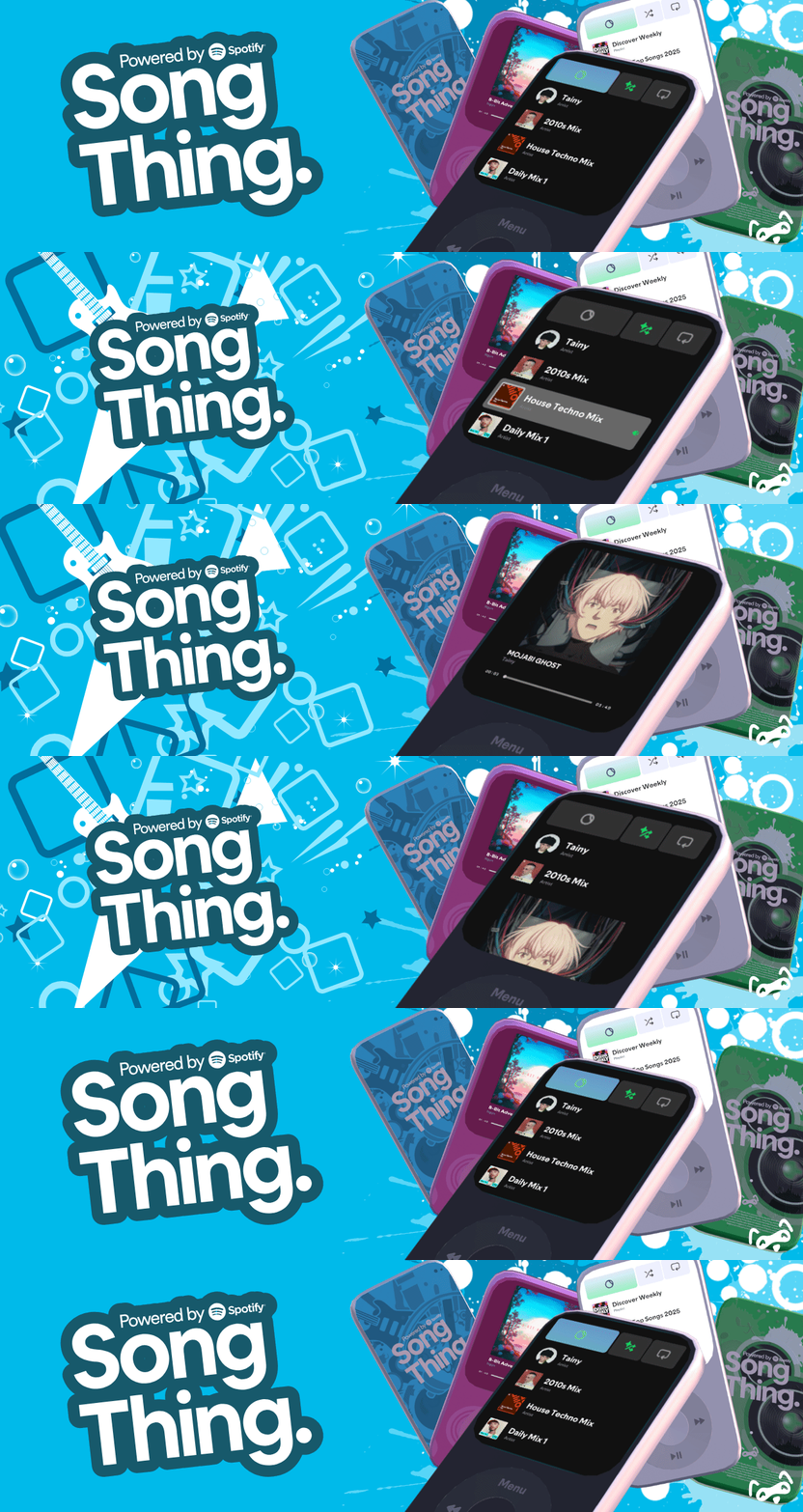

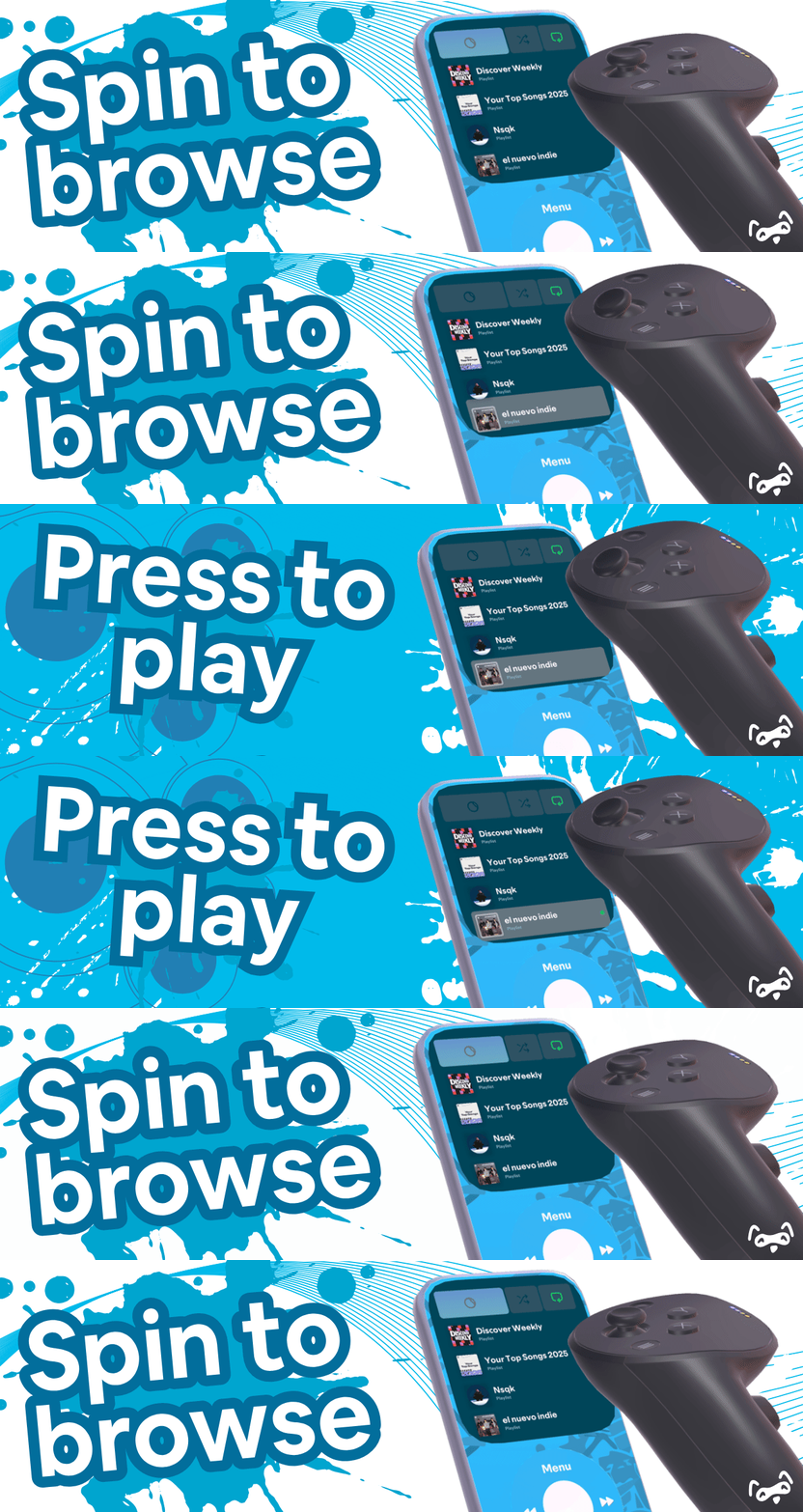
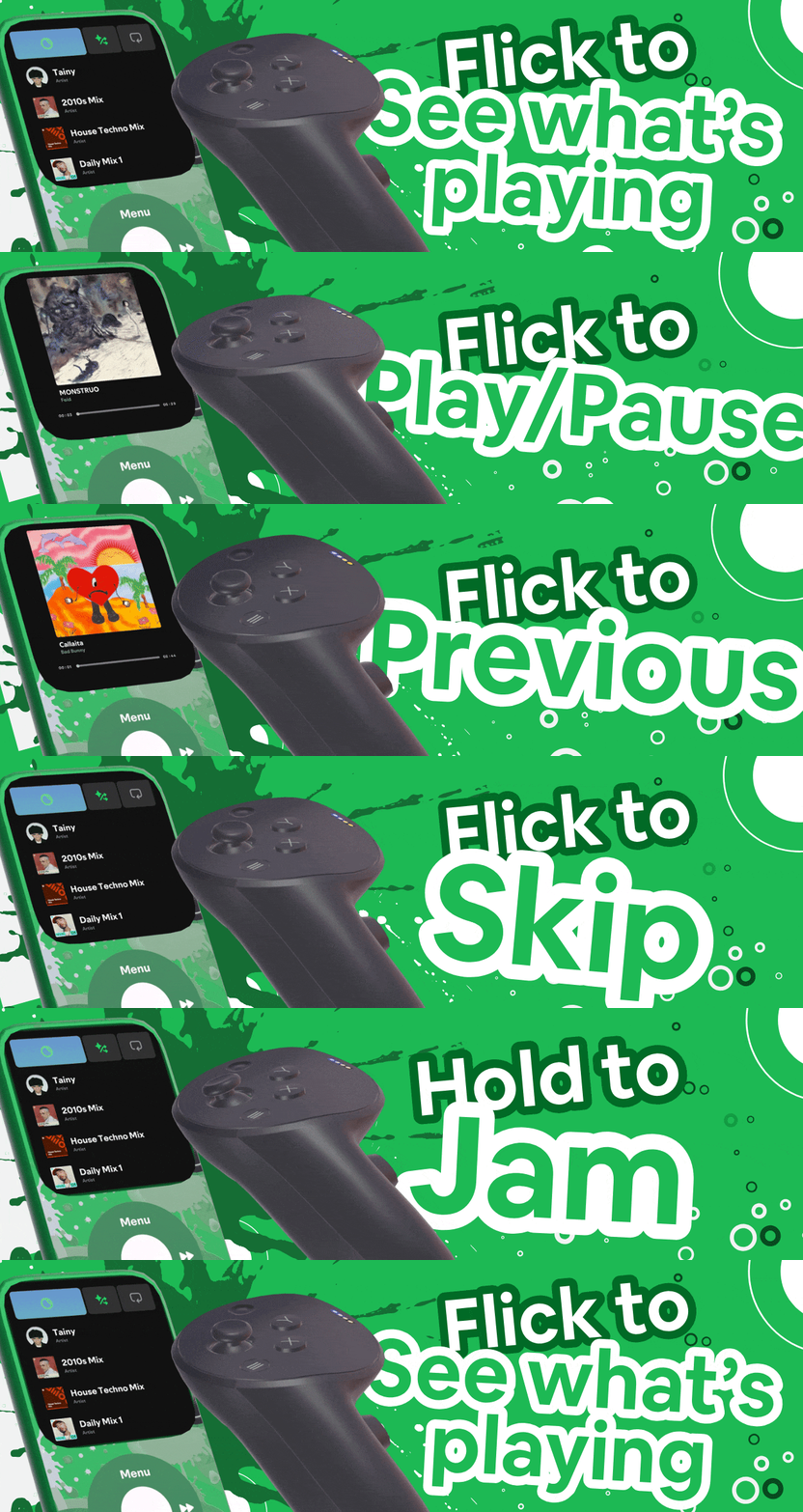
Control your Spotify® library from within VRChat. Browse playlists and select tracks using joystick controls or the VRChat menu.
How It Works:
- Navigate Your Library: Flick the joystick left for previous, right to skip, forwards to open the menu, and down to pause. Or rotate it to scroll through playlists and songs. Album art and info appear as you browse!
- Menu Controls: Access your entire library from VRChat's settings menu under "Song thing/Your Library." Select playlists and tracks with album art icons.
- Start Your Jam: Hold forwards on the joystick, and you start a Jam! If the jam is already going, do it again to leave it.
- Compatible with the JAMMR: Get the two devices close together, and you can join each others jams!
- Seamless Integration: Connects directly to your Spotify account to sync your playlists, your albums, your library.
By using this product, you agree to the applicable terms and licenses provided by YUCP.
Notes
- This is designed around a VRCOSC workflow with custom shaders, so standalone-only setups are not supported.
For full legal information, please review:
Song Thing is an independent tool by YUCP® Studio that integrates to the Spotify API to display your playlist metadata and provide links that open in Spotify®. YUCP® Studio, Song Thing, and this integration are not affiliated with, endorsed, certified, or sponsored by Spotify, and no partnership is implied. “Spotify” and the Spotify logo are trademarks of Spotify AB. Song Thing does not stream, download, or redistribute audio; playback and deeplinks occur in the official Spotify apps where supported. A Spotify account, premium subscription, and internet connection are required; functionality is subject to change if Spotify updates its platform or policies. Additional third-party terms may apply.
All data, including music content, track metadata, and album artwork, is provided by Spotify, and owned by every applicable respective party. Use of Spotify's services is subject to their terms and conditions. For more information about Spotify, please visit Spotify’s Developer Terms and Spotify’s Terms and Conditions