
VRC Princess Carry System
Product Description
VRC Princess Carry System
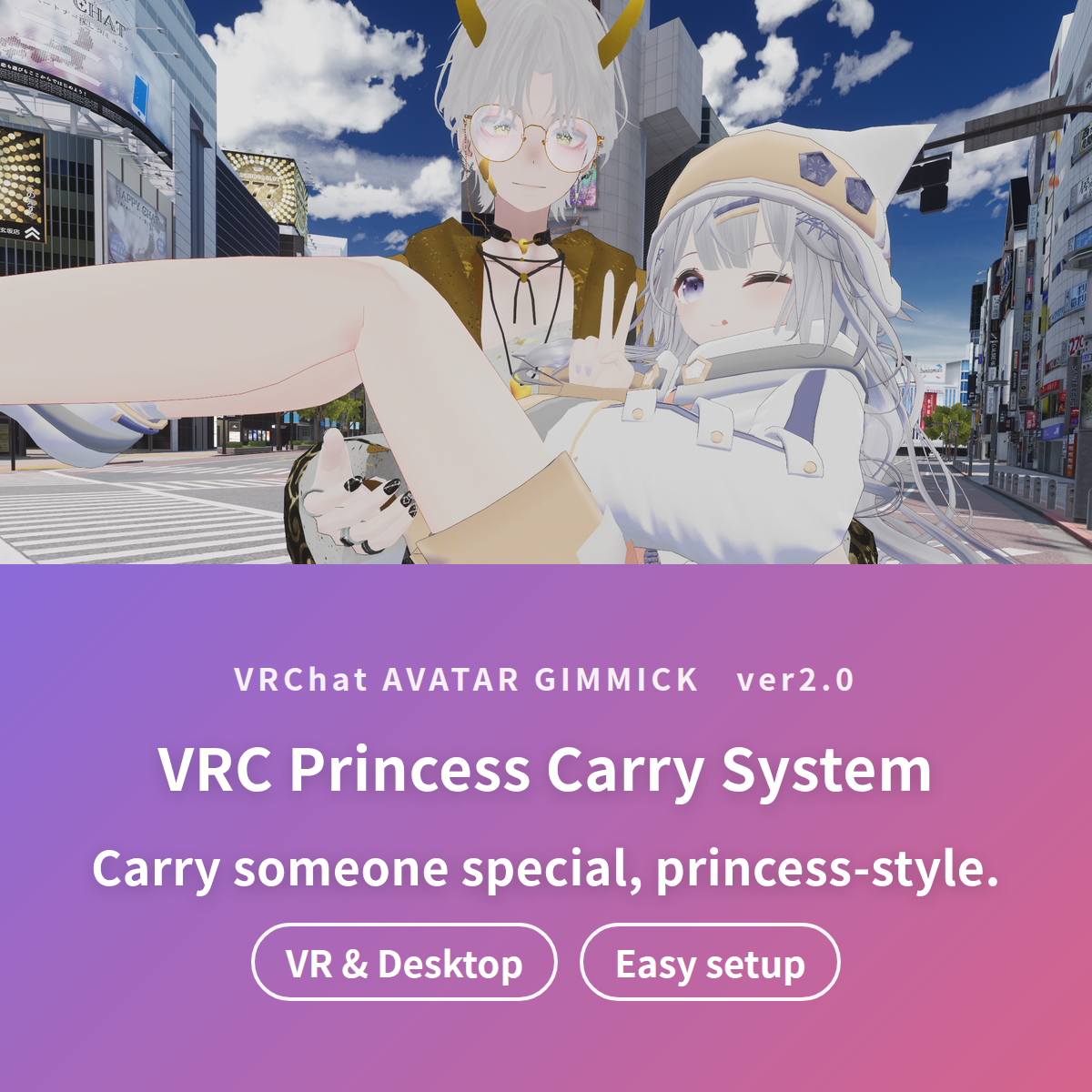
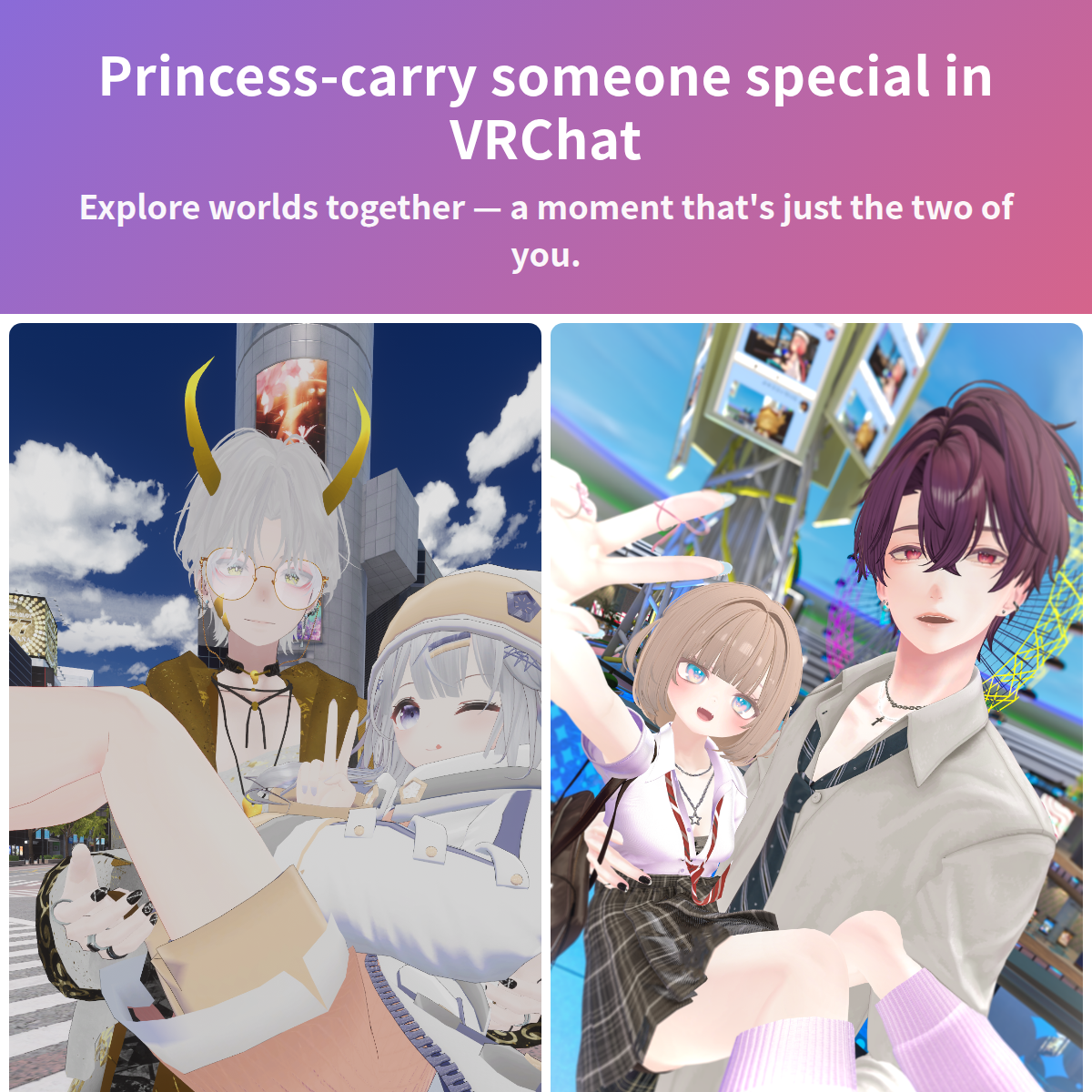
Sweep someone special off their feet in VRChat. Hold a friend, a partner, or your crush in a classic princess carry (bridal carry) and explore worlds together — an intimate, photo-worthy moment you just can't get from default avatars.
Drop a single prefab under your avatar and you're ready. It works in both VR and Desktop, so you can even carry friends who don't own a headset.
A long-running VRChat gimmick — sold on BOOTH in Japan since 2022, now released in English.
Features
- Two-player princess carry interaction: you are the carrier, another player becomes the princess
- Modular Avatar or VRCFury support — non-destructive, drag-and-drop installation (pick either)
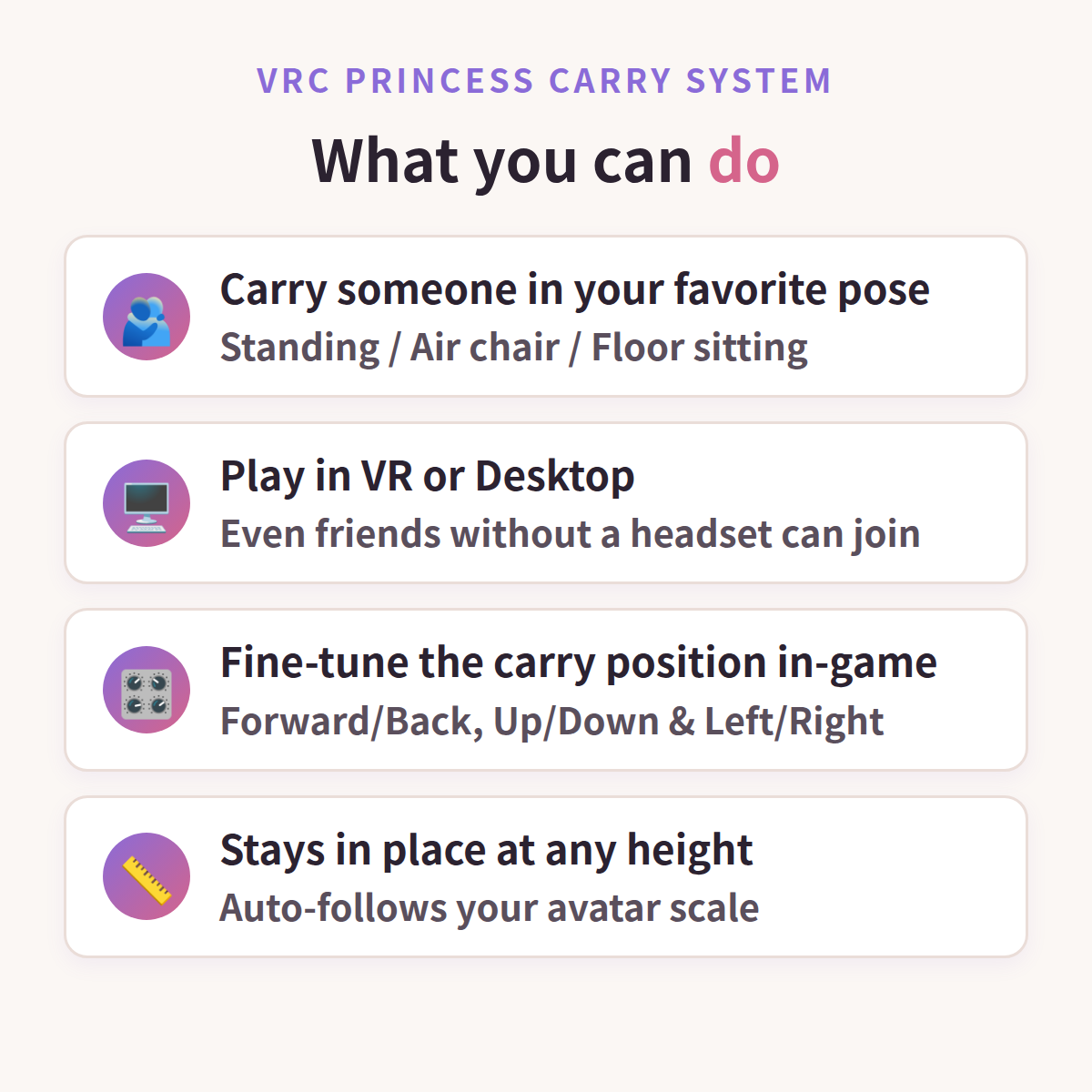
- Avatar scale tracking: the carry position follows your avatar's height
- In-game adjustment menu (forward/back, up/down, left/right)
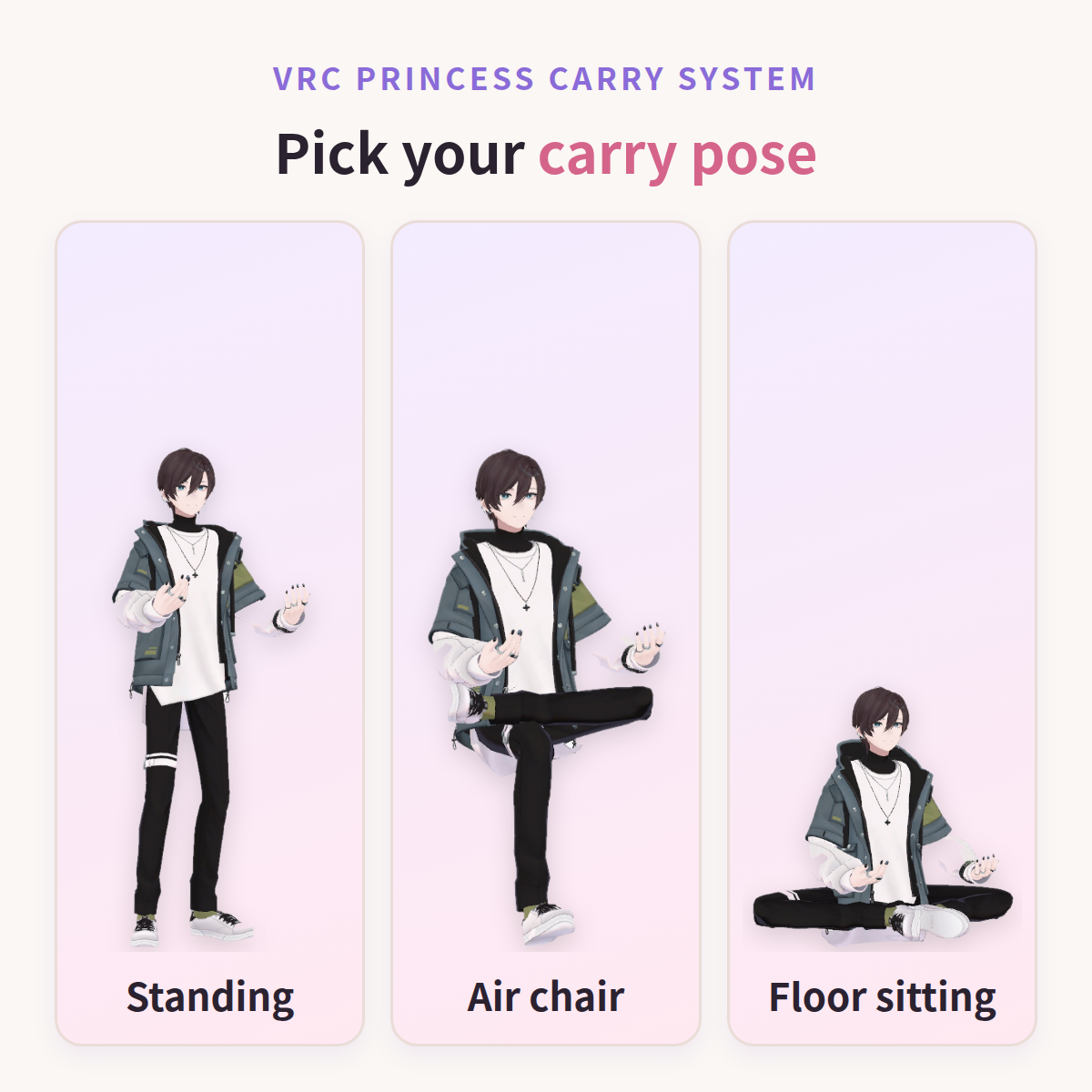
- 3 carrier poses: Standing / Air chair / Floor sitting
- Princess-side poses and motions (relaxed floating, playful struggling)
- Does not occupy VRCEmote (uses dedicated parameters)
- Works in both VR and Desktop mode
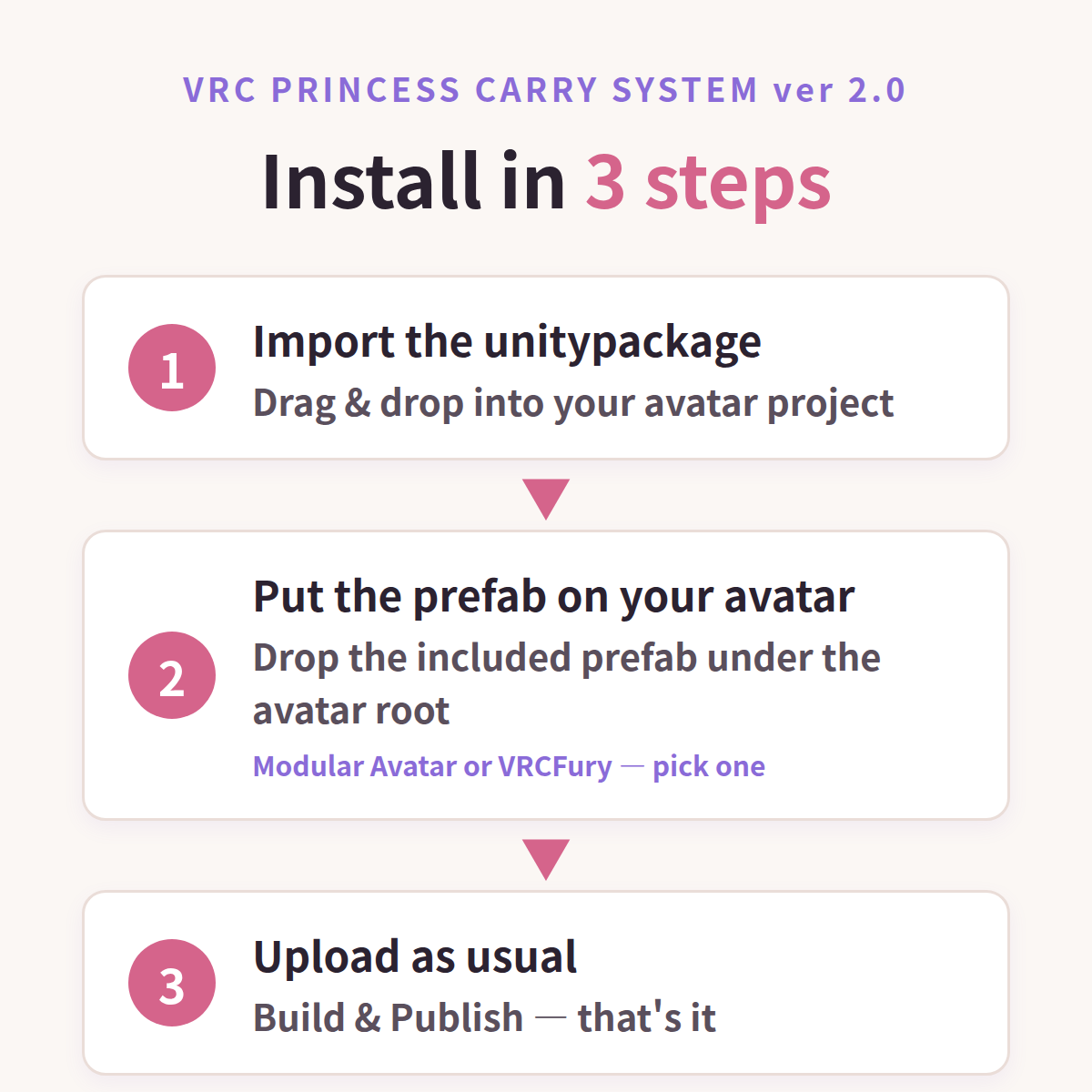
How to Install
This package includes two install options — use only one:
Modular Avatar (recommended): import the package, drop PrincessCarry.prefab under your avatar root. VRCFury: import the package, drop PrincessCarry_Fury.prefab under your avatar root.
Then Build & Publish as usual. Both are fully non-destructive and give the exact same in-game result — use whichever installer you already have (both are free).
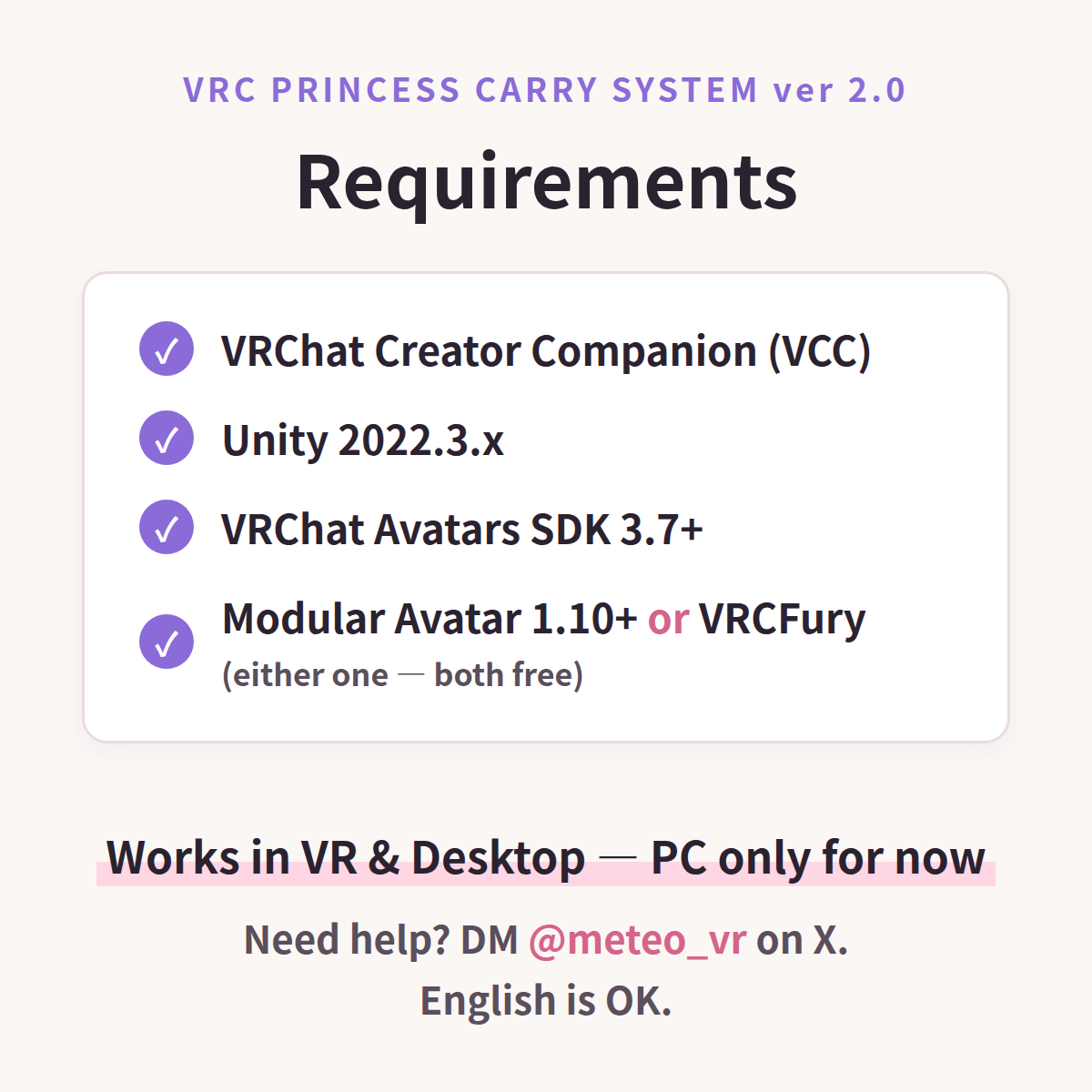
Requirements
- VRChat Creator Companion (VCC)
- Unity 2022.3
- VRChat Avatars SDK 3.7 or newer (tested with 3.10)
- One installer of your choice (both free): Modular Avatar 1.10+ (https://modular-avatar.nadena.dev/) or VRCFury (https://vrcfury.com/) — pick whichever you already use
Platform
PC only — Quest / Android is not supported yet. The system uses avatar stations, and I will only advertise Quest compatibility after it passes real-device testing.
Notes / Known Limitations
- A princess is not included. Please bring your own. (Wishing you the best.)
- Carry position may need small adjustments depending on avatar proportions — use the in-game menu.
- The other player must have your avatar visible (not blocked by safety settings) to join the carry.
- This package does not include an avatar model.
- Basic Unity / VCC knowledge is recommended.
Support
X (Twitter) DM: @meteo_vr — English OK. Please include your Unity / SDK / Modular Avatar versions and a short description or screenshot.
Creator
Created by meteo. Supervised by RYU_2.
Update History
- v2.1 — Fixes & changes: your avatar's own AFK and emotes are now kept (previously replaced by the VRChat defaults); the Modular Avatar version no longer errors alongside other gimmicks that replace the Action layer; carry ON/OFF and pose are now reset after world changes and avatar reloads (position adjustments are still saved)
- v2.0 — Initial English release (Modular Avatar or VRCFury setup, in-game position adjustment, carrier pose options, Unity 2022.3 / SDK 3.10)