Product Description
This product contains AI-generated content.
ZONE EYE v1.0.0
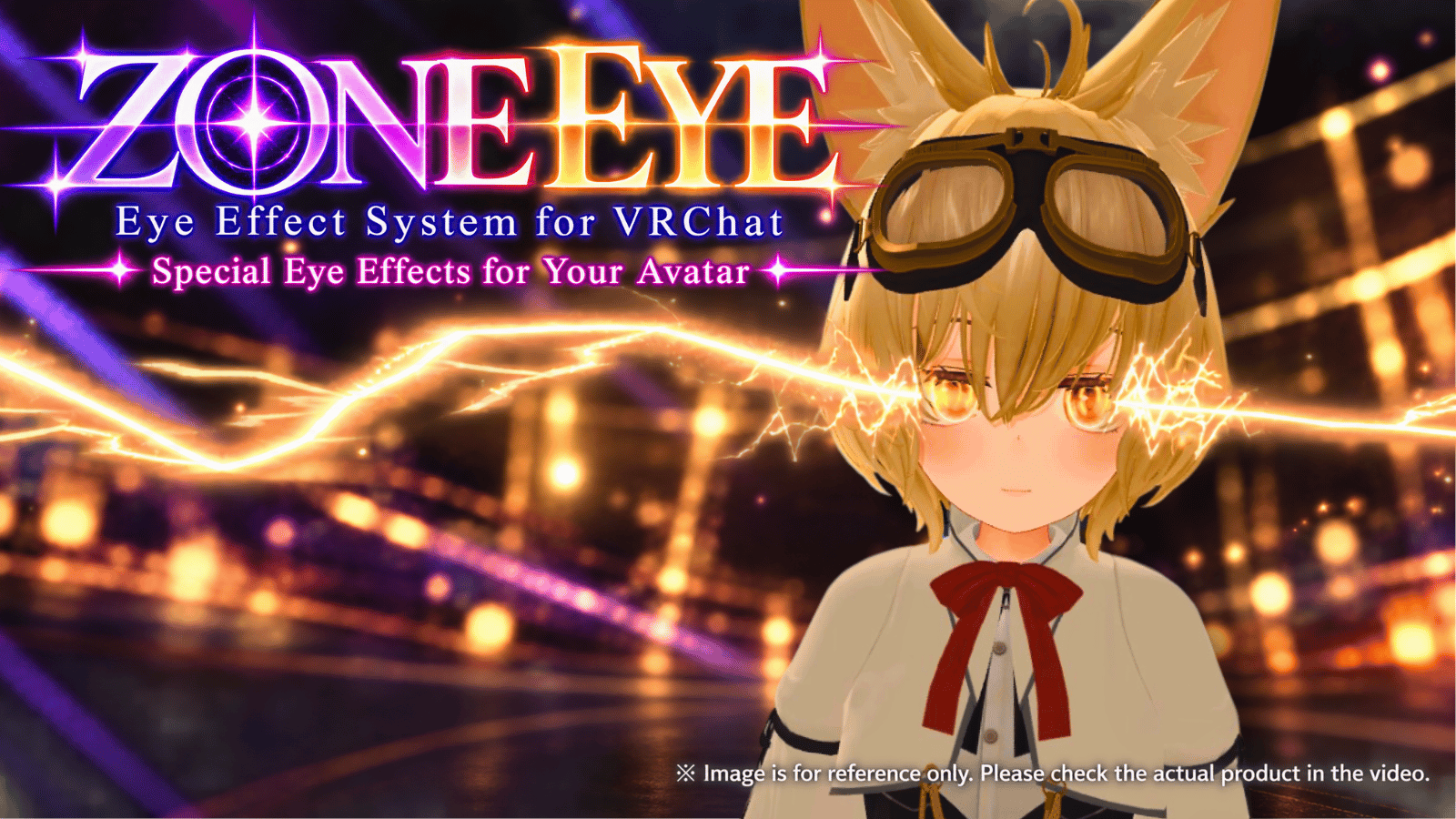
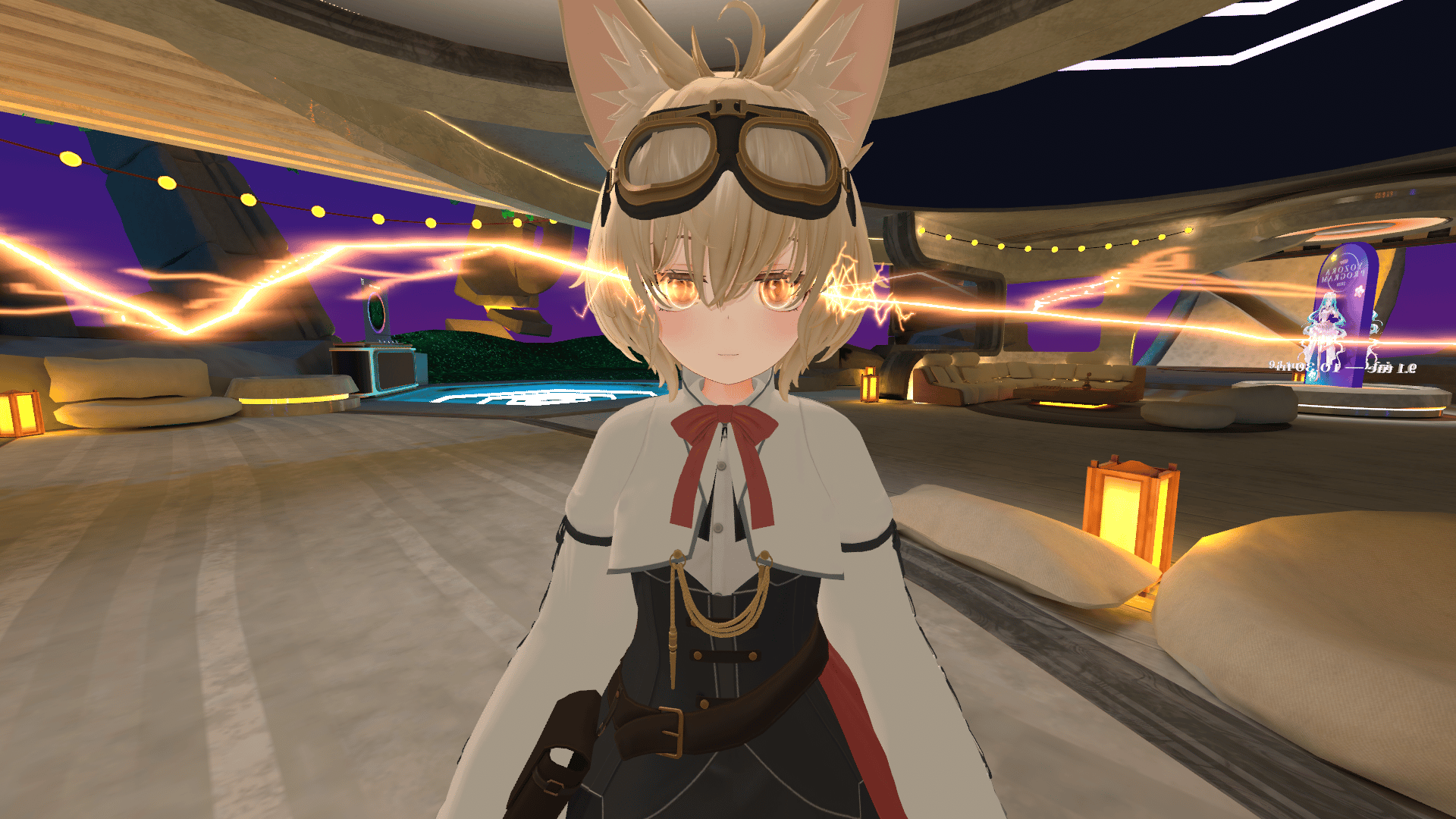
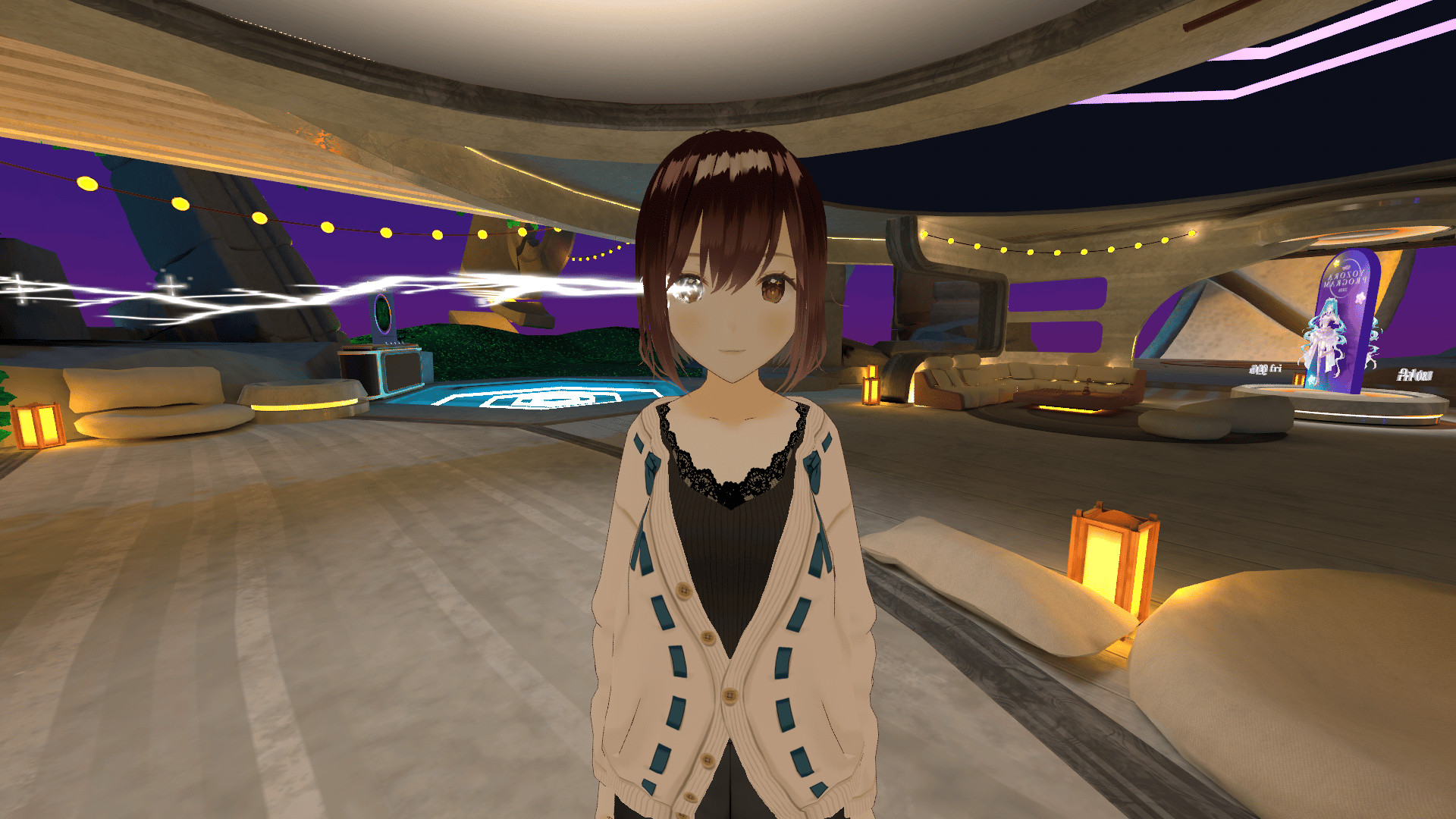
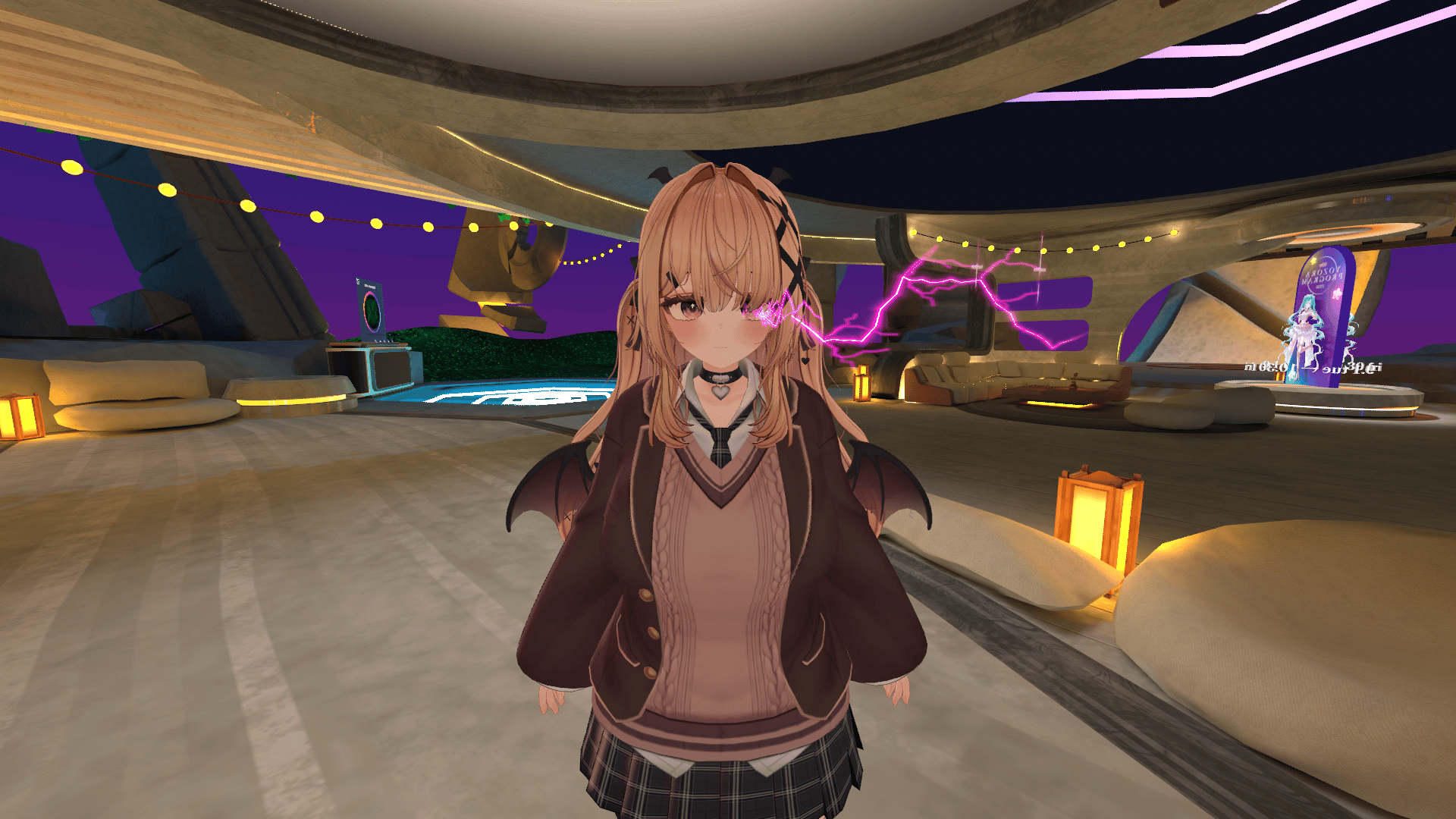
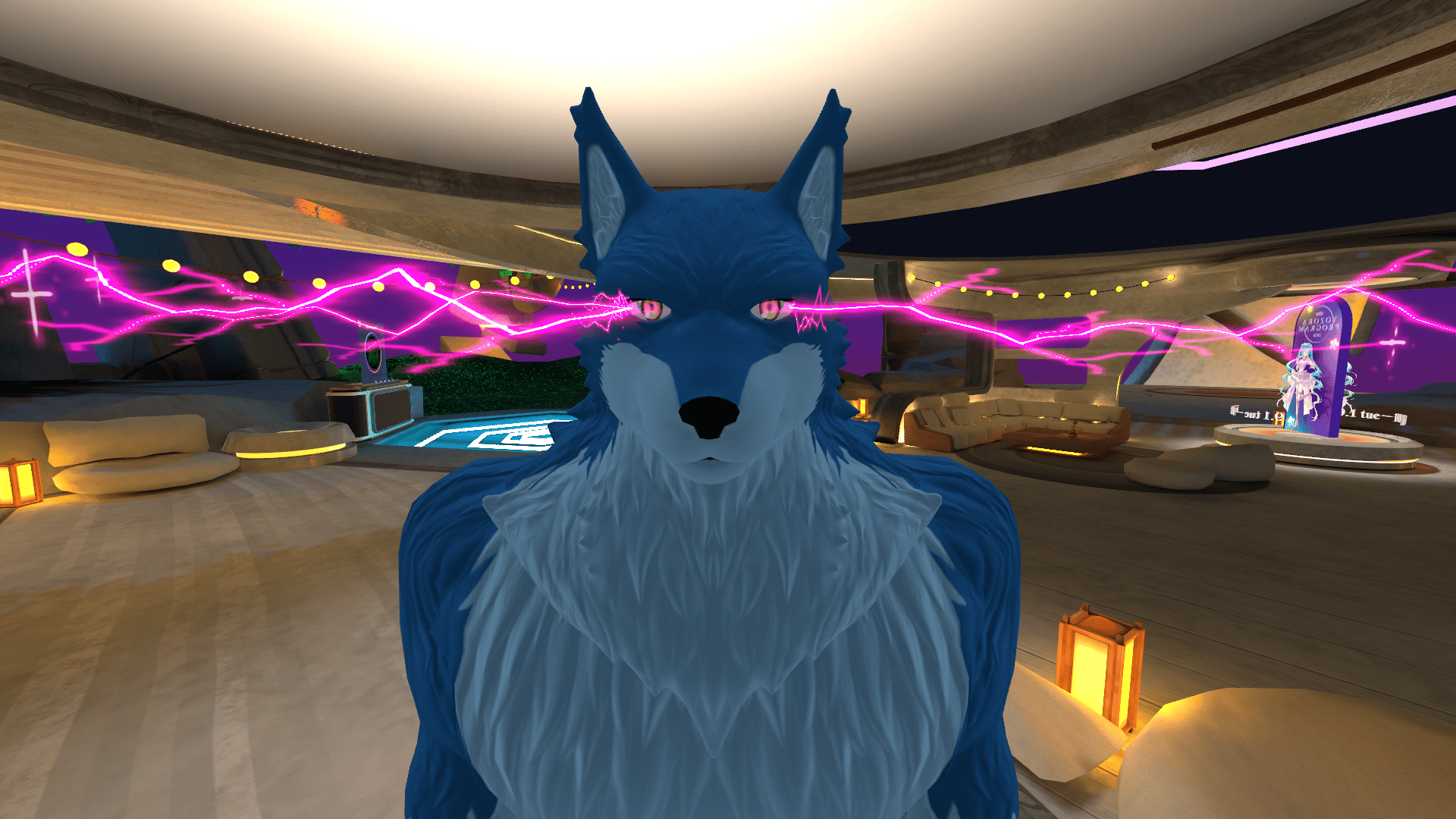
Bring powerful lightning and glowing eye effects to your VRChat avatar!
ZONE EYE is a Unity Editor tool that adds customizable glow, aura, electric discharge, and lightning effects around your avatar's eyes.
Create your own eye effects with adjustable colors, intensity, size, positioning, and motion — all with a live Unity preview
⚡ Features
4 Customizable Effect Layers
- Eye Charge Glow
- Eye Aura
- Small Discharge
- Main Bolt (Lightning)
Each layer can be enabled, disabled, and customized individually.
Customization Options
- Standard / Sparkle / Heart lightning styles
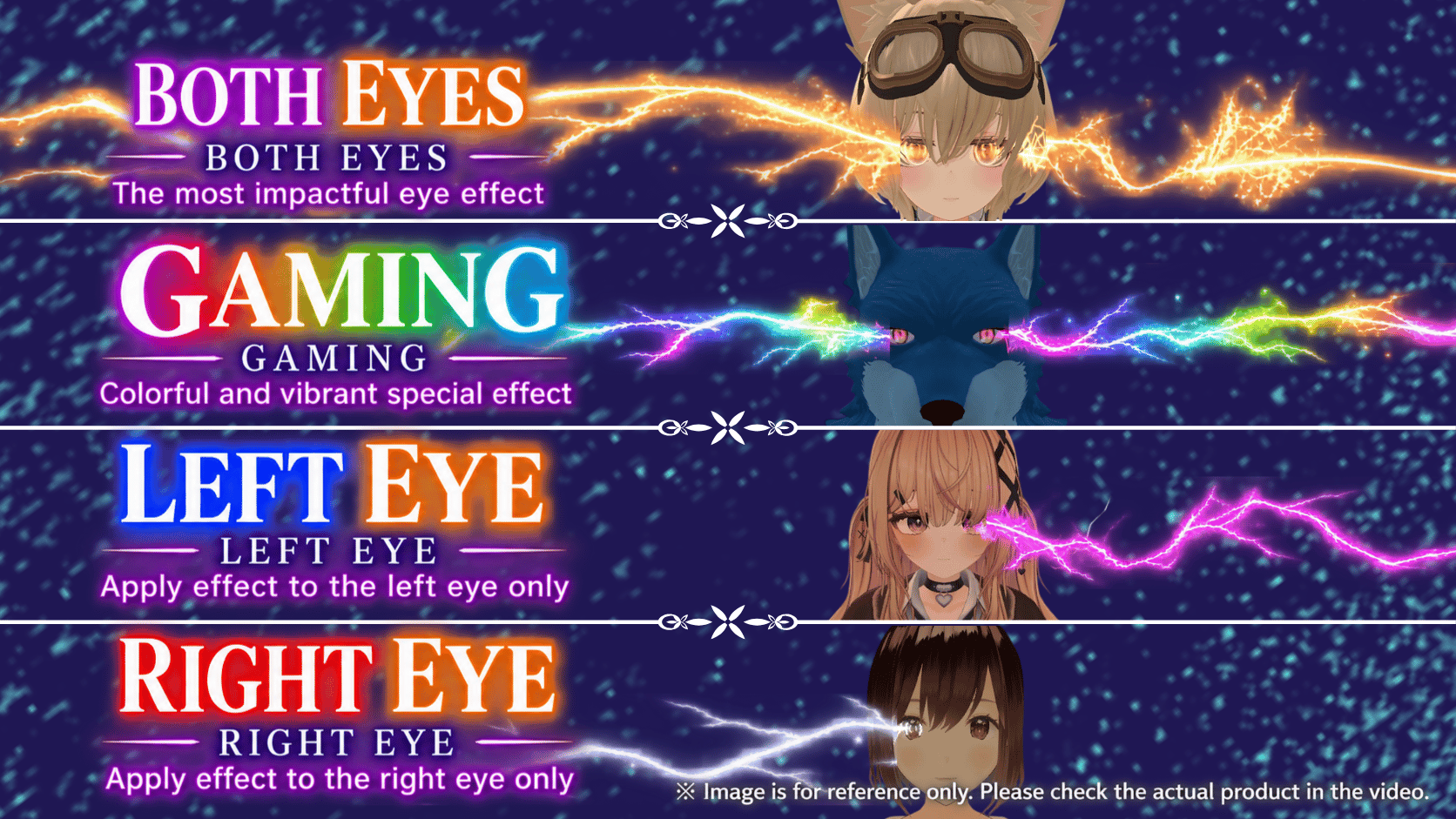
- Custom colors and animated hue cycling (Gaming Mode)
- Adjustable intensity, size, and glow
- Independent left/right eye positioning
- Both Eyes / Left Only / Right Only display options
- Advanced lightning shapes, branches, and motion settings
- Live Unity preview
- Save and load presets
- Japanese and English editor interface
VRChat Expression Menu Controls
Control Lightning ON/OFF, Activation Mode, Lightning Style, Strength, and Color directly in VRChat.
Supports Manual activation and Dash Only activation based on avatar movement speed.
🛠 Requirements
Tested with:
- Unity 2022.3.22f1
- VRChat SDK Avatars / Base 3.10.5
- Modular Avatar 1.18.7
- NDMF 1.14.8
Designed for PC (Windows) use.
Standalone Quest/Android support is not guaranteed.
Requires a compatible humanoid VRChat avatar with a VRC Avatar Descriptor and Head bone.
VRChat SDK, Modular Avatar, NDMF, and avatars are not included.
Compatibility with every avatar or environment is not guaranteed.
📦 Included Files
- ZONE_EYE_v1.0.0.unitypackage
- README.txt
- README_JA.txt
- README_EN.txt
- UPDATING.txt
- LIGHTNING_AURA.txt
- LICENSE.txt
📖 Installation
- Prepare a Unity VRChat Avatar project with the required SDK, Modular Avatar, and NDMF.
- Import the ZONE EYE Unitypackage.
- Open
Tools > ZONE EYE > Open. - Select your avatar and customize the effects.
- Install the effects and save the Unity scene.
- Upload your avatar to VRChat.
See README_EN.txt for detailed instructions.
📜 Terms of Use
Allowed
- Personal use by the purchaser
- Installation on multiple avatars for the purchaser's own use
- Personal customization and modification
- Streaming, video creation, and social media posts
- Monetized content on YouTube, Twitch, and other platforms
Not Allowed
- Redistribution or resale of the product or modified versions
- Distribution or sale of avatars containing ZONE EYE
- Paid or unpaid installation services for third parties
- Redistribution of extracted assets or scripts
- Claiming the product or its parts as your own creation
Please read LICENSE.txt for the complete terms.
Created by Roo's Workshop
© Roo's Workshop