
Product Description
This product contains AI-generated content.
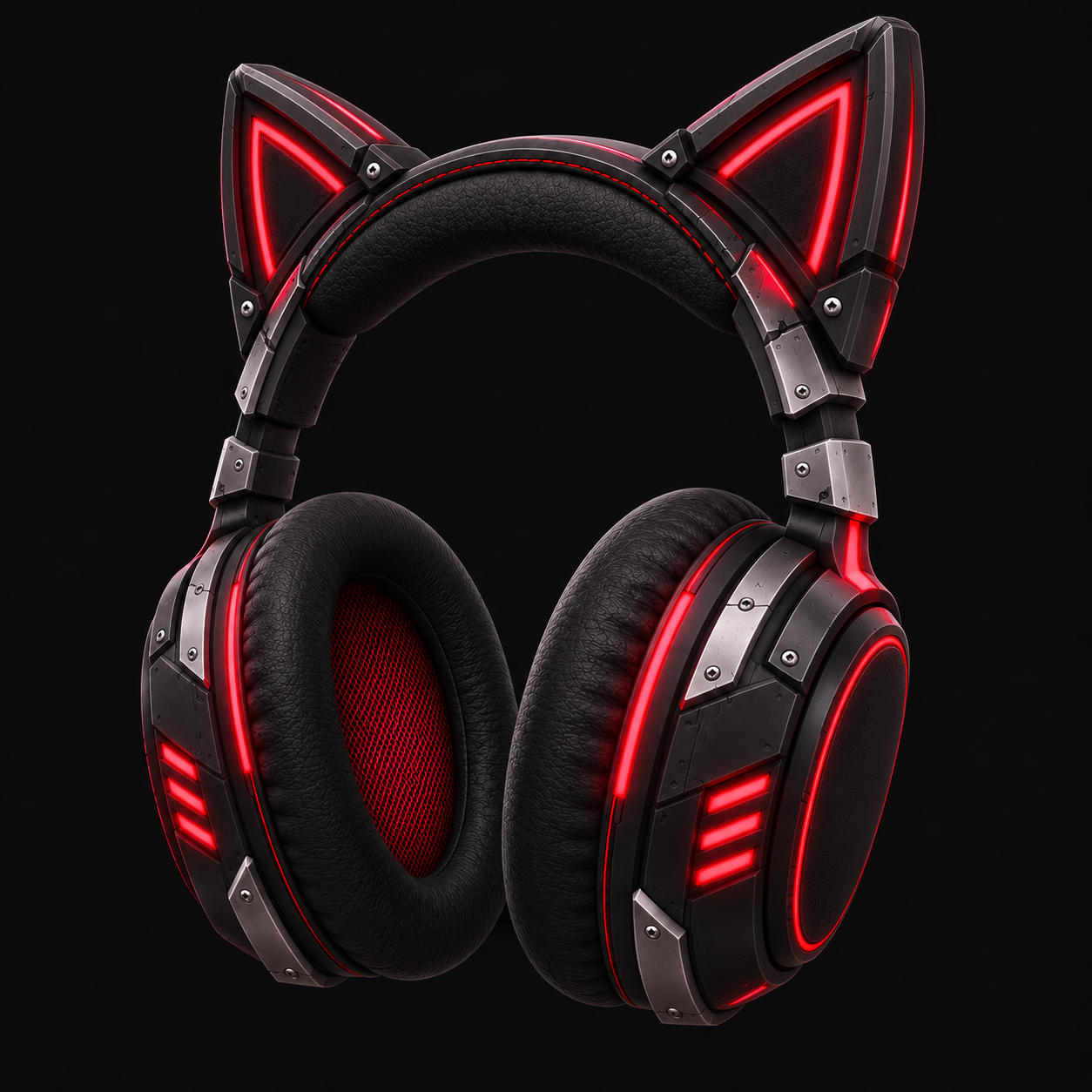
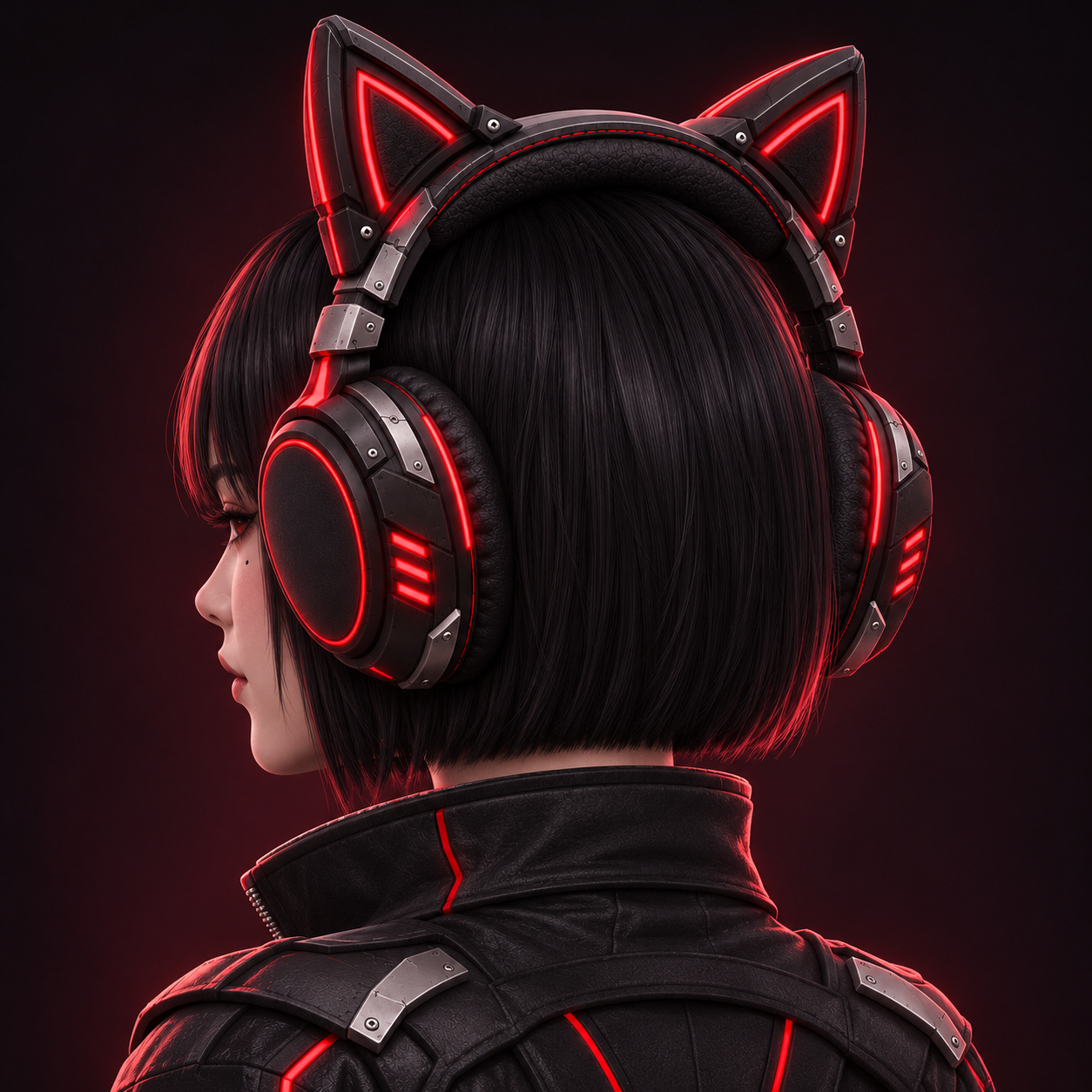
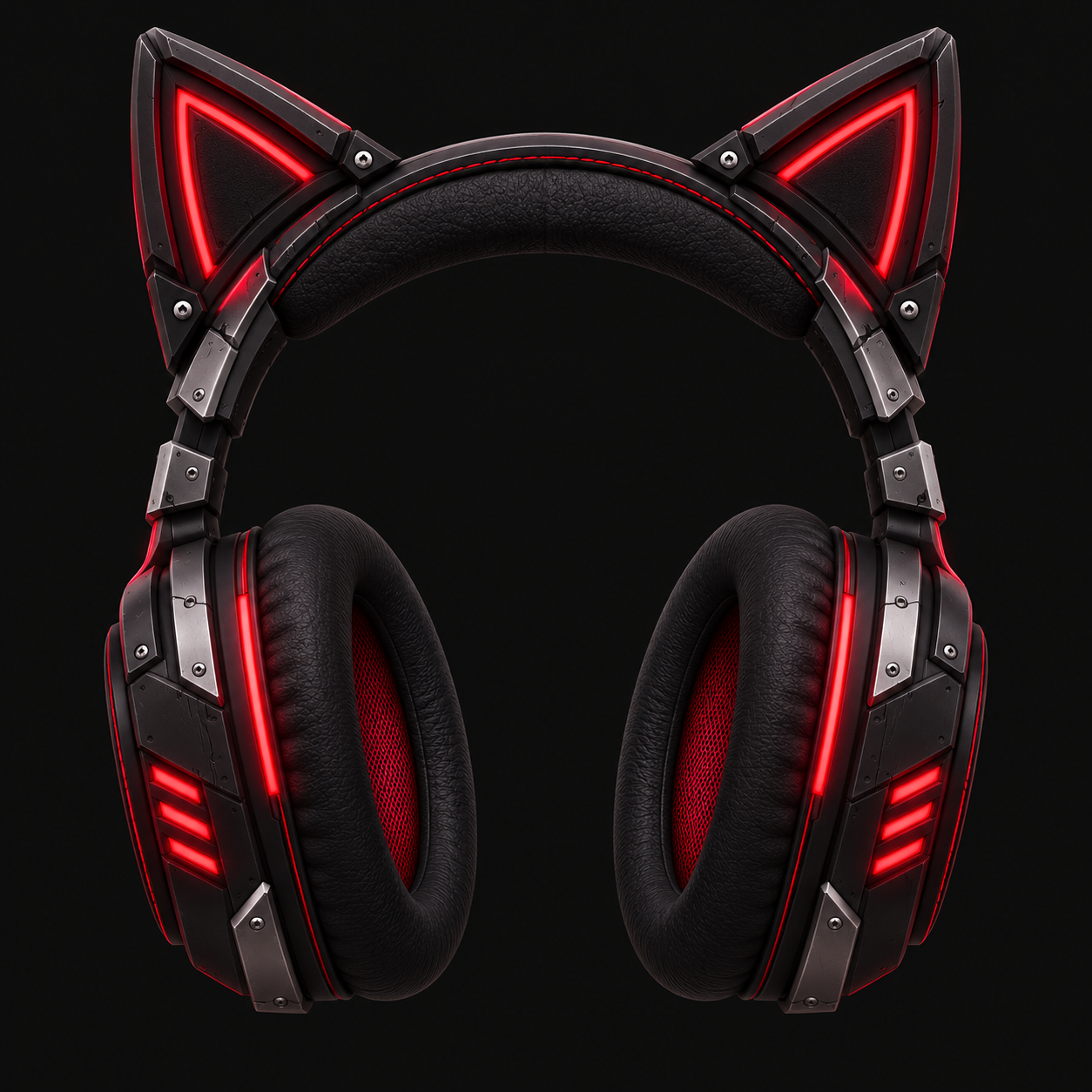
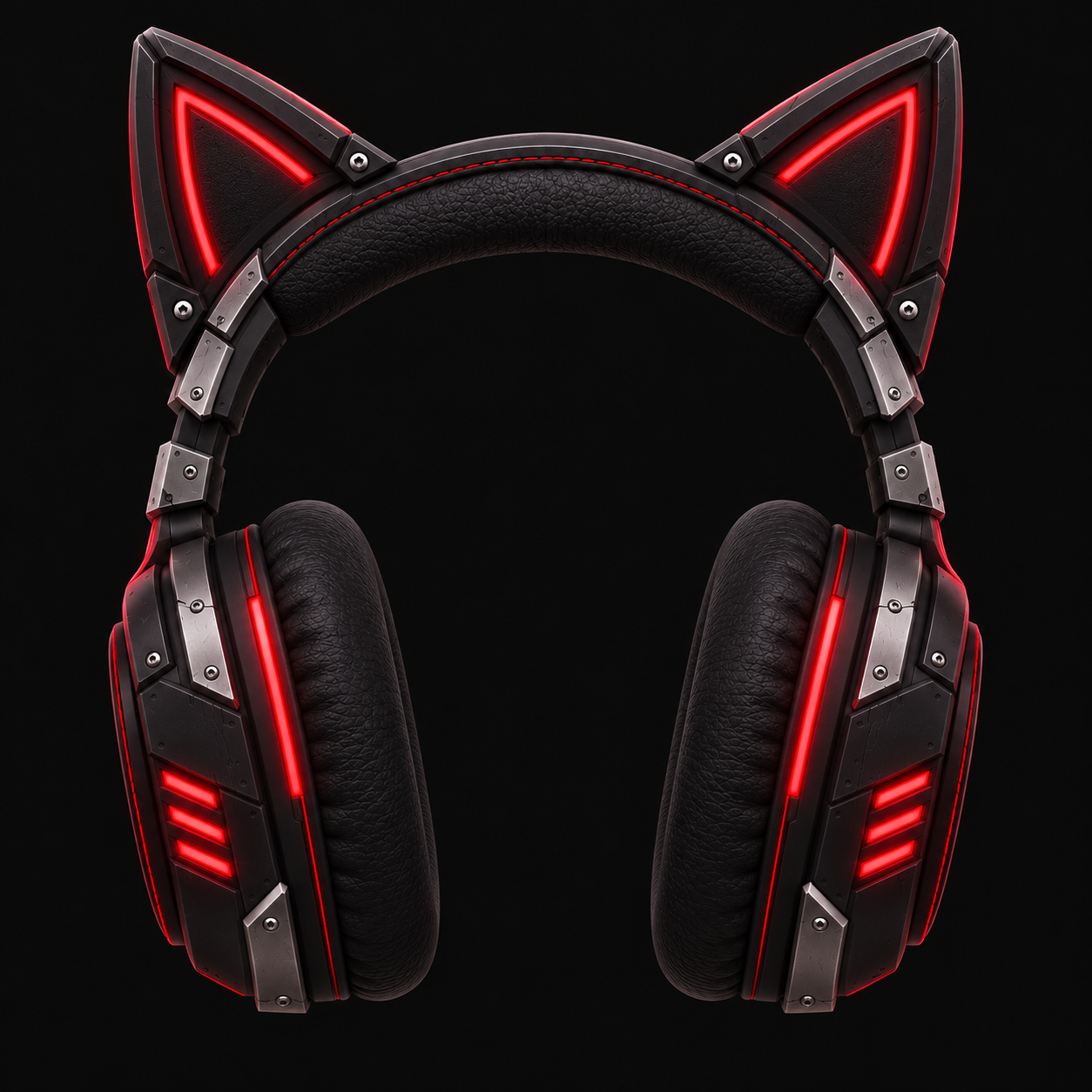
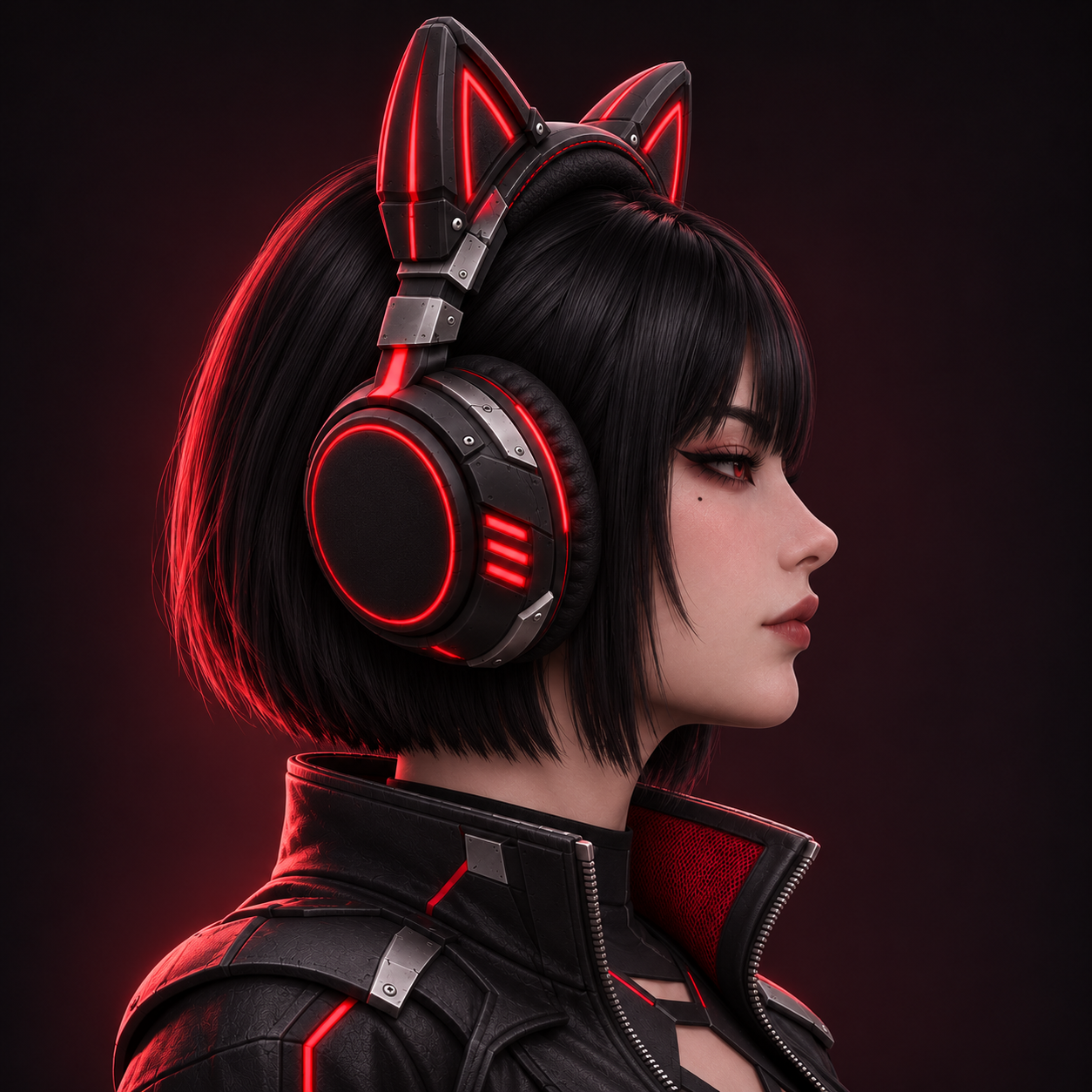
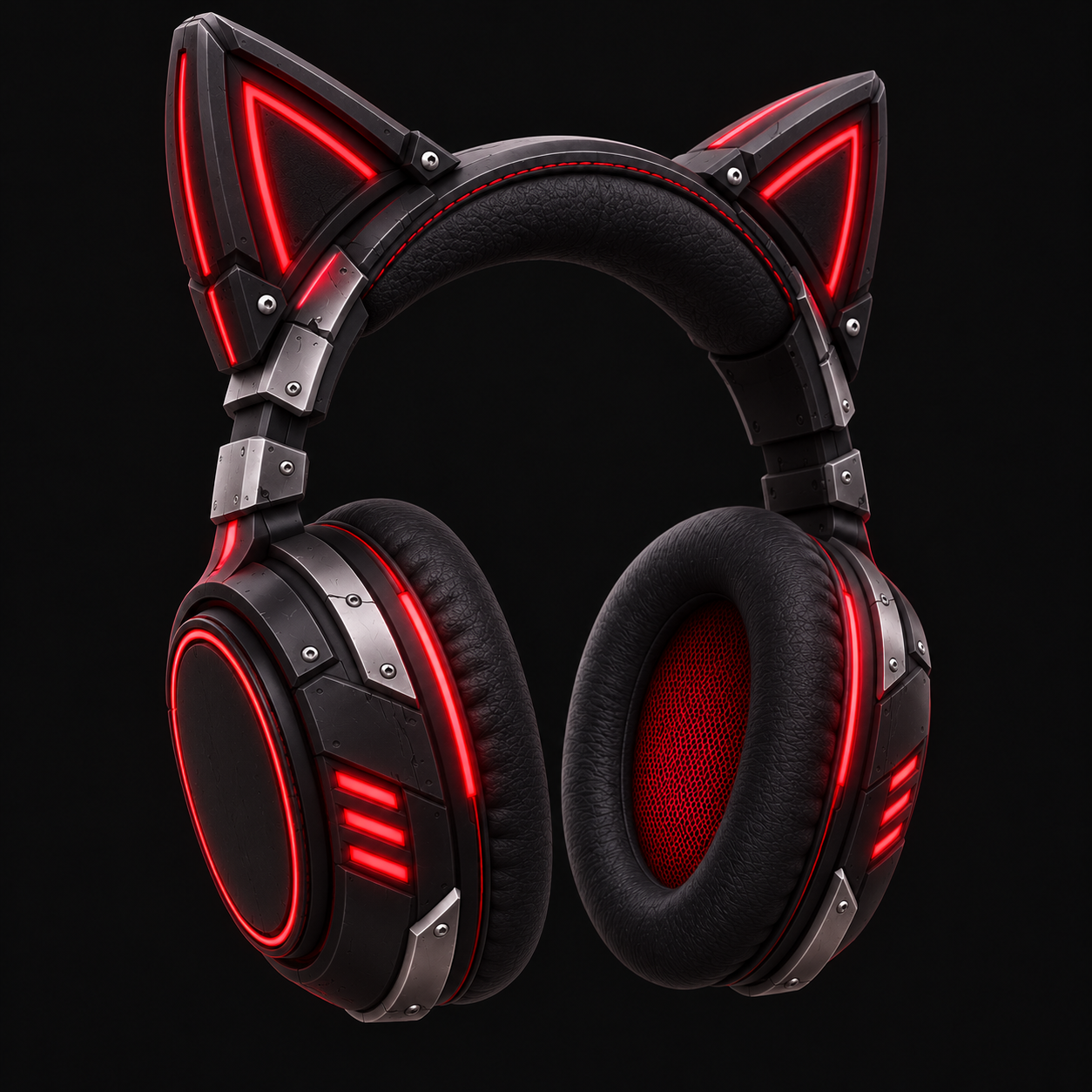
Neon Neko Headset is a stylized cyberpunk cat-ear headphone accessory for VRChat avatars.
EASY INSTALL
1. Open a VRChat Avatars project made with VRChat Creator Companion.
2. Install VRCFury through VCC.
3. Import the included unitypackage.
4. Drag Neon_Neko_Headset_VRCFury.prefab under your avatar root.
5. Upload the avatar normally.
VRCFury automatically links the headset to the avatar Head bone and creates a saved on/off control named "Neon Neko Headset" in the Expressions Menu.
INCLUDED
- Unity 2022.3.22f1 unitypackage
- Tested VRCFury easy-install prefab
- Automatic Head-bone linking
- Saved Expressions Menu on/off toggle
- Manual fallback prefab
- Configured Standard PBR material
- Textured FBX source model
- 2K Base Color texture
- 2K Metallic texture
- 2K Roughness texture
- 2K Normal texture
- README and license information
REQUIREMENTS
- Unity 2022.3.22f1
- VRChat SDK - Avatars 3.10.6 or compatible newer version
- VRCFury 1.1442.0 or compatible newer version
IMPORTANT
- Avatar head proportions vary. Optional fitting can be done with the included Adjust_Headset_Fit child object.
- Avatar, VRChat SDK and VRCFury are not included.
- No PhysBones, rigging or custom animations are included.
- OBJ and GLB are not included.
TESTED
The package was built and validated on the official VRChat robot sample avatar. Head linking, Expressions Menu control and expression parameter generation were verified.
LICENSE
Model created with Meshy. See the included LICENSE_AND_ATTRIBUTION.txt for attribution and license details.