
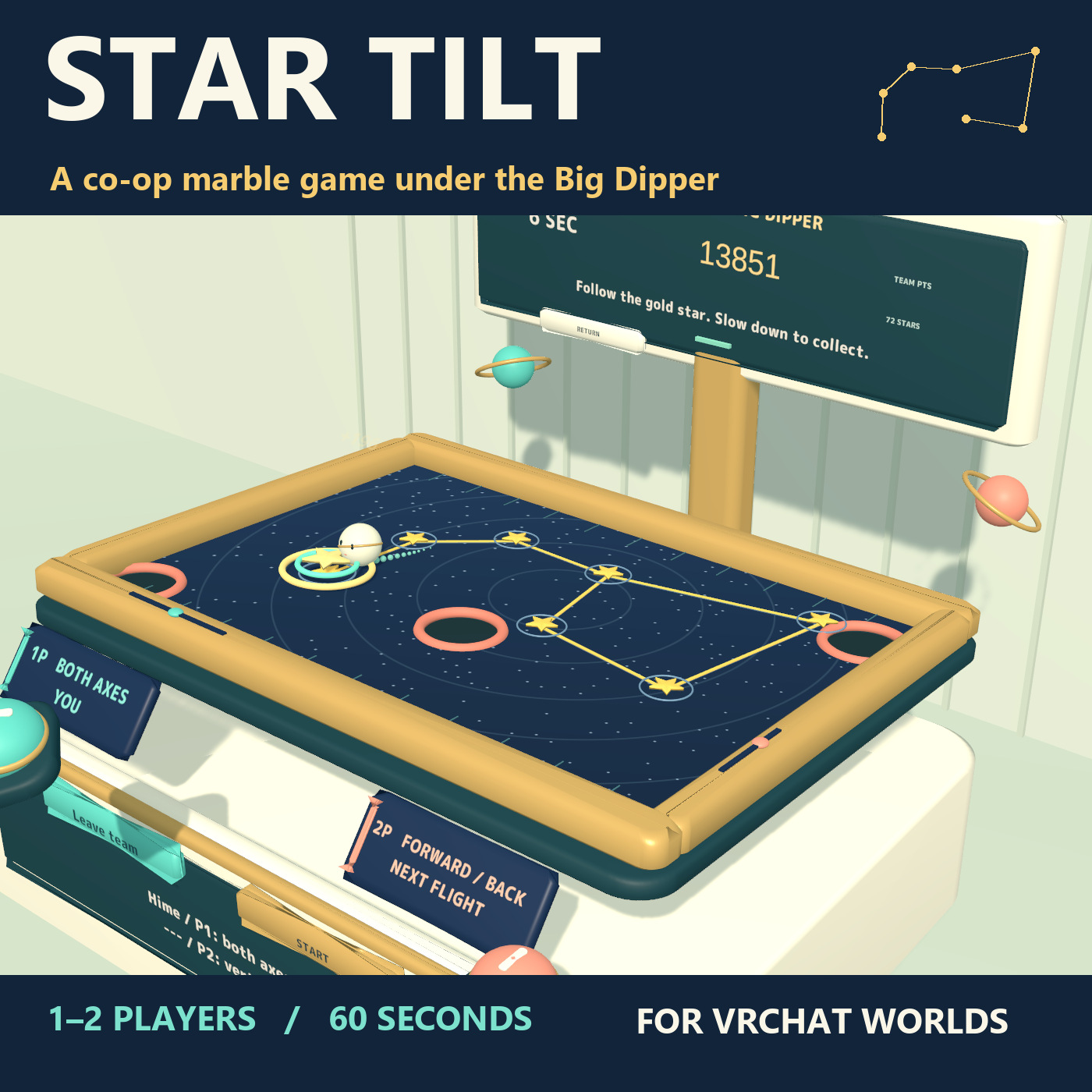
STAR TILT | Big Dipper Co-op Marble Game for VRChat Worlds
Product Description
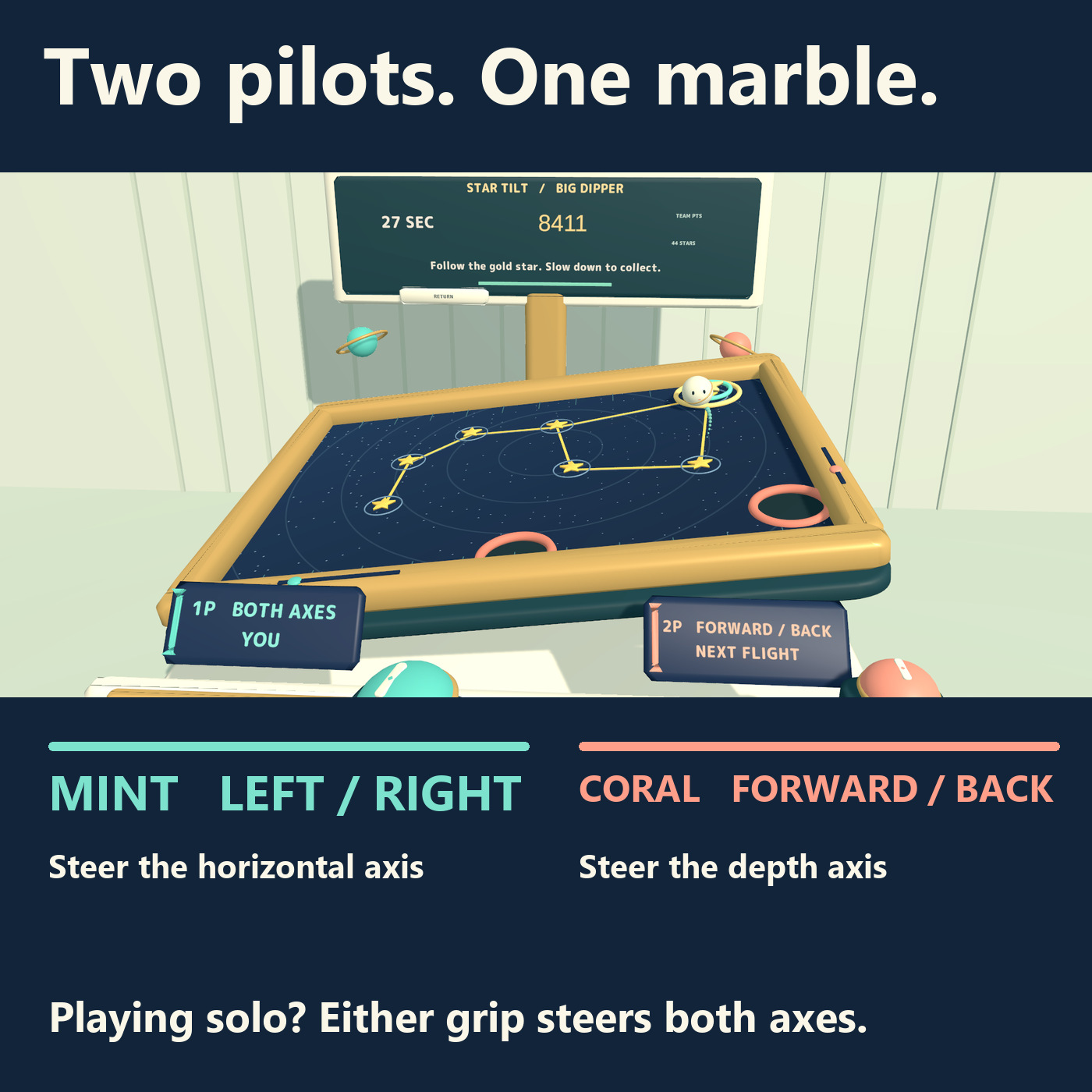
Trace the Big Dipper with one shared marble. In this 60-second VRChat world game, one pilot steers left and right while the other steers forward and back. Visitors can watch the marble, the stars and the score from around the table.
1–2 players · English and Japanese · PC VR, desktop and Android prefabs
Take a grip
Pick up an empty grip to join. Mint steers left/right and coral steers forward/back. Each pilot has a matching role label and input gauge. For two, take both grips before either player presses Use or START. Playing solo? Either grip steers both axes.
Light the seven stars
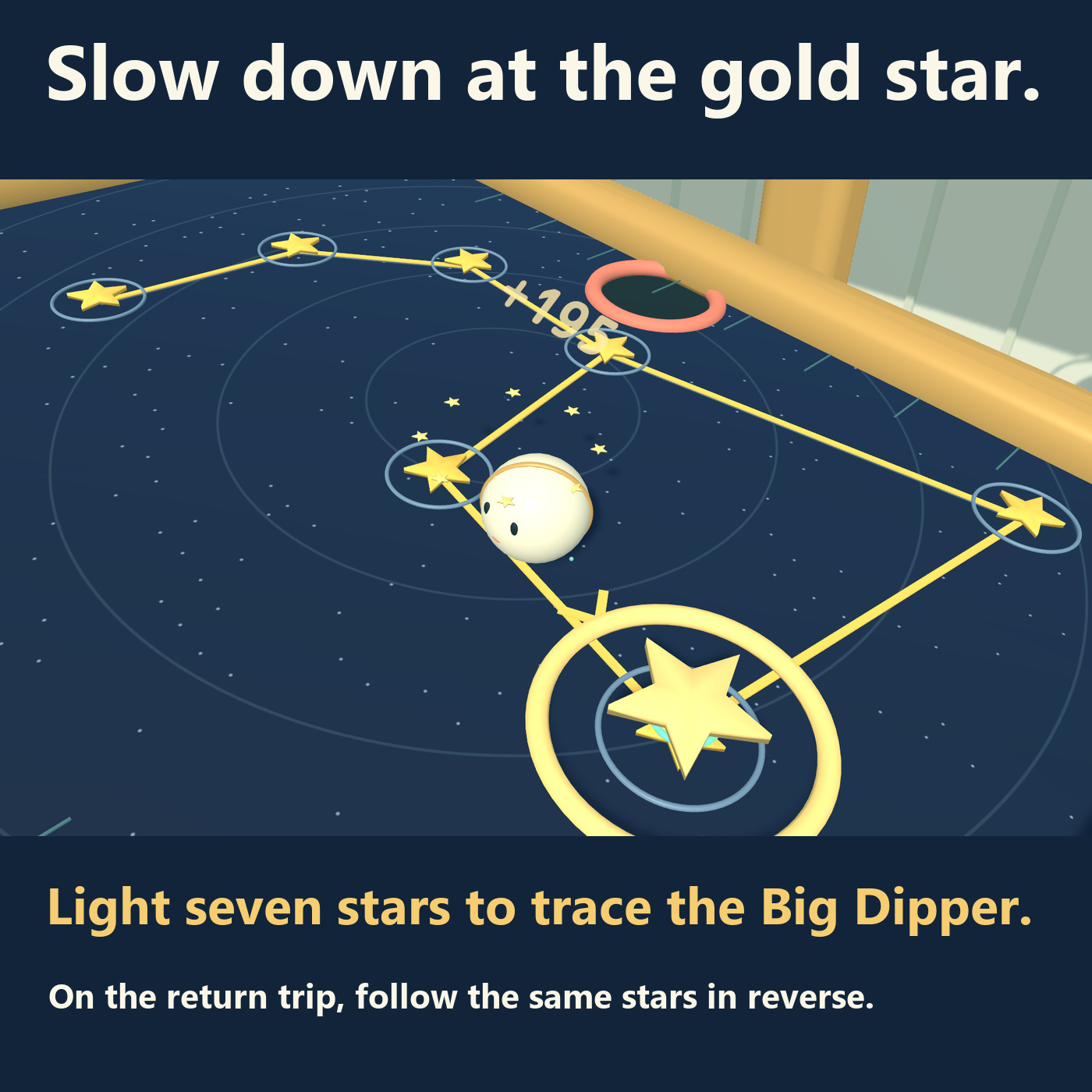
The first gold star is diagonally ahead. Slow down on the ring to collect it. Light seven stars to draw the Big Dipper, then follow the same course back in reverse. Quick catches and streaks earn bonus points.
Moving pits open one by one. Falling costs up to 50 points and returns the marble to the last star. At the results board, press Use on the grip to try the same route again.
Steering
- In VR, move the hand holding the grip. Hold Use to brake on your own axis.
- On desktop, hold Use and look in the direction you want to tilt. Look back toward center to brake.
- If a pilot leaves, the remaining player takes both axes. Each visitor can switch their own display between English and Japanese.
Place it in your world
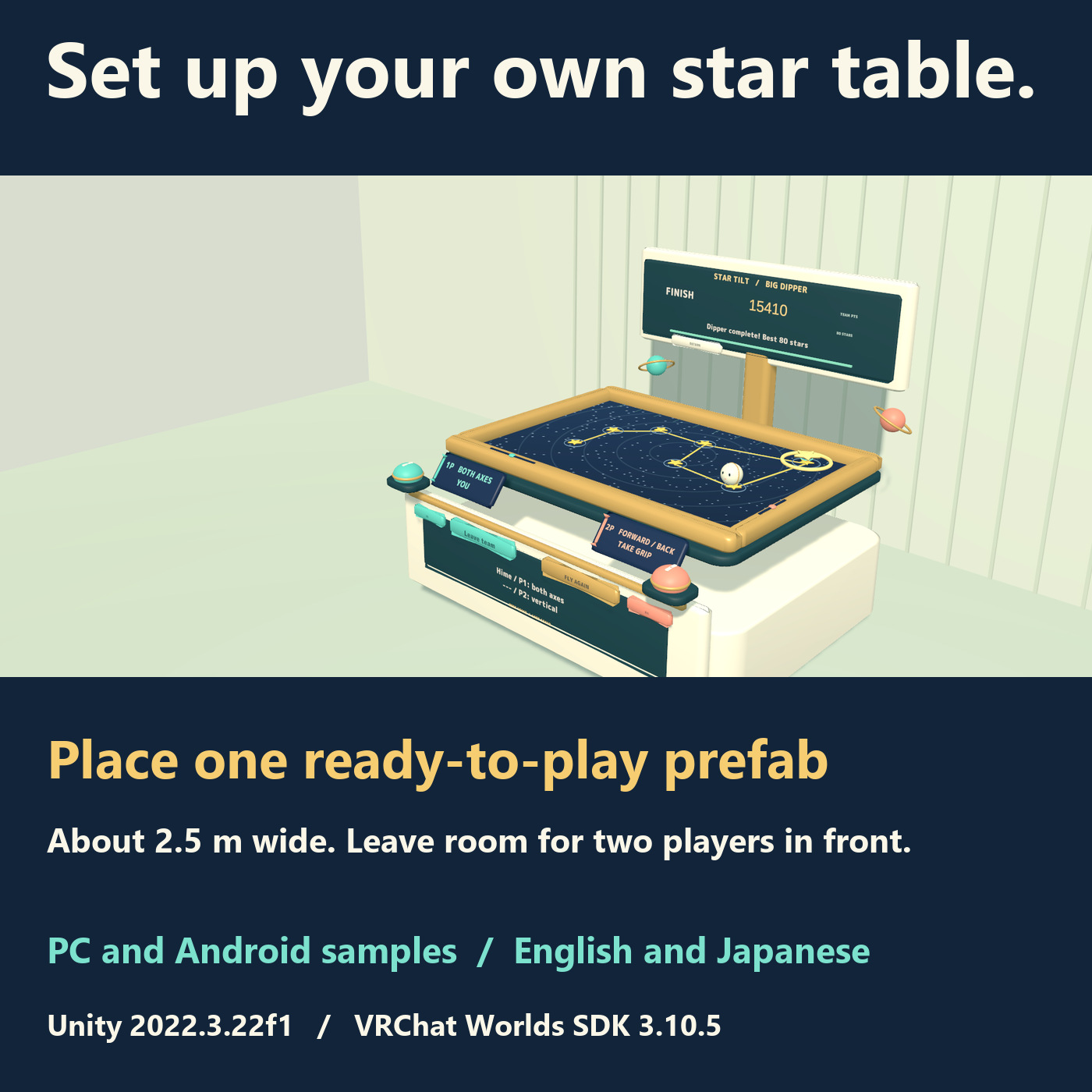
The cabinet is about 2.5 m wide at its original scale. Leave room for two players in front. The package includes four ready-to-place prefabs and four sample scenes covering PC and Android, with standard and English-start versions, plus sound effects, models, materials, UdonSharp scripts, rebuild source and bilingual guides.
- Use Unity 2022.3.22f1 and a VCC Worlds project with Worlds SDK 3.10.5, UdonSharp and the Built-in Render Pipeline. Import TMP Essential Resources.
- Import StarTilt_v2.1.0.unitypackage. Place StarTilt_Set.prefab from Assets/StarTilt/Prefabs, or use the Android or English-start variant. Check the placement using SDK Build & Test.
- Updating a world? Save any directly edited original prefab or bundled sample scene outside Assets/StarTilt under a new name before importing. Settings on prefab instances placed in your own scene carry over.
Commercial use & customization
Individuals and organizations may incorporate this product into VRChat worlds they create or manage for commercial or non-commercial use. Modification, events, videos and streams are permitted. Credit is optional.
The original assets are licensed for incorporation into your own work. Redistribution or resale as standalone assets or reusable source data is not included. Each collaborating creator who uses the source data must purchase the product. See LICENSE_EN.txt and the included third-party license texts for the full terms.
Support
Questions or setup help? Ask in this product's Q&A on Jinxxy. Please include the product name, your Unity and VRChat SDK versions, the steps you took, and any error message.