
Roulette Together | 6-Seat VRChat Table with CPU Guests
Product Description
This product contains AI-generated content.
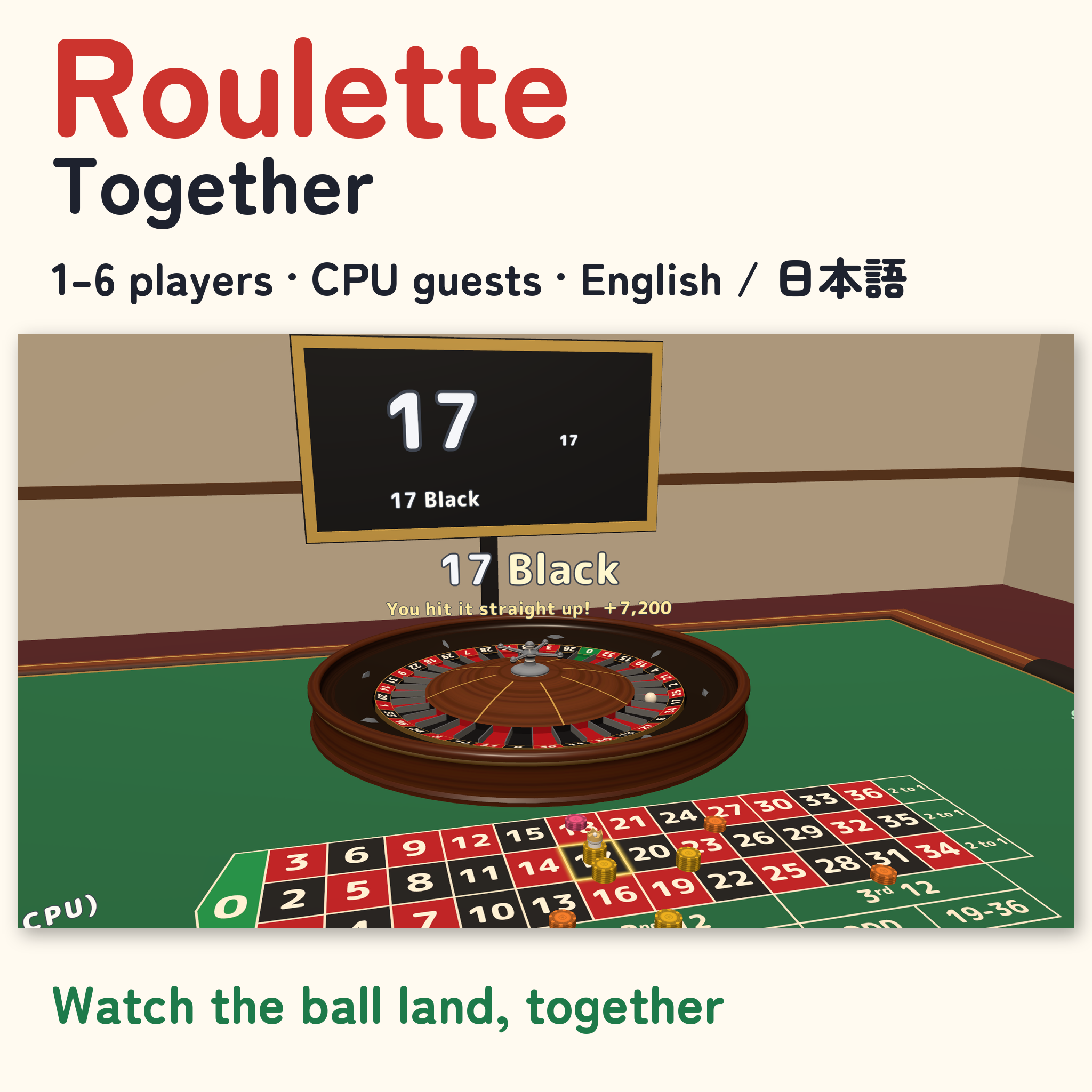
Place your bets, watch the ball drop, and cheer together.
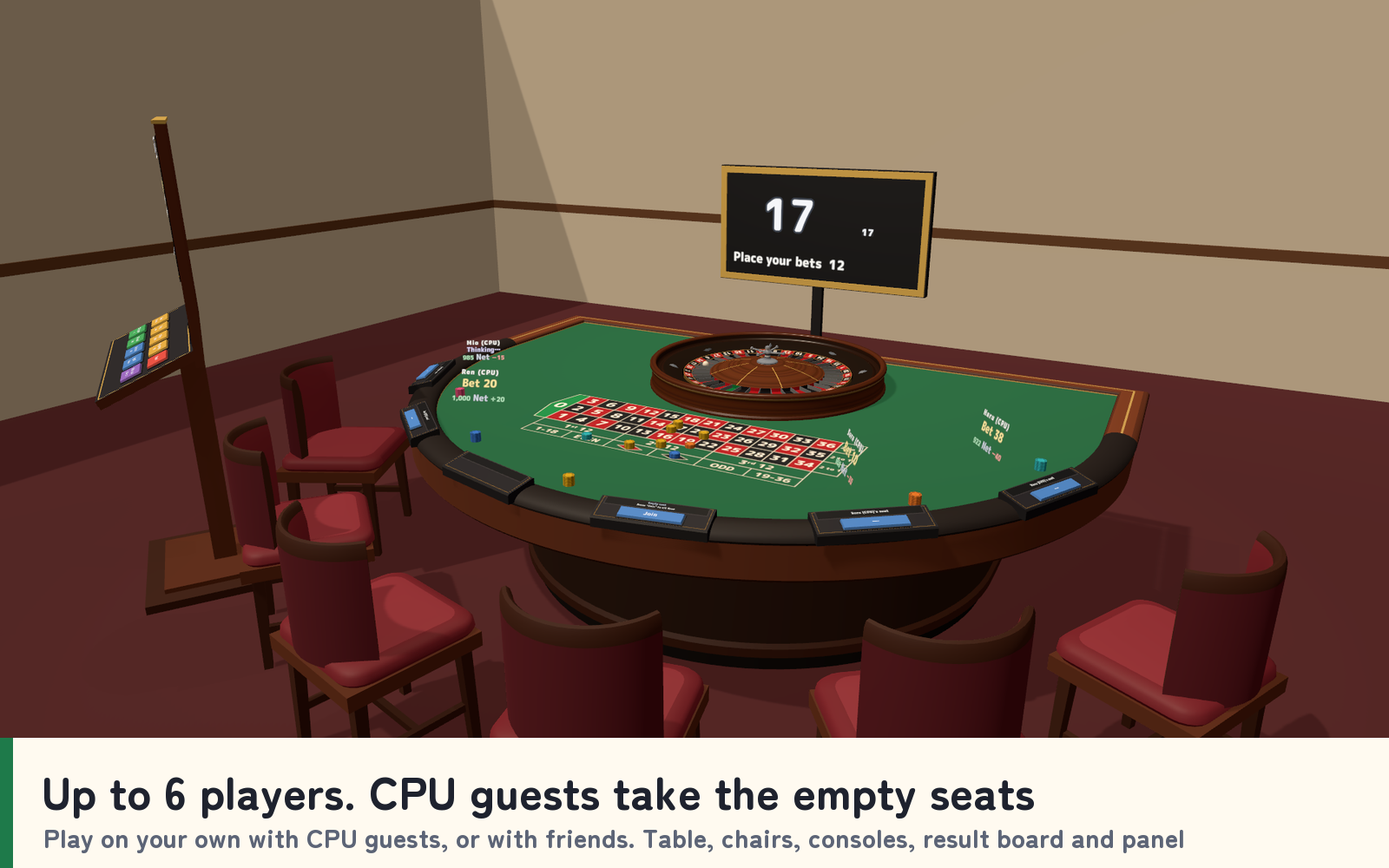
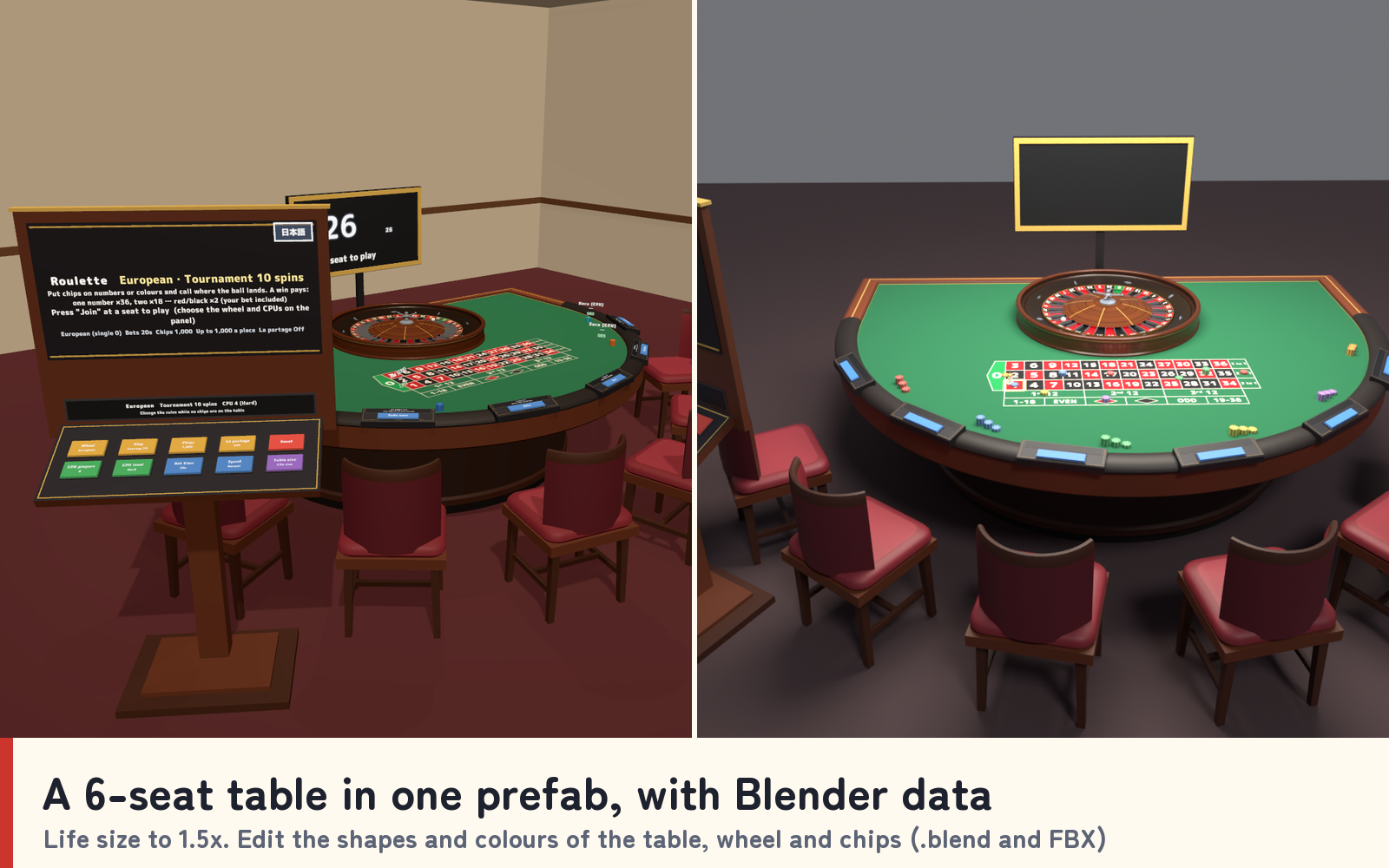
Roulette Together adds a six-seat casino roulette table to your VRChat world, complete with a spinning wheel and ball, a felt betting layout, chips, a big result board, seat consoles, a settings panel and a personal betting screen for each seated player. Take a seat, choose the CPU guests and press Start.
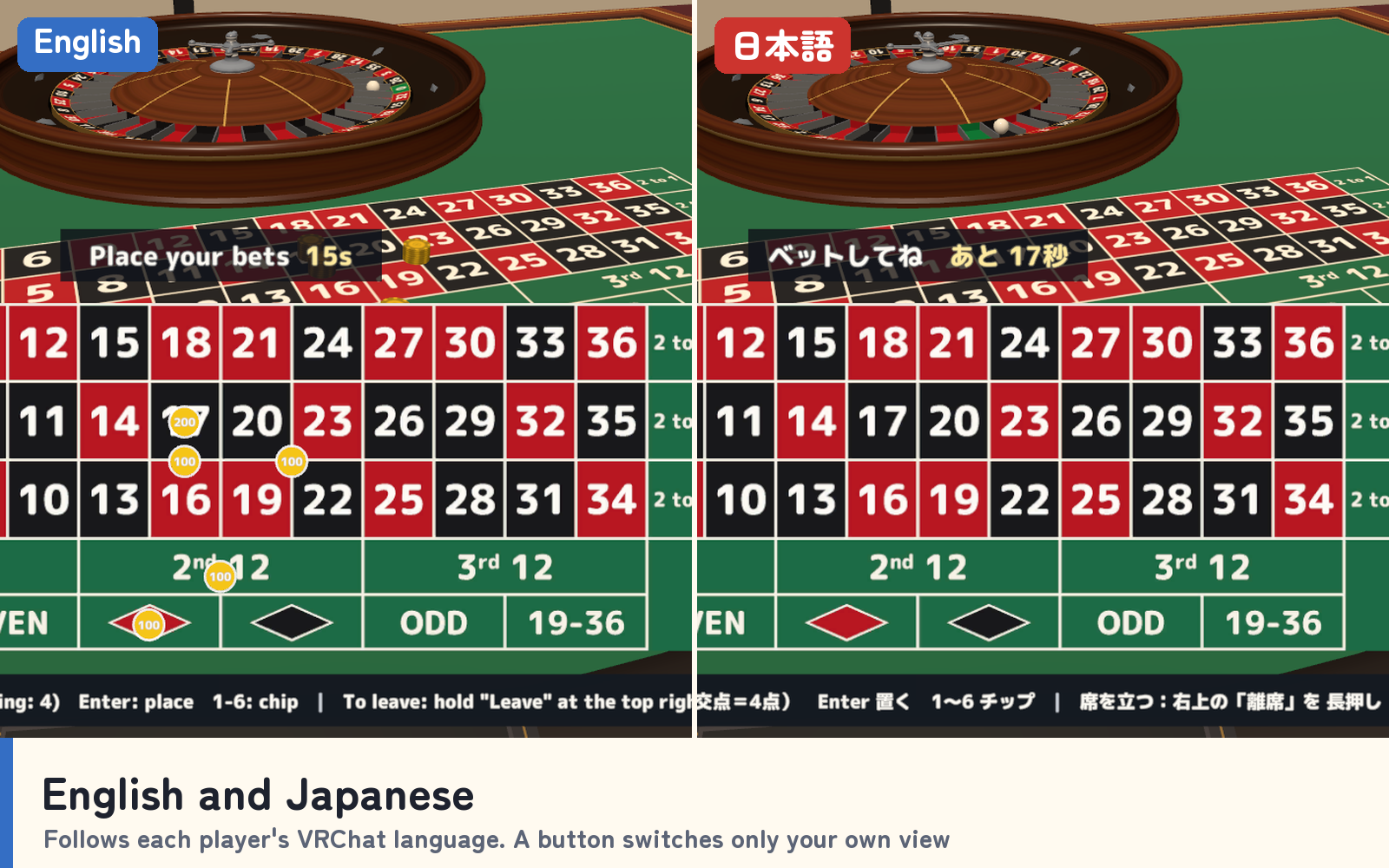
Play on your own with CPU guests or share the table with friends. Everyone sees the same ball land in the same pocket, and each player can read the table in English or Japanese.
Watch it in action
Watch the English v1.0 gameplay preview
Bet, spin and win together
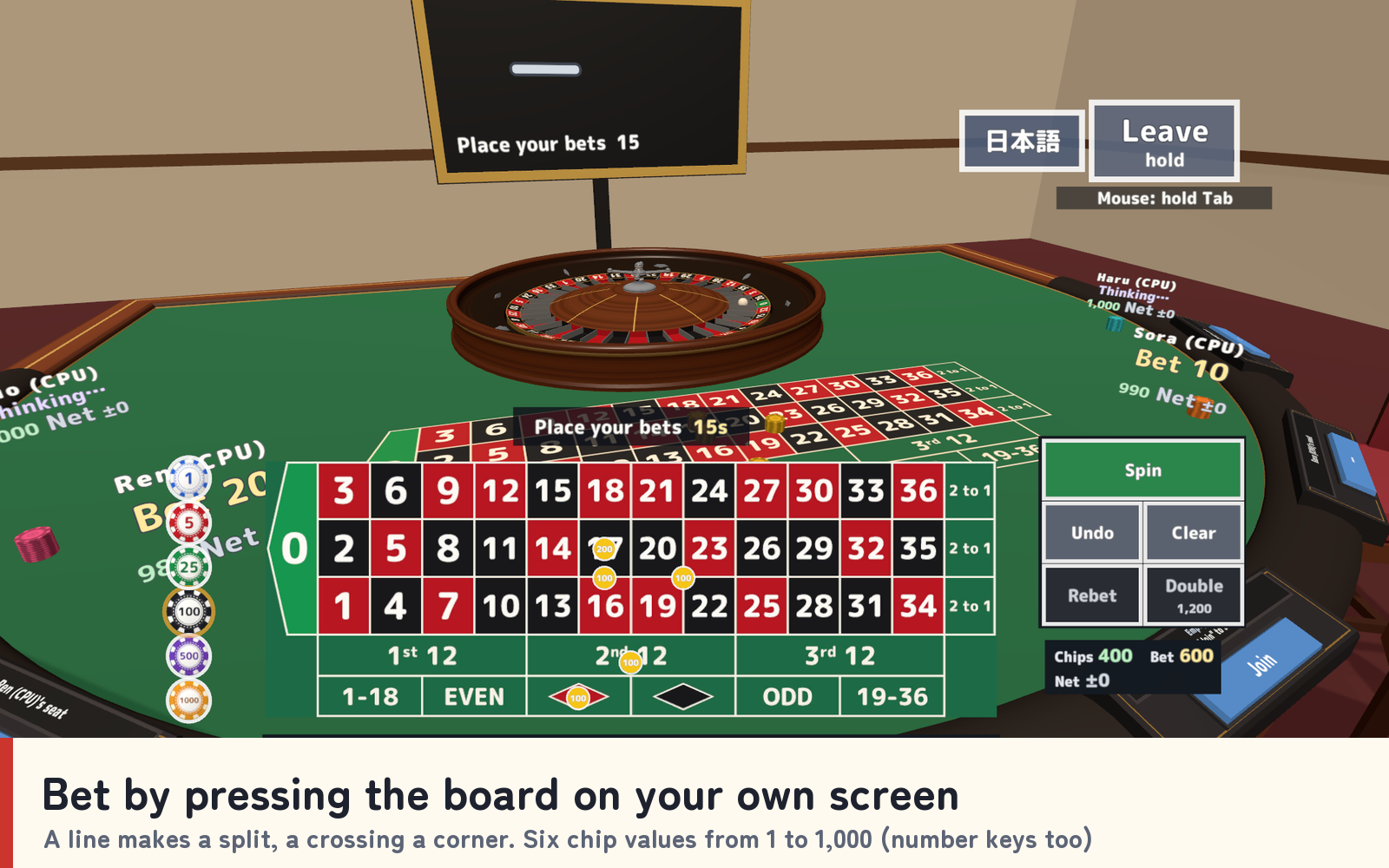
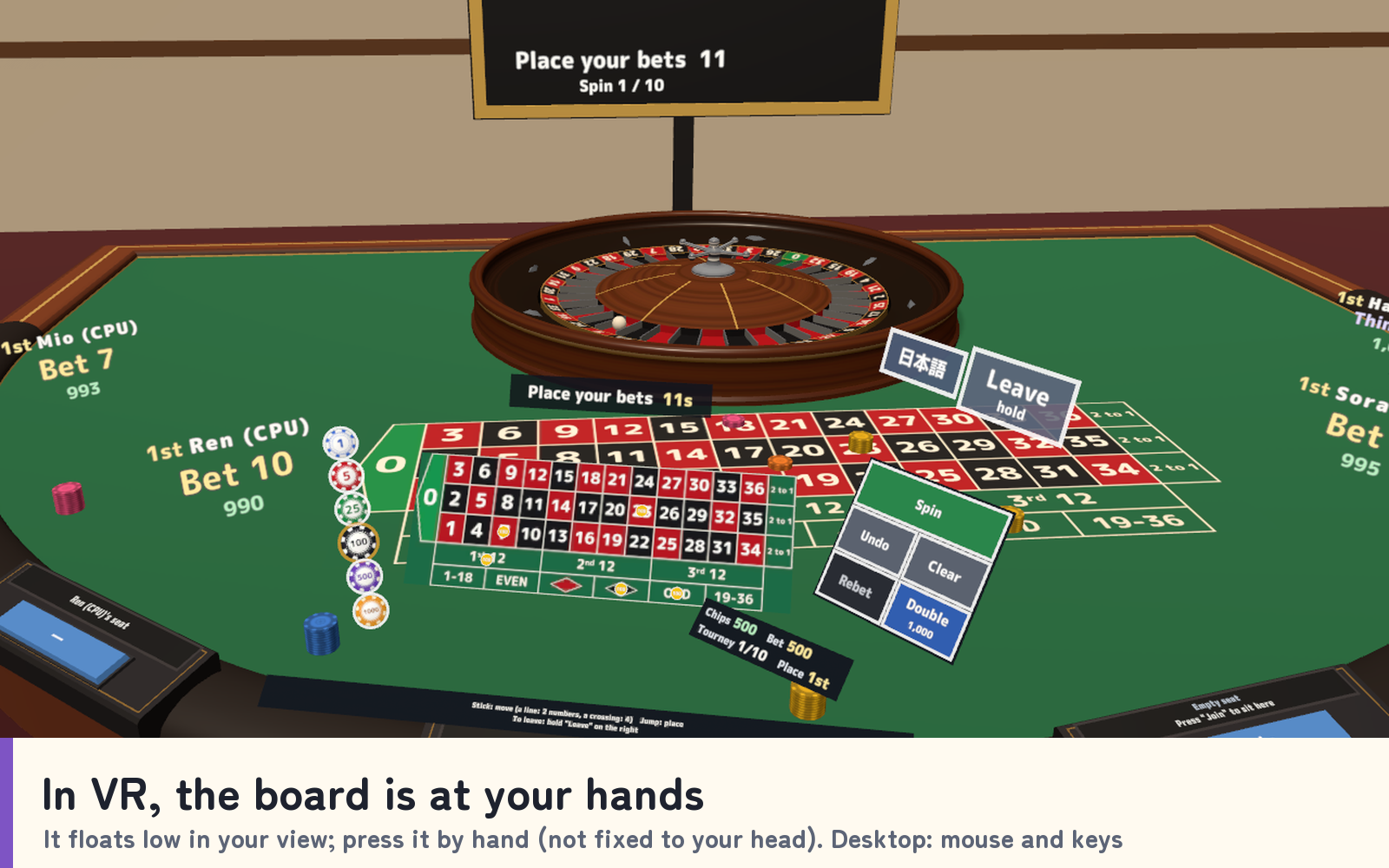
- Bet from your own screen. Press a place on the board on your screen to put a chip there: a line makes a split, a crossing a corner, the near edge a street or six line. Six chip values from 1 to 1,000, with Undo, Clear, Rebet and Double.
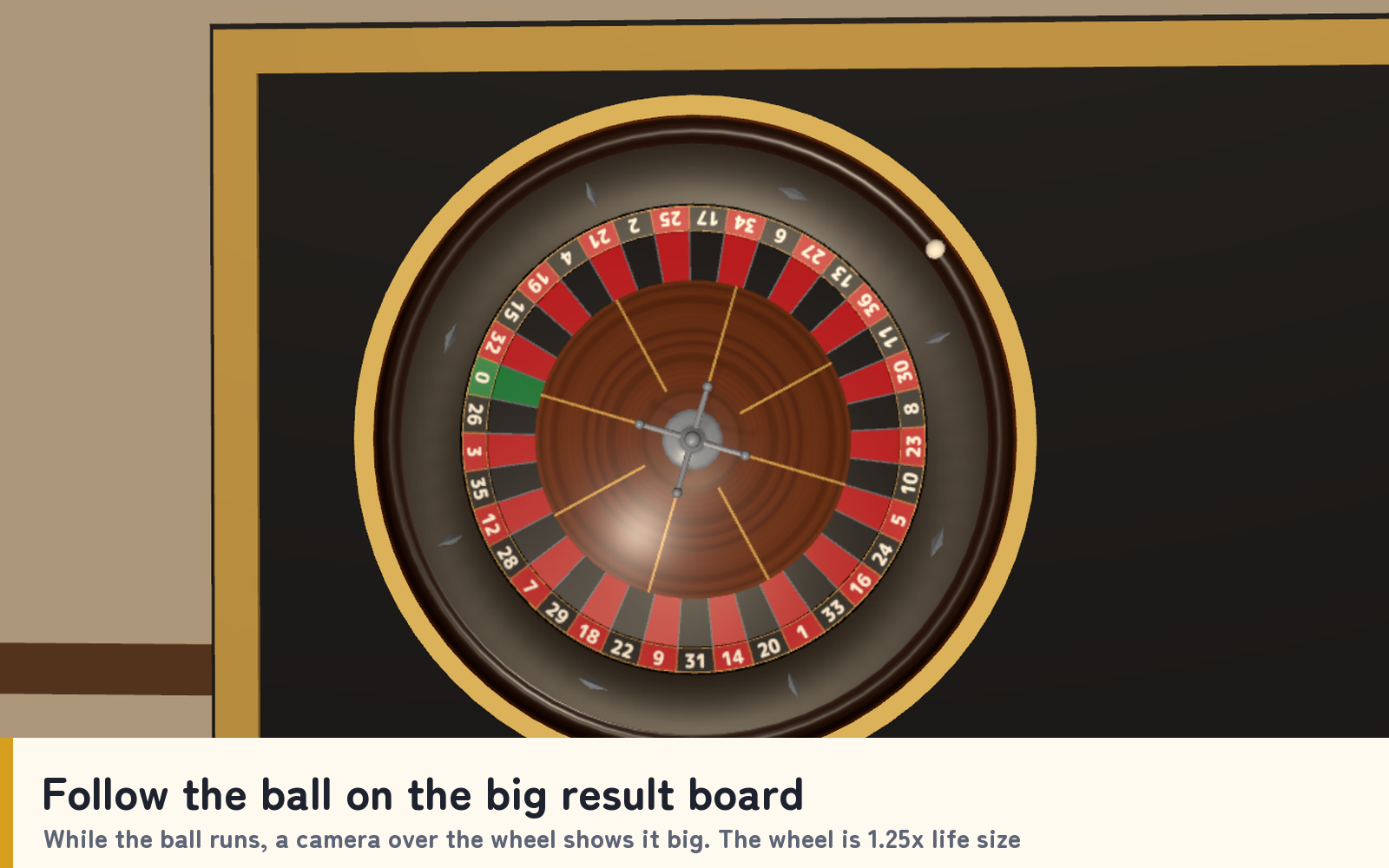
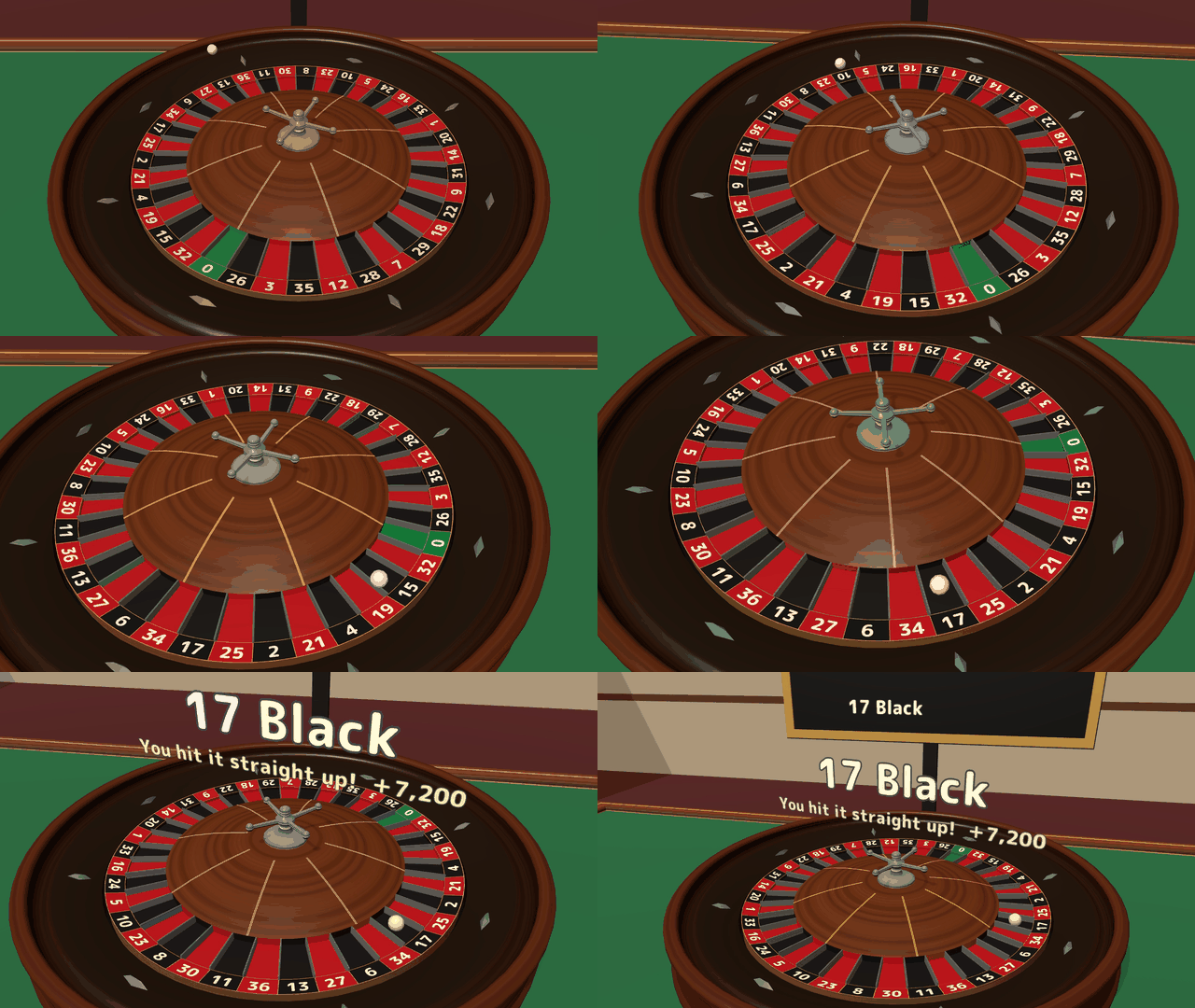
- Everyone follows the ball. While the ball runs, a camera straight above the wheel shows it big on the result board. The wheel is 1.25 times life size, and every player sees the same path and the same pocket.
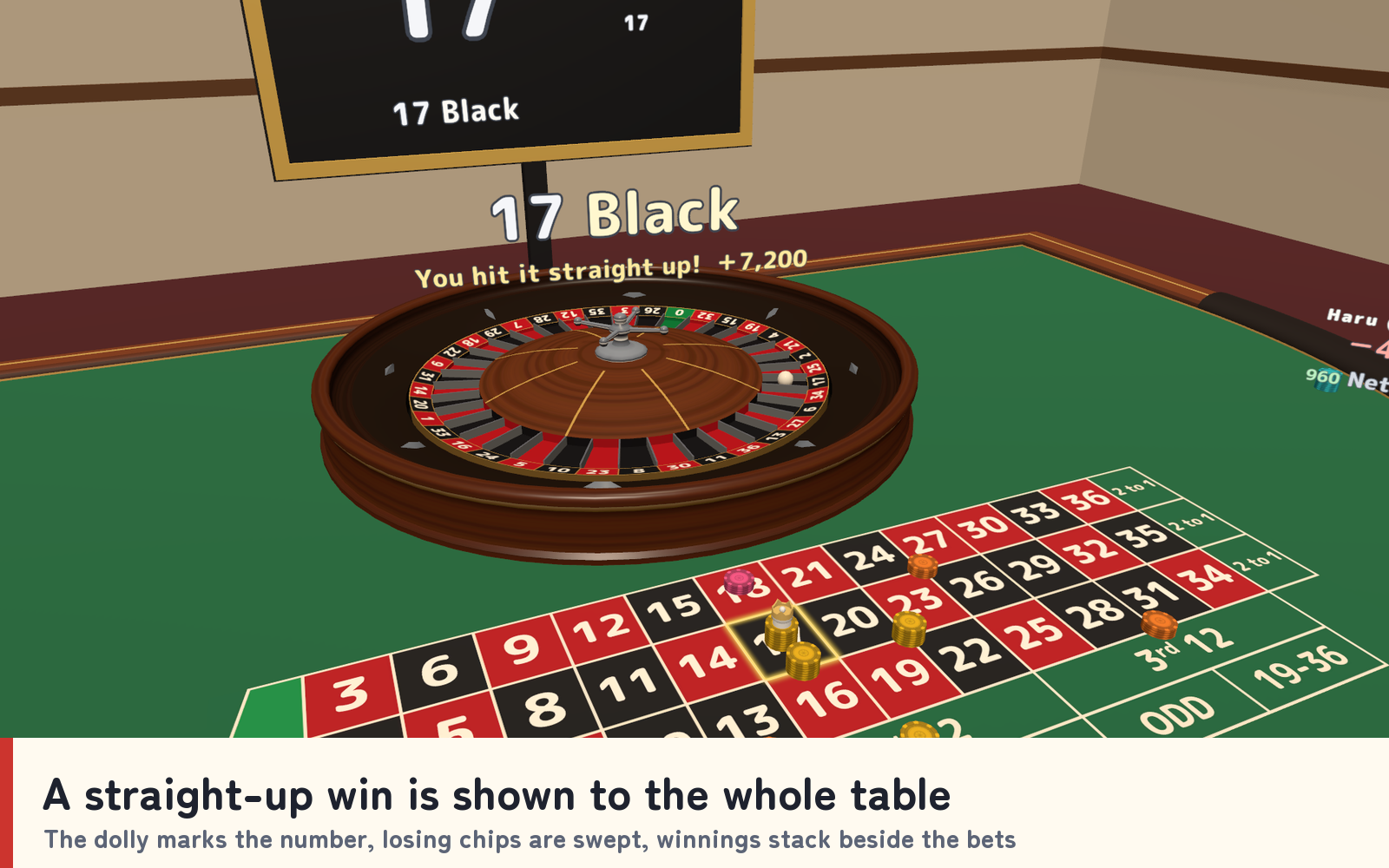
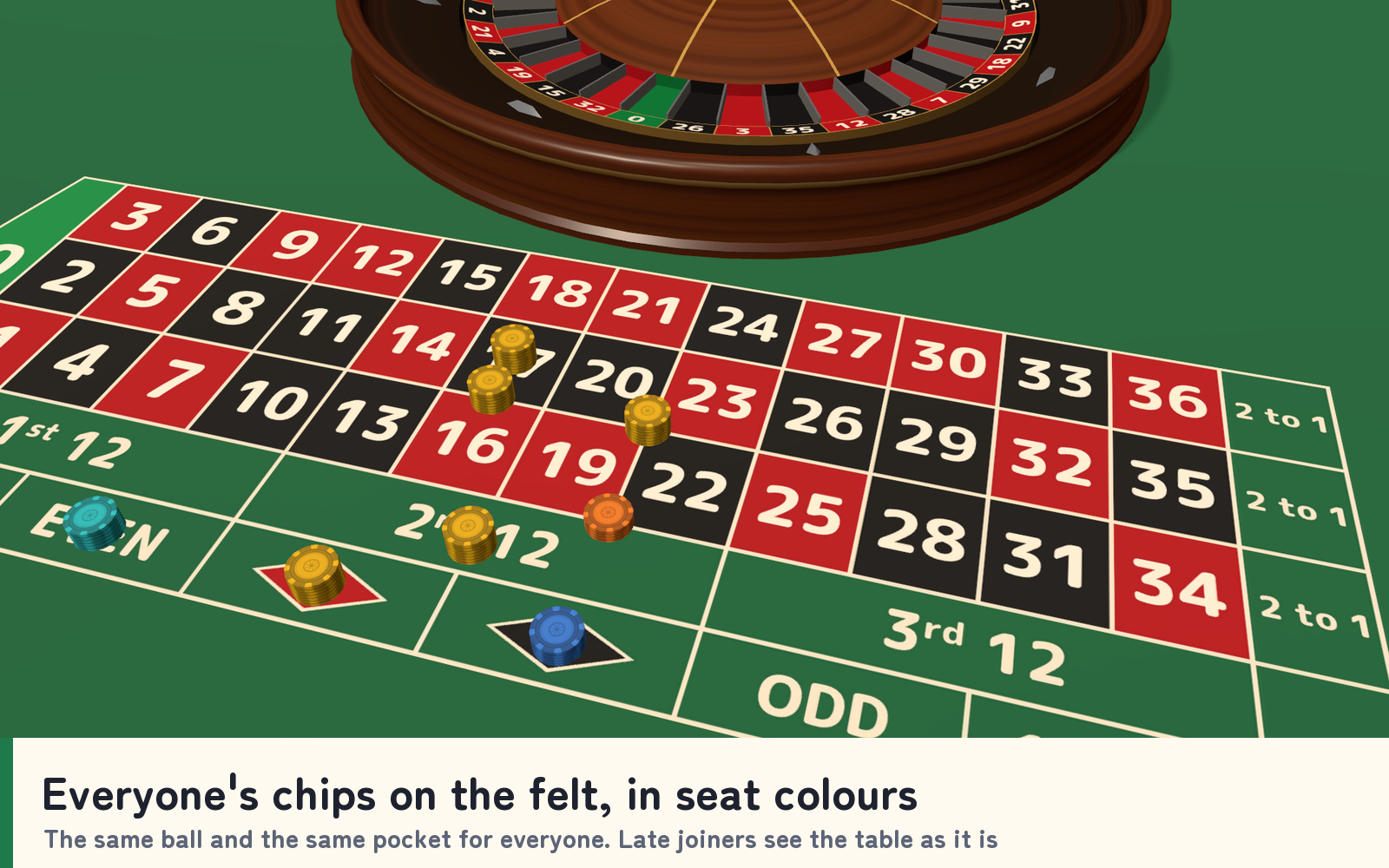
- Wins the whole table can see. The dolly marks the winning number, losing chips are swept away and winnings stack beside the bets. A straight-up hit is announced to the table with a sound. Everyone's chips sit on the felt in their seat colour.
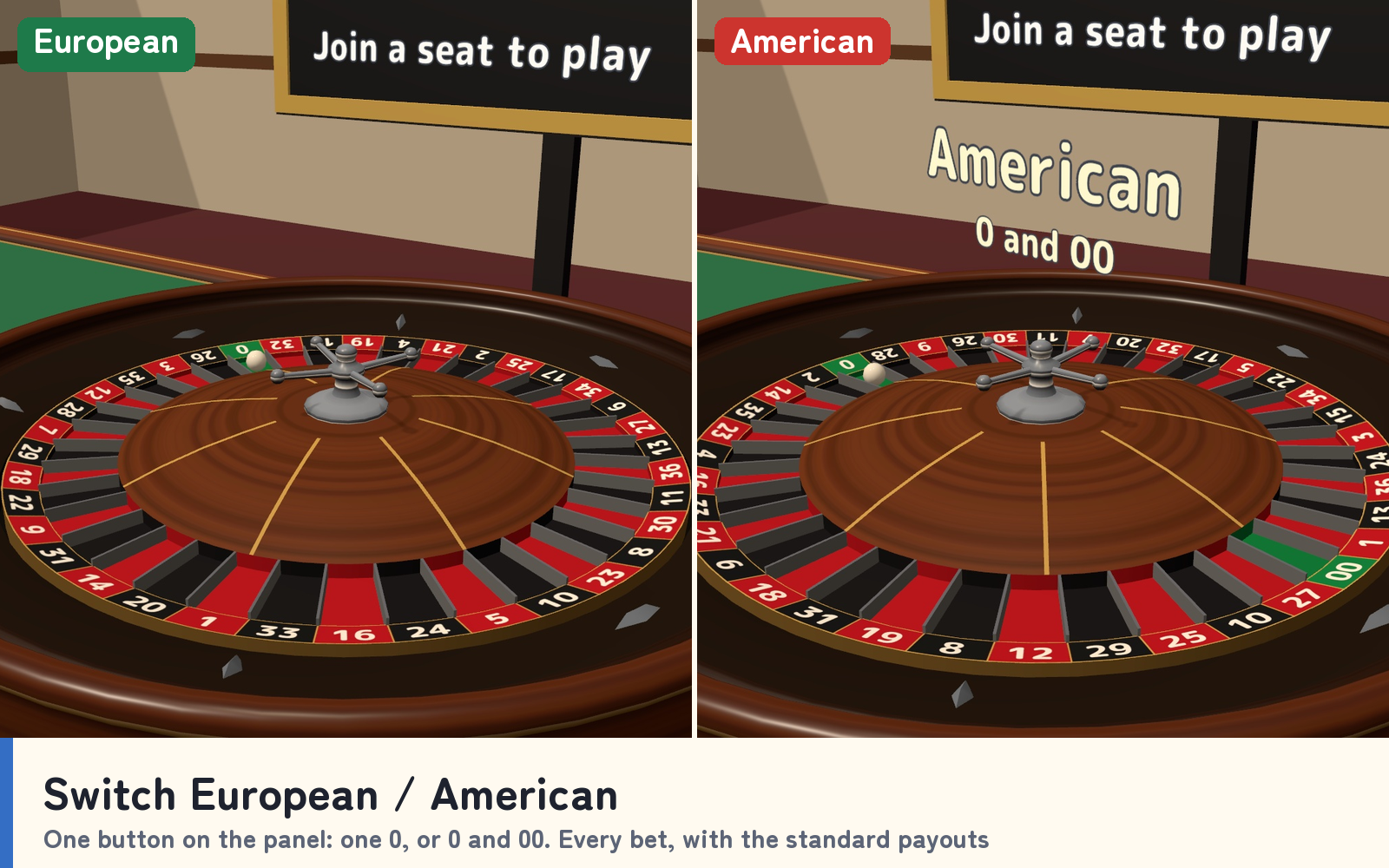
- European or American. One panel button switches between one 0 (37 pockets) and 0 and 00 (38 pockets). Every standard bet pays the standard odds, with optional la partage on the European wheel.
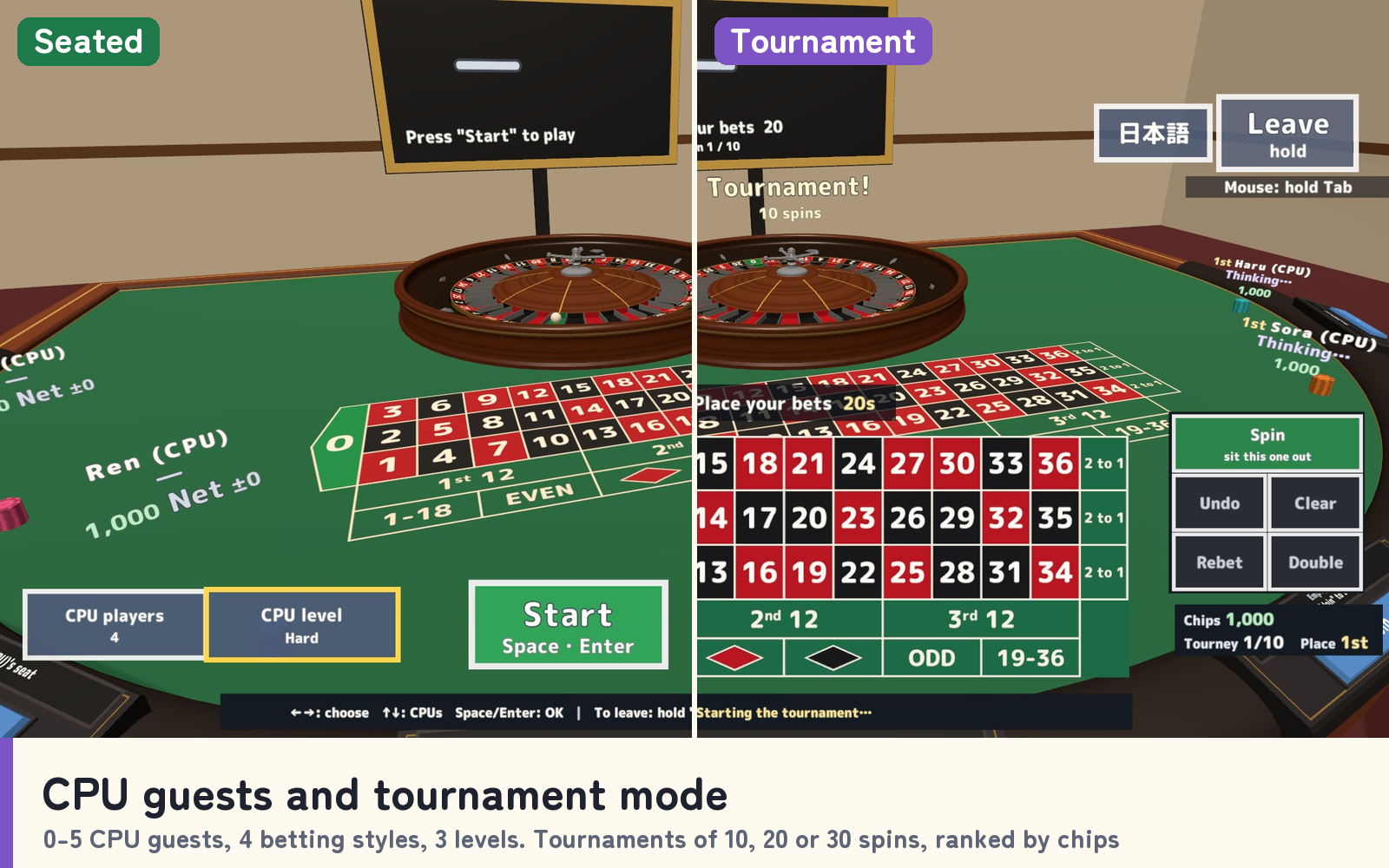
- CPU guests and tournaments. Seat up to five CPU guests with four betting styles and three levels. Play freely, or hold a tournament of 10, 20 or 30 spins ranked by chips.
- Desktop and VR. On desktop, use the mouse or the keys (arrows, number keys, Enter). In VR, the board floats low in your view and you press it by hand; it is not fixed to your head.
- Your own language. Each player sees the language of their own VRChat settings, and an English / Japanese button switches only their own view.
Choose the bet time, starting chips, speed and table size (life size, 1.25x or 1.5x) on the panel. Optional UdonChips support lets human players use the world's wallet in free play.
Included files
- RouletteTable_v1.0.unitypackage with the table, wheel and ball, six chairs and seat consoles, result board, panel and sign, personal betting screen, sample scene, scripts and 20 sound effects.
- README.txt and README_EN.txt with Japanese and English setup, rules, controls, settings, customisation and terms.
- RouletteTable_Blender folder with the editable .blend, 32 FBX models, palette and four textures: 38 source files.
Requirements and setup
Use Unity 2022.3.22f1, VRChat Worlds SDK 3.10.x including UdonSharp, and TextMesh Pro in a Creator Companion world project. Materials for Quest/Android are included.
- Import TMP Essential Resources if needed, then import RouletteTable_v1.0.unitypackage.
- Place Assets/RouletteTable/RouletteTable.prefab on a level floor.
- Open Assets/RouletteTable/Sample/RouletteTable_Sample.unity to try the table.
The whole set is about 4.6 m by 2.9 m including chairs and panel, and about 1.9 m high. Move and rotate it freely; use the panel's table-size setting rather than Transform scaling.
Terms of use and support
- Use in public, paid, corporate, event and monetized VRChat worlds is allowed. Modification is allowed; credit is optional.
- Do not redistribute or resell the data, including modified data or bundles with another asset. Contact the creator before use outside VRChat.
- Chips are play points only. Do not connect them to real-money or cash-equivalent wagering.
- The creator accepts no liability for problems arising from use.
Font: M PLUS Rounded 1c, SIL Open Font License 1.1 (Fonts/OFL.txt). Models, textures, sounds and scripts were created for this product.
Purchase questions
For questions about your purchase, use the contact option on the store where you purchased the product. Include your product, Unity and SDK versions, steps, and any error message.
Jinxxy support
For purchases on Jinxxy, use this product's Q&A on Jinxxy. Include the product name, Unity and SDK versions, the steps you took and any error text.