
Riichi Mahjong Table | VRChat World Game Prefab
Product Description
This product contains AI-generated content.
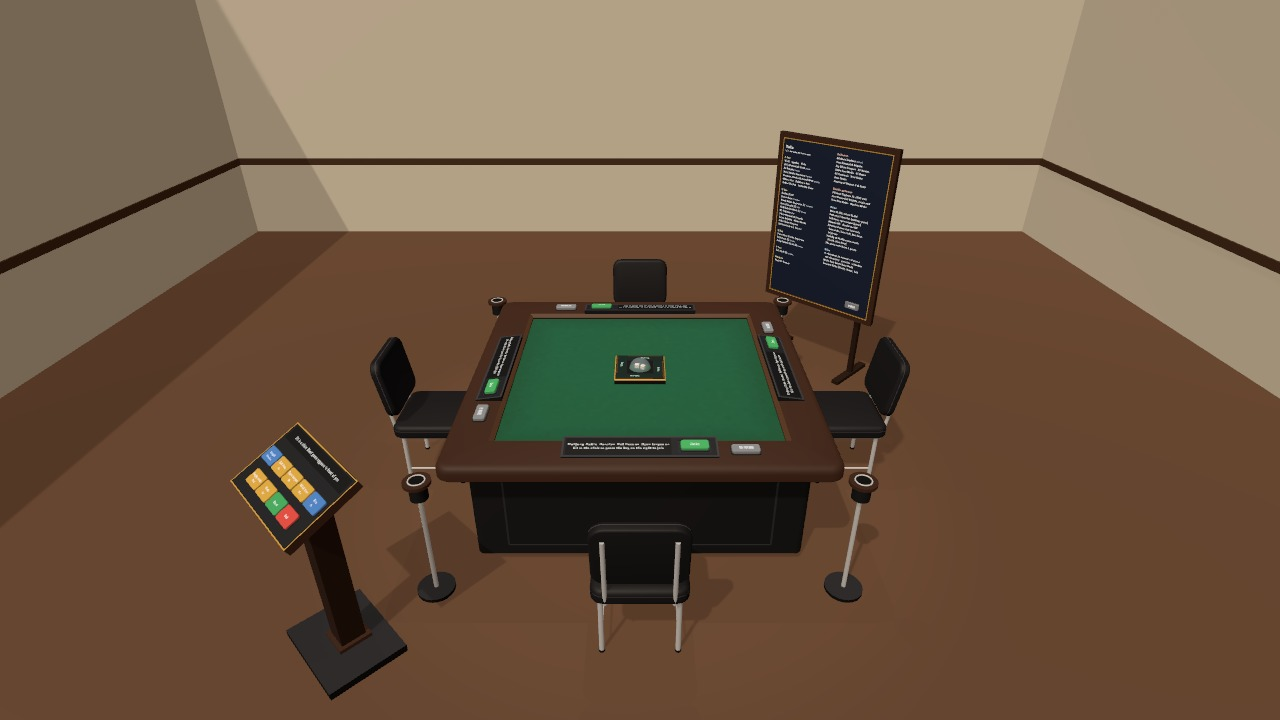
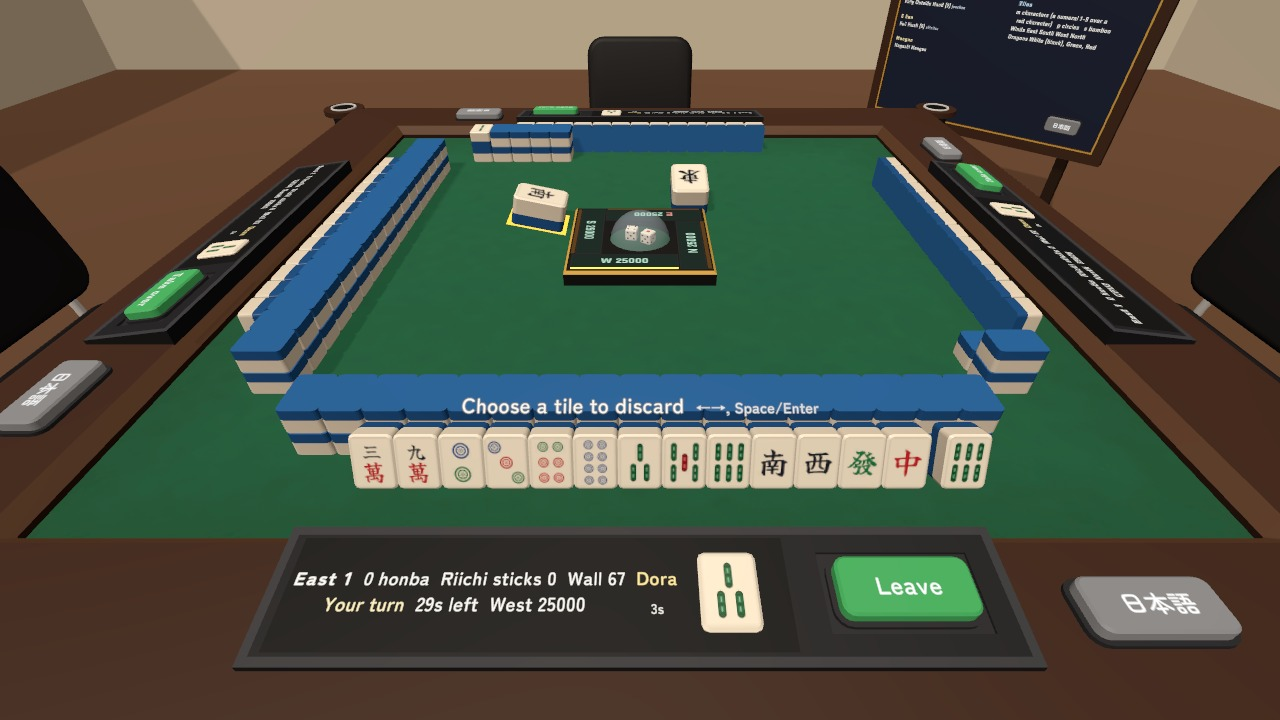
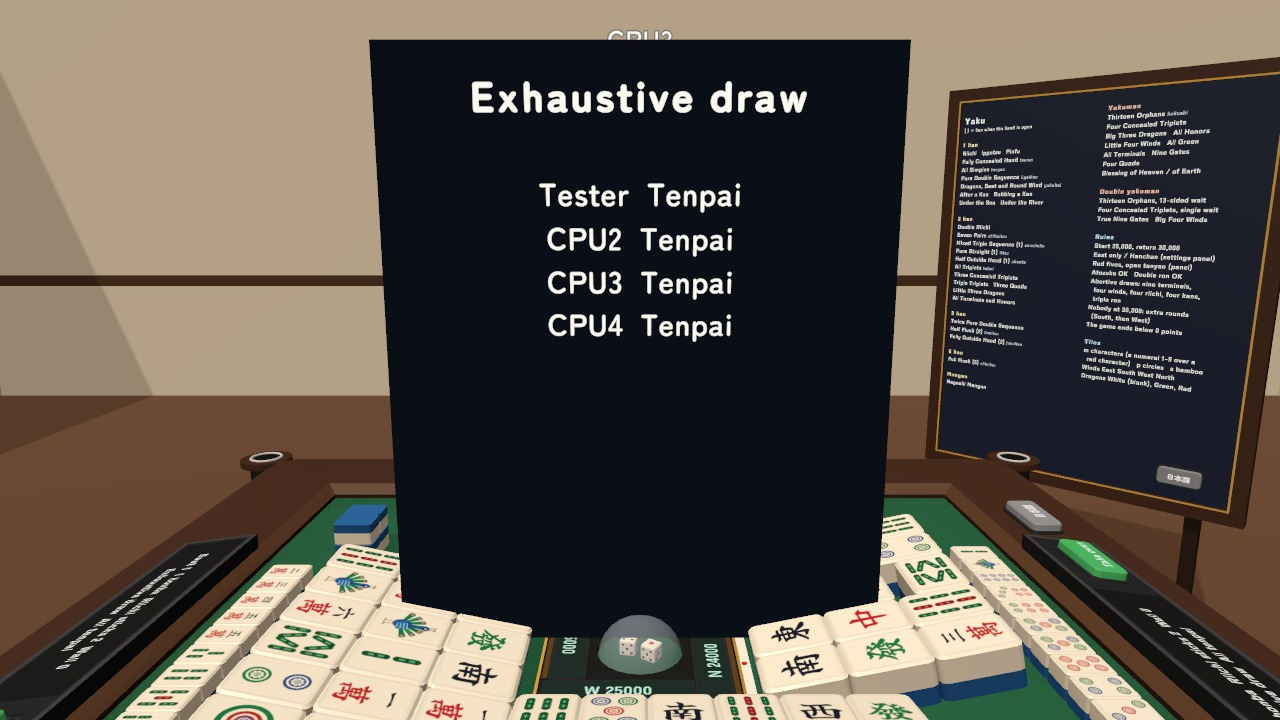
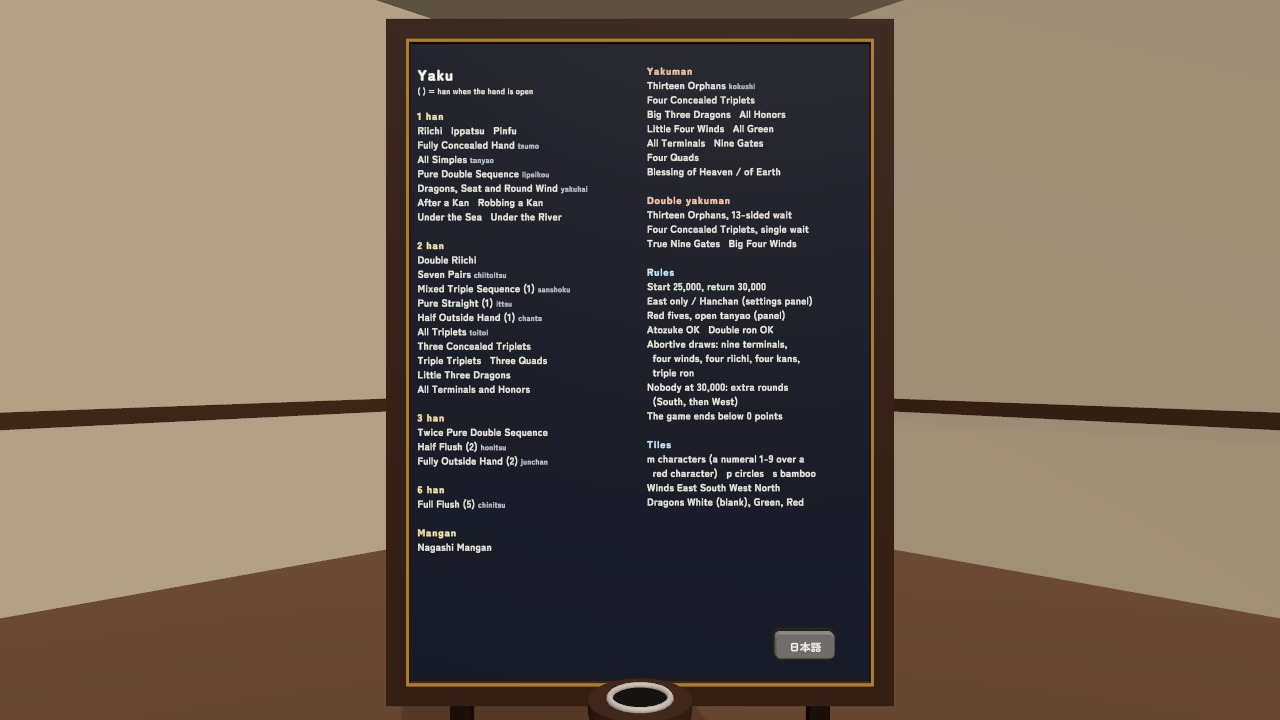
Take a seat and let the table build the wall, roll the dice and deal. Riichi Mahjong Table brings four-player Japanese mahjong to your VRChat world, with automatic yaku evaluation, point calculation and CPU players for empty seats.
Watch it in action
Watch the English v1.3 gameplay preview
Play together in your world
- Four seats with automatic CPU filling. Start on your own with CPUs or play with friends; Players only waits for four people.
- Choose East-only or Hanchan games, red fives, open tanyao and thinking time on the settings panel.
- Riichi, tsumo, ron, pon, chii and kan controls appear when available. Local hints can show tenpai discards and waits.
- Stand up temporarily and the CPU plays your reserved seat while your points and tiles stay yours. Sit at the same chair to return.
- Table-size settings offer real size, 1.5x, 2x and 2.5x, keeping the felt at its playing height while enlarging tiles and controls.
- Each player has English/Japanese labels, results, yaku board, console and interaction prompts. Hands remain private until a legal reveal.
Included files
- Automatic table, four chairs and consoles, 136 tiles, dice, riichi sticks, settings panel, yaku board and scripts.
- README.txt and README_EN.txt: Japanese and English installation and control guides.
- MahjongTable_Blender: editable .blend source, 24 FBX models and supplied textures, 28 source files.
Requirements and setup
Unity 2022.3.22f1, VRChat SDK3 Worlds 3.10.x including UdonSharp, and TextMesh Pro. Mobile materials for Quest/Android are included.
- Import TMP Essential Resources if needed.
- Import MahjongTable_v1.3.unitypackage into a Creator Companion world project.
- Place Assets/MahjongTable/MahjongTable.prefab on a level floor, or open Assets/MahjongTable/Sample/MahjongTable_Sample.unity.
The default 2x table needs about 3.8 m square including chairs and boards. The yaku board reaches about 1.85 m high. Use the in-world Size setting rather than changing the prefab scale.
Terms of use
- You may put it in a VRChat world and publish it (paid, corporate and event worlds too).
- You may modify it freely. No credit is needed (it is welcome, though).
- Redistributing or reselling the data itself (modified or not), or selling it bundled with other assets, is prohibited.
- Using it outside a world (in other games, videos and so on) needs our consent first.
- The creator is not responsible for any problem arising from using this data.
- The points are for the game only. Do not use it to bet real money or anything of value.
Credits and support
Font: Zen Maru Gothic, SIL Open Font License 1.1. See the font licence included with the package.
For purchase questions, use the contact option on the store where you purchased this product. Include the product, Unity and SDK versions, steps and any error message.