
Mini Golf Together | 9-Hole Putting Course with CPU Players for VRChat
Product Description
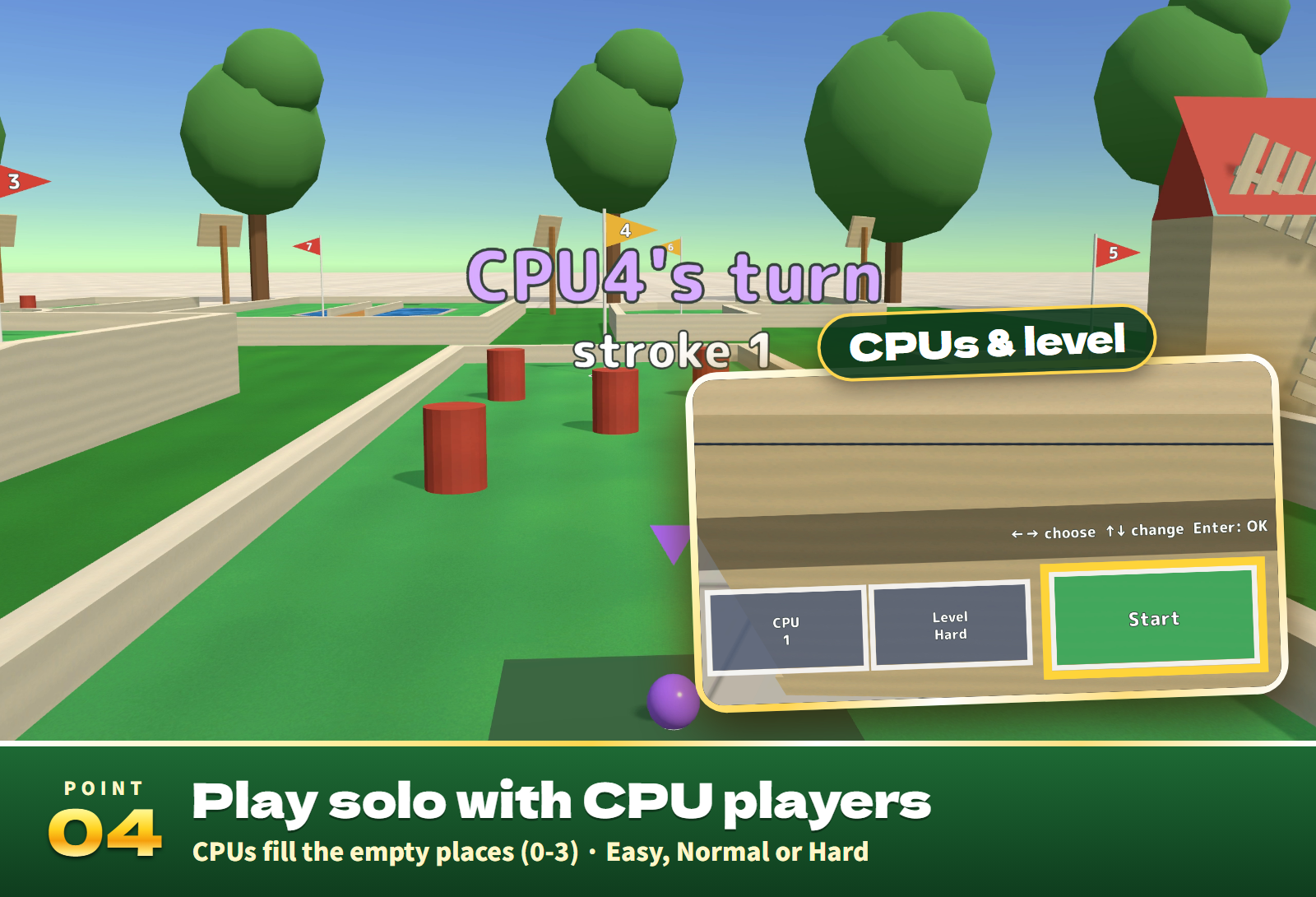
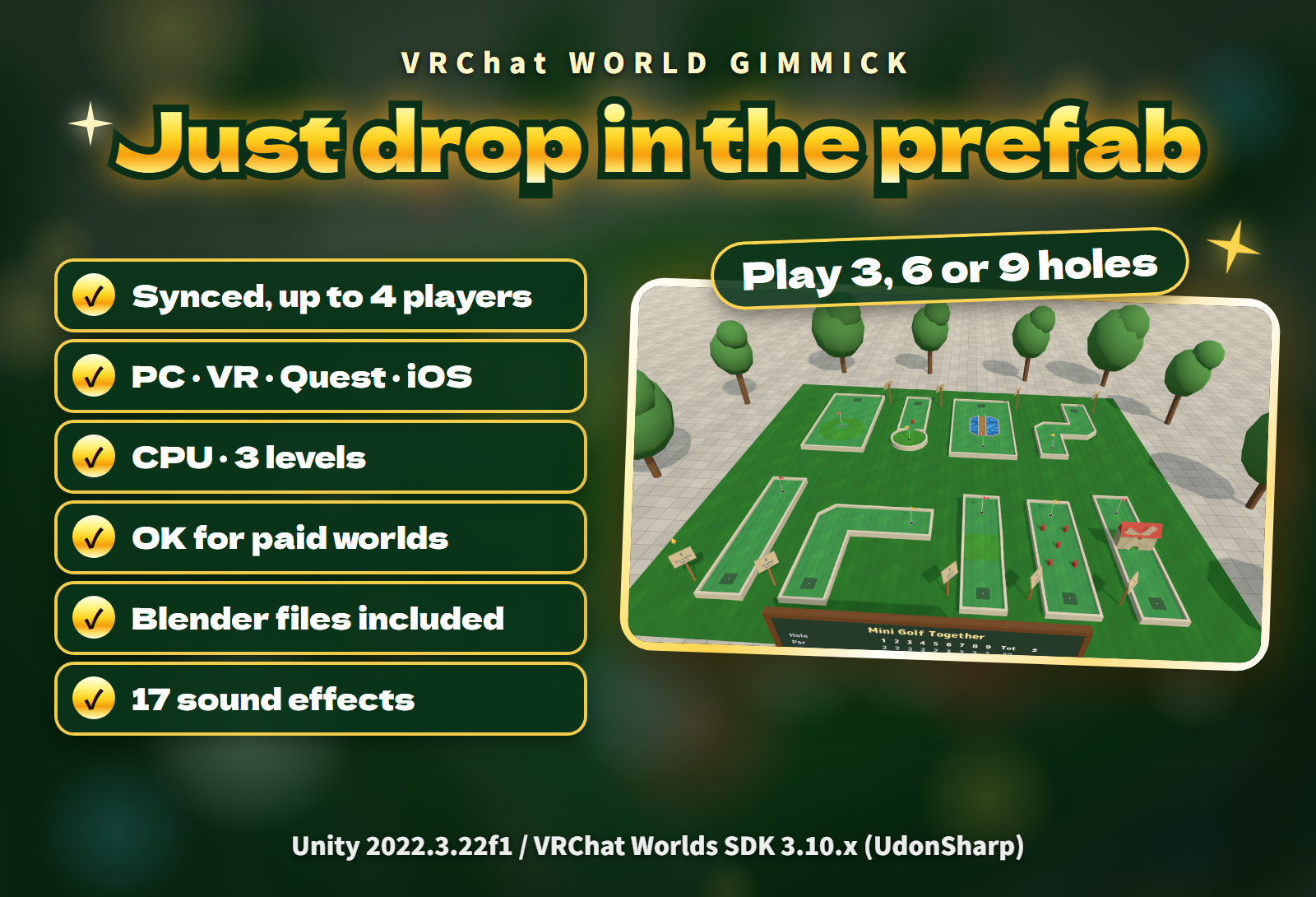
A complete 9-hole mini golf course for your VRChat world. 1 to 4 players take turns, CPU players (Easy, Normal or Hard) fill the empty places so one player can start right away, every putt rolls along the same path on everyone's screen, and every screen follows each player's language, English or Japanese.
Watch it in action
Watch the English v1.0 gameplay preview
Highlights
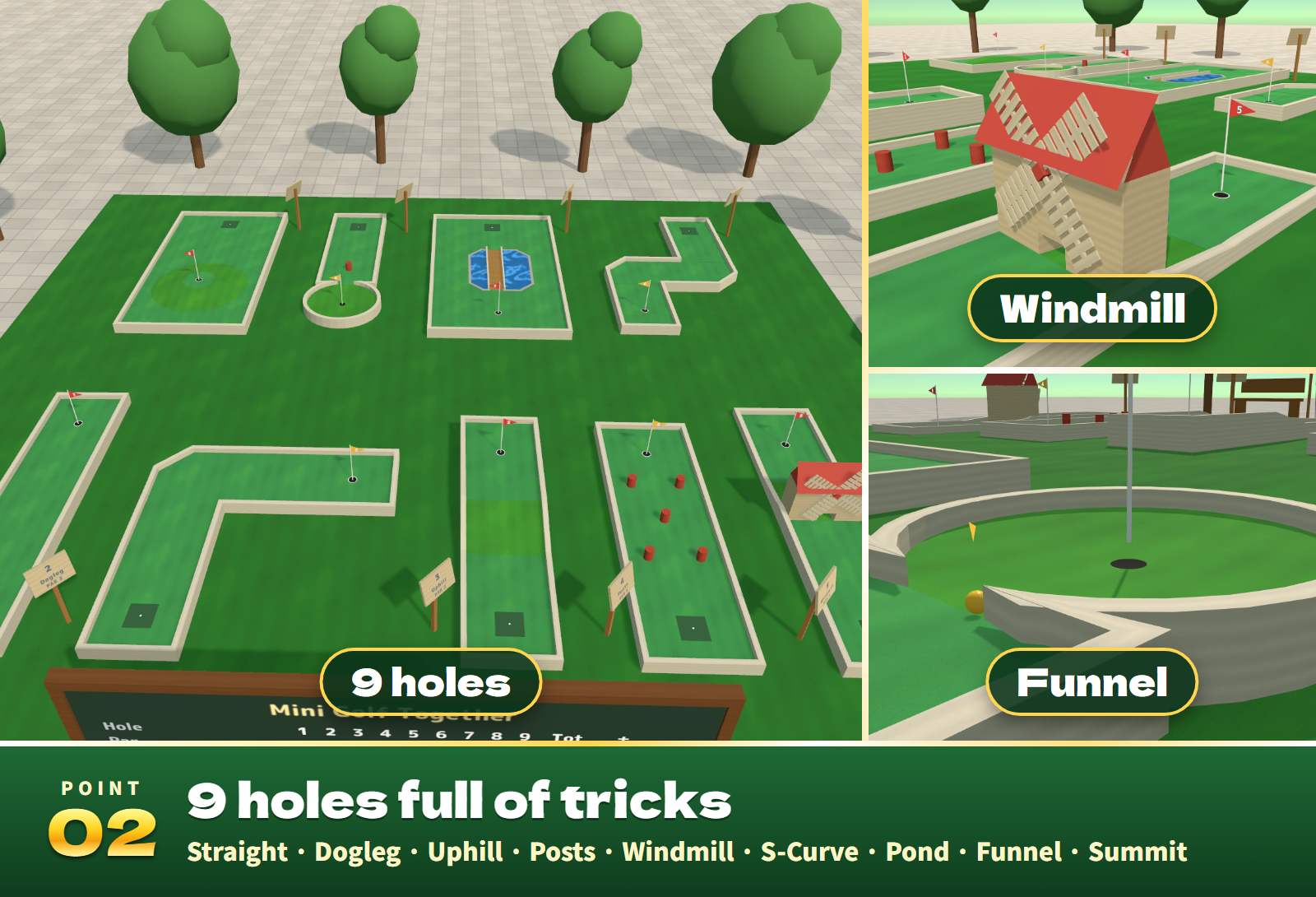
- 9 holes full of tricks. Straight, Dogleg, Uphill, Posts, Windmill, S-Curve, Pond, Funnel and Summit (par 20). Play 3, 6 or 9 holes.
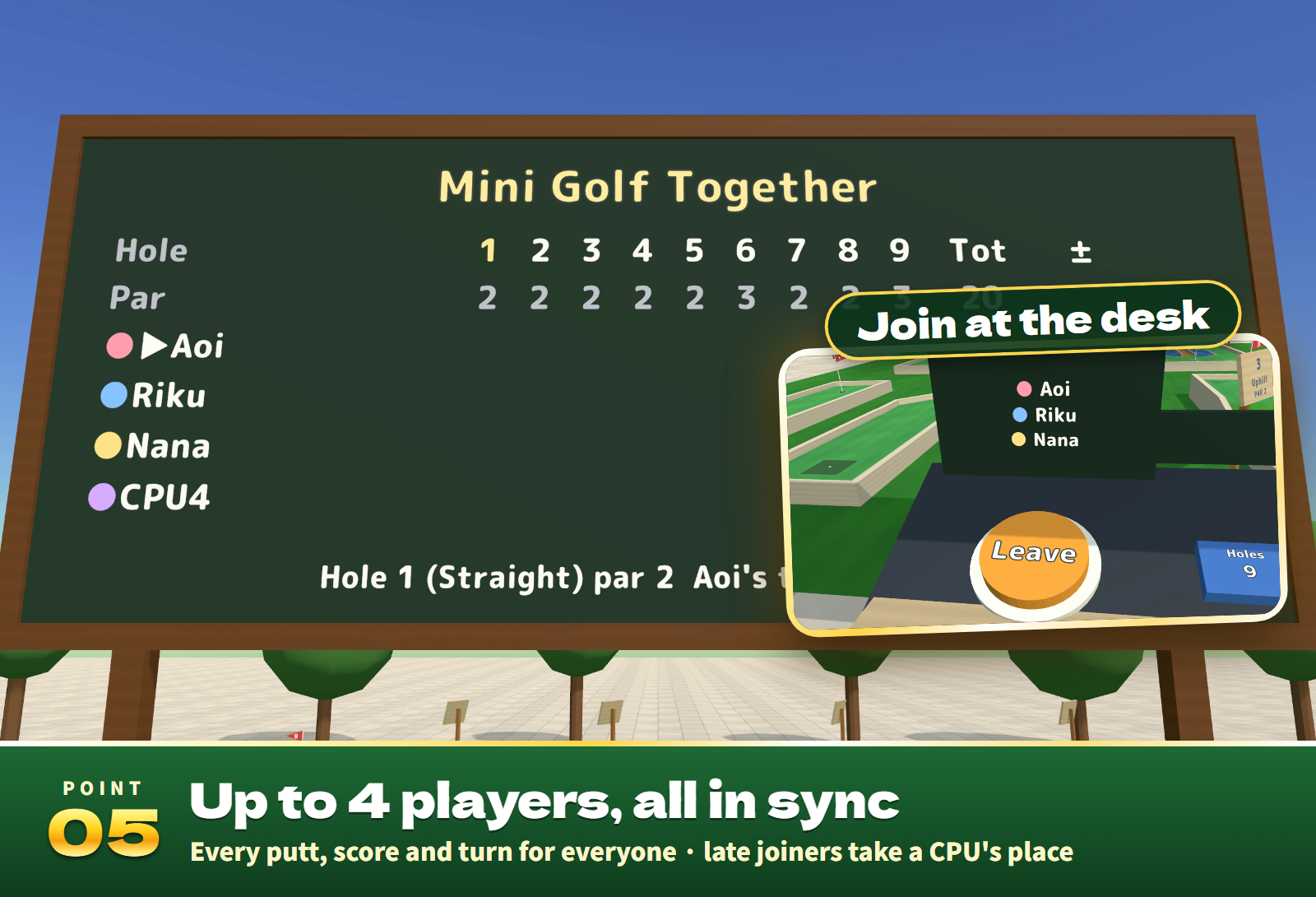
- Up to 4 players, all in sync. Turns, strokes and scores are shared with everyone, and every ball rolls the same way on every client (the same calculation, 120 times a second). Late arrivals see the game as it is and can take a CPU player's place.
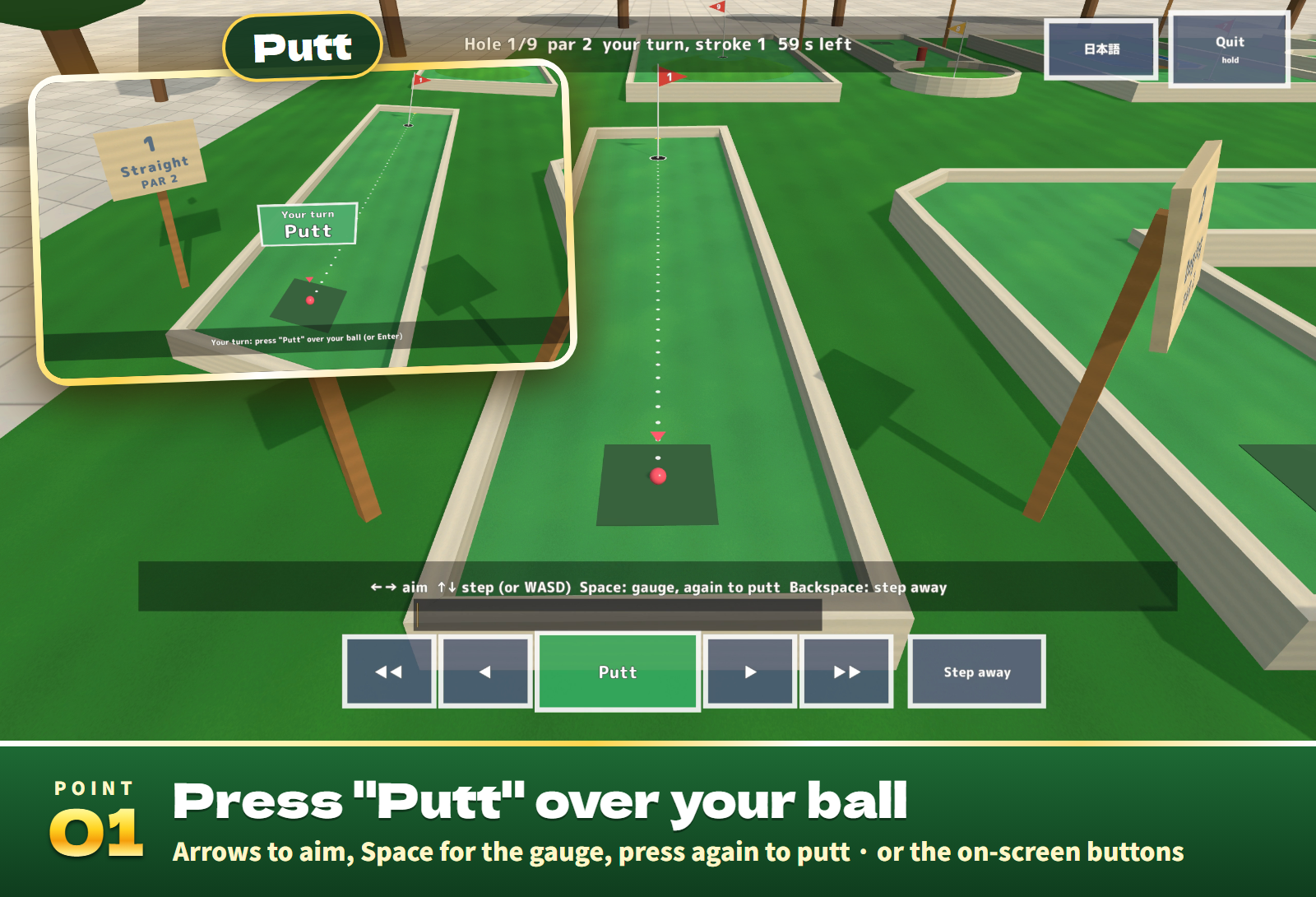
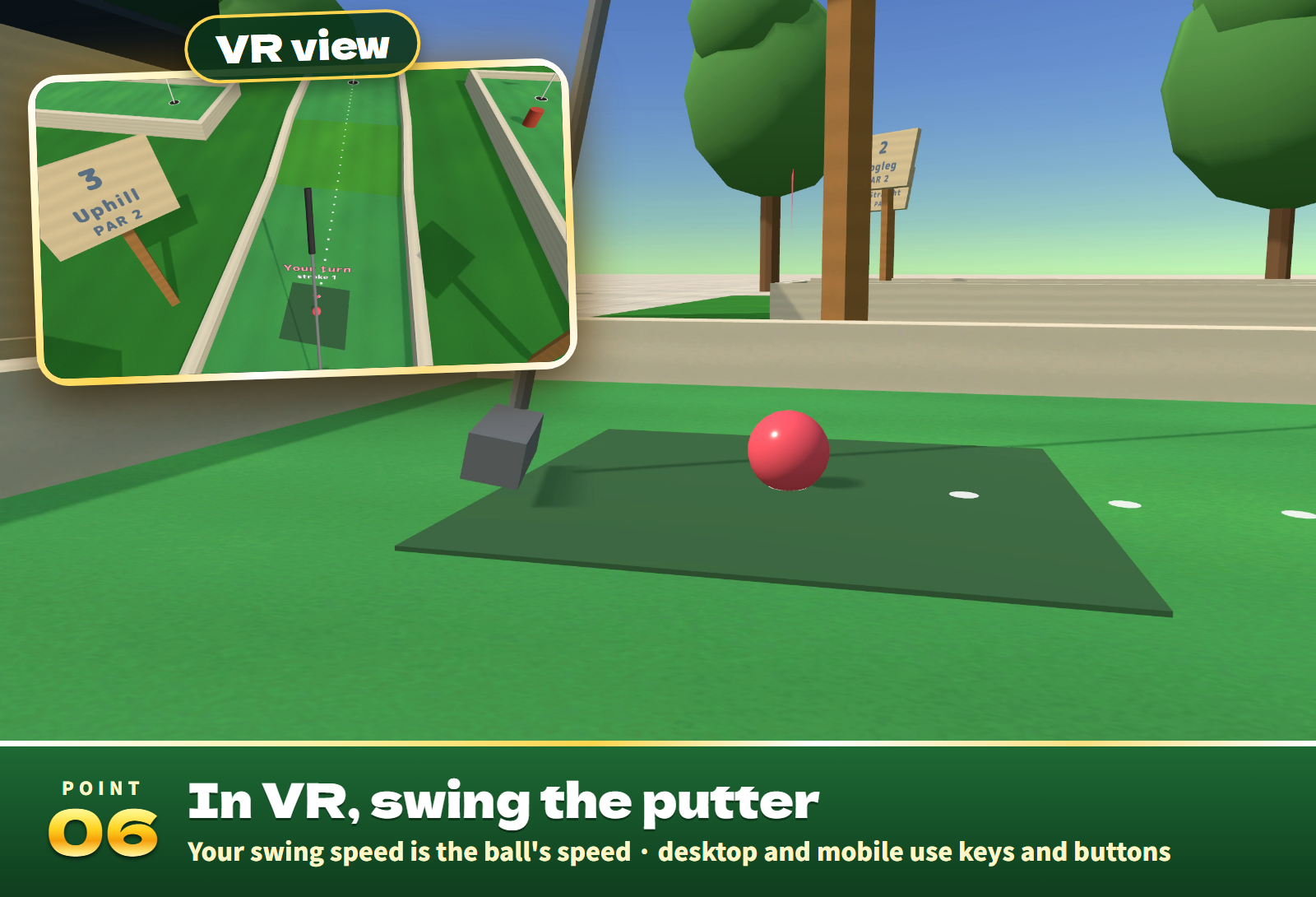
- Desktop and mobile: press "Putt" over your ball. Walk and watch freely; on your turn, "Putt" over your ball puts you behind it. ← → (A, D) aim, ↑ ↓ (W, S) step nearer or back, Space starts the gauge and a second press putts at that power. After the putt you are free again. The on-screen buttons work too.
- VR: swing the putter. Take a putter from the rack and swing it through the ball: the faster the swing, the farther it rolls.
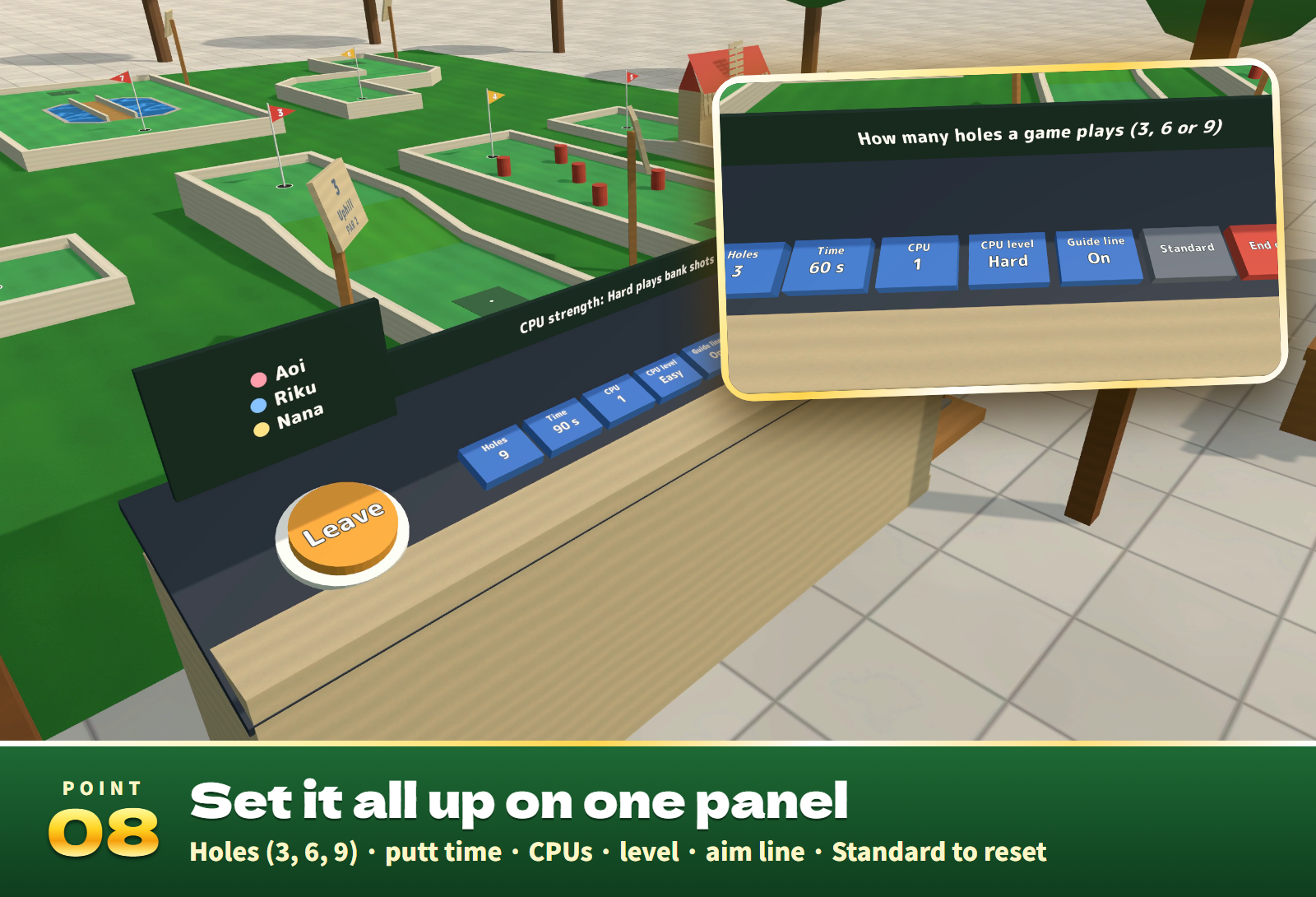
- CPU players. Easy, Normal or Hard (roughly 26, 21 and 17 strokes for the 9 holes). Hard plays bank shots off the walls, and at the windmill the CPU times its putt to the gap between the blades.
- An aim line up to the first wall or post it meets makes bank shots easy to line up (or switch it to a short arrow).
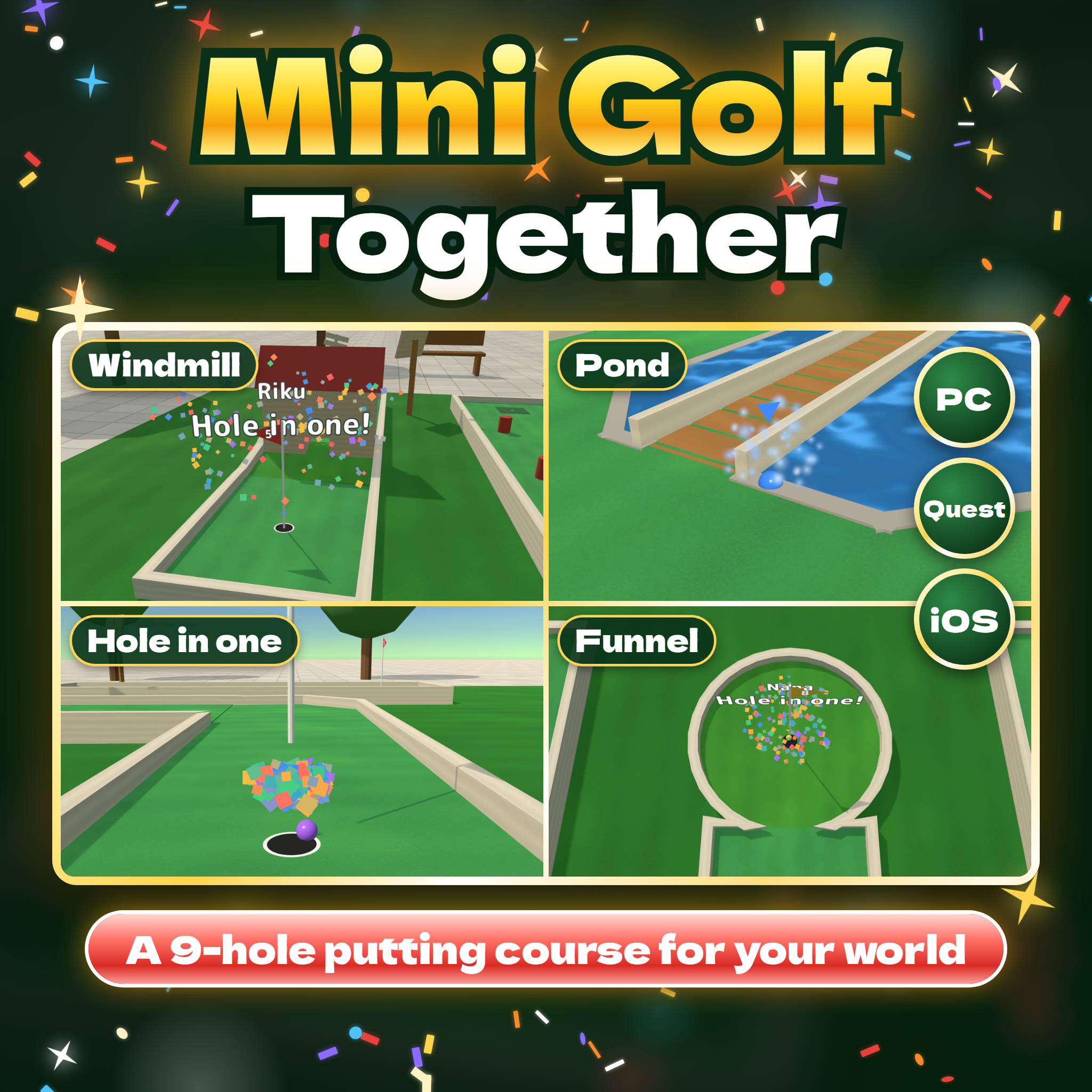
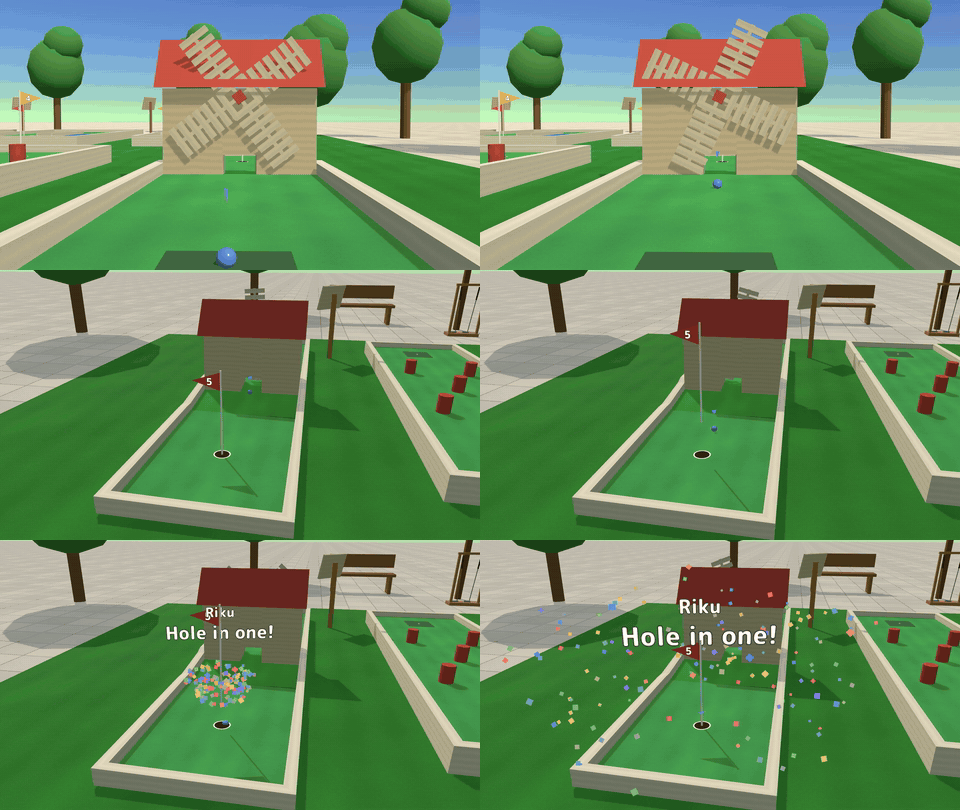
- Big moments. Confetti and cheers for a hole in one or an eagle, sparkles for a birdie, a splash in the pond and big words over the cup.
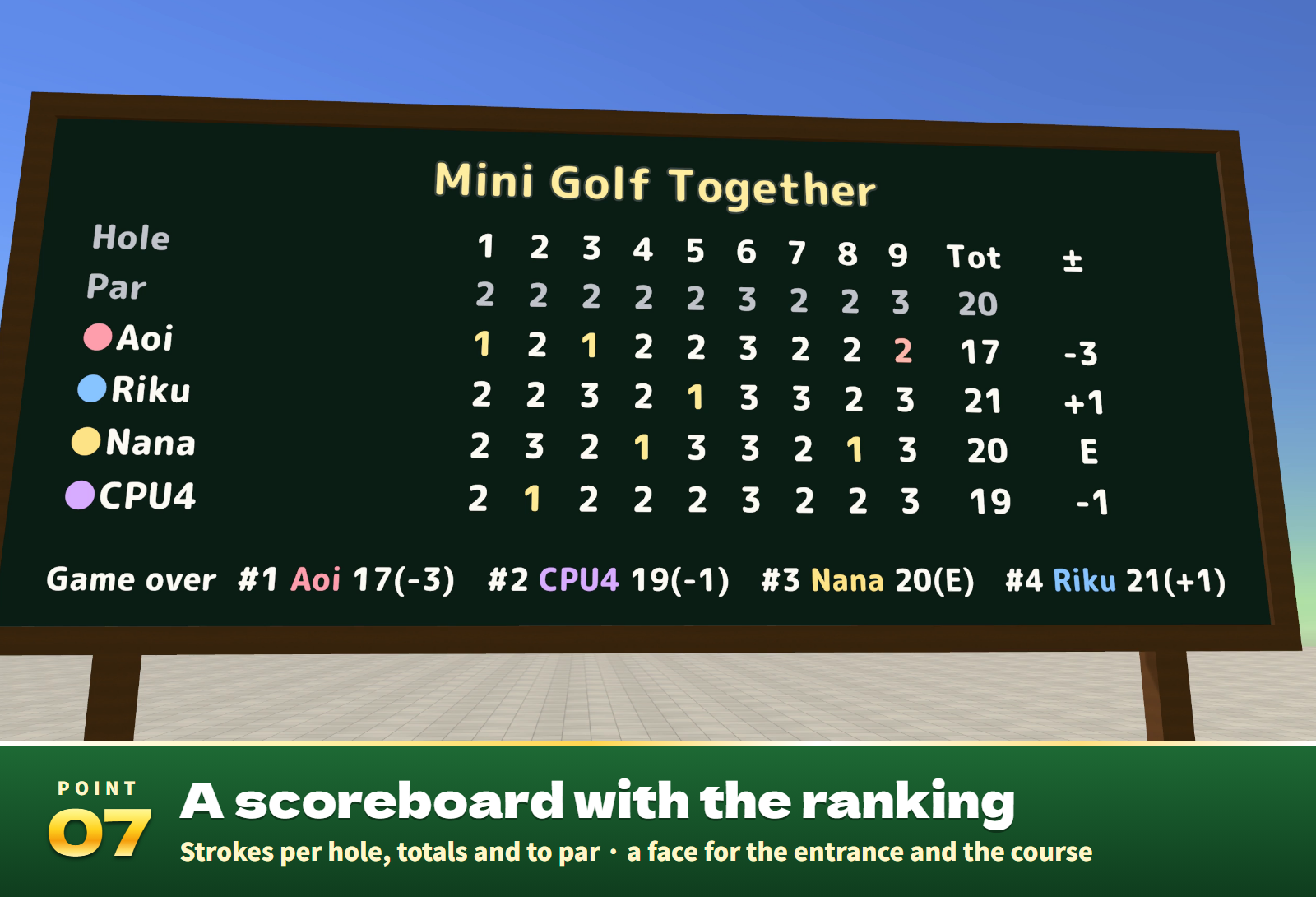
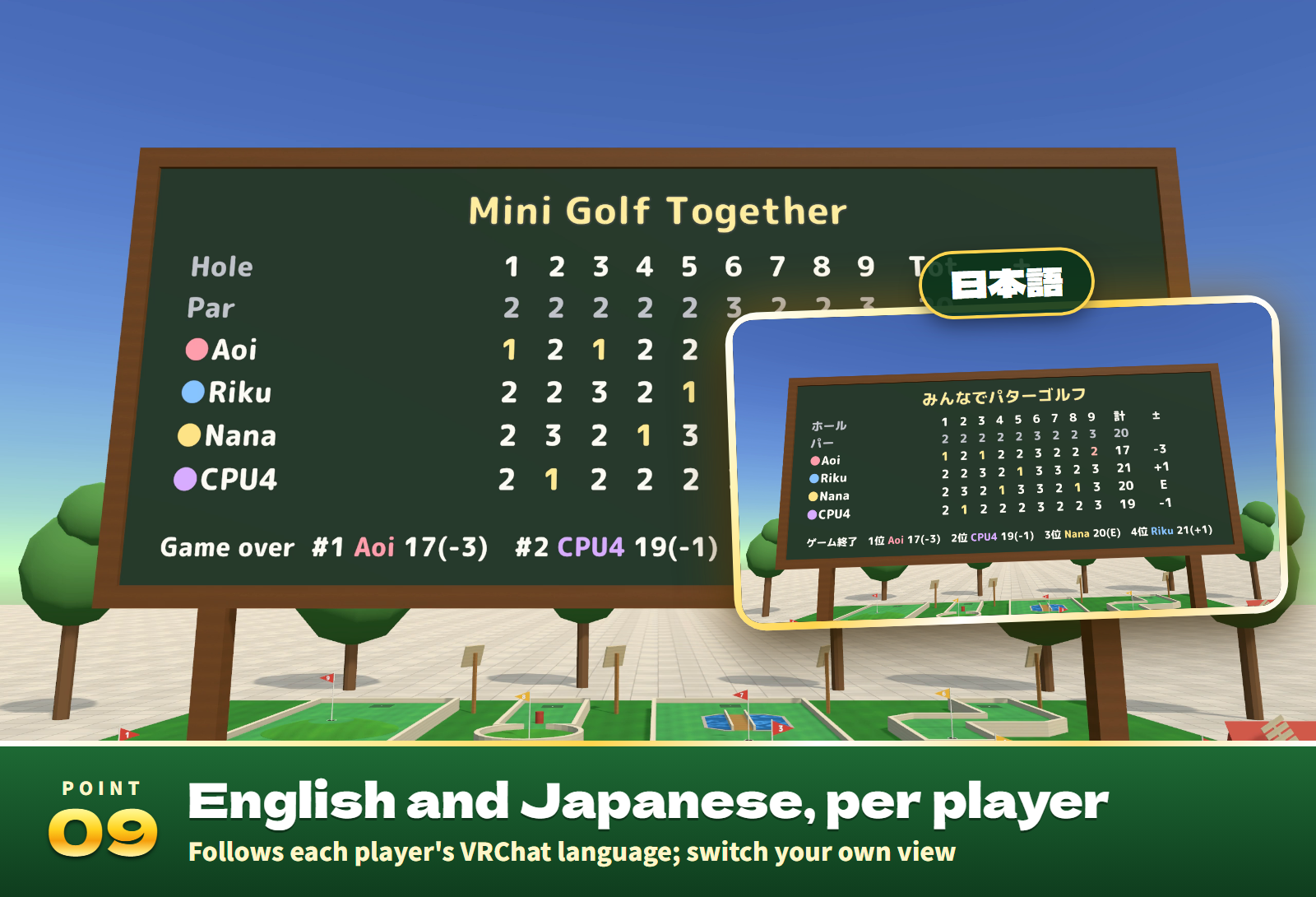
- A scoreboard with two faces (one for the entrance, one for the course): strokes per hole, totals, to par and the final ranking.
- Time to putt (none, 30, 60 or 90 s): when it runs out, a CPU putts for you until you press "Back".
- 17 sound effects for the putt, walls, posts, the windmill's blades, the cup's lip, the cup, the splash, birdies, holes in one and more.
The 9 holes
- 1 Straight (par 2): straight, with a slight sideways tilt.
- 2 Dogleg (par 2): a 45° corner, the far leg tilted.
- 3 Uphill (par 2): the cup on a shelf above a slope; too soft and it rolls back.
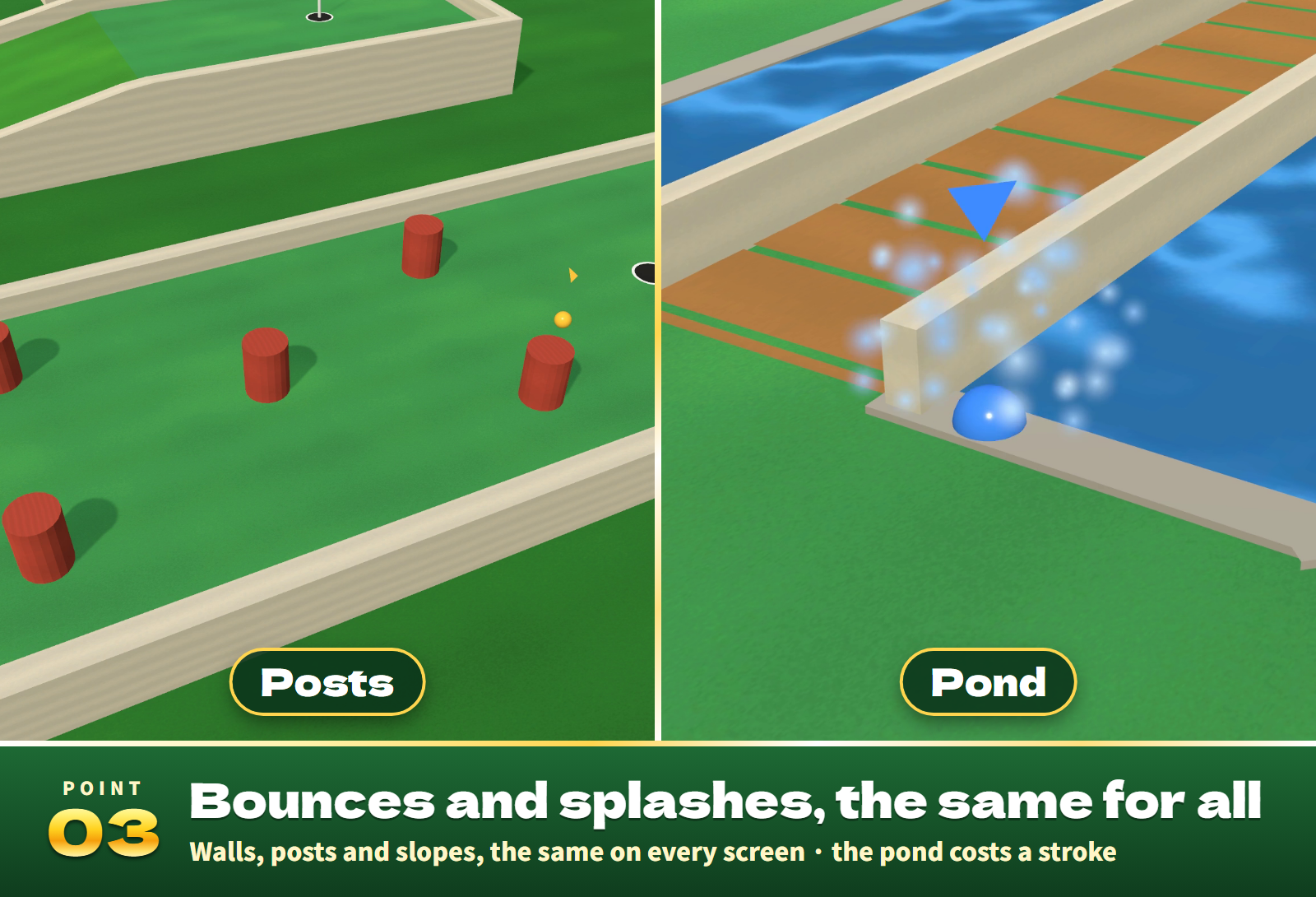
- 4 Posts (par 2): through five posts.
- 5 Windmill (par 2): turning blades cover the tunnel under the mill; through the gap and downhill to the cup.
- 6 S-Curve (par 3): two turns; a bank off the wall cuts the corner.
- 7 Pond (par 2): over the bridge between two ponds; in the water costs a stroke and you putt again.
- 8 Funnel (par 2): round the post at the mouth into a gentle bowl; the right speed rolls into the cup in its middle.
- 9 Summit (par 3): the cup on the flat top of a hill; too hard and it rolls down the far side.
Settings
- On the panel at the reception (anyone can use it; during a game, its players): holes (3, 6 or 9), time to putt, CPU players (0 to 3) and their level, guide line, Standard and End game (when more than half of the players vote).
- English / 日本語 at the reception or on your screen switches your own view only.
- In the Inspector: the starting holes, time, CPU players and level, guide line and language (automatic, Japanese or English), whether anyone can use the panel, and how soon a putter goes back to the rack.
Included files
- MiniGolf_v1.0.unitypackage: the course prefab (9 holes, the reception, the scoreboard and a rack with 2 putters), a park sample scene, the scripts, 17 sound effects and lighter materials for Quest/Android.
- README.txt and README_EN.txt: Japanese and English setup, how to play, settings and terms.
- MiniGolf_Blender: the editable .blend, the FBX and the turf, wood and water textures.
Requirements and setup
Unity 2022.3.22f1, VRChat Worlds SDK 3.10.x (tested with 3.10.5) including UdonSharp, and TextMesh Pro, in a Creator Companion world project. It runs on PC (desktop and VR), Quest/Android and iOS.
- Import TMP Essential Resources if the project has never used TextMesh Pro.
- Import MiniGolf_v1.0.unitypackage.
- Place Assets/MiniGolf/MiniGolfCourse.prefab on a level floor, or open Assets/MiniGolf/Sample/MiniGolf_Sample.unity to try it first.
Setup takes about ten minutes. The course is about 12.8 m x 14 m with the reception and the scoreboard. Move and rotate it freely (do not scale it); each hole can also be moved and turned on its own.
The ball stops at the very same spot as a separate reference program in 216 putts, and play, sync, late joining and the CPU players are covered by 33 automated tests. The sample scene built for Android is about 3.9 MB.
Terms of use
- You may include it in VRChat worlds and publish them, including paid, corporate, event and monetized worlds.
- Modification is allowed. Credit is optional and appreciated.
- Redistributing or reselling the data itself (modified or not), or bundling it with other assets for sale, is not allowed.
- Please contact the creator before using it outside VRChat worlds, such as in other games or videos.
- The author is not responsible for any problems arising from using this data.
Credits and support
Font: M PLUS Rounded 1c, SIL Open Font License 1.1 (Fonts/OFL.txt). The 3D models, textures, sound effects and scripts were made for this product.
For purchase questions, use the contact option on the store where you purchased this product. Include the product, Unity and SDK versions, steps and any error message.
Jinxxy support
For purchases on Jinxxy, use this product's Q&A on Jinxxy. Include the product name, Unity and SDK versions, the steps you took and any error text.