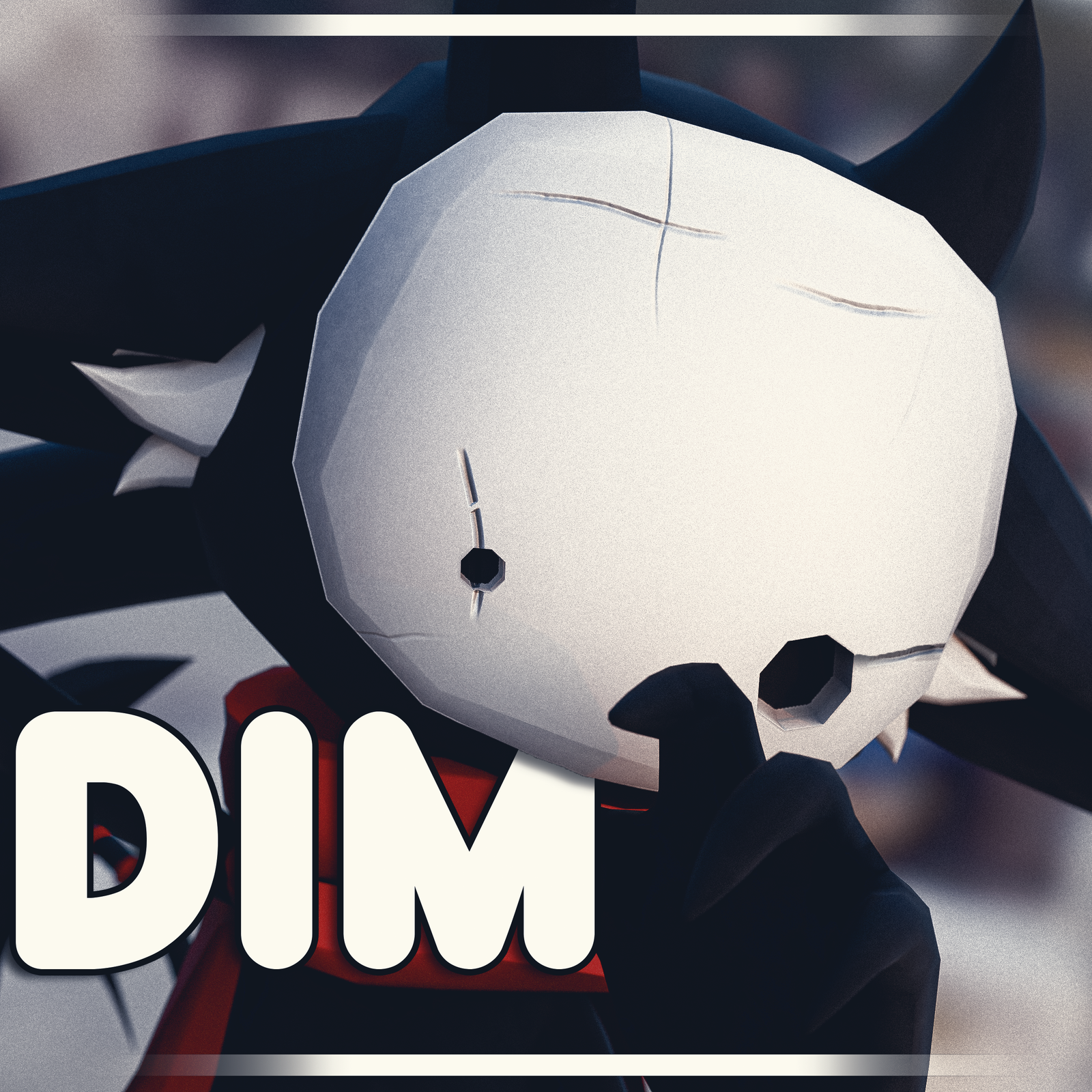
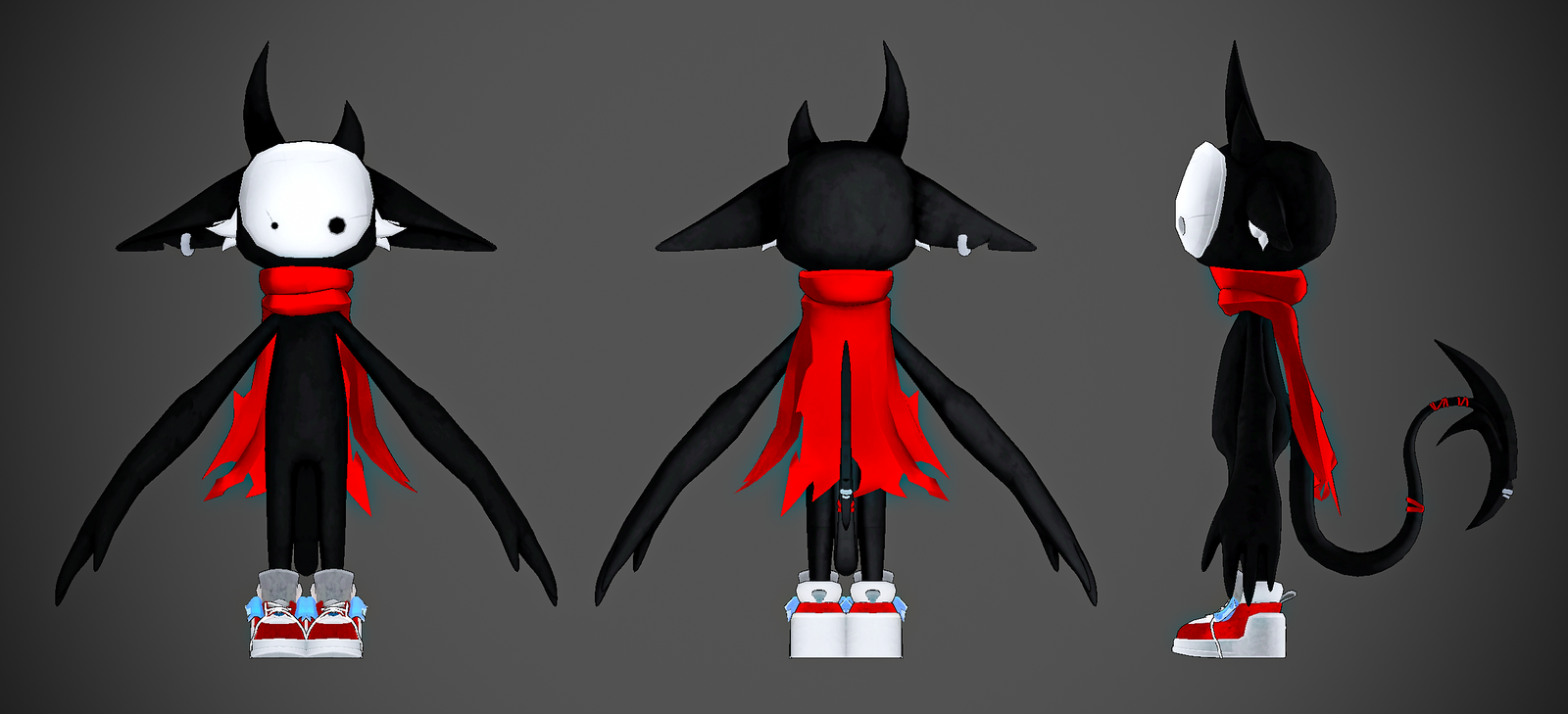
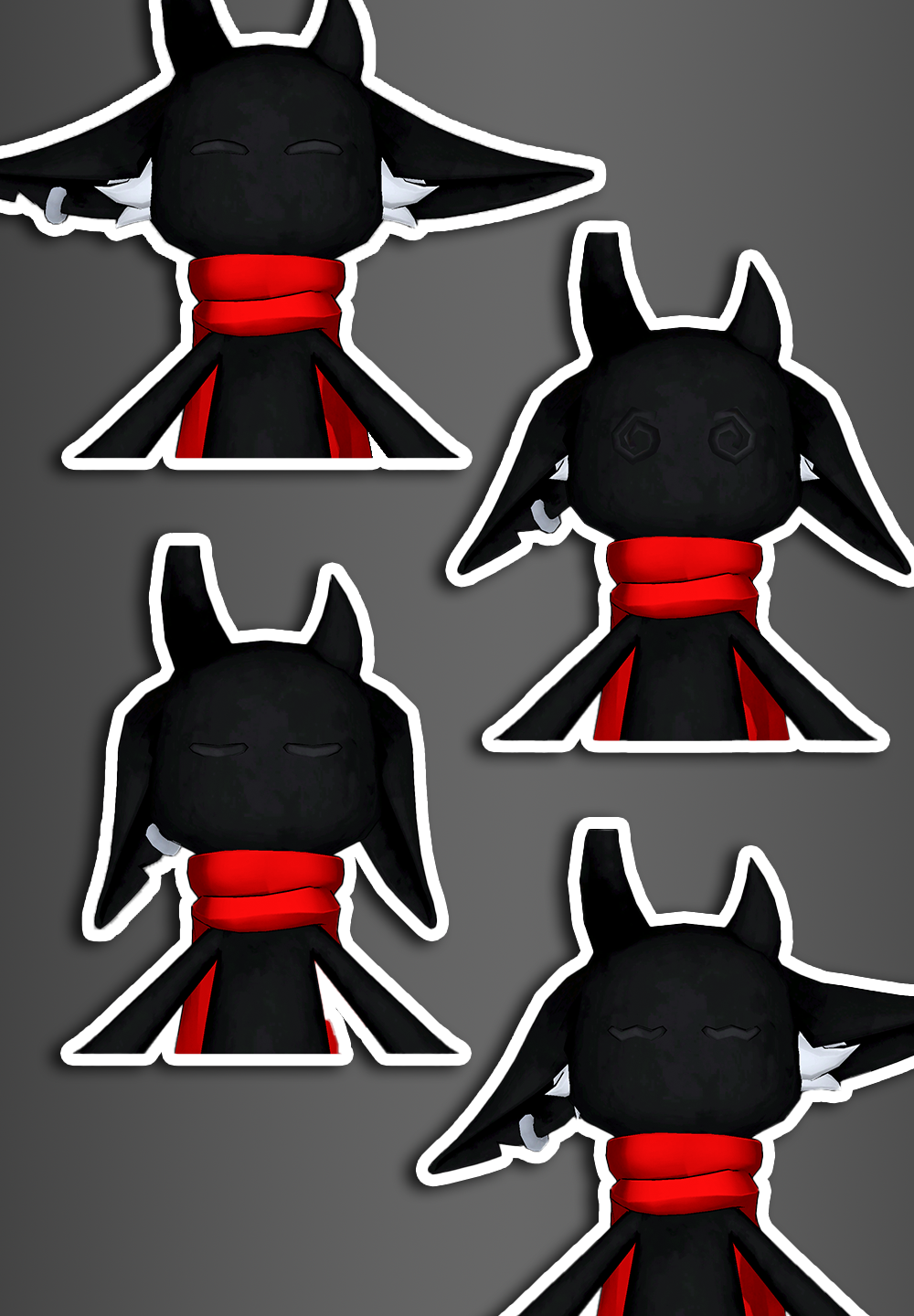
Product Description
⭐ Please Leave A Rating!
V1 (12/23)
Changelog:
- FULL PC Release
PC DETAILS
- [Unity 2022.3.22f1]
- [22,888 Polys]
- [Poiyomi]
- [Performance Rank: Good ]
FEATURES
- Hue Shift for Cape, Tail Accessories, and shoes!
- Mask Toggle
- Cape Toggle
- Shoes Toggle
- Avatar Limb Scaling

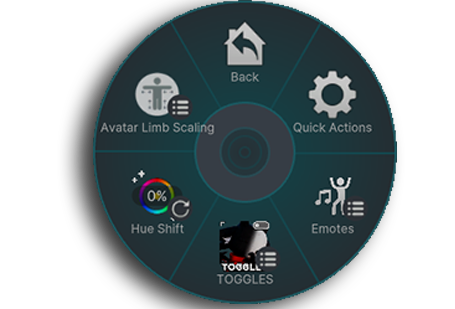
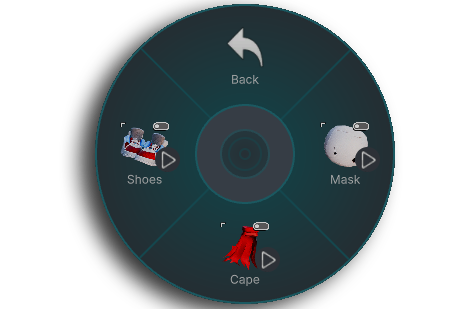
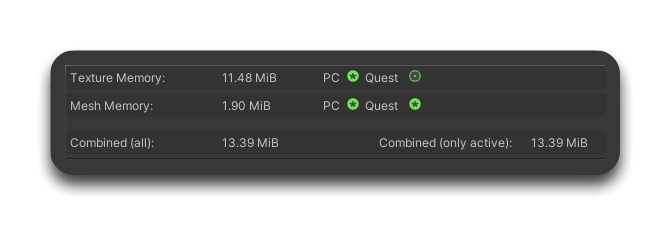
PC STATS:
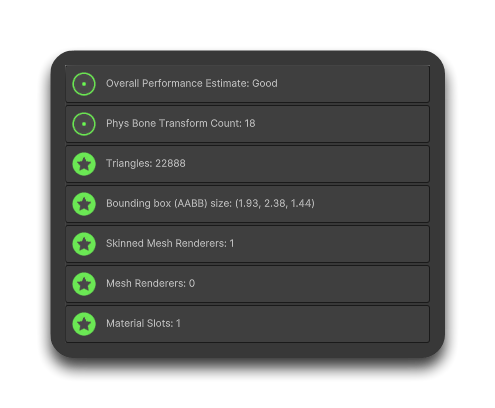
QUEST STATS:
TBA.....
Credits:
- Everything made by me... Dogu.
You can edit however you want!
Import Steps:
Please have some knowledge of Blender or Unity, uploading in unity and familiar with VRChat Creator Companion (VCC).
- 1. Ensure the below dependencies are installed and up to date.
-Make sure you’re using the latest versions of VRChat SDK - Base and VRChat SDK - Avatars.
-And In VCC, Install VRCFury . - 2. After checkout, download the file Dogu's DIM Package - PC.
-Extract the files and import both Poiyomi and the DIMbyDOGU.unitypackage from the folder into a new project. - 3. When in Unity double click the DIMbyDOGU prefab in unity and it should be all ready to upload.
LINKS
- Join Dogu's server to stay up to date!
- Join the Discord Server!
- Follow my socials to see what i do!
- My Socials!
Terms Of Service:
By purchasing this Avatar, you automatically agree to the following conditions:
- No trading, sharing, or uploading to a friend, if they want a model from me they need to contact me or buy it
- Do not make any models bought public or upload it publicly
- YOU MUST BUY THE ASSET TO USE IT; Means no using it from a purchased model
- NO REFUNDS
- If you are not comfortable with my Terms Of Service and/or are not willing to agree to the conditions, DON'T BUY
Please have some knowledge of Blender or Unity. I will not be able to help you if you don't, so do not buy.
If you have any questions, please contact me! MY LINKS!