Navigation
Post
174d ago
I really liked the visuals and the guidance on what you need to physically upload the avatar — that part was super helpful.
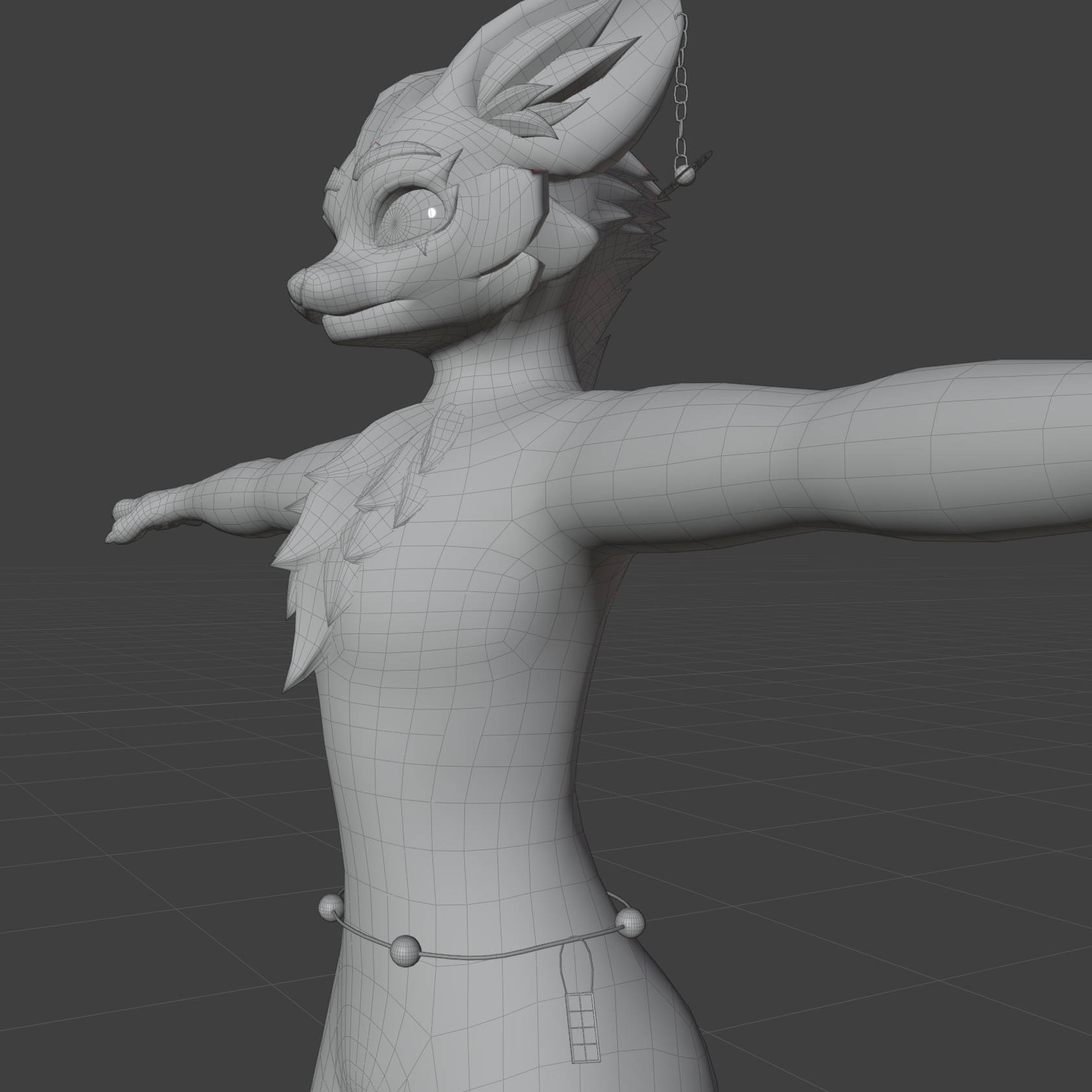
The hardest part for me was figuring out what was going wrong with my avatar. I ran into issues like it floating through the floor and the GoGo not working properly, and I couldn’t quite work out why. I’ve been able to upload avatars to PC only for a long time, but I’ve always struggled with making them Quest compatible while still keeping the extra (non-Quest-safe) features for PC. That’s something I’ve tried to learn for years, but I’ve never quite managed to get it right.
I’ve watched a lot of tutorials, but most of them end up not working for me, and I often run into warnings or errors, which can be pretty frustrating. It’s been a long-term goal of mine to be able to upload avatars that are both PC and Quest compatible, so I can fully use and share them with friends and let them see the avatars I’ve chosen.
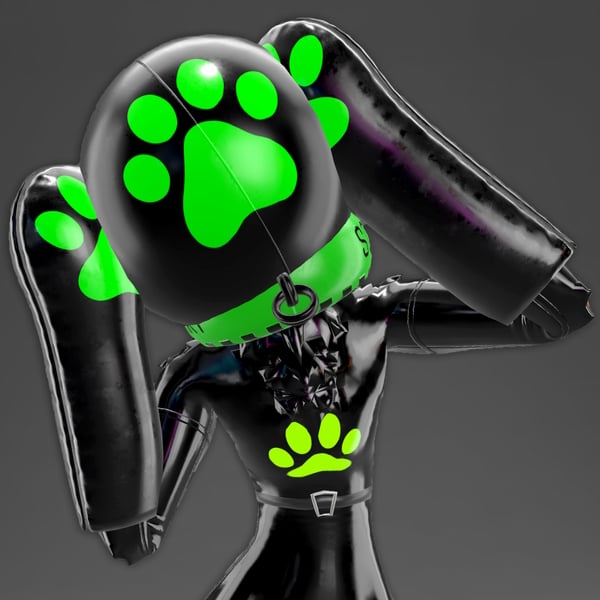
That said, I really do love the avatar — it fits my style really well. I just find it quite hard sometimes to find male avatars that aren’t the typical “e-boy” style. I’d love to see more realistic male options, like smart outfits or more grounded designs. Often I end up using female, femboy, or occasionally furry avatars just to find something that represents me, but I’d really love more variety in this space.
Overall though, I appreciate the work that went into this, and I’m really grateful for the experience. Thanks again.