Magic Circle A Halo - Swaying, Grabbable Head Accessory with Ancient Glyph Particles | Modular Avatar, PhysBone, 5 Colours
Product Description
This product contains AI-generated content.
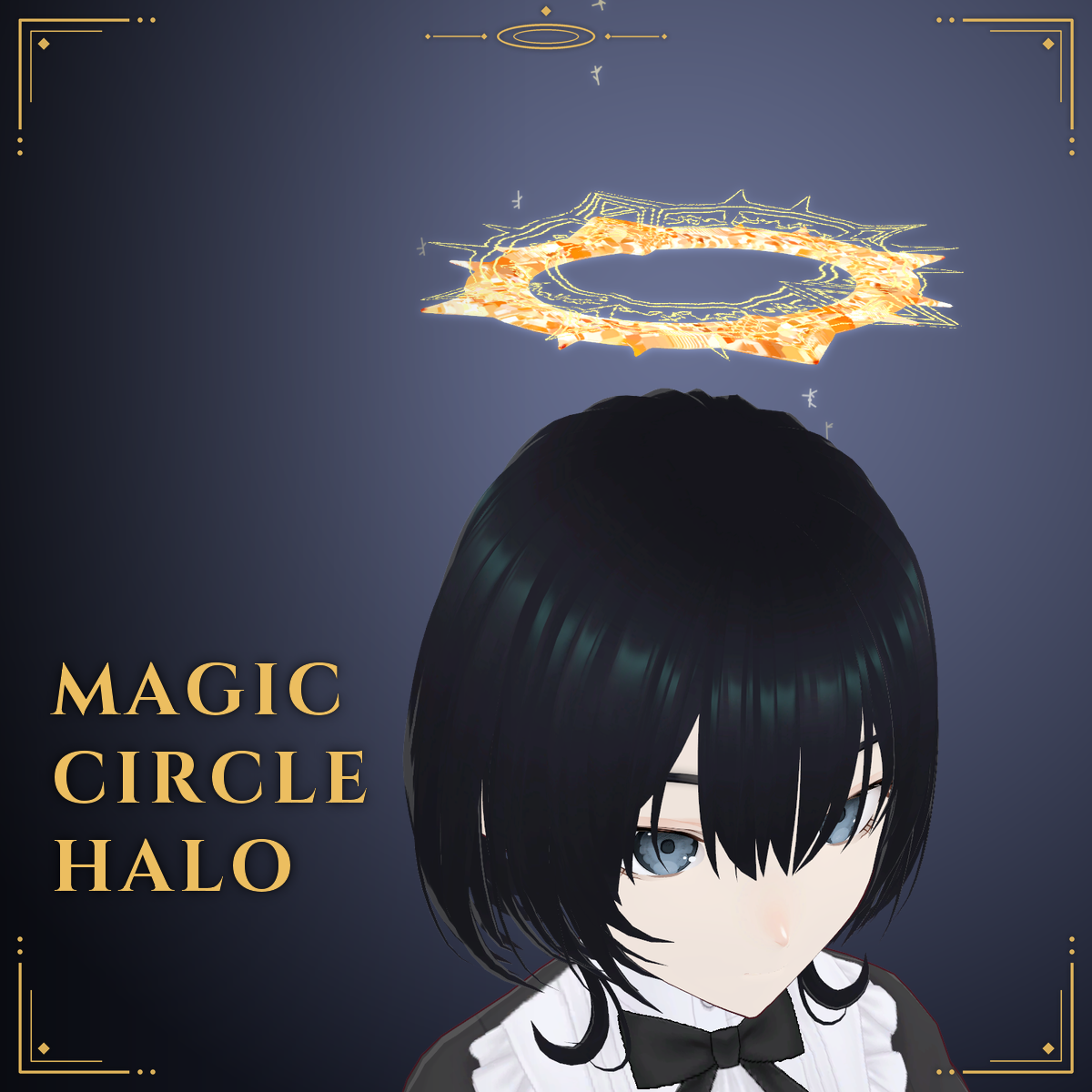
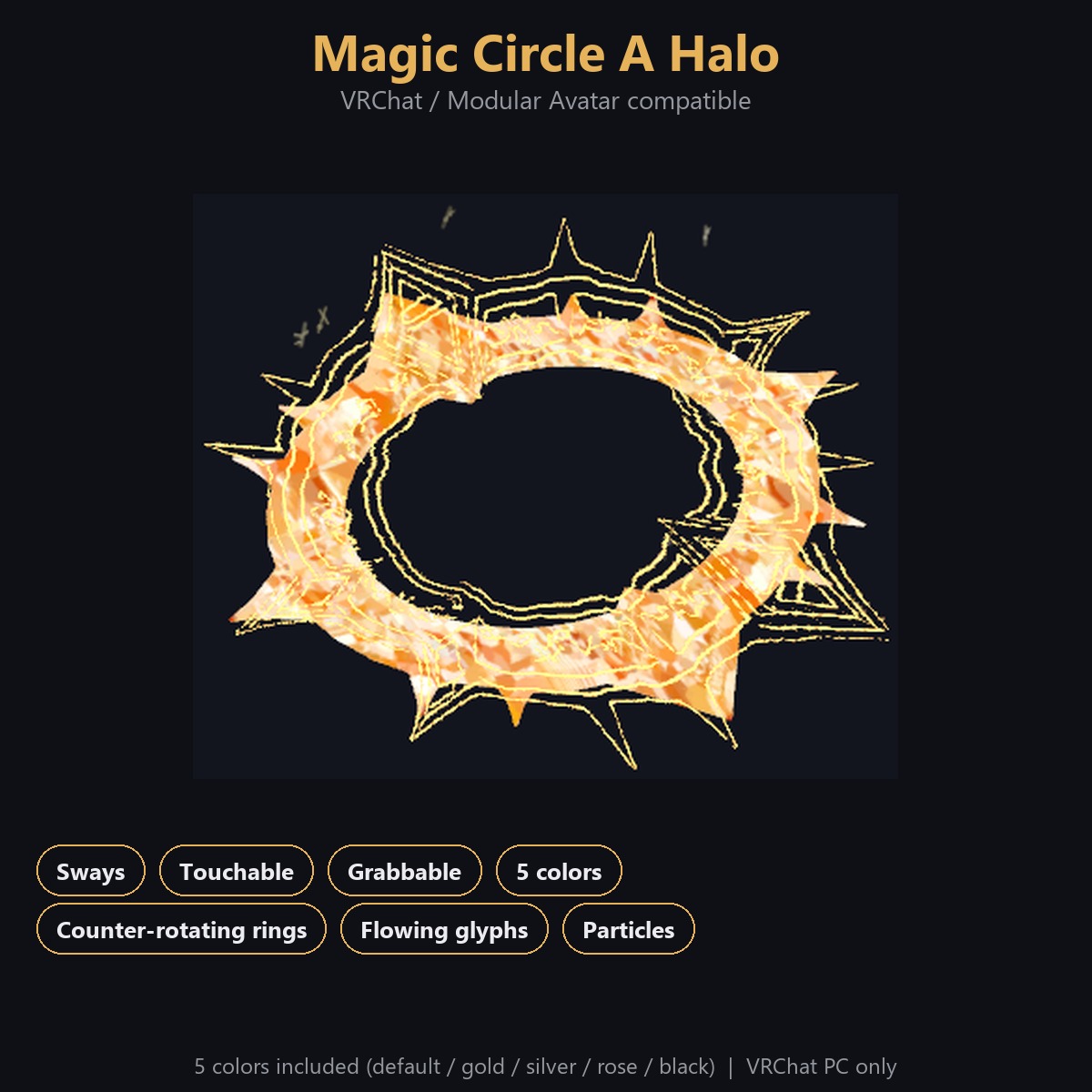
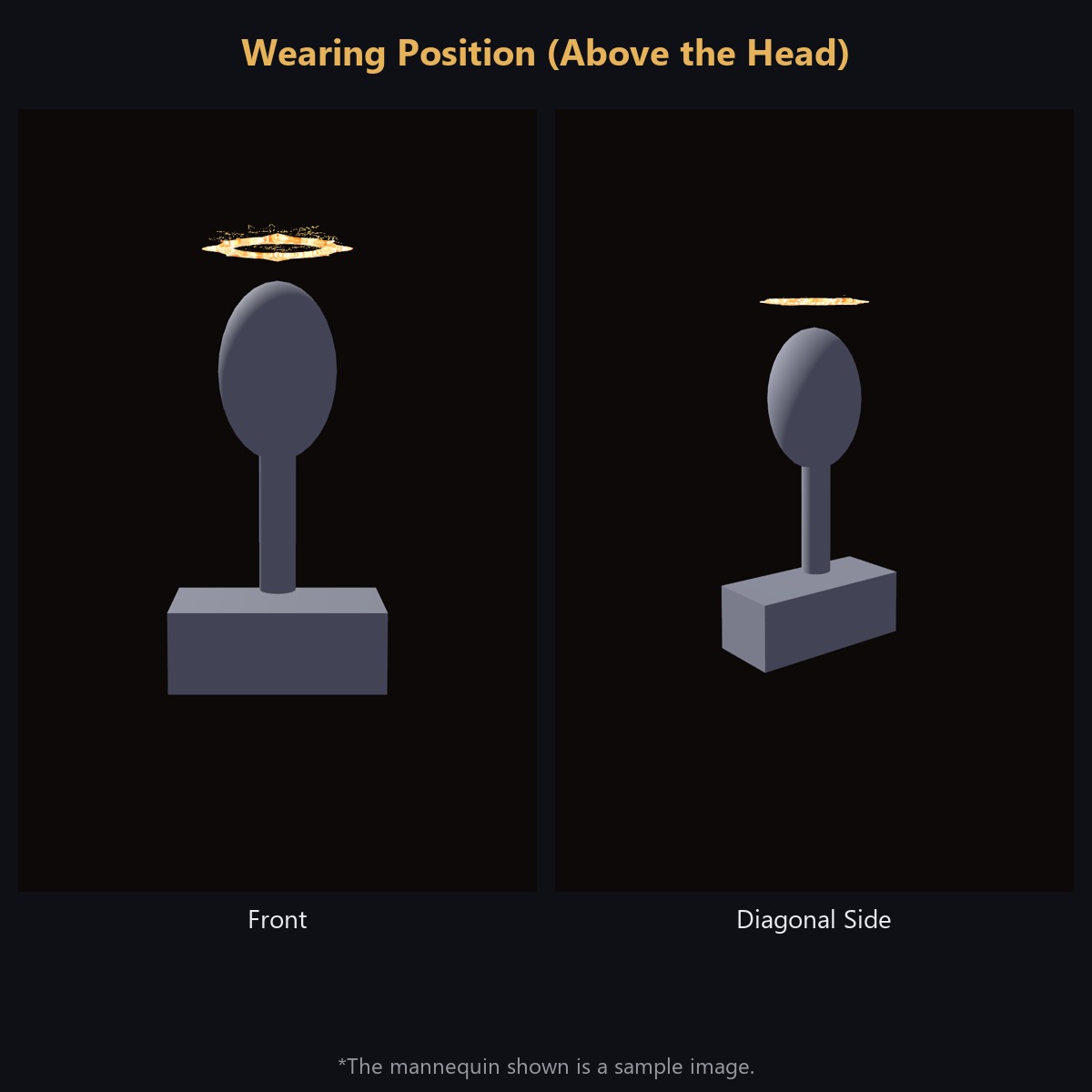
An overhead halo accessory for VRChat avatars (3D prop). Works with Modular Avatar - just drop the prefab under your avatar's root and it attaches to the head automatically.
Note: The character (avatar), body and clothing shown in the product images are not included.
Features:
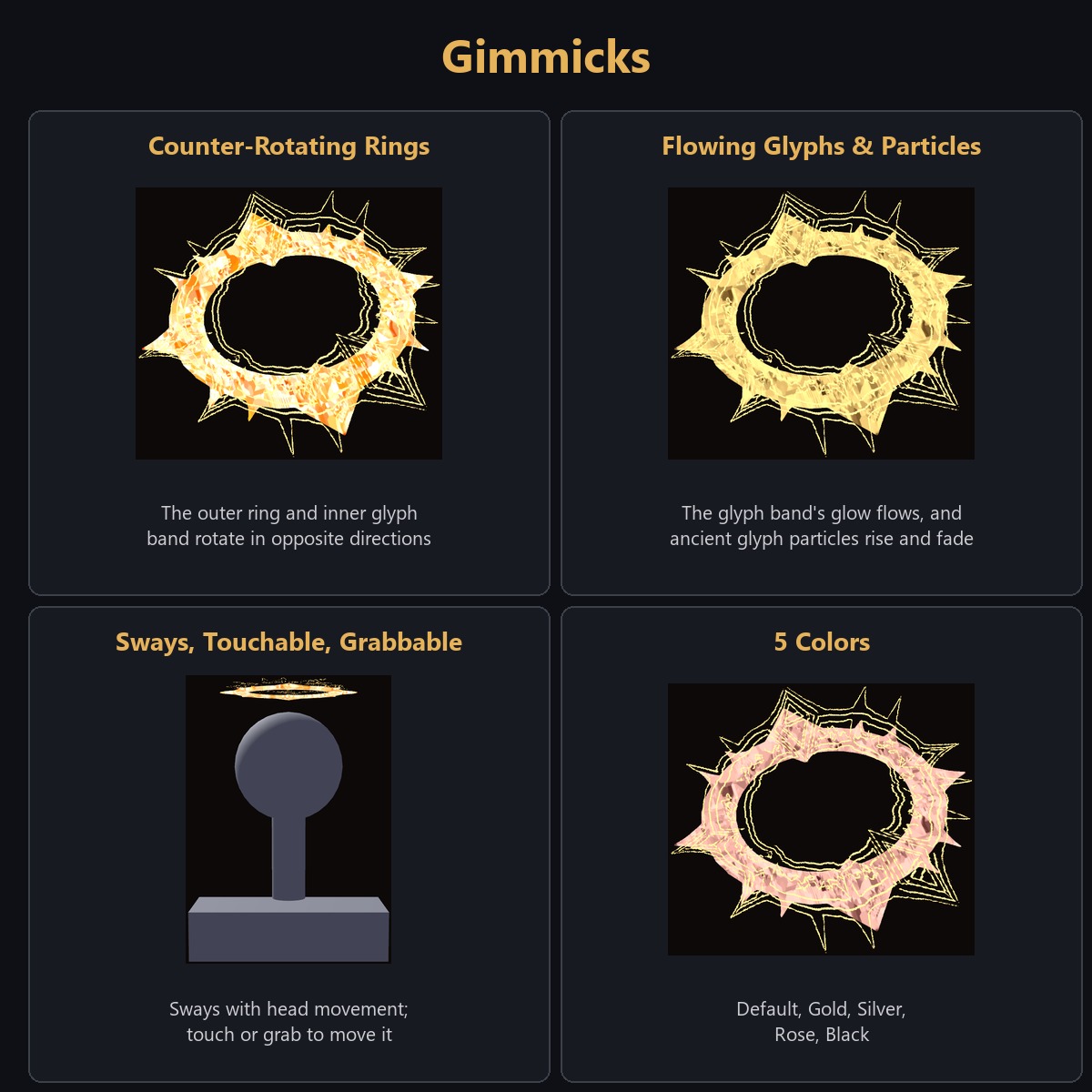
- Follows your head with a gentle swaying delay, and drifts slightly even when still
- Can be pushed and grabbed - pull it and it springs back naturally (PhysBone)
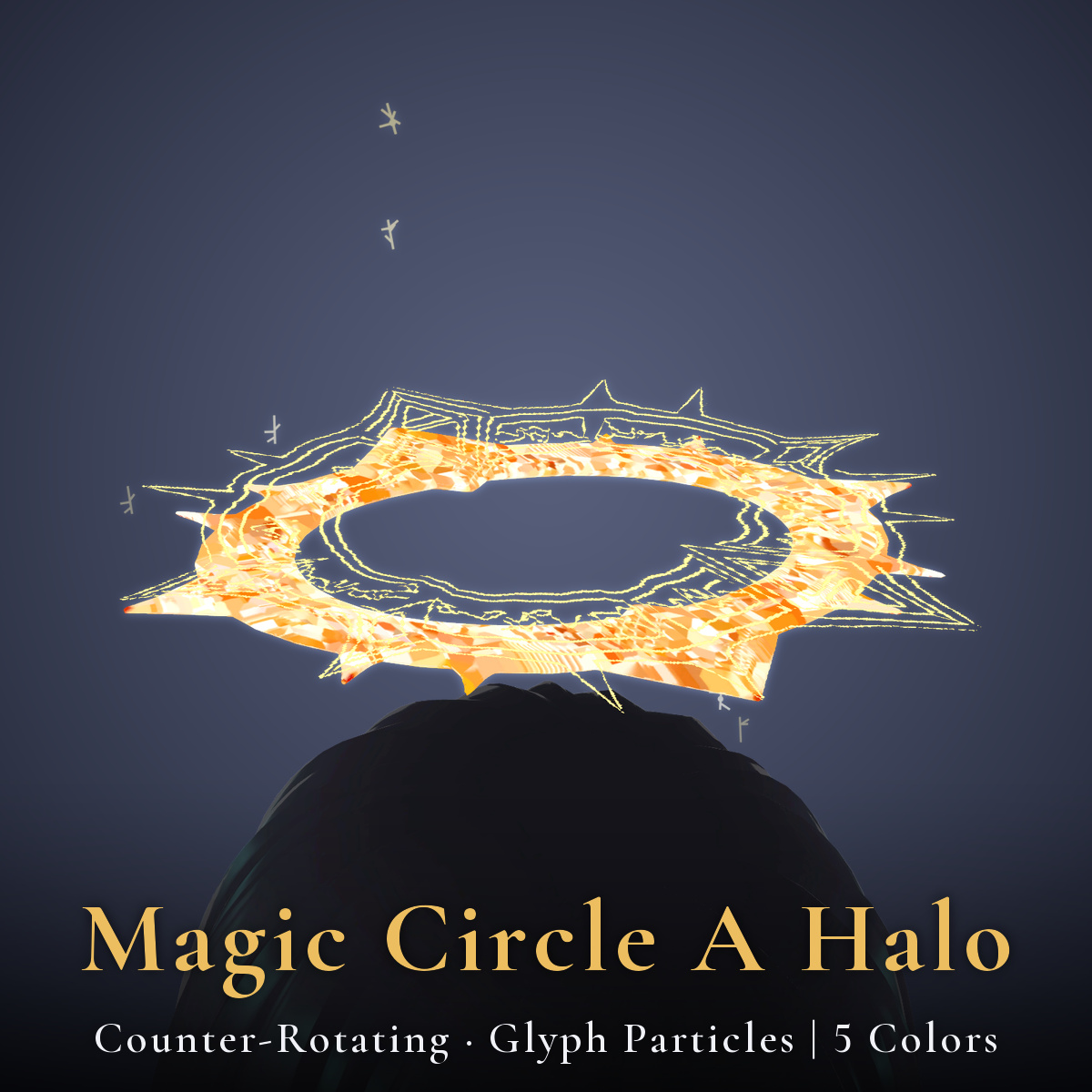
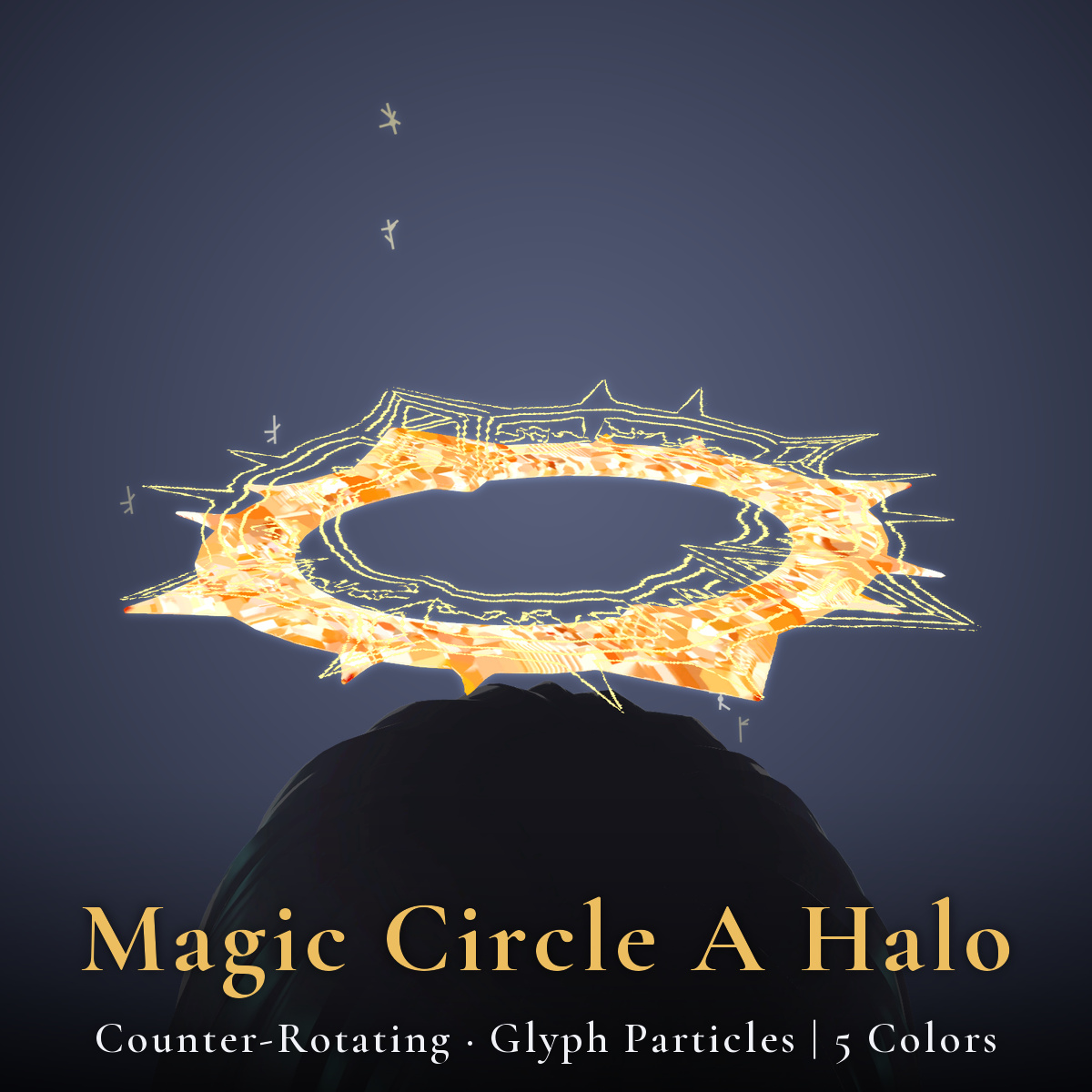
- The outer ring and the inner glyph band rotate slowly in opposite directions (a double counter-rotation)
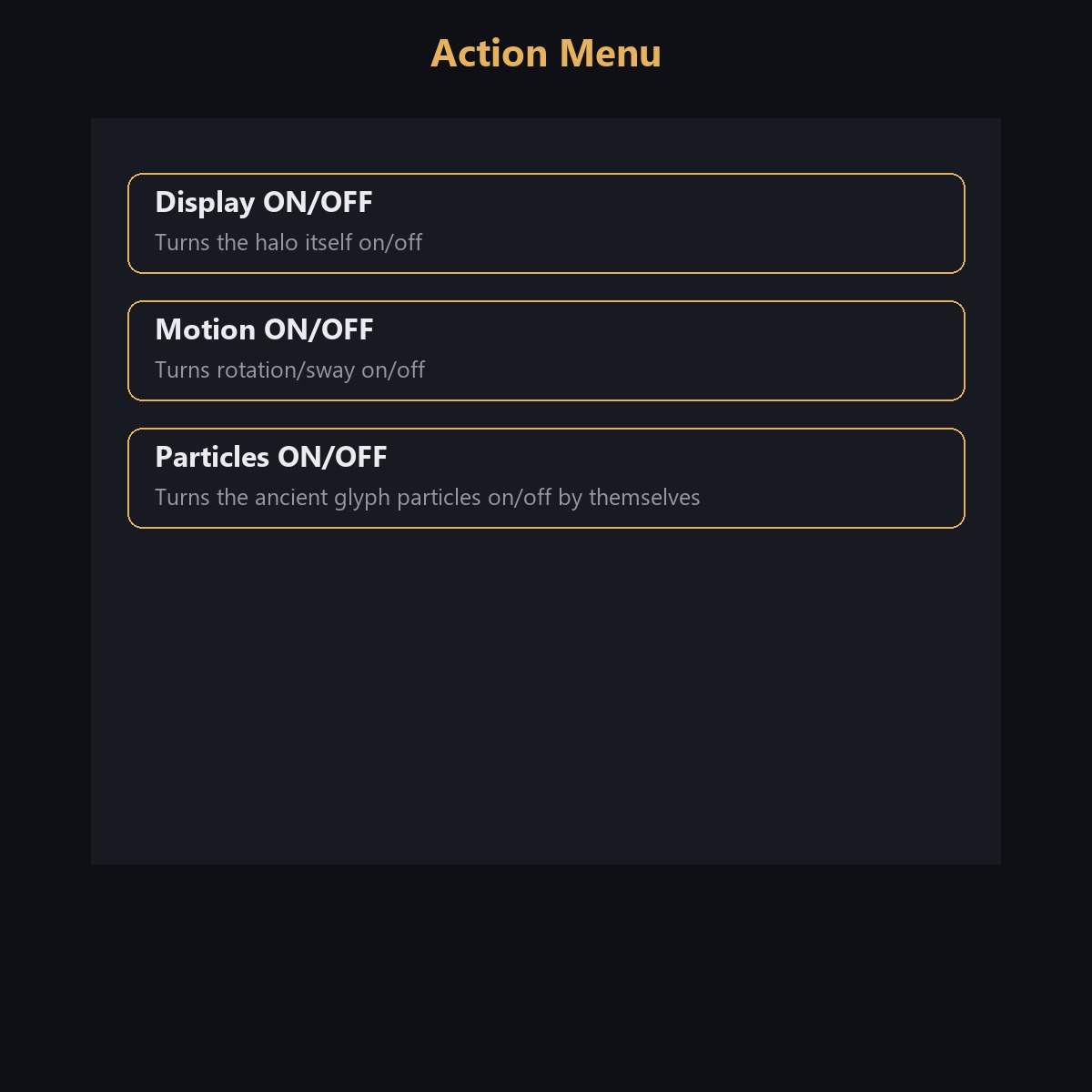
- Small ancient glyphs rise and fade just outside the glyph band. Can be toggled independently via the "Particles" action menu entry
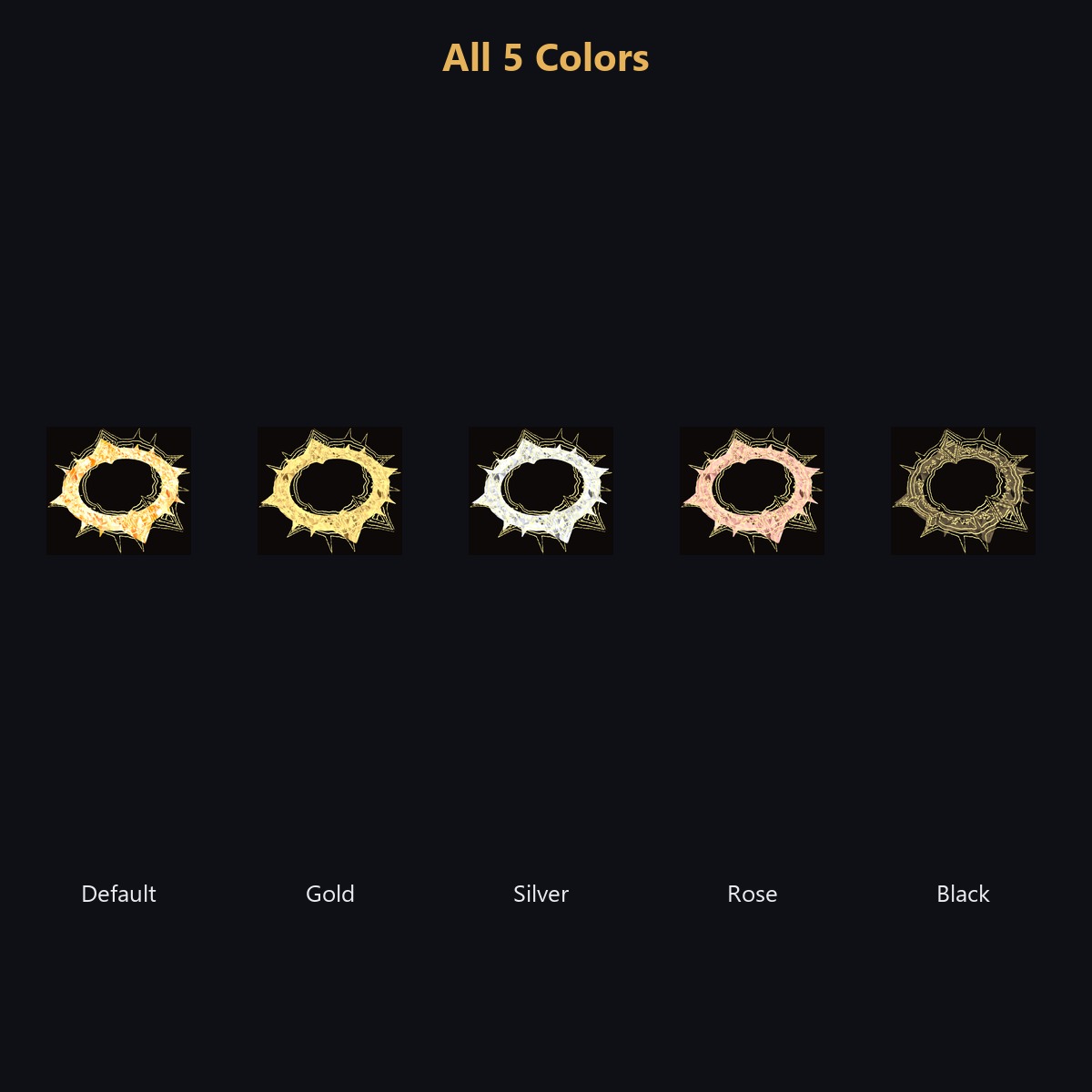
- Includes 5 colour variants: Default, Gold, Silver, Rose, Black
What's Included:
- 1 unitypackage (base prefab + colour-variant prefabs)
- Read-me and Terms of Use (English), changelog
Requirements:
- Unity 2022.3
- VRChat SDK Avatars 3.10 or later
- Modular Avatar 1.18 or later
- lilToon 2.3 or later
Setup:
1. Import the package into Unity
2. Drag the prefab under your avatar's root (Modular Avatar attaches it to the head automatically)
3. Use the "Halo Magic Circle A" entry in the VRChat Action Menu to toggle visibility, motion, and particles
How It Was Made: Some shapes and textures in this pack were created with the help of AI generation tools.
Performance:
- About 6,511 triangles, 3 materials (body + glyph band + particle)
- Textures: two 2048px maps (body + normal) + one 4096x512px glyph band map + one particle map (512px) + colour-variant body textures for 4 colours
- Performance rank: Excellent (particle off) / Good (particle on, default). Built for PC - not compatible with a standalone Quest (exceeds Quest material/mesh limits)
- Compared to our calmer "Magic Circle B" halo, this design has more motion - the ring and glyph band counter-rotate against each other
Notes:
- PC only. Does not work on a standalone Quest.
- The action menu entries are added to your Modular Avatar menu automatically. If your menu is already close to full, please check your remaining capacity.
- Grabbing has not been verified from the desktop first-person view (not yet tested in VR or with another player's hand).
Terms of Use (summary):
- Modifications allowed
- Redistribution prohibited, including within avatar data (as-is or modified, free or paid)
- Using it on your own avatar and uploading that avatar to VRChat is allowed
- See the included Terms of Use file for full details
Changelog:
- 2026-09-20: Initial release