Product Description
This product contains AI-generated content.
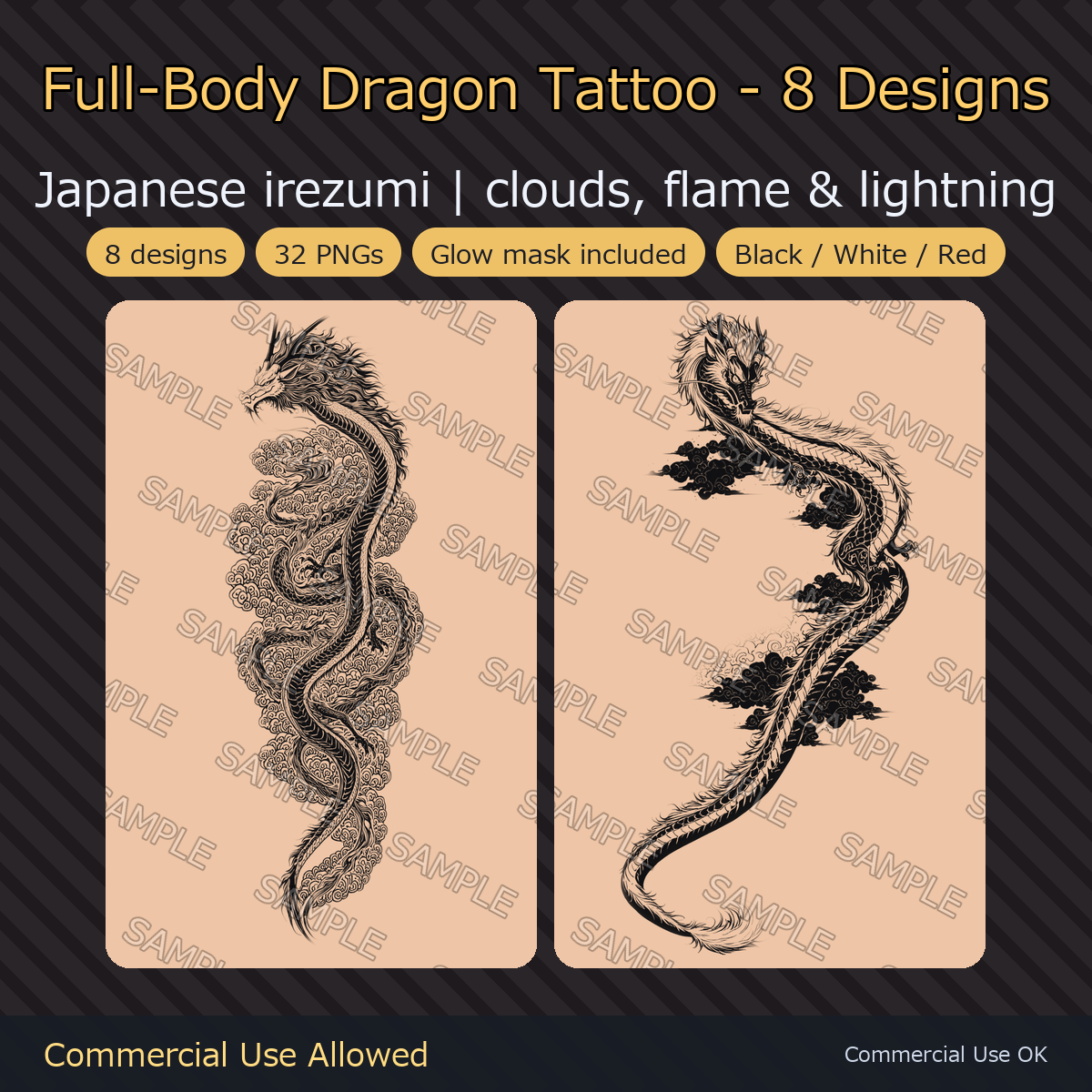
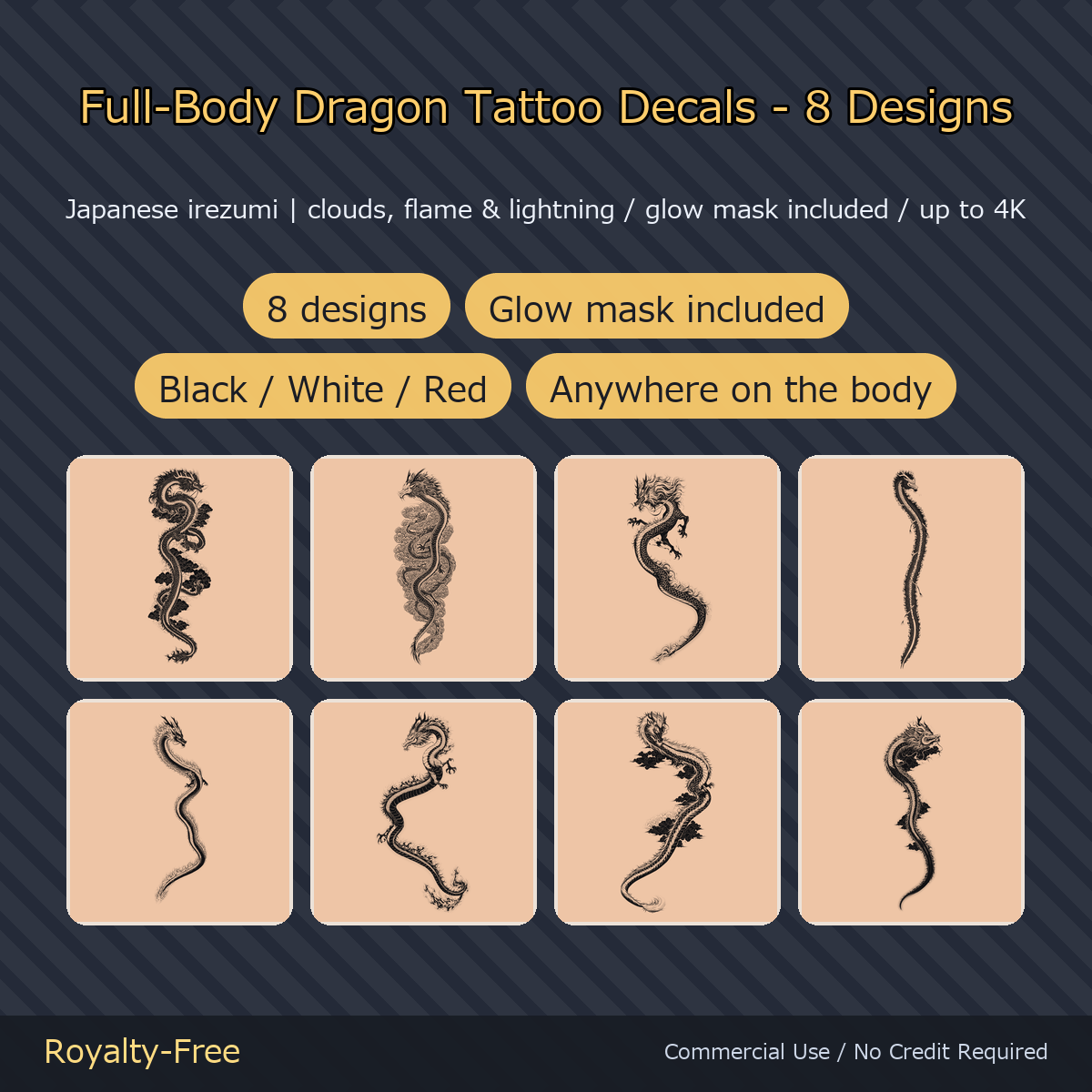
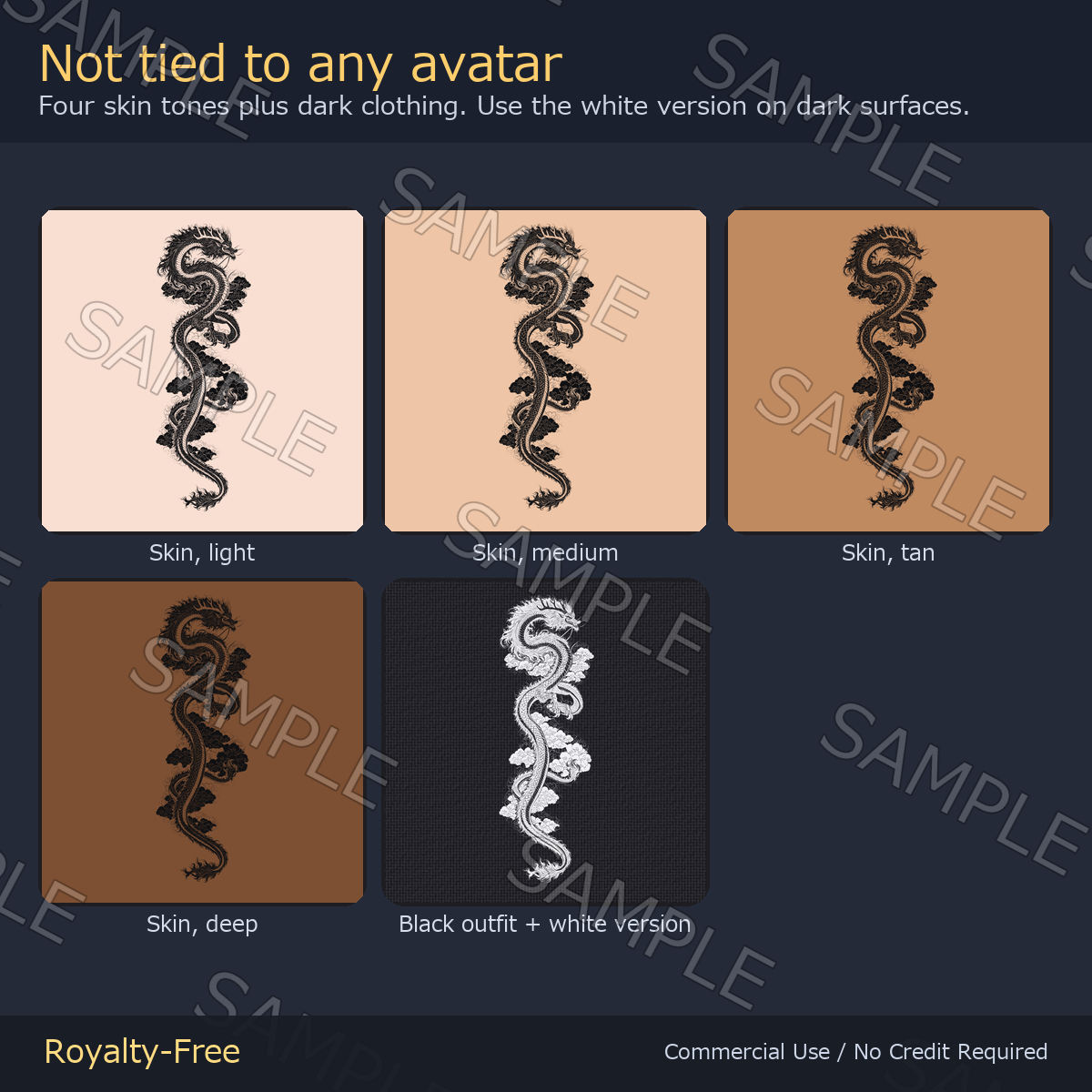
8 full-body dragon tattoo decals in Japanese irezumi style — ascending dragons coiled through storm clouds, flames and lightning. Every design is tall and narrow so it runs down an arm, a leg or the spine. Each one comes in four versions: black, white, glow mask and red — 32 transparent PNGs in total.
Note: The 'SAMPLE' watermark seen on the product images is not included in the delivered files.
Made with AI. The artwork in this pack was drawn with an image-generation model (Stable Diffusion family, commercially licensed), then cut out, cleaned up and split into the black, white, glow-mask and red variants by hand.
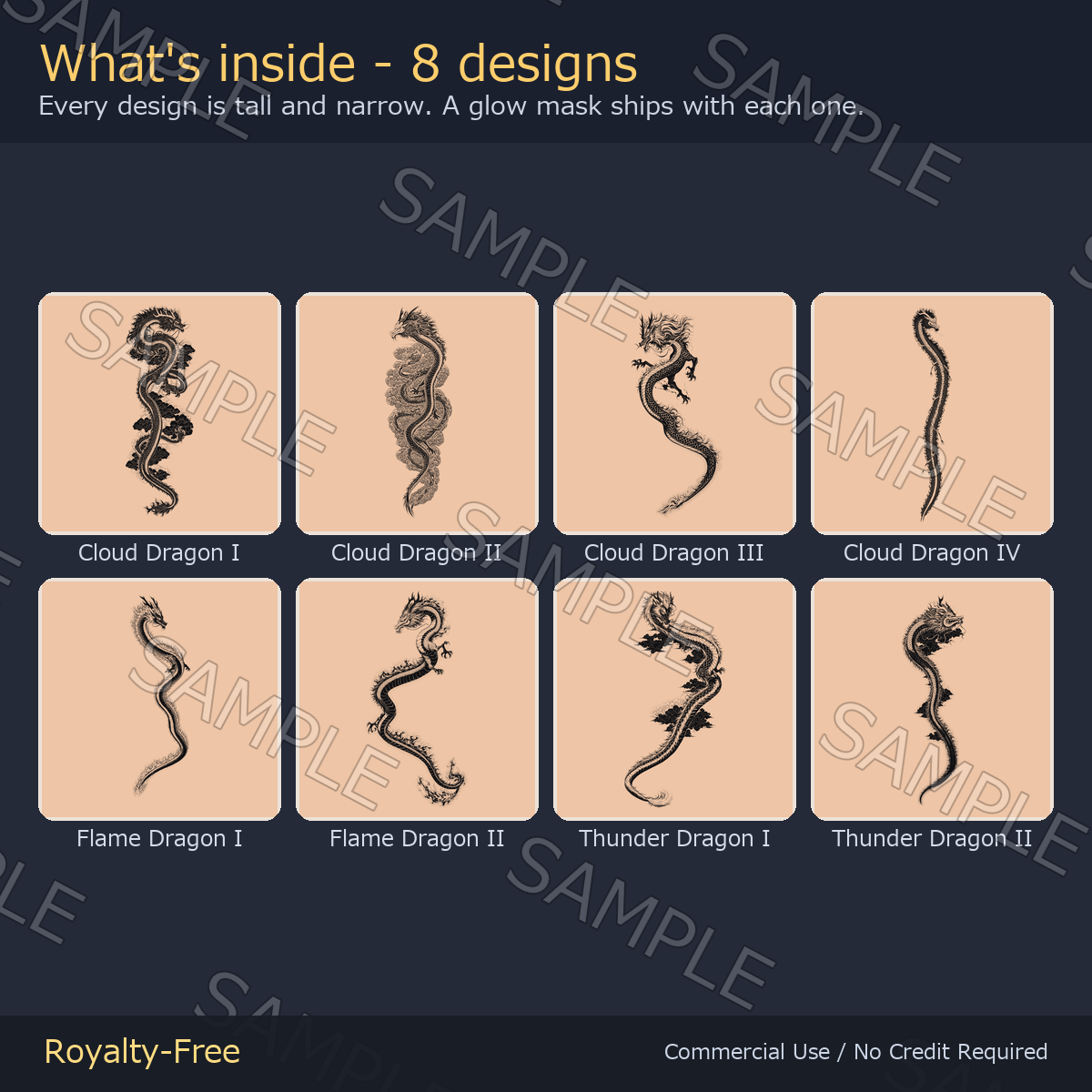
What's inside
- Cloud Dragon I, II, III, IV — a dragon rising through swirling storm clouds
- Flame Dragon I, II — a dragon wrapped in fire
- Thunder Dragon I, II — a dragon riding lightning bolts
- 4 files per design: _black, _white, _emission (glow mask), and a red version
- 32 transparent PNGs in total
- Unity setup files: a lilToon material (.mat) per design and a .meta next to every PNG (Wrap Mode = Clamp for decals), plus IMPORTANT_2026-09-08_emission_mask.txt explaining the glow-mask slot
Specs
- Transparent PNG. 3072 x 6144, 2560 x 7680 or 1792 x 9408 px — up to 4K on the long edge
- Not tied to any avatar — you place these yourself, so they work on any model, PC or Quest, and on VRoid skin textures too
- A white version of every design is included for dark clothing and deep skin tones
- The glow mask lights only the core of the design, so it never turns into a white blob
How to use
- lilToon: enable Main Color 2nd, load a _black PNG, tick Decal, then set position and scale
- Dark clothing or deep skin: load the _white PNG instead
- Glow: put the matching _emission PNG into the [Color / Mask] slot at the top of Emission Settings - not the [Mask] slot just below it, which tiles the glow over the whole body when the skin texture is set to Repeat. The included .mat is already set up this way
License
Royalty-free. Use them in commercial and non-commercial work — games, TRPG sessions, videos, streams, VTuber overlays, print. No credit required. You may edit, crop, recolor and combine the files freely.
Not allowed: redistributing or reselling the assets themselves, claiming authorship, or using them as training data for AI / machine learning models.
More decals and textures from ys-room: https://jinxxy.com/Ys_room