Spiral Horns | Glowing Tip, 4 Reliefs
Product Description
This product contains AI-generated content.
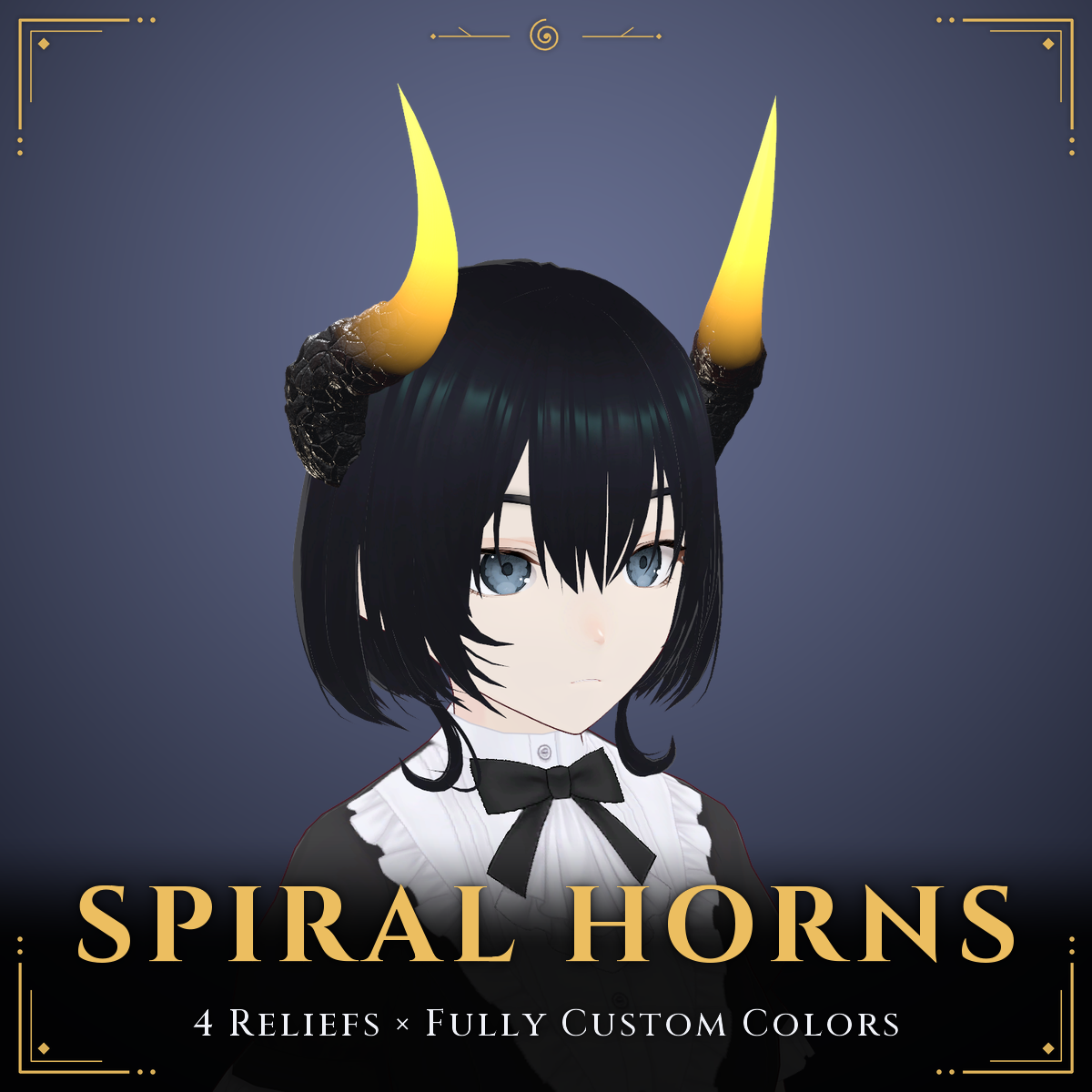
Large ram-style spiral horns with a glowing tip, for VRChat avatars.
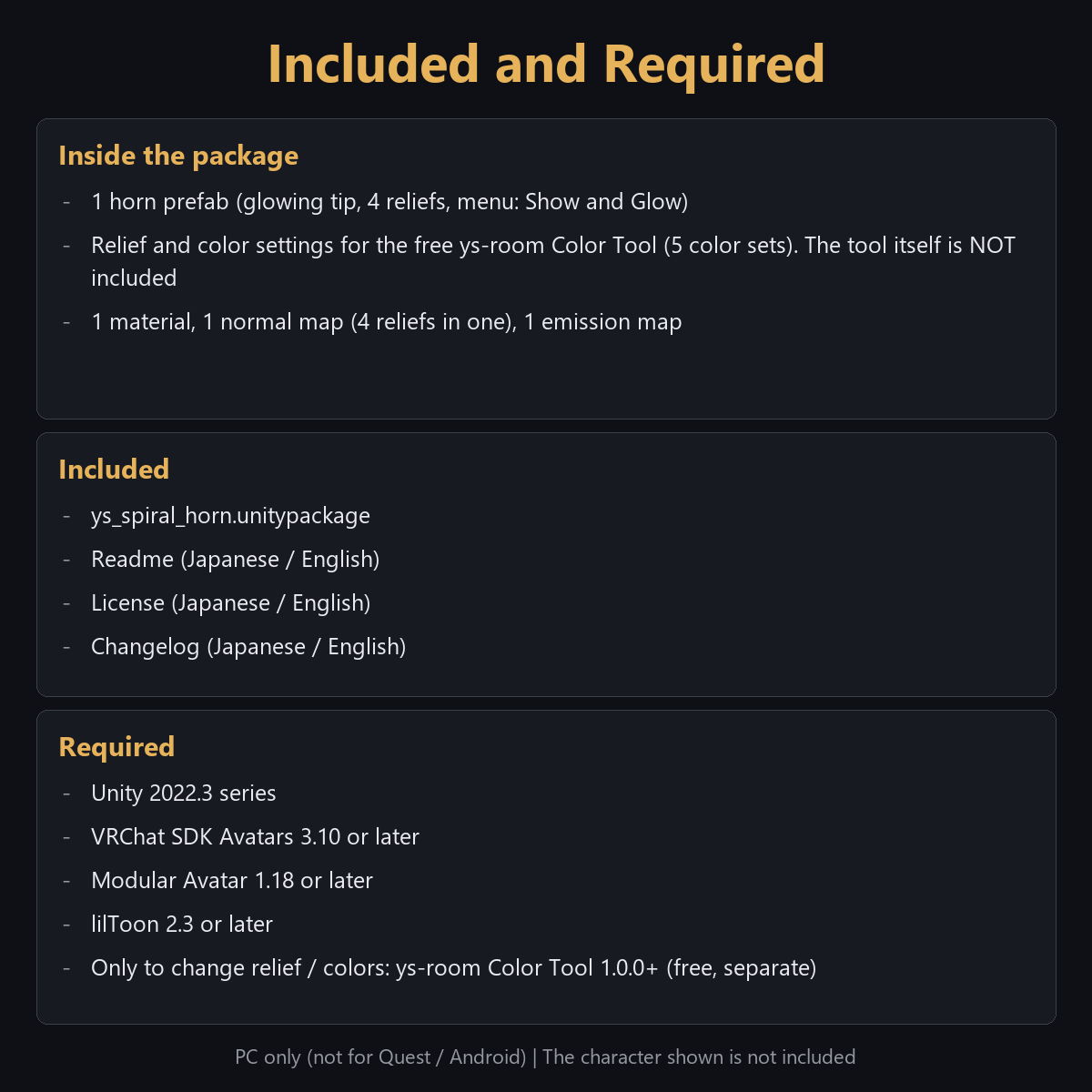
Includes: ys_spiral_horn.unitypackage (prefab, 4 reliefs, 5 color sets, Action Menu) and Readme, License and Changelog (EN/JP).
Works on: VRChat PC, Modular Avatar (it attaches to the head by itself), lilToon. Quest/Android not supported. VRCFury not used or tested.
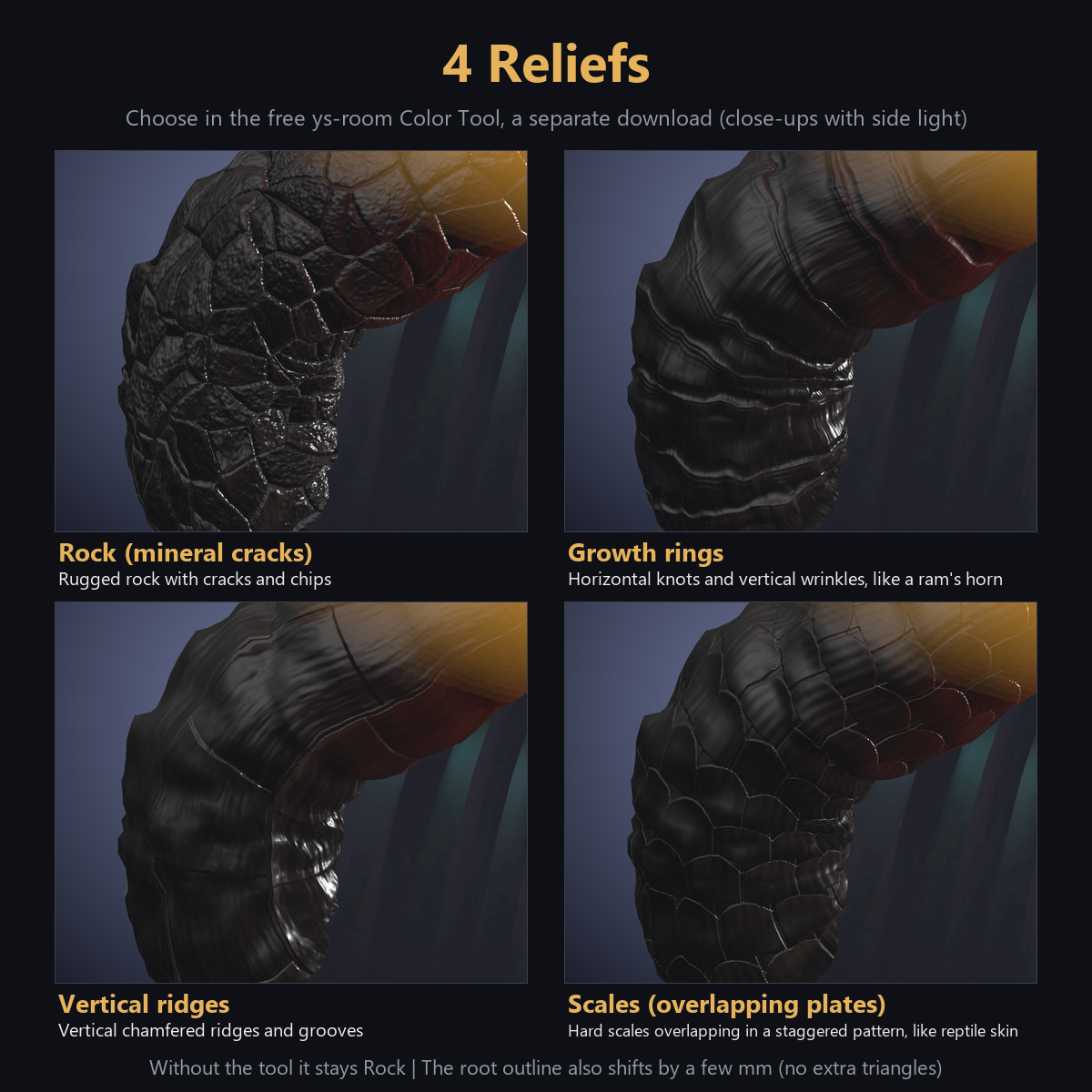
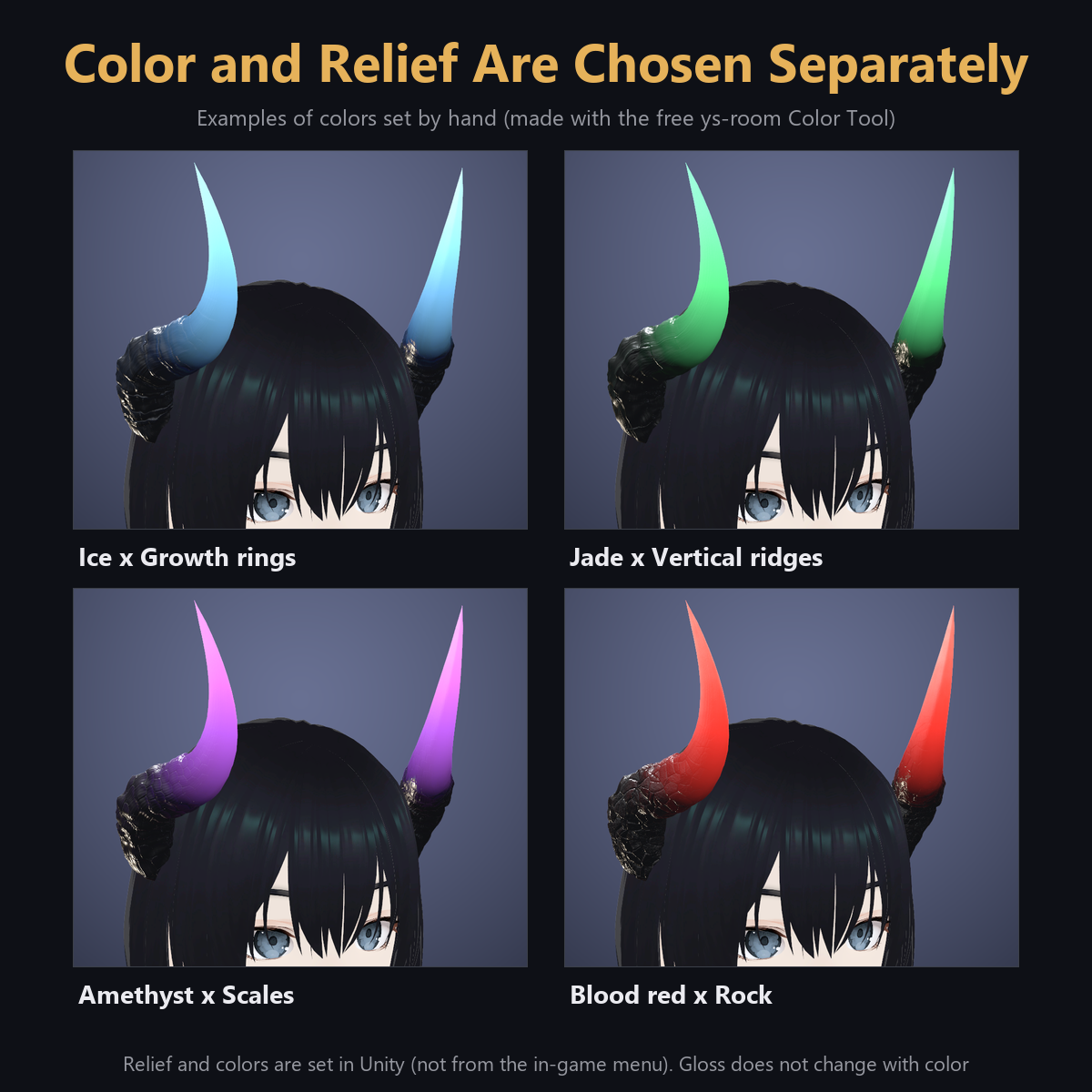
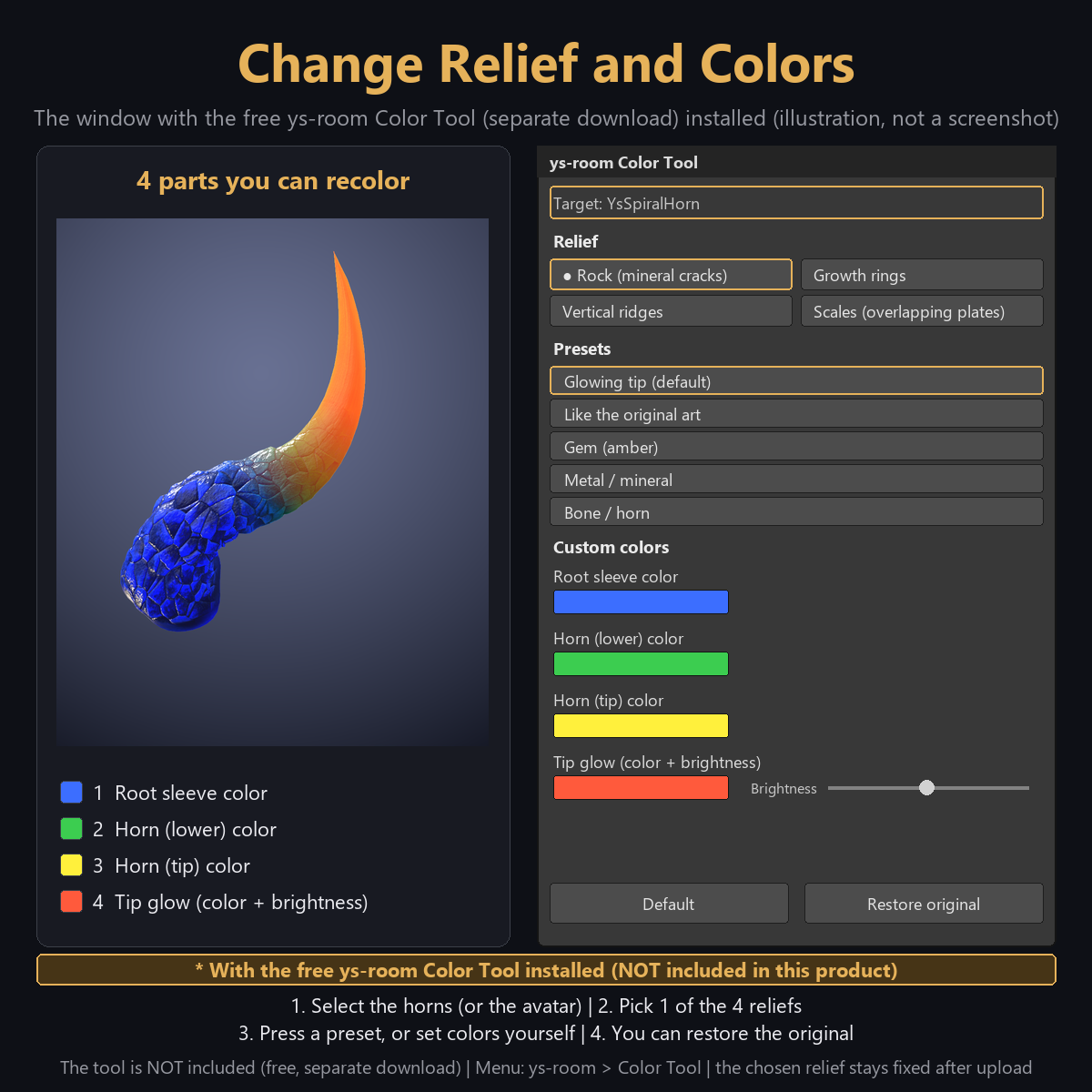
Colors and relief: set in Unity with the free ys-room Color Tool (https://jinxxy.com/Ys_room/8xXmh); the horns also work as-is without it.
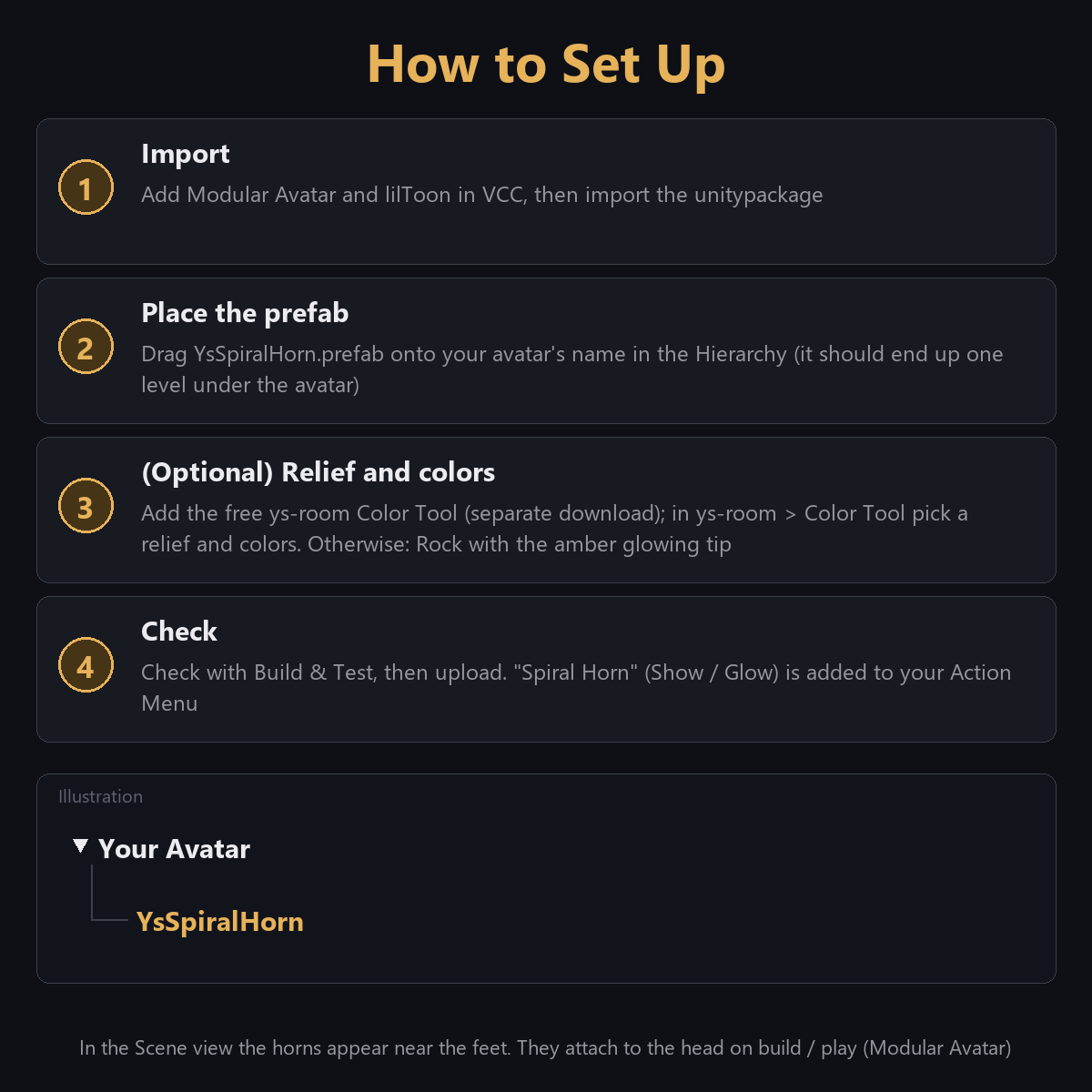
Use: drag YsSpiralHorn.prefab onto your avatar, Build & Test, upload. Action Menu > Spiral Horn: Glow on/off, Show both / left / right.
What it does
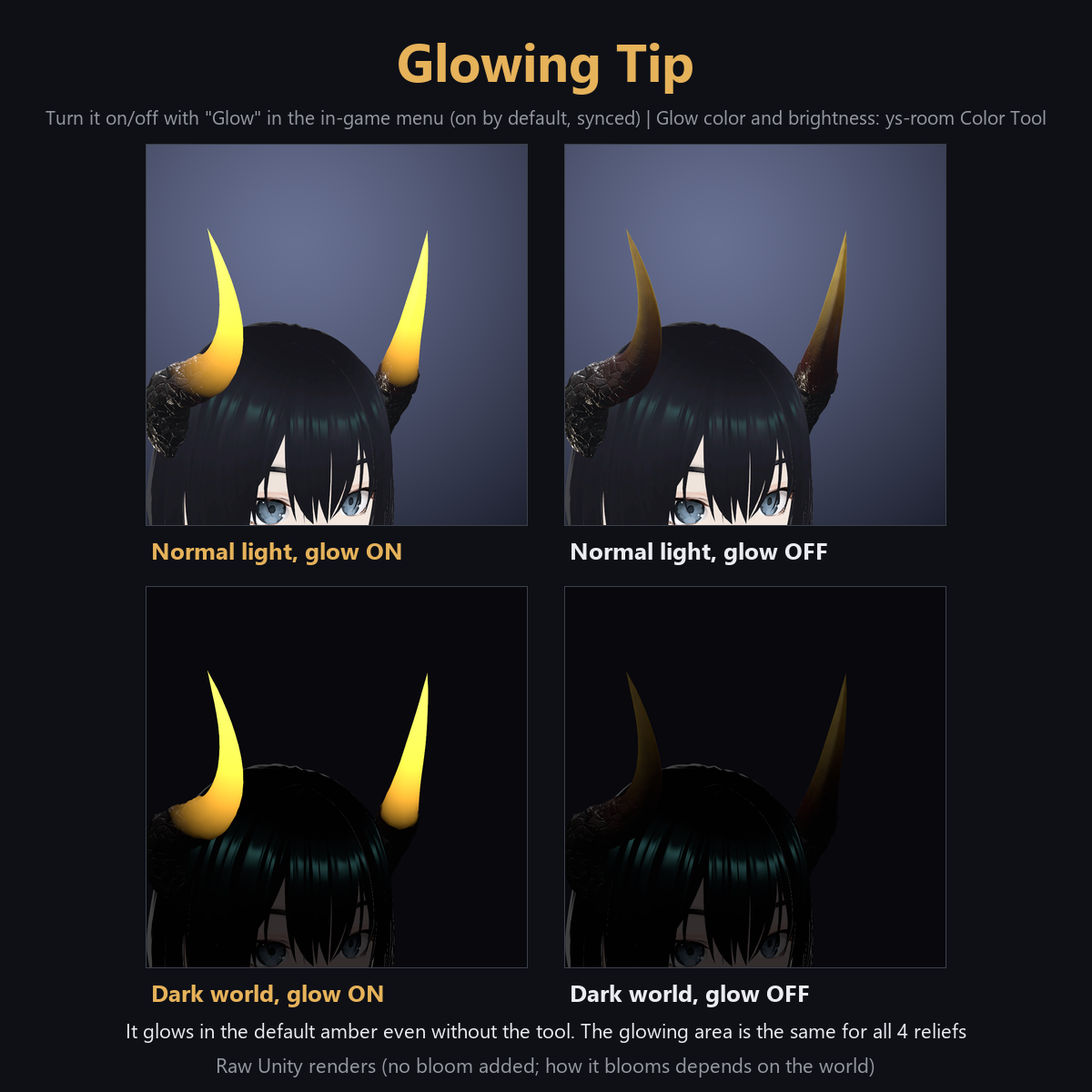
- Glow on the outer half of the horns, stronger toward the tip (default amber). On by default; toggled in-game and synced to other players. Static, no blinking.
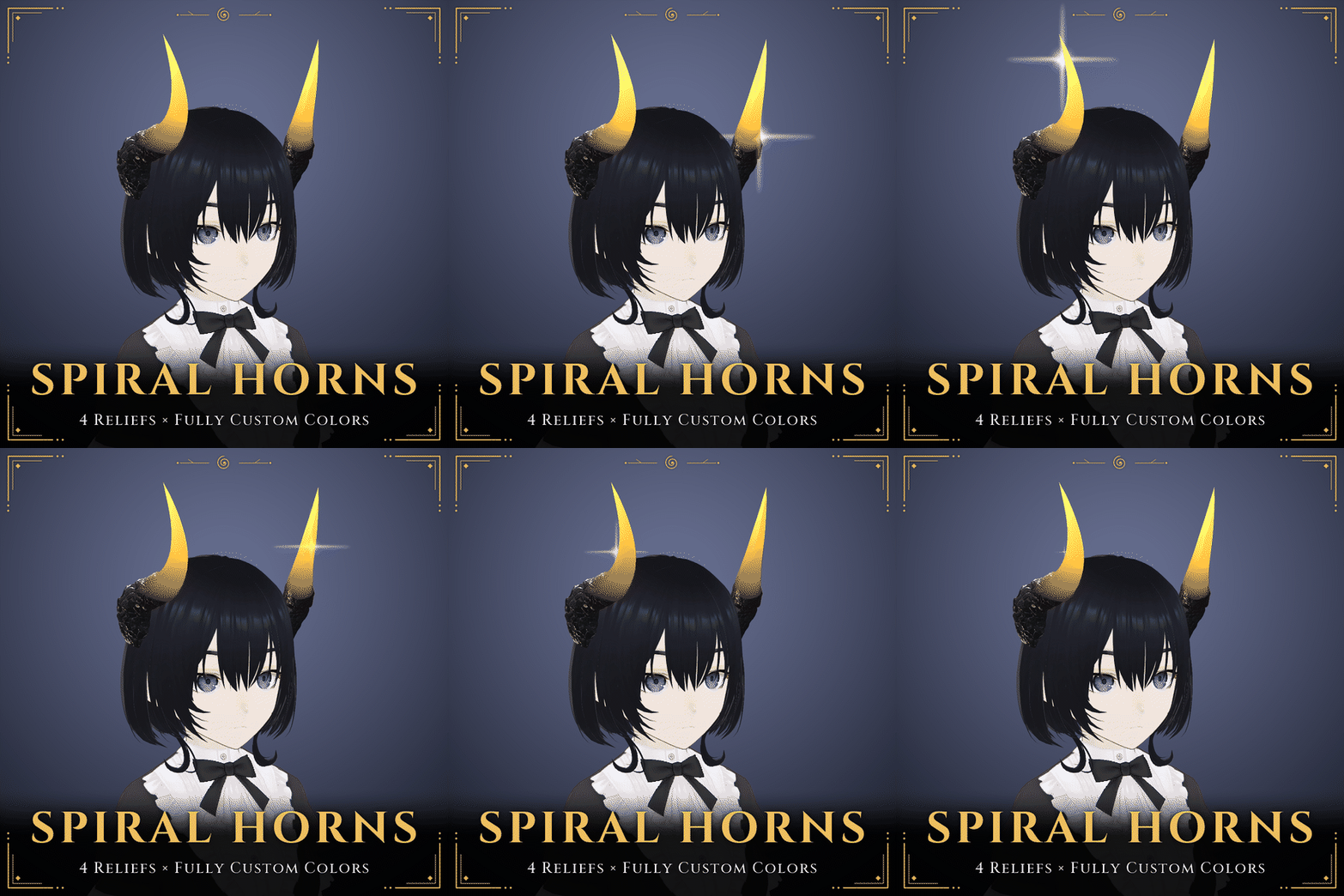
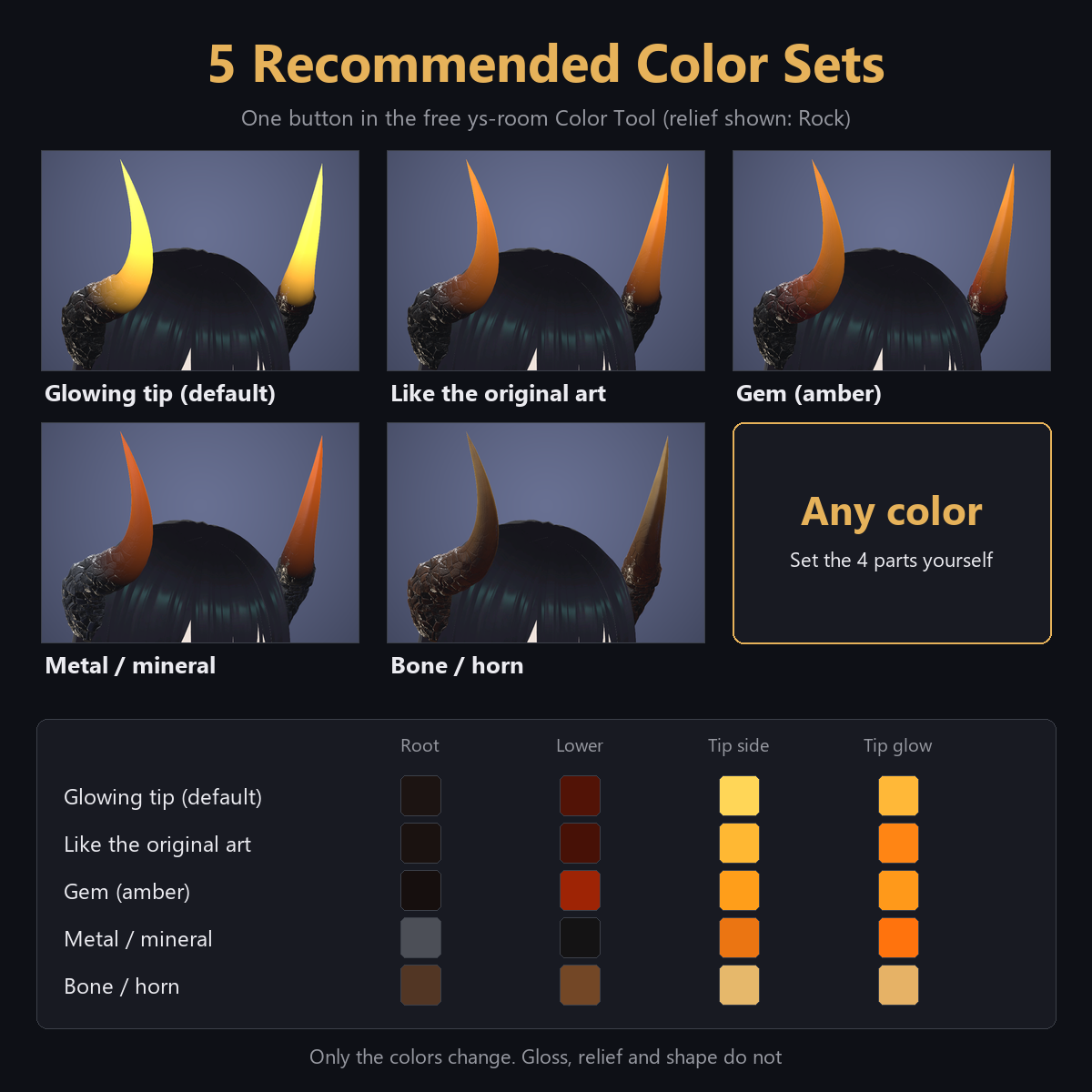
- 4 reliefs: Rock, Growth rings, Vertical ridges, Scales. Colors: root, lower horn, tip and tip glow, by picker or code. 5 color sets: Glowing tip, Like the original art, Gem (amber), Metal / mineral, Bone / horn (no glow).
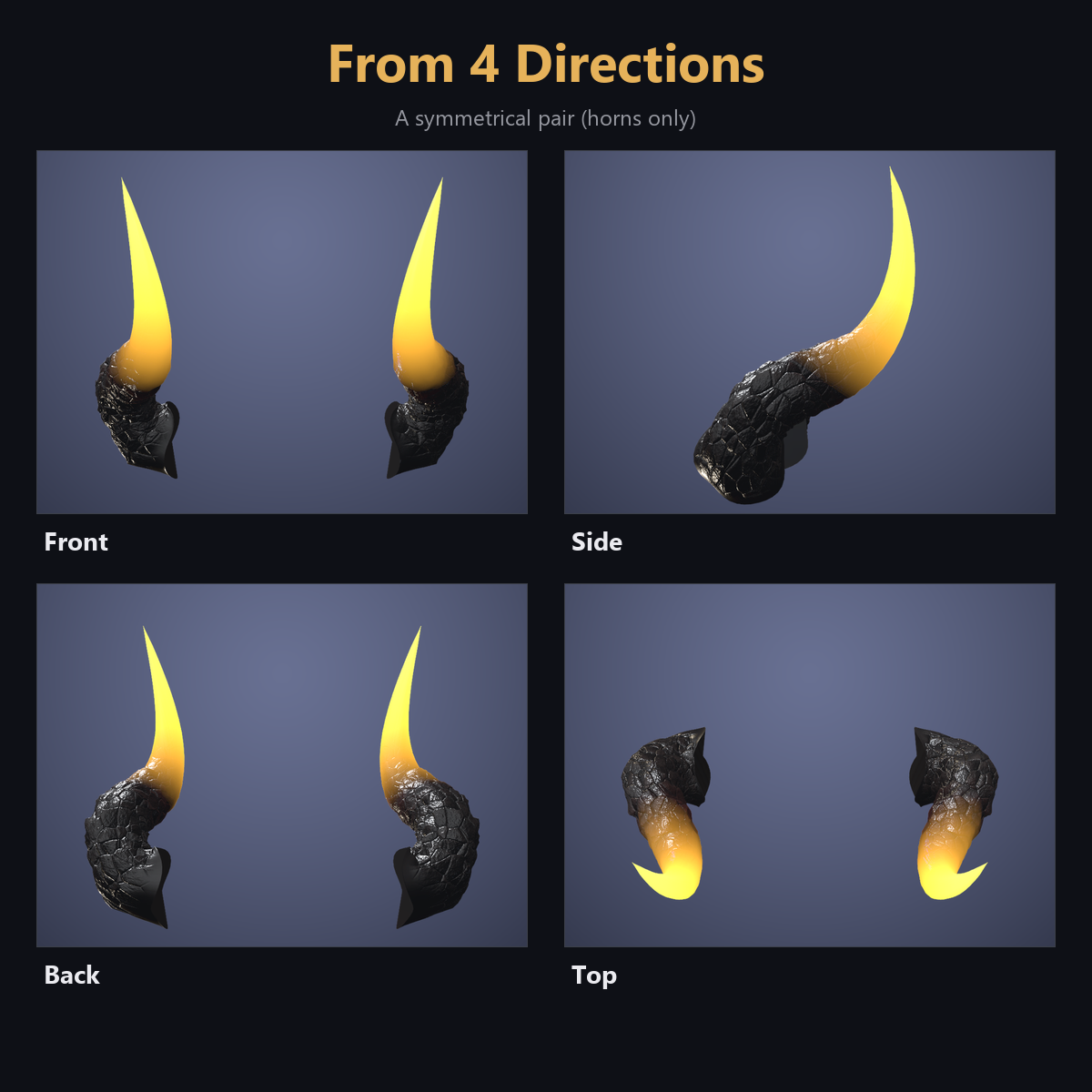
- Symmetric pair, no motion.
Setup
- Add Modular Avatar and lilToon in VCC, then import the unitypackage.
- Drag YsSpiralHorn.prefab one level under your avatar.
- Optional: ys-room > Color Tool, pick a relief and colors.
- Build & Test, then upload. To remove, delete the prefab.
Specs (prefab alone, PC)
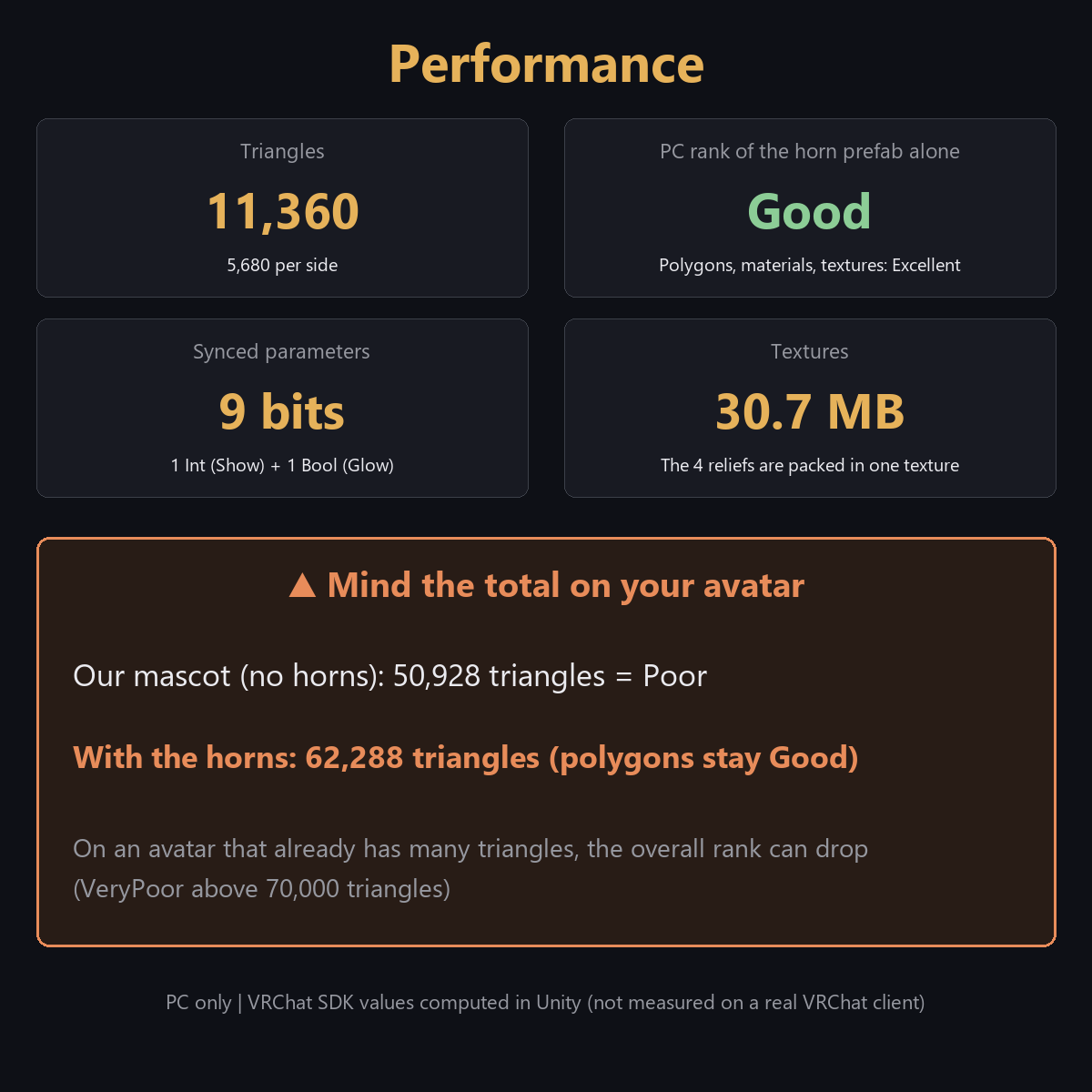
Triangles 11,360 / 2 skinned meshes / 2 material slots / no particles, PhysBone or Contact / 9 synced bits / 2 FX layers / textures 30.7 MB. PC rank Good for the prefab alone; total rank depends on your avatar.
Checked
Checked in a clean Unity project (Unity 2022.3.22f1, VRChat SDK 3.10.4, Modular Avatar 1.18.7, lilToon 2.3.4): imports with 0 compile errors and 0 NDMF warnings, and the menu and tool were run. NOT yet tested on a real VRChat client (glow look, other players' view, fit on your hair and head).
Notes
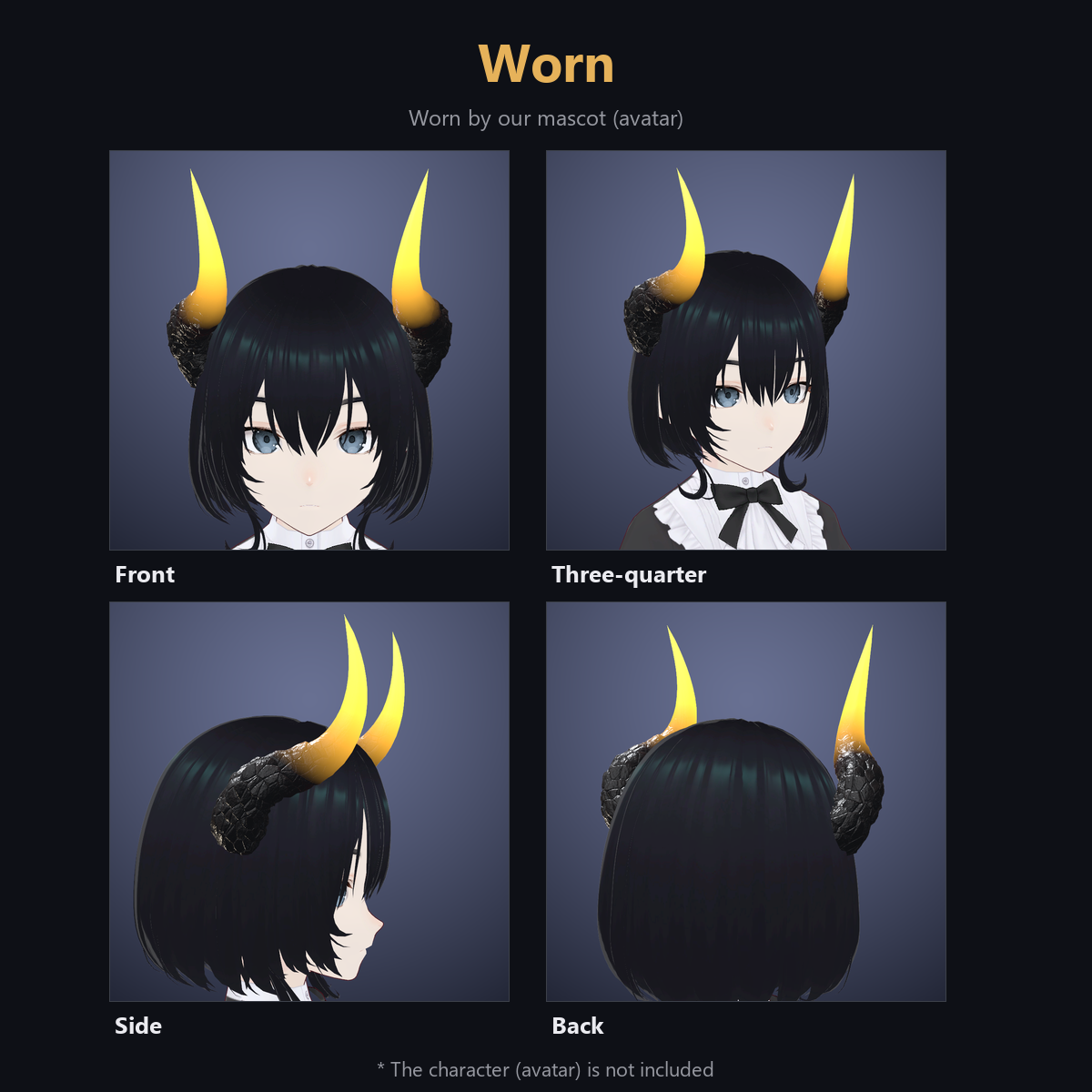
- Do not wear two horn sets at once. Default position fits our mascot; adjust Position / Rotation / Scale for your avatar and hair.
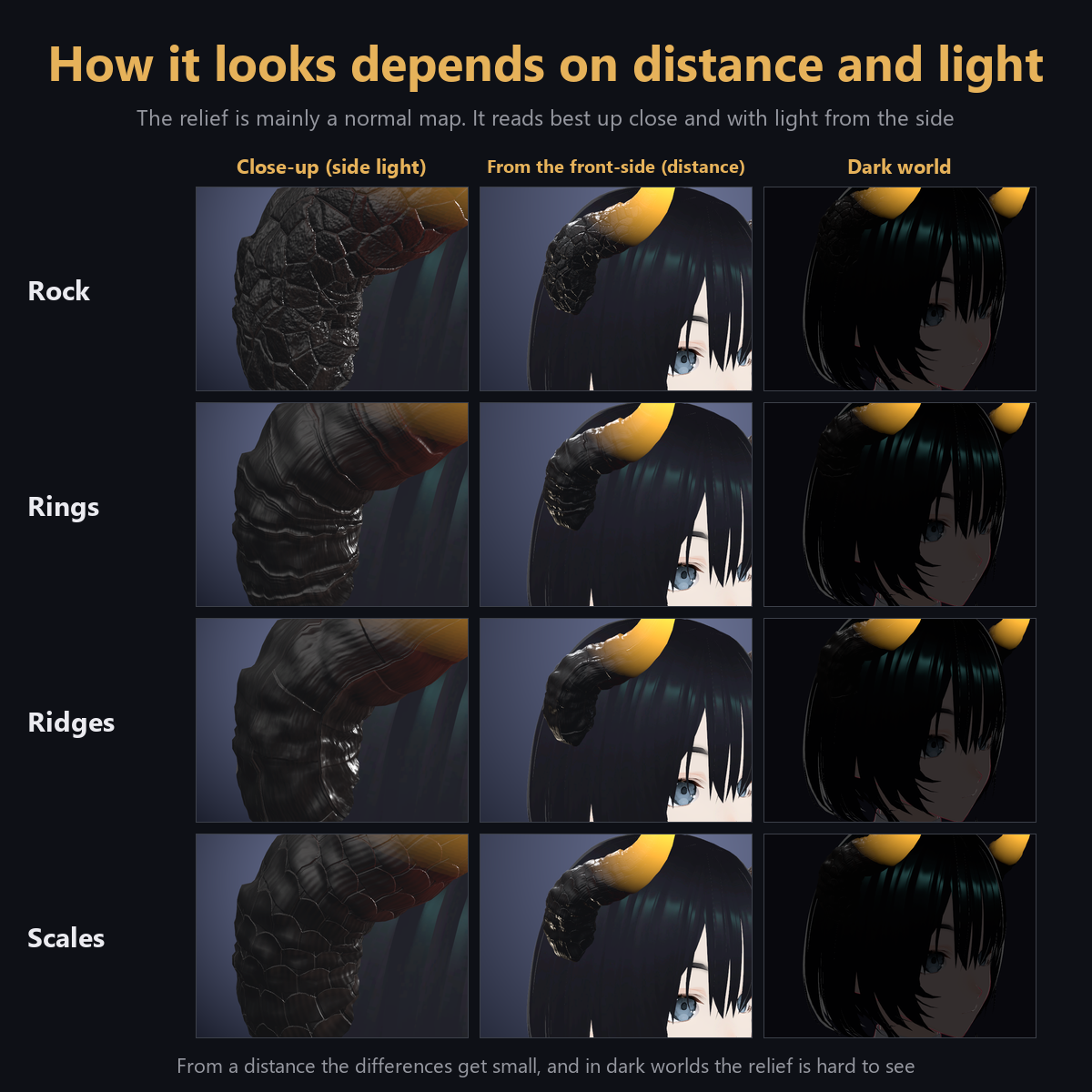
- From a distance or in dim light the reliefs are subtle; the glow stands out in dark worlds.
- Standard ($3.99) and Supporter ($4.99) are identical; Supporter is for those who want to support future work.
Terms (summary): you may adjust colors, size and position, modify it, and upload it inside your own avatar. Redistribution is prohibited. See License_EN.txt.
If you enjoy it, a short review helps a lot!