Product Description
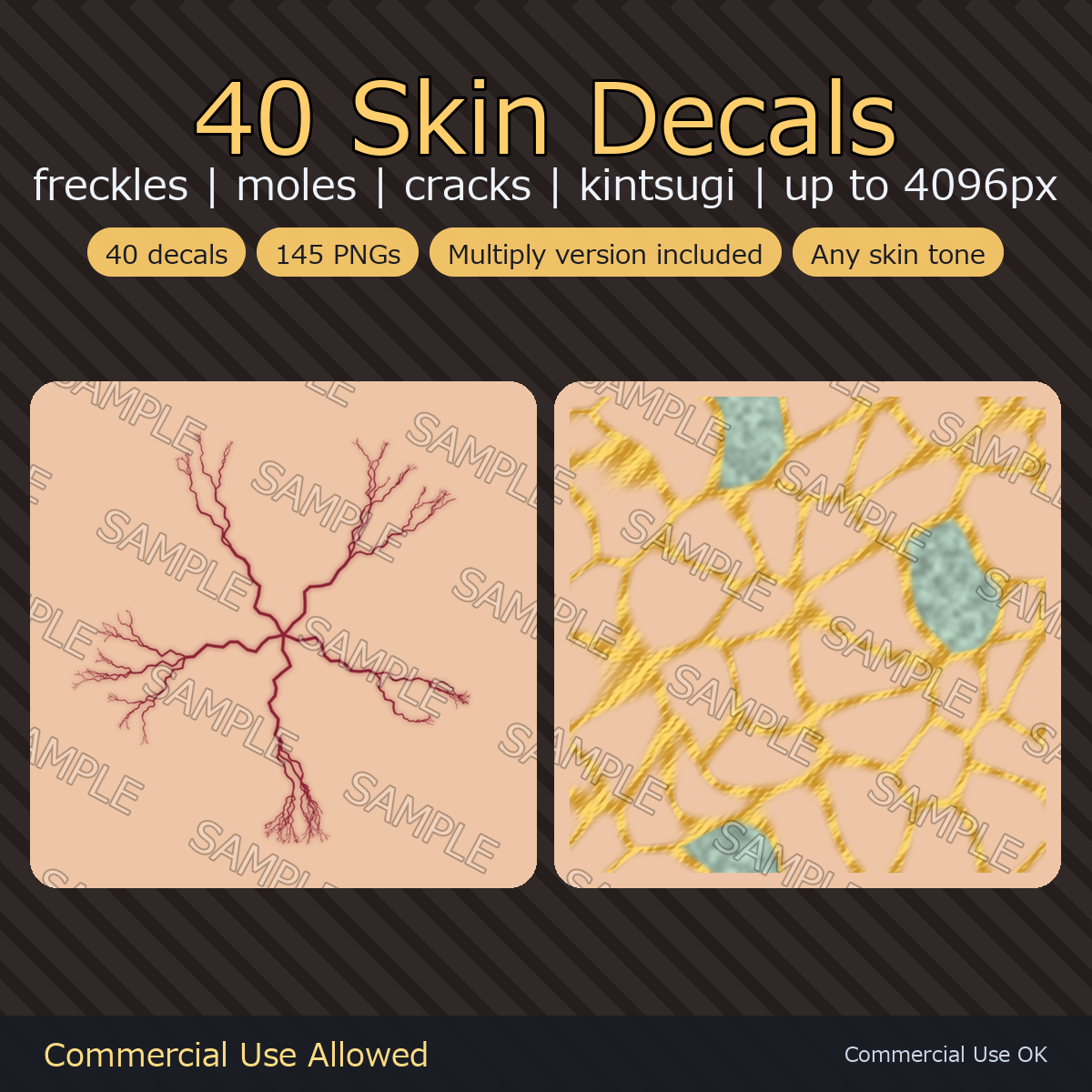
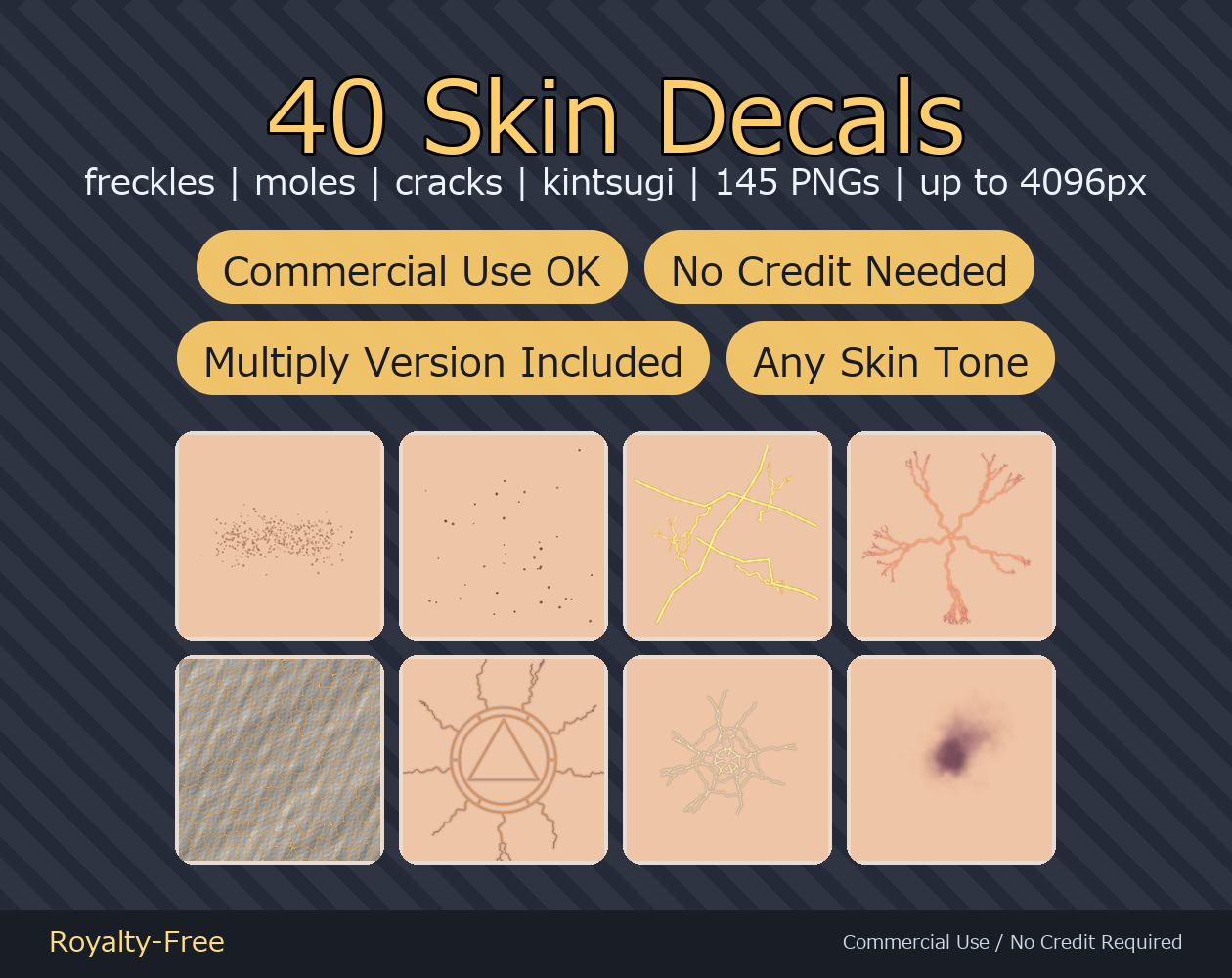
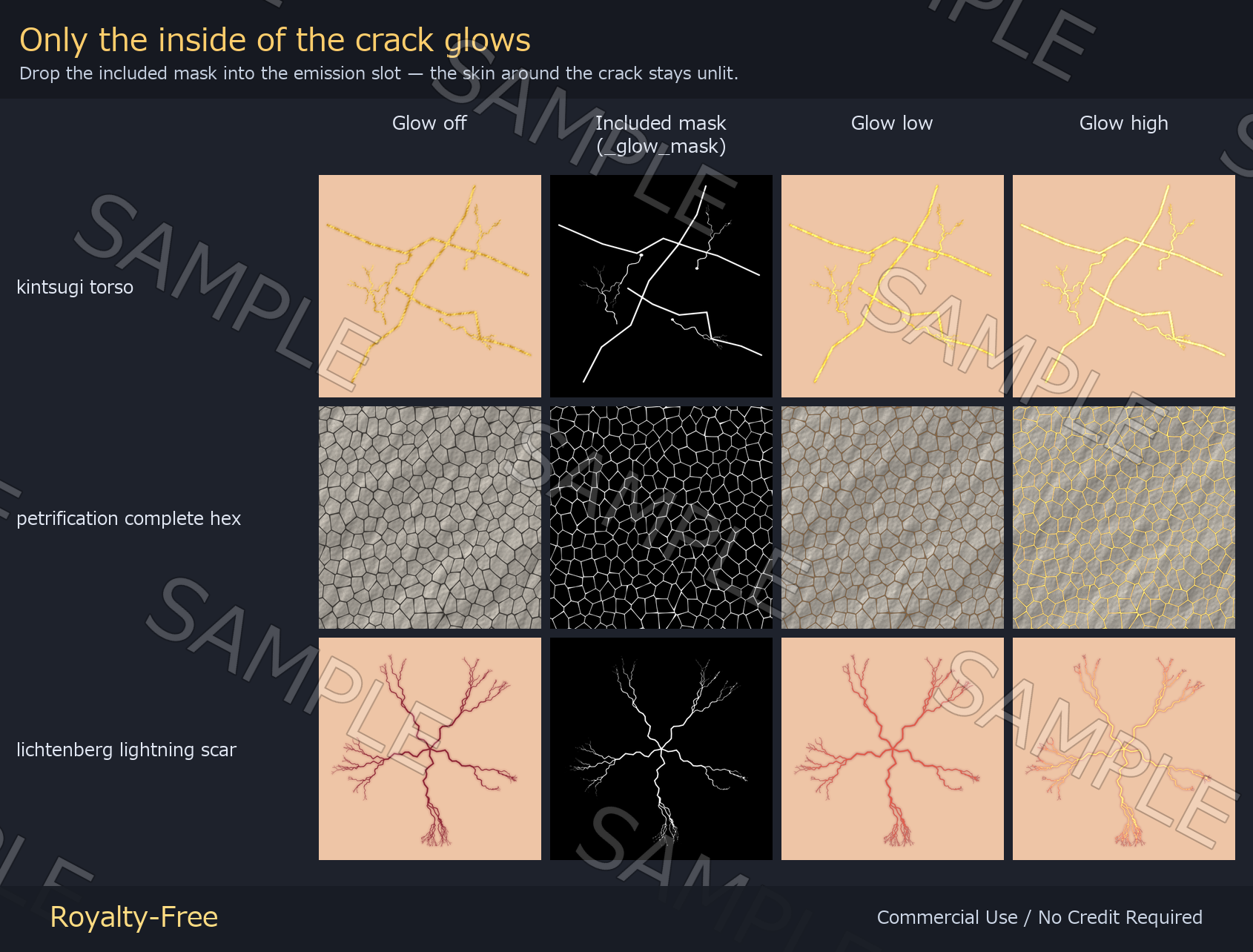
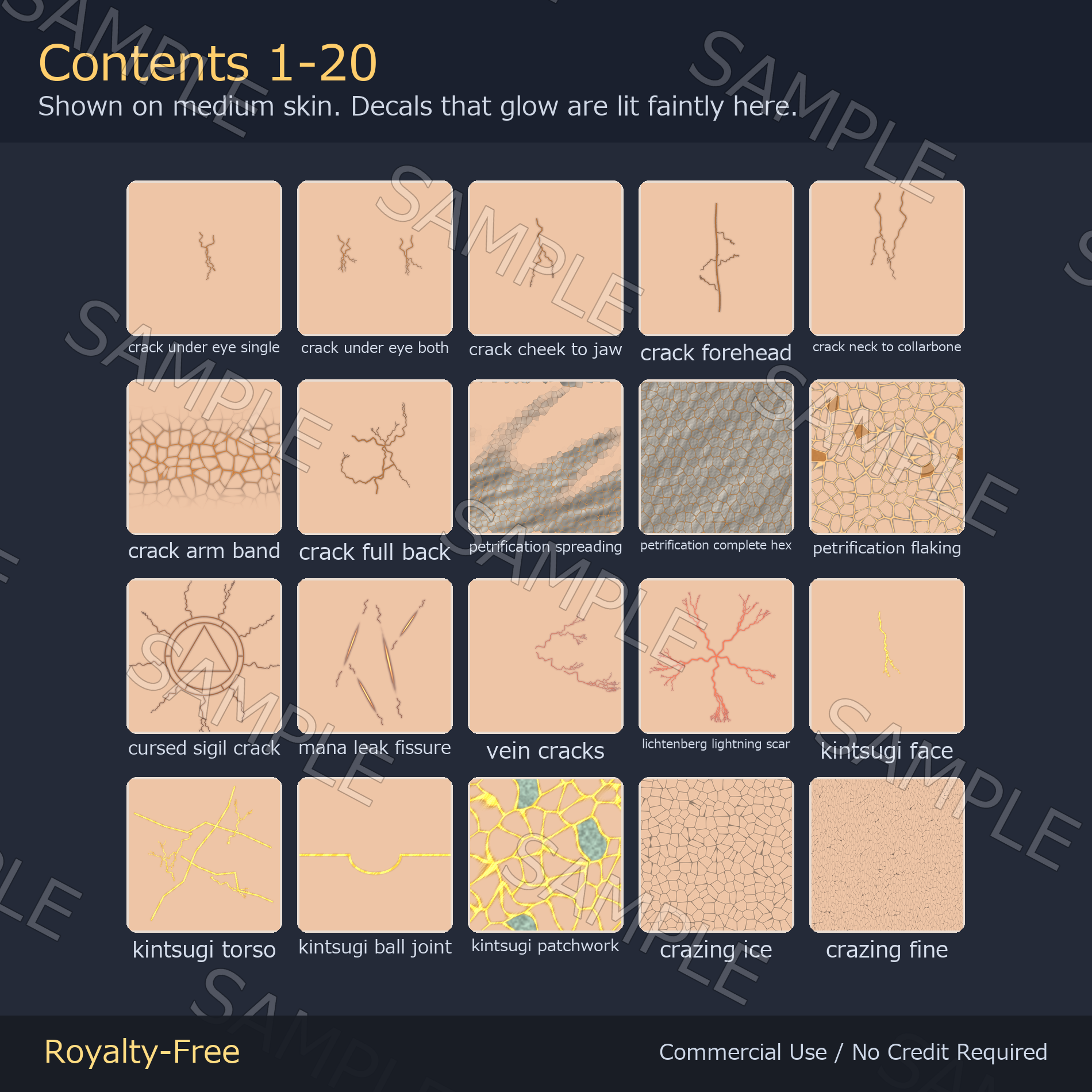
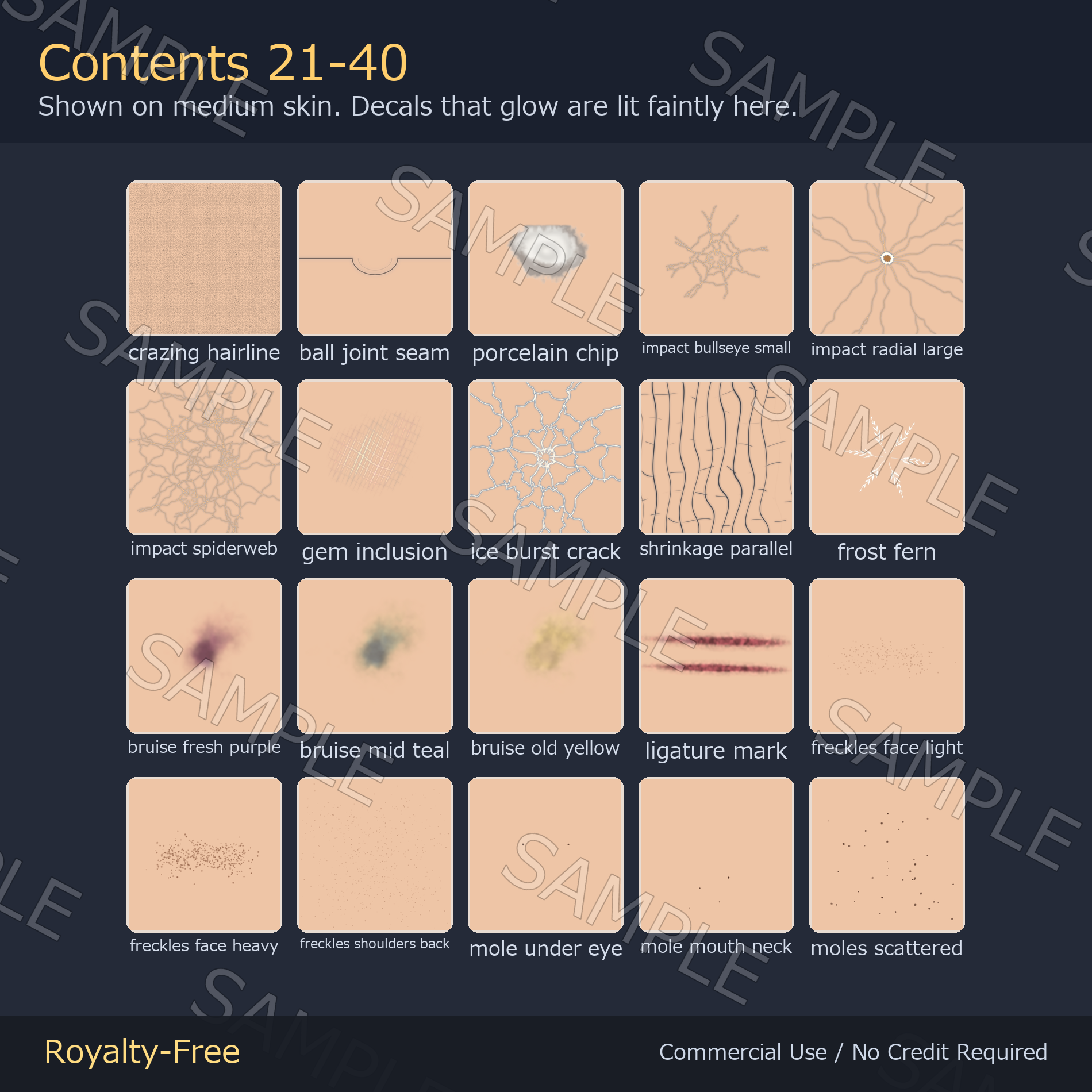
40 decals you place on avatar skin: freckles across the nose and cheeks, moles, cracked porcelain skin, petrification, lightning scars, bruises, and kintsugi gold seams. The cracks come with an emission mask so only the inside of the crack glows — the skin around it stays unlit.
Note: The 'SAMPLE' watermark seen on the product images is not included in the delivered files.
No generative AI. No image-generation AI was used in this pack. Every decal is drawn procedurally by code — the crack paths, the gold of the kintsugi seams, the freckle scatter and the emission masks are all generated from equations, not from a diffusion model.
What's inside
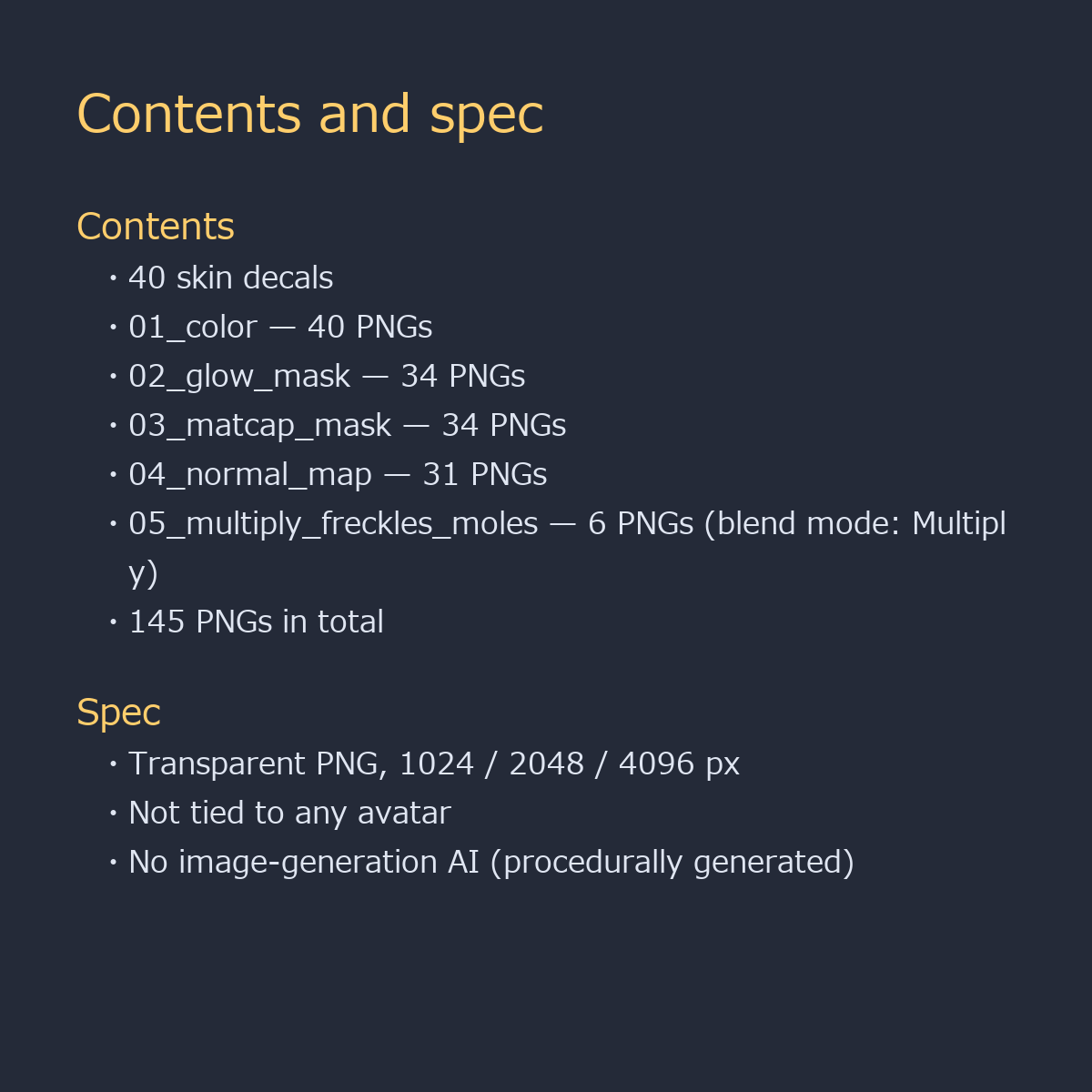
- 01_color/ — 40 transparent PNGs (the decals themselves)
- 02_glow_mask/ — 34 PNGs (only the inside of the crack lights up)
- 03_matcap_mask/ — 34 PNGs (for making the kintsugi seams read as metal)
- 04_normal_map/ — 31 PNGs (crazing patterns are flat, so they have none)
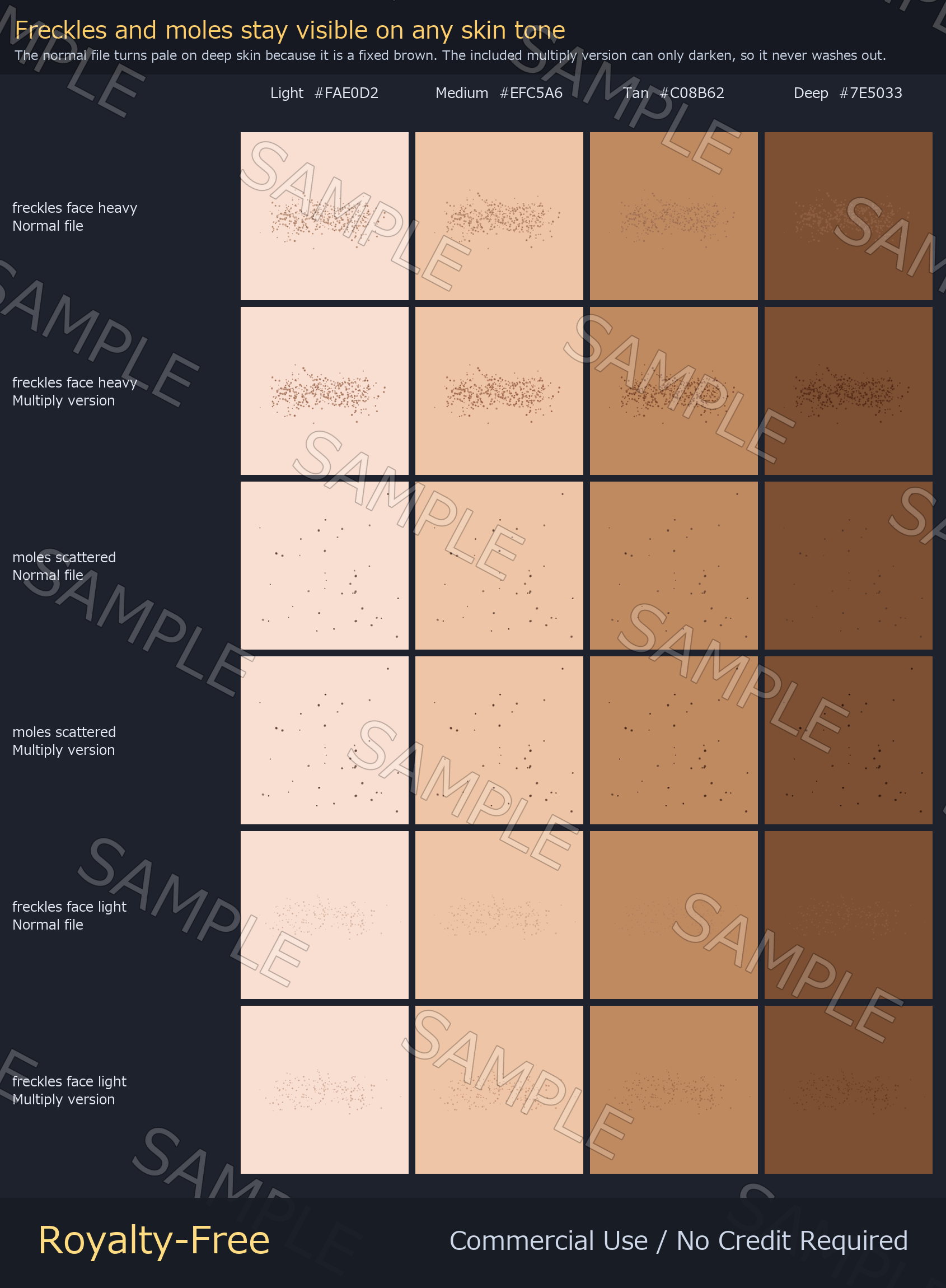
- 05_multiply_freckles_moles/ — 6 PNGs (blend mode: Multiply)
- 145 PNGs in total
- 06_lilToon_materials/ - 34 lilToon materials (.mat), already set up for each decal; a .meta next to the PNGs sets Wrap Mode; IMPORTANT_2026-09-08_emission_mask.txt explains the glow-mask slot
Specs
- Transparent PNG. S = 1024, M = 2048, L = 4096 px depending on the decal
- Not tied to any avatar — you place these yourself, so they work on any model, PC or Quest, and on VRoid skin textures too
- Freckles and moles have no glow or matcap mask (they do not light up)
- No image-generation AI. Everything is drawn procedurally by code
How to use
- lilToon: enable Main Color 2nd, load a 01_color PNG, tick Decal, then set position and scale
- Freckles and moles on tan or deep skin: use the 05_multiply PNG with blend mode Multiply instead — it always darkens, so the dots never turn pale
- Glow: put the matching 02_glow_mask PNG into the [Color / Mask] slot at the top of Emission Settings - not the [Mask] slot just below it, which tiles the glow when the skin texture is set to Repeat. The included .mat in 06_lilToon_materials is already set up this way, and the .meta files ship with the right Wrap Mode
- Kintsugi: put the 03_matcap_mask PNG into the MatCap mask slot to make the gold read as metal
License
Royalty-free. Use them in commercial and non-commercial work — games, TRPG sessions, videos, streams, VTuber overlays, print. No credit required. You may edit, crop, recolor and combine the files freely.
Not allowed: redistributing or reselling the assets themselves, claiming authorship, or using them as training data for AI / machine learning models.