
Product Description
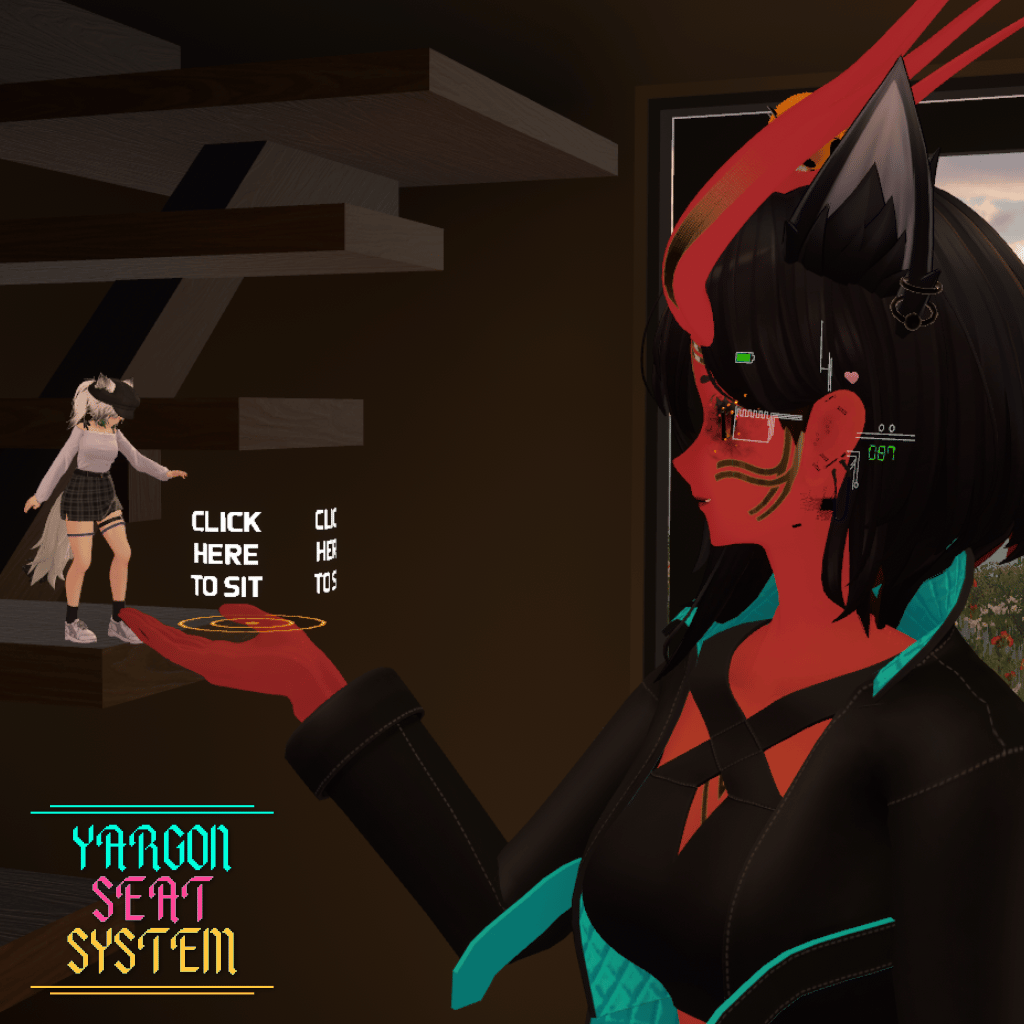
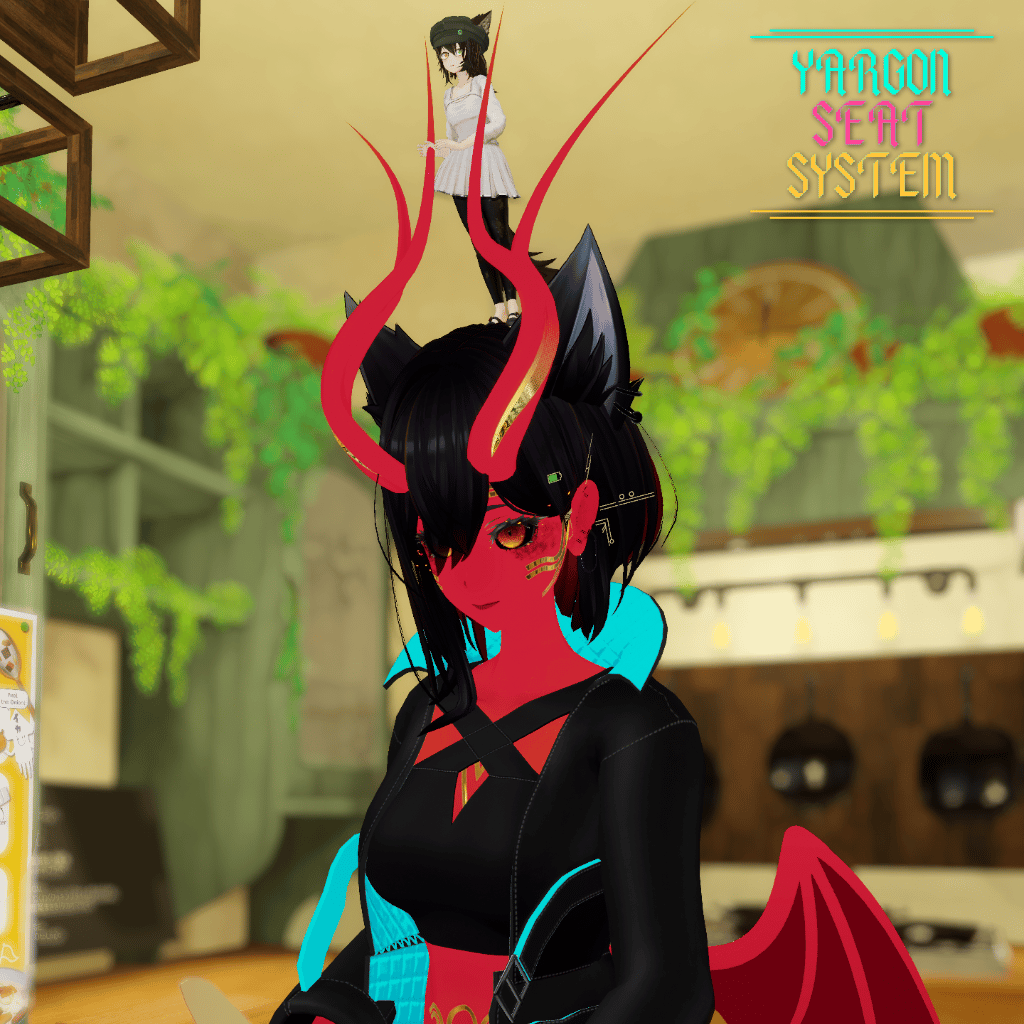
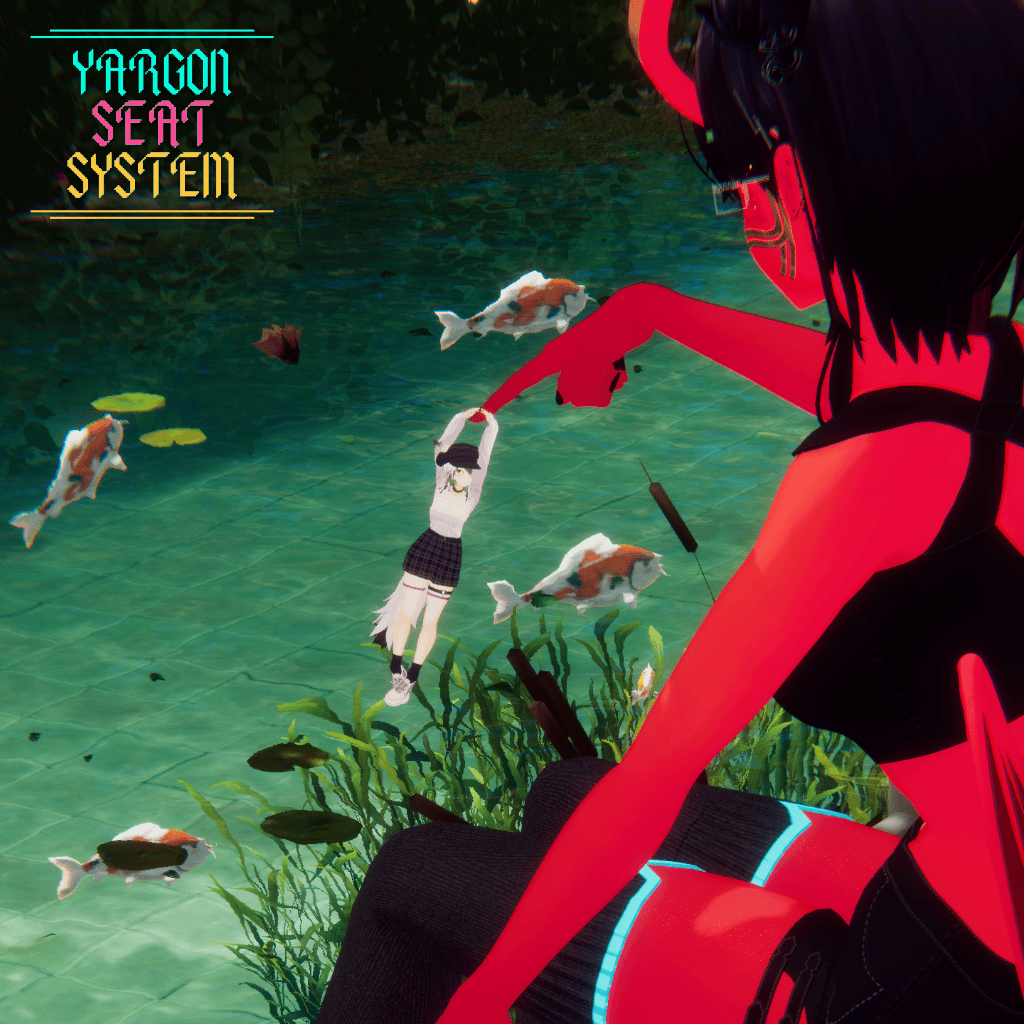
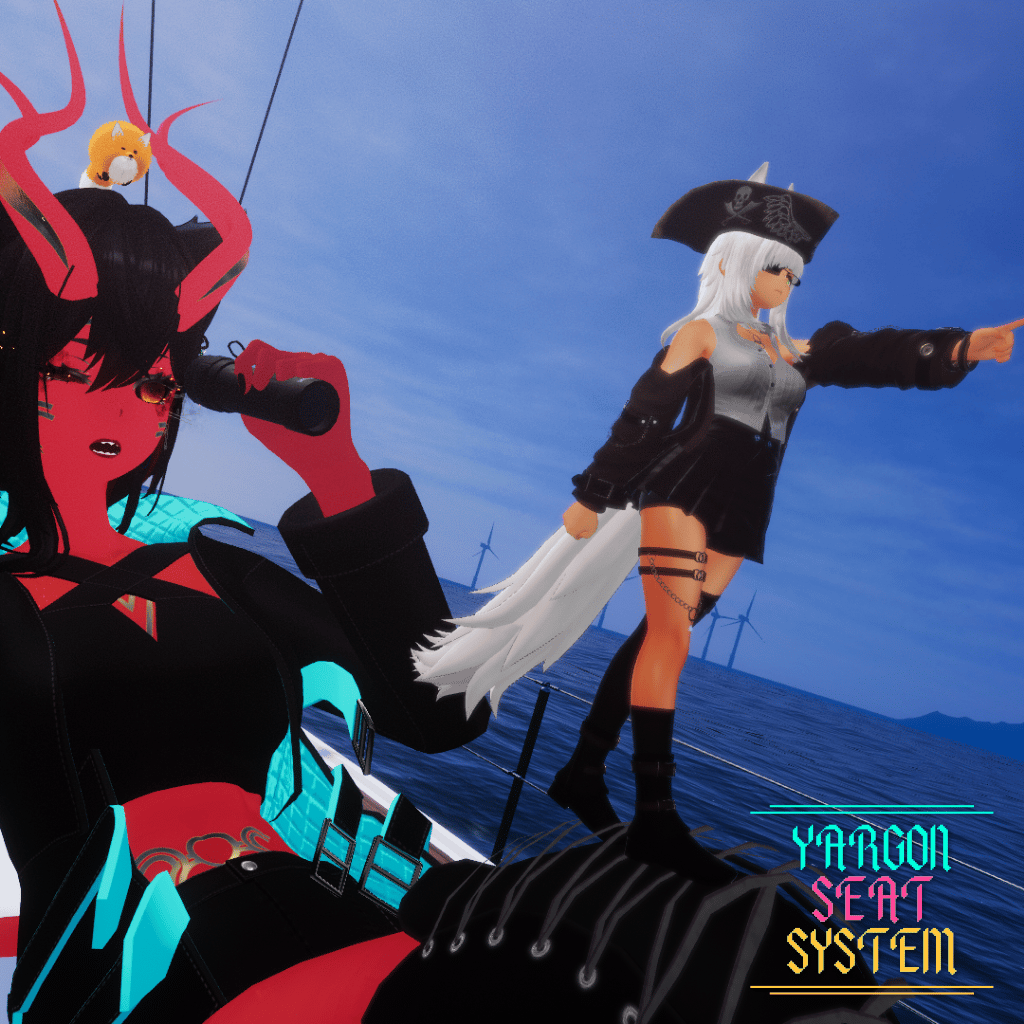
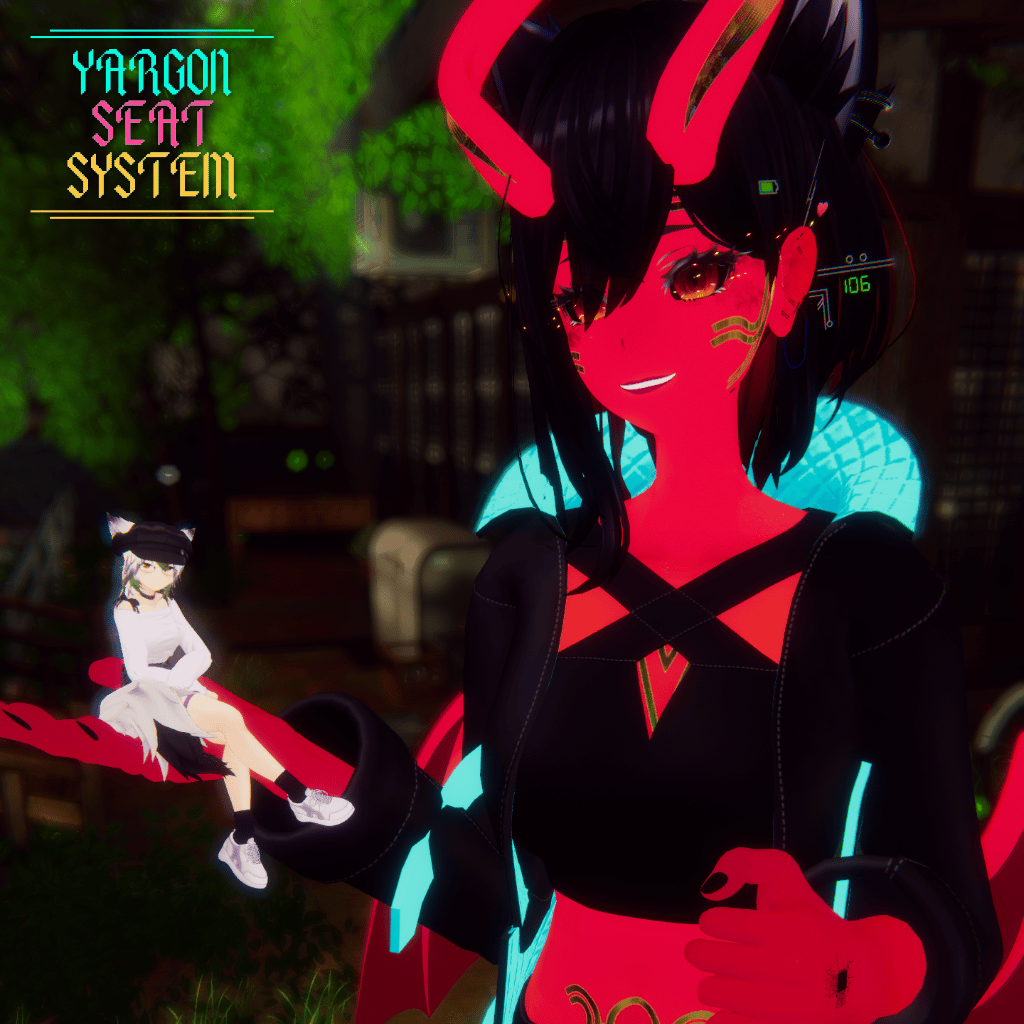
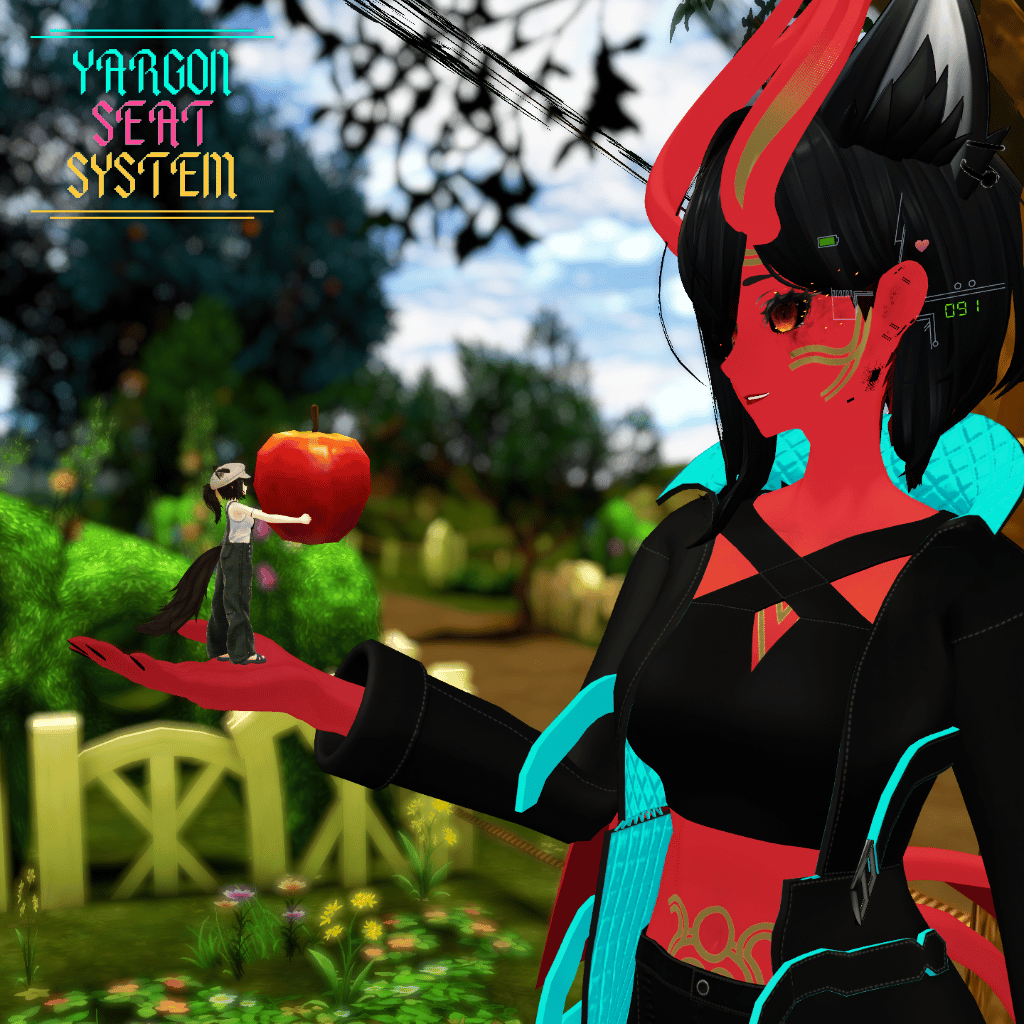
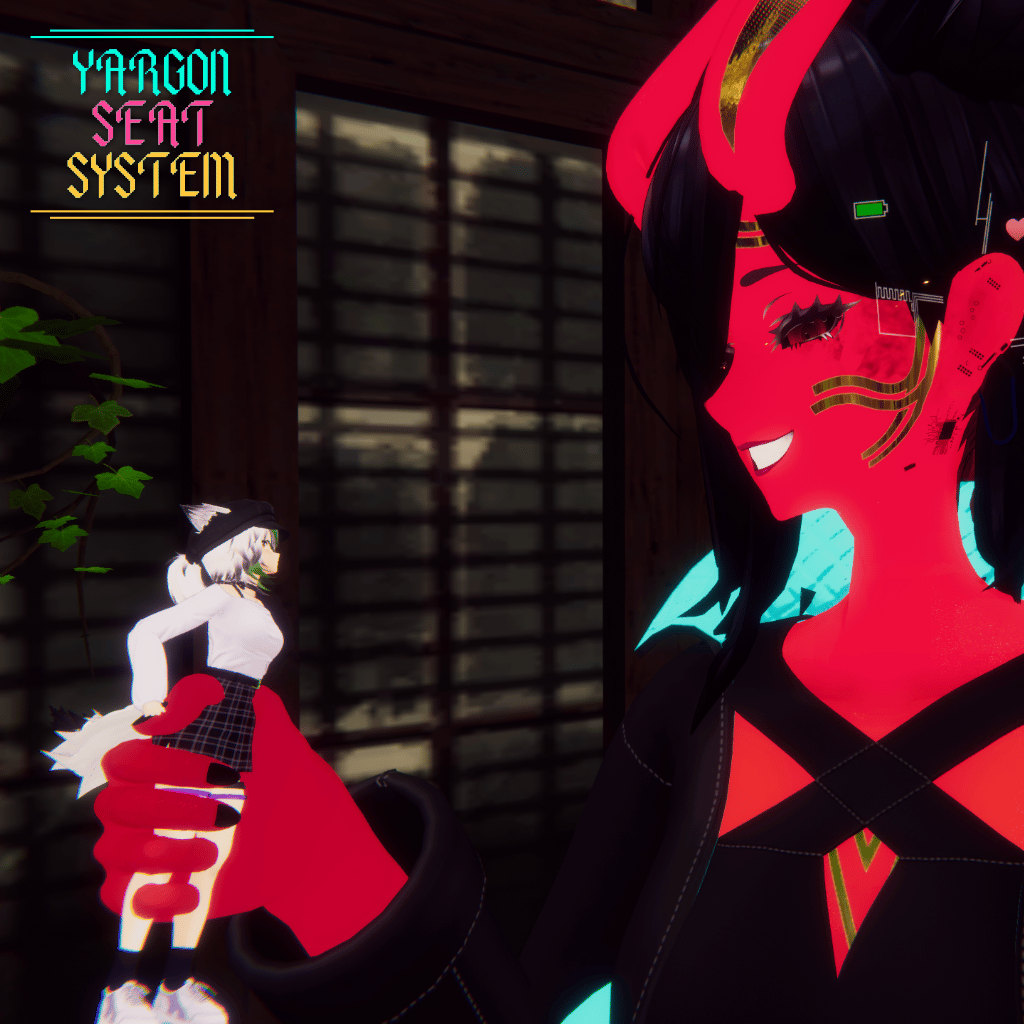
A system for picking up other players avatars. Let your friends sit in up to 15 possible locations with full 6-axis adjustment for each!
Features
-11 default seat locations
-Up to 4 custom seat locations
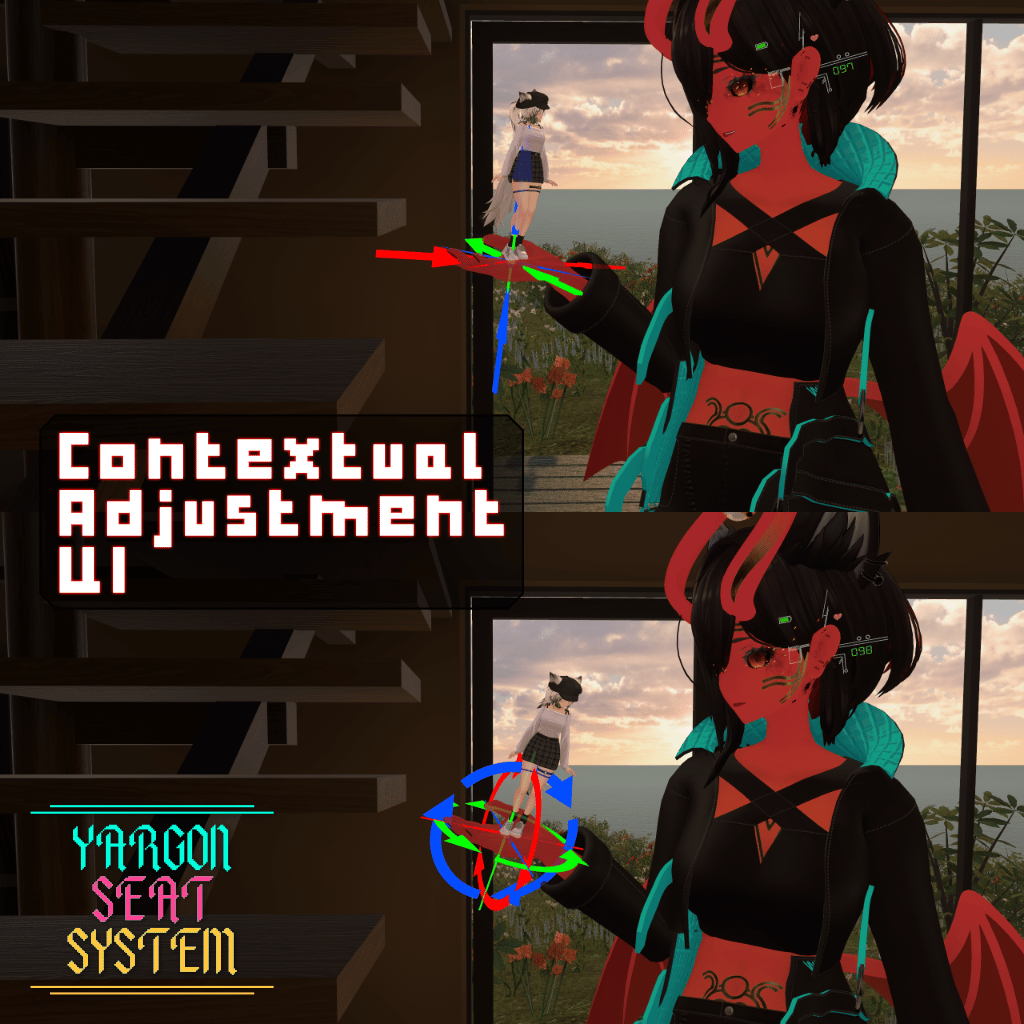
-Move and Rotate adjustments for the seat at each location
-Major and Minor adjustment options
-Adjustments saved between seat locations
-Optional Motion smoothing for comfort
-Optional gesture controls (each control individually toggleable)
-Sticky toggle per seat location (Touch the seat with a location to attach the seat)
-Contextual in-world UI
-4 UI (in world and radial menu) colour schemes
-Configurable Default location
-Enable seat at Default Location, Avatar Root or Last Location
-Automatically detect tiny in the seat
Performance statistics:
-468 tris
-2 Material Slots
-1 skinned mesh renderer
-1 static mesh renderer
-1 seat
-60 Bits sync'd parameter space
Demo
Try out the seat system before you buy it!
Using this demo avatar: https://vrchat.com/home/avatar/avtr_788db855-c98e-42f7-a836-0a32088bbbb3
Contents
Yargon Seat System
Yargon Seat System Installer Script
Radial Menu Cheat Sheet PDF (explains each option)
Instructions for Use
1. Drag and Drop the .unitypackage file into Unity
2. After installing, go to Yargon -> Seat System Installer at the top
3. Select the avatar to install it to and select a colour scheme
4. Click Install
5. Follow the instructions on the installer
Requirements
Modular Avatar: https://github.com/bdunderscore/modular-avatar/releases
Terms and Conditions
Personal License You may use this asset on PERSONAL and PRIVATE avatars, use on private commissions is also allowed. Use on PUBLIC avatars with attribution is allowed. Editing is allowed. Reselling any of my assets are prohibited. Trading any of my assets is prohibited. Redistributing of any assets are prohibited.