Product Description
NetFae Plexus
A glowing constellation shader for VRChat avatars
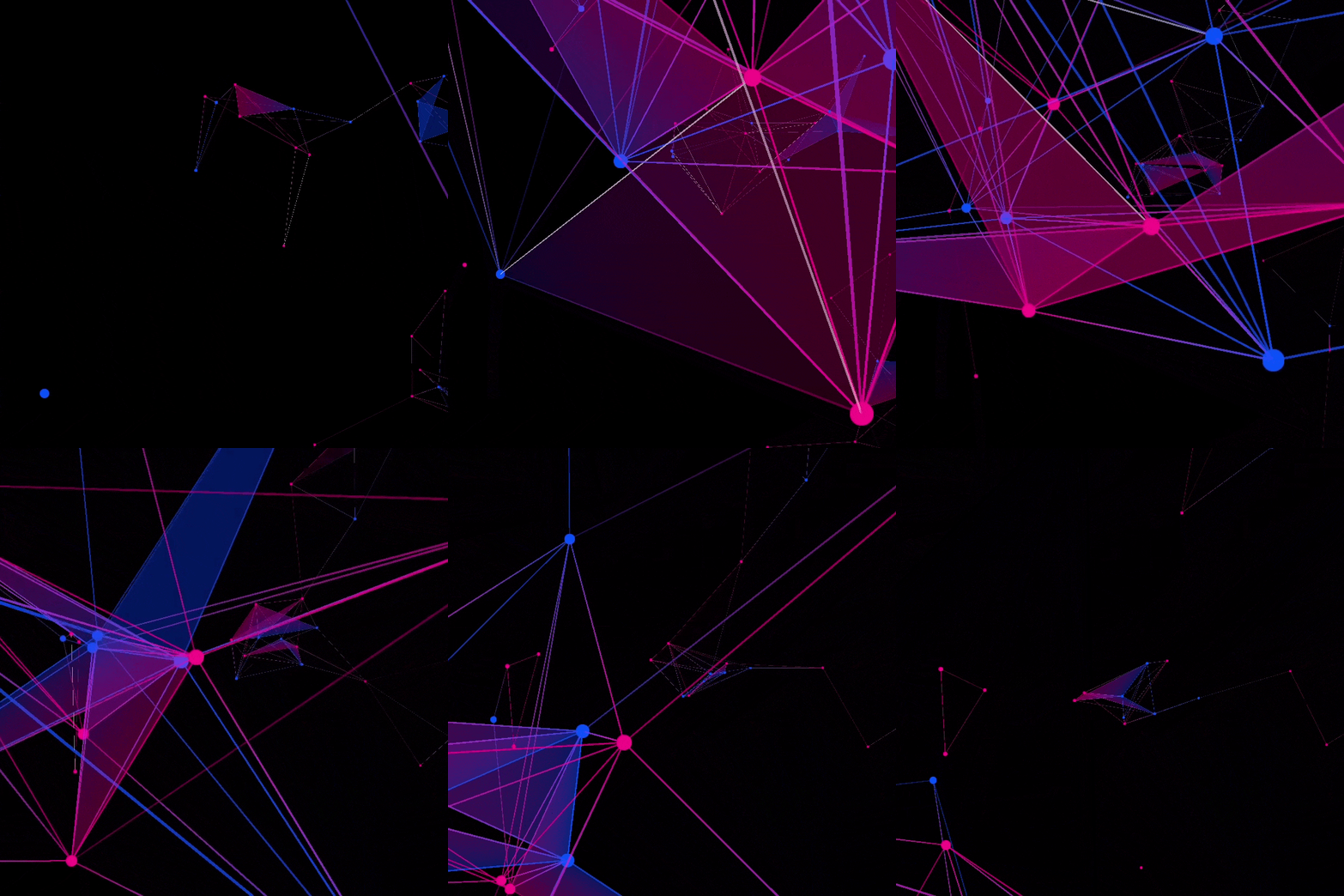
NetFae Plexus draws a cloud of drifting points and creates a living constellation - nodes that wander, connect to their neighbors with glowing lines, and fill in soft triangles between them. It scales with your avatar and reacts to music in-world through AudioLink.
Included Prefabs
• Plexus Aura - a loose drifting cloud that can also drop into the world and stay put, independent of your avatar
• Plexus Ring - a small glowing ring with a built-in "Talking" reaction that brightens when you speak
• Plexus Orb - three nested spheres of points forming a dense, glowing orb
• Plexus Bracelet - two crossed rings of square nodes for a wrist, ankle, tail, etc
Features
• Three switchable shapes: Globe, Spheres, and Ring
• Two-color hue and saturation control per effect
• AudioLink-reactive color pulsing and point pulsing, picked from Bass, Low Mids, High Mids, Treble, or an Average band
• Editable advanced properties in the shader for more fine-tuned control of movement, color and style
• VRCFury menu toggles and sliders already wired up on every prefab
Quick Setup
1. Install VRCFury in your project if it isn't already.
2. Open NetFaePlexus/Prefabs and drag a prefab onto your avatar - a bone (Head, a hand, a wrist) or the avatar root.
3. Adjust the object's Position, Rotation, and Scale to taste.
4. Upload.
5. In game, open your Expressions Menu, go to Plexus FX, and turn the effect on.
Full details on every control, shape, and AudioLink setting are in the included setup guide.
This shader is only intended to be applied to point cloud meshes. It won't work on a mesh of triangles/polys. To make your own custom effect, assign the shader to a material and use on one of the included point cloud meshes (in Meshes subfolder).
Specs
• Simple static use (always on, no menu controls) adds 1 Basic Mesh + 1 Material
• Plexus Aura - 1 Basic Mesh + 1 Material + 50 bits Expression Parameter memory
• Plexus Ring - 1 Basic Mesh + 1 Material + 9 bits Expression Parameter memory
• Plexus Orb - 1 Basic Mesh + 1 Material + 18 bits Expression Parameter memory
• Plexus Bracelet - 2 Basic Mesh + 2 Material + 26 bits Expression Parameter memory
To reduce Expression Parameter memory usage, you can delete unneeded VRCFury Toggles from the prefabs.
Requirements
• Unity 2022.3.22f1 and the VRChat Avatars SDK
• VRCFury (tested on 1.1494.0 and newer)
• PC avatars only - the effect uses a geometry shader, which Quest/Android does not support.
Terms
• OK for you to use on your personal avatar in VRChat and in other platforms
• OK to stream and post pics/vids on social media
• OK to use on public avatars
• OK to use on commercial avatars intended for sale (with credit given to me)
• DON'T resell the files (edited or not)
Special thanks to FriedShrimp for allowing me to use her song "Your Soul" in the promo video.
https://www.youtube.com/@friedshrimp96
Avatar in promo video JON by Kanneri