
EasyBoneDelete
Product Description
Ever wanted to delete a bone, because you don't need it or you need to meet a certain performance rank?
You might have encountered that when you delete a weighted bone, the area that it affects just collapses. EasyBoneDelete exists to make just that easier:
Either lazy or scared of blender, this is for you.
Features
- Delete weighted bones without the mesh collapsing.
- Delete one bone, several at once.
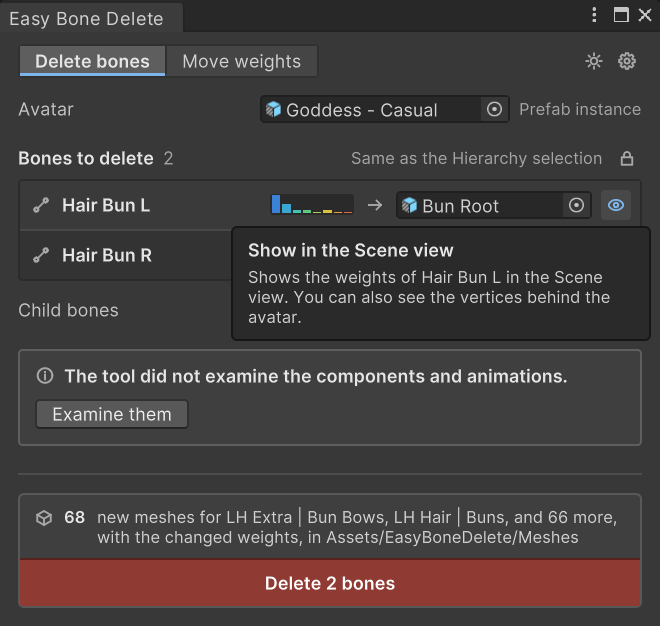
- See what will happen before you click: which meshes change, which bones and objects move, and what gets deleted along with the bone.
- See a bone's weights as a heatmap in the Scene view.
- Move only part of a bone's weight: paint or box-select the exact vertices you want and move their weight to another bone.
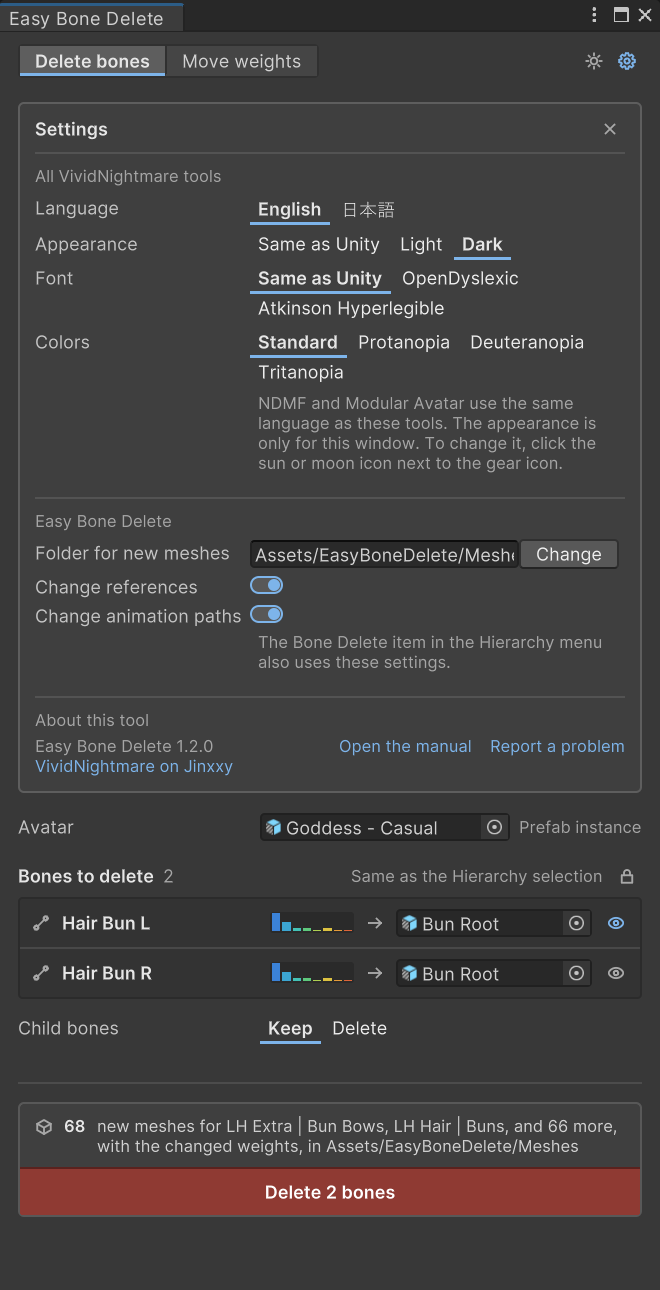
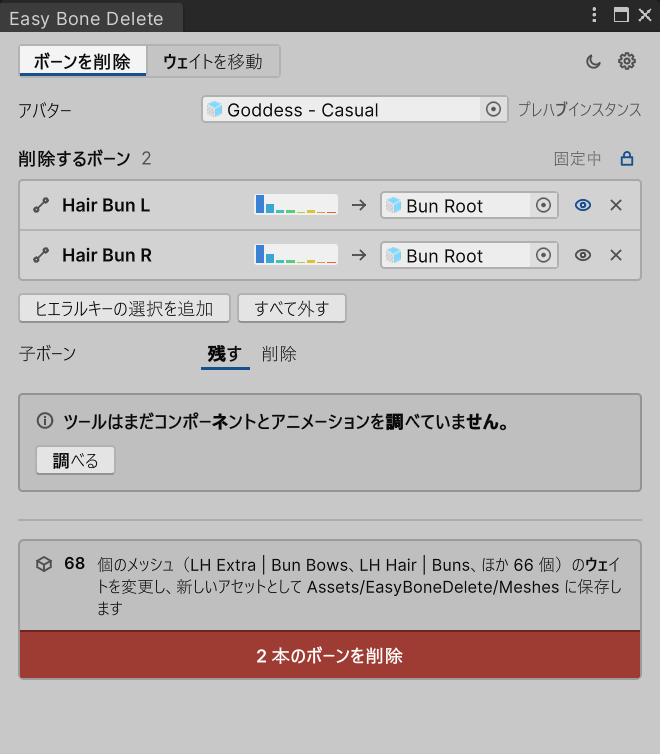
- In English and Japanese.
- Light and dark mode, with a one-click toggle.
- Alt fonts like OpenDyslexic and Atkinson Hyperlegible.
- Color-blindness support.
Right-click a bone in the Hierarchy: Bone Delete > Delete Bone (weights to parent)
Or open the window: Tools > VividNightmare > Easy Bone Delete
Requirements
Unity 2022.3 with the VRChat Avatars SDK 3.5 or newer.
How do I report issues or give feedback?
Check the product's purchase note in the jinxxy inventory for how to report bugs.
Will the addon be supported post-launch with updates and bugfixes?
EasyBoneDelete will continue to receive long-term support for the foreseeable future, and it will be ported to Unity 6 when VRChat releases a compatible SDK. Existing customers won't have to pay separately for the Unity 6 version.
You may use EasyBoneDelete in your personal and commercial projects, anything you create with it is fully yours with no restrictions and no attribution required. The tool embeds nothing in your content, so avatars you sell or commission never require your buyer to own a copy.
You may not redistribute, resell, share, alter, or decompile the tool itself. Full terms in LICENSE.md.