
【VRChat】カメラスイッチャー Cam System|6+1カメラ・OBS配信出力・自動スイッチング・デジタル操作パネル【Quest対応】
Tags
Product Description
This product contains AI-generated content.
▶ 購入前にVRChatで試せます:体験ワールド「VRealEstate Cam System - Test」(友達と一緒に EARS も試せます)
▶ Try it in VRChat first: demo world "VRealEstate Cam System - Test" (bring friends and try EARS)
https://vrchat.com/home/world/wrld_7d30e093-ada6-46b8-b683-93ac816e69c6
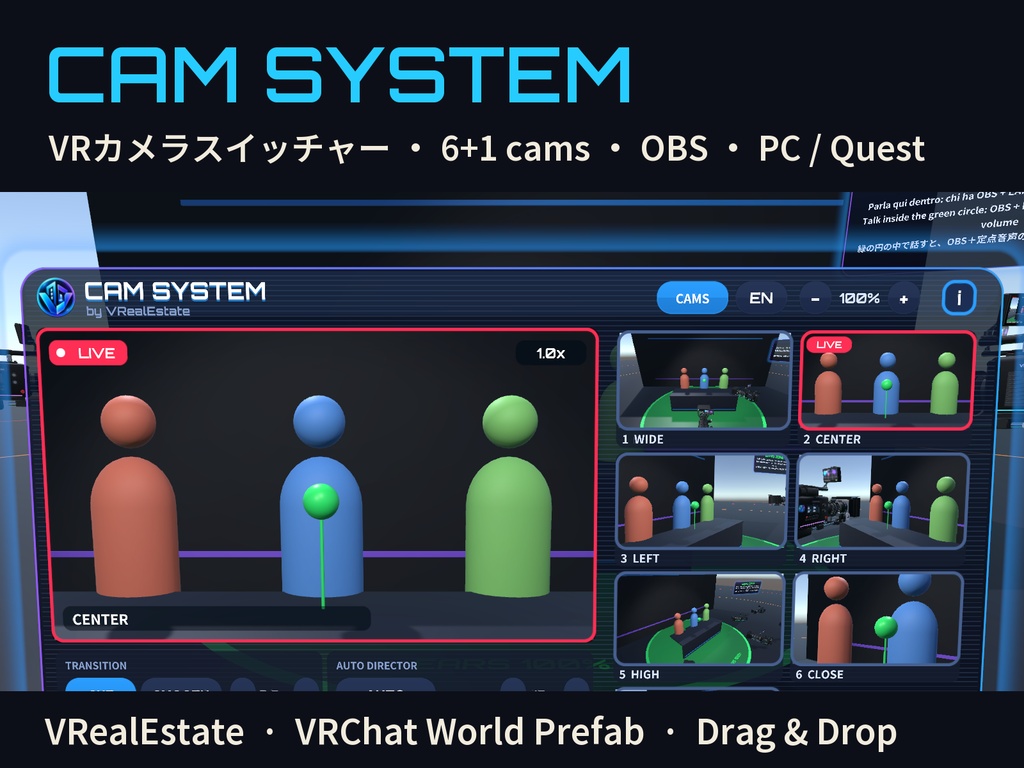
VRChat ワールド用のカメラスイッチャー。ポッドキャスト、トーク番組、VTuberルーム、イベント配信に。
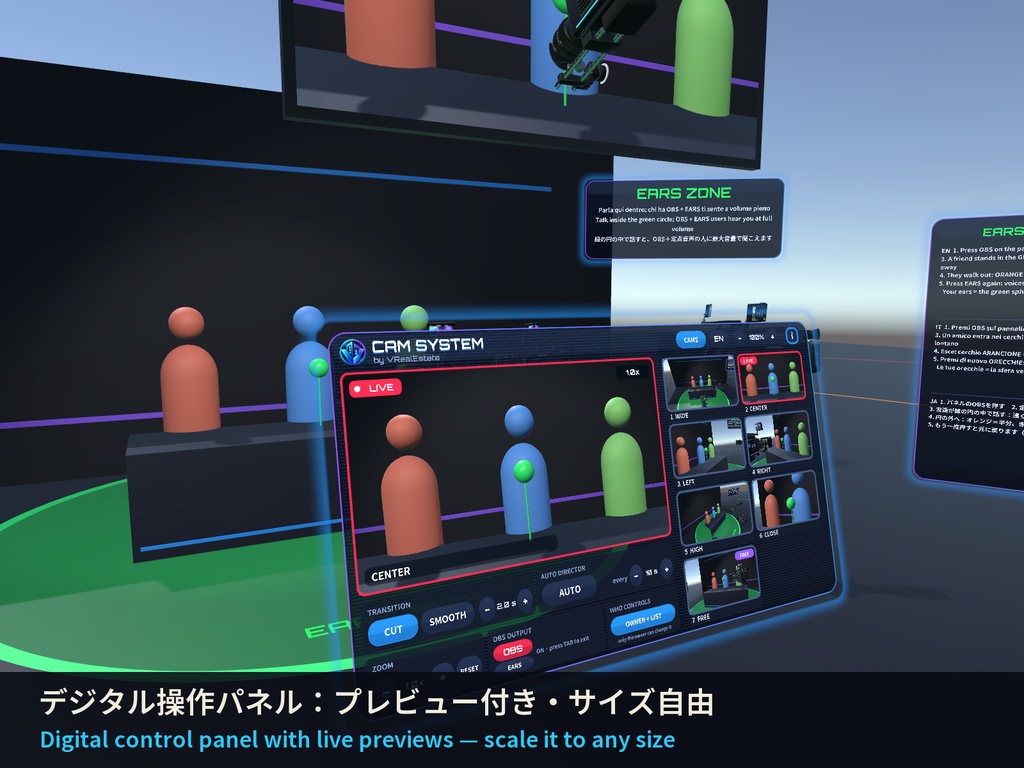
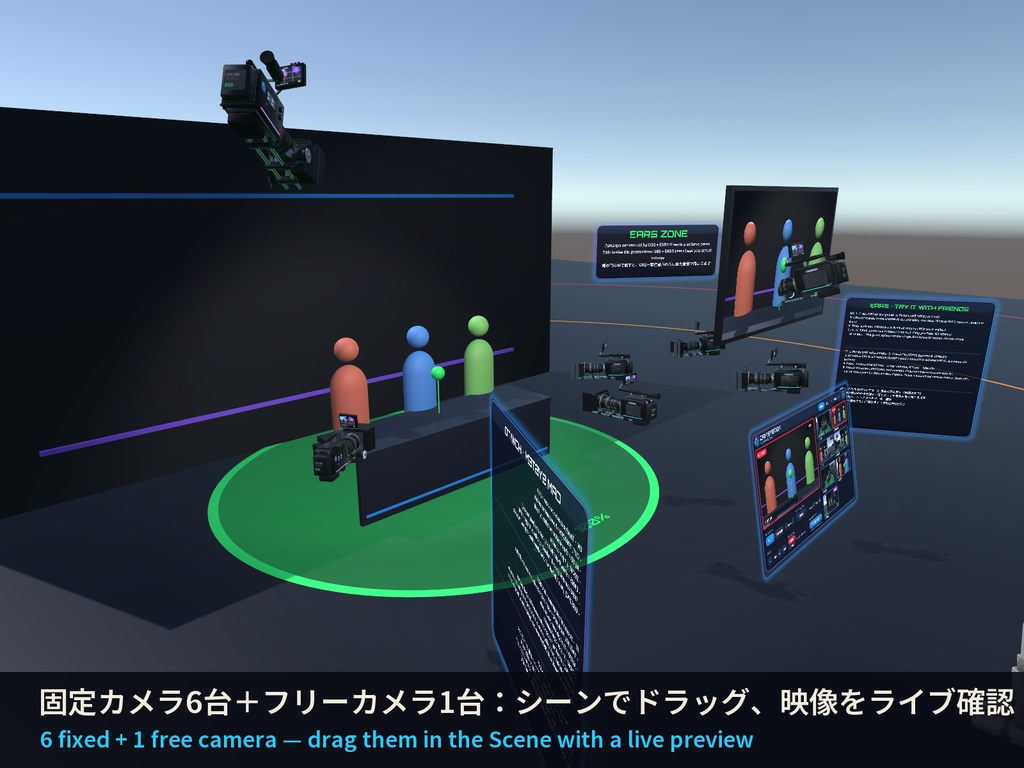
固定カメラ6台+手に持てるフリーカメラ1台、ライブプレビュー付きのデジタル操作パネル、カット/スムーズ切替、自動スイッチング、
カメラごとのズーム、自動カメラワーク、OBS出力(デスクトップ・VR)、定点音声(EARS)、権限設定。すべて全員に同期します。
■ 主な機能
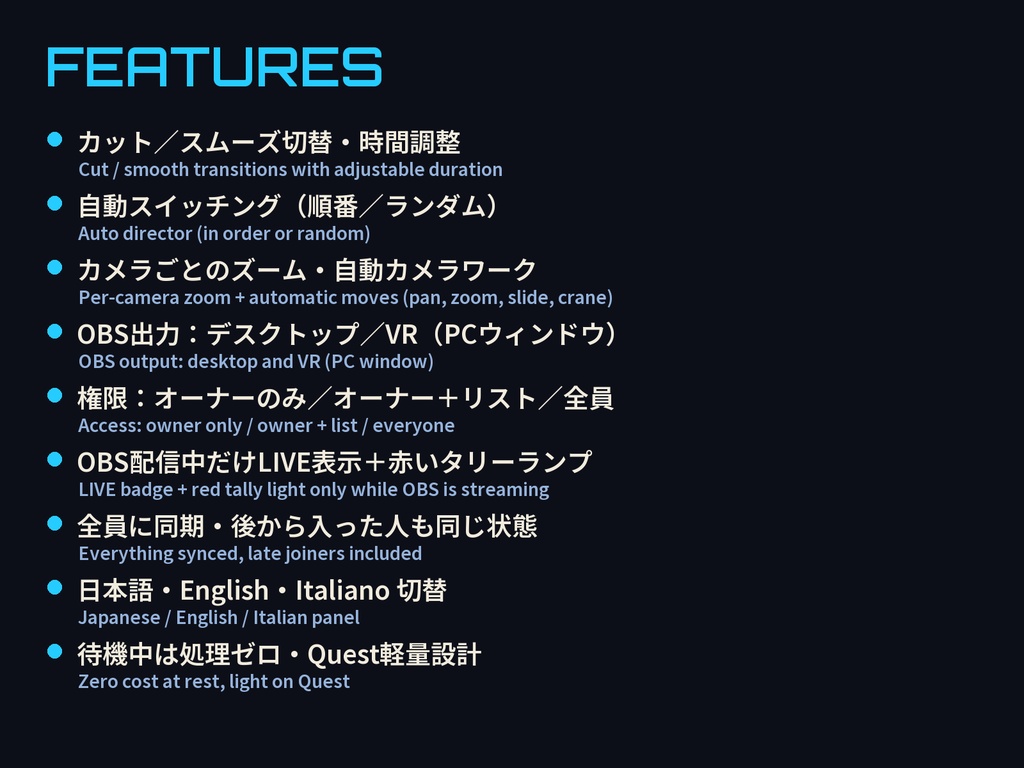
・プレビューをタッチするだけでオンエア切替(カット/スムーズ・時間調整)
・自動スイッチング(順番/ランダム、間隔 3〜120秒)
・カメラごとのズームと自動カメラワーク(パン・ズーム・スライド・クレーン)※プレイヤー追尾なし
・OBS出力:デスクトップは画面いっぱいに番組を表示(TABで終了)、VRではPCウィンドウだけに表示(ヘッドセットは通常どおり)
・OBS配信中だけ「LIVE」表示と赤いタリーランプが点灯(全員に同期)
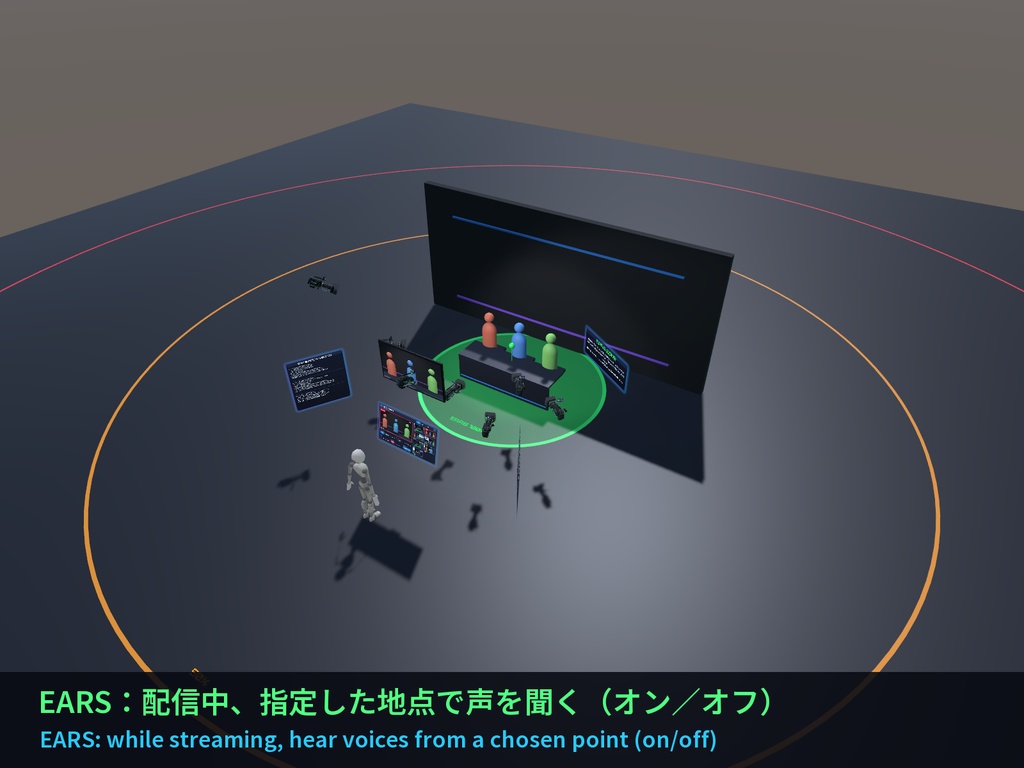
・EARS(定点音声・オン/オフ):配信中、他のプレイヤーの声をマップ上の指定地点で聞いているように聞こえます
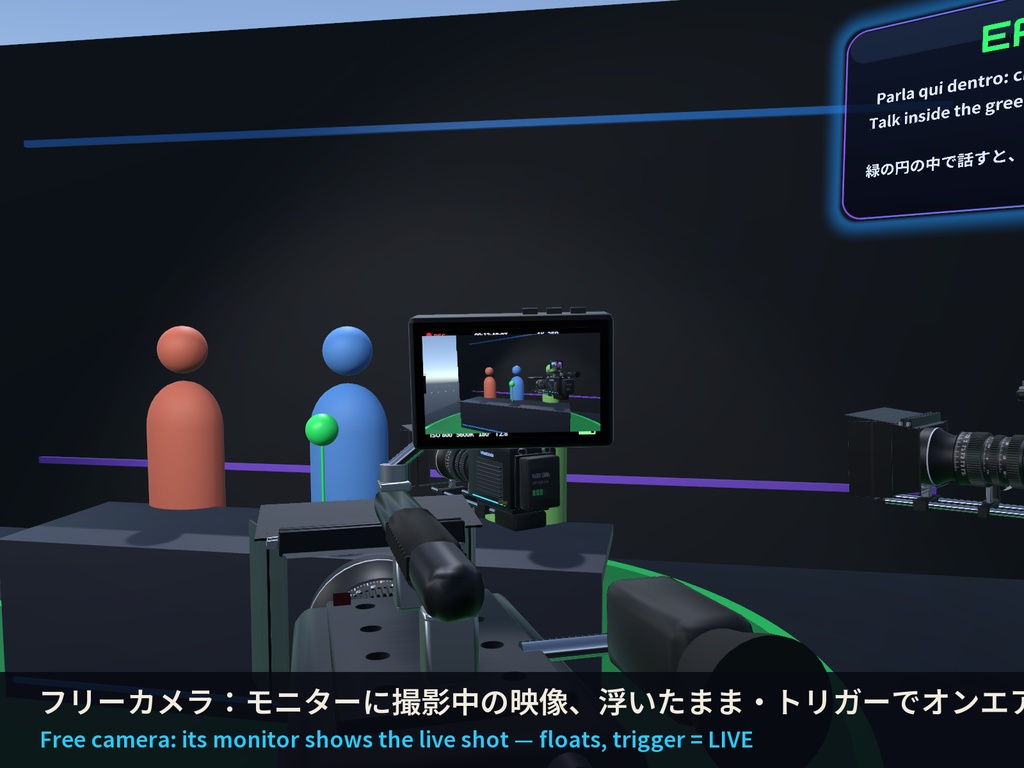
・フリーカメラ:持って離すと空中に浮いたまま。トリガーでオンエア。モニターに撮影中の映像を表示
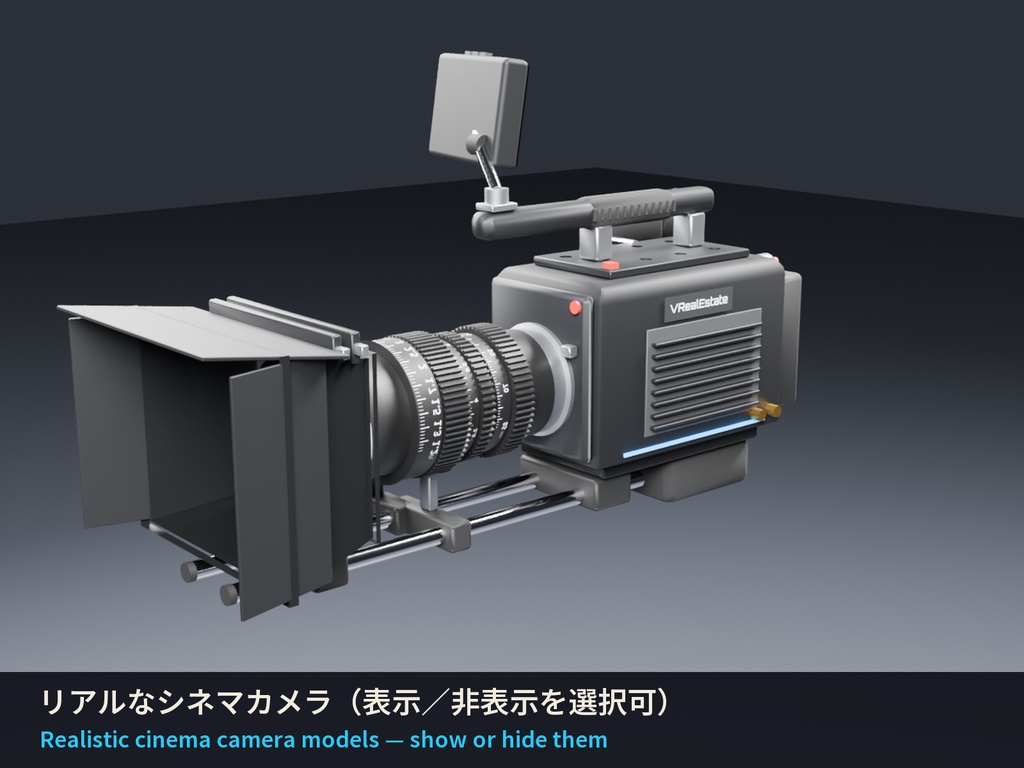
・固定カメラ本体は通常非表示、パネルの「カメラ」ボタンで各自が表示
・権限:オーナーのみ/オーナー+許可リスト/全員(ゲーム内でオーナーが変更可能)
・パネルはデジタル表示でどのサイズでも鮮明(ゲーム内で − / +)
・日本語/English/Italiano 切替、「i」ボタンでクレジット
■ 導入
1. unitypackage をインポート
2. VRE_CamSystem.prefab をシーンにドラッグ
3. 開いた「Cam System Setup」ウィンドウで7台の映像をライブ確認しながら、カメラをシーンでドラッグ(または「Put here」)
4. 緑の球(定点音声の地点)をドラッグ ― 以上!(手順画像付き:Setup_Guide フォルダ)
■ 仕様
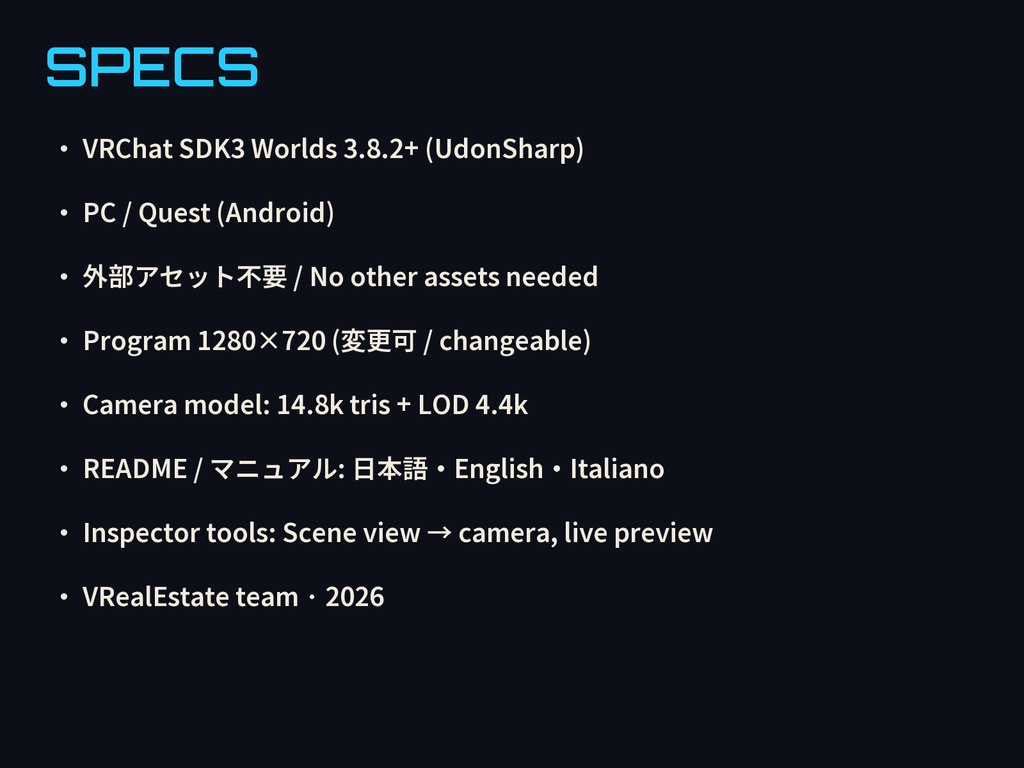
・VRChat SDK3 Worlds 3.8.2 以降(UdonSharp)、外部アセット不要
・PC / Quest 対応(Quest では OBS 出力なし、EARS は使用可)
・番組 1280×720(変更可)、カメラモデル 14.8k ポリゴン+LOD
・待機中は毎フレーム処理なし、番組カメラは近くにいる人だけ動作
・1ワールドに1セット、カメラ最大8台
A camera director for VRChat worlds: podcasts, talk shows, VTuber rooms, live events.
6 fixed cameras + 1 free camera you can grab, a digital control panel with live previews, cut / smooth transitions, auto director,
per-camera zoom, automatic camera moves, OBS output (desktop and VR), EARS and permissions. Everything is synced for everyone.
■ Features
- Touch a preview to put it on air (cut or smooth, adjustable duration)
- Auto director (in order or random, every 3–120 s)
- Per-camera zoom and automatic moves (pan, zoom, slide, crane) — no player tracking
- OBS output: desktop shows the program full screen (TAB exits); in VR only your PC window shows it (headset unchanged)
- LIVE badge and red tally light only while someone is streaming with OBS (synced)
- EARS (on/off): while streaming, hear the other players as if you were standing at a chosen point of the map
- Free camera: grab it, release it, it floats in mid-air; trigger = LIVE; its monitor shows the live shot
- Fixed camera bodies hidden by default; each player can show them with CAMS
- Access: owner only / owner + list / everyone (the owner can change it in game)
- Digital panel, sharp at any size (− / + in game)
- Japanese / English / Italian, "i" credits button
■ Setup
1. Import the unitypackage 2. Drag VRE_CamSystem.prefab into your scene
3. The "Cam System Setup" window opens with the live view of all 7 cameras: drag the cameras in the Scene (or press "Put here")
4. Drag the green EARS sphere — done! (step-by-step picture guide included: Setup_Guide folder)
■ Specs
- VRChat SDK3 Worlds 3.8.2+ (UdonSharp), no other assets
- PC / Quest (no OBS output on Quest; EARS works)
- Program 1280×720 (changeable), camera model 14.8k tris + LOD
- Zero per-frame work at rest; the program camera only runs for people nearby
- One set per world, up to 8 cameras
VRealEstate team
━━━━━━━━━━━━
🎮 VRealEstate のおすすめ / More from VRealEstate
・VRtuber CyberPunk(配信ルームワールド): https://vrealestate.booth.pm/items/9005106
・Holo Idol(ホログラムアイドル): https://vrealestate.booth.pm/items/9004945
・Arcade Cabinets Set(アーケード筐体3台セット): https://vrealestate.booth.pm/items/8966553
🎨 カスタム制作のご依頼・サポート / Custom orders & support:
Discord https://discord.gg/36Bta22Rzh