
Product Description
This product contains AI-generated content.
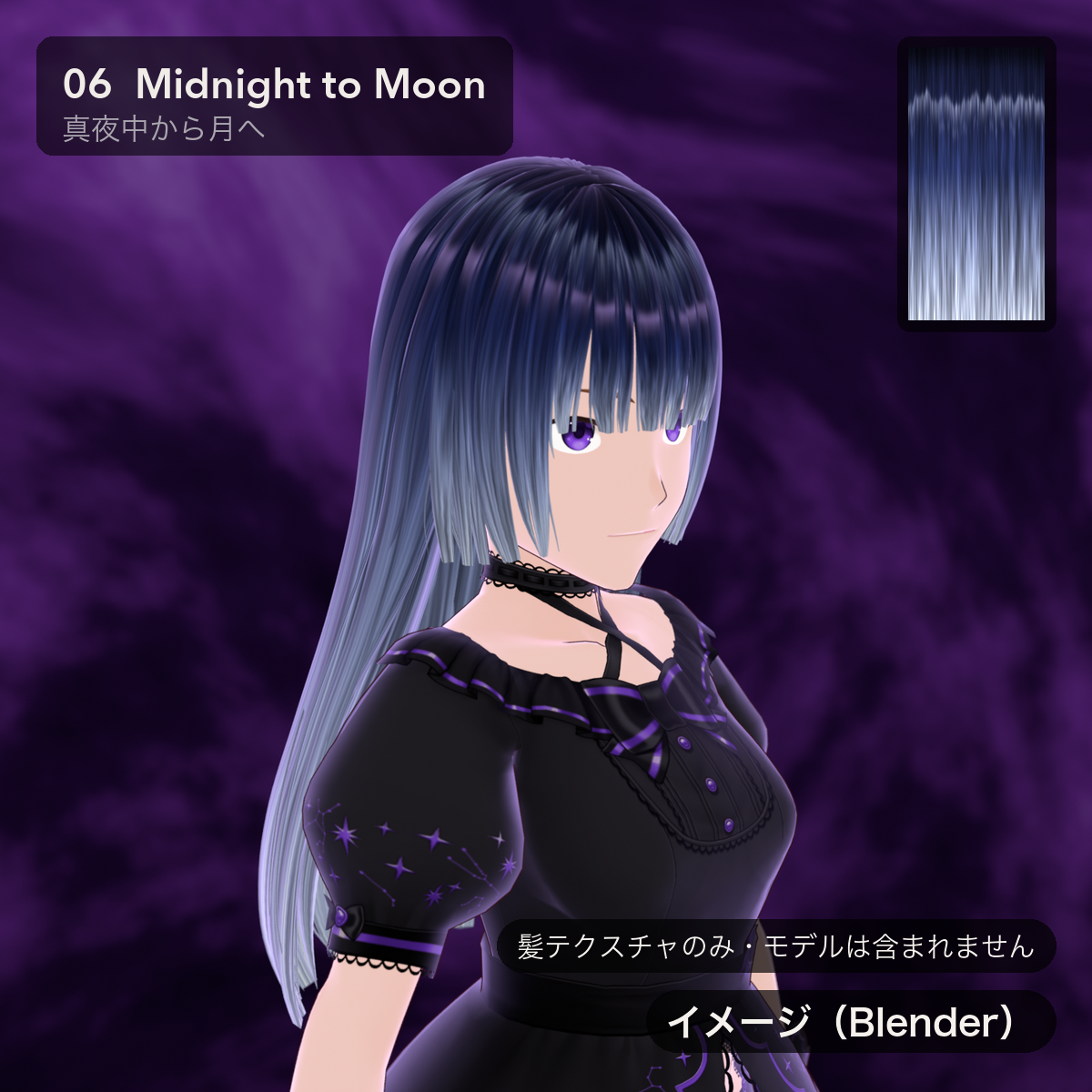
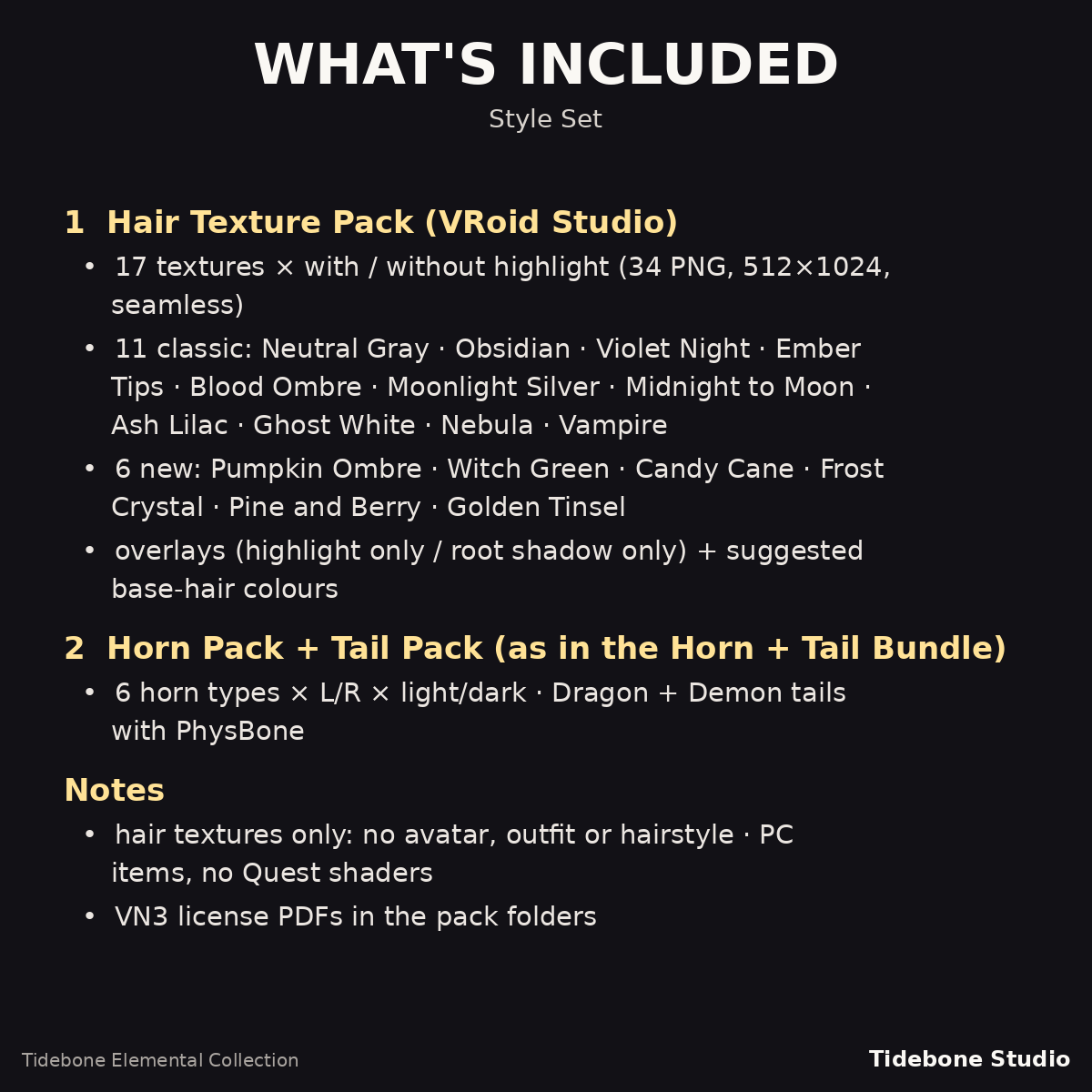
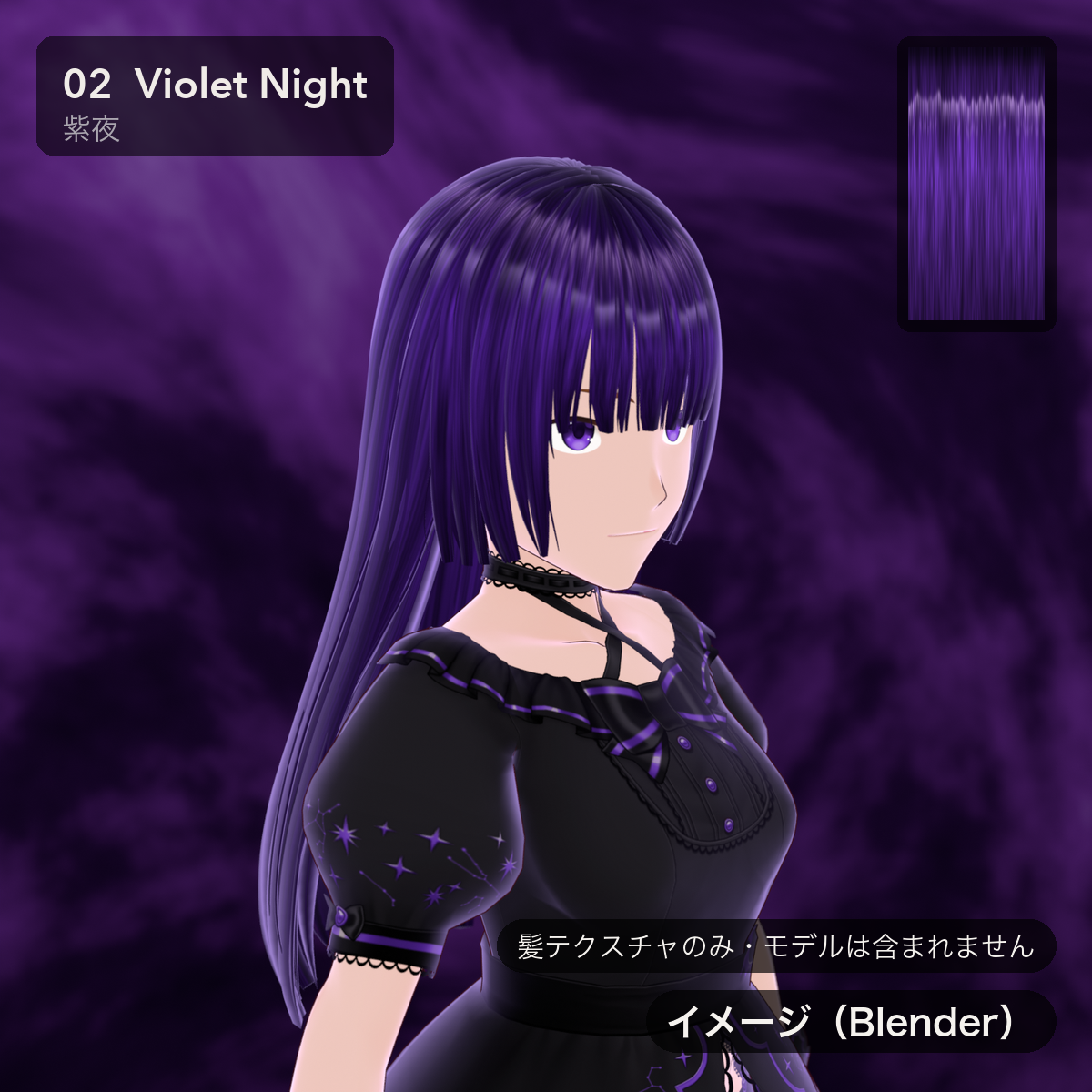
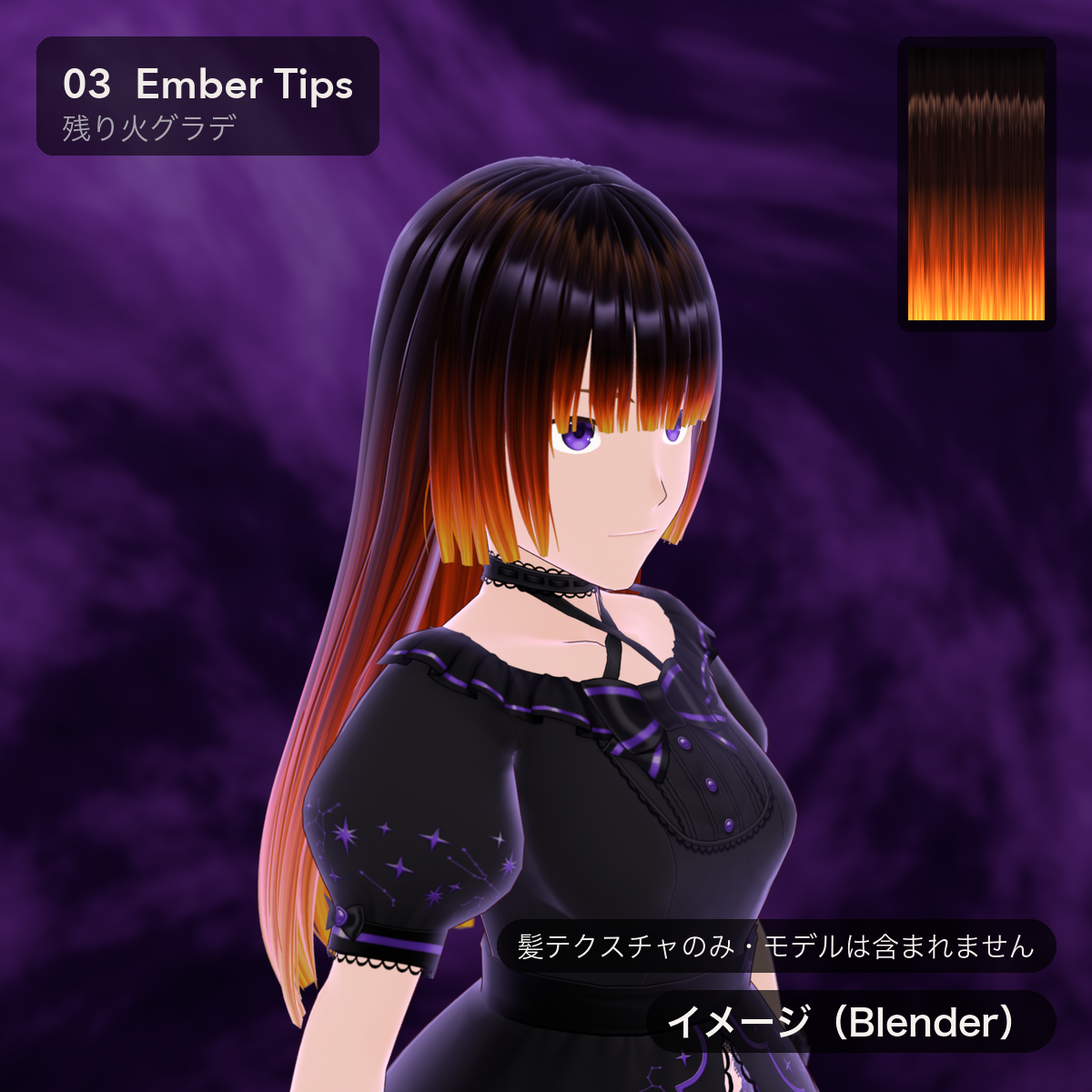
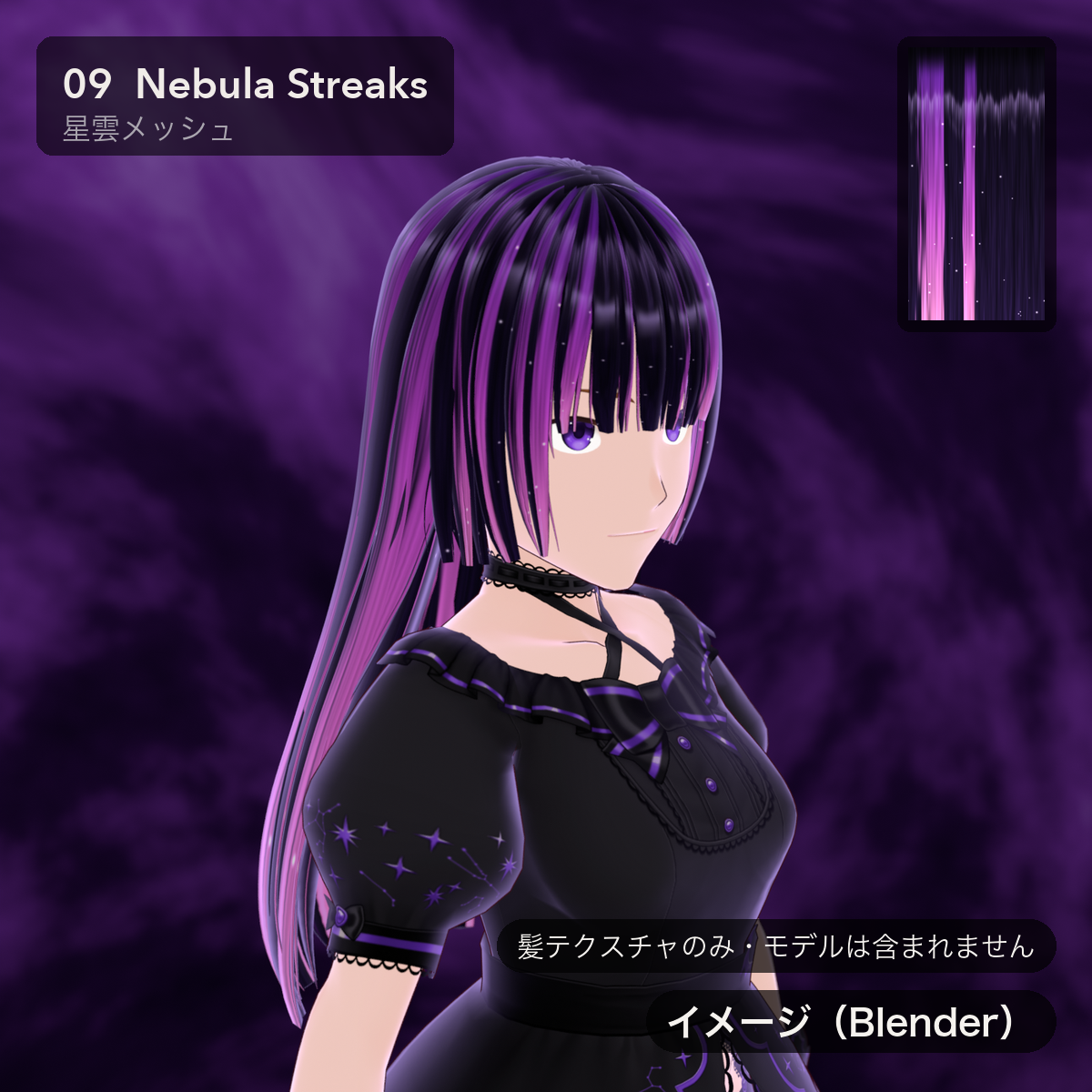
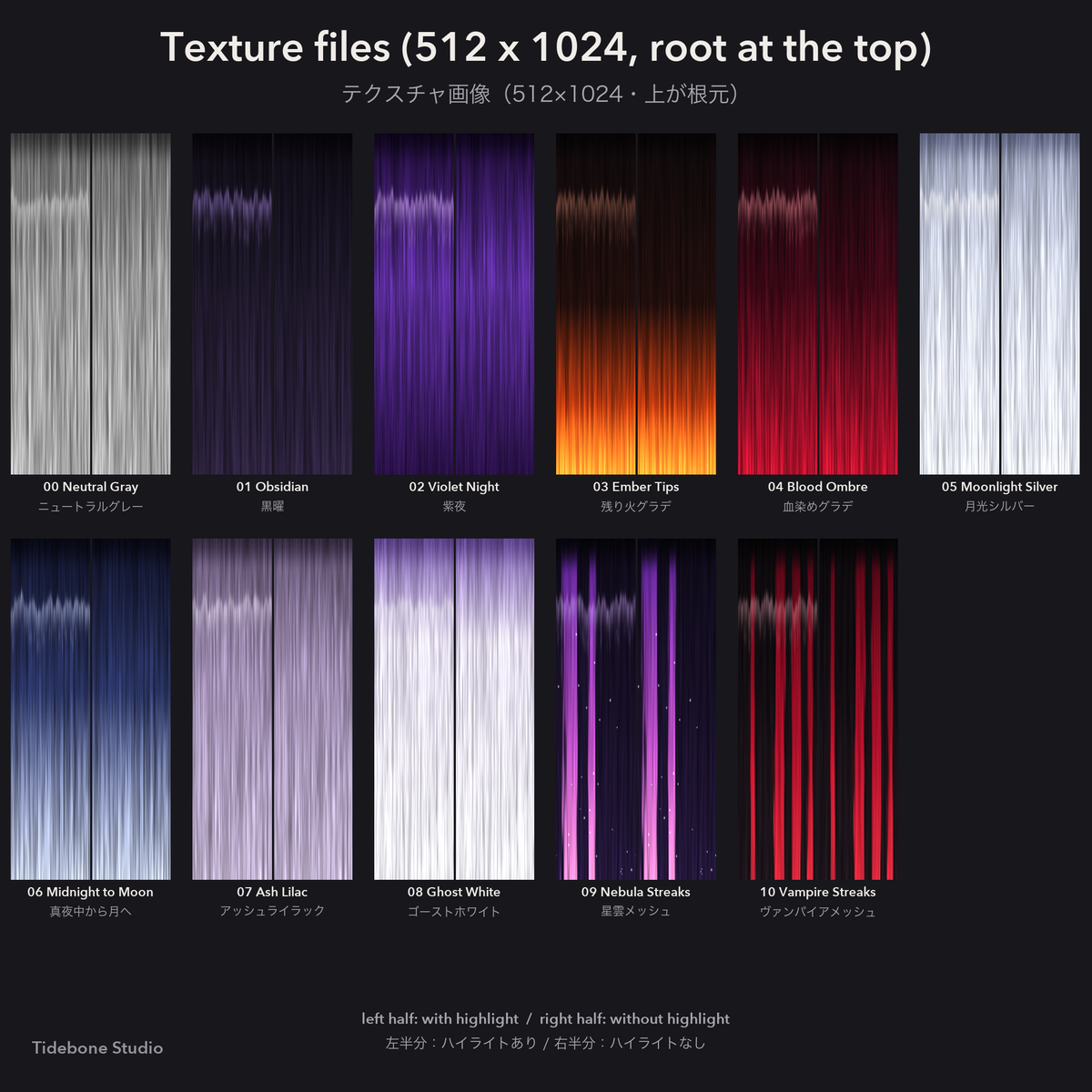
11 hair textures for VRoid Studio: black, violet, silver and white, plus tip gradients (Ember, Blood, Midnight to Moon) and streaks (Nebula, Vampire).
Every texture comes with and without highlight. Also included: a grey version for recolouring, and transparent overlays with only the highlight or only the root shadow.
■ Free sample
"00 Neutral Gray" (with / without highlight) is free to try — choose the "Free Sample" variation.
■ Contents
• 11 hair textures × with / without highlight (22 PNG)
00 Neutral Gray (for colour adjustment) · 01 Obsidian · 02 Violet Night · 03 Ember Tips · 04 Blood Ombre · 05 Moonlight Silver
06 Midnight to Moon · 07 Ash Lilac · 08 Ghost White · 09 Nebula Streaks · 10 Vampire Streaks
• Overlays (transparent PNG): highlight only / root shadow only
• varianten.json (suggested base-hair colour for each texture)
• README (Japanese, English), licence PDF (Japanese, English, Korean, Chinese)
■ Specs
• PNG 512×1024 (root at the top, tips at the bottom), seamless horizontally
• Set on the hair material, so every strand using that material gets the look
• Import and recolouring checked in VRoid Studio 2.14.0
■ How to use
1. "Hairstyle" tab → "Edit Hairstyle"
2. Colour swatch of a hair group → "Material" → "Edit Texture"
3. "Base" > "Layers" → image import → choose the PNG
4. Tint with "Color Calibration" > "Main Color" (00 Neutral Gray is made for this)
■ Notes
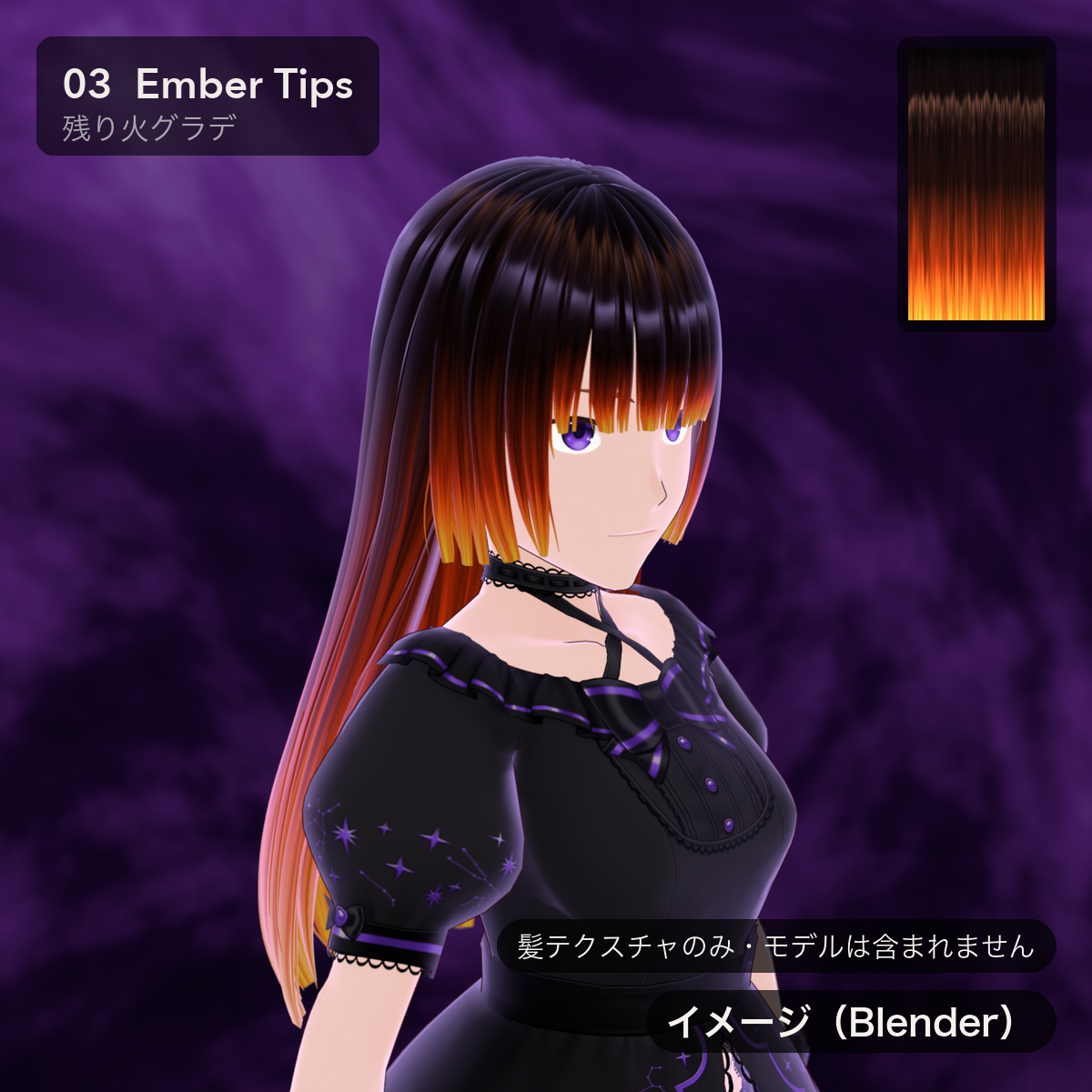
• Hair textures only. The model (avatar), outfit and hairstyle shown in the images are NOT included.
• Product images are Blender renders (marked "イメージ(Blender)"). The look in VRoid Studio depends on lighting and look settings.
■ How it was made
All textures are generated procedurally by scripts (Python) written by the creator; an AI assistant was used to write the scripts.
No image-generation AI was used. No third-party assets and no VRoid preset images were used.
■ Terms of use
VN3 License — see the included PDFs (the Japanese text is authoritative).
Summary: personal and commercial use OK · uploading to services such as VRChat OK · redistributing the data itself or modified data NOT allowed · transfer NOT allowed · credit not required (appreciated).
■ Contact
For issues or questions, please message me via my Jinxxy store page.
by Tidebone Studio
――――――――――――――――
■ Goes well with
• Horn Pack https://jinxxy.com/TheQuietStack/horn-pack
• Tail Pack https://jinxxy.com/TheQuietStack/HICif
• Fur Tail Pack https://jinxxy.com/TheQuietStack/pTLhR
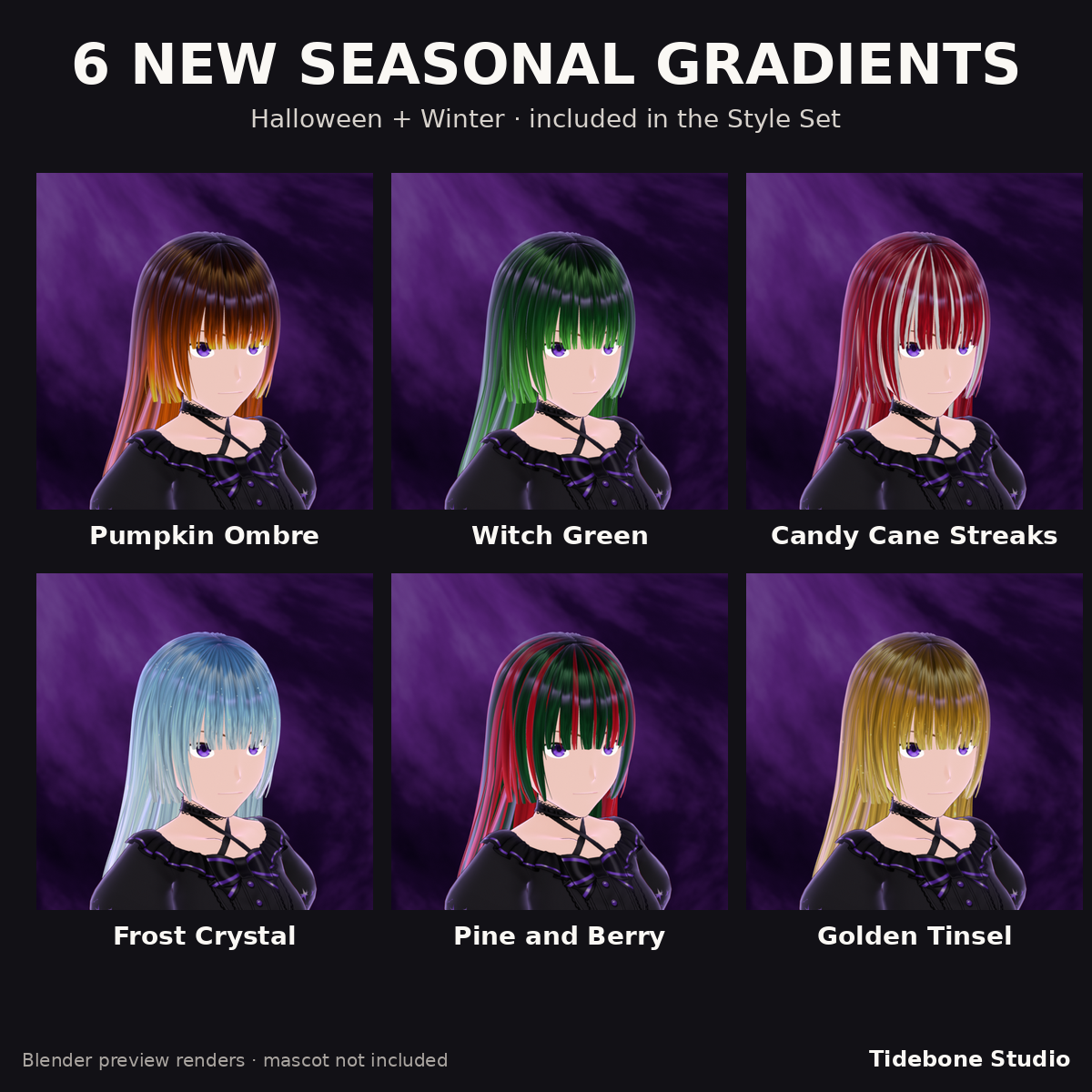
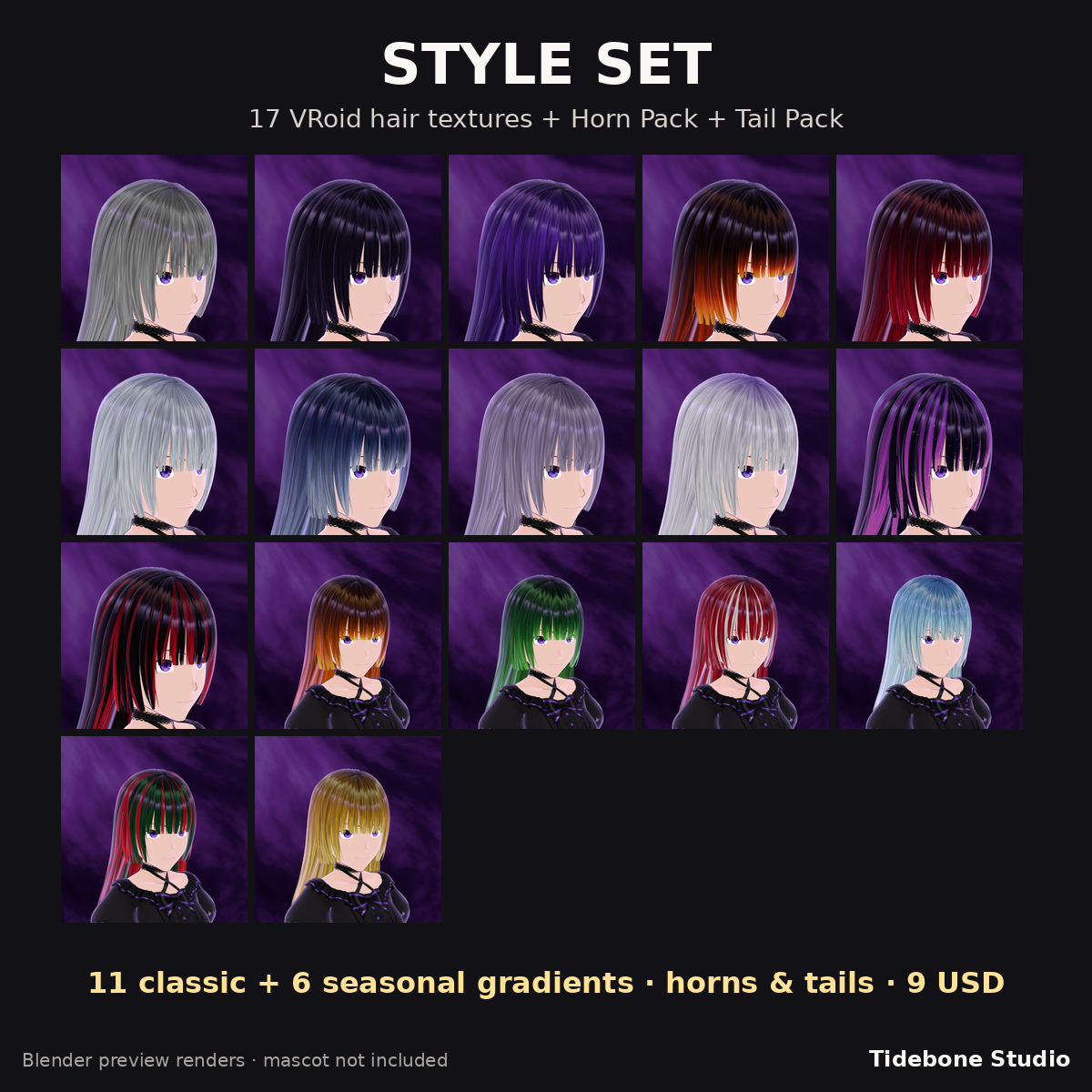
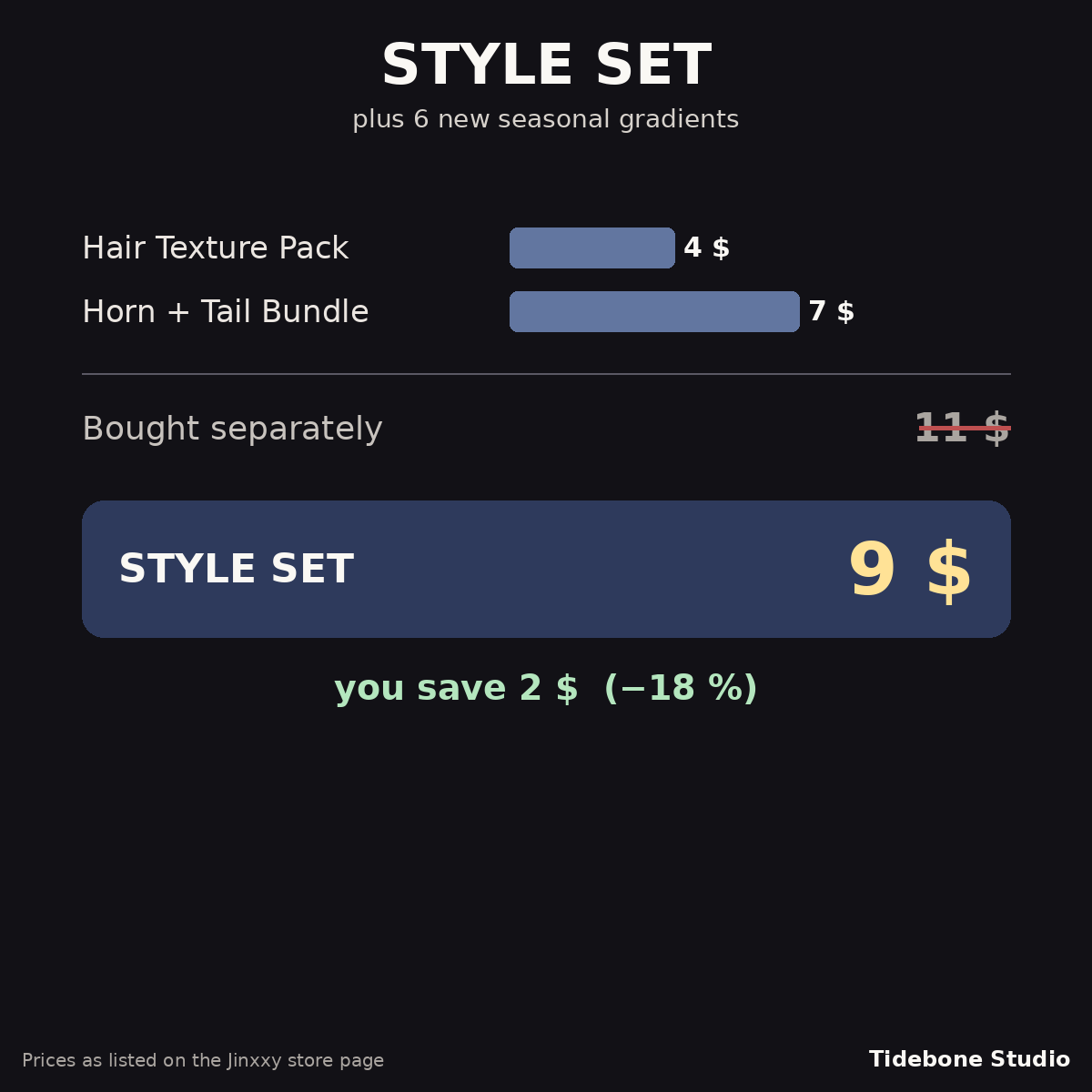
■ All together: choose the version “Style Set” of this listing (17 hair textures + horns & tails)