
Product Description
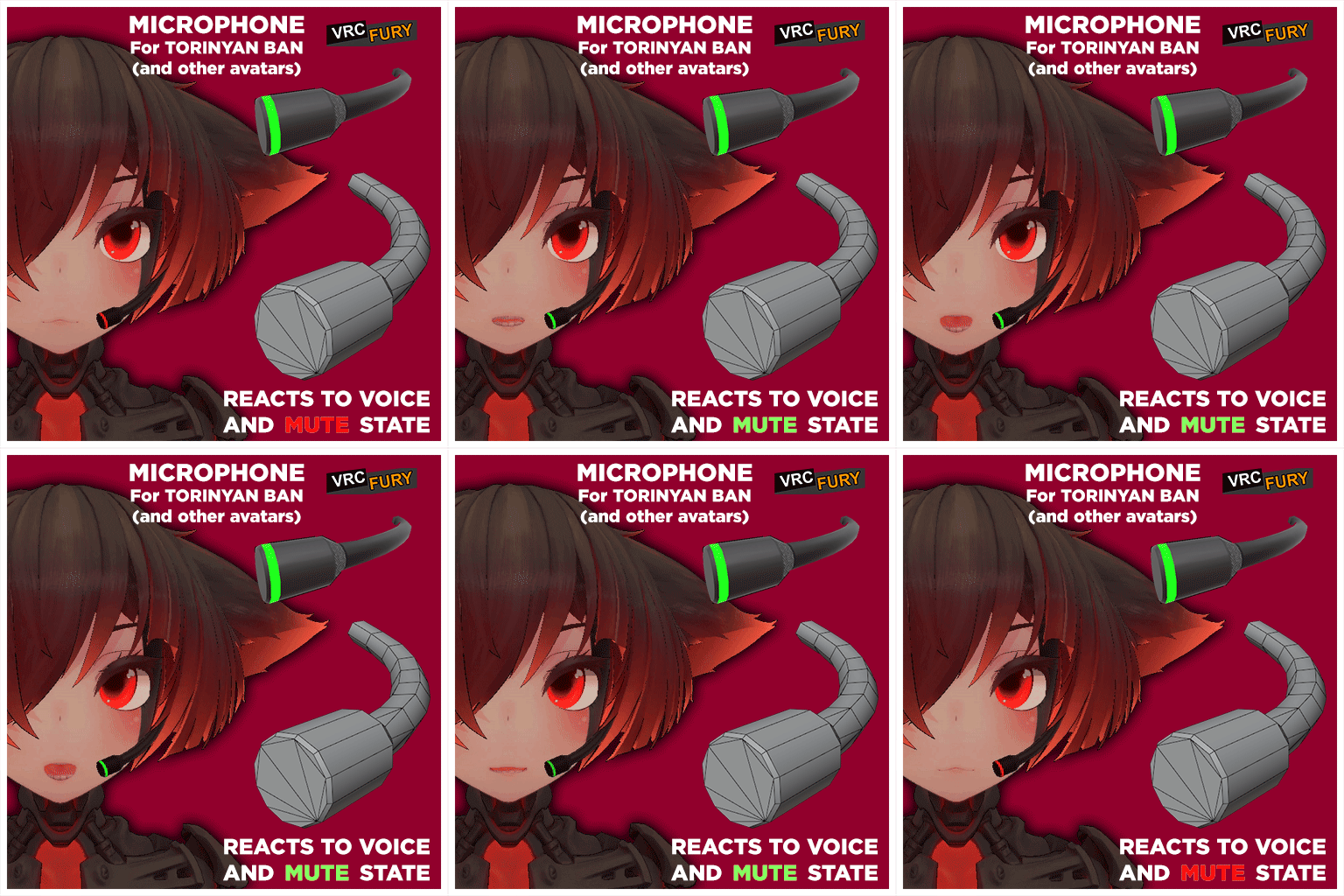
Microphone made for Torinyan BAN avatar base (can work with other avatars too!)
Created by: Stabbz
FEATURES:
- Quick installation using VRC Fury
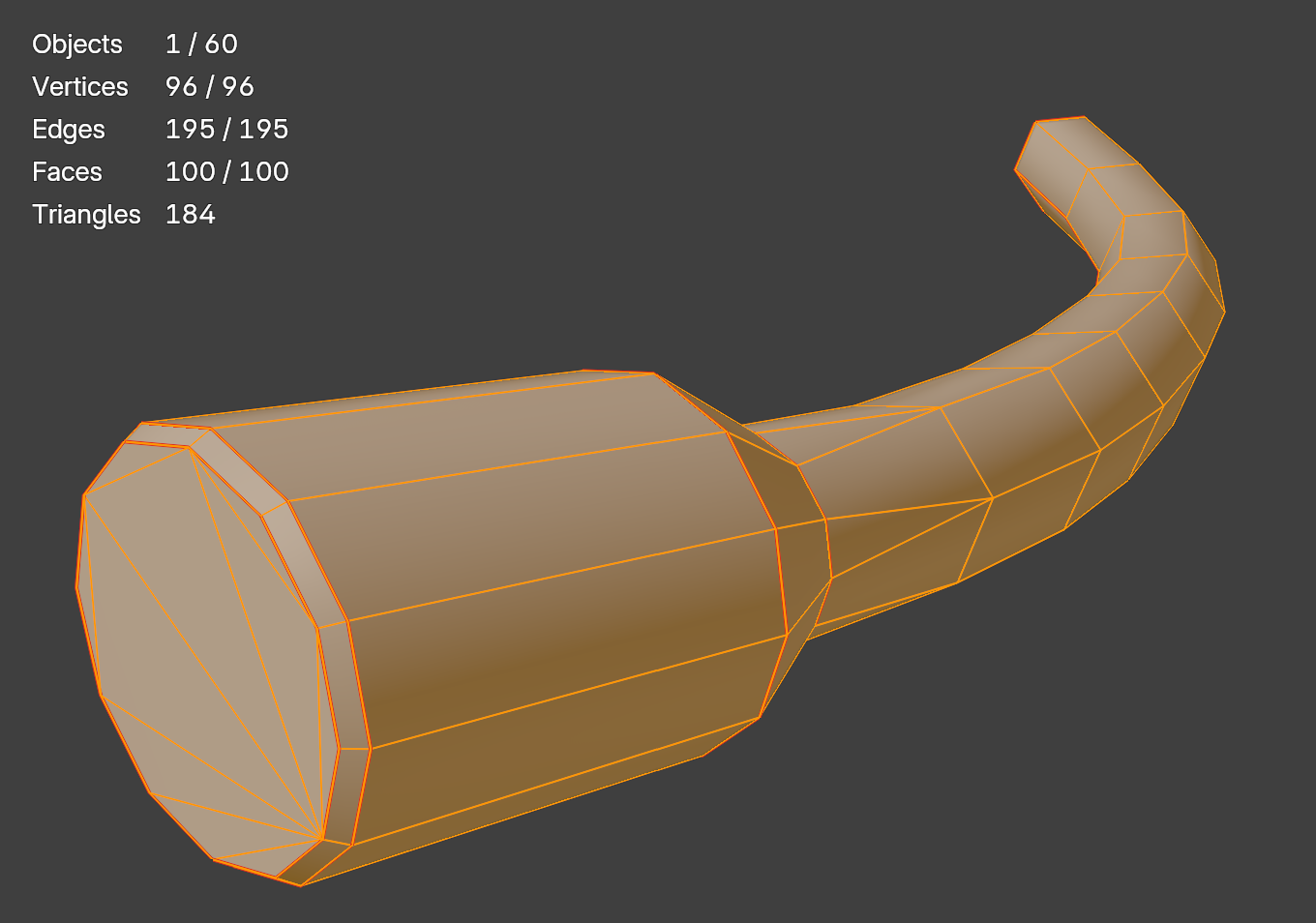
- Low Poly, 184 tri's total!
- Lights up with your voice
- Turns red when the mic is muted
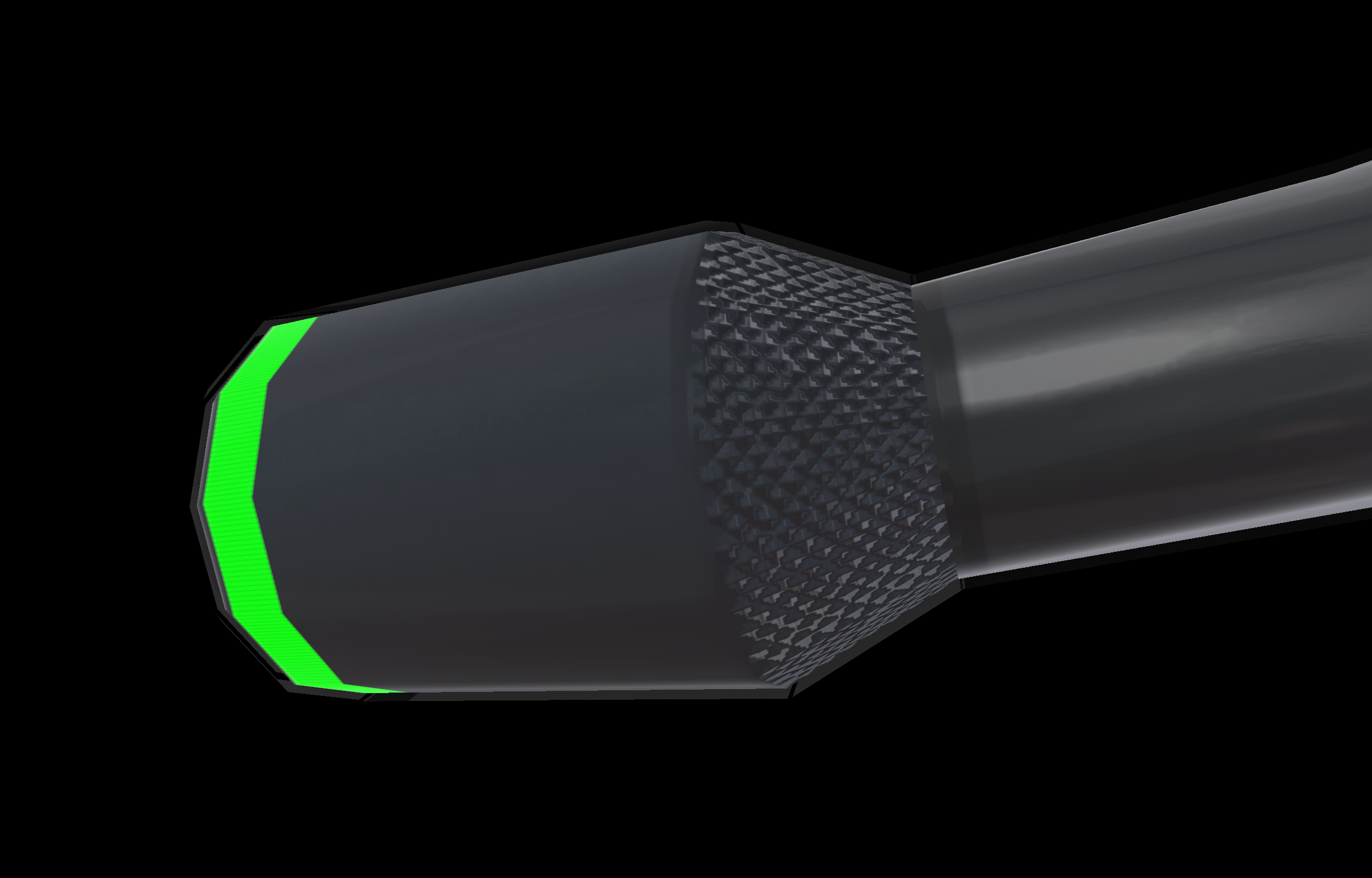
- Material matches the aesthetic of Torinyan BAN
REQUIREMENTS:
BAN model (optional)
VRCFury
Unity & VRChat SDK
Poiyomi Shaders 9.2.69 or newer
Package includes:
- Model
- Textures (emission / AO / masks / normal)
- Prefab
- Materials
- Animator / animations
INSTRUCTIONS:
1. Import required pre-requisites into your unity scene (if you haven't done so already)
2. Import Unity package (though since you are reading this, you already are at this stage)
3. Open scene with your Ban avatar
4. In unity navigate to: [Your Project]\Assets\[torinyan]Ban\Microphone Addon\Prefab\
5. Drag the Prefab onto your avatar root. (VRC Fury will automatically integrate the asset into your avatar)
7. Export!
RIGHTS AND DISTRIBUTION:
- The purchase of this asset gives you the right to use this for your personal avatar
- If doing a commission for another person, please let them buy the asset if they want it on their avatar.
- Please do not sell, distribute or upload this asset via third party means. (This is hard to enforce or prevent but asking nicely wont hurt)
DISCLAIMER:
- When purchasing this asset, it is assumed you have basic avatar editing skills.
UPDATES:
V 1.03 improved contrast between voice detection low and high
V 1.04 changed color animation into emission strength, allows for customising the idle color to any desired
V 1.05 fixed bug on values not setting to be synced