
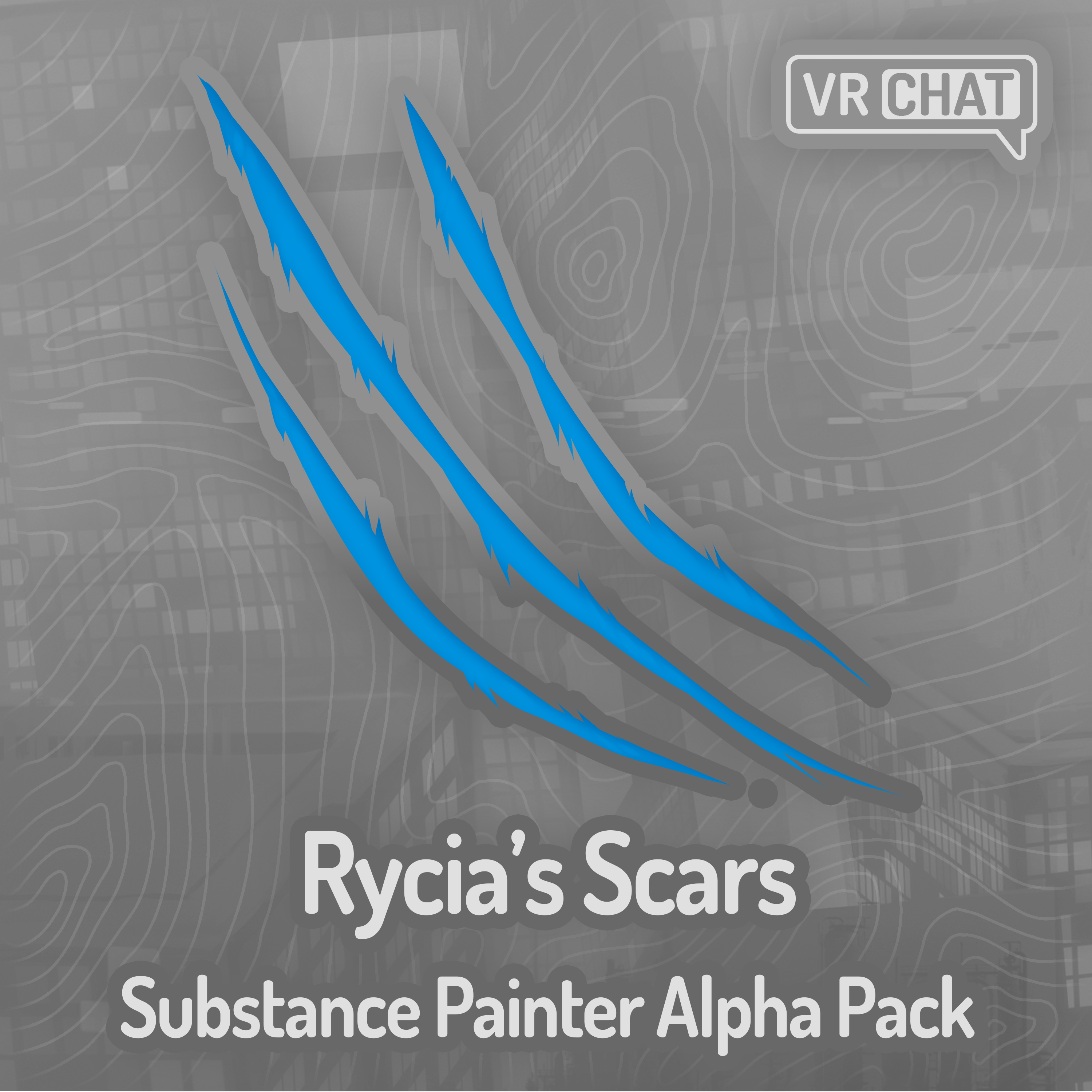
Rycia's Scars Substance Painter Alpha Pack
Collaborators
Product Description
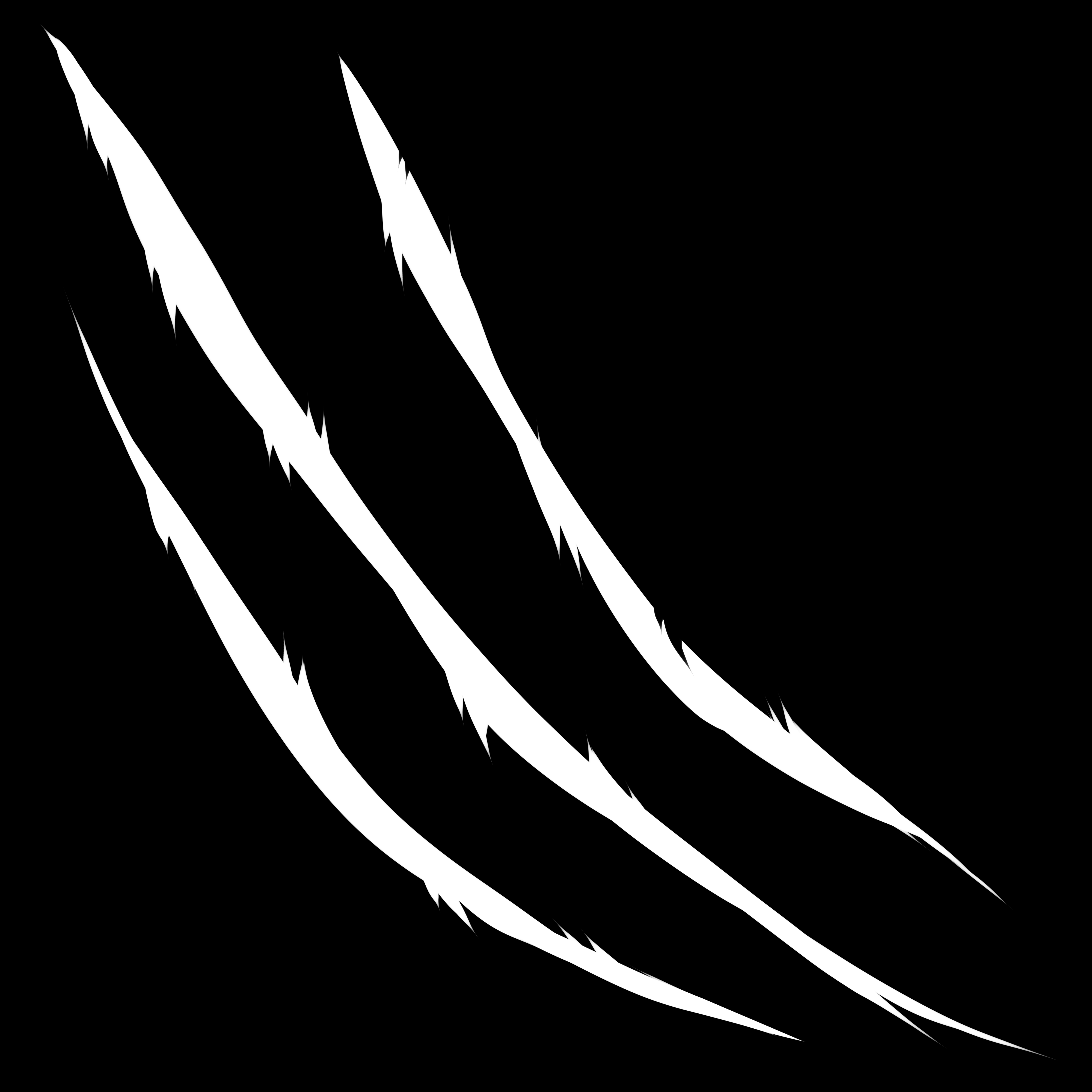
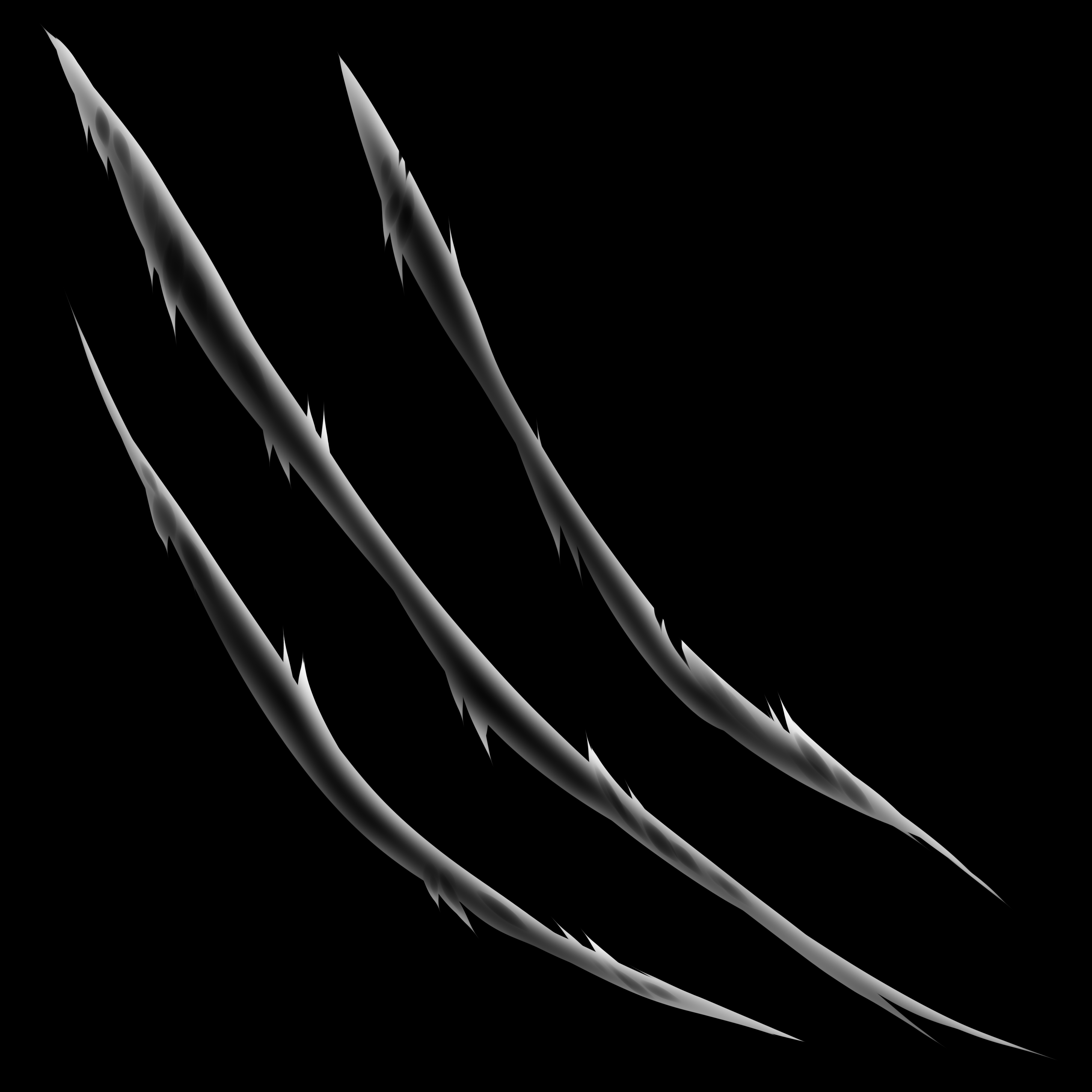
These were made because I got tired of making my scars over and over again for my personal character. I like to make skins for every base I can get my hands on with my fursona's colors and design, but these will be extremely useful for anybody else who wants to add some cool scars to their character, so I decided to share them! These were drawn by Arankay, I just put this together, made the smart material, and exported everything from a .psd file correctly for Substance Painter's use. Every scar was hand drawn, both for the base layer and the shading layer. If you look closely at the shading masks, there's a lot of detail you can pick up, it's not just a basic blur or drop shadow. These are free to use commercially without attribution, though attribution is greatly appreciated, so you can add them to your Substance Painter library without having to worry about the licensing. Once you buy them, they're completely free to use, and I allow distribution of these within substance painter projects. Just don't directly share the files you download from Jinxxy, such as sending other people the .png or smart material files. That being said, you can use them freely for commissions! I still appreciate a link back to this page if you use it for another asset. Add the alphas to your library folder in Substance Painter. By default this is at "C:\Users\user\Documents\Adobe\Adobe Substance 3D Painter\assets". I reccomend you drop all the .png files into the "alphas\labels" folder and the smart material into the "smart-materials" folder within your assets directory. You can then use the smart material called "[Arankay] Rycia's Scars" after a relaunch\library rescan of Substance Painter, and replace the two mask files. Here's a little video on the smart material! If you are new to Substance Painter, you might pick up a trick or two!A pack of alphas for Substance Painter and other creative programs!
"How did these get here?"
Installation
Includes
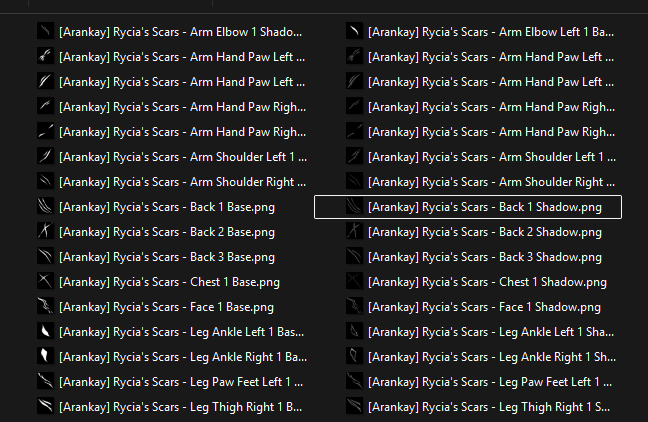
- 32 total alpha masks
- 16 scars with two masks each, one for the base color and the other for the shading!
- A smart material you can use to apply the scars, you just have to switch out the base and the shadow mask for the scar you want!
- The smart material has different effects like emission and glow, height, and has the proper roughness and metallic maps.
- The smart material also has a separate layer stack for editing or adding your own non-mask scars to combine with the masked ones. You can do stuff like adding the inner mouth or other fleshy bits to your mask to make them blend properly with some simple painting.
Dependencies
This is what this asset will require for use.
- Adobe Substance Painter (https://store.steampowered.com/app/4329260/Substance_3D_Painter_2026/)
- Any other painting program such as Photoshop or Krita, that you would want to make use of!
Terms of Use
https://docs.google.com/document/d/1g_IL1zrD3BRJoDi-pQPv3n4yv9OgoPO6DITg5O9Fbbs
By using any piece of this asset, you are deemed to have agreed to these Terms-of-Use as listed above. The original version in English shall prevail if any conflicts or inconsistencies exist between languages.
You must have purchased the "Commercial" version of this asset in order to use the "Commercial" license, otherwise you can only use the "Personal" license.