Lava Lamp Box
Product Description
✨ Parrot’s Conch Lava Lamp Box
Stylized Neon Lava Lamp Shader for Unity
Bring your scene to life with Parrot’s Conch Lava Lamp Box, a stylized shader designed to create animated lava lamp style volumes, glowing sci-fi cubes, soft neon blobs, magical containers, and reactive decorative props inside Unity.
This shader is built to be both powerful and user-friendly, with a custom editor that makes it easy to shape the look, motion, density, glow, and internal volume behavior of the effect without fighting complicated settings.
Whether you want a cozy ambient prop, a futuristic glowing cube, a dreamy decorative lamp, or an abstract liquid display, this shader gives you the tools to create it with a clean workflow.
🌈 What it does
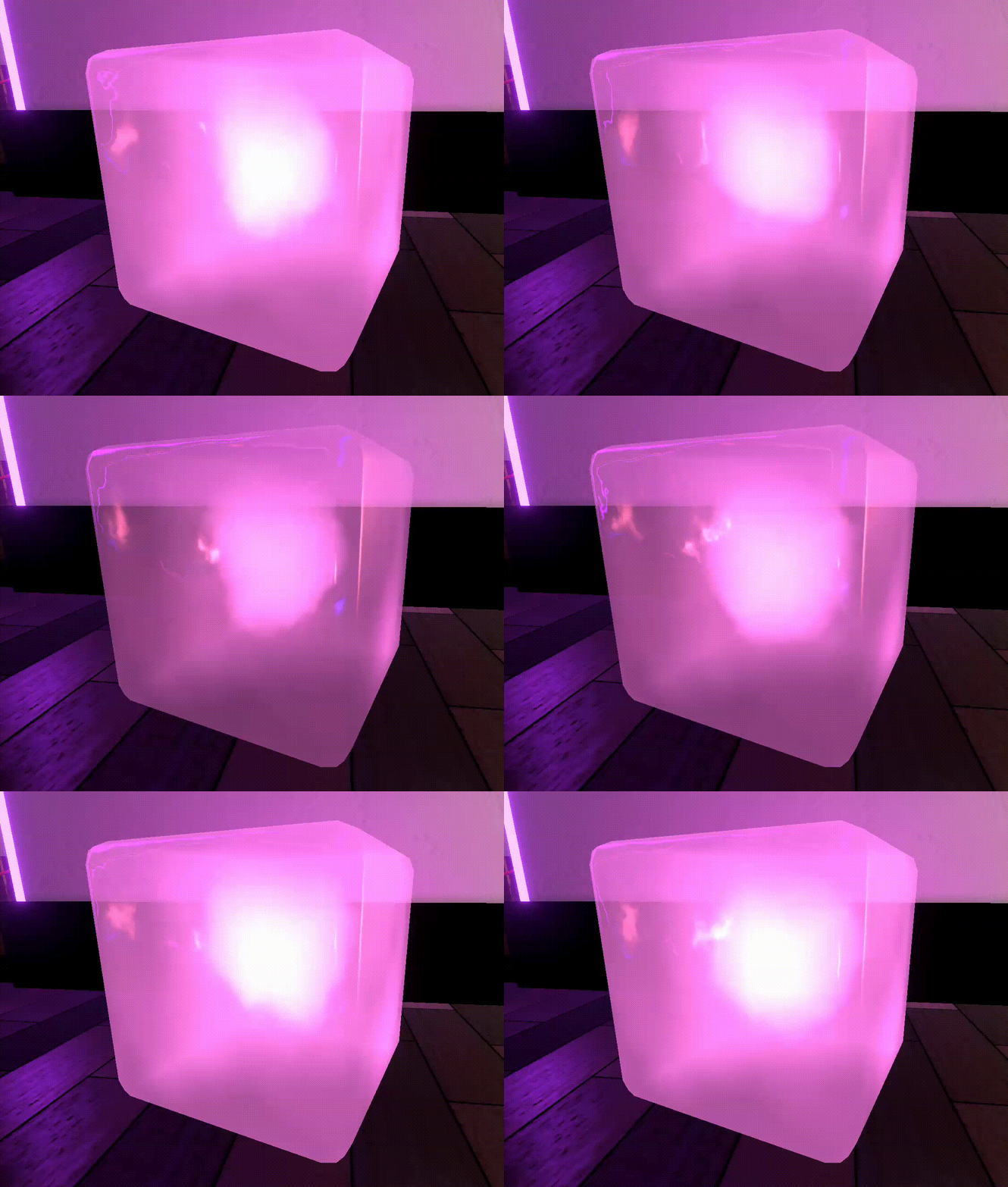
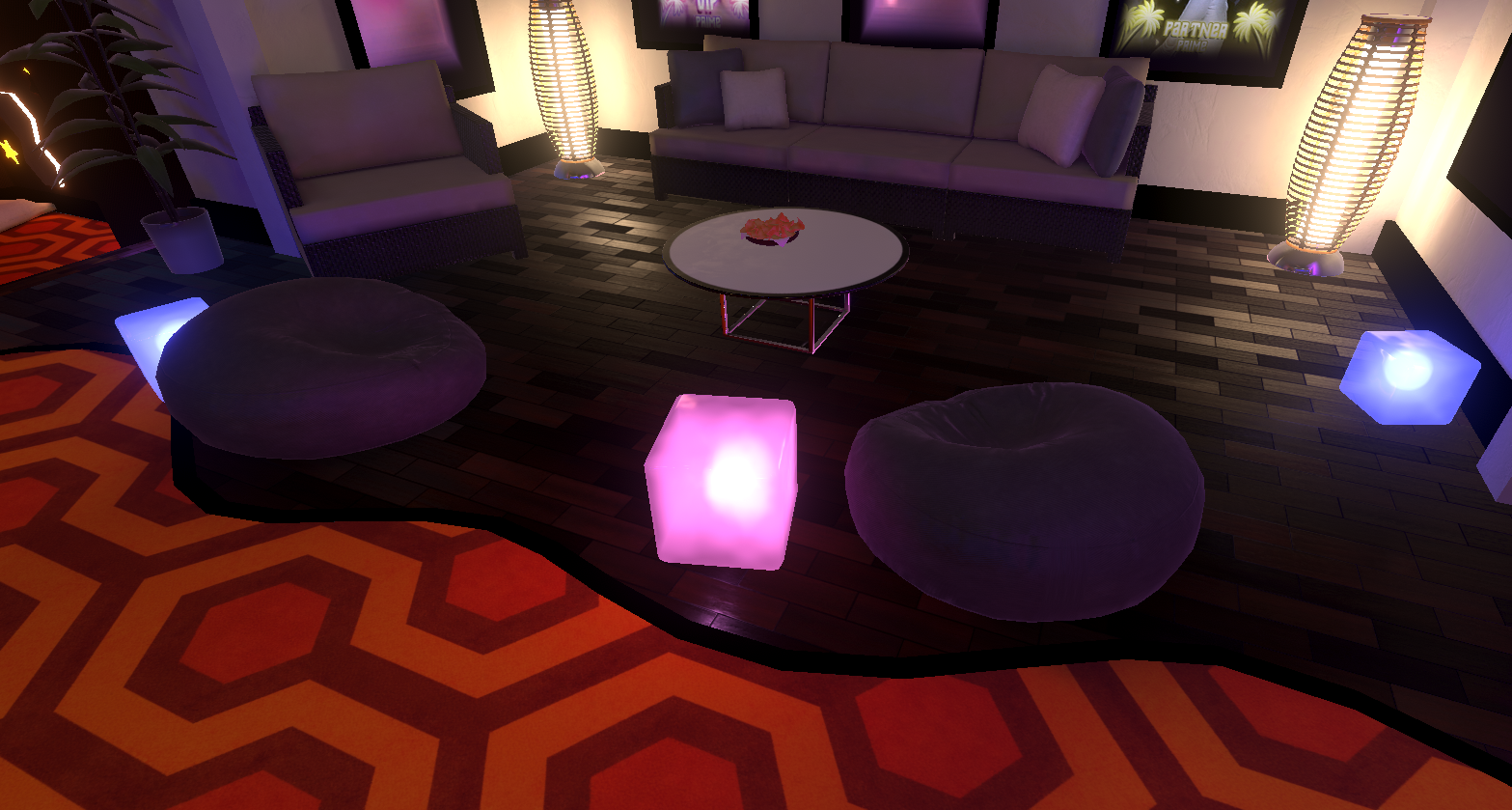
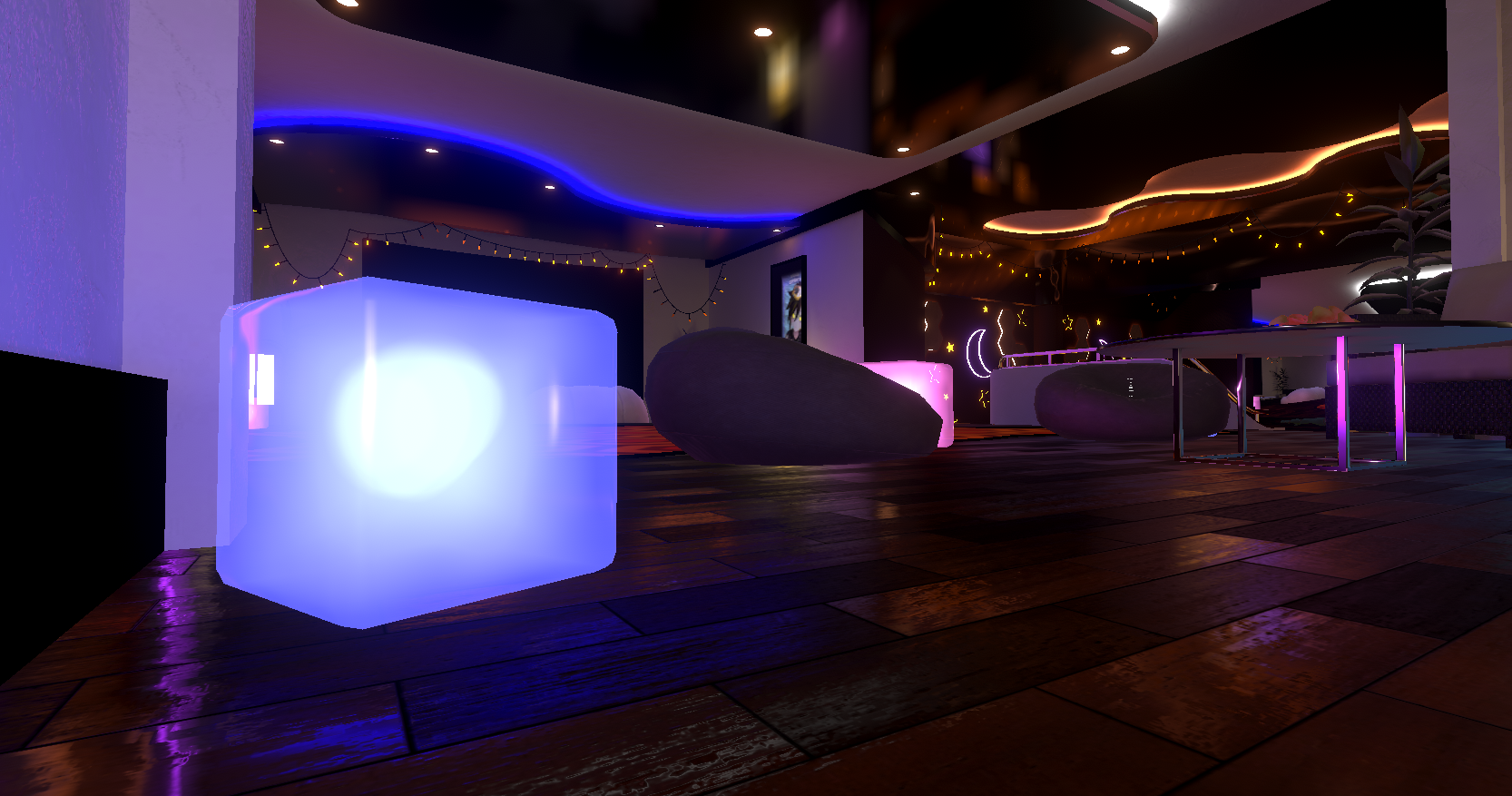
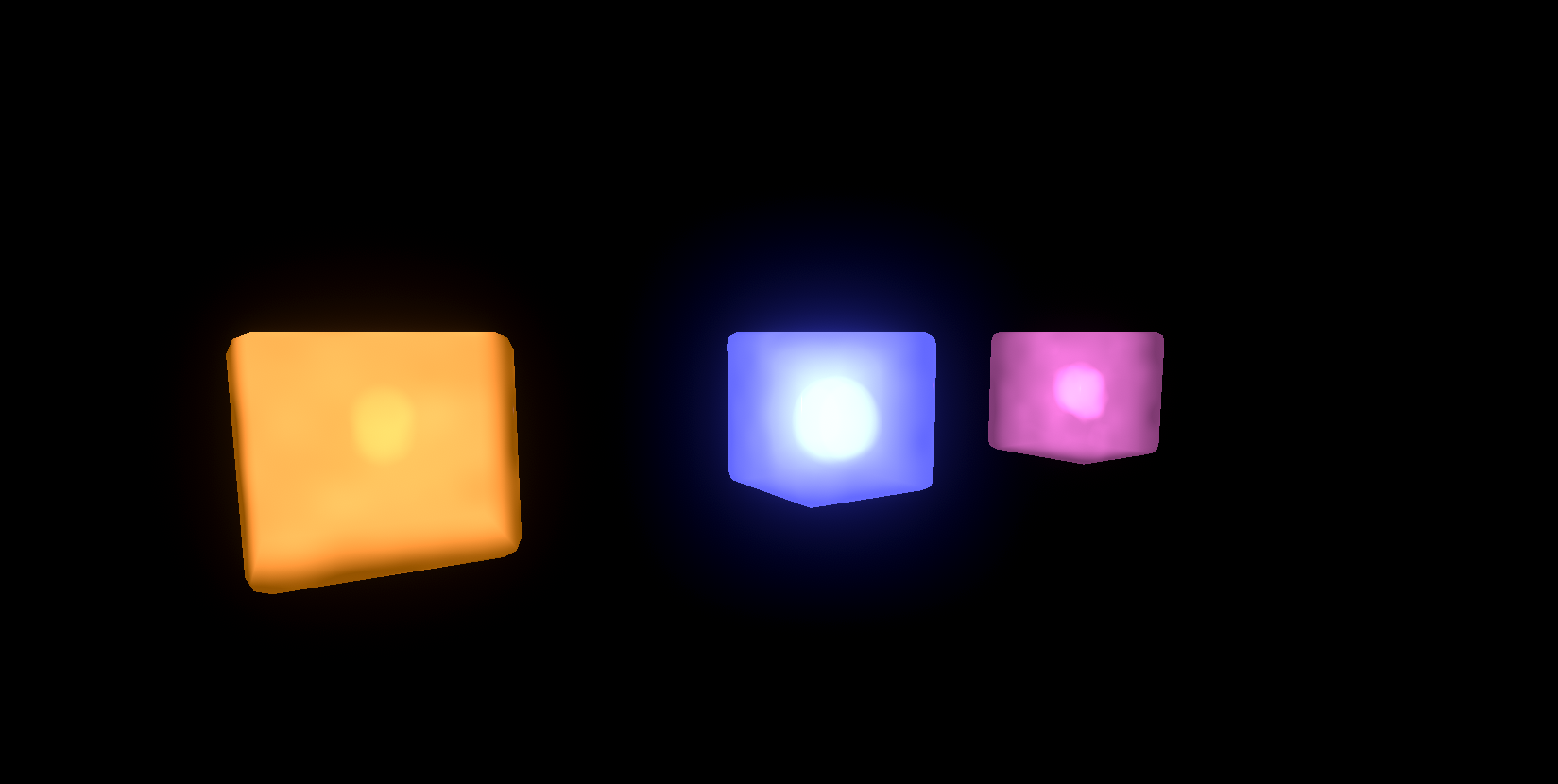
Lava Lamp Box renders a volumetric-looking interior filled with animated glowing blobs inside a controllable box volume.
You can shape the effect from soft and calm to energetic and complex, with control over:
- surface transparency and glow
- inner fog and density
- blob count, size, randomness, and deformation
- metaball blending in complex mode
- motion speed, viscosity, flow, and upward force
- extra volumetric haze and noise
- visible emission and GI emission behavior
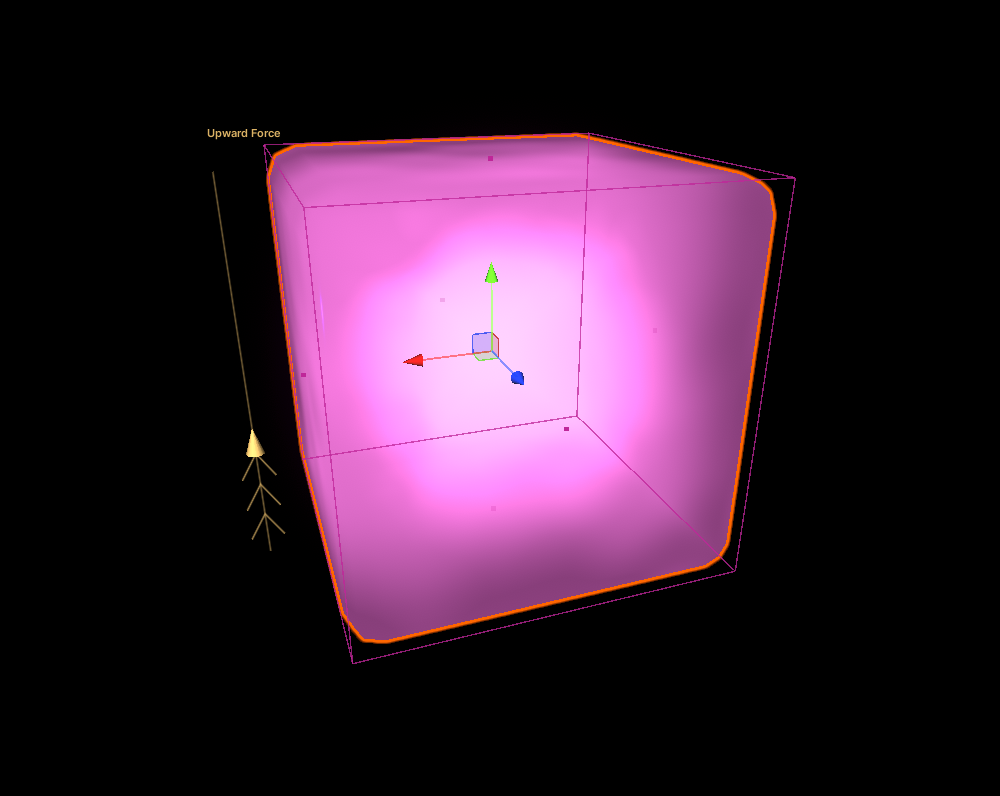
- editable volume bounds directly in the Scene view
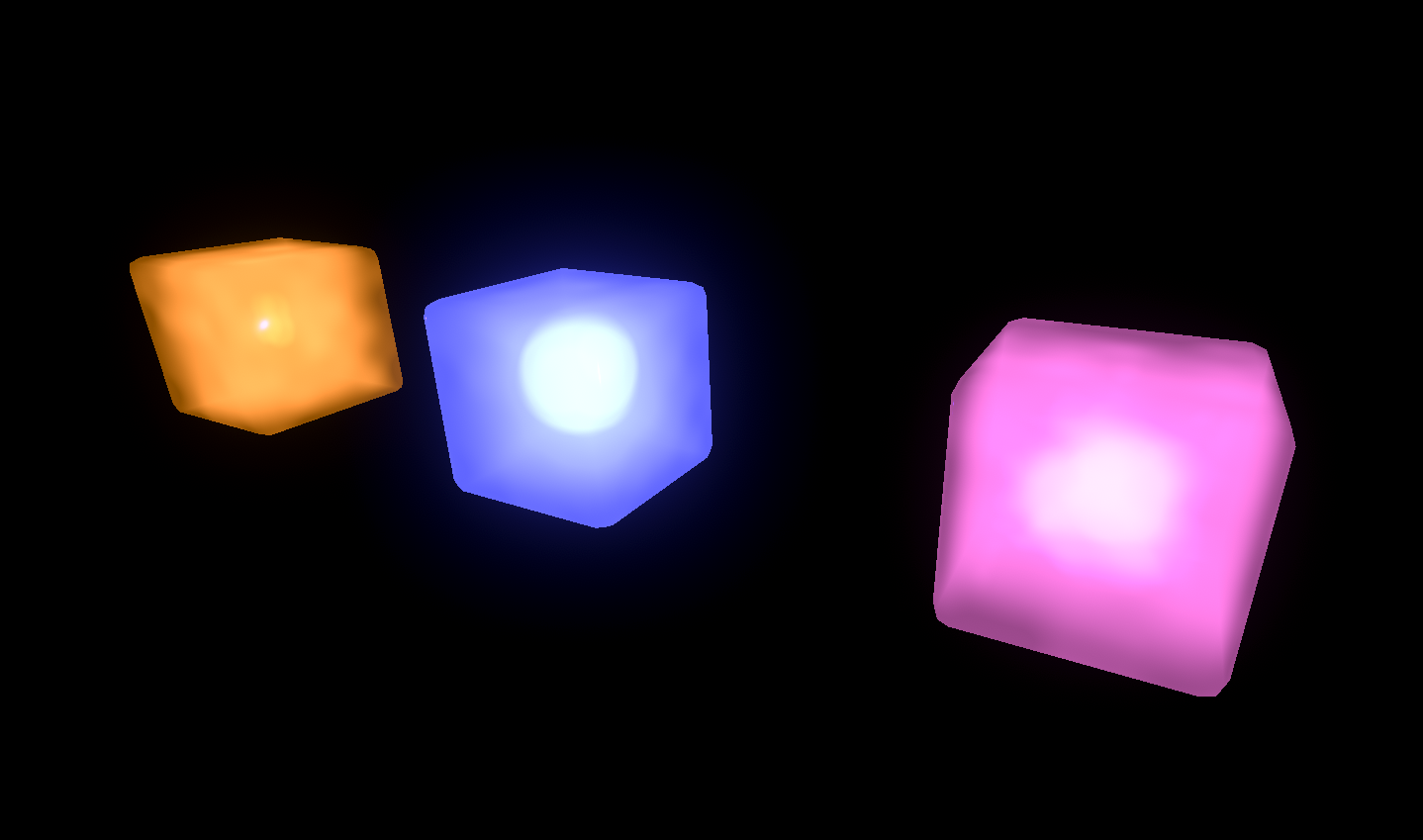
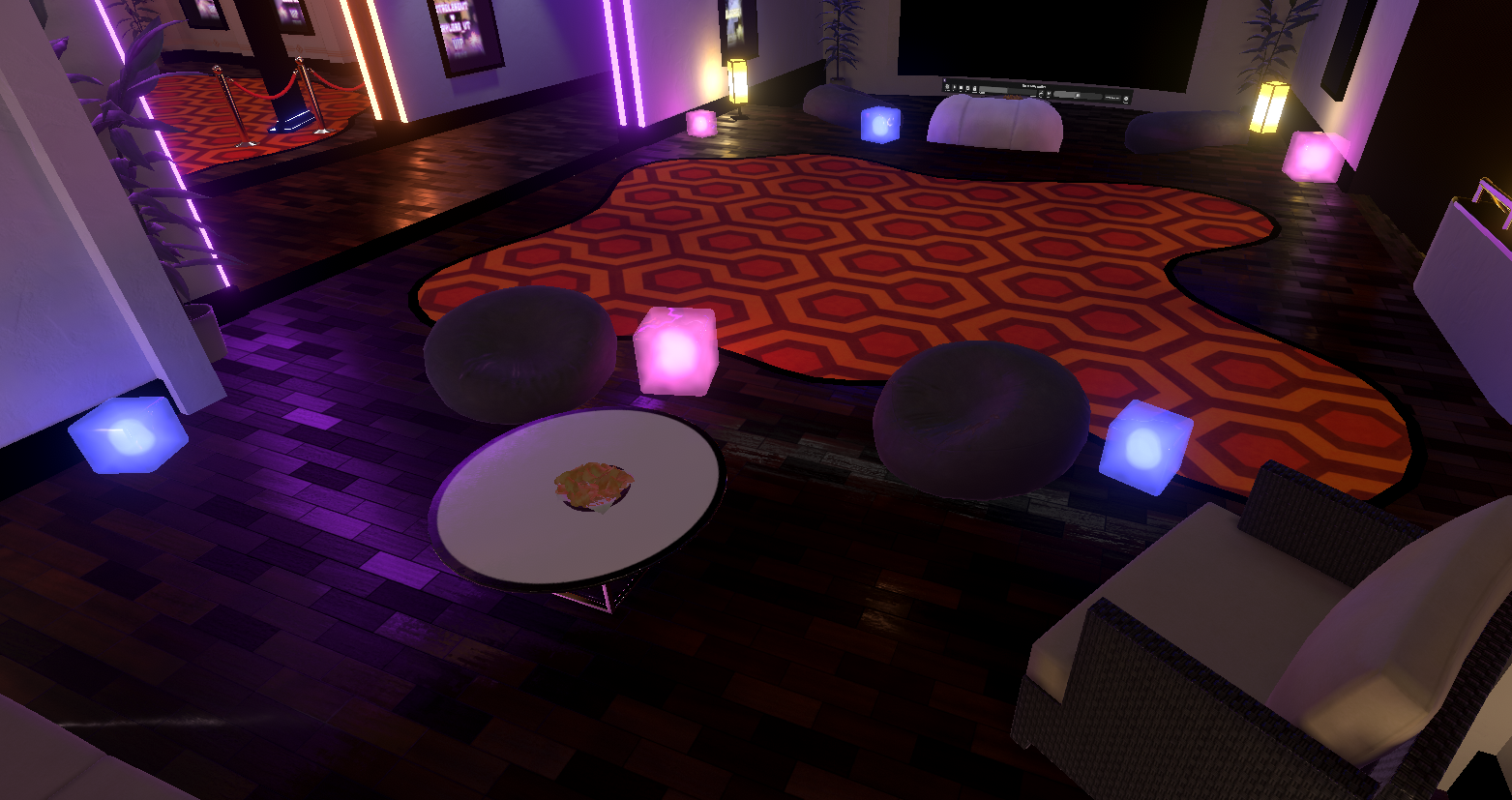
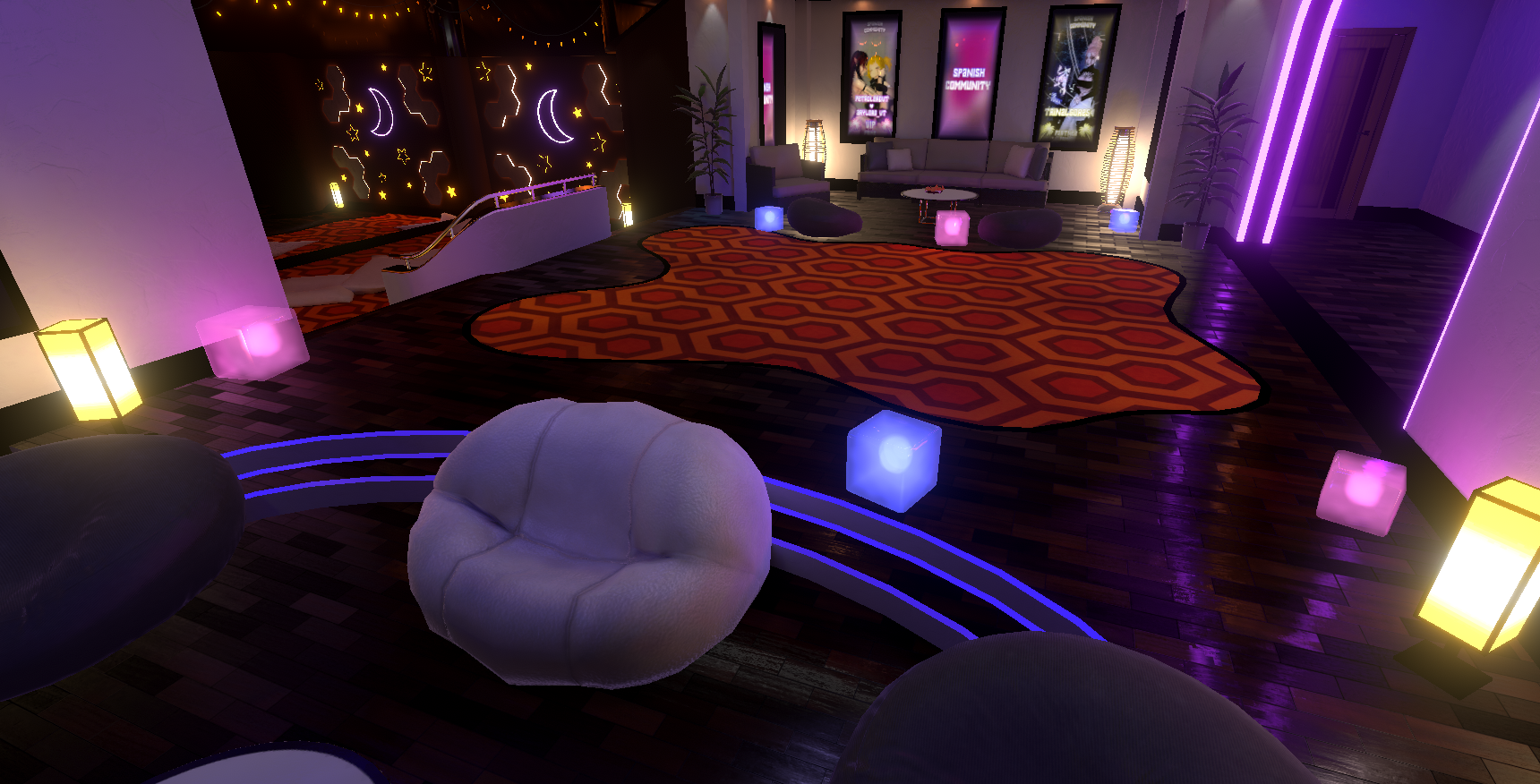
The result is a rich lava-lamp-inspired effect that works beautifully for stylized environments, sci-fi props, cyberpunk rooms, magical objects, display pieces, ambient lighting props, and decorative worldbuilding.
🔥 Main Features
- User-friendly custom inspector
- Stylized animated lava lamp volume effect
- Adjustable blob count, size, stretch, and wandering
- Complex metaball mode for stronger blob merging
- Inner fog and ambient haze controls
- Volume fog with depth, opacity, and noise settings
- Smooth motion controls with viscosity, flow, and shape evolution
- Editable bounding box directly in the Scene view
- Upward force gizmo for intuitive blob lift control
- Separate visible emission and GI emission workflow
- Supports None / Baked / Realtime emission GI modes
- Render queue and rendering mode controls
- Great for decorative props, neon lamps, reactors, sci-fi displays, and magical containers
🎨 Great For
- Lava lamp style decorative cubes
- Neon ambient props
- Sci-fi reactors and energy cells
- Magical liquid containers
- Cyberpunk room decoration
- Dreamy glowing display objects
- Interactive or animated visual set dressing
- Stylized worlds that need soft glowing motion
🛠️ How to Use
1) Create a material
Create a new material and assign the Parrot’s Conch Lava Lamp Box shader.
2) Apply it to a mesh
Assign the material to a mesh in your scene.
This shader is especially suited for box-like shapes, display cubes, containers, or stylized lamp objects.
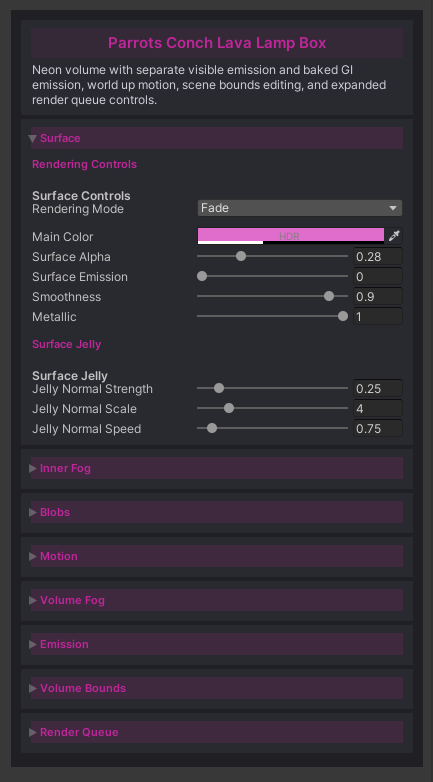
3) Adjust the Surface
Use the Surface section to control:
- rendering mode
- main color
- alpha
- shell glow
- smoothness
- metallic response
- jelly-like surface normal motion
This defines the outer shell of the object.
4) Build the inner volume
Use Inner Fog and Blobs to define the inside look:
- fog color
- fog emission
- opacity
- density
- blob count
- blob size
- randomness
- morph amount
- stretch
- center wander
This is where the lava lamp effect starts to come alive.
5) Enable Complex mode for stronger blending
If you want a richer metaball look, enable the higher quality volume mode and use the Metaballs section to control:
- merge strength
- threshold
- softness
This gives the blobs a more unified flowing appearance.
6) Animate the motion
Use the Motion section to control:
- overall speed
- noise scale
- flow speed
- change interval
- viscosity
- upward force
This lets you create anything from slow thick floating blobs to lively energetic motion.
7) Shape the volume directly in the Scene view
The shader includes a Scene Gizmo for editing:
- volume center
- volume extents
- upward force
This makes it easy to fit the effect to your object visually, without guessing values manually.
8) Add extra atmosphere
Use Volume Fog if you want more softness and depth inside the lamp:
- haze color
- absorption
- haze density
- thickness scale
- opacity controls
- noise
- camera clear radius
This helps create a richer glowing interior.
9) Configure emission
The shader separates visible glow from GI emission.
You can control blinking, visible intensity, and choose how emission affects lighting:
- None
- Baked
- Realtime
This gives you more artistic control over both appearance and lighting behavior.
✅ Why choose this shader?
Because it is not just a lava effect — it is a stylized volumetric decorative shader system with a comfortable workflow.
Instead of dealing with a raw effect that is difficult to tune, this package gives you:
- a polished editor
- scene handles
- visual controls
- artistic flexibility
- and multiple ways to shape motion, glow, and volume behavior
It is designed to help creators get beautiful results faster.
🎉 Final Notes
Parrot’s Conch Lava Lamp Box is ideal for creators who want a visually rich and easy-to-control shader for glowing animated decorative props in Unity.
If you want to create:
- lava lamps
- neon cubes
- liquid energy boxes
- magical glowing containers
- soft animated sci-fi props
this shader gives you a clean and flexible solution with plenty of artistic control.