
Product Description
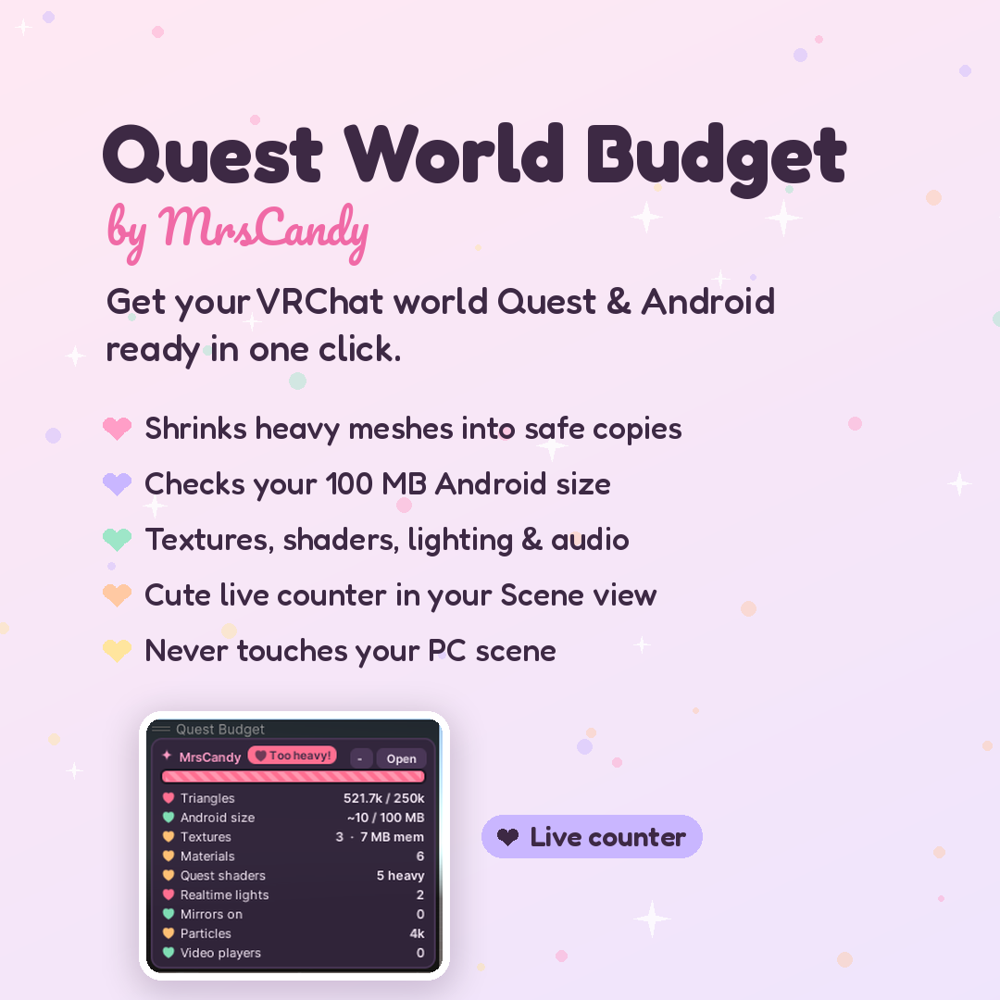
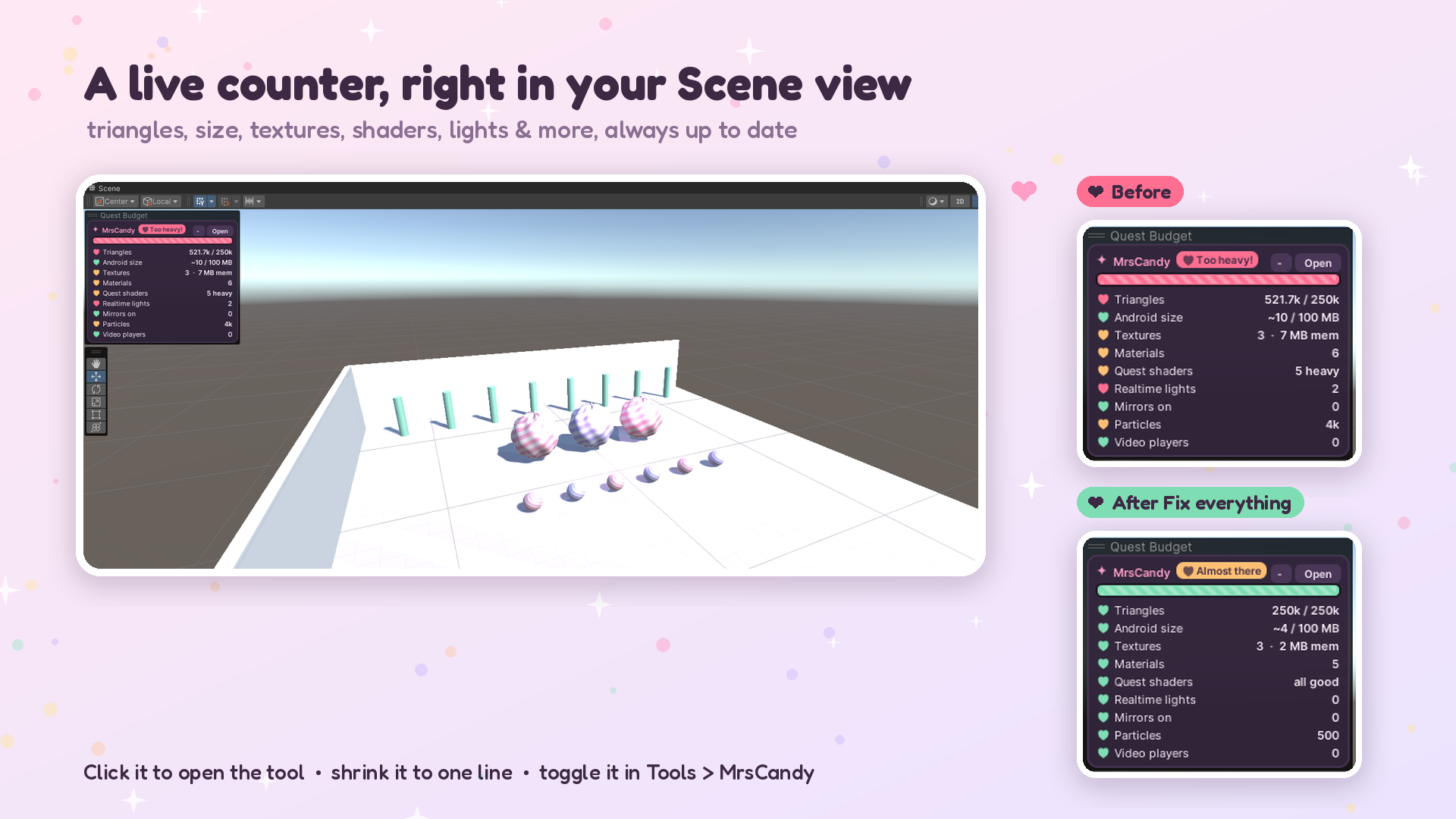
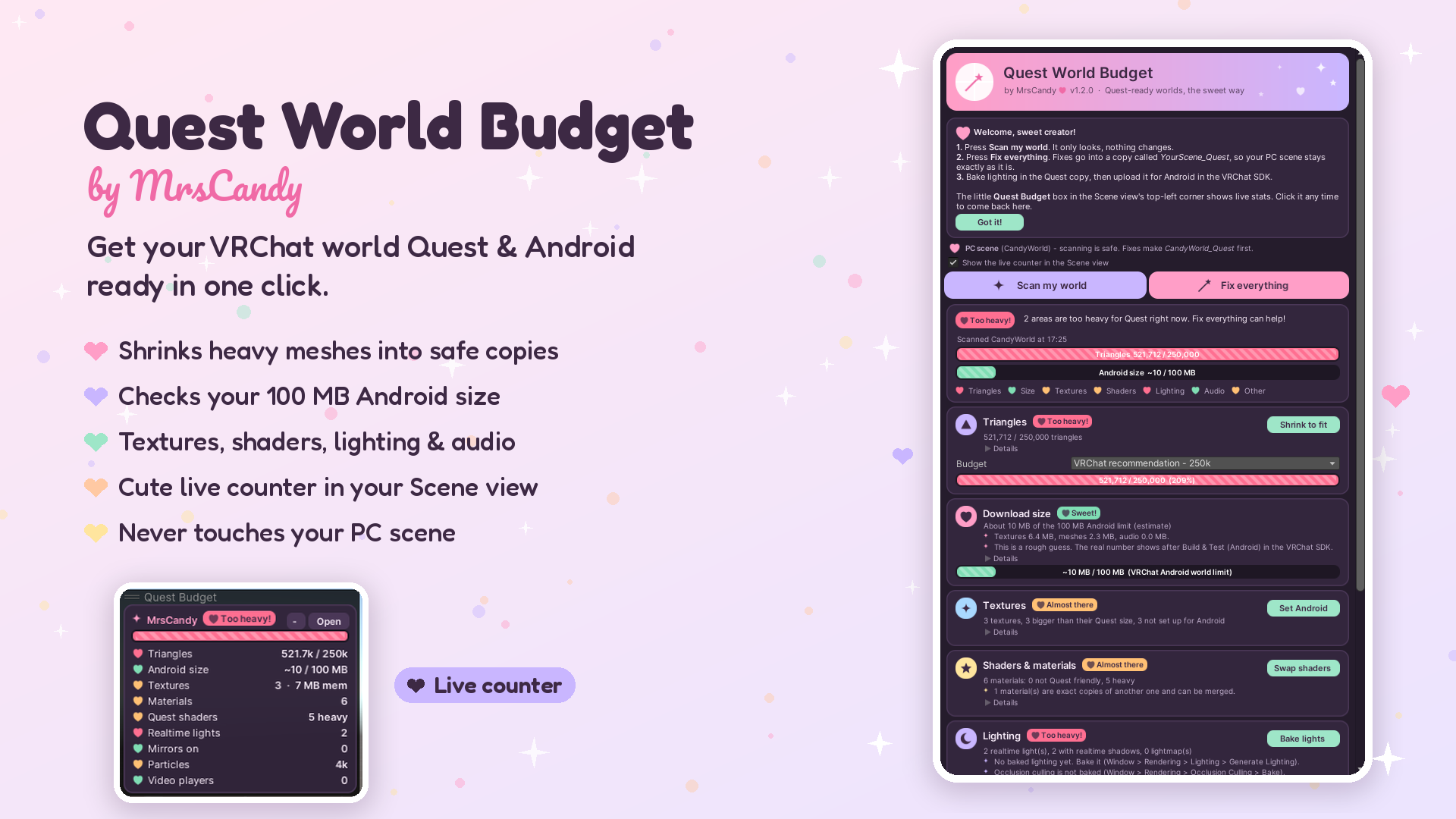
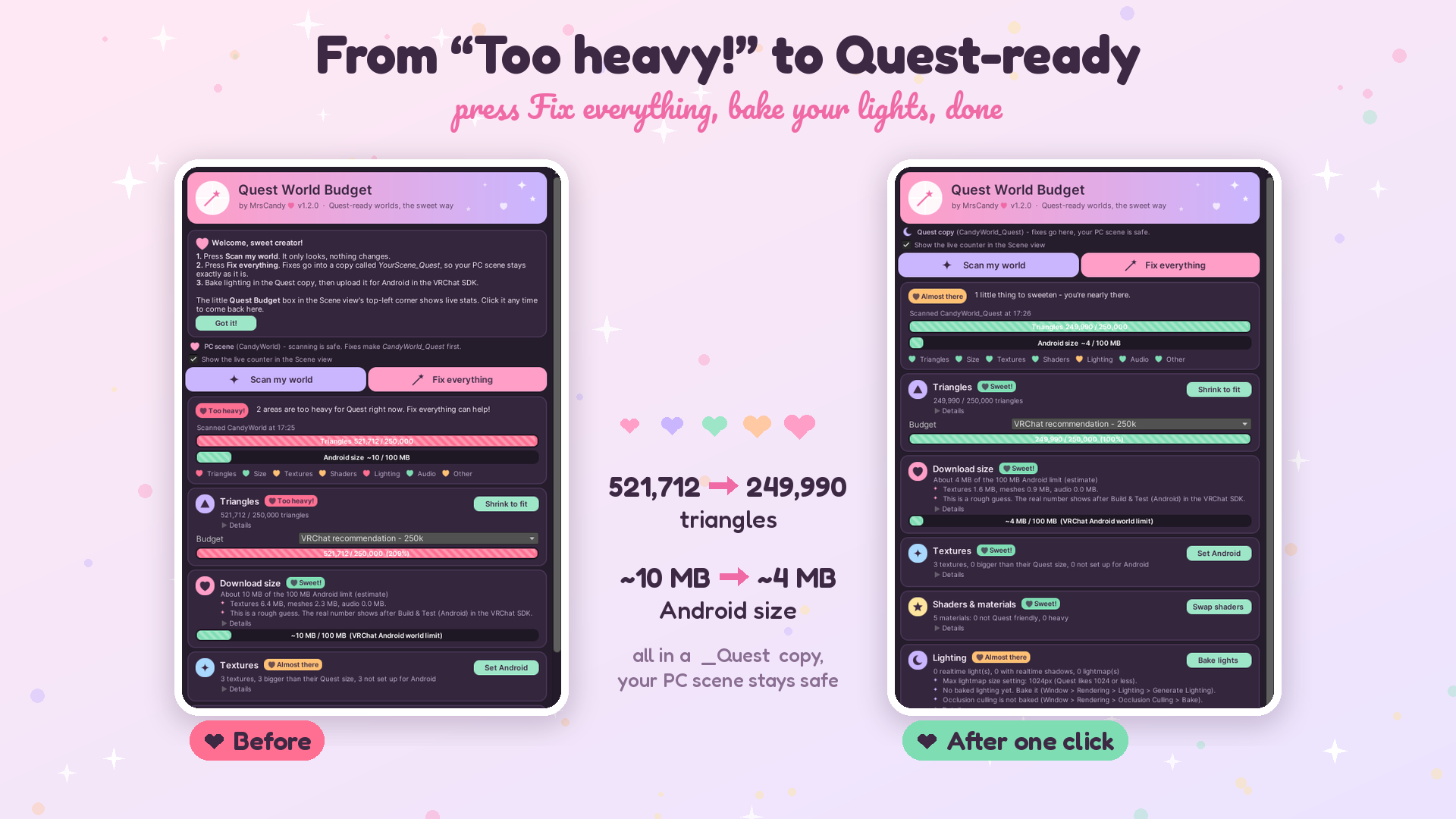
Quest World Budget: get your VRChat world Quest & Android ready in one click (by MrsCandy) A cute Unity editor tool that checks your VRChat world against Quest/Android limits and fixes it for you, all in a safe Quest copy of your scene. Your PC scene is never touched. Features - Triangle budget: pick a budget (VRChat's 250k recommendation, or your own) and "Shrink to fit" makes lighter copies of your heaviest meshes. Lock your favorite pieces so they stay detailed. - Download size check against VRChat's 100 MB Android world limit - Textures: one-click Android-only compression and sizes (PC settings stay the same) - Shaders & materials: swaps heavy shaders to Quest-friendly VRChat Mobile shaders, on copies only - Lighting: turns realtime lights and probes to baked, and reminds you to bake - Audio, mirrors, particles, video players and mesh colliders checked too - A live counter in the corner of your Scene view with triangles, size, textures and more, always up to date - "Fix everything" button, Undo support, and a button to put your original meshes and materials back Requirements - Unity 2022.3 (the VRChat version) with the VRChat Worlds SDK - Open it from Tools > MrsCandy > Quest World Budget What's included - MrsCandy_QuestWorldBudget_v1.2.unitypackage - README.txt (English & Japanese) - LICENSE.txt Quick start 1. Import the package. 2. Open Tools > MrsCandy > Quest World Budget. 3. Press "Scan my world", then "Fix everything". 4. Bake your lighting in the Quest copy and upload it for Android. Terms - Use it on any of your own personal or commercial VRChat worlds. - You may not resell or redistribute the tool itself. Made with love by MrsCandy