
Product Description
◆ Metro Minimal ◆
Creator: Yoneguri
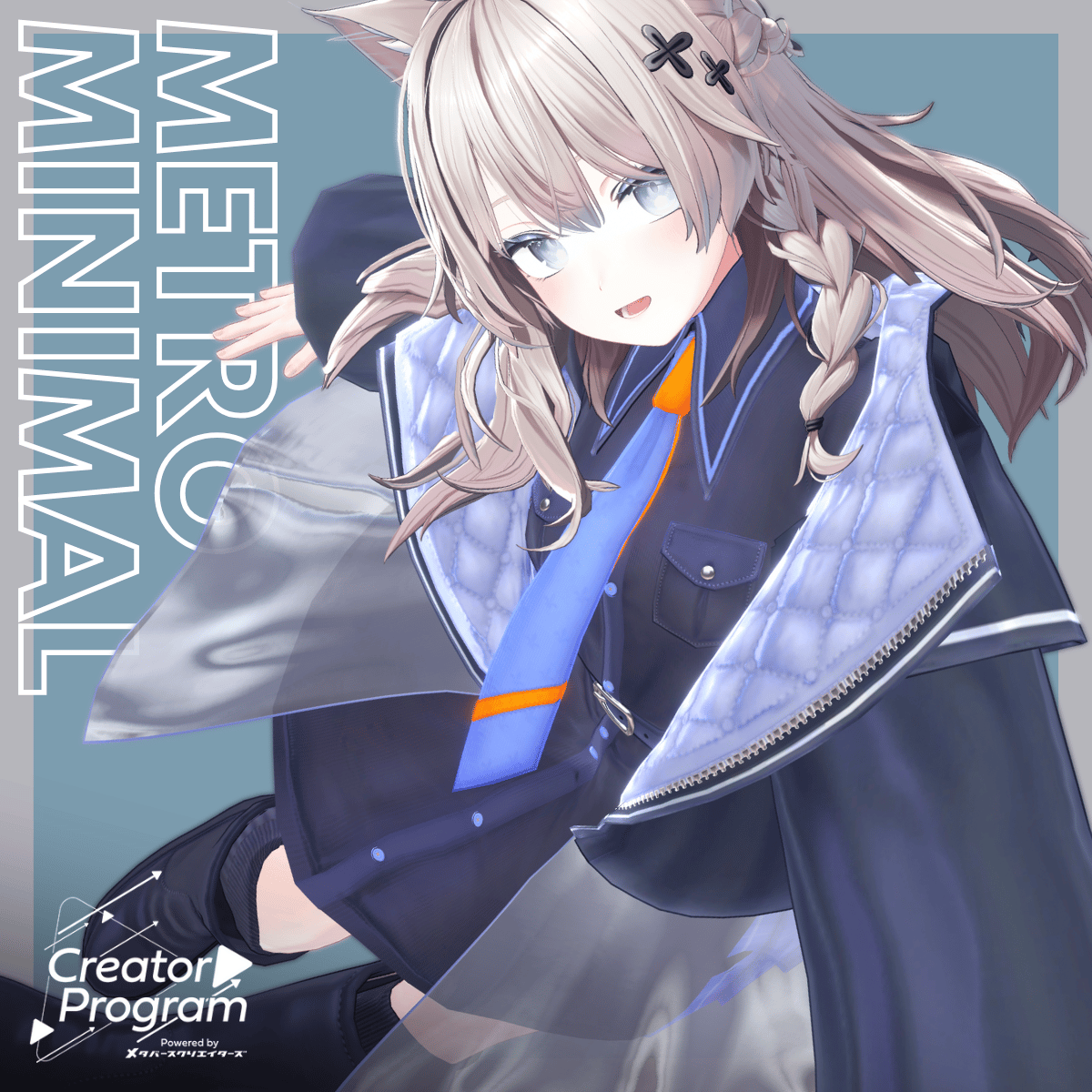
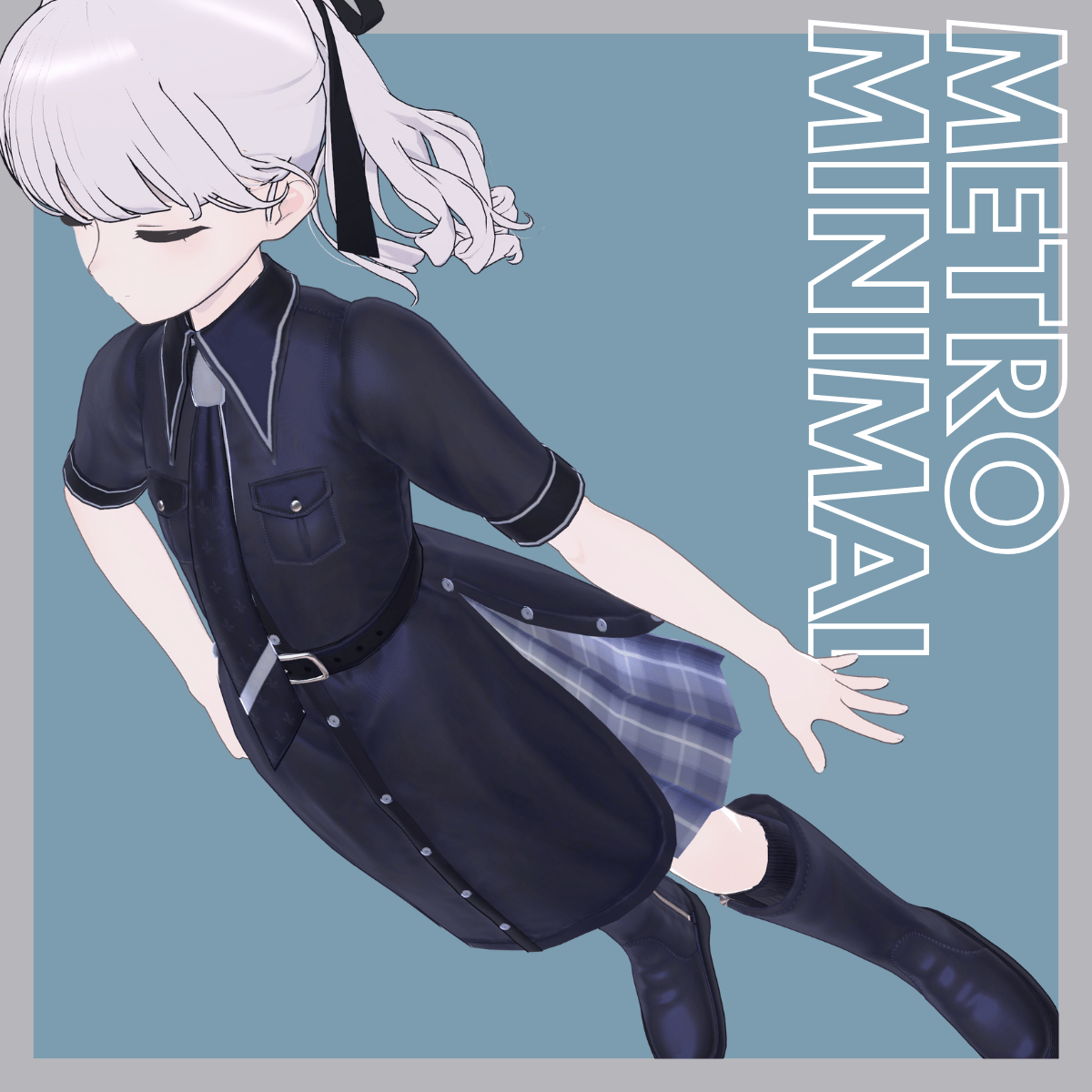
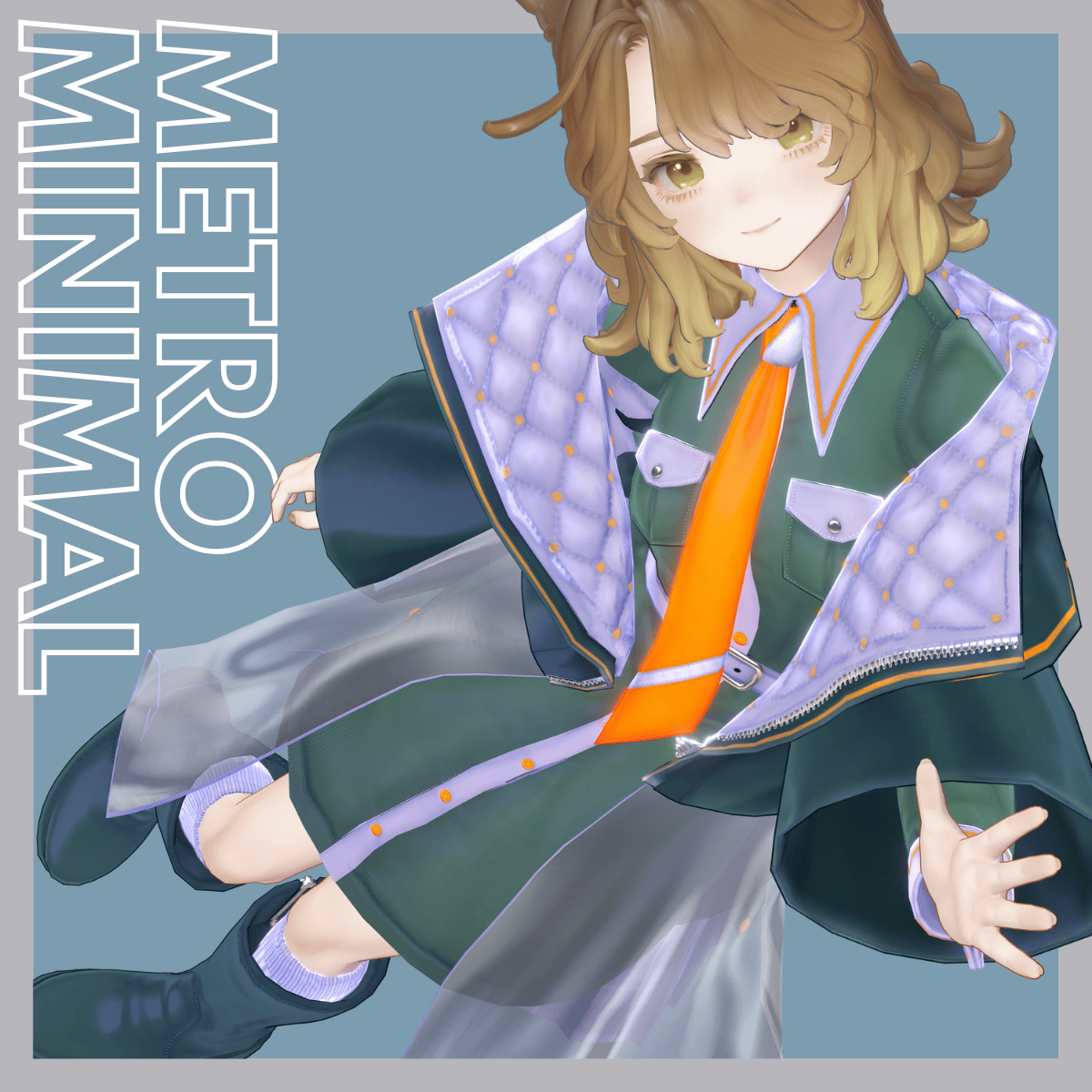
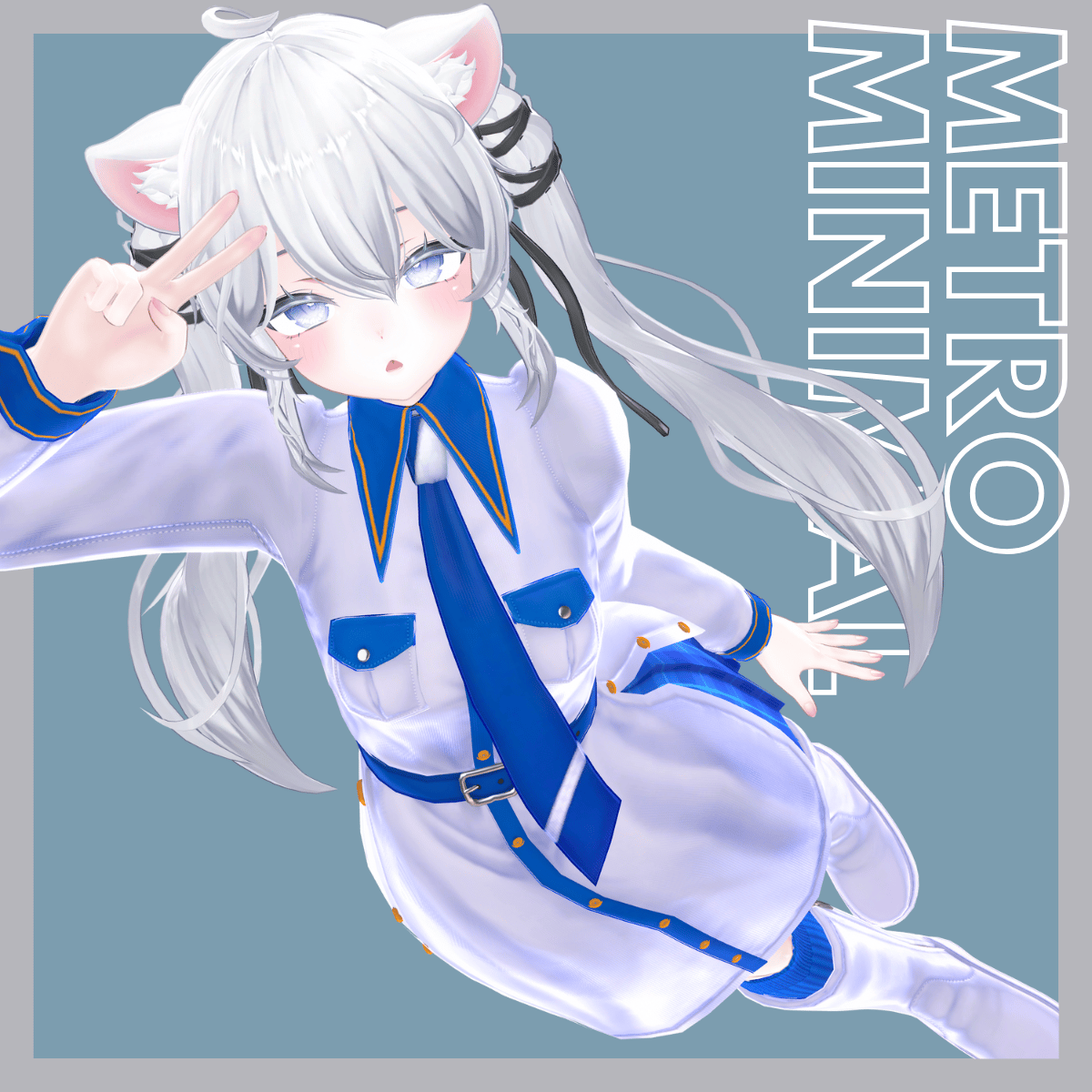
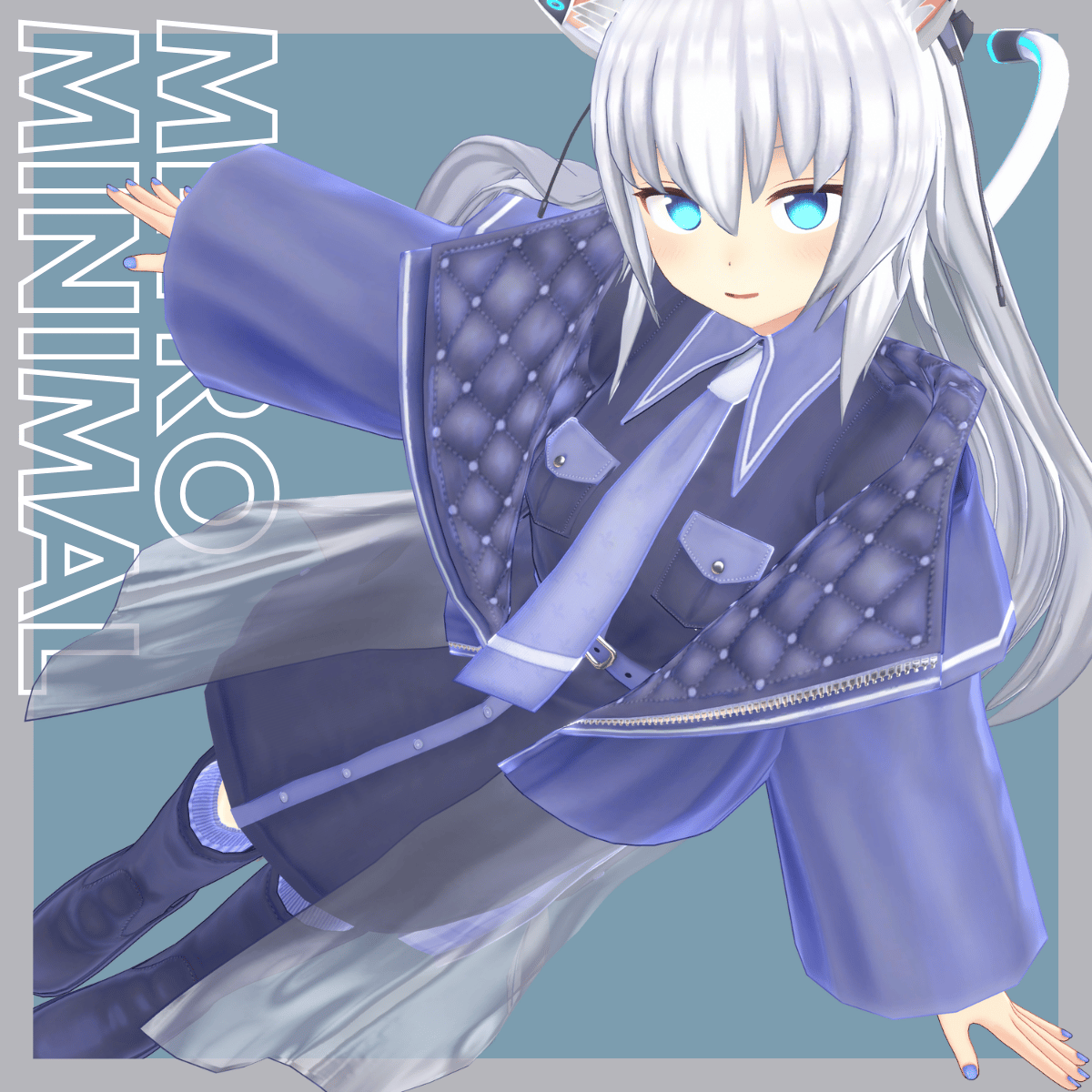
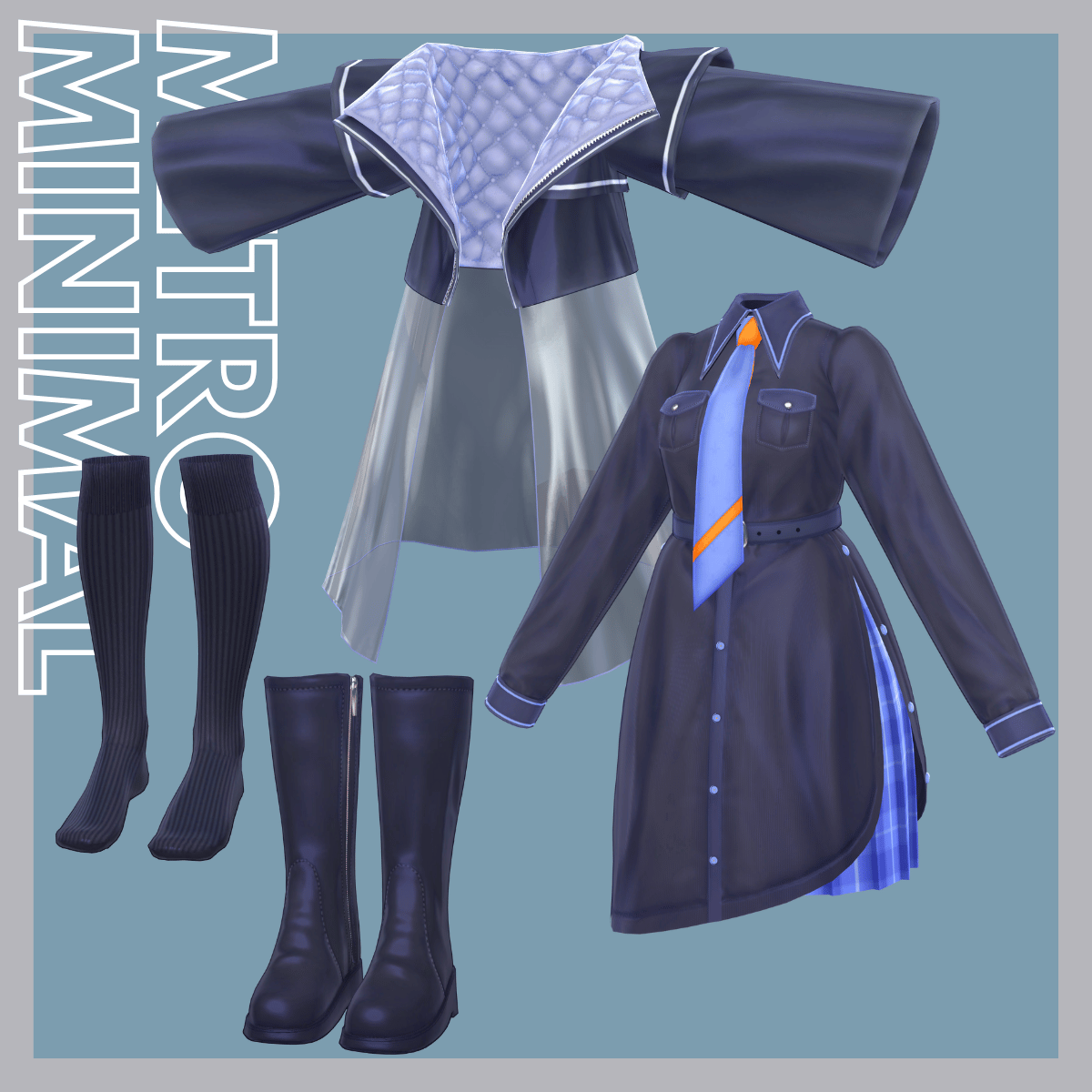
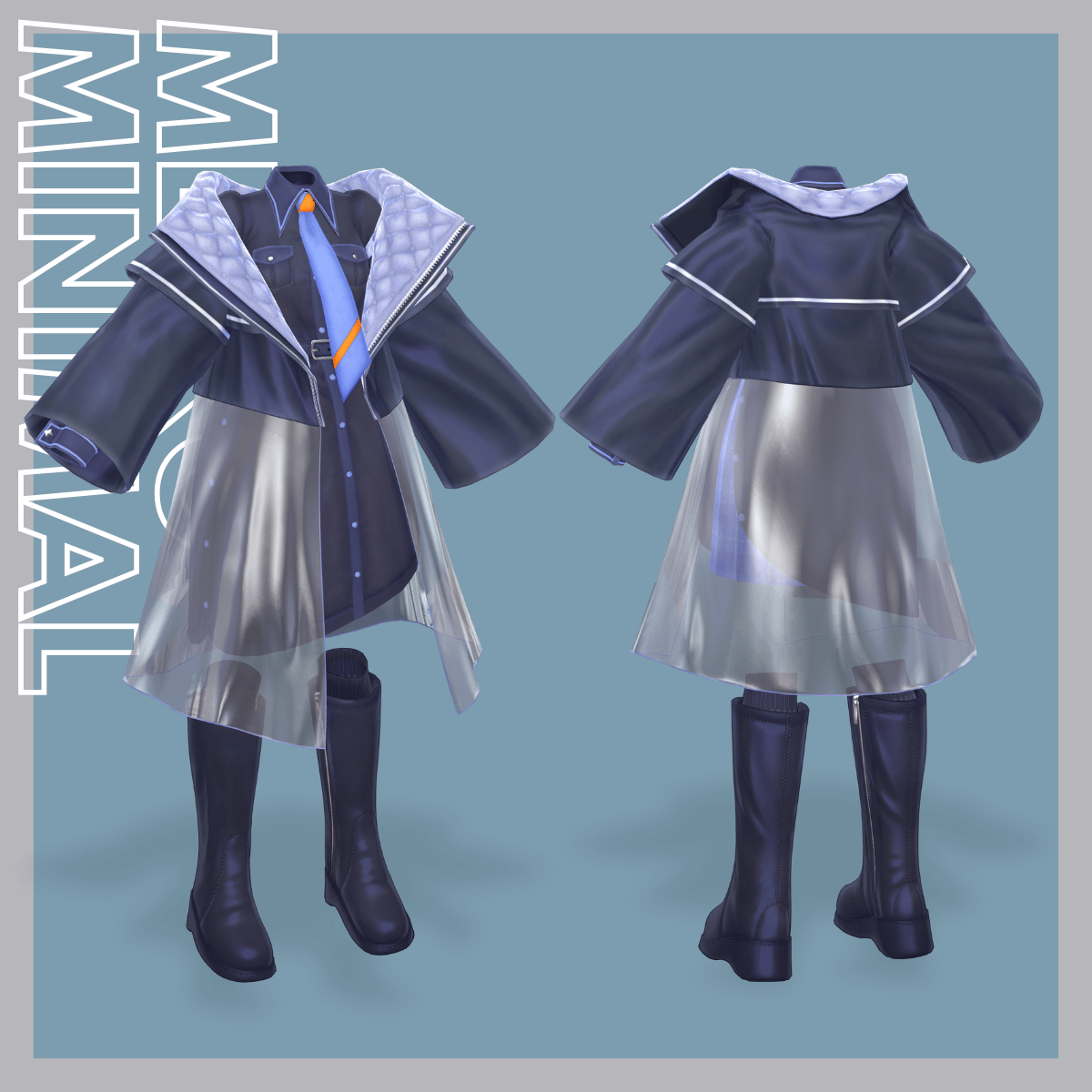
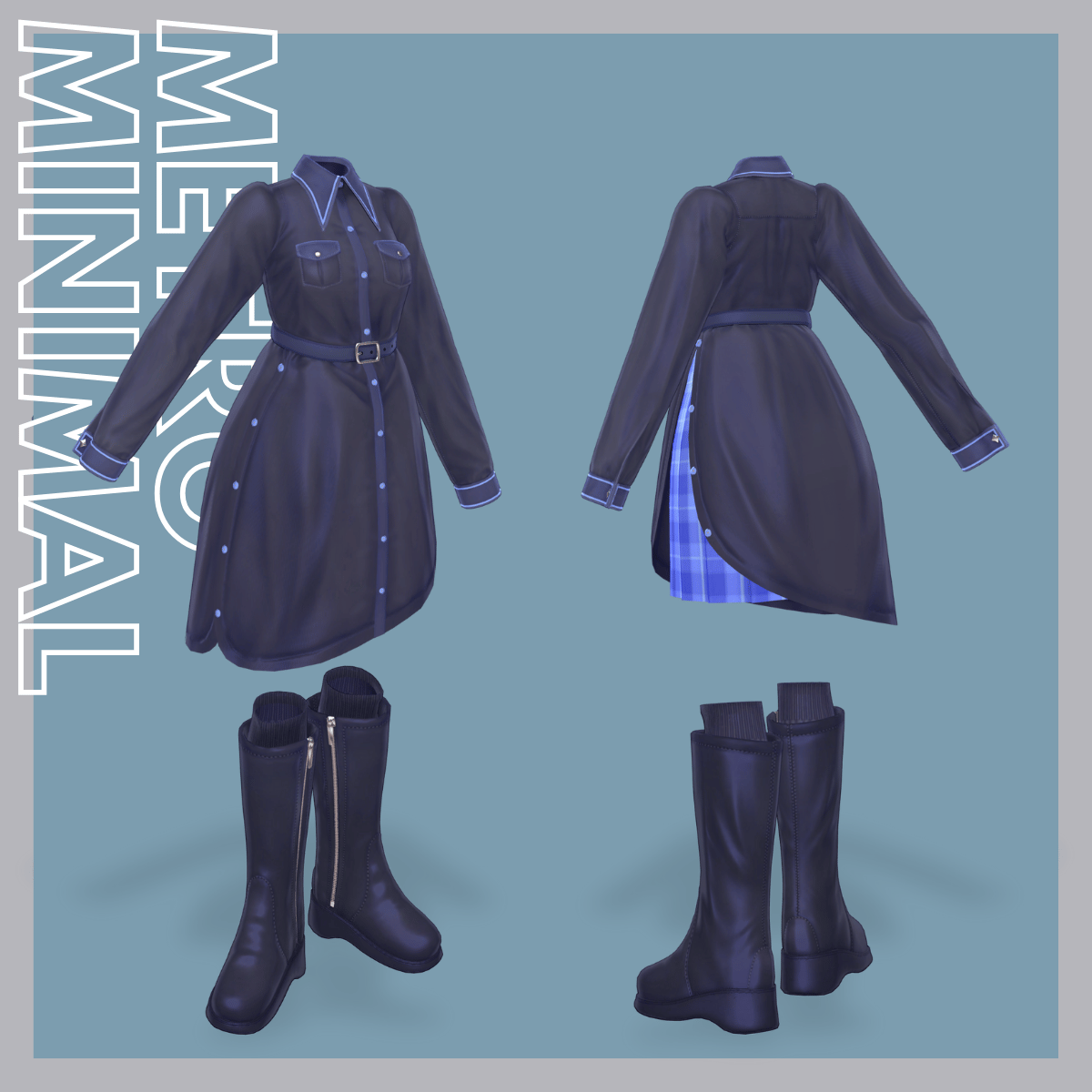
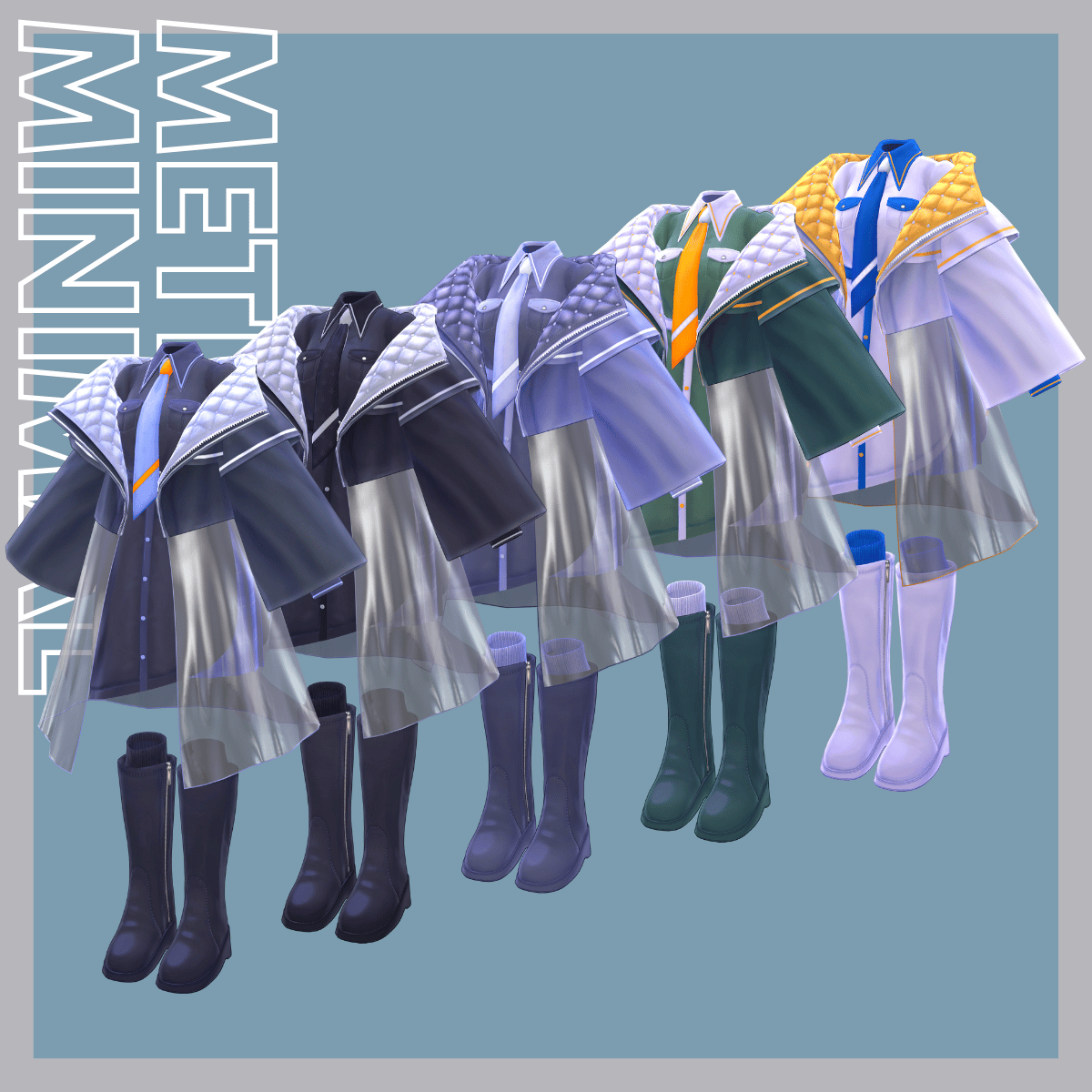
A VRChat outfit model combining a double-cuffed slit shirt, inner skirt, and tie, layered with a quilt-lined coat featuring vinyl material accents.
A clean, modern design with subtle detailing that balances minimalism and edge.
※ This product is a clothing model for avatars. The avatar itself is not included.
※ Due to the nature of digital downloads, returns and refunds are not available. Please review the product description and Terms of Use before purchasing.
◆ Item Overview
● Included Files
MetroMinimal.Unitypackage
FBX
Textures
PSD files for customization
ReadMe.txt
Shader Used
liltoon
https://lilxyzw.booth.pm/items/3087170
Required Assets
Modular Avatar
https://modular-avatar.nadena.dev/ja/docs/intro
● Model Data
△ Total polygon count: 33,646
Shirt: 15,498 polygons
Coat: 5,738 polygons
Necktie: 830 polygons
Inner: 2,010 polygons
Socks: 4,144 polygons
Boots: 5,426 polygons
Mesh count: 6
Material count: 7
PhysBone components: 6
Constraint components: 3
Import Folder
Assets > MetaverseCreators_CP > Awatorie_yoneguri > MetroMinimal
◆ Compatible Avatars
Original 3D Model “Shinano”
https://booth.pm/ja/items/6106863
Original 3D Model “Sio”
https://booth.pm/ja/items/5650156
Marycia – Original 3D Model #Marycia3D
https://booth.pm/ja/items/5058077
Lapwing
https://booth.pm/ja/items/4993931
Original 3D Model “Mass-Produced Noracat Plus” (Masucat Plus)
https://booth.pm/ja/items/4360118
※ When equipping the outfit, a body-hiding shapekey (making the body rod-like) is used.
※ For Shinano, Sio, and Masucat Plus, prefabs for Small or Flat shapekeys are included. Please use the appropriate one for your needs.
◆ Installation Instructions
Set up the latest VRC SDK using VCC.
Install required assets (liltoon, Modular Avatar) via VCC.
Import the latest package of the avatar.
Import this product’s package.
Drag the avatar (or clothing/edit prefab, if applicable) into the Scene Hierarchy.
Hide or set unnecessary avatar clothing (default outfits, underwear, etc.) to Editor Only if needed.
Drag [OutfitName]_[AvatarName].Prefab directly under the avatar.
Upload the avatar via the VRC SDK.
※ This outfit includes Modular Avatar “MA Shape Changer” components.
When the outfit prefab is placed directly under the avatar, body shapekeys are automatically activated to slim the body or hide mesh areas affected by shapekeys, preventing clipping with the outfit.
If you do not need these features, you may remove the corresponding components as desired.
※ If any part of the body appears unintentionally slim after setup, reset the relevant body shapekey to 0 and confirm that the body mesh is visible.
◆ Color Customization
Replace the color-variation materials located in:
Common > Material
You can also customize colors freely using the included PSD files.
◆ Terms of Use
https://drive.google.com/drive/folders/1qRMXoIxM1ZgacBPfwOigQRtXP1vCbNMn?usp=sharing
※ Please also follow the Terms of Use of the original avatar.
◆ Production Environment
Modeling: Blender Ver. 5.0.1
Textures: CLIP STUDIO PAINT / Substance Painter
Setup: Unity Ver. 2022.3.22f1
VRChat SDK – Avatars Ver. 3.10.1 (VCC)
liltoon 2.3.2
ModularAvatar 1.15.3
◆ Credits
Ponderonium Institute
Original 3D Model “Shinano”
https://booth.pm/ja/items/6106863
Chocolate Rice
Original 3D Model “Sio”
https://booth.pm/ja/items/5650156
BeroarN
Marycia – Original 3D Model
https://booth.pm/ja/items/5058077
Hisashi
Lapwing
https://booth.pm/ja/items/4993931
IMR Prosthetics Factory
Mass-Produced Noracat Plus
https://booth.pm/ja/items/4360118
Sent From Space
Robust Weight Transfer for Blender
https://jinxxy.com/SentFromSpaceVR/robust-weight-transfer
Creator
Yoneguri
X: https://x.com/yoneguri_VR
Awatorie (BOOTH): https://yoneguri.booth.pm/
Support / Inquiries
https://discord.gg/bmw3PWE37M