
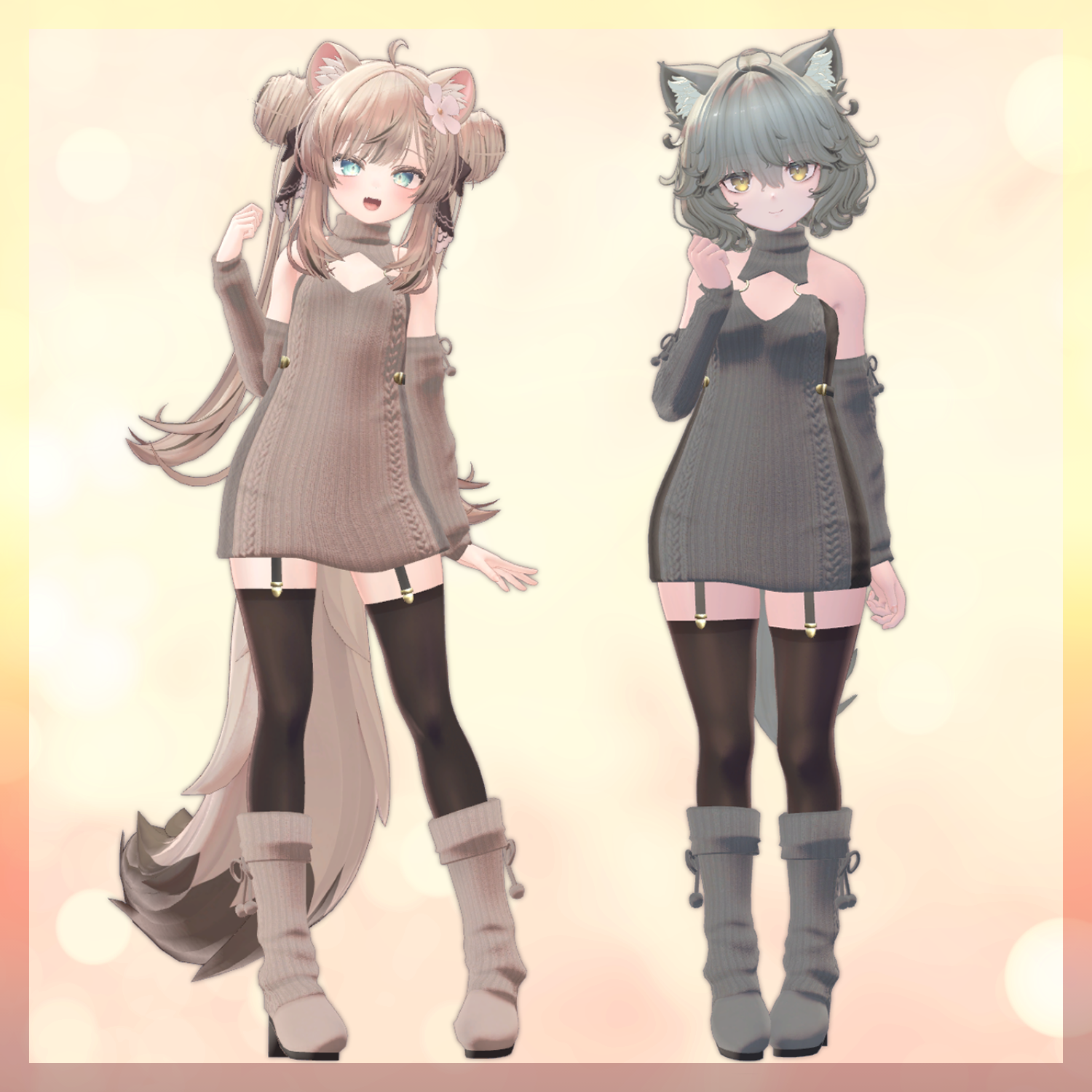
Product Description
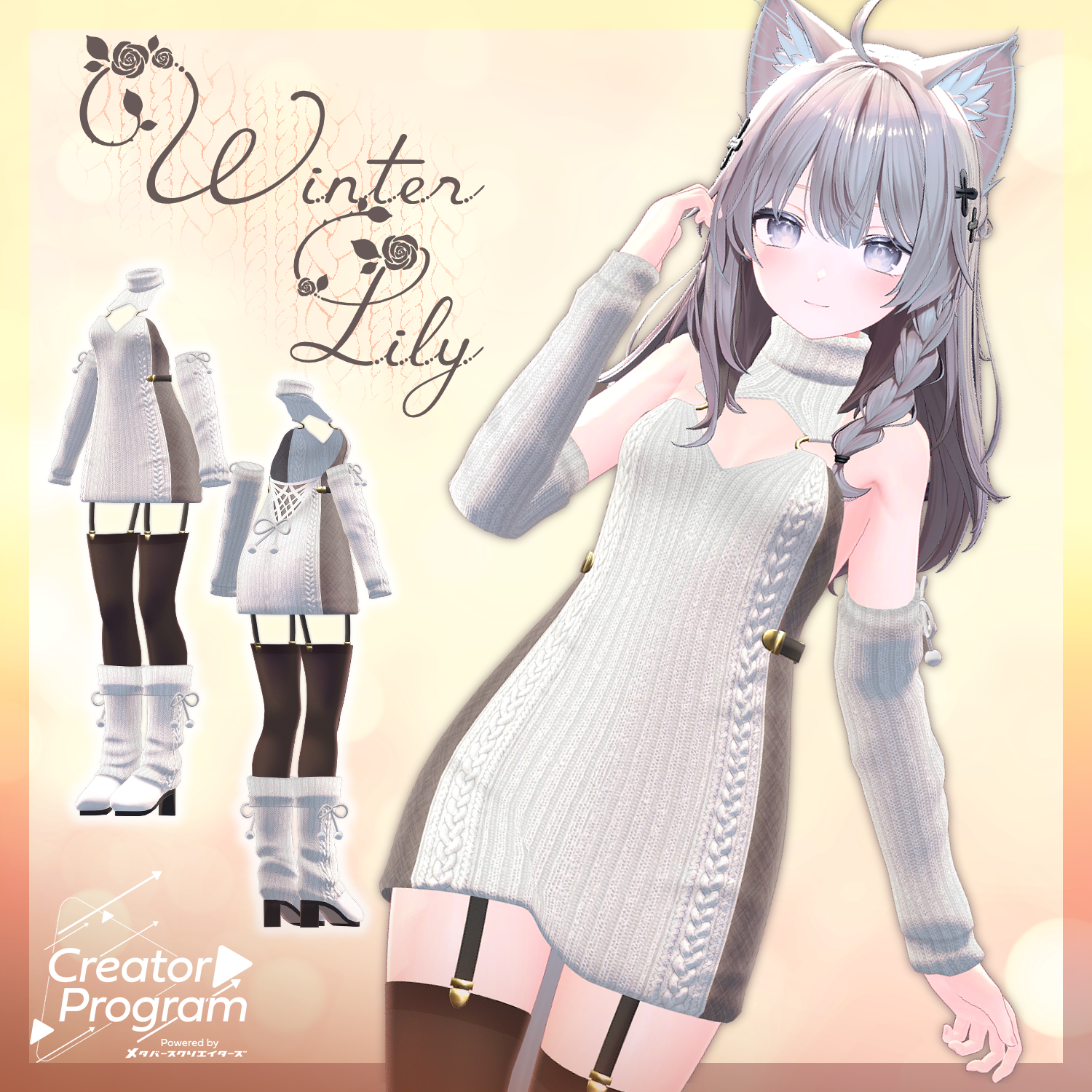
◆ WinterLily ◆
Creator: Furaig no Fuuta (風来のふうた)
This is a set of simple and slim knit dress outfits! It's a versatile piece that looks great worn solo or styled with other items!
*Important Notes*
This product is an outfit model for avatars. The avatar body data itself is not included.
Due to the nature of digital download products, returns or refunds are not possible. Please purchase after confirming and agreeing to the product description and terms of use.
◆ Item Overview
● Contents
WinterLily_[Corresponding Avatar Name].Unitypackage
WinterLily_Common.unitypackage
PSD file for modification
ReadMe.txt (Japanese text)
Used Shader
lilToon
https://lilxyzw.booth.pm/items/3087170
Required Asset
Modular Avatar
https://modular-avatar.nadena.dev/ja/docs/intro
● Model Data
△ Polygon Count (Total): 31,034 Polygons
Wear: 18,360 Polygons
Bottom: 4,882 Polygons
Shoes: 7,792 Polygons
Mesh Count: 6
Material Count: 3
PB Component Count: 5
Import Folder Path
Assets > MetaverseCreators_CP > FutaStudio > WinterLily
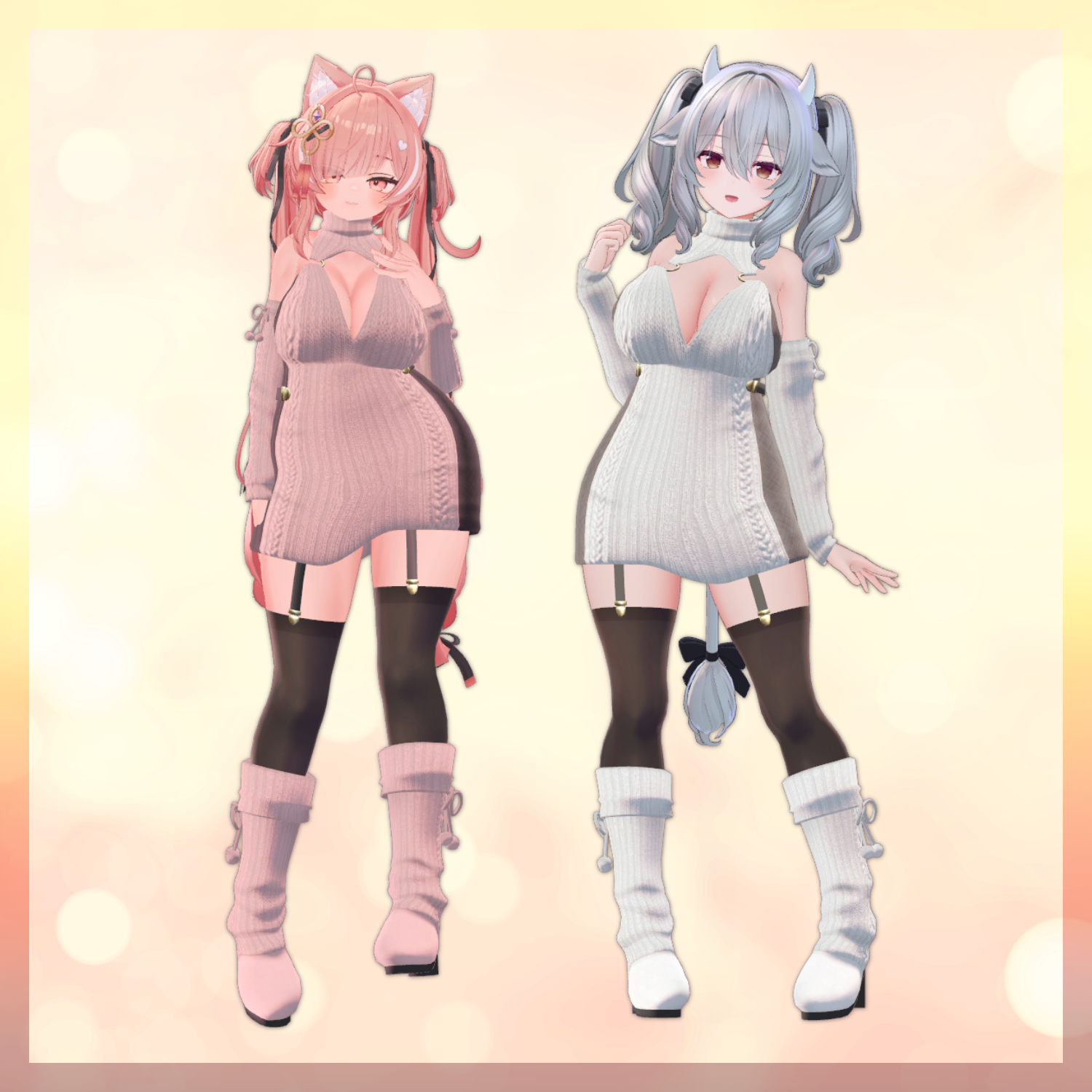
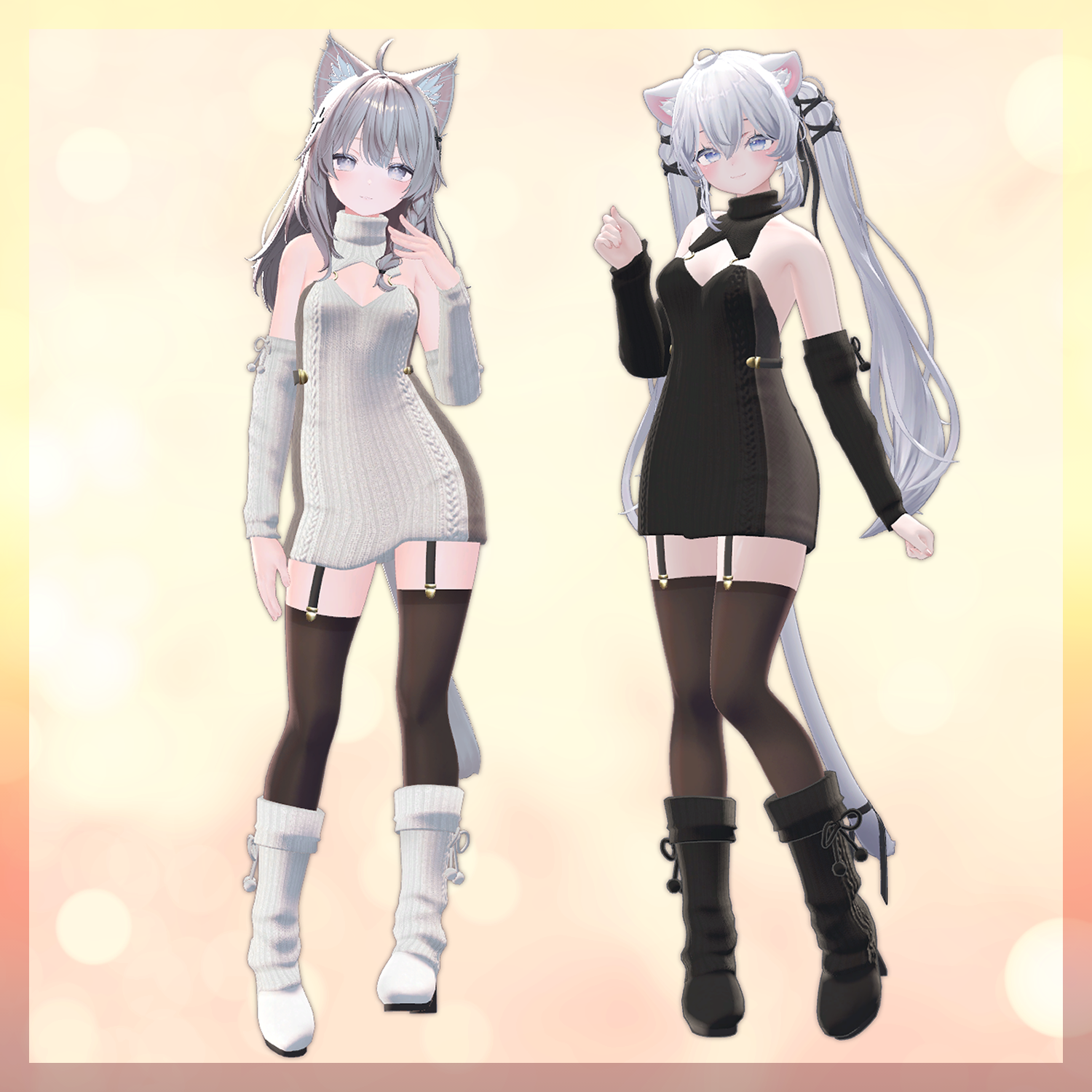
◆ Supported Avatars
Original 3D Model "Shinano"
https://ponderogen.booth.pm/items/6106863
【Original 3D Model】 Sio / しお / ver.2.01
https://chocolaterice.booth.pm/items/5650156
Original 3D Model "Manuka" ver1.02
https://booth.pm/ja/items/5058077
Original 3D Model for VRChat "Nemo" Quest Supported
https://flastore.booth.pm/items/6855392
Original 3D Model "Milltina"
https://dolosart.booth.pm/items/6538026
Original 3D Model "Ichigo"
https://booth.pm/ja/items/7328789
◆ Installation Procedure
Set up the latest version of VRC SDK using VCC.
Install the necessary assets (lilToon, Modular Avatar) through VCC.
Import the latest package for the respective avatar body.
Import this product's package.
Drag and drop the avatar (and the dressing/modification prefab if included) into the Scene Hierarchy.
If necessary, hide or set the avatar's unwanted clothing (default outfit, underwear, etc.) to "Editor Only."
Drag and drop the "WinterLily_[Corresponding Avatar Name].Prefab" directly under the avatar's root object.
Upload the avatar using the VRC SDK.
※About Shape Keys using Modular Avatar:
This outfit has the "MA Shape Changer" feature of Modular Avatar configured. When you drag and drop the outfit directly under the avatar, the avatar body's shape keys will automatically be turned ON, and the foot shape (toes) will change. This allows you to wear the outfit without the body and clothing interfering with each other.
If you do not need the "MA Shape Changer" configured on the outfit mesh, you may delete it or adjust it as you prefer.
※Troubleshooting:
If a part of the avatar body unintentionally becomes thinner after dressing, please check the body's visibility by setting the corresponding body shape key back to 0.
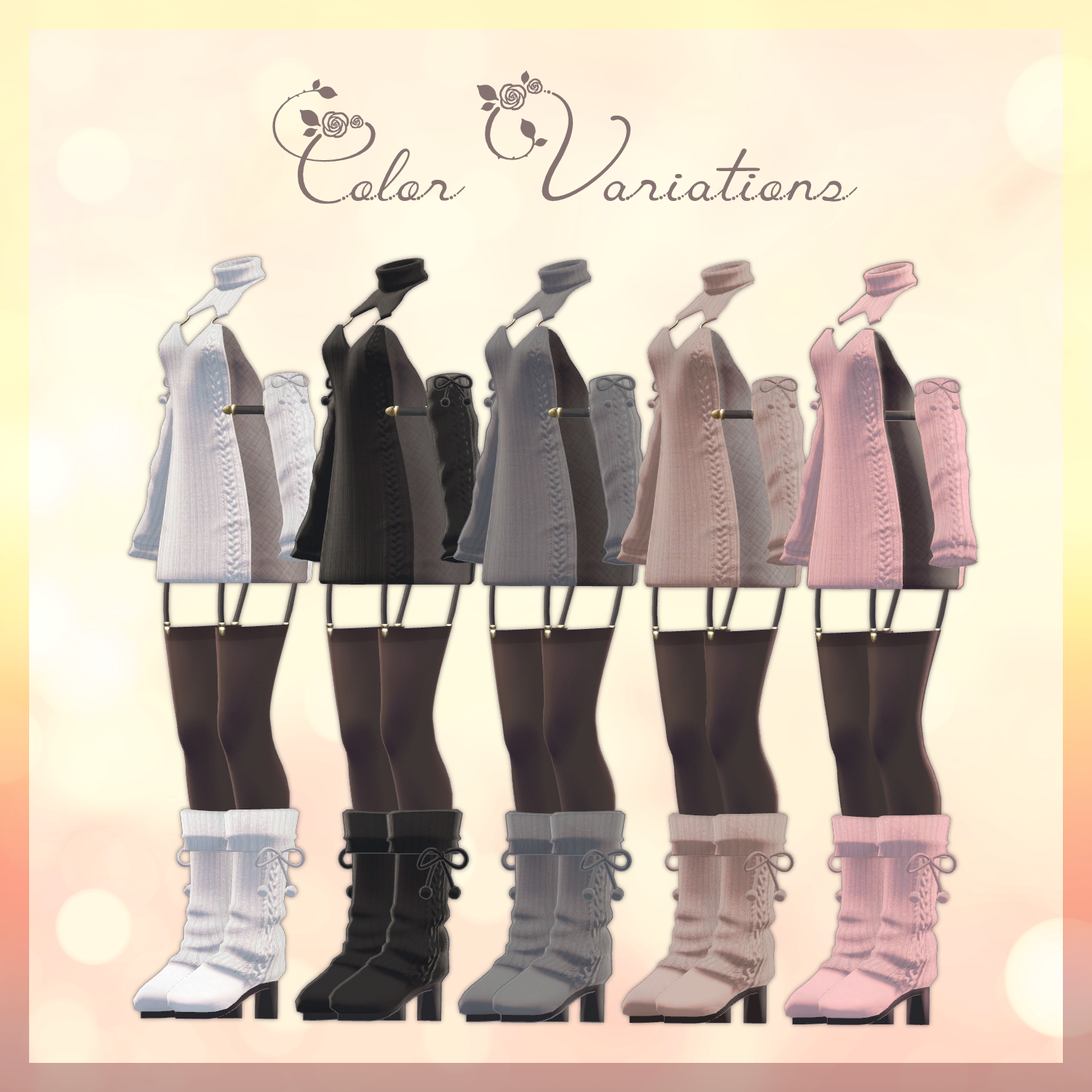
◆ About Color Changes
Please replace the materials located in the Common > Material folder with the respective color variation materials. You can also use the included PSD file to customize the colors to your liking.
◆ Terms of Use
https://drive.google.com/drive/folders/1qRMXoIxM1ZgacBPfwOigQRtXP1vCbNMn?usp=sharing
*Please ensure you adhere to the terms of use of the original base avatar.
◆ Production Environment
Modeling: Blender Ver4.5.3
Texture: CLIP STUDIO PAINT, SubstancePainter
Setup: Unity Ver2022.3.22f1
VRChat SDK - Avatars Ver3.7.6 (VCC)
lilToon 2.3.2
ModularAvatar 1.14.3
◆ Credits
Creator: Furaig no Fuuta (風来のふうた)
X (Twitter): [Link not provided in original text]
BOOTH (Personal): https://futastudio.booth.pm/
Support Contact
https://discord.gg/bmw3PWE37M