
Product Description
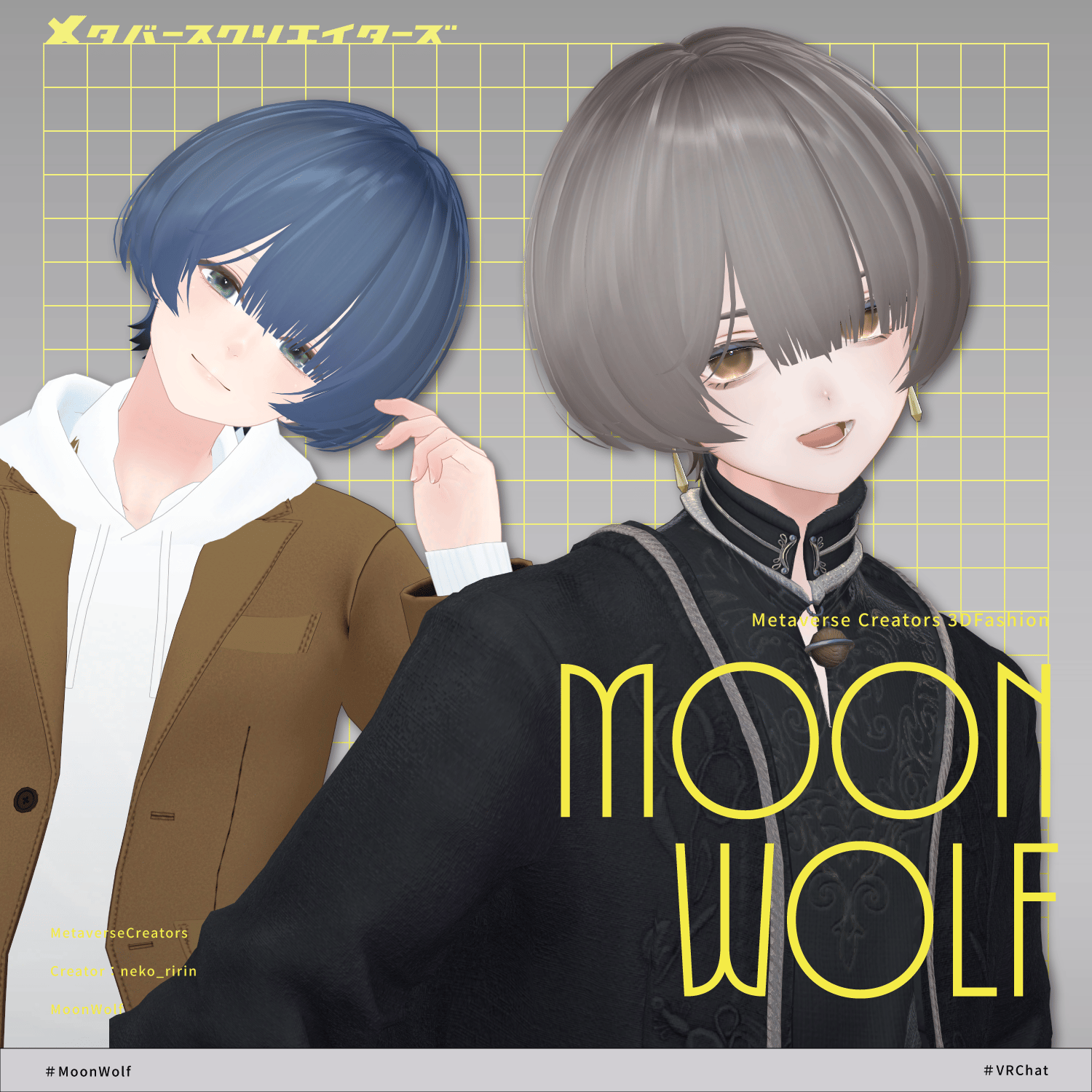
◆ MoonWolf ◆
Producer: neko_ririn
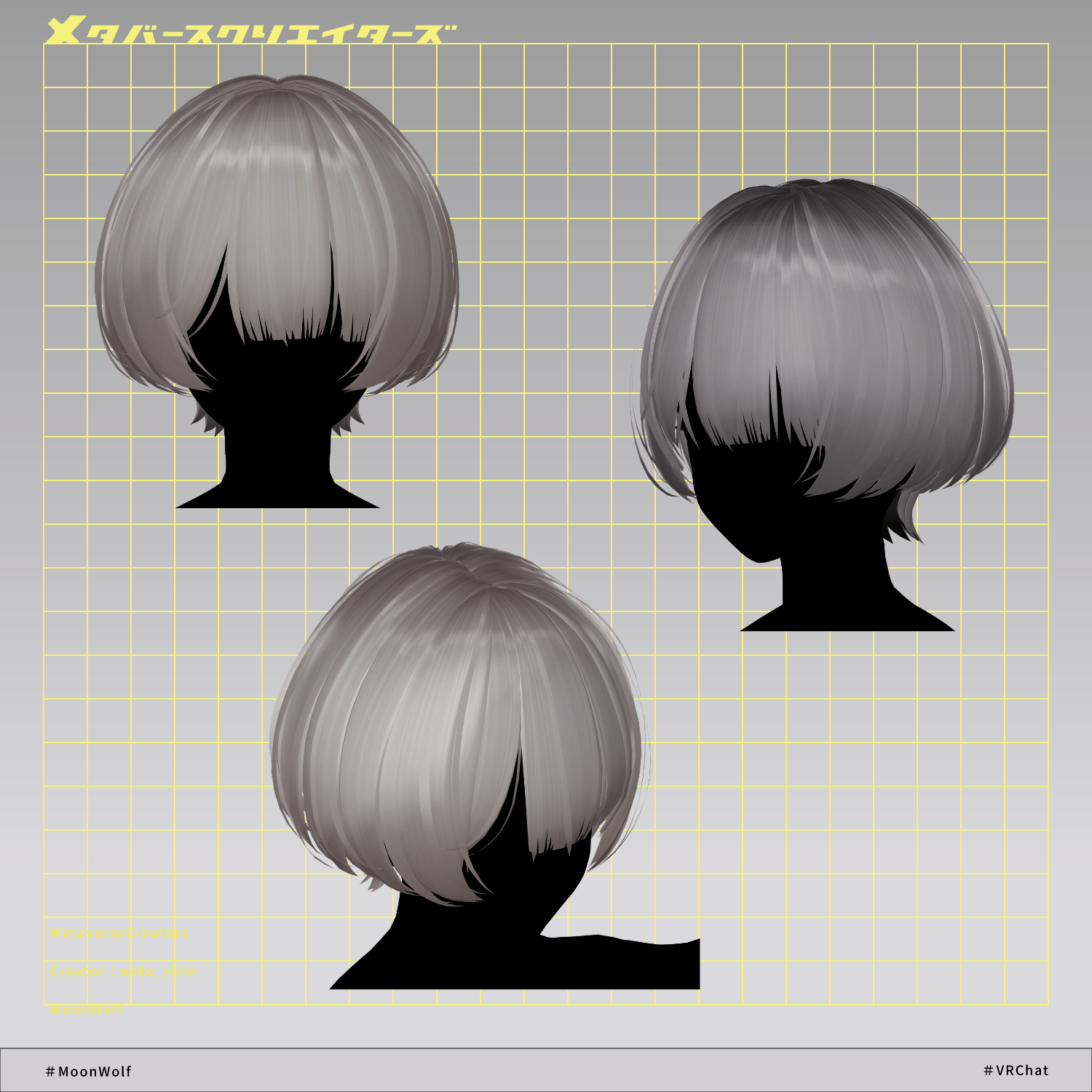
A soft, neutral-toned mushroom wolf hairstyle with a androgynous feel.
※ This product is a hairstyle model for avatars. Avatar base data is not included.
※ Due to the nature of digital downloads, returns and refunds are not possible. Please read and agree to the product description and terms of use before purchasing.
◆ Item Overview
● Contents
MoonWolf.Unitypackage
FBX
PSD file for modifications
ReadMe.txt (main document)
Shaders used
lilToon
https://lilxyzw.booth.pm/items/3087170
Required assets
Modular Avatar
https://modular-avatar.nadena.dev/ja/docs/intro
● Model Data
Total polygon count: 12,521 polygons
mae (front): 1,271
maeyoko (front side): 1,768
head: 900
back_ue (upper back): 4,094
back_naka (middle back): 2,508
back_shita (lower back): 1,980
Mesh count: 6
Material count: 2
PB components: 7
Import folder:
Assets > MetaverseCreators_CP > neko_ririn > MoonWolf
◆ Supported Avatars
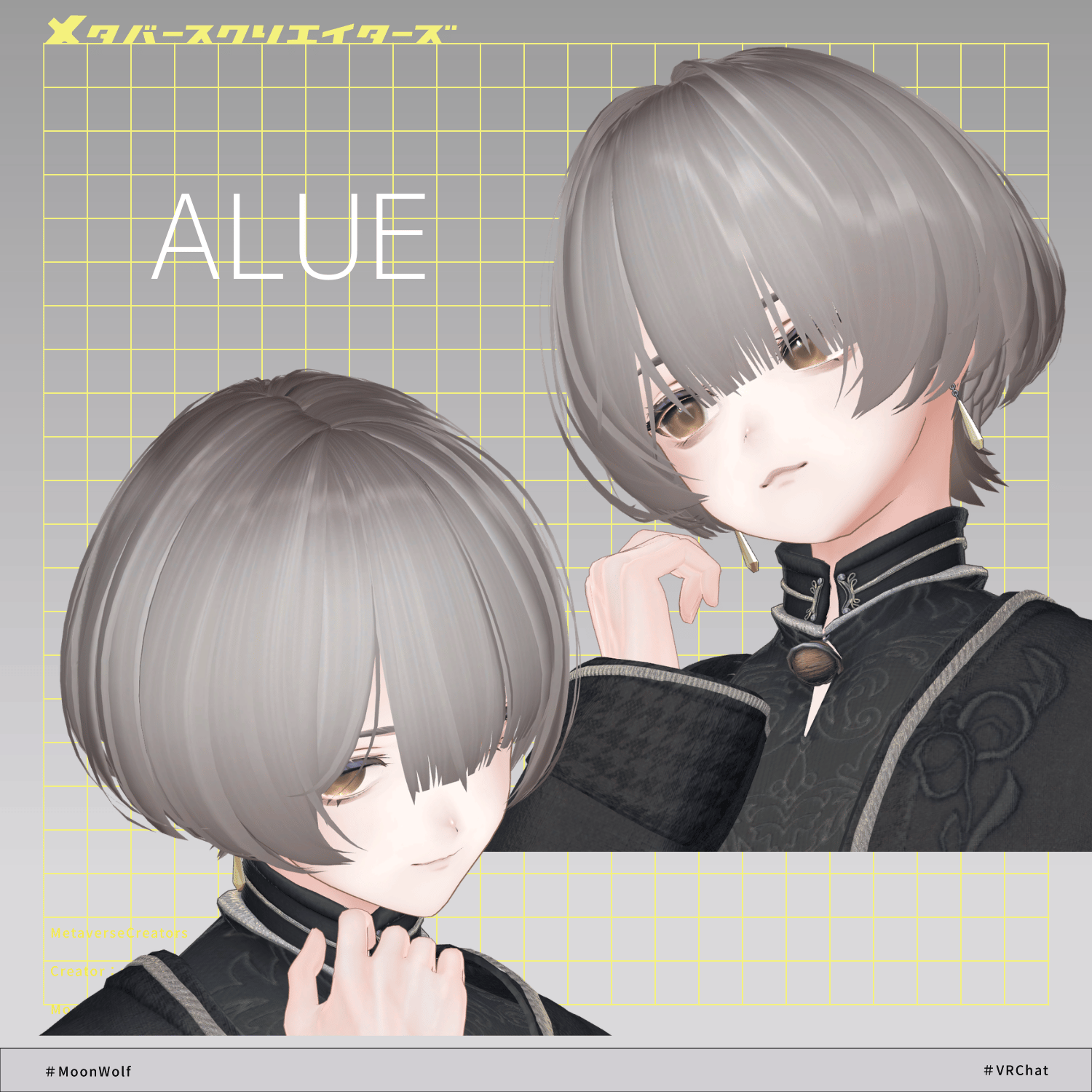
Original 3D Avatar: Alué
https://booth.pm/ja/items/6957623
Other avatar compatibility is provided as “semi-supported,” meaning Unity adjustments are made based on the base model.
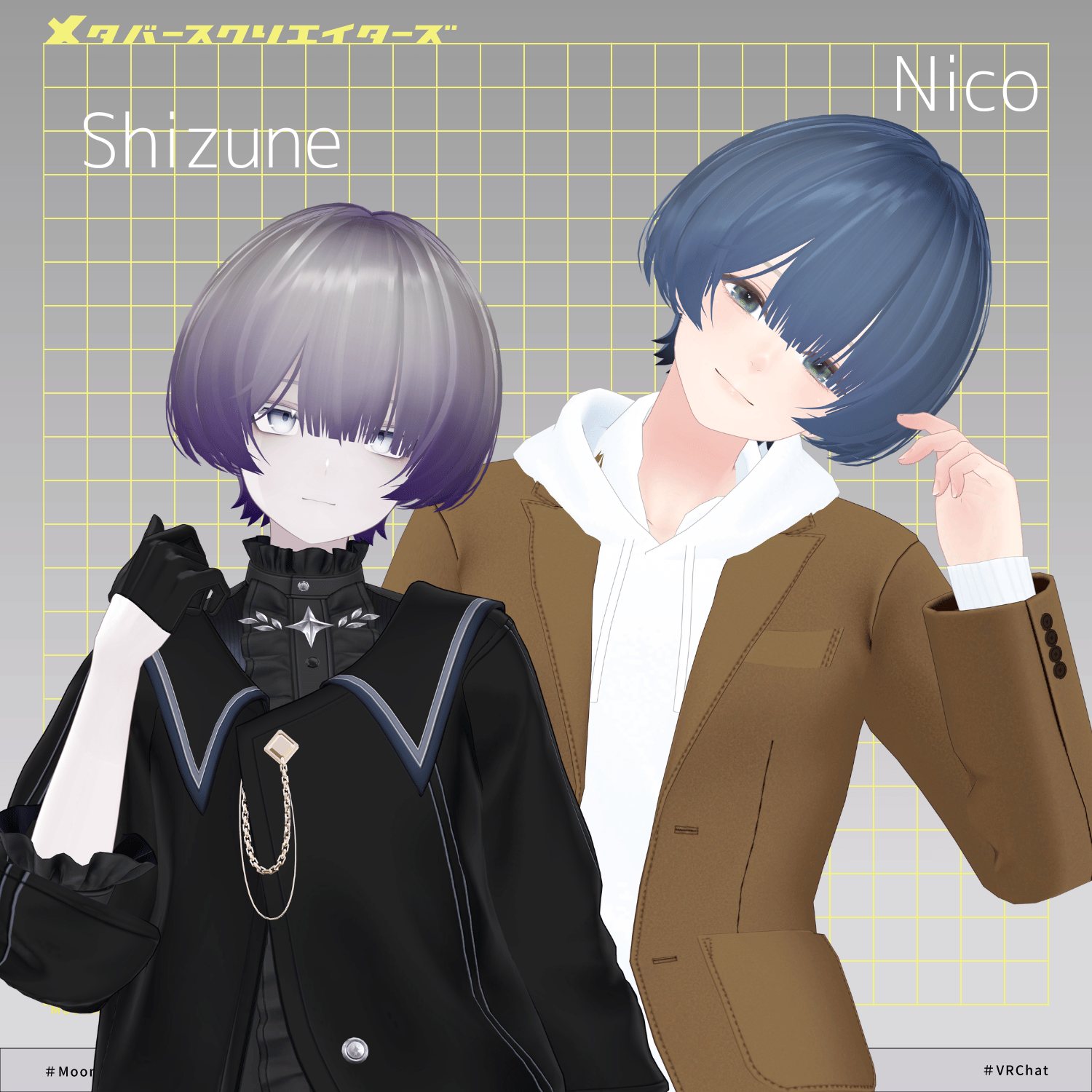
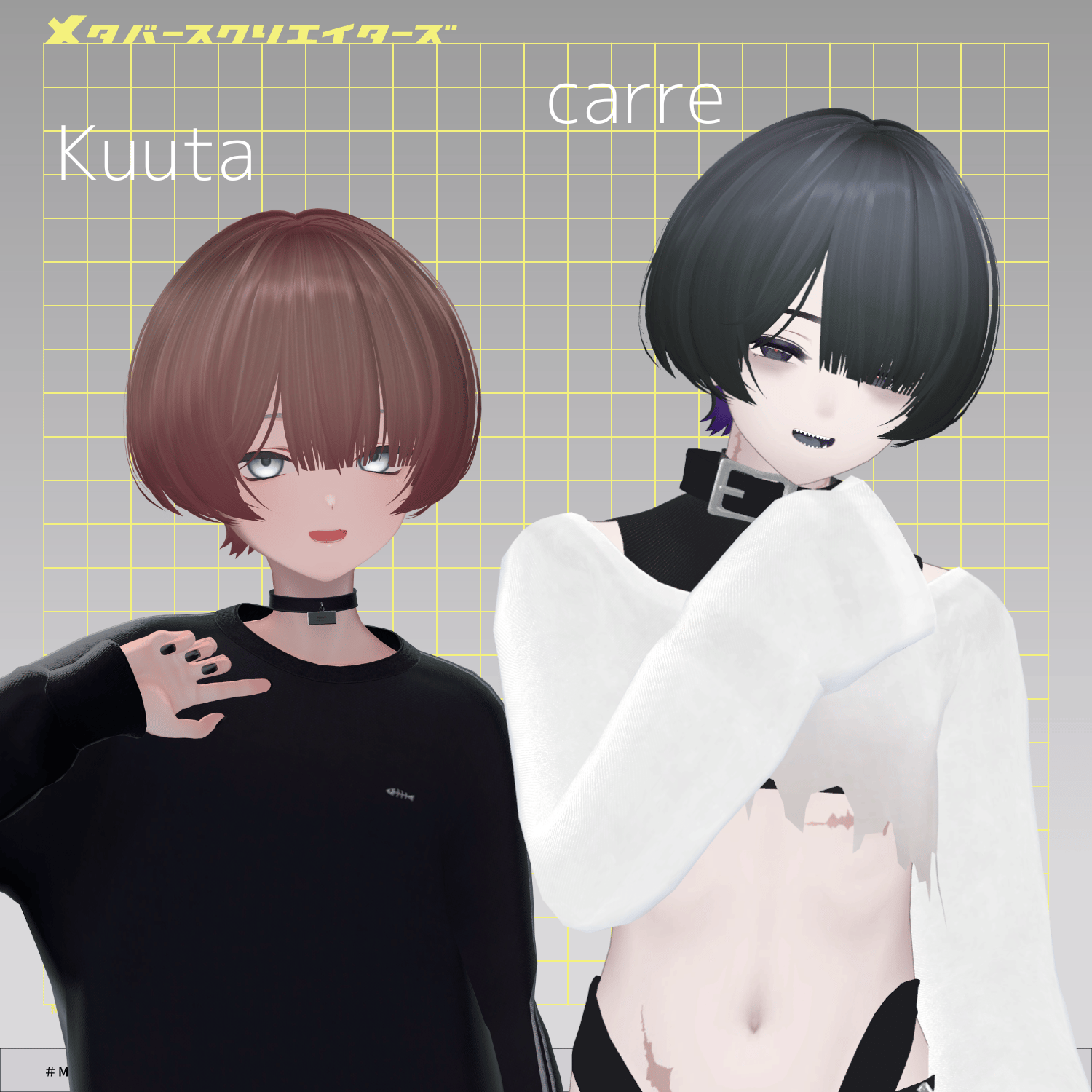
The following avatars are included as pre-adjusted semi-supported versions:
“carre” (キャレ)
https://booth.pm/ja/items/8273146
Kuuta (Original 3D Model)
https://booth.pm/ja/items/4897493
Shizune (Original 3D Model)
https://metacreatorstyo.booth.pm/items/7684873
Nico (Original 3D Model)
https://metacreatorstyo.booth.pm/items/8000819
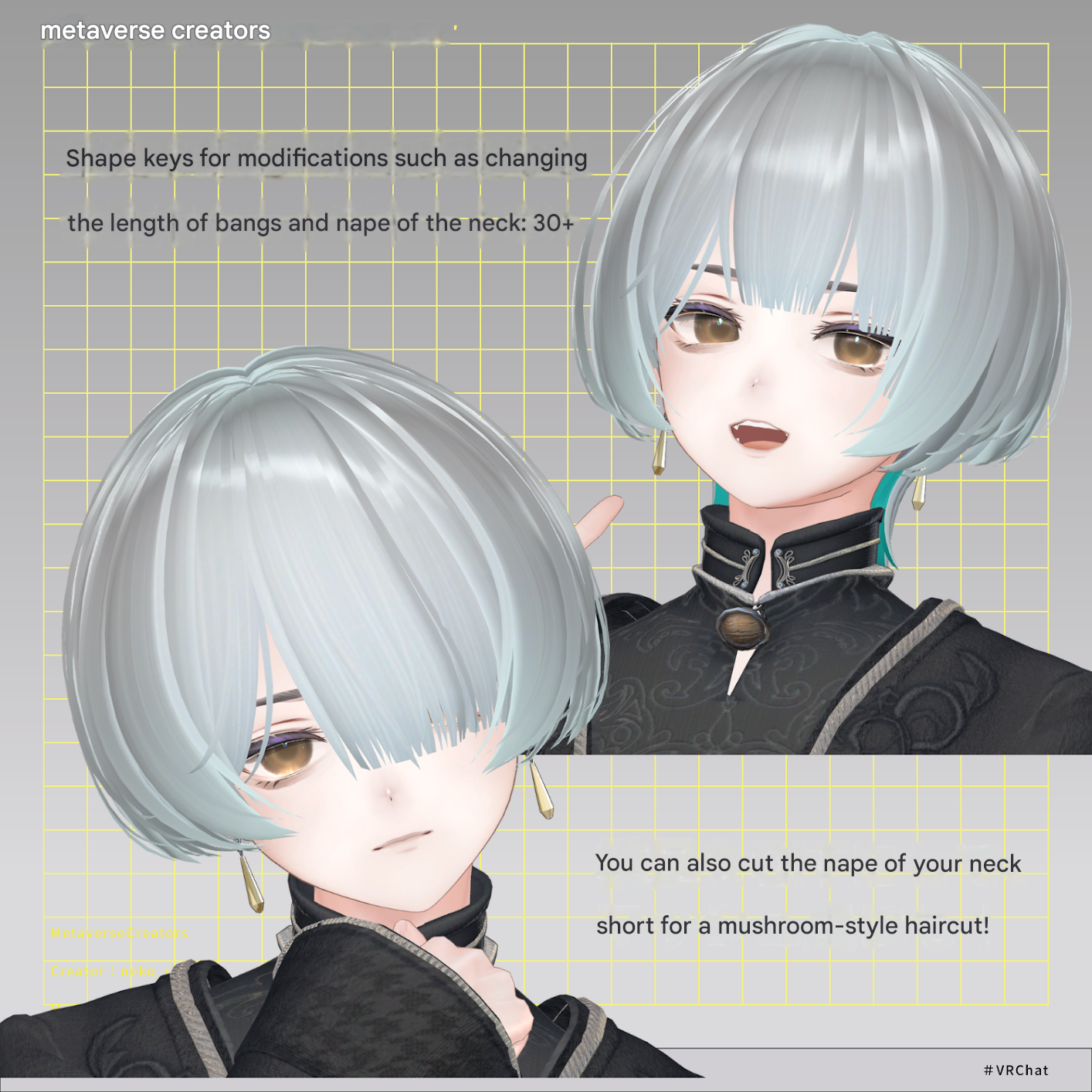
Multiple shape keys are included for adjusting overall size, position, and fit.
Users are encouraged to try fitting the hairstyle to avatars not listed here as well.
◆ Shape Key Overview
mae (front)
center_short: shorten center bangs
center_long: lengthen center bangs
center_left: move center bangs left
center_right: move center bangs right
center_slide: thin center bangs
left_long: lengthen left bangs
left_short: shorten left bangs
maeyoko (front sides)
short: shorten
long: lengthen
big_x: widen horizontally
move_y: move forward
back_ue (upper back)
long: lengthen
short: shorten
slide_x: move inward horizontally
slide_y: move inward forward
back_shita (lower back)
ear_back: move ear area backward
short: shorten
long: lengthen
big_x: widen horizontally
big_y: enlarge front/back
back_naka (middle back)
short: shorten
long: lengthen
small_x: shrink horizontally
big_x: enlarge horizontally
center_long: extend center section
back: move backward
OFF: hide
head
ear_back: move ear area backward
back: move backward
small_x: shrink horizontally
big_x: enlarge horizontally
big2_x: enlarge only hair tips horizontally
big_y: enlarge front/back
◆ Installation Steps
Set up the latest VRChat SDK in VCC
Install required assets (lilToon, Modular Avatar) in VCC
Import each avatar’s latest package
Import this asset package
Drag and drop the avatar (or customization prefab) into the Scene Hierarchy
Hide or set unused parts (hair or accessories) to Editor Only
Drag and drop “MoonWolf_AvatarName.Prefab” under the avatar
Adjust scale, position, and shape keys (not needed if preconfigured prefab is included)
Upload via VRChat SDK
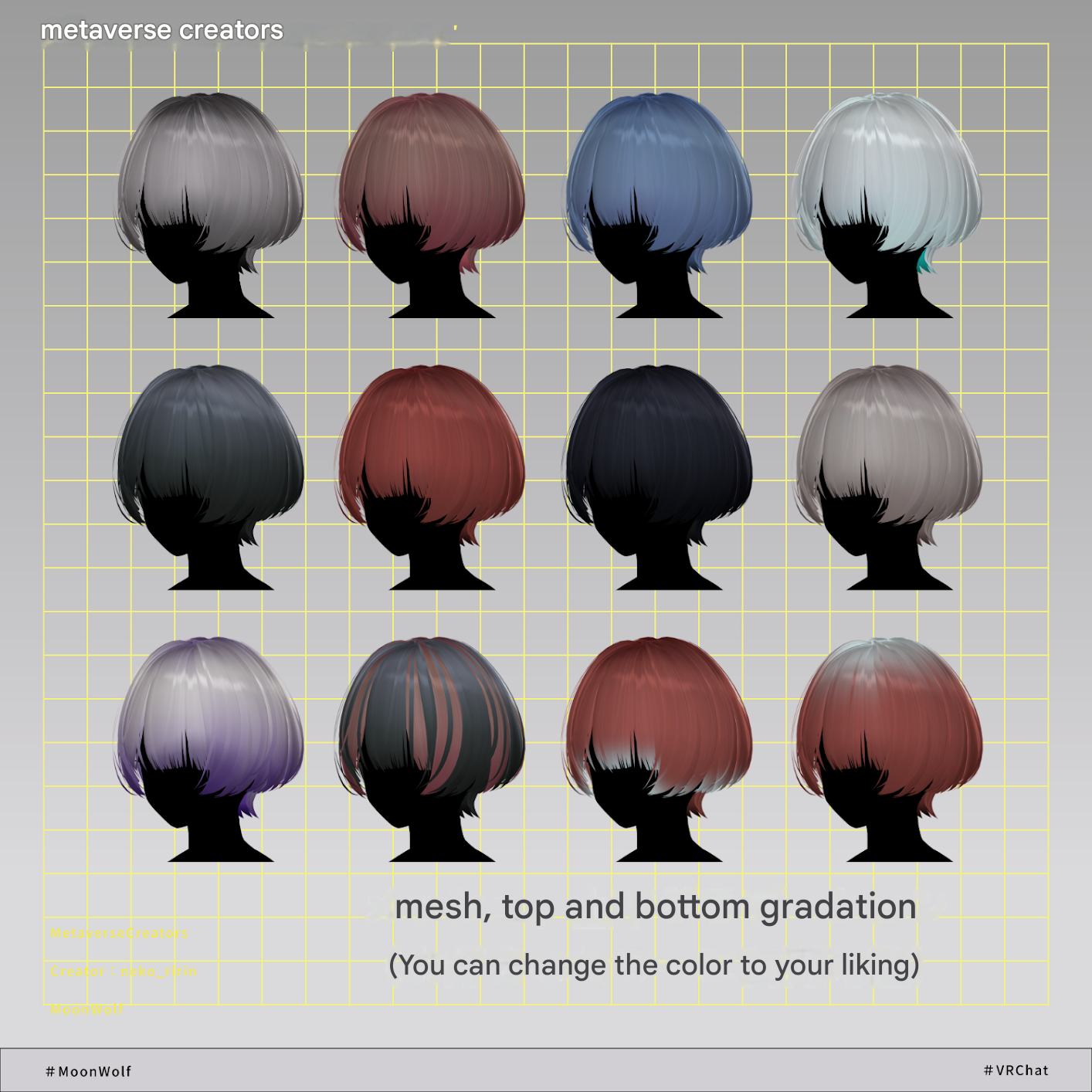
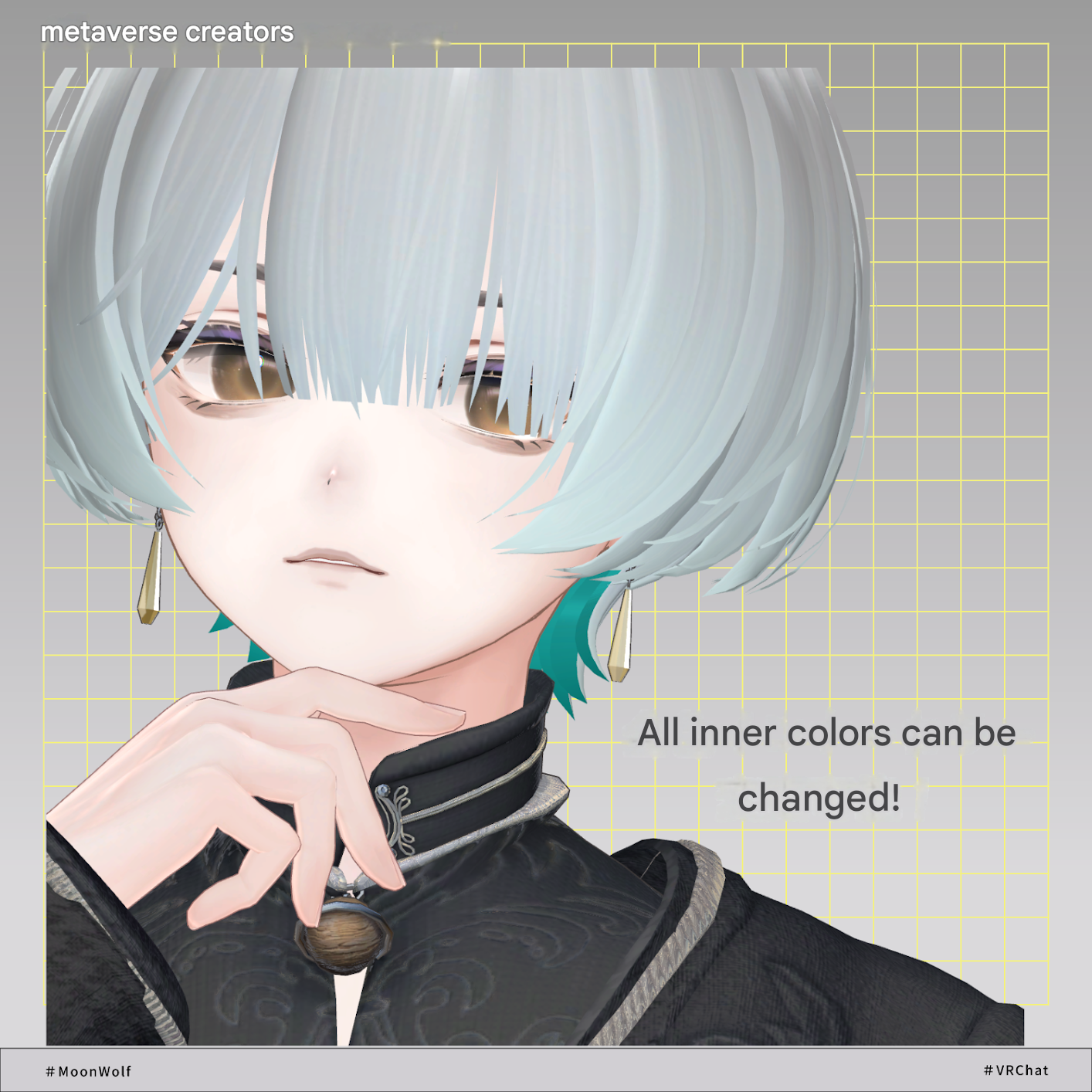
◆ Color Customization
Use the color variation materials in:
Common > Material folder
You can also modify colors using the included PSD or CLIP files.
Additionally, masks in the Common > Material folder can be used in the Main Color 2nd slot to create mesh-based or half-and-half color variations.
◆ Terms of Use
https://drive.google.com/drive/folders/1qRMXoIxM1ZgacBPfwOigQRtXP1vCbNMn?usp=sharing
※ Please comply with the original avatar’s terms of use.
◆ Production Environment
Modeling: Blender Ver. 4.2.3
Texturing: CLIP STUDIO PAINT
Setup: Unity 2022.3.22f1
VRChat SDK - Avatars Ver. 3.10.3 (VCC)
lilToon 2.3.2
Modular Avatar 1.17.0
◆ Credits
Producer: neko_ririn
https://neko-ririn.booth.pm/
Support / Contact:
https://discord.gg/bmw3PWE37M