
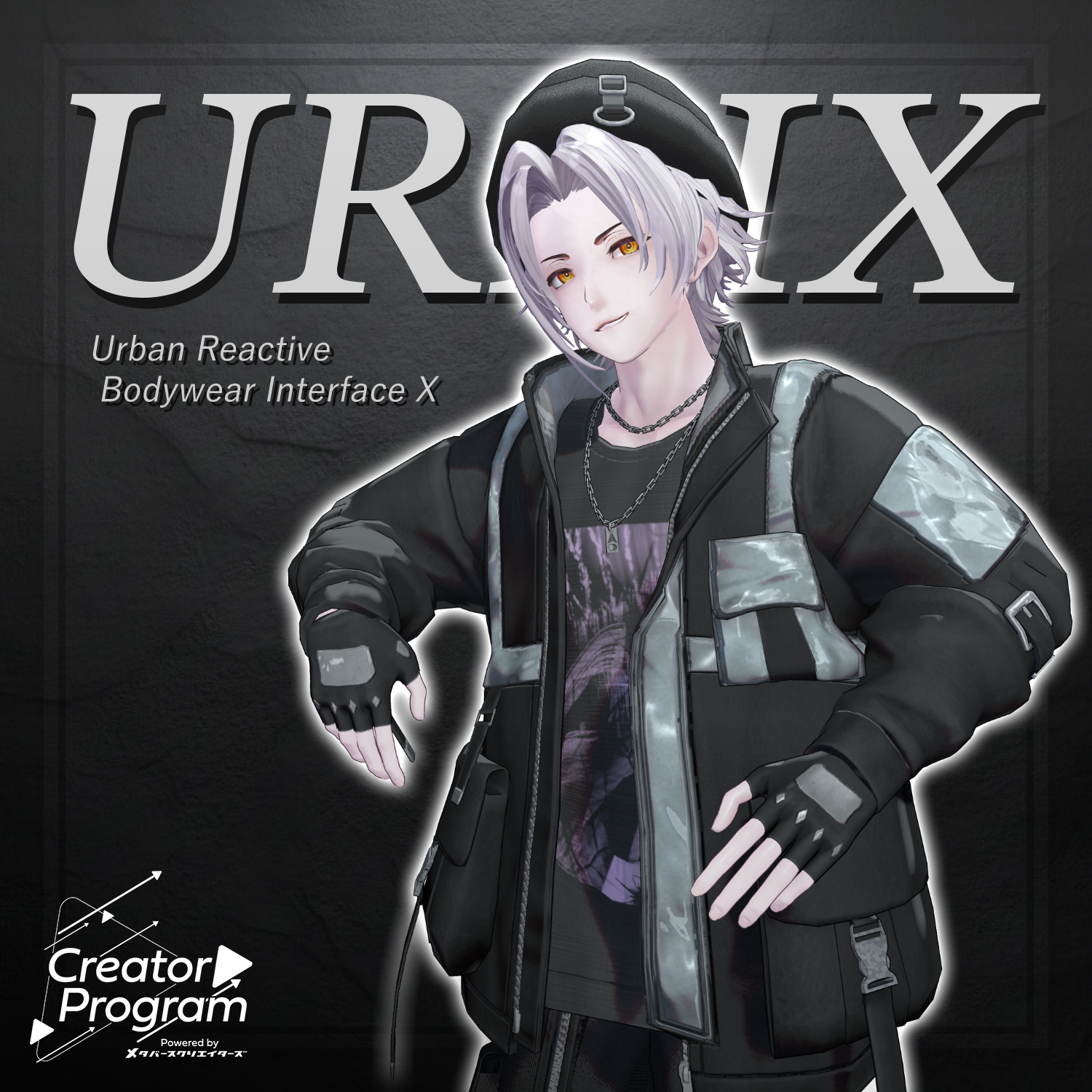
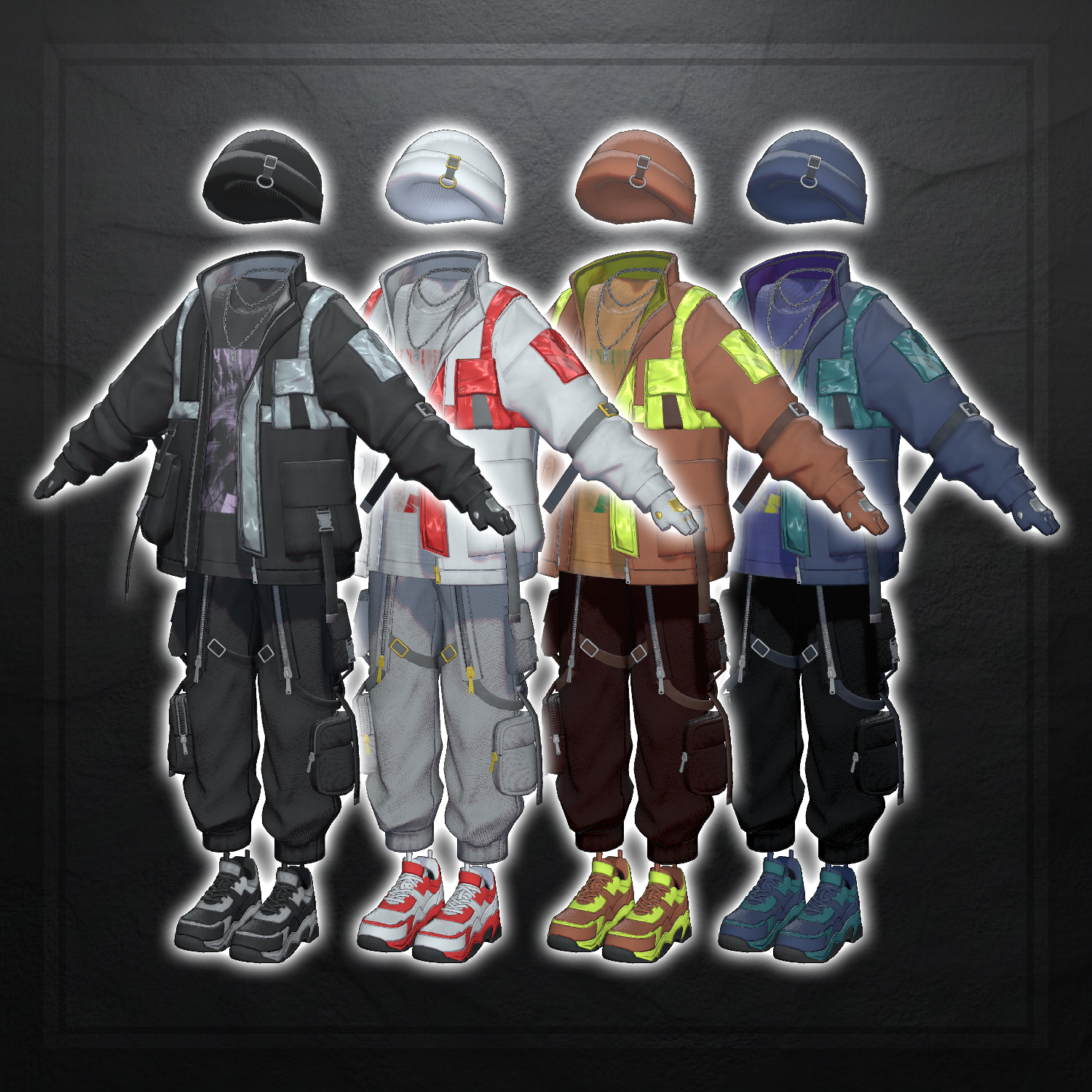
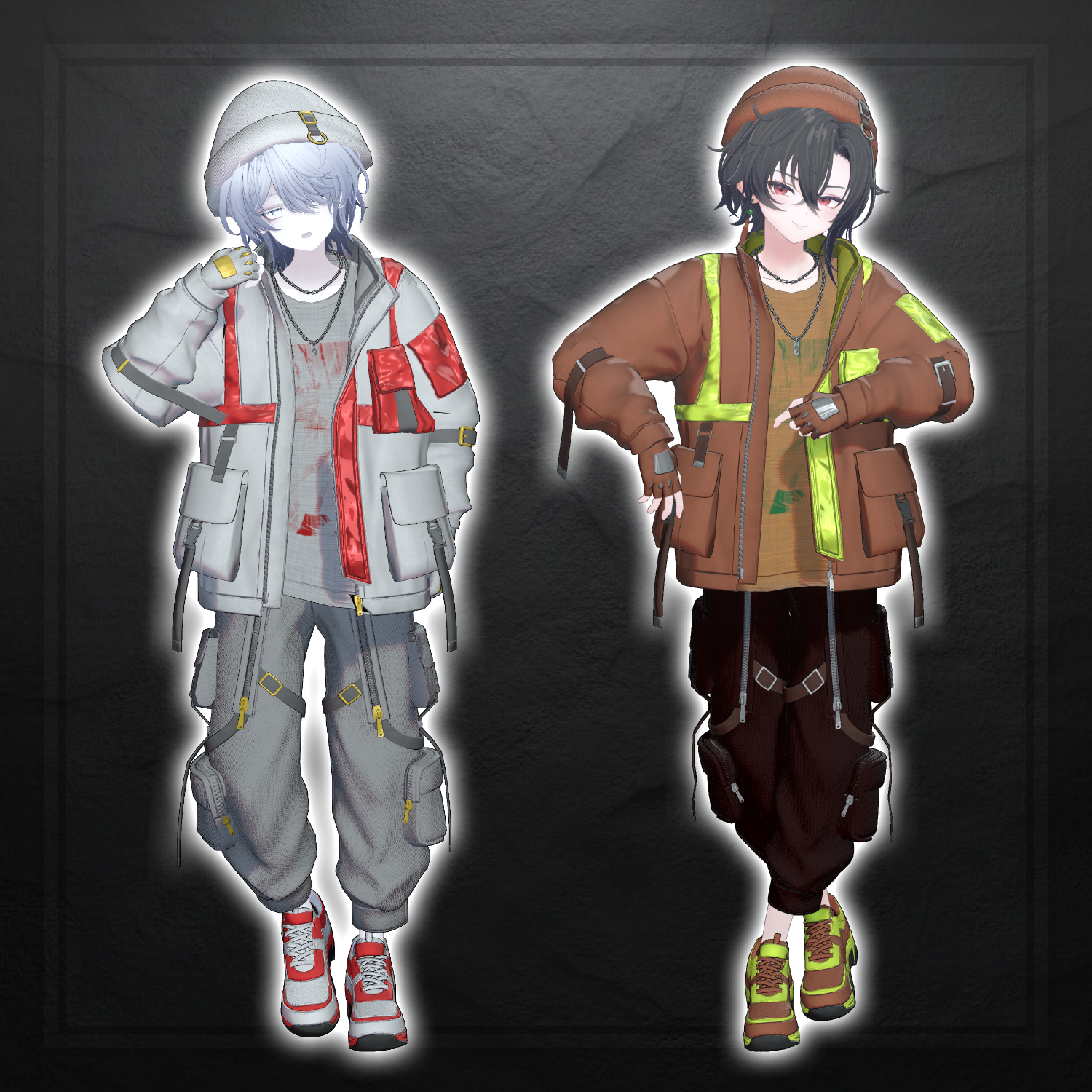
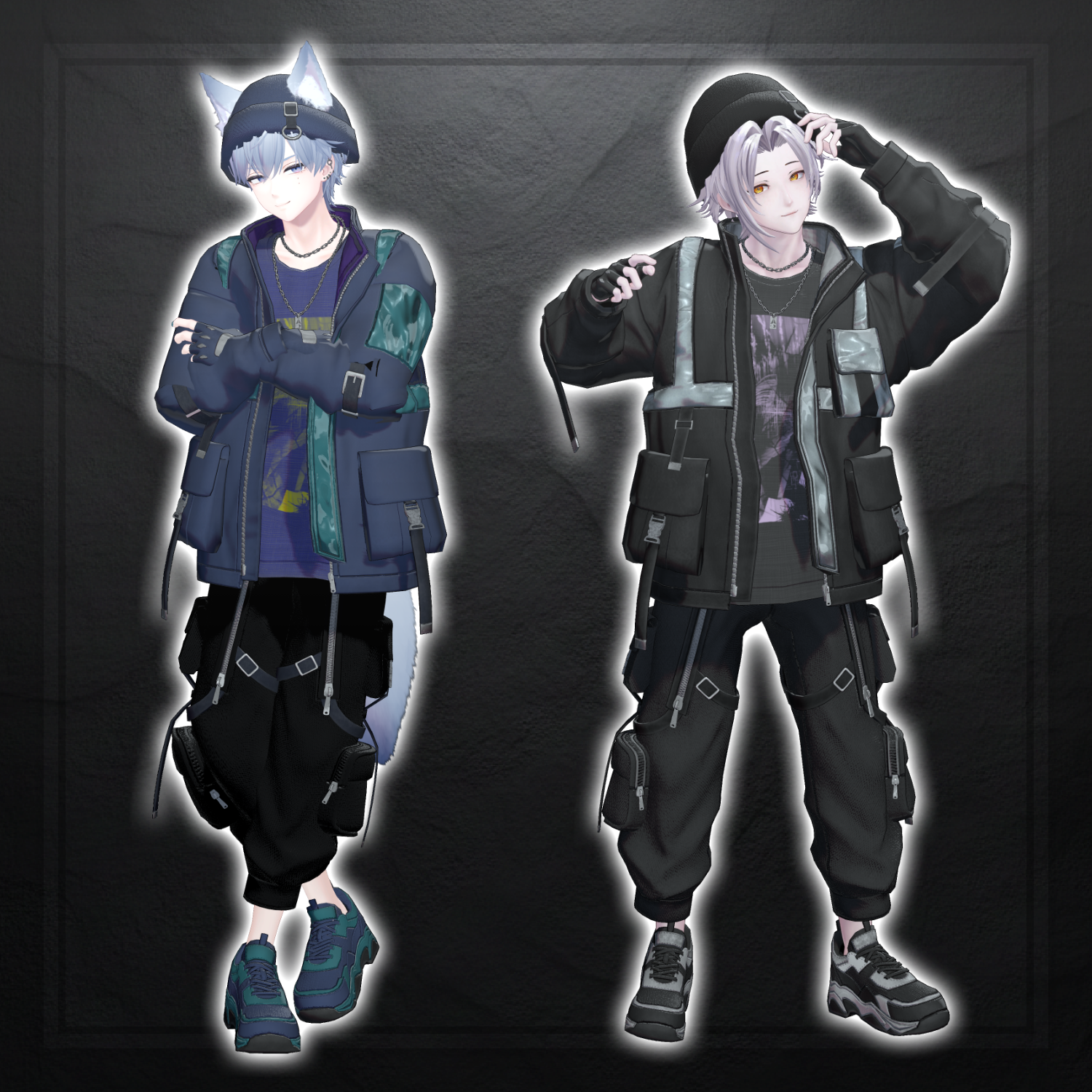
URBIX - VRChat Men's Clothing / CP42
Product Description
◆ URBIX ◆
Creator: Domuemon
A street-casual outfit that combines functionality and style.
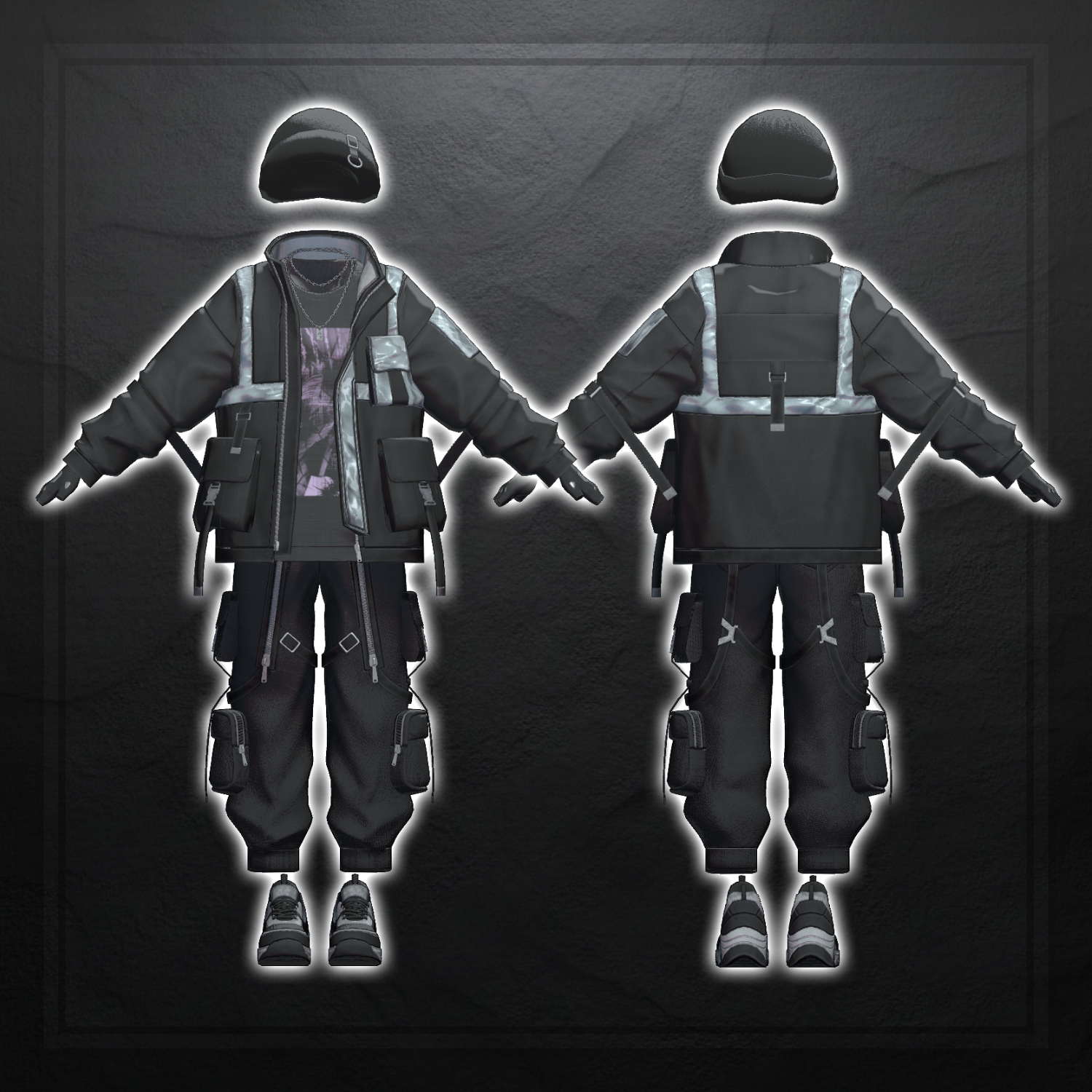
The jacket and pants are packed with pockets, creating a practical yet cool impression.
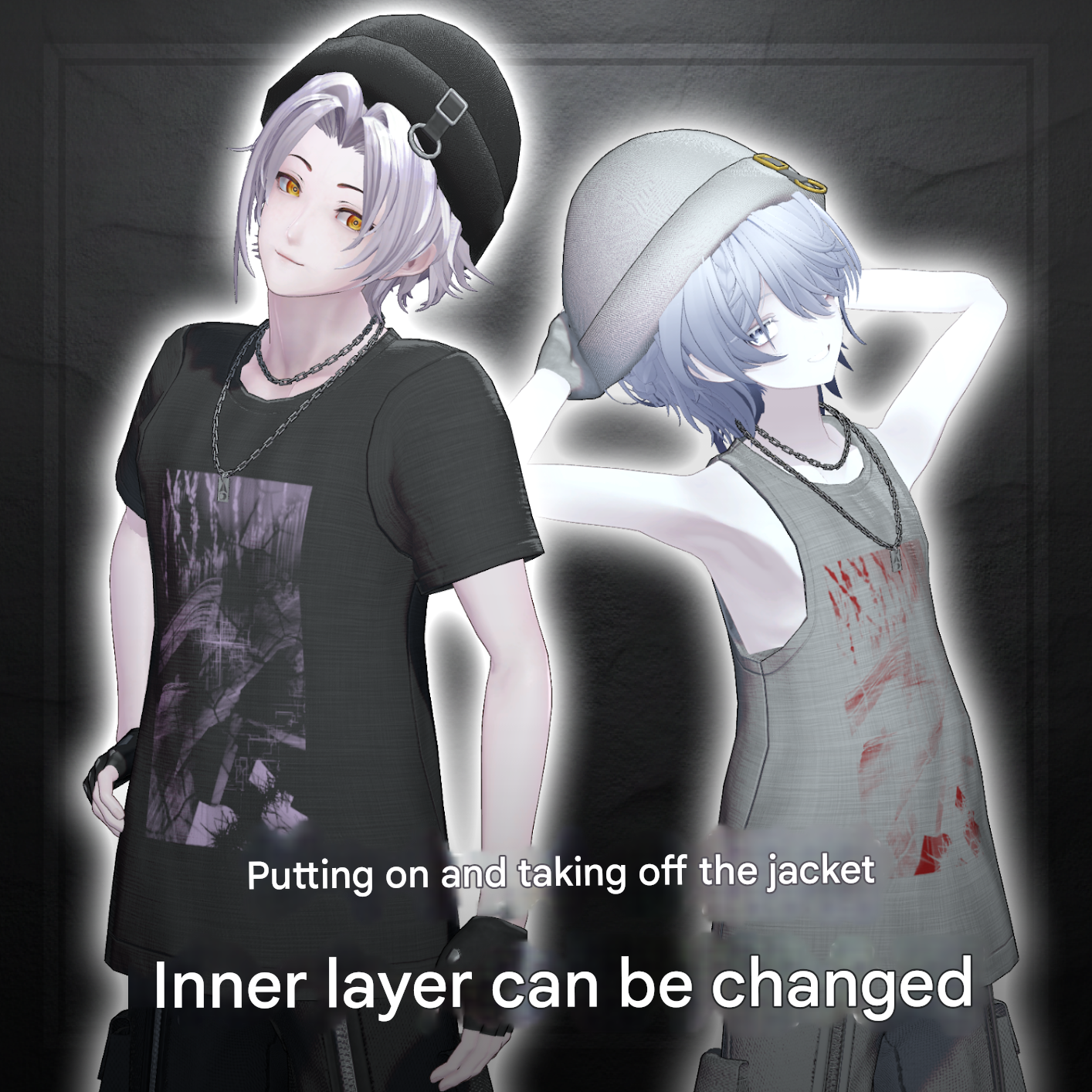
The jacket can be freely removed, and the innerwear includes a T-shirt / tank-top switching gimmick, allowing the outfit to be worn comfortably even during summer.
⚠️ Important Notes
This product is a clothing model for avatars. The avatar base model is not included.
Due to the nature of downloadable products, refunds and returns are not available. Please review the product description and terms of use before purchasing.
◆ Item Overview
● Contents
URBIX_◯◯.Unitypackage
FBX
Textures
ReadMe.txt
● Required Shader
liltoon
https://lilxyzw.booth.pm/items/3087170
● Required Asset
Modular Avatar
https://modular-avatar.nadena.dev/ja/docs/intro
● Model Data
Total Polygon Count: 49,524
Bottom: 16,764
Glove: 3,448
Hat: 914
Jacket: 12,870
Necklace: 3,948
Shirt: 1,848
Shoes: 8,604
Tank-top: 1,128
Mesh Count: 8
Material Count: 3
Import Folder
Assets > MetaverseCreators_CP > Domuemon_Workshop > URBIX
◆ Compatible Avatars
Original 3D Model “Komano”
https://booth.pm/ja/items/5260363
Original 3D Model “Bokusei”
https://booth.pm/ja/items/5727810
Original 3D Model “Licht” #Licht3D / AC1
https://metacreatorstyo.booth.pm/items/7430852
Original 3D Model “Shizune” #Shizune3D / AC3
https://metacreatorstyo.booth.pm/items/7684873
⚠️ When equipping the outfit, shapekeys are used to hide the avatar body (making it thinner to prevent clipping).
◆ Installation Instructions
Set up the latest VRC SDK in VCC.
Install required assets (liltoon, Modular Avatar) via VCC.
Import the latest version of the avatar package.
Import this product’s package.
Drag and drop the avatar (or dressing/modification prefab) into the Scene Hierarchy.
Disable unnecessary clothing on the avatar (default outfits, underwear, etc.) or set them to Editor Only if needed.
Drag and drop “OutfitName_AvatarName.Prefab” directly under the avatar.
Upload the avatar via the VRC SDK.
⚠️ This outfit uses Modular Avatar’s “MA Shape Changer.”
When the outfit is placed directly under the avatar, the avatar’s body shapekeys are automatically enabled to make the body slimmer or hide parts of the mesh that would clip with the outfit.
If you do not need the configured MA Shape Changer, you may remove it from the mesh as desired.
⚠️ For +Head avatars, the MA Shape Changer may not function correctly if the body mesh name differs (this asset uses PlusHead as the mesh name).
In that case, adjust by renaming the mesh or manually adjusting shapekeys.
⚠️ If parts of the avatar body appear unintentionally thin after dressing, reset the corresponding body shapekey to 0 and confirm that the body mesh is visible.
◆ Terms of Use
https://drive.google.com/drive/folders/1qRMXoIxM1ZgacBPfwOigQRtXP1vCbNMn?usp=sharing
Please also follow the terms of use of the base avatar.
◆ Production Environment
Modeling: Blender Ver4.5.4
Texturing: Substance 3D Painter 2023
Setup: Unity Ver2022.3.22f1
VRChat SDK - Avatars Ver3.10.1 (VCC)
liltoon 2.3.2
ModularAvatar 1.16.0-alpha.0
◆ Credits
Creator: Domuemon
https://domuemon.booth.pm/
Support / Inquiries
https://discord.gg/bmw3PWE37M