
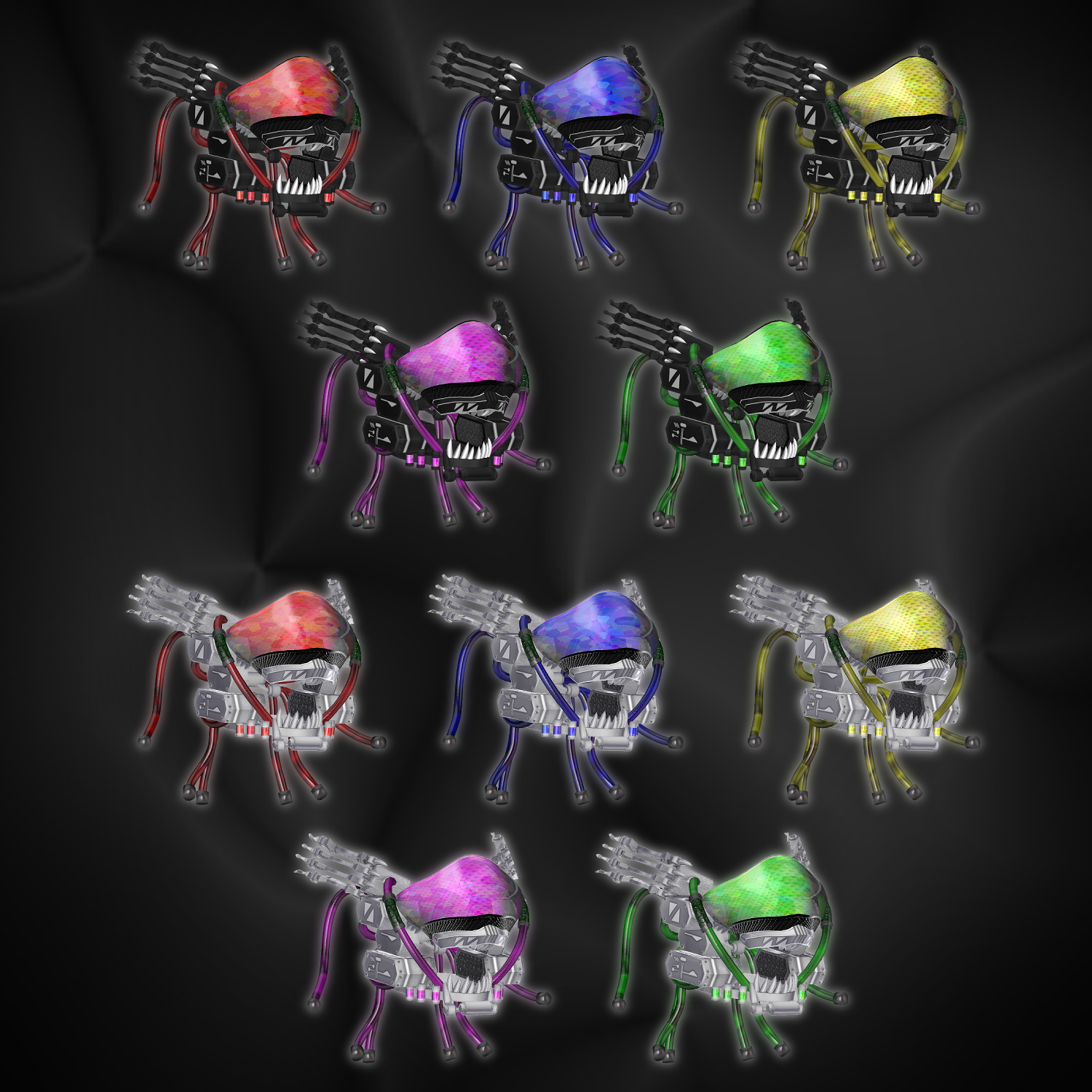
Product Description
◆ V2FACE ◆
Creator: relybird
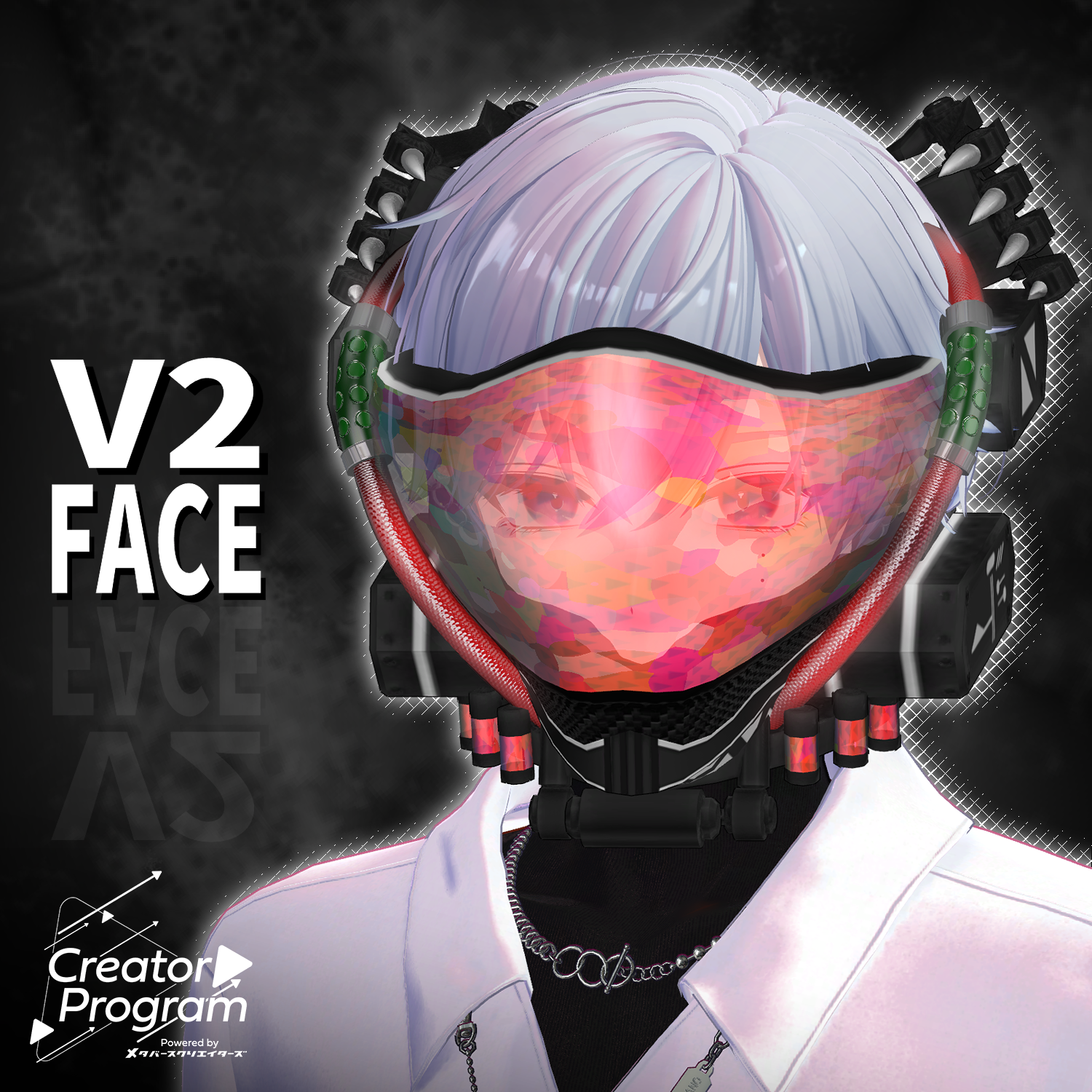
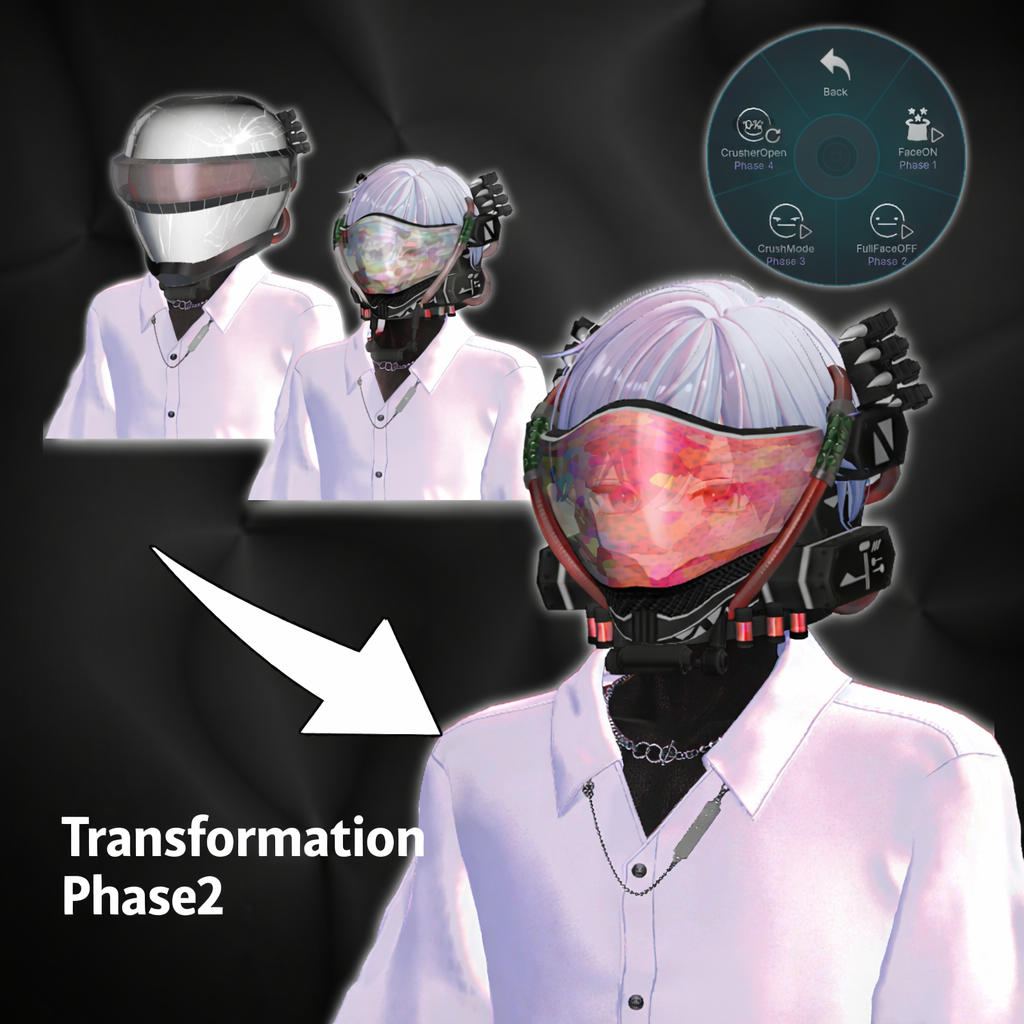
A biomechanical fusion face mask inspired by a cyberpunk aesthetic.
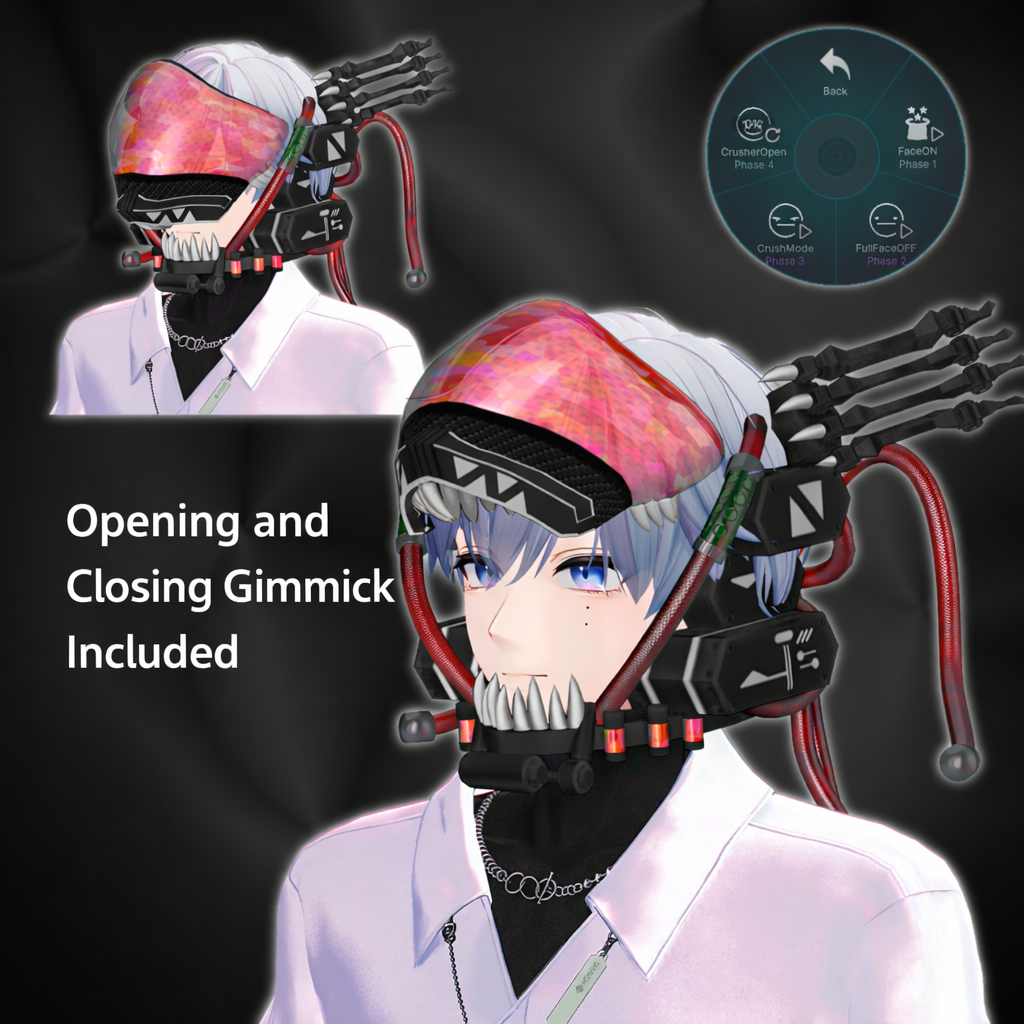
Includes animated equip/unequip gimmicks and supports AudioLink.
⚠️ Important Notes
Due to the nature of downloadable products, returns and refunds are not available.
Please review the product description and terms of use before purchasing.
◆ Item Overview
● Contents
V2FACE.Unitypackage
PSD files for modification
ReadMe.txt
● Required Shader
liltoon
https://lilxyzw.booth.pm/items/3087170
● Required Asset
Modular Avatar
https://modular-avatar.nadena.dev/ja/docs/intro
● Model Data
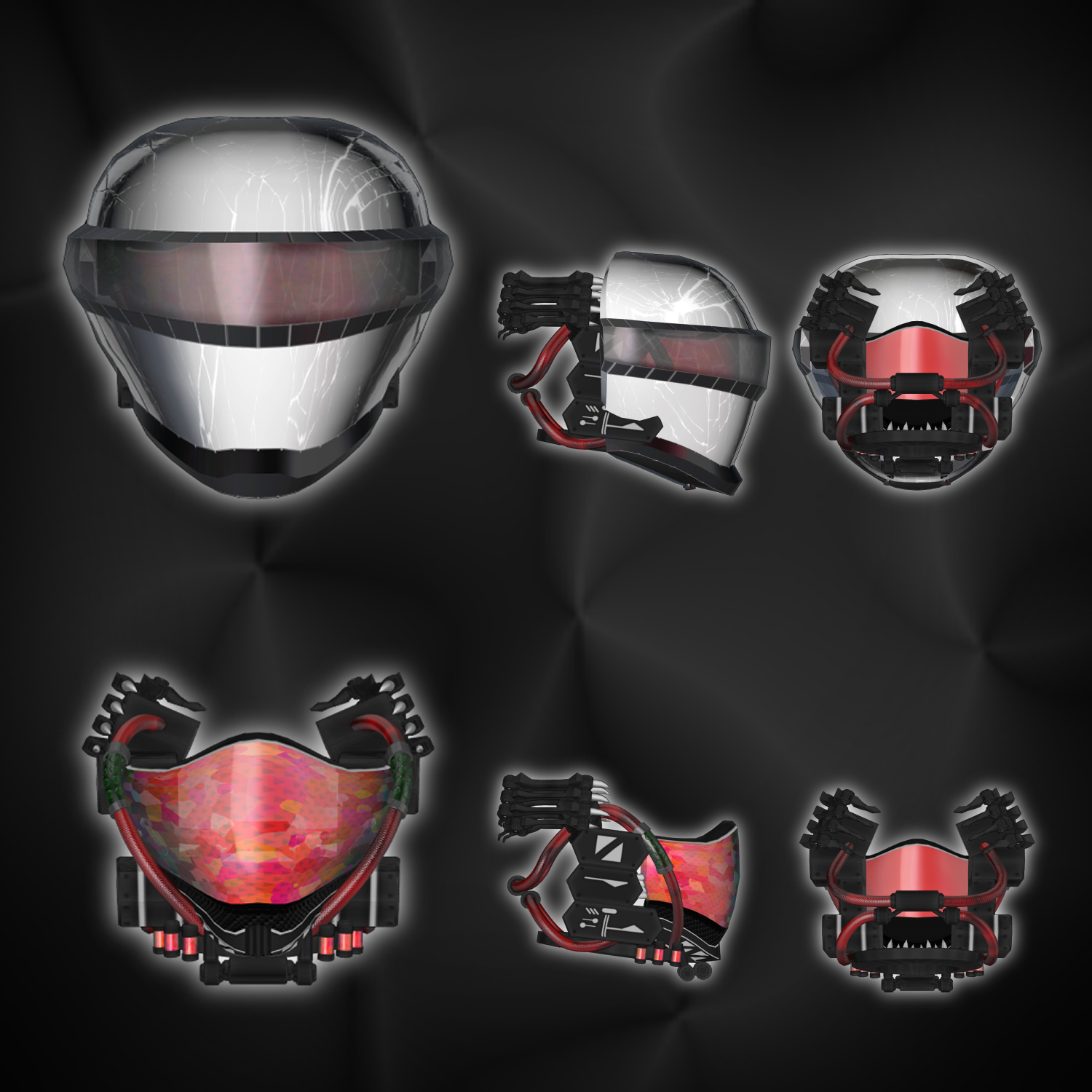
Total Polygon Count: 18,390
Base: 12,686
Cable: 4,672
Face: 1,032
Mesh Count: 3
Material Count: 5
PB Components: 1
● Adjustment Shapekeys
Base
Path:
V2FACE_○○ > V2FACE > Base
Side_Adjust
Mask_Adjust
Mask_Flat
Mask_Expand
Internal_Adjust
Face
Path:
V2FACE_○○ > V2FACE > Face
Top_Up
Top_Down
Face_Adjust
Face_Narrow
Face_Wide
Side_Narrow
Side_Wide
Import Folder
Assets > MetaverseCreators_CP > RLB > V2FACE
◆ Installation Instructions
Set up the latest VRC SDK in VCC
Install required assets (liltoon, Modular Avatar) via VCC
Import this package
Place the avatar (or dressing/modification prefab) into the Scene Hierarchy
Disable unnecessary avatar clothing (default outfits, underwear, etc.) or set them to Editor Only
Drag and drop “V2FACE_○○.Prefab” under the avatar
Adjust position, scale, rotation, and shapekeys in the Scene as needed
Upload via the VRC SDK
◆ Gimmick Features
Shader-based animations
AudioLink support
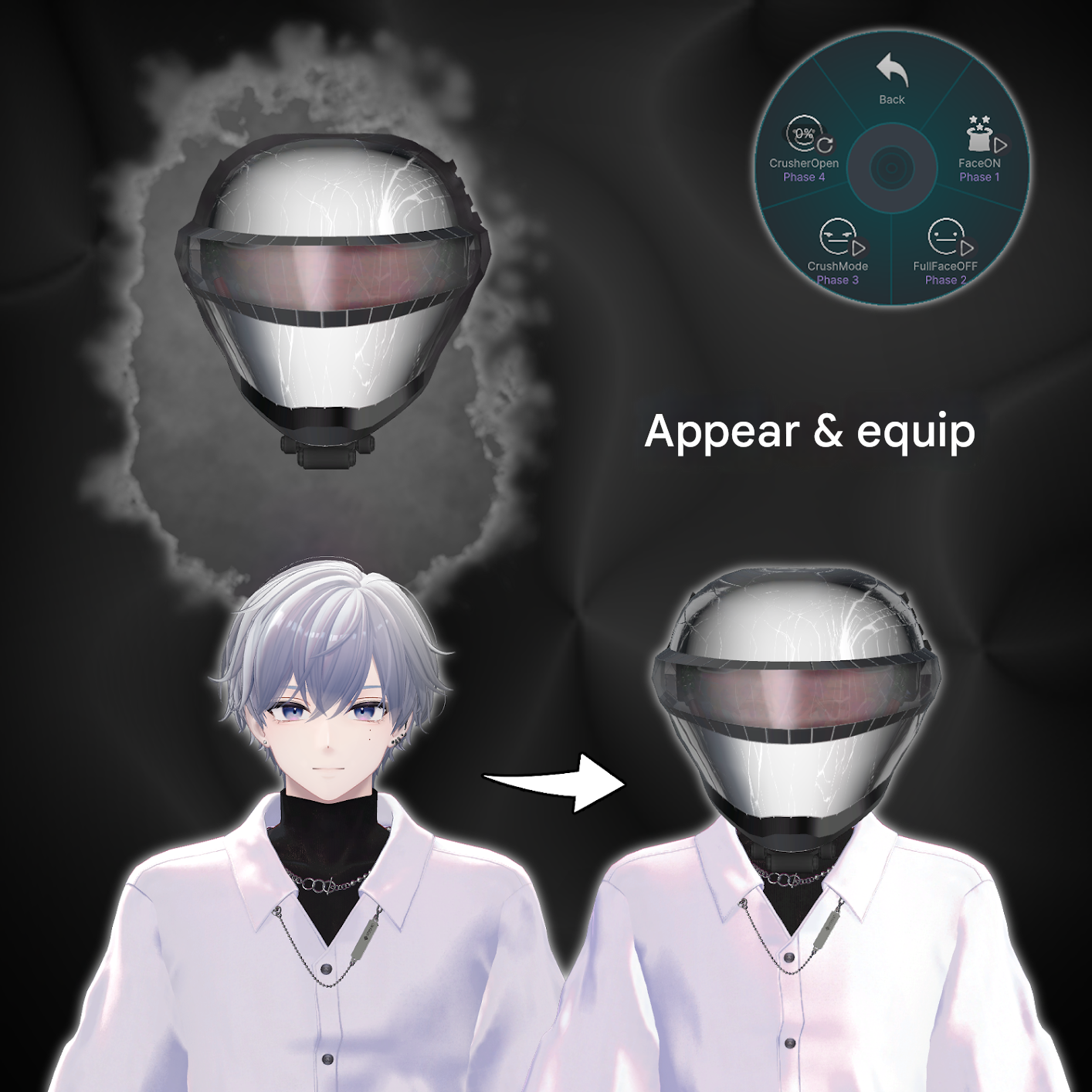
EX Menu
FaceON
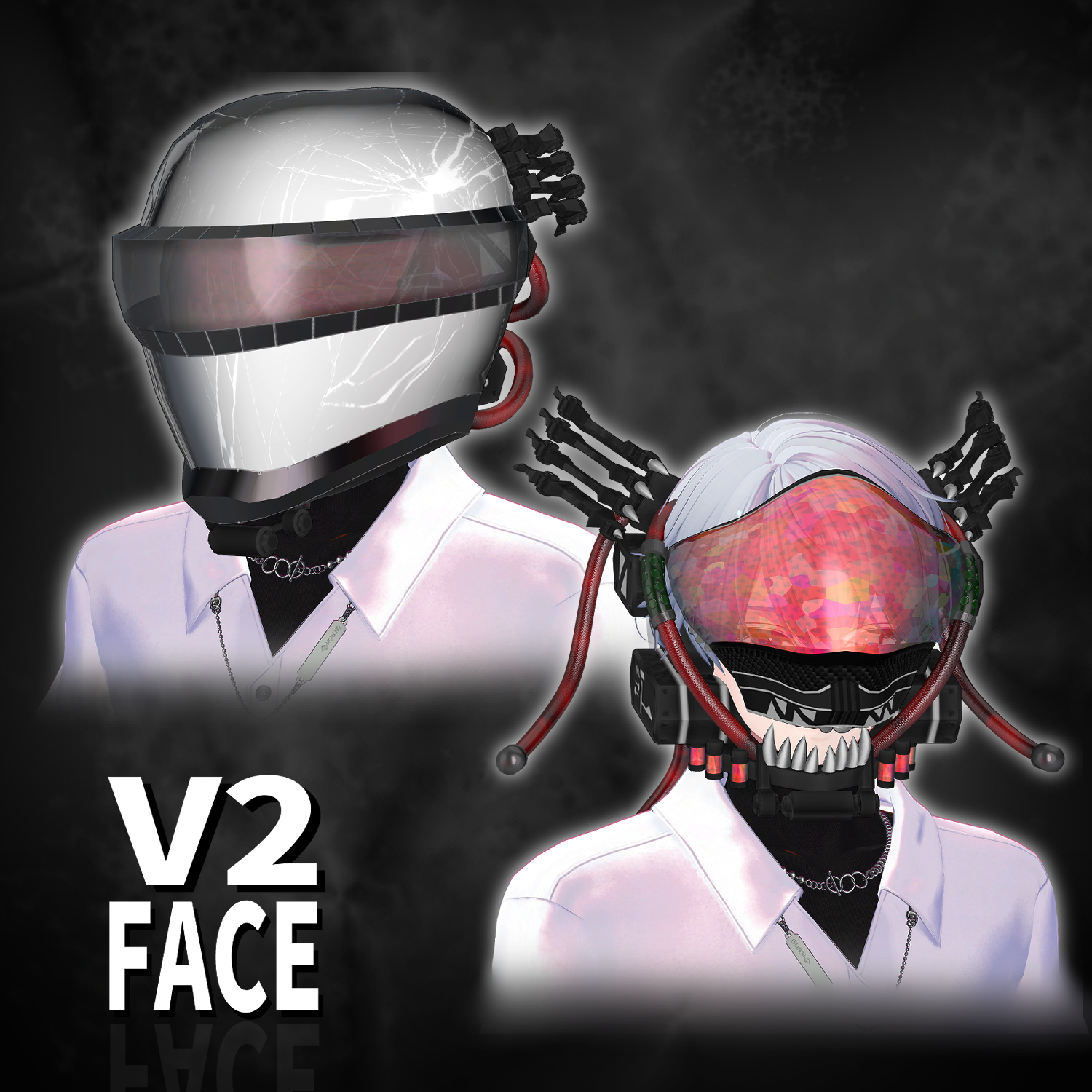
Equip and display the full-face mask
FullFaceOFF
Remove the full-face mask with animated transformation
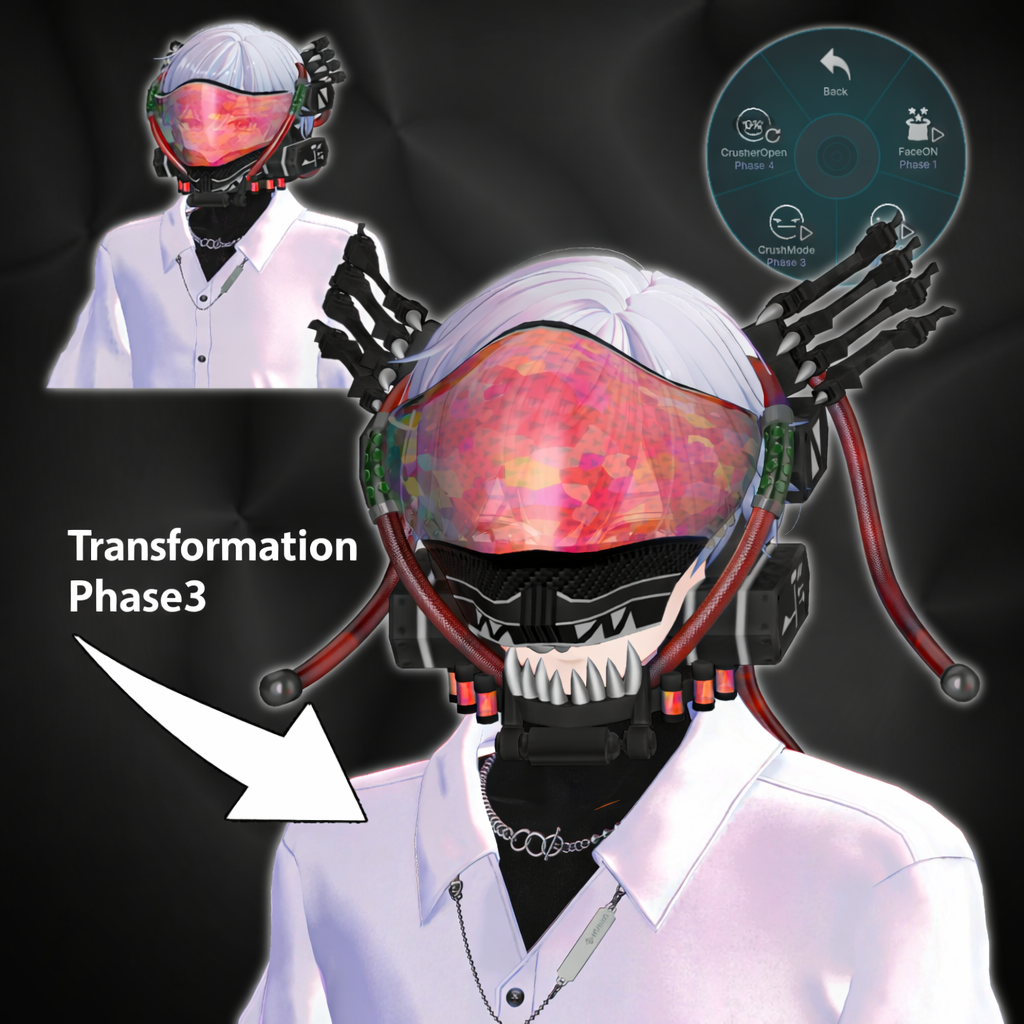
CruchMode
Opens and transforms the mask goggles and exposes internal cables
(Available only when FullFaceOFF is active)
CrusherOpen
Toggle opening/closing of the mask goggles
◆ Notes
⚠️ When using gimmicks, please be mindful of others around you.
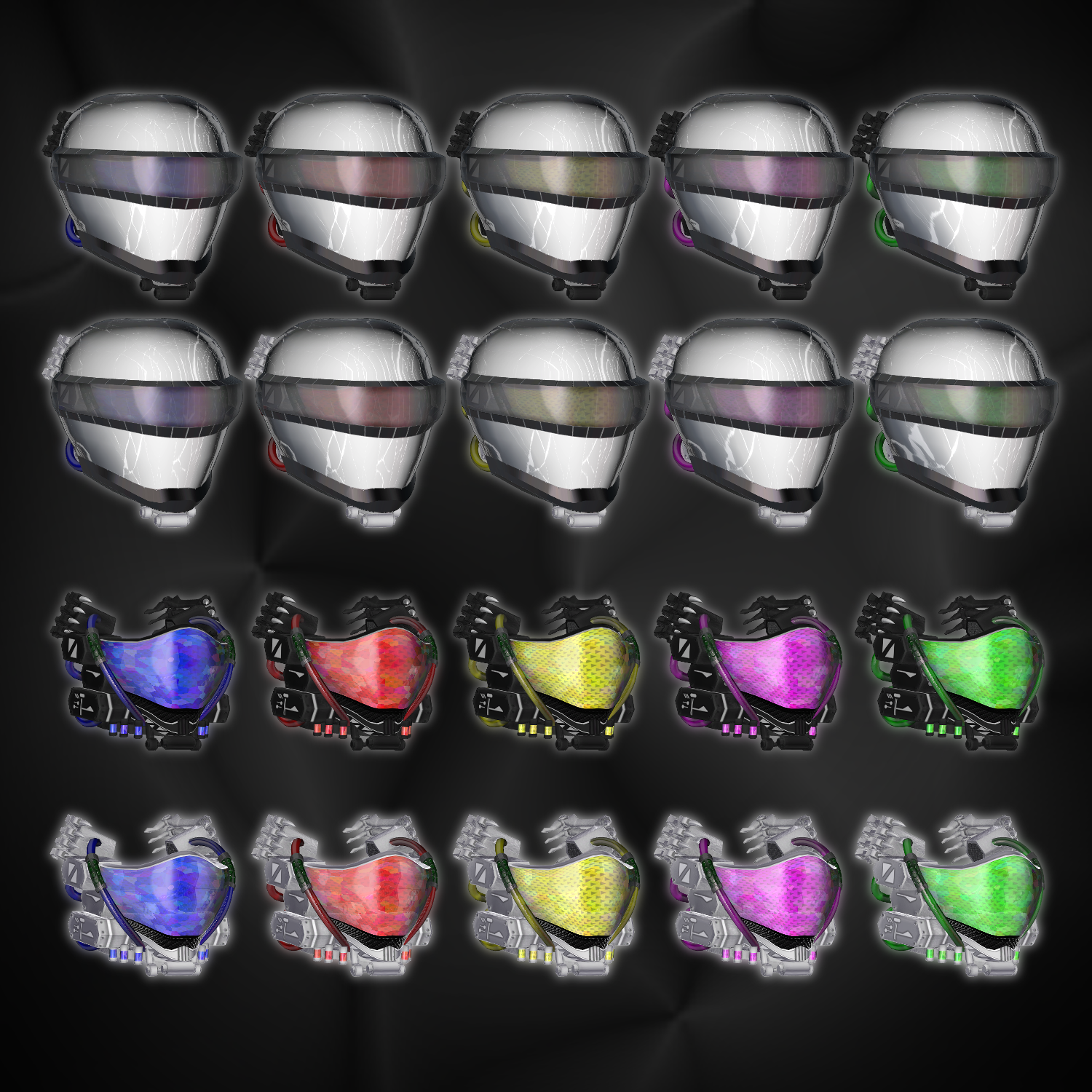
◆ Color Customization
Replace materials in the Materials slot using:
Common > Material
Skinned Mesh Renderer paths:
V2FACE_○○ > V2FACE > Base
V2FACE_○○ > V2FACE > Cable
V2FACE_○○ > V2FACE > Face
You can also customize colors using the included PSD files.
◆ Terms of Use
https://drive.google.com/drive/folders/1qRMXoIxM1ZgacBPfwOigQRtXP1vCbNMn?usp=sharing
Please also follow the terms of use of the base avatar.
◆ Production Environment
Modeling: Blender Ver4.4.3
Texturing: CLIP STUDIO PAINT
Setup: Unity Ver2022.3.22f1
VRChat SDK - Avatars Ver3.10.1 (VCC)
liltoon 2.3.2
ModularAvatar 1.16.2
◆ Credits
Creator: relybird #RLB
https://relybird.booth.pm/
Support / Inquiries
https://discord.gg/bmw3PWE37M