
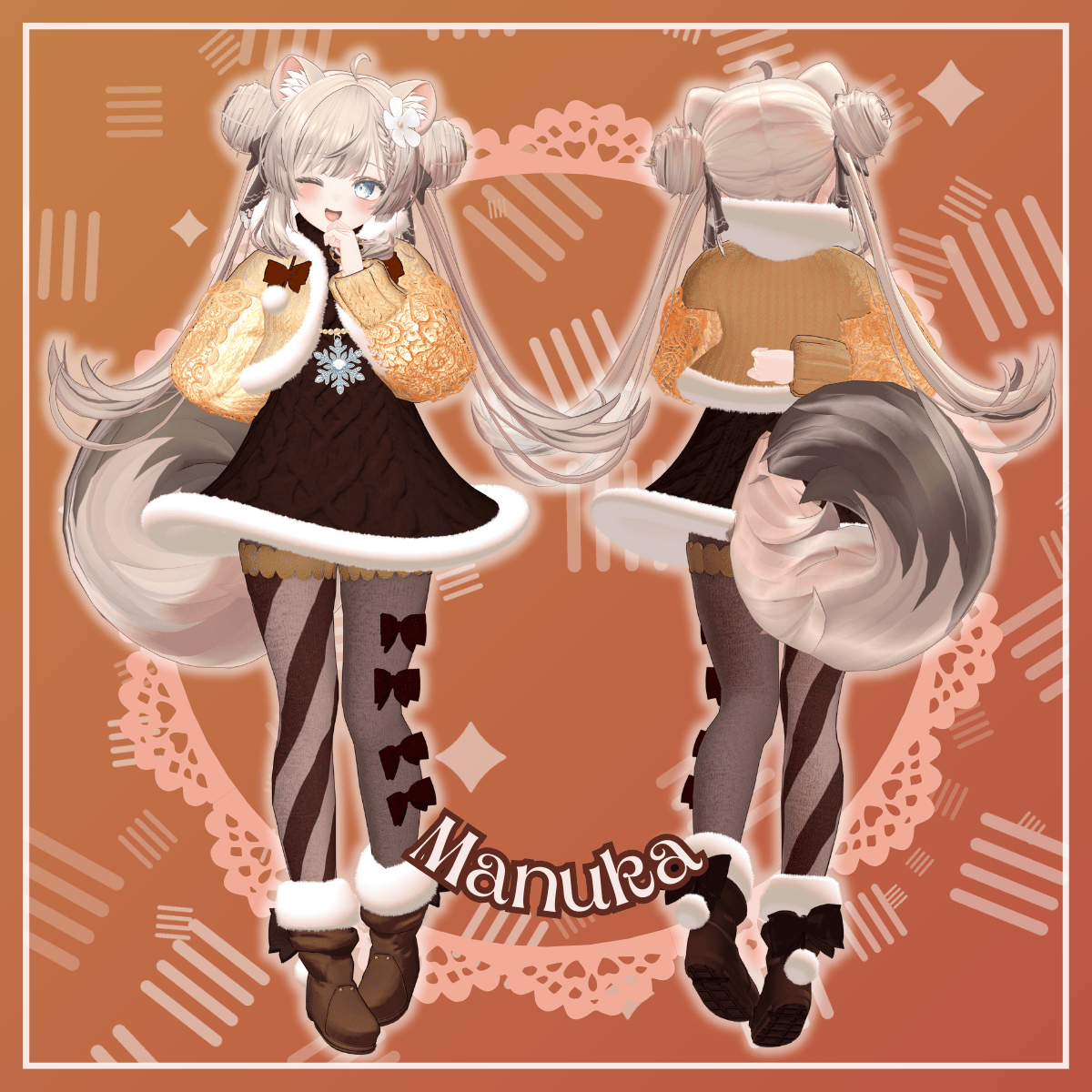
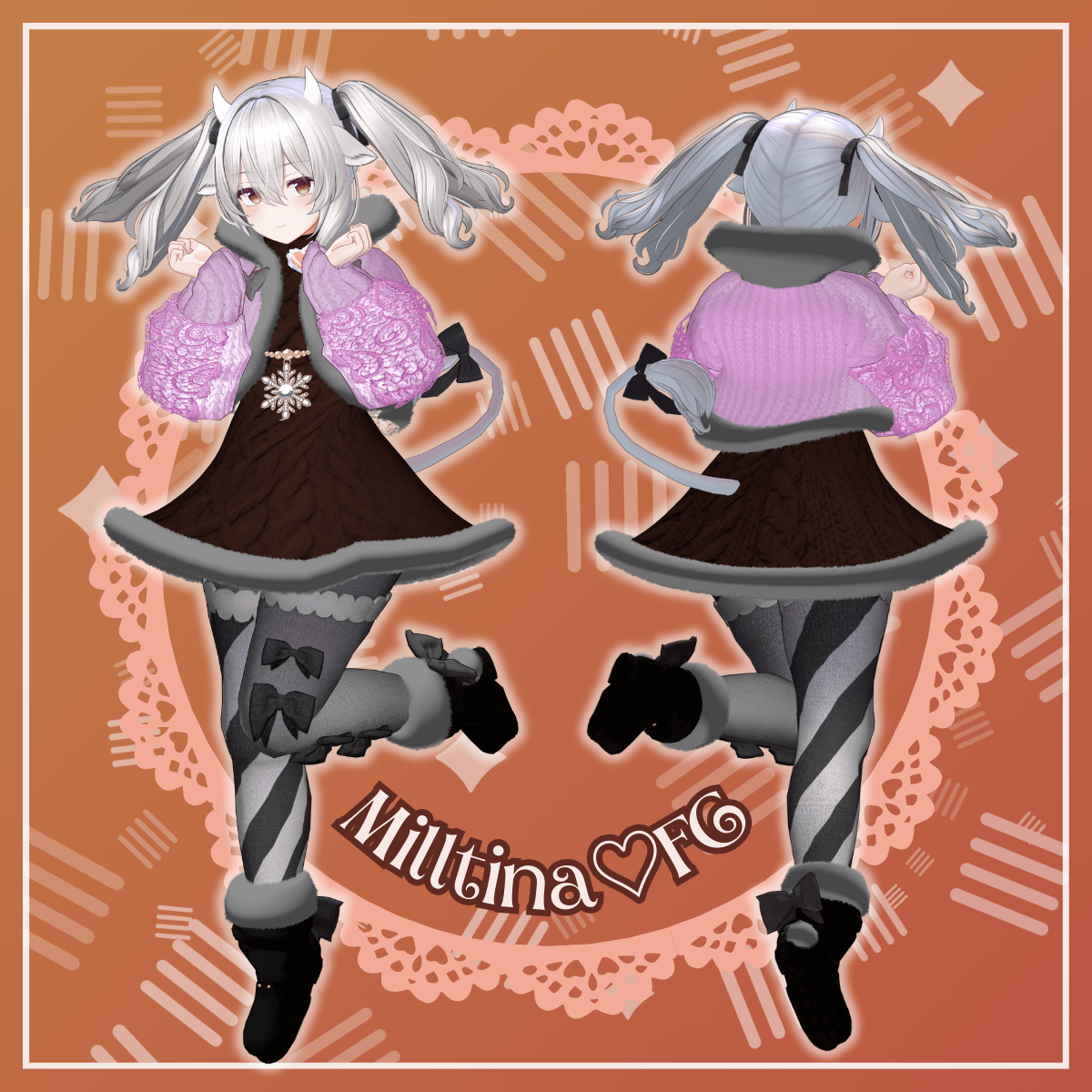
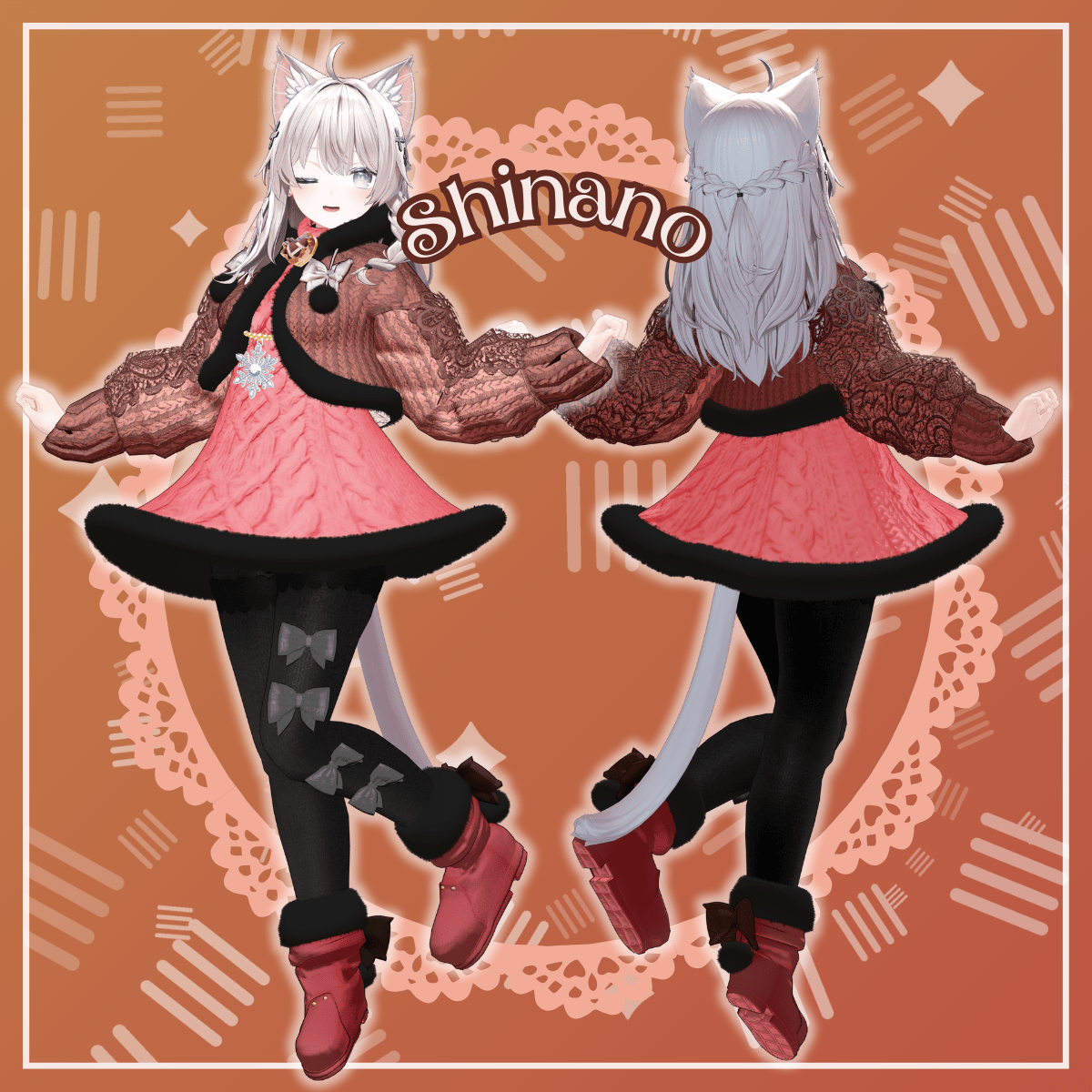
Bonbonamour - VRChat Women's Clothing / CP2
Product Description
◆ Bonbonamour ◆
Creator: DEMITASS-KUN
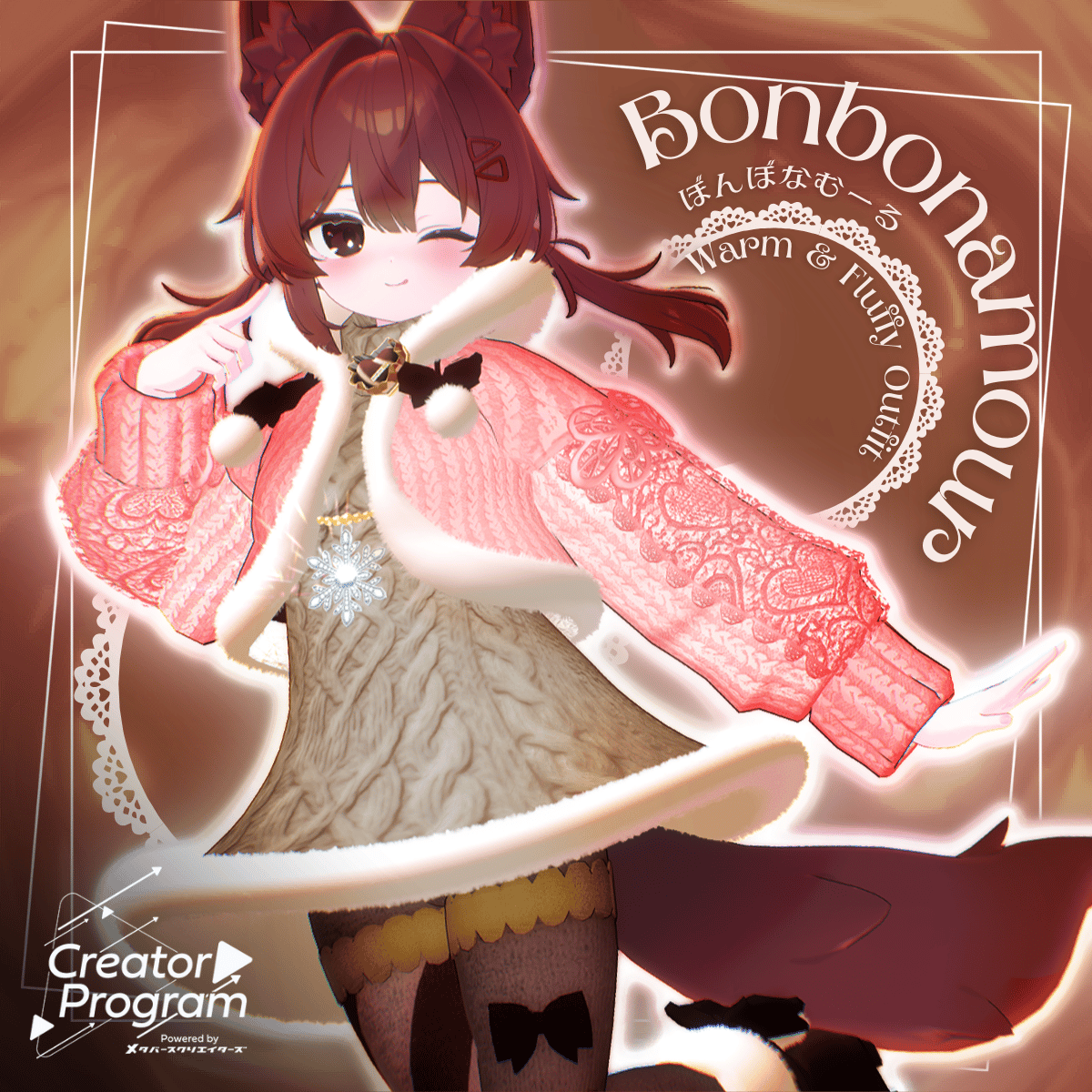
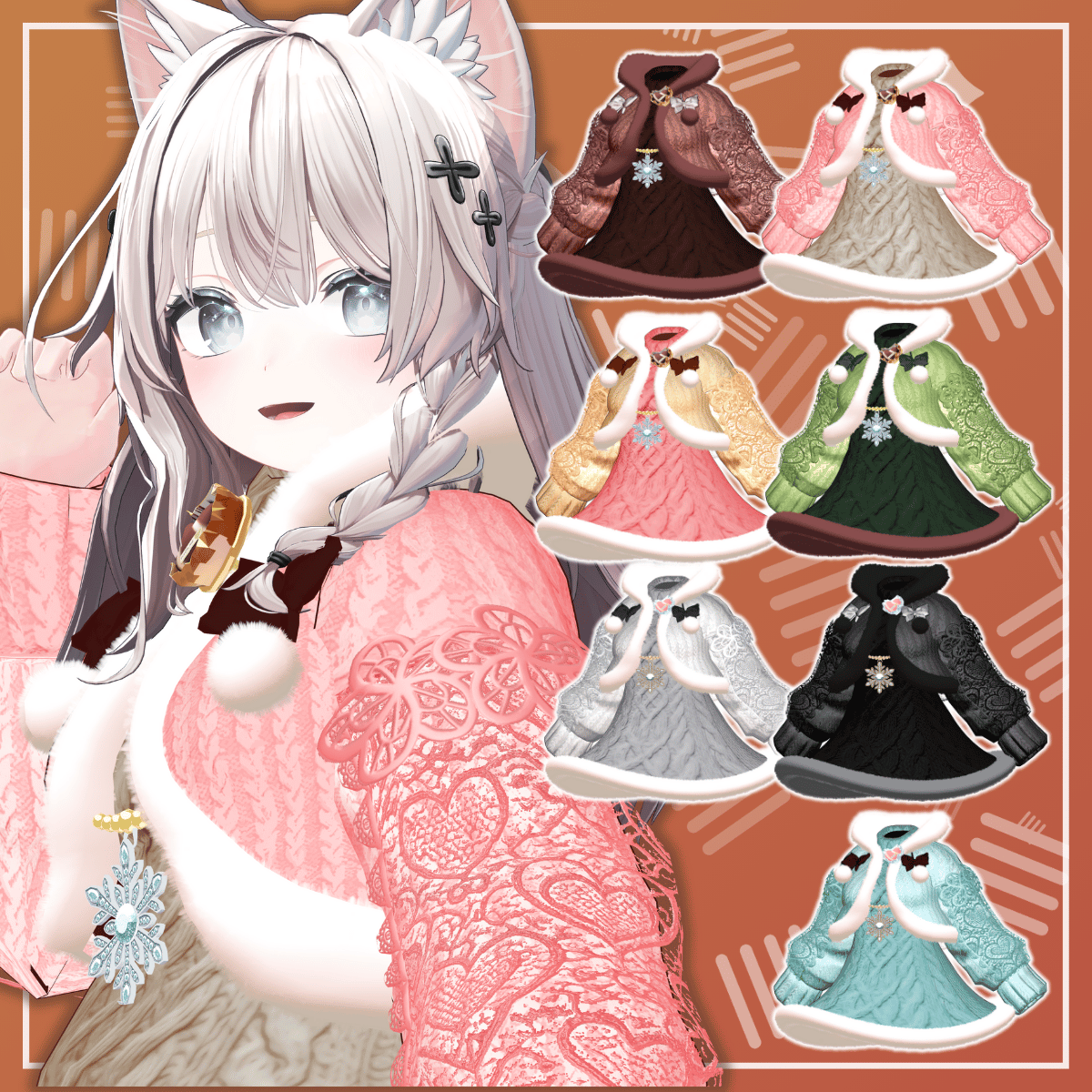
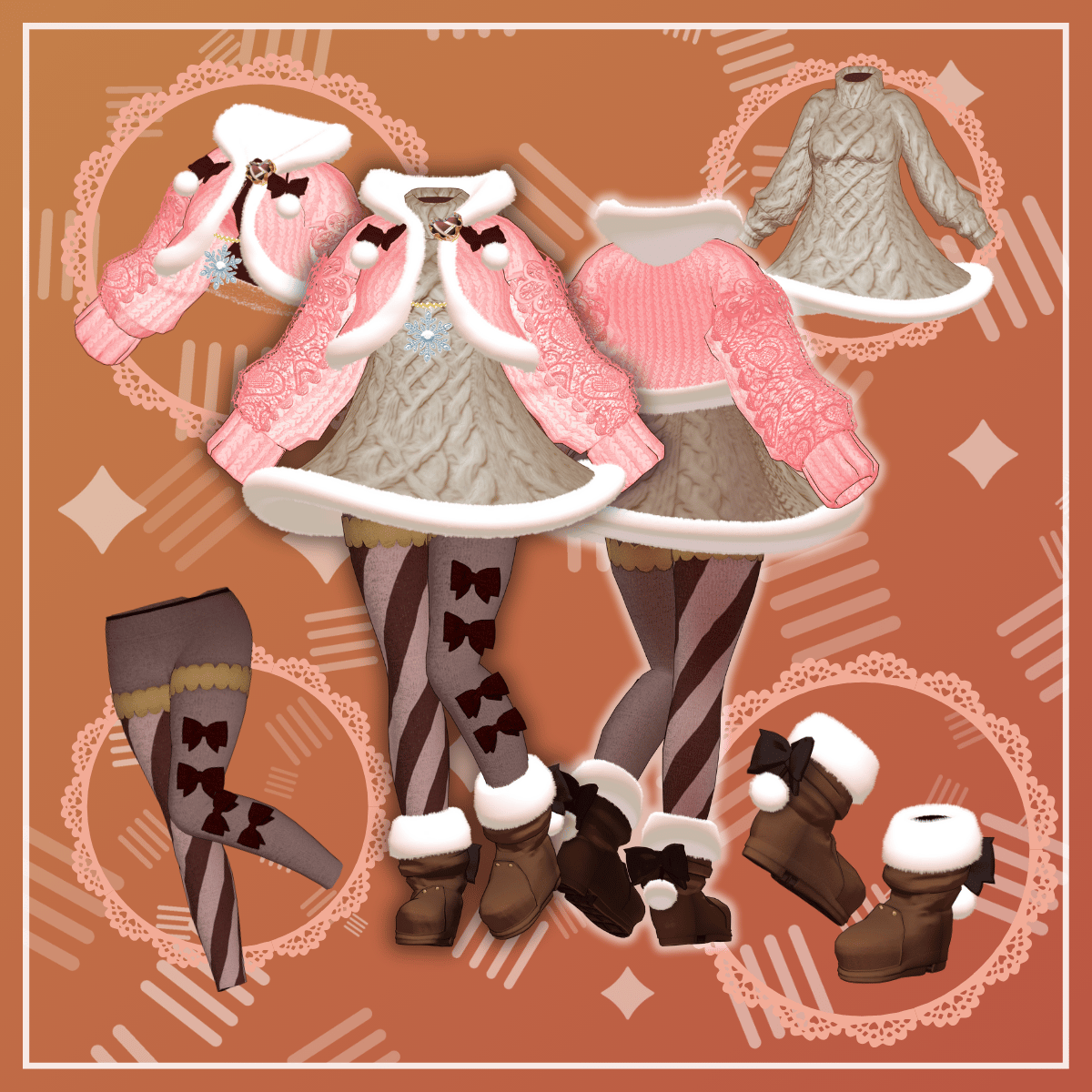
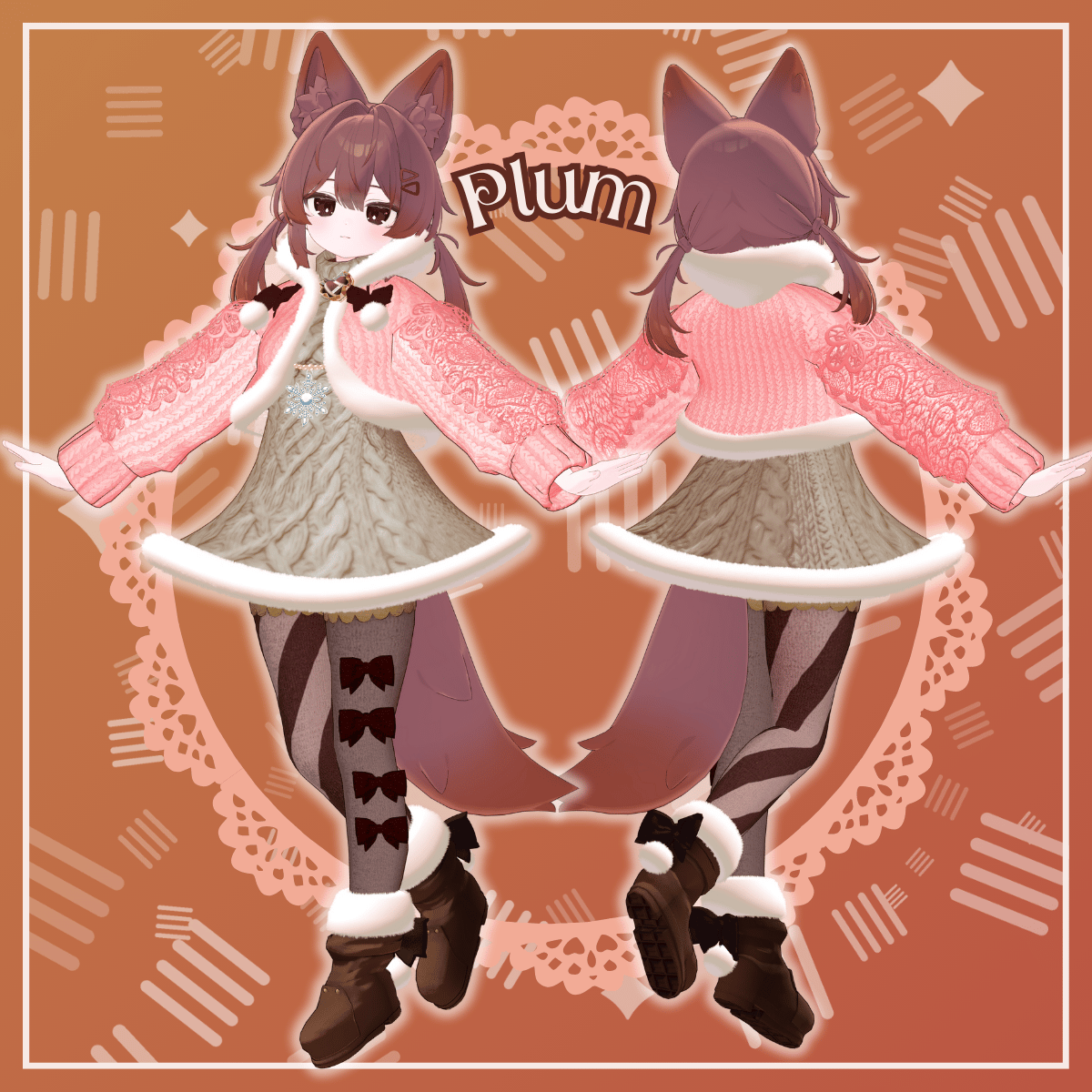
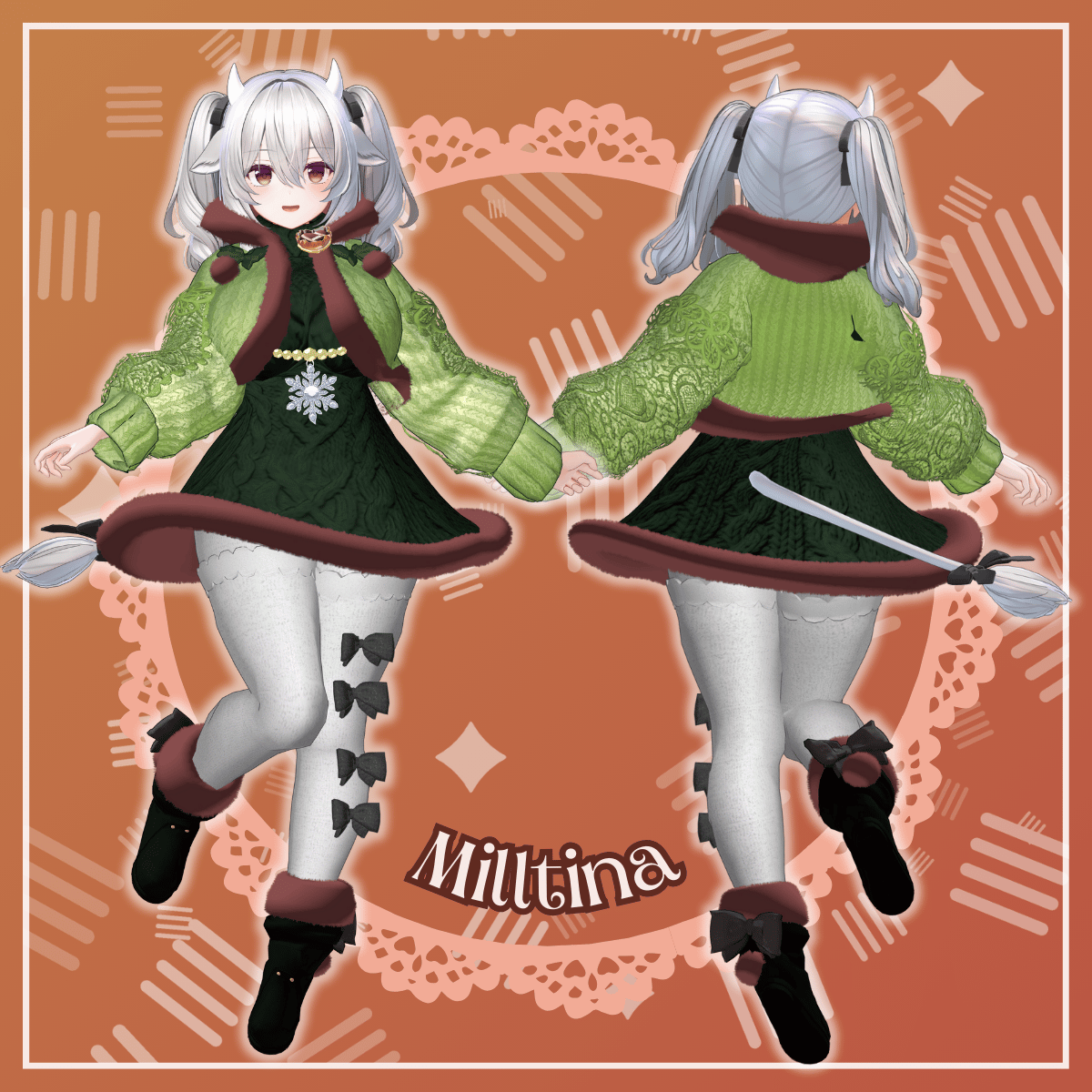
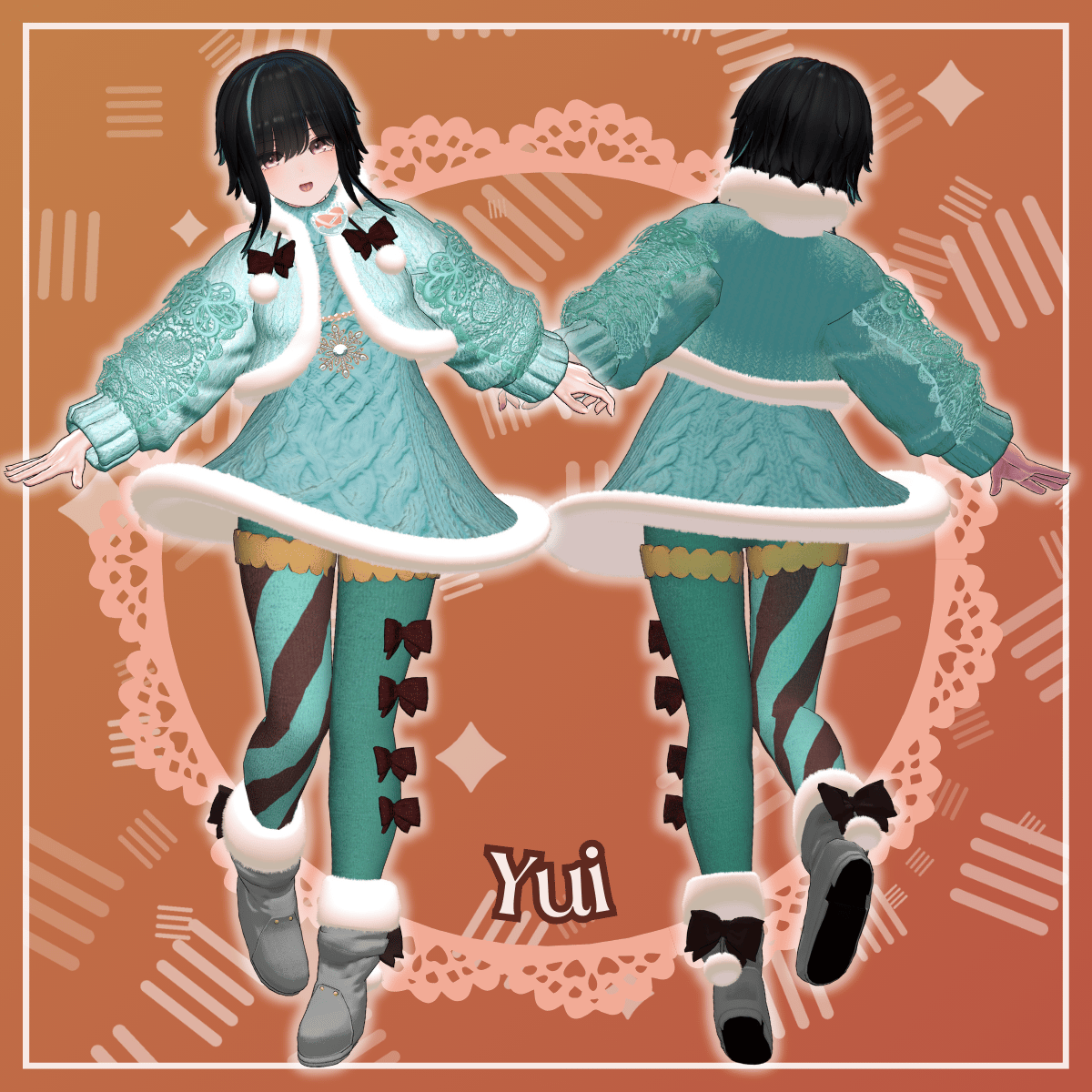
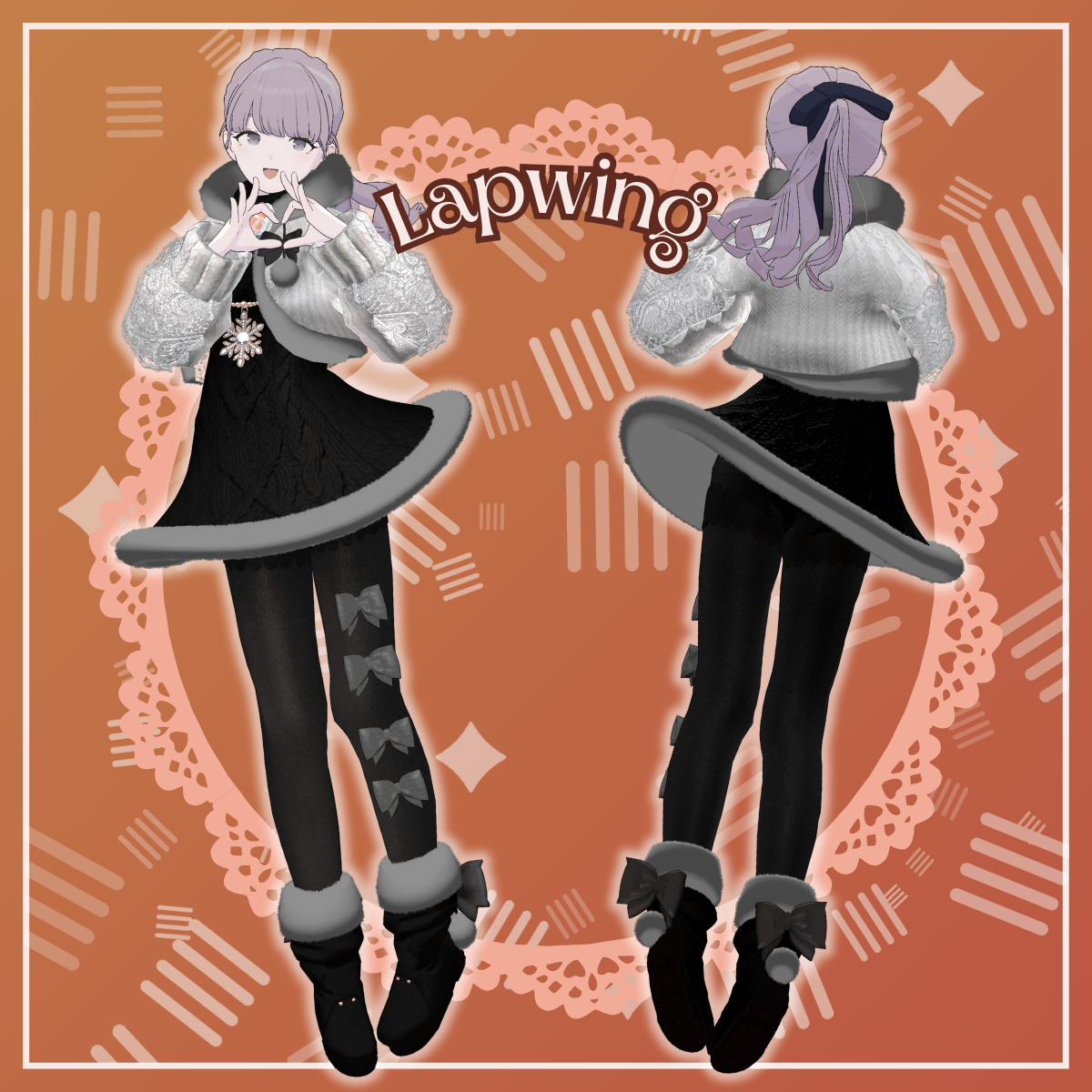
A hot-sweet girls’ outfit with a soft, fluffy knit texture.
Perfect for everyday wear—cute, cozy, and easy to style.
※ This product is an avatar outfit model. Avatar data is not included.
※ Due to the nature of digital products, refunds and returns are not available. Please review the product description and terms of use before purchasing.
■ Item Overview
Contents
Bonbonamour_◯◯.Unitypackage
(◯◯ indicates the variation name)
ReadMe.txt
Shader Used
liltoon
https://lilxyzw.booth.pm/items/3087170
Required Assets
Modular Avatar
https://modular-avatar.nadena.dev/ja/docs/intro
■ Model Data
Total Polygon Count: 28,042
BA_Accessory: 3,186 polygons
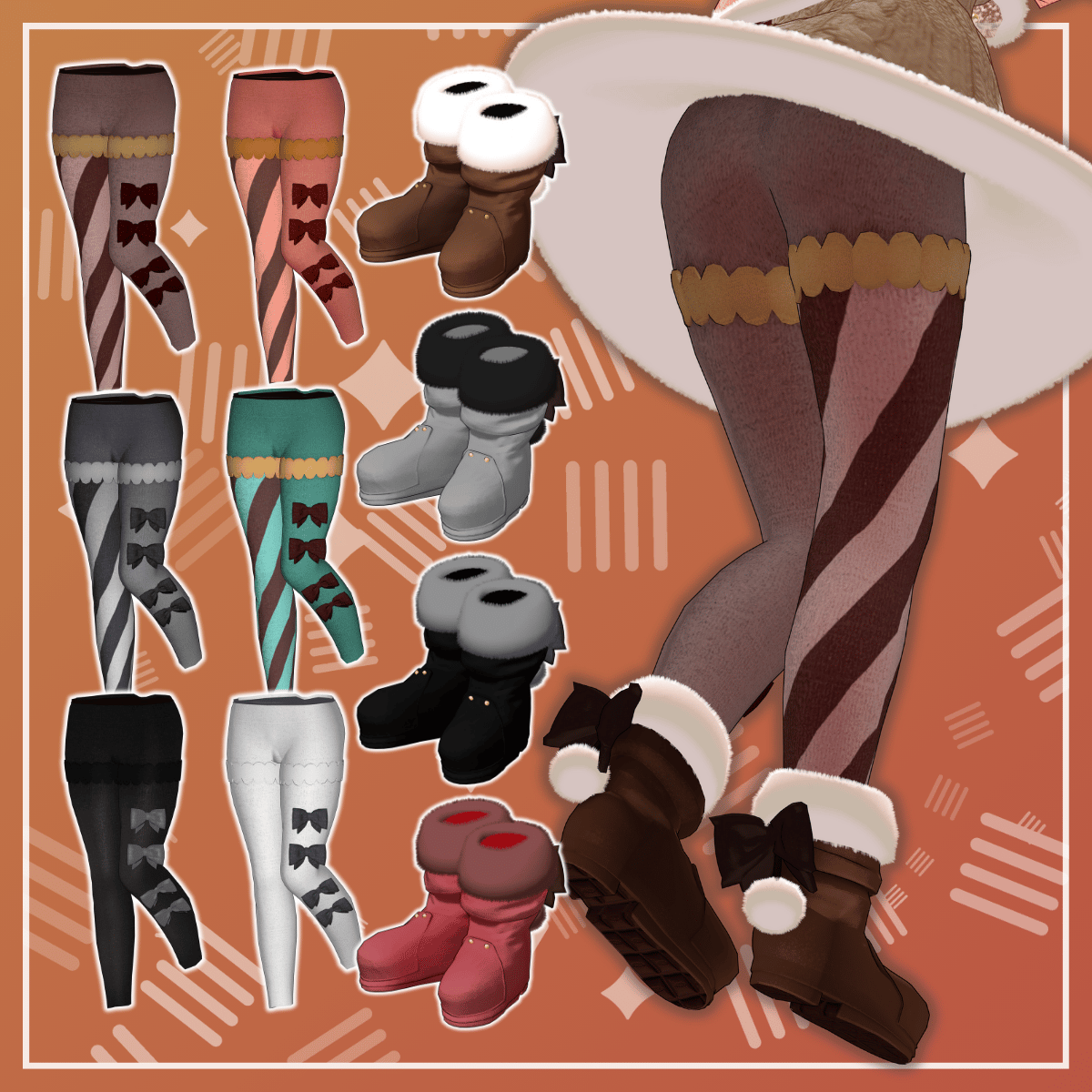
BA_Boots: 5,168 polygons
BA_KnitDress: 5,266 polygons
BA_LaceOverlay: 2,650 polygons
BA_OuterWear: 5,786 polygons
BA_Tights: 6,036 polygons
Mesh Count: 6
Material Count: 8
PhysBone Components: 6–7
■ Import Folder
Assets > MetaverseCreators_CP > demitassstore > Bonbonamour
■ Compatible Avatars
Plum – Original 3D Model
https://booth.pm/ja/items/7770415
Shinano – Original 3D Model
https://booth.pm/ja/items/6106863
Manuka – Original 3D Model
https://booth.pm/ja/items/5058077
Miltina / Miltina FC – Original 3D Models
https://booth.pm/ja/items/6538026
Lapwing
https://kujishift.booth.pm/items/4993931
Original 3D Model “YUI (釉依)”
https://metacreators-en.booth.pm/items/7879457
https://jinxxy.com/MetaCre/TCo6v
Notes
Shapekeys vary depending on the avatar.
Miltina includes two outfit data variants.
When using BA_Tights > “Shrink~” shapekeys, adjust MA Shape Changer settings as needed.
※ When equipping the outfit, please use the avatar’s body-hiding shapekey (the one that turns the body into a thin rod).
■ Setup Instructions
Set the latest VRC SDK in VCC
Install required assets (liltoon, Modular Avatar) via VCC
Import the latest package of the avatar
Import this product’s package
Drag and drop the avatar (or outfit/modification prefab, if applicable) into the Scene Hierarchy
Hide unnecessary avatar clothing (default outfits, underwear, etc.) or set them to Editor Only
Drag “AvatarName_Bonbonamour.Prefab” directly under the avatar
Upload the avatar via the VRC SDK
※ This outfit uses Modular Avatar’s MA Shape Changer.
When placed under the avatar, body shapekeys will automatically activate or hide conflicting meshes to prevent clipping.
If unnecessary, the MA Shape Changer component may be removed.
※ If any part of the avatar body becomes unintentionally thin after setup, reset the corresponding body shapekey to 0 and confirm the body is visible.
■ Color Customization
Replace materials in:
Common > Material
You can also freely customize colors using the included PSD or CLIP files.
■ Terms of Use
https://drive.google.com/drive/folders/1qRMXoIxM1ZgacBPfwOigQRtXP1vCbNMn?usp=sharing
※ Please follow the terms of use of the original avatar.
■ Production Environment
Modeling: Blender 3.6.5
Texturing: CLIP STUDIO PAINT
Setup: Unity 2022.3.22f1
VRChat SDK – Avatars 3.10.1 (VCC)
liltoon 2.3.2
Modular Avatar 1.15.1
■ Credits
Creator: DEMITASS-KUN
https://demitassdemitass.wixsite.com/demitass-kun-portal
https://demitass.booth.pm/
Support:
https://discord.gg/bmw3PWE37M