
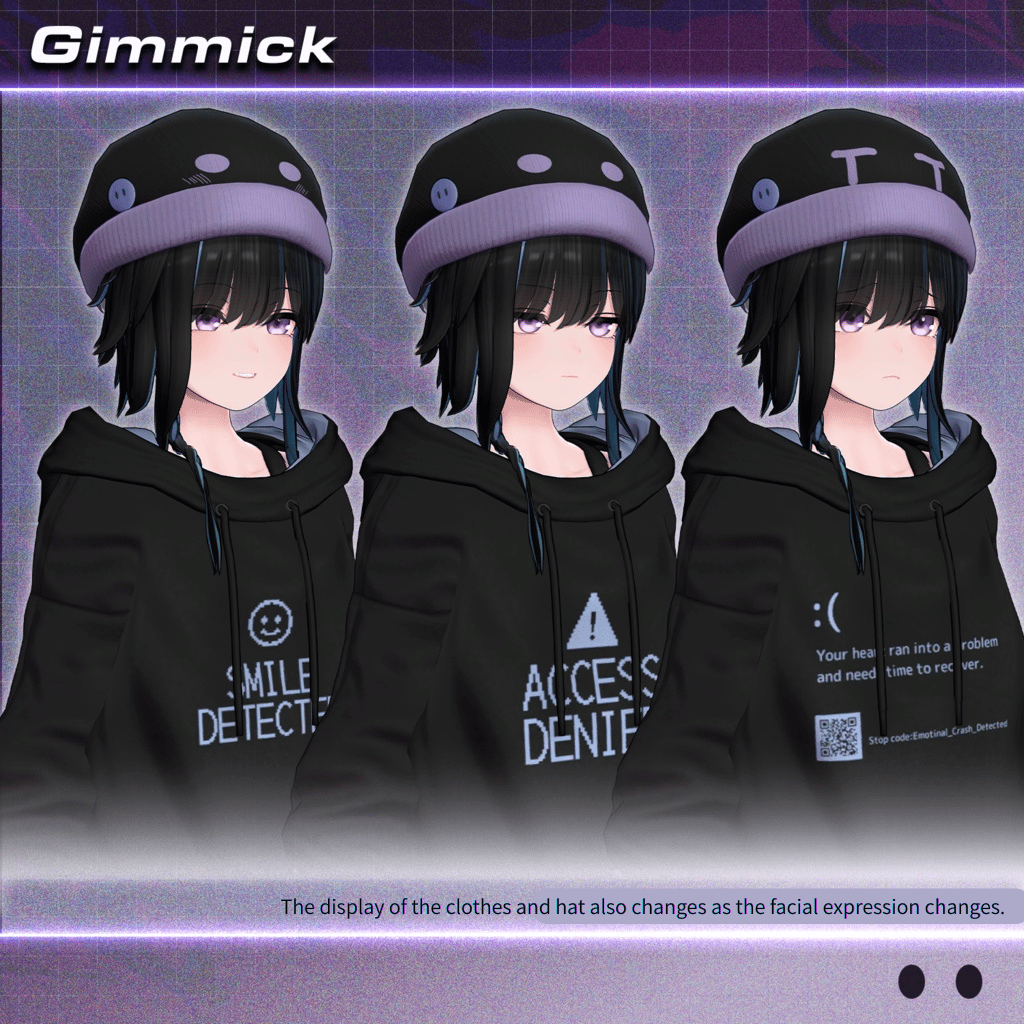
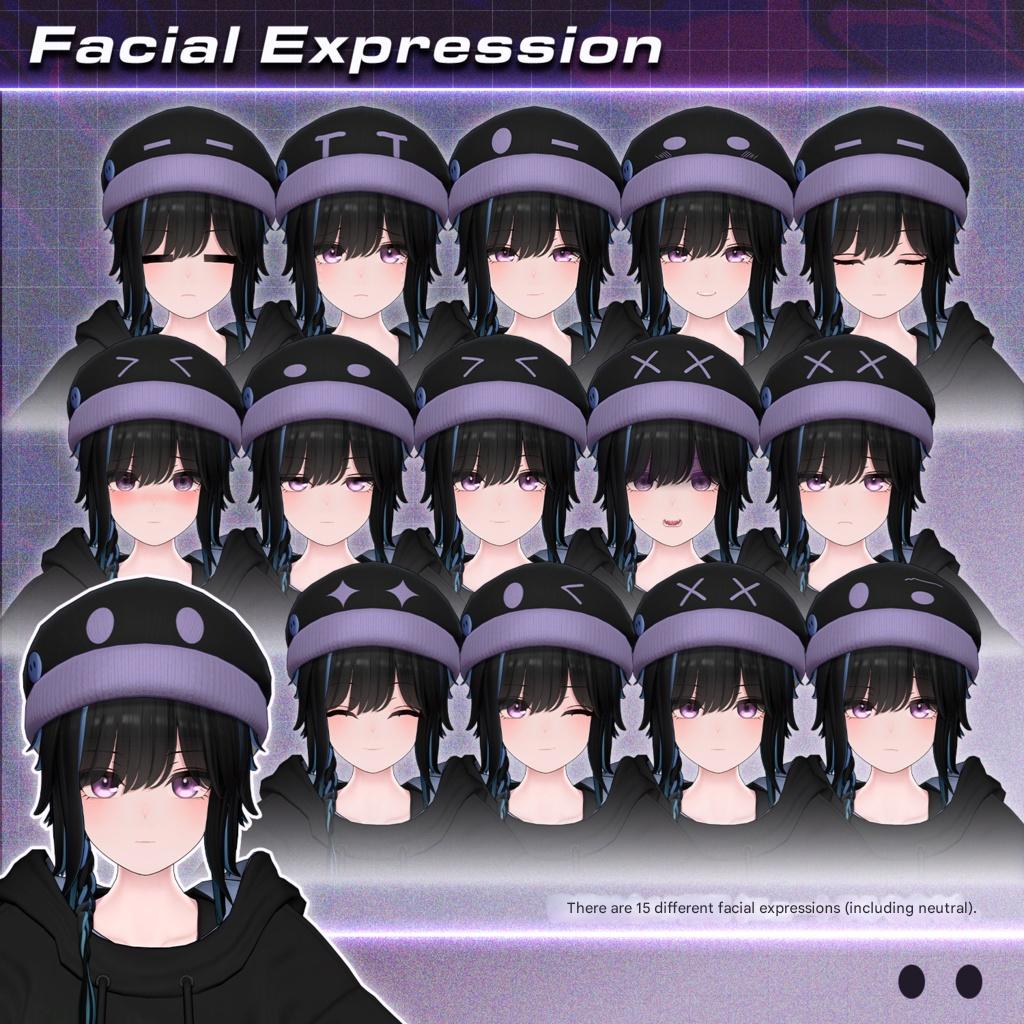
Product Description
26/2/12 fixed and updated the file of YUI
SAMPLEAvatar URL
https://vrchat.com/home/avatar/avtr_0d9e1393-5acb-4437-80a4-9f059356d80c
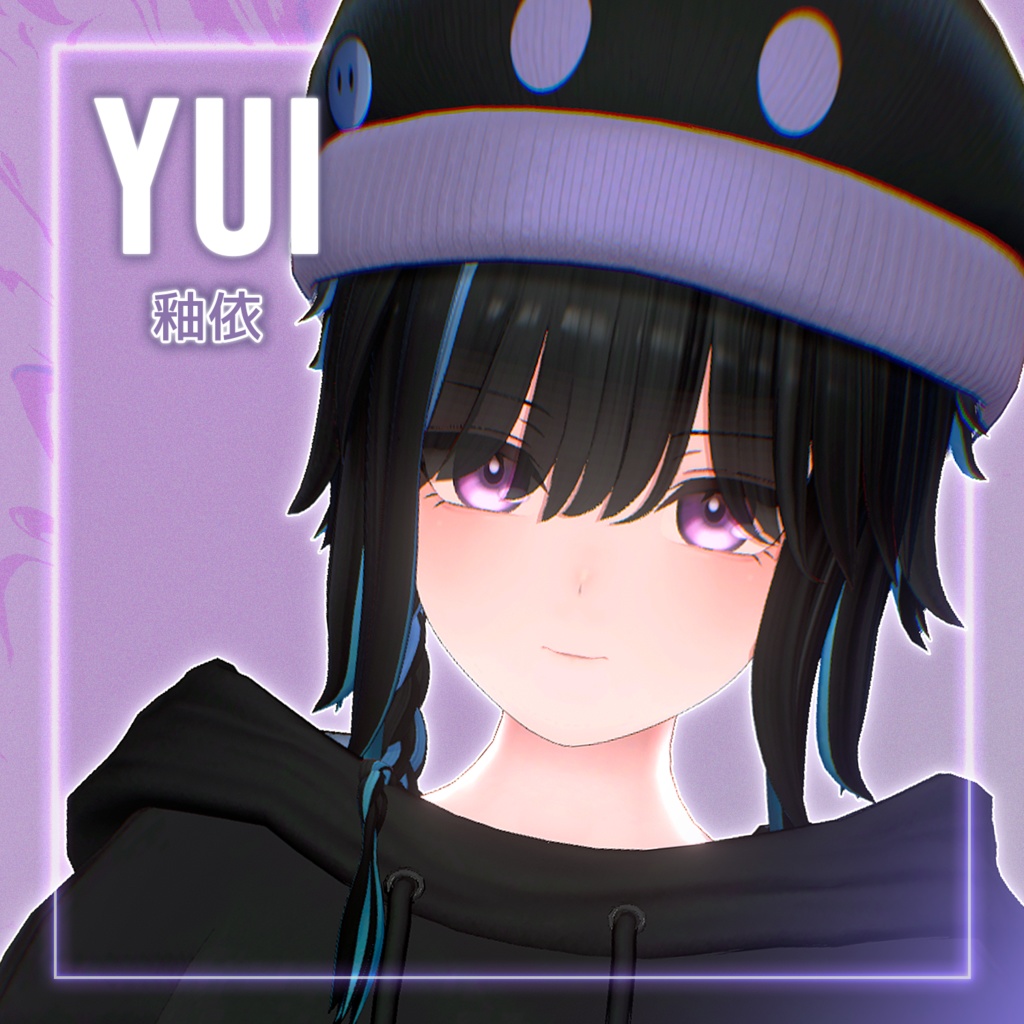
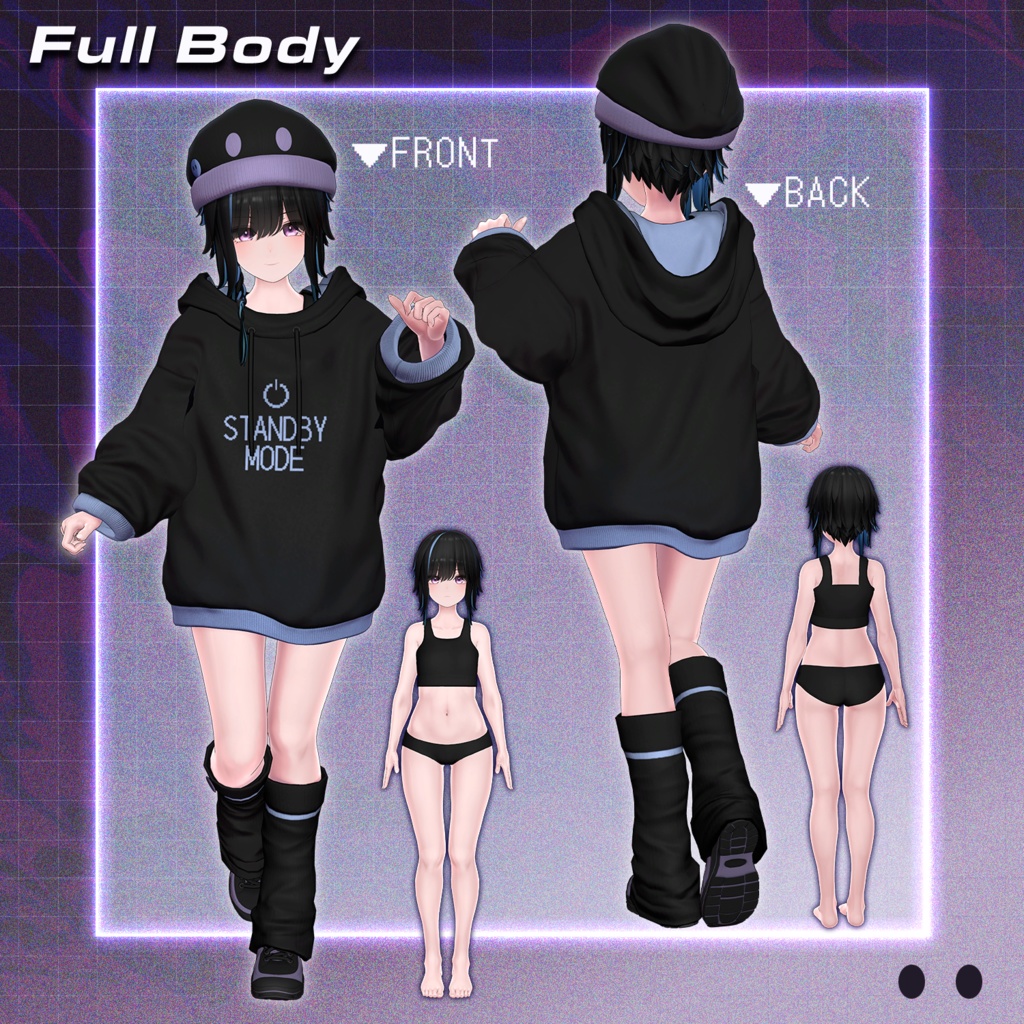
Original 3D Model “YUI”
#YUI3D #釉依3D
This model is fully set up for VRChat.
Please upload it from a Unity project created via VCC (VRChat Creator Companion).
※ Due to the nature of digital downloads, returns and refunds are not available.
Please review and agree to the product description and Terms of Use before purchasing.
◆ Item Overview
● Included Files
MCT_YUI_Ver1.0.unitypackage
ReadMe.txt (this document)
FBX
YUI.fbx
YUI_Body.fbx (base body only)
Textures
Full base texture set
UV maps
Mask, MatCap, and Normal texture sets
Shader Used
liltoon
https://lilxyzw.booth.pm/items/3087170
Required Assets
Modular Avatar
https://modular-avatar.nadena.dev/ja/docs/intro
※ The UnityPackage includes ADS_Tools, which syncs dance motions and facial expressions in the Avatar Dance Stage world.
● Model Data
△ Total Polygon Count: 147,860
YUI (147,860)
Bangs: 10,772
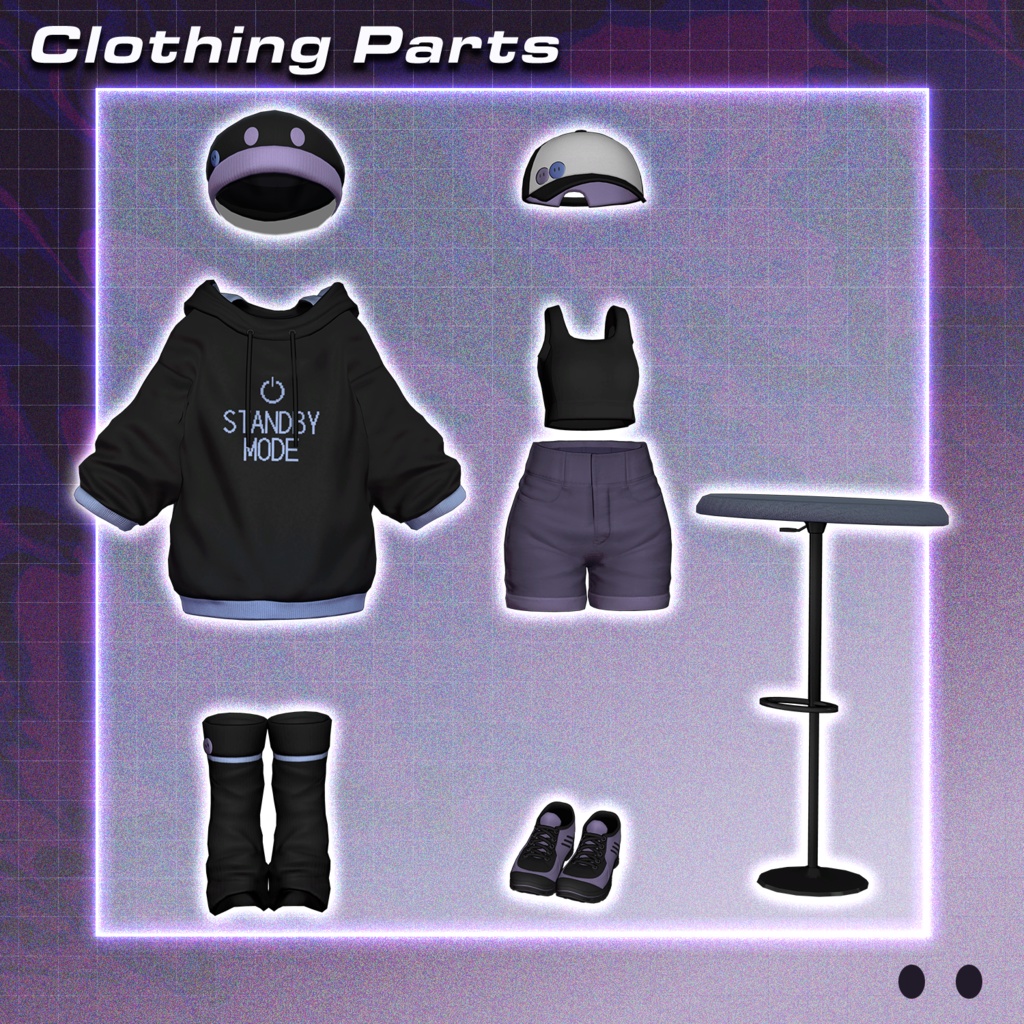
Beanie: 3,272
Body: 30,500
Body_Under: 27,330
Braids: 3,262
Braids_Out: 3,262
Cap: 5,084
ChairCube: 972
Hair: 16,980
Hoodie: 3,216
LegCover: 2,724
Pants: 3,127
Shoes: 16,884
Sweatshirt: 16,239
Underwear_Bra: 2,752
Underwear_Pants: 1,480
YUI_Body (89,814)
Bangs: 10,772
Body: 30,500
Body_Under: 27,330
Hair: 16,980
Underwear_Bra: 2,752
Underwear_Pants: 1,480
Mesh count: 16
Material count: 11
PhysBone components: 31
PhysBone colliders: 2
Shapekeys
Face: 291
Body: 60
Import Folder
Assets > MCT_Avatars > MTC_YUI
◆ Installation Guide
Set up the latest VRC SDK using VCC.
Install the required assets (liltoon, Modular Avatar) via VCC.
Import this package.
From
Assets > MCT_Avatars > MTC_YUI
place YUI.prefab into the Scene.
Upload the avatar using the VRC SDK.
◆ EX Menu Features
Dance Mode
Turn this ON before stepping onto the stage in the Avatar Dance Stage world to synchronize facial expressions with dance animations.
Cap_ON
Toggle between a cap and a beanie.
Braid_InOut
Switch braided hair between inside or outside the hood.
◆ Customization & Modding
For avatar modifications, use YUI_Body.prefab located in:
Assets > MCT_Avatars > MTC_YUI
For recoloring, adjust material colors or use the included textures.
This avatar’s Animator Controller uses assets by Mimi-Lab:
https://booth.pm/ja/items/4301775
Please refer to the manual on the above product page for detailed setup and facial expression customization.
※ The FX controller is based on Custom_FX_Basic.
◆ Terms of Use
https://drive.google.com/drive/folders/1qRMXoIxM1ZgacBPfwOigQRtXP1vCbNMn?usp=sharing
◆ Production Environment
Setup: Unity Ver. 2022.3.22f1
VRChat SDK – Avatars Ver. 3.9.0 (VCC)
liltoon 2.3.2
ModularAvatar 1.15.1
◆ Credits
Production: (Temporary)
https://x.com/Admiral_TMP
https://admiraltmp.booth.pm/
(Personal BOOTH)
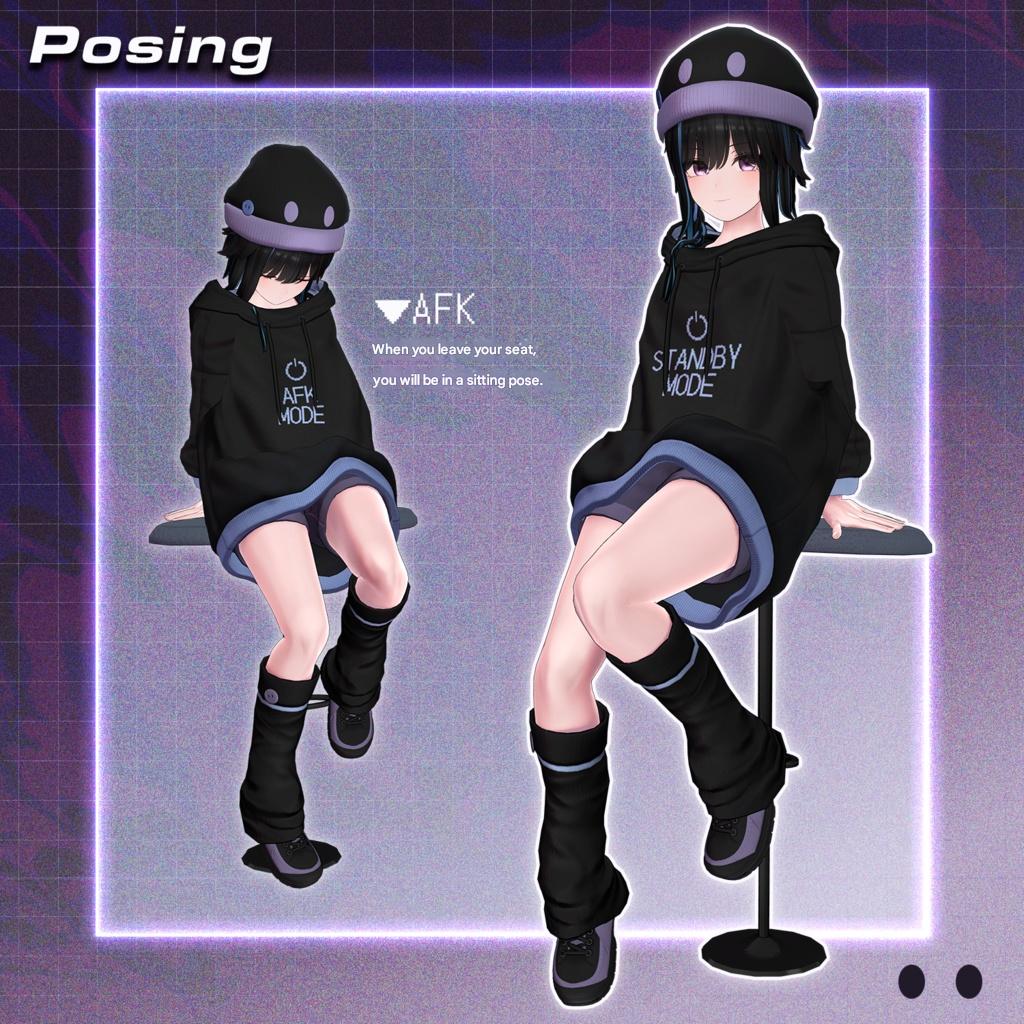
AFK / Crouching / Prone Animations: Rokuro
https://rocrocot.booth.pm/
(Personal BOOTH)
Support / Inquiries
https://discord.gg/bmw3PWE37M