
Product Description
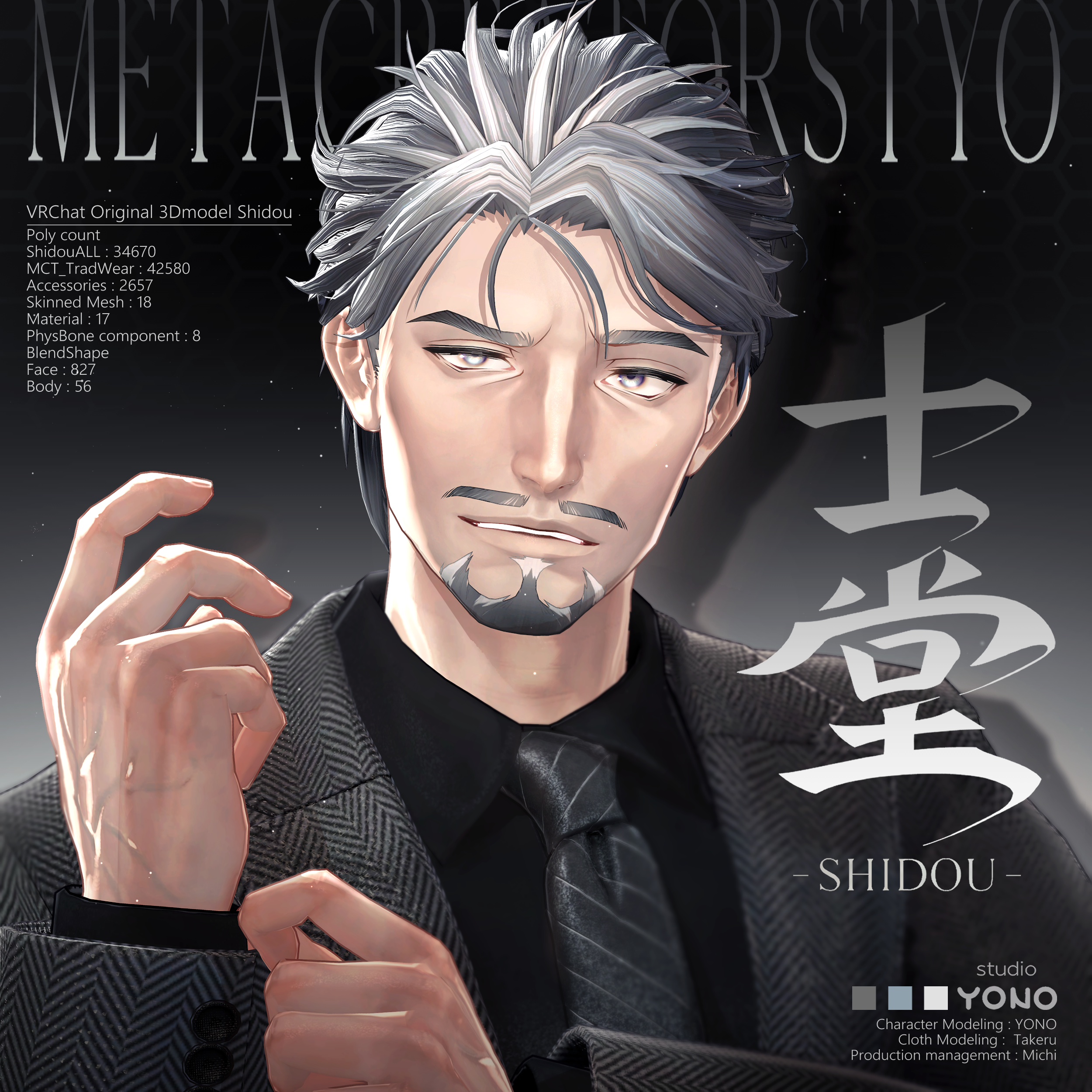
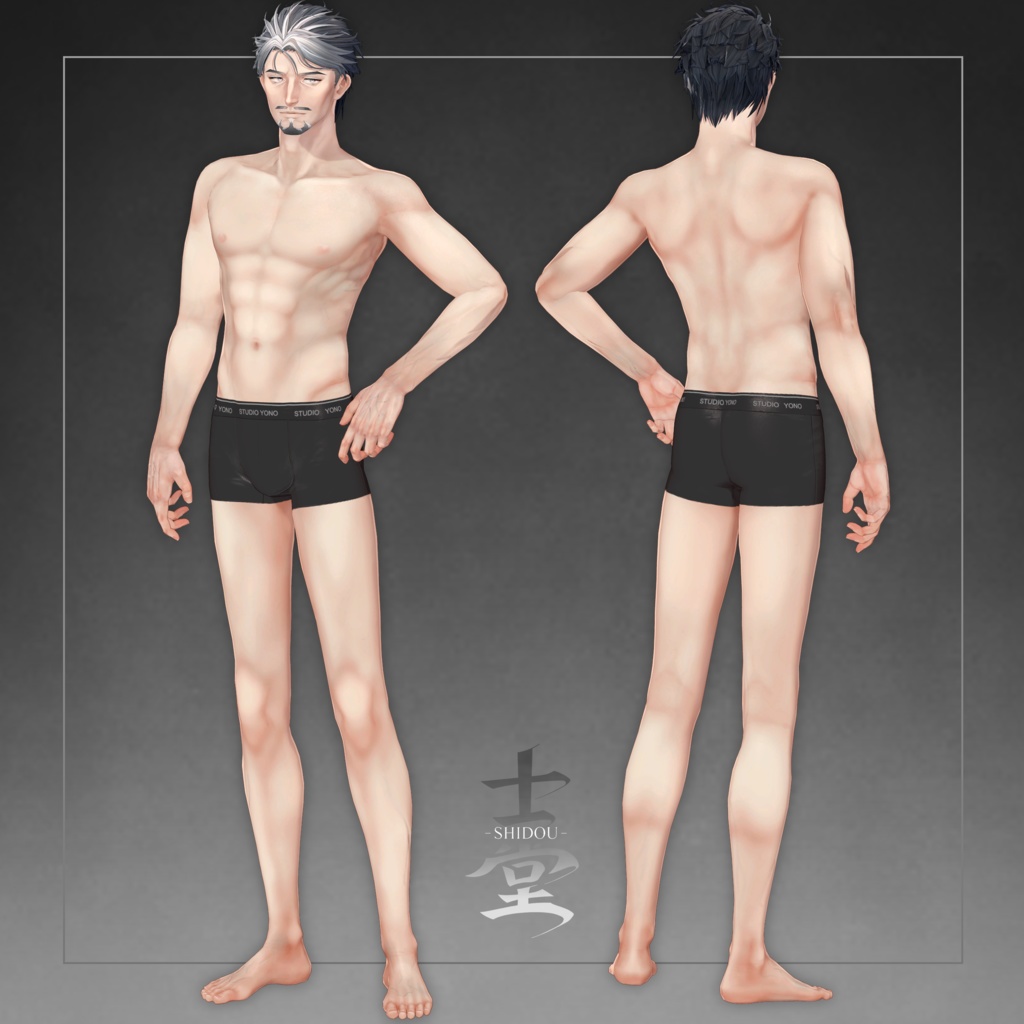
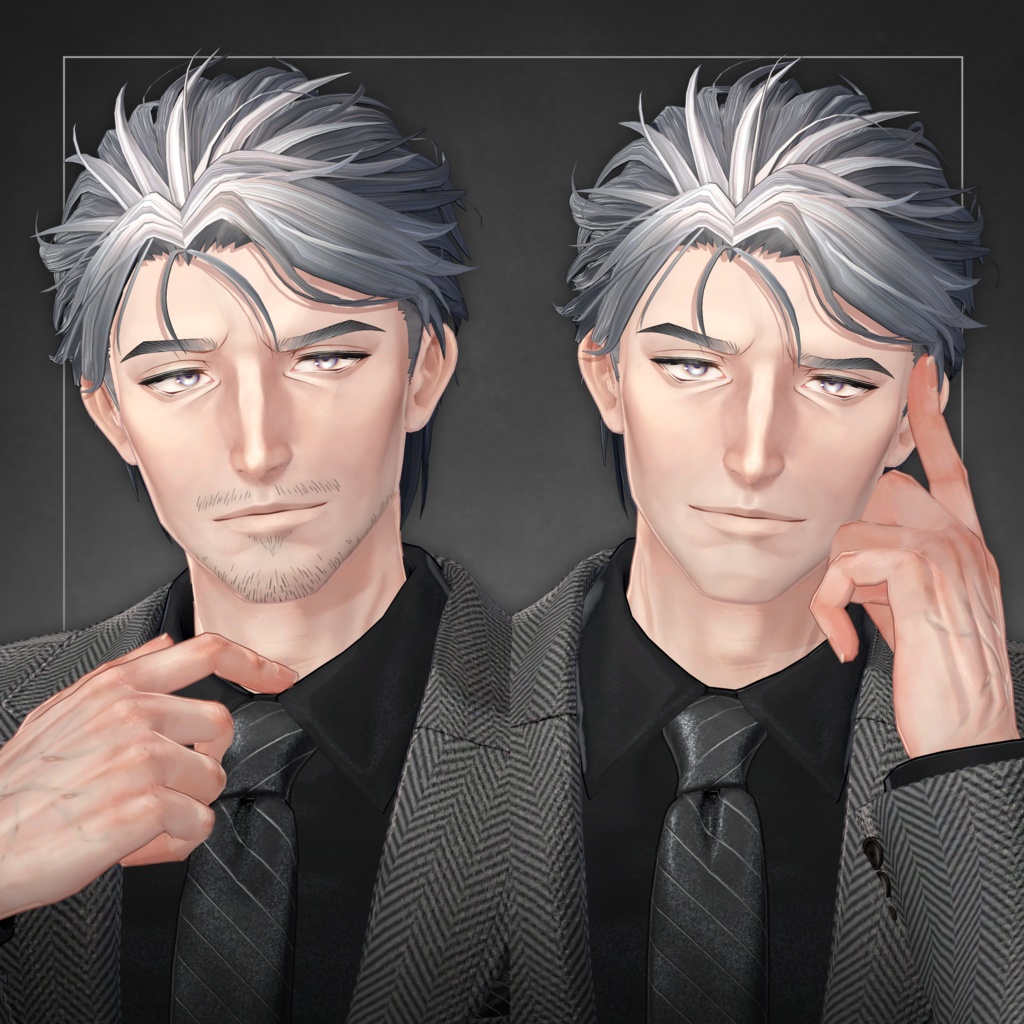
Original 3D Model “Shidou” #Shidou3D
This model is set up for use in VRChat.
Please upload it using a Unity project created via VCC (VRChat Creator Companion).
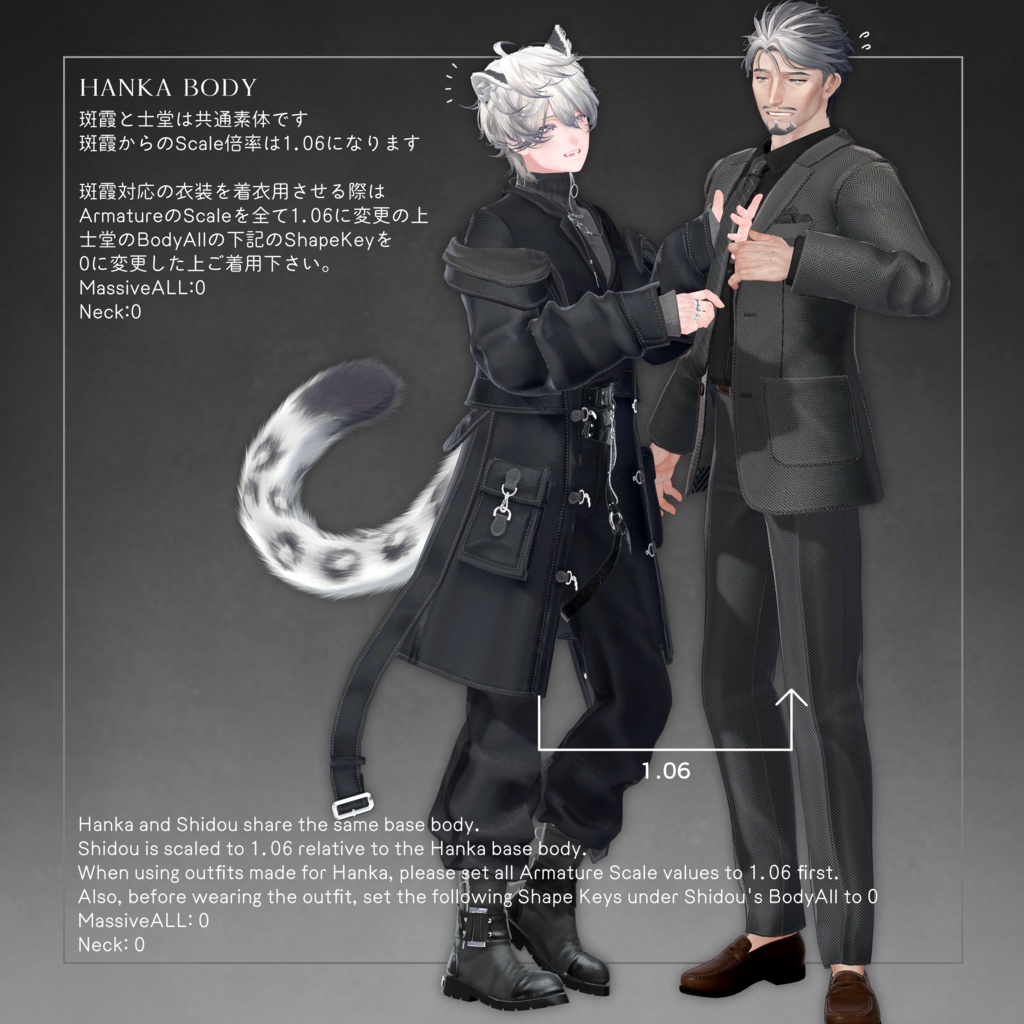
The base body is shared with Hanka by StudioYONO,
so outfits made for Hanka can also be used.
Original 3D Model “Hanka”
https://studioyono.booth.pm/items/6970249
⚠️ Important Notes
This is a downloadable product. Refunds and returns are not available.
Please review the product description and terms of use before purchasing.
◆ IMPORTANT ◆
○ Shared Body with Hanka
Shidou uses the same base body as Hanka.
Scale difference from Hanka: 1.06
○ When Using Hanka-Compatible Outfits
Before dressing Shidou with Hanka outfits:
Set all Armature Scale values to 1.06
Set the following BodyAll ShapeKeys to 0:
MassiveALL: 0
Neck: 0
○ Adjusting Default Facial Features
When modifying the default face,
please adjust using BlendShapes that include “Edit” in their name.
◆ Item Overview
● Contents
MCT_Shidou_Fix.unitypackage
ReadMe.txt
Shidou_All.fbx
PSD files
● Required Shader
liltoon
https://lilxyzw.booth.pm/items/3087170
● Required Asset
Modular Avatar
https://modular-avatar.nadena.dev/ja/docs/intro
※ The UnityPackage includes ADS_Tools for synchronizing dance and facial expressions using Avatar Dance Stage.
● Model Data
Shidou_All (34,670 polygons)
Body: 10,410
BodyAll: 17,942
Hair: 6,318
MCT_TradWear (42,580 polygons)
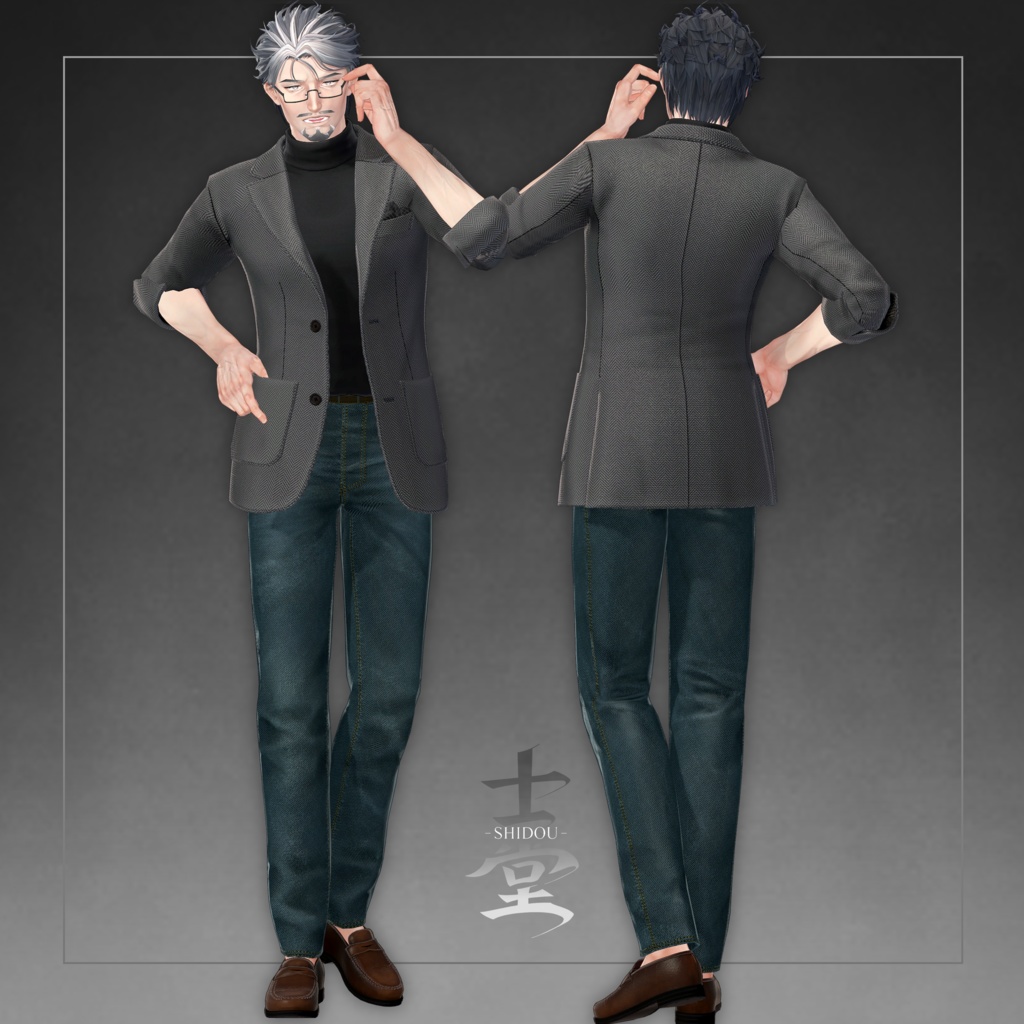
Bottom_GPanz: 3,848
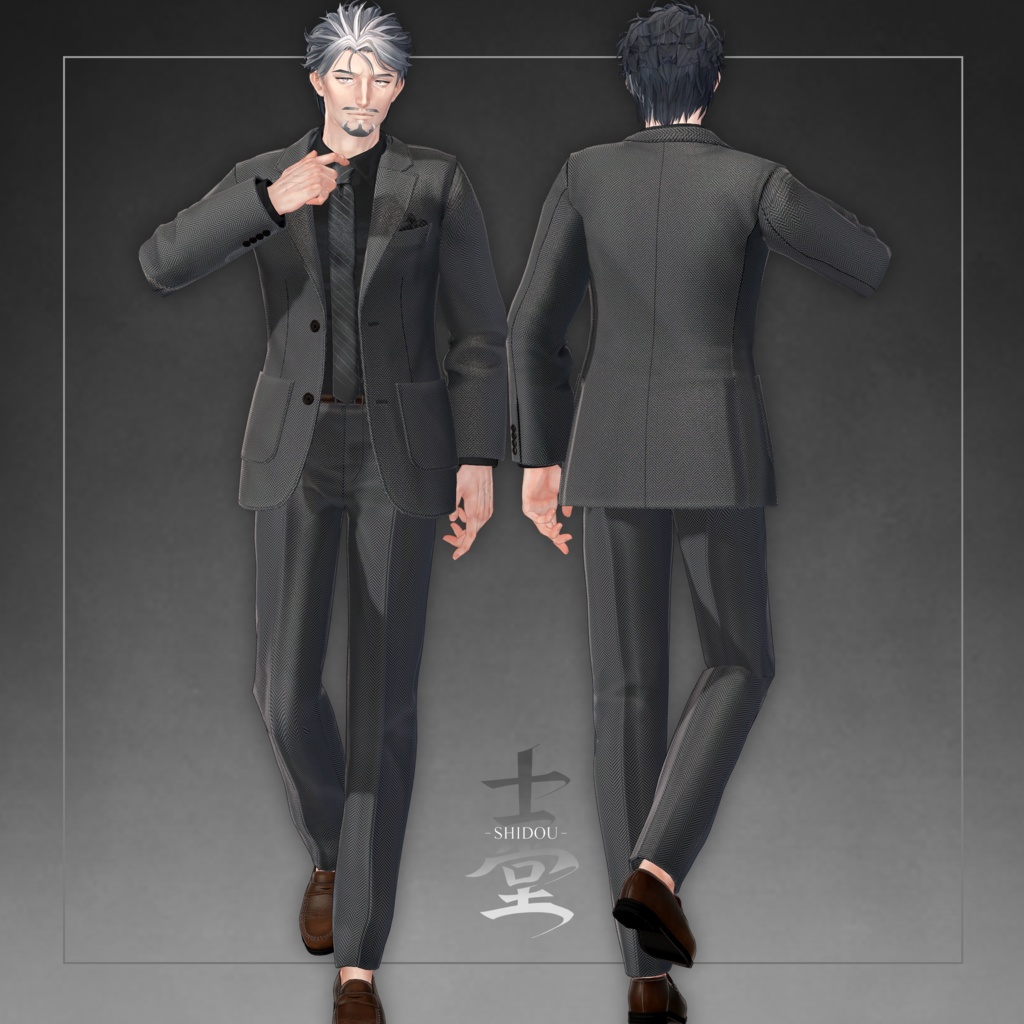
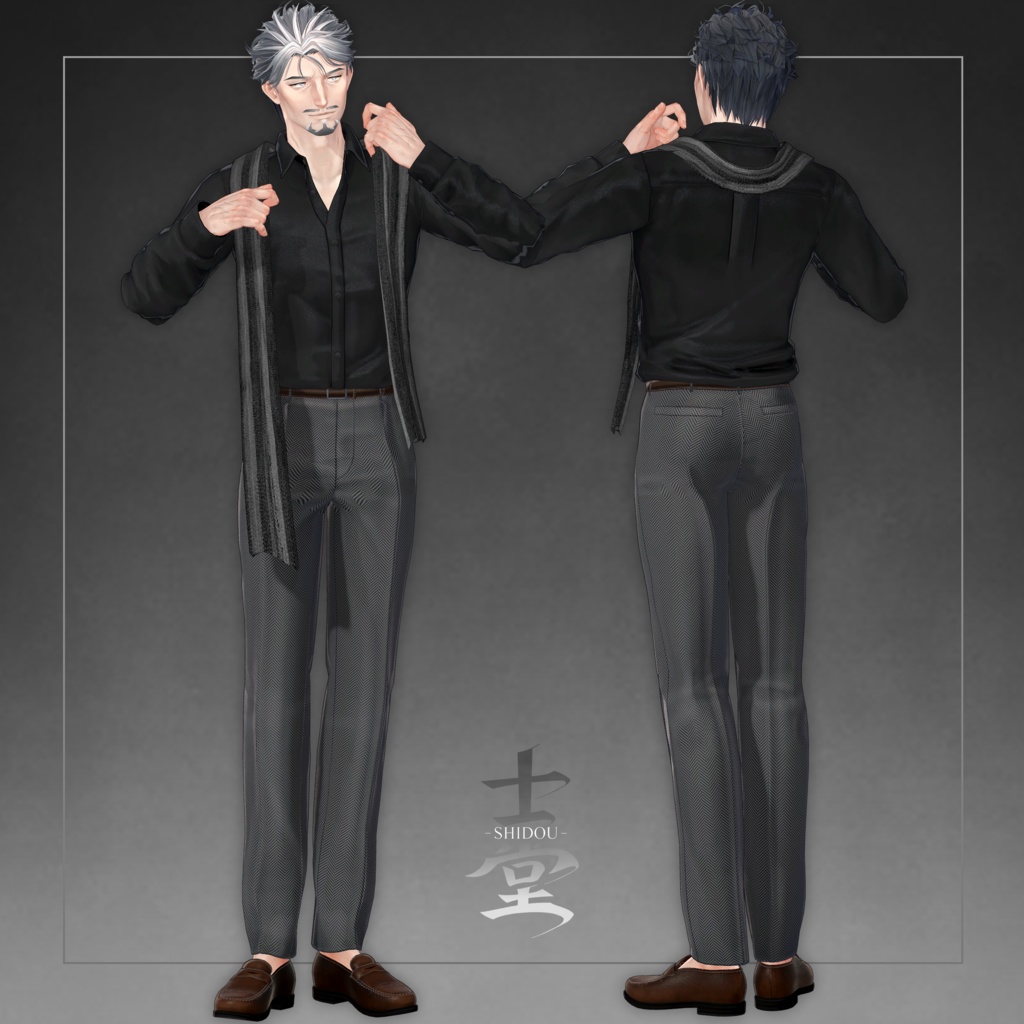
Bottom_Slacks: 3,952
Inner_Foodie: 3,744
Inner_HiNeck: 2,686
Inner_HiNeck_Half: 1,906
Inner_Yshirt: 5,188
Inner_Yshirt_Open: 5,630
InnerT_shirt: 1,624
Jacket: 6,052
Jacket_Makuri: 4,520
NeckTie: 1,296
Shoes_Loafers: 2,134
Accessories (2,657 polygons)
Glasses: 1,636
PocketSquare: 69
Scarf: 952
Mesh Count: 18
Material Count: 17
PB Components: 6
PB Colliders: 3
Shape Keys
Face: 827
Body: 56
Import Folder
Assets > MCT_Avatars > MTC_Shidou
◆ Installation Instructions
Set up the latest VRC SDK in VCC
Install required assets (liltoon, Modular Avatar)
Import this package
Place “Shidou_Prefab.prefab” from:
Assets > MCT_Avatars > MTC_Shidou into the Scene
Upload via the VRC SDK
◆ EX Menu Features
Dance Mode
Syncs facial expressions with dance when using Avatar Dance Stage
Outfit Change
Switch between tops and bottoms
Beard Options
Toggle mustache, beard, and stubble
◆ Customization
For avatar modification, use:
Assets > MCT_Avatars > MTC_Shidou > Prefab_ForCustom > Shidou_Custom.prefab
You can also customize colors using materials, PSD files, and textures.
This avatar uses an AnimatorController by Mimii Lab:
https://booth.pm/ja/items/4301775
Refer to the manual on the product page for expression editing and setup details.
※ FX Controller is based on Custom_FX_FacePreset
◆ Terms of Use
https://drive.google.com/drive/folders/1qRMXoIxM1ZgacBPfwOigQRtXP1vCbNMn?usp=sharing
◆ Production Environment
Setup: Unity Ver2022.3.22f1
VRChat SDK - Avatars Ver3.10.1 (VCC)
liltoon 2.3.2
ModularAvatar 1.16.0
◆ Credits
Avatar Creation: YONO
https://x.com/NOyonokoNO
https://studioyono.booth.pm/
Outfit Creation: Takeru
https://www.airgreen.net/
https://airgreen.booth.pm/
Support / Inquiries
https://discord.gg/bmw3PWE37M