
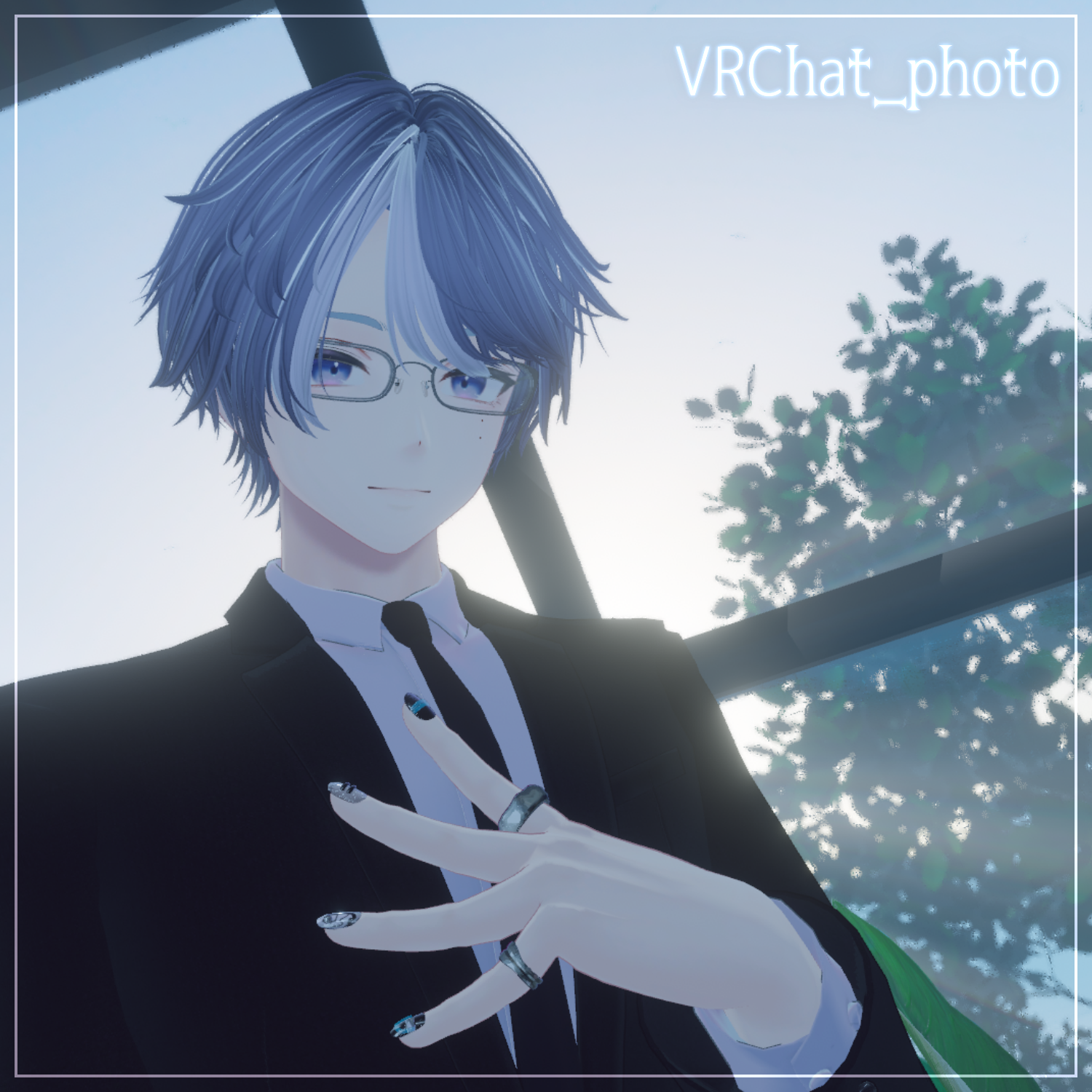
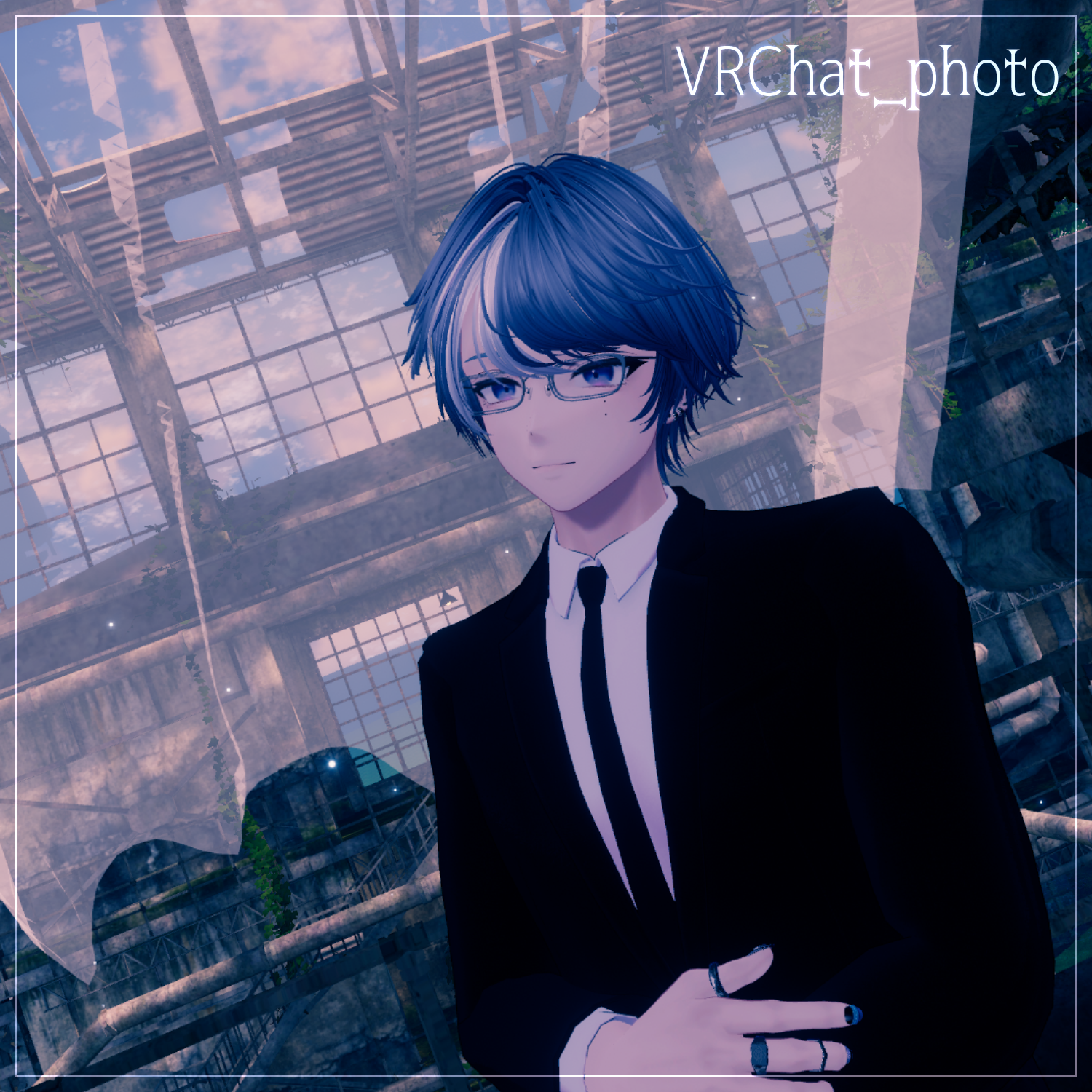
Product Description
◆ interova ◆
Creator: Maori Toy Store (マオリ玩具店)
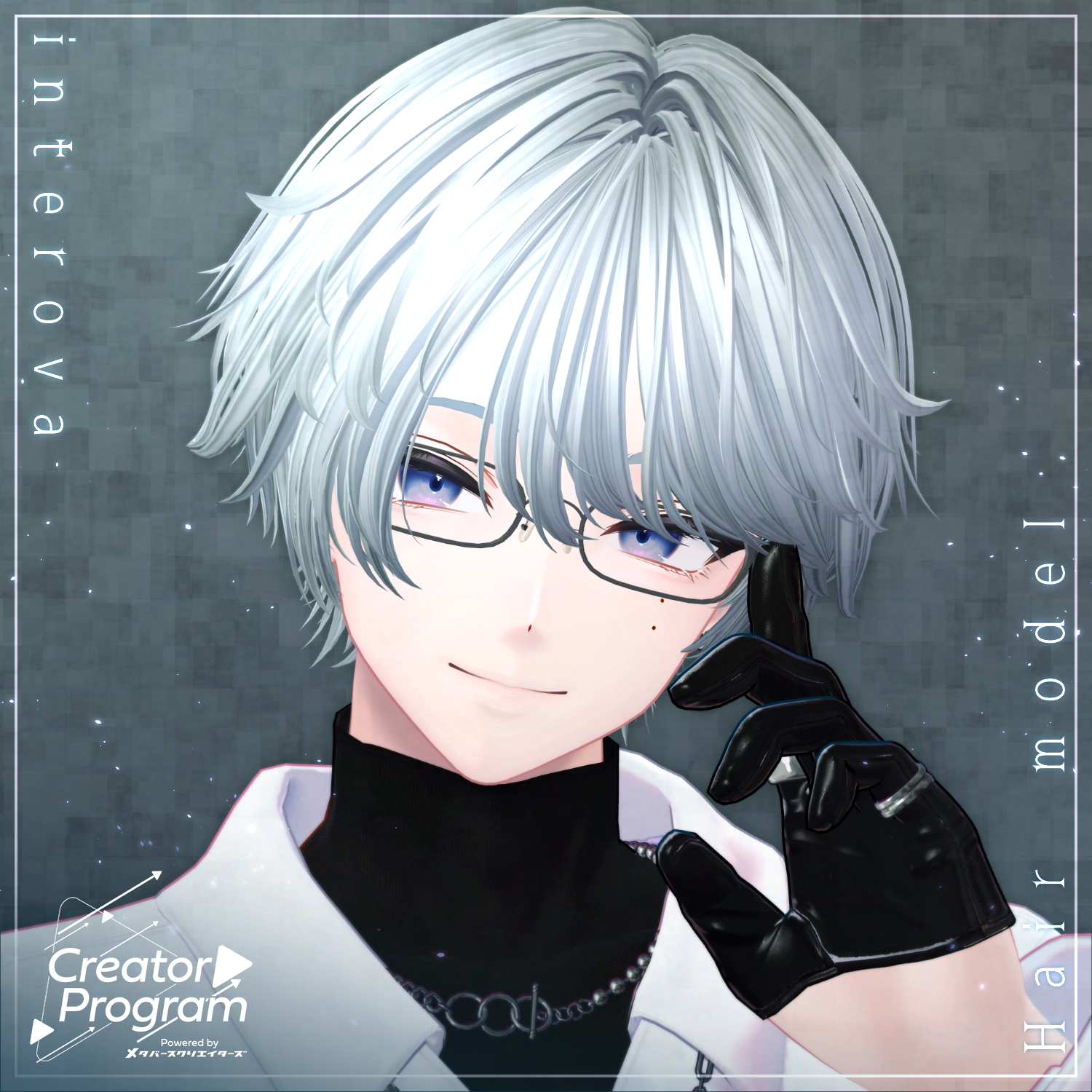
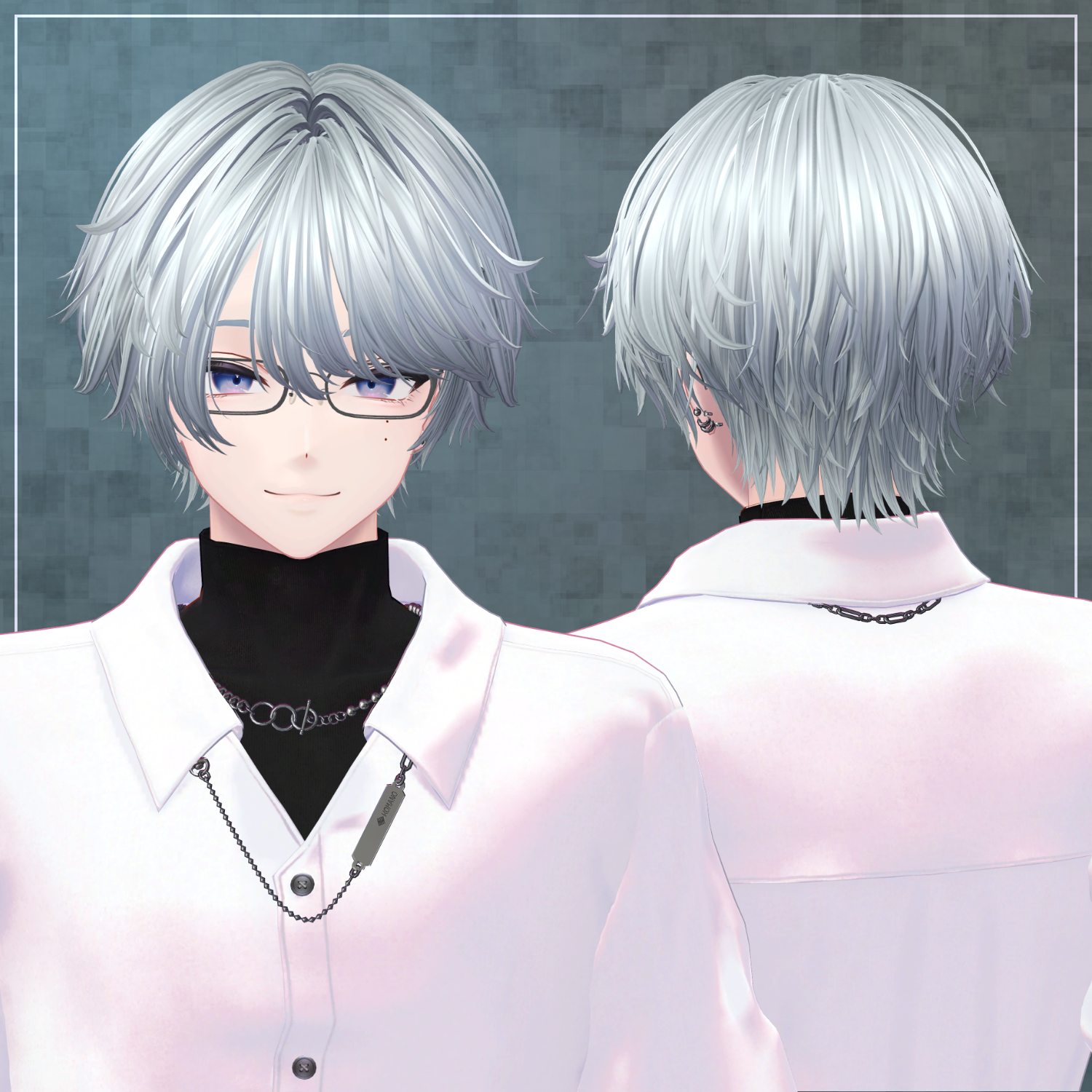
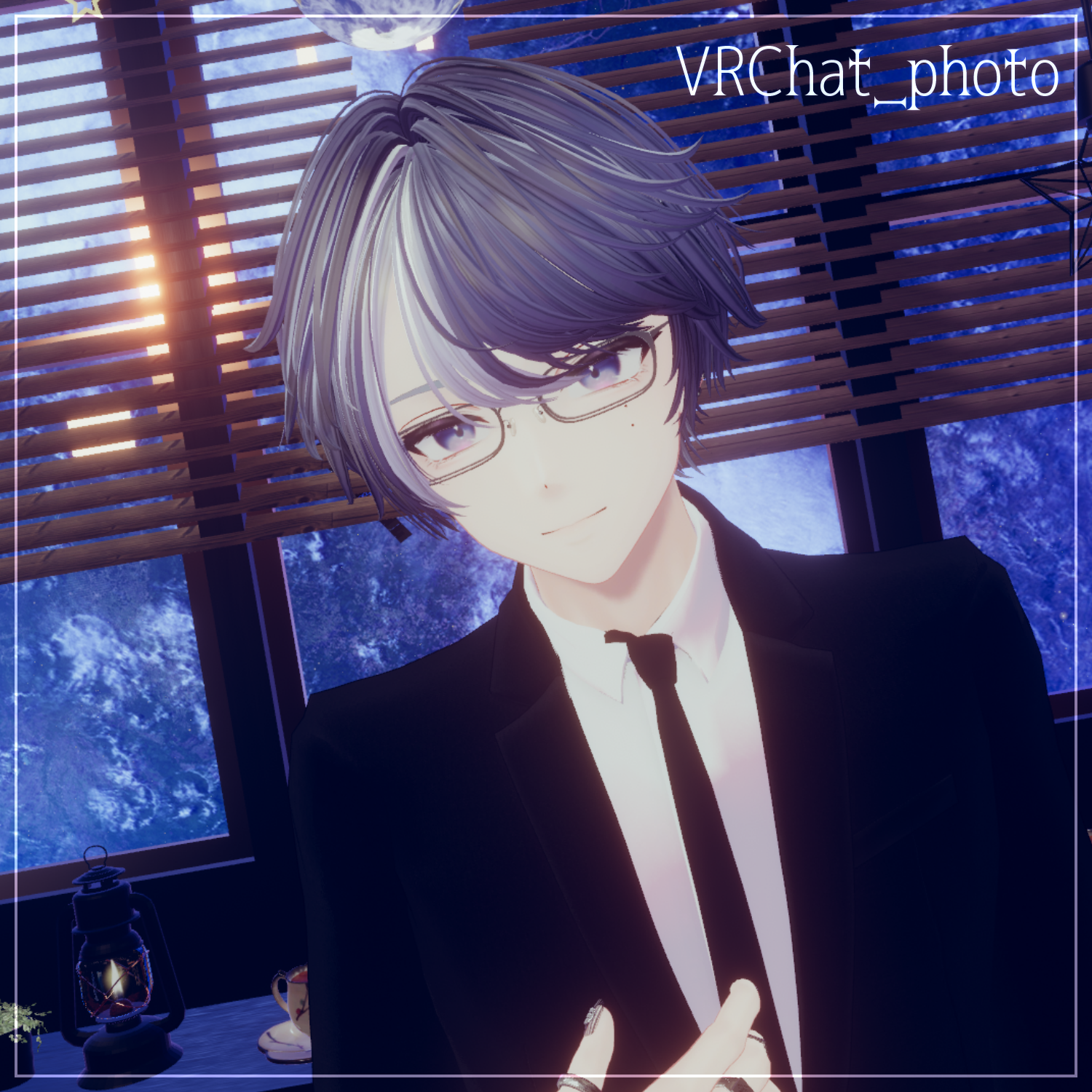
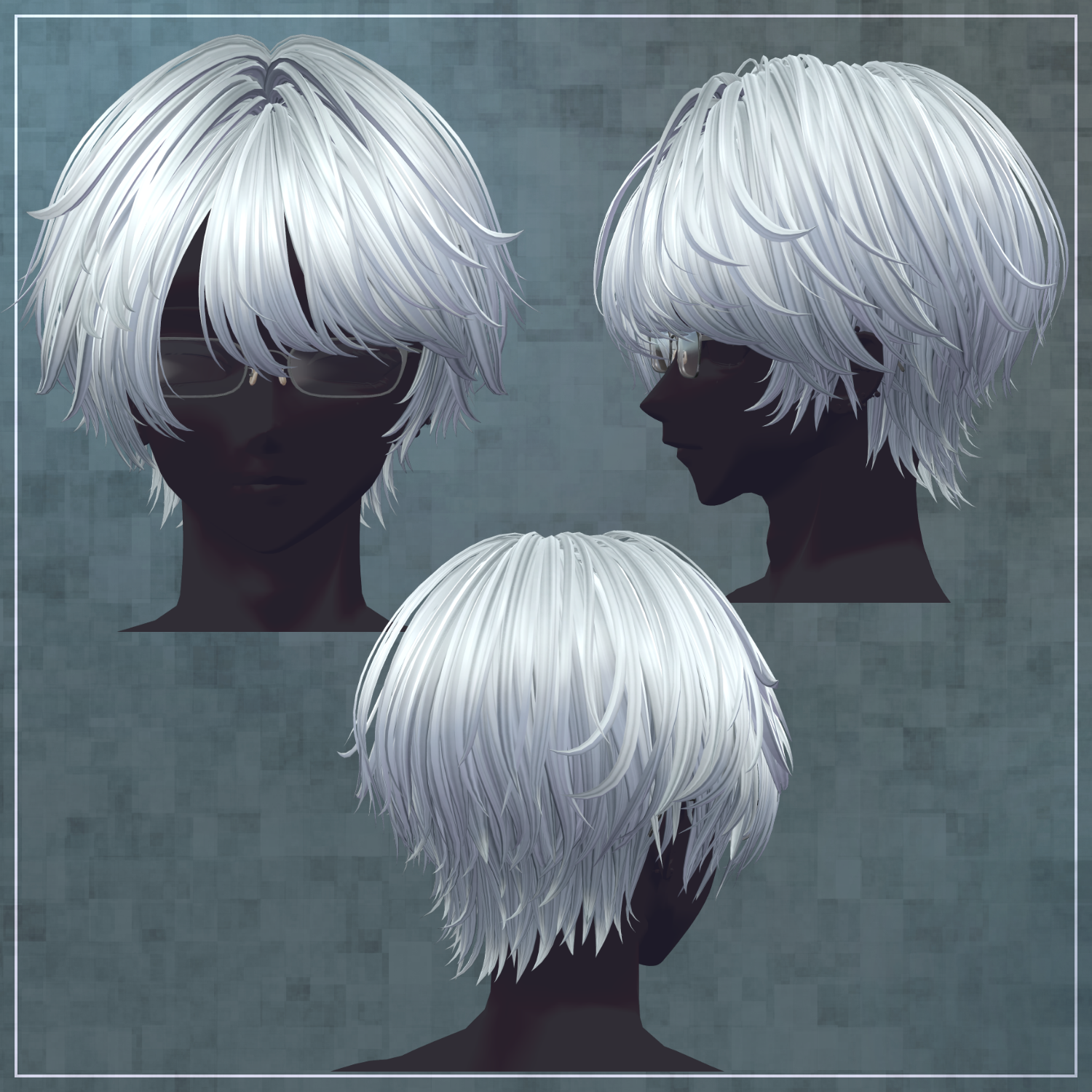
A hair model with an intellectual atmosphere.
Please Note:
This product is a hairstyle model intended for avatars. The avatar body data is not included.
Due to the nature of digital downloads, returns and refunds are not possible. Please confirm the description and Terms of Use before purchasing.
◆ Item Overview
Contents:
interova.Unitypackage
FBX
psd files for editing
ReadMe.txt (Main text)
Required Shader:
liltoon: https://lilxyzw.booth.pm/items/3087170
Required Assets:
Modular Avatar: https://modular-avatar.nadena.dev/ja/docs/intro
Model Data:
Polygon Count: 19,999 total
Front Hair: 6,408
Side Hair: 3,250
Back Hair: 5,190
Base Hair: 2,683
Glasses: 2,468
Mesh Count: 5
Material Count: 4
PB (PhysBone) Components: 4
Import Path: Assets > MetaverseCreators_CP > Maori > interova
◆ Supported Avatars
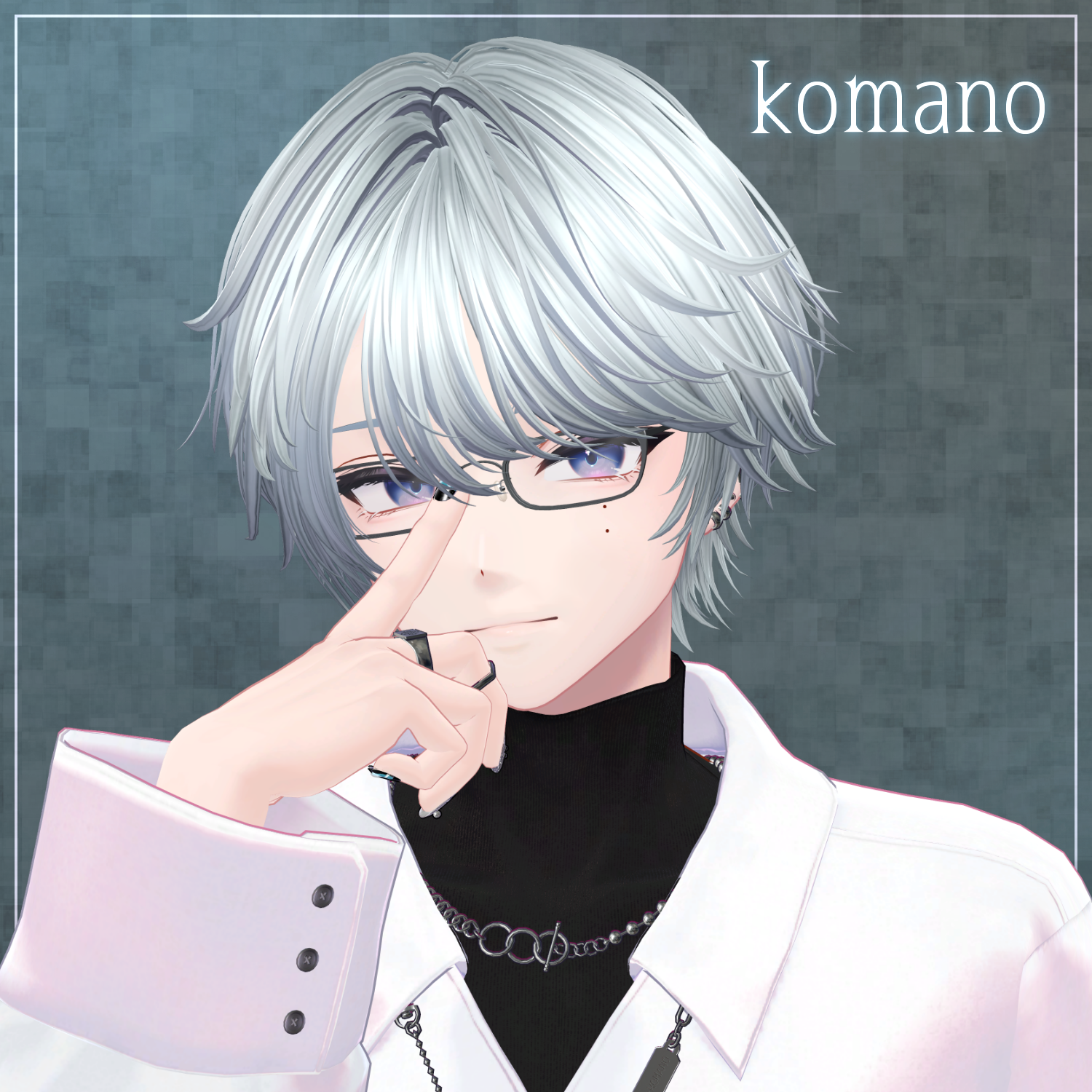
【Original 3D Model】Komano (狛乃): https://booth.pm/ja/items/5260363
For other avatars, support is provided as "Semi-Compatible" (adjusted from the base model within Unity). The following semi-compatible avatars have been pre-adjusted for this product:
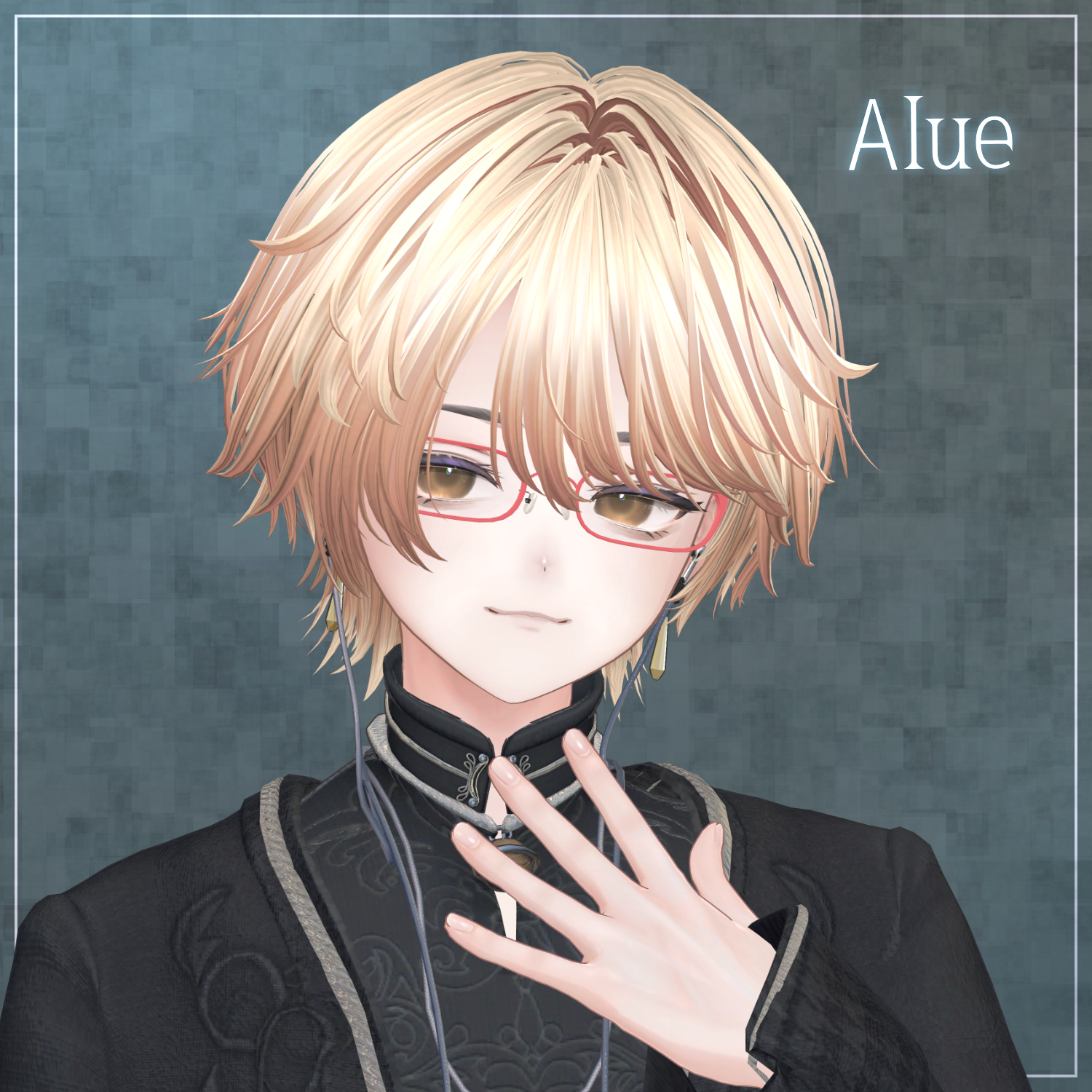
Original 3D Avatar: Alué (アルエ): https://booth.pm/ja/items/6957623
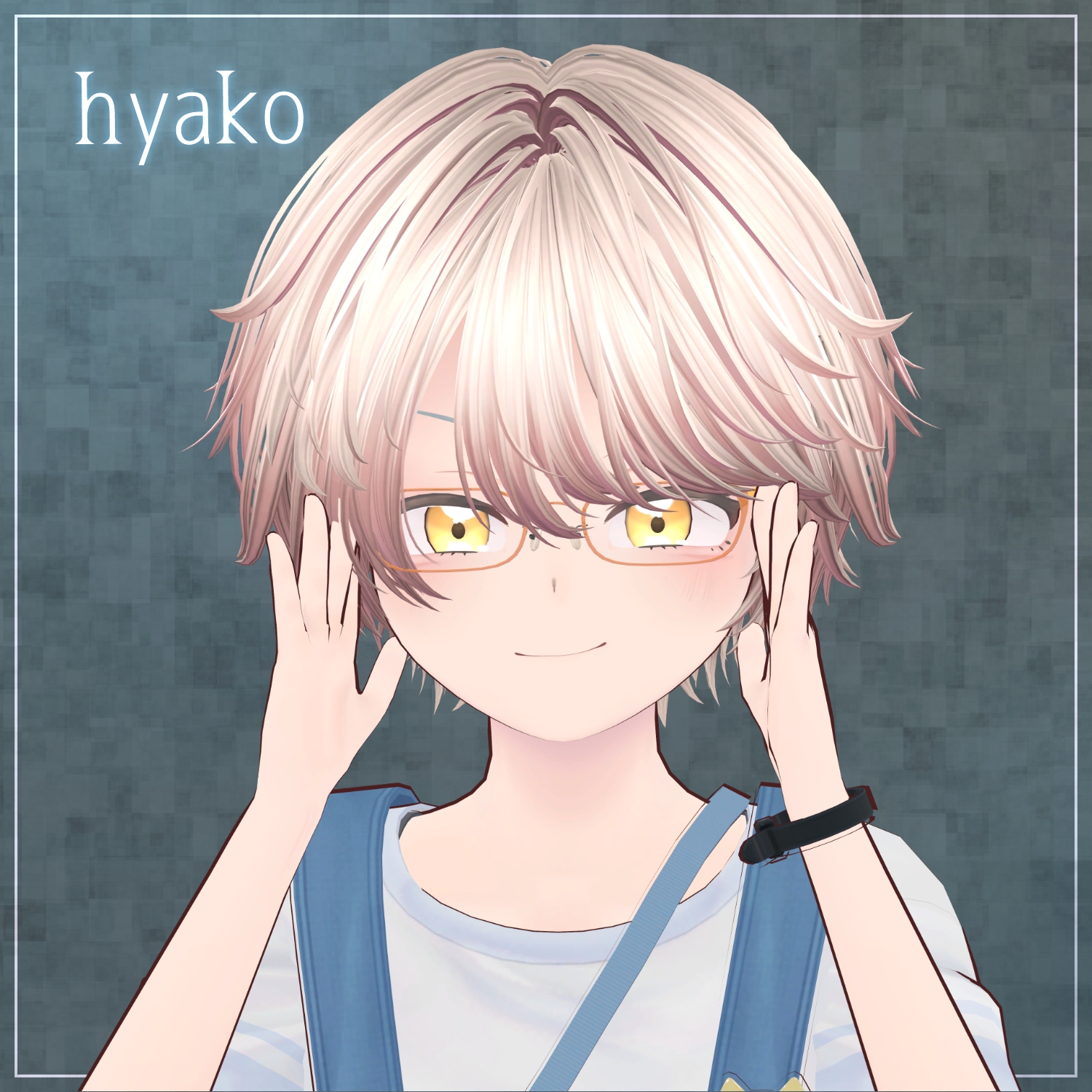
"Hyakko" - by Niyami: https://booth.pm/ja/items/6328134
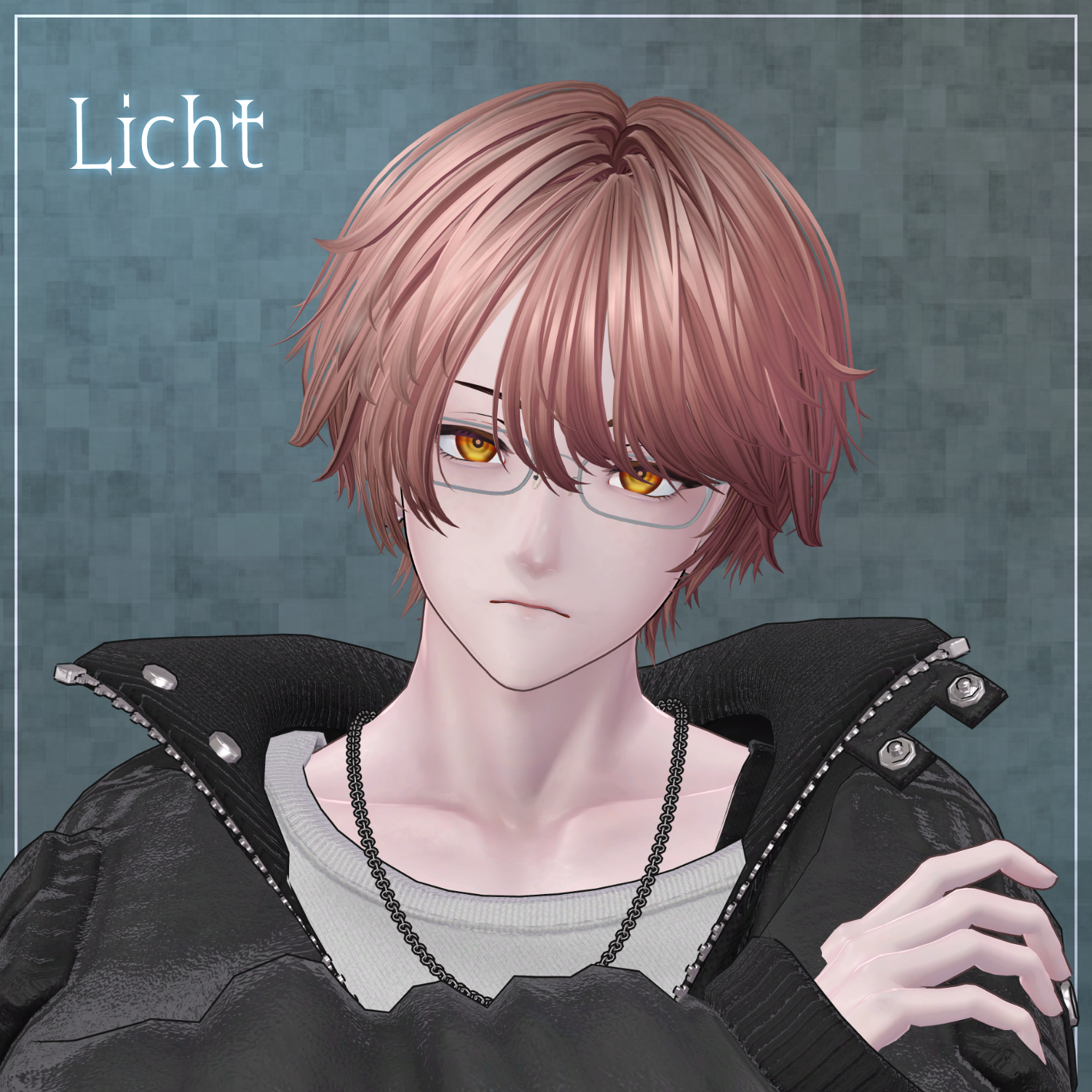
Original 3D Model "Licht" (凛仁): https://metacreatorstyo.booth.pm/items/7430852
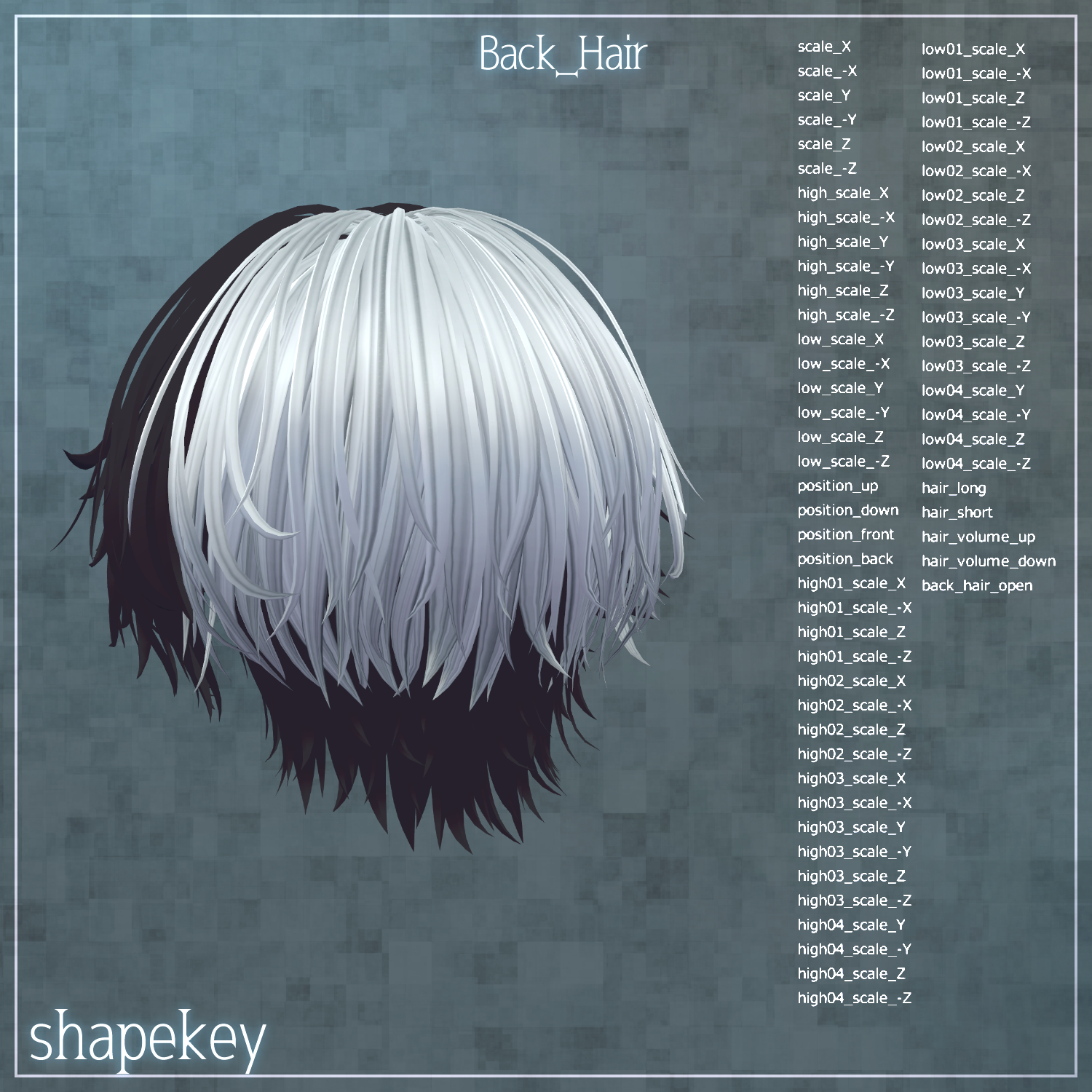
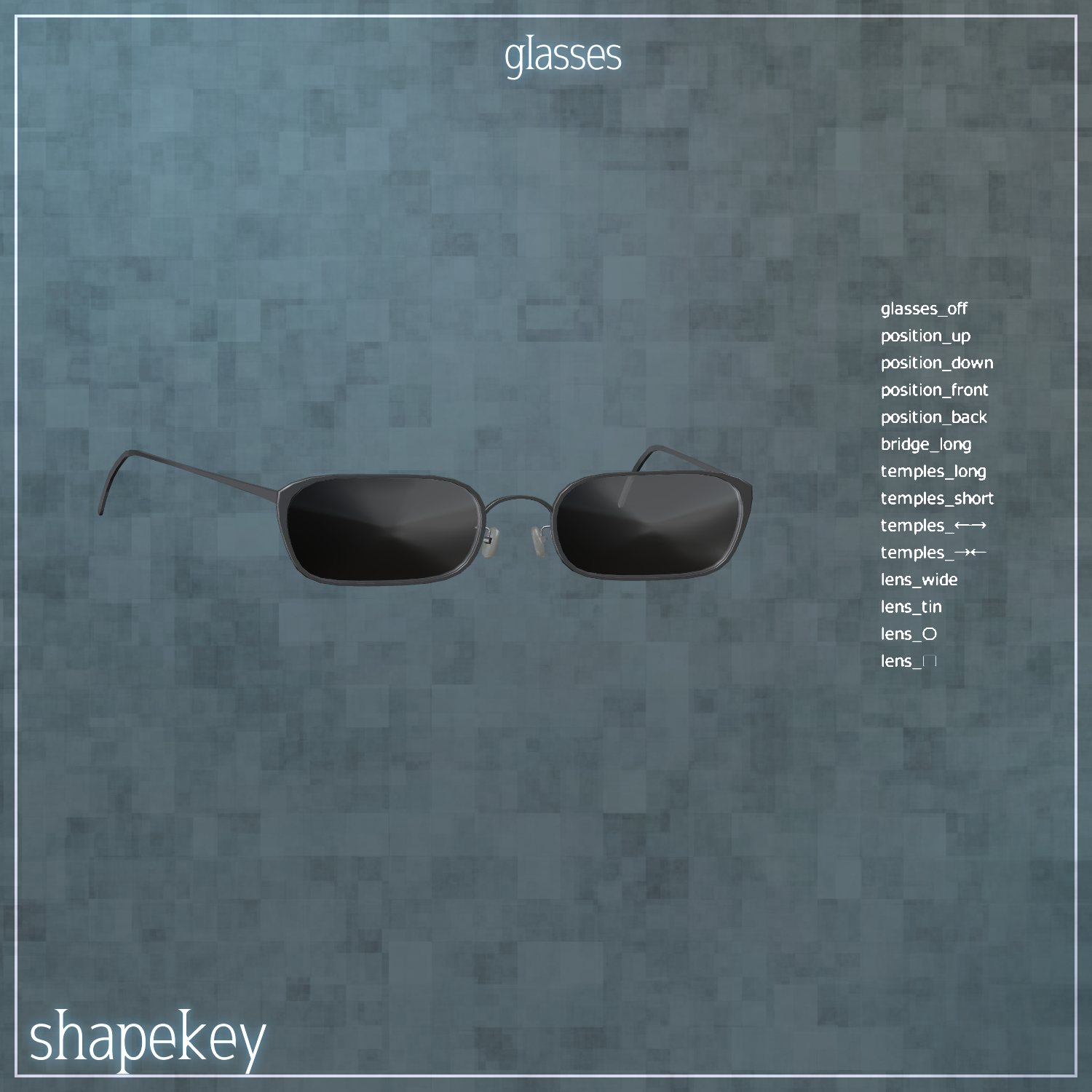
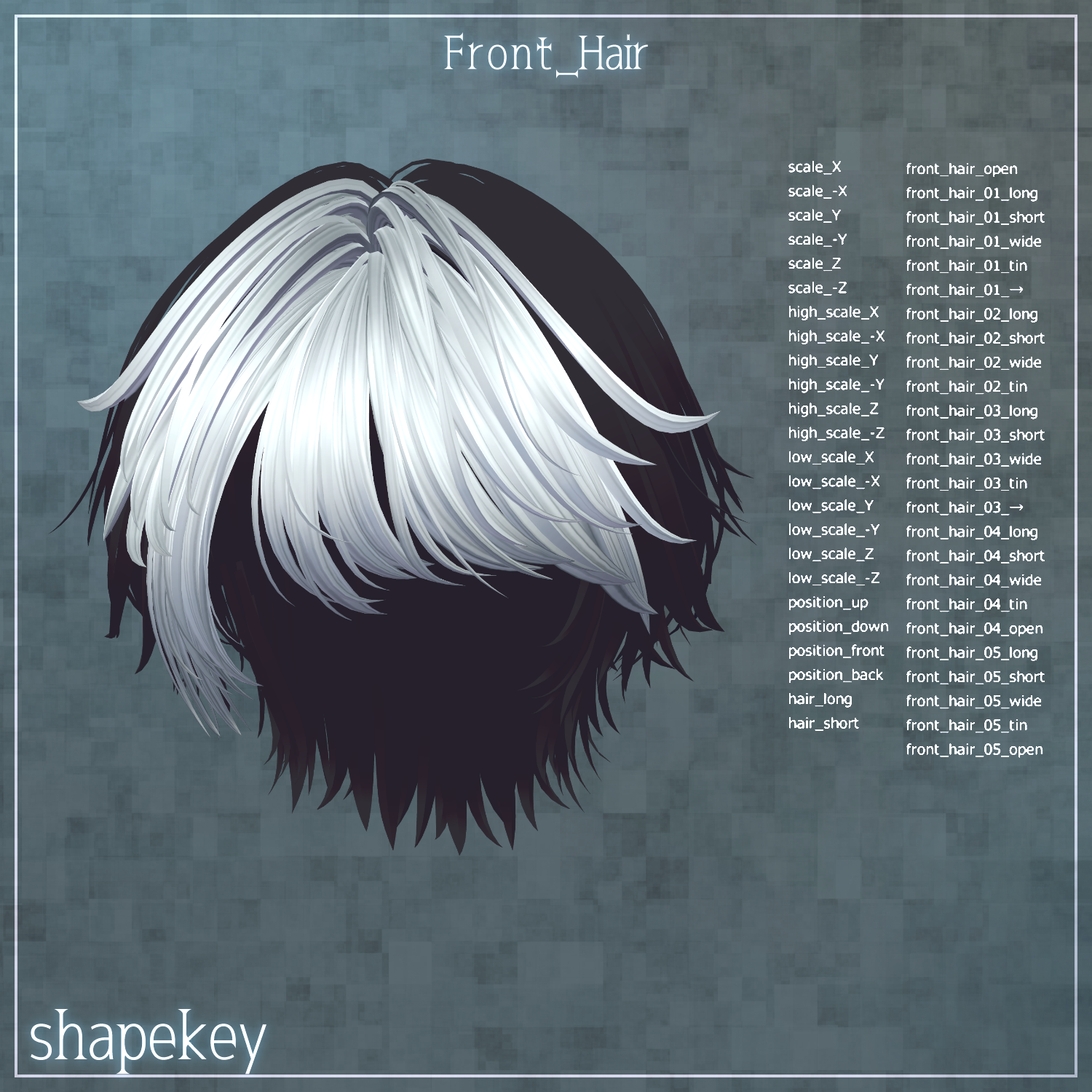
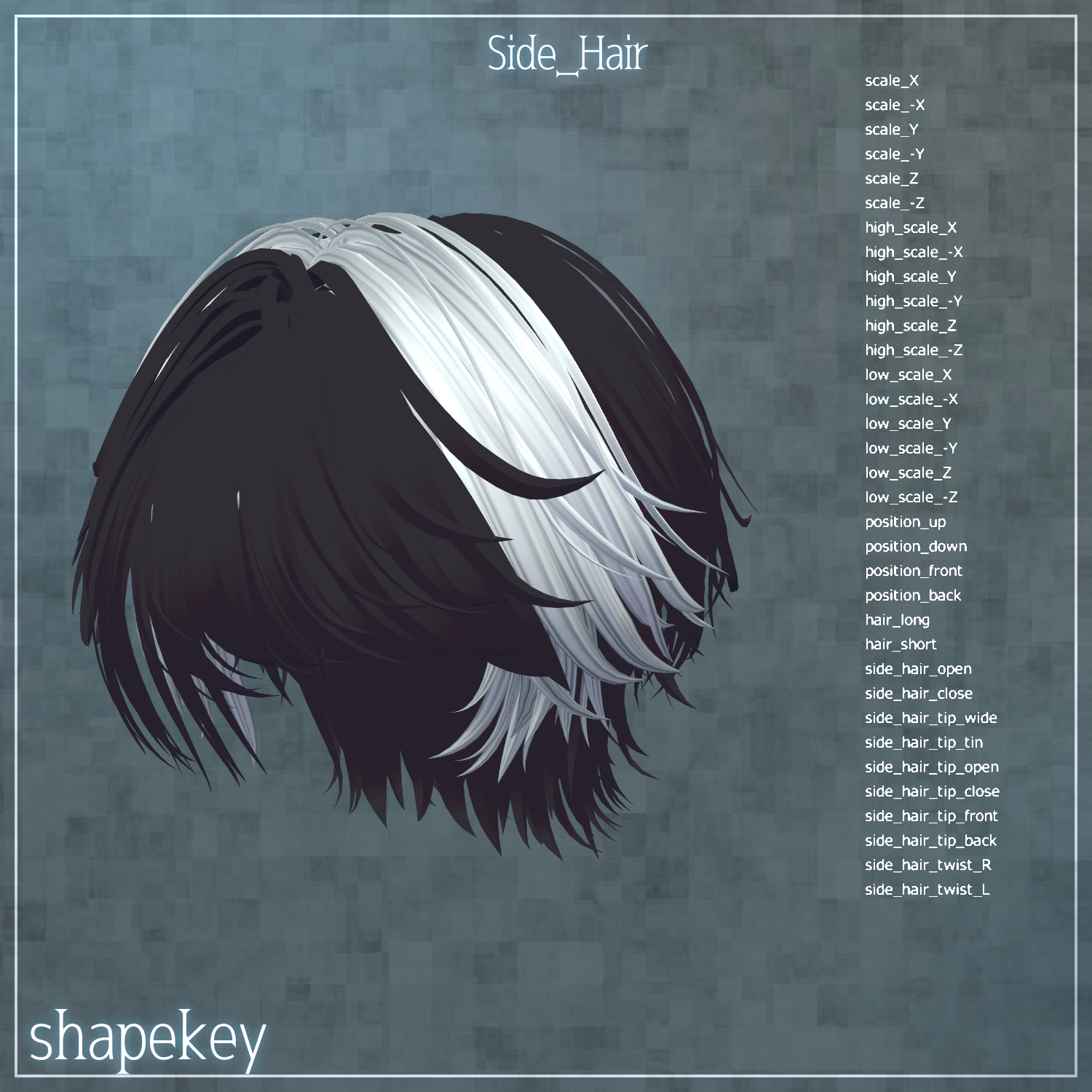
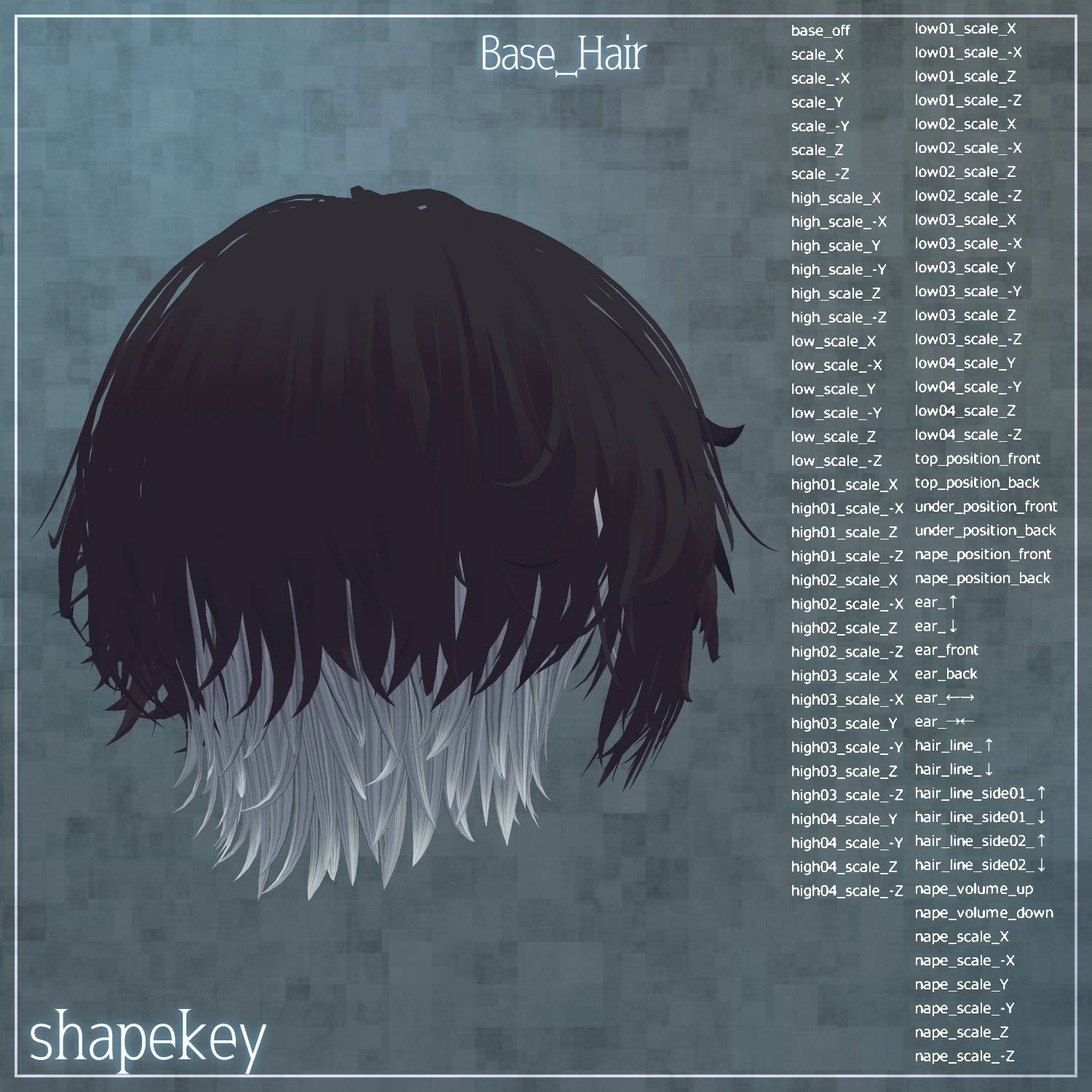
Numerous shape keys are included for each hair section to adjust size and position. You are encouraged to try fitting this hair to avatars not listed above. Because the shape keys are extensive, please refer to the product images on the store page for details.
◆ Installation Steps
Set up the latest VRChat SDK via VCC.
Install required assets (liltoon, Modular Avatar) via VCC.
Import the latest package for your specific avatar.
Import the interova package.
Drag and drop your avatar (or the modification prefab) into the Scene Hierarchy.
Hide or set "Editor Only" for any of the avatar's default hair or ears as needed.
Drag and drop interova_AvatarName.Prefab directly onto your avatar in the Hierarchy.
Adjust scale, position, and shape keys to fit (this is unnecessary if a pre-adjusted prefab is included for your specific avatar).
Upload via the VRChat SDK.
◆ Color Customization
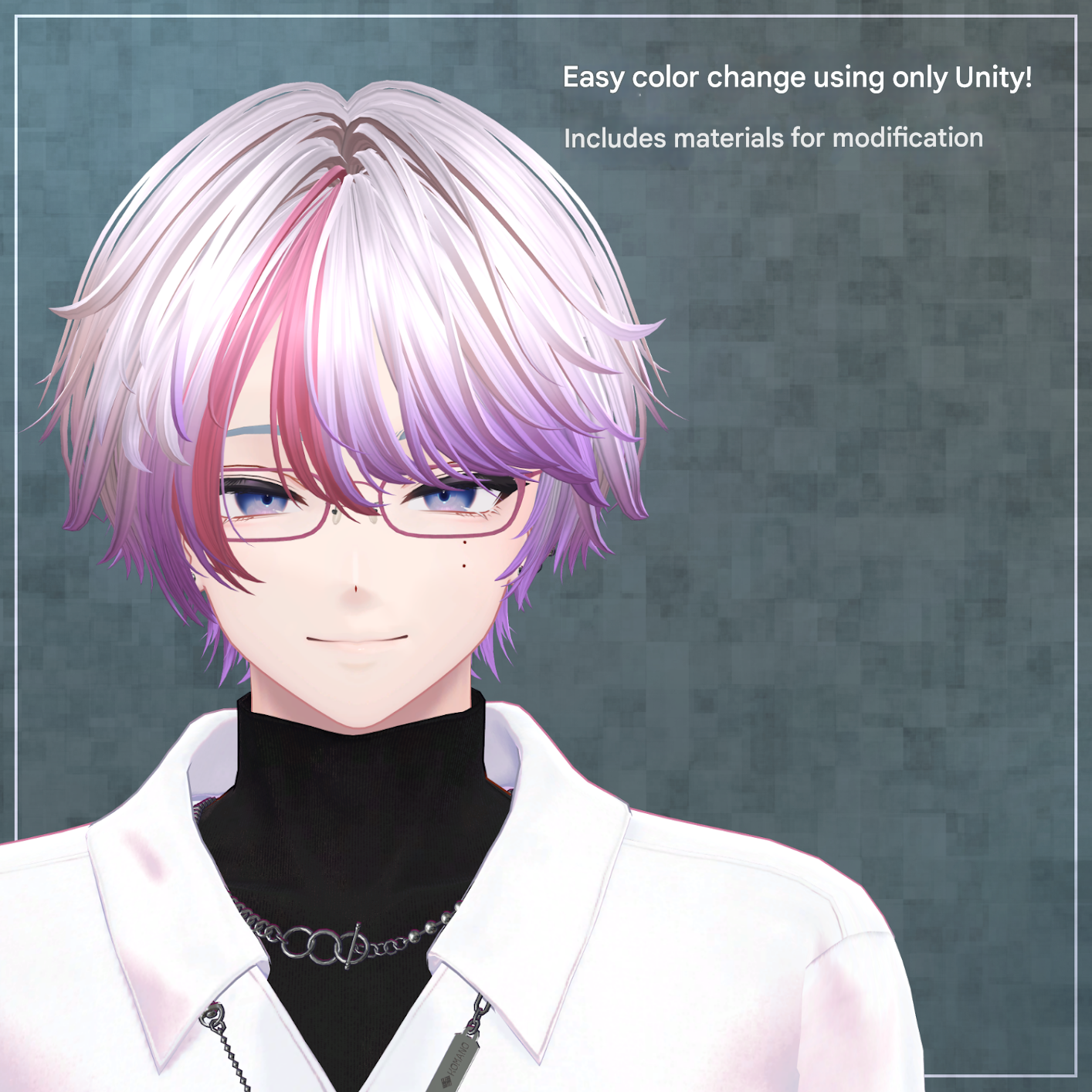
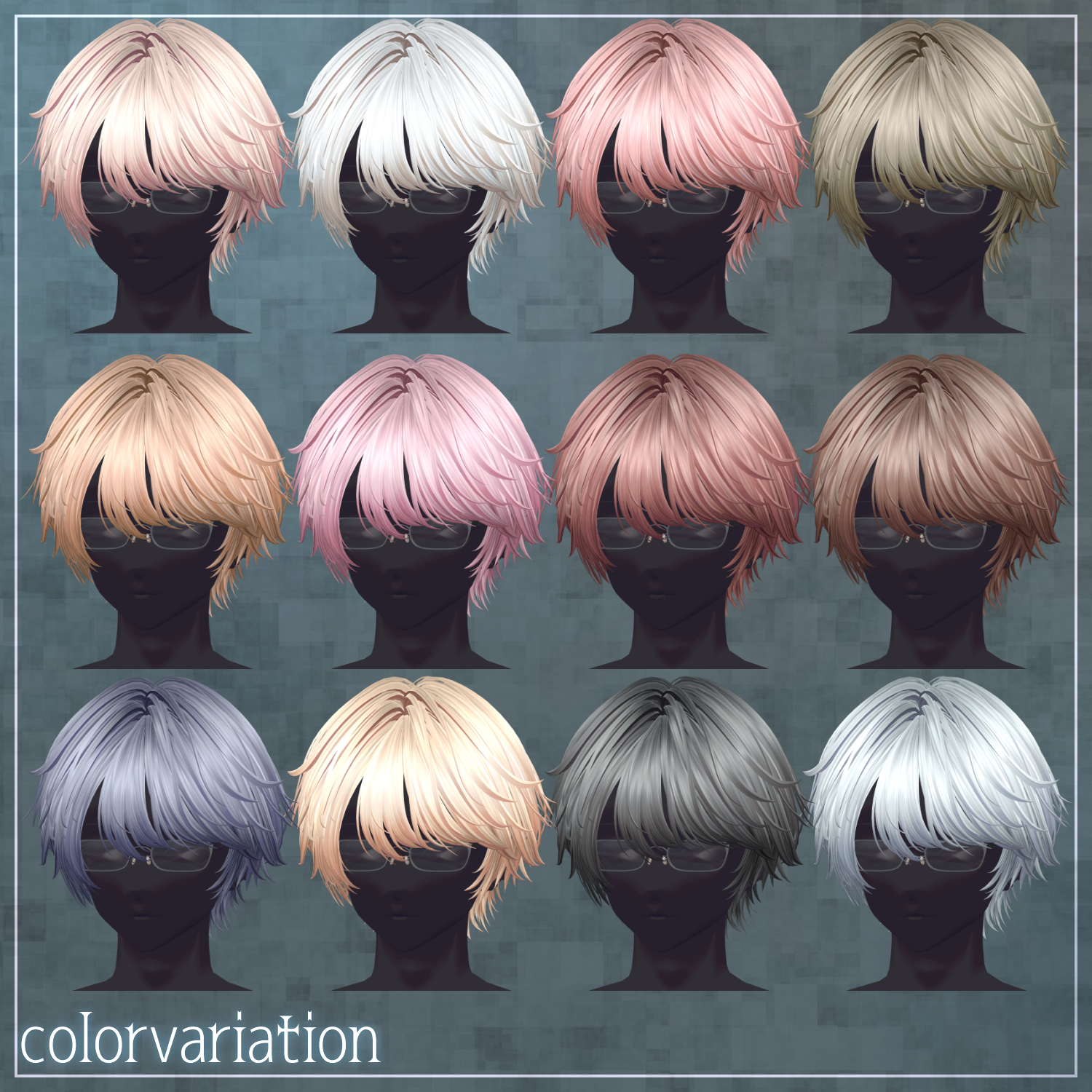
Materials: Color variation materials are located in the Mat folder. Replace the default material with your preferred one.
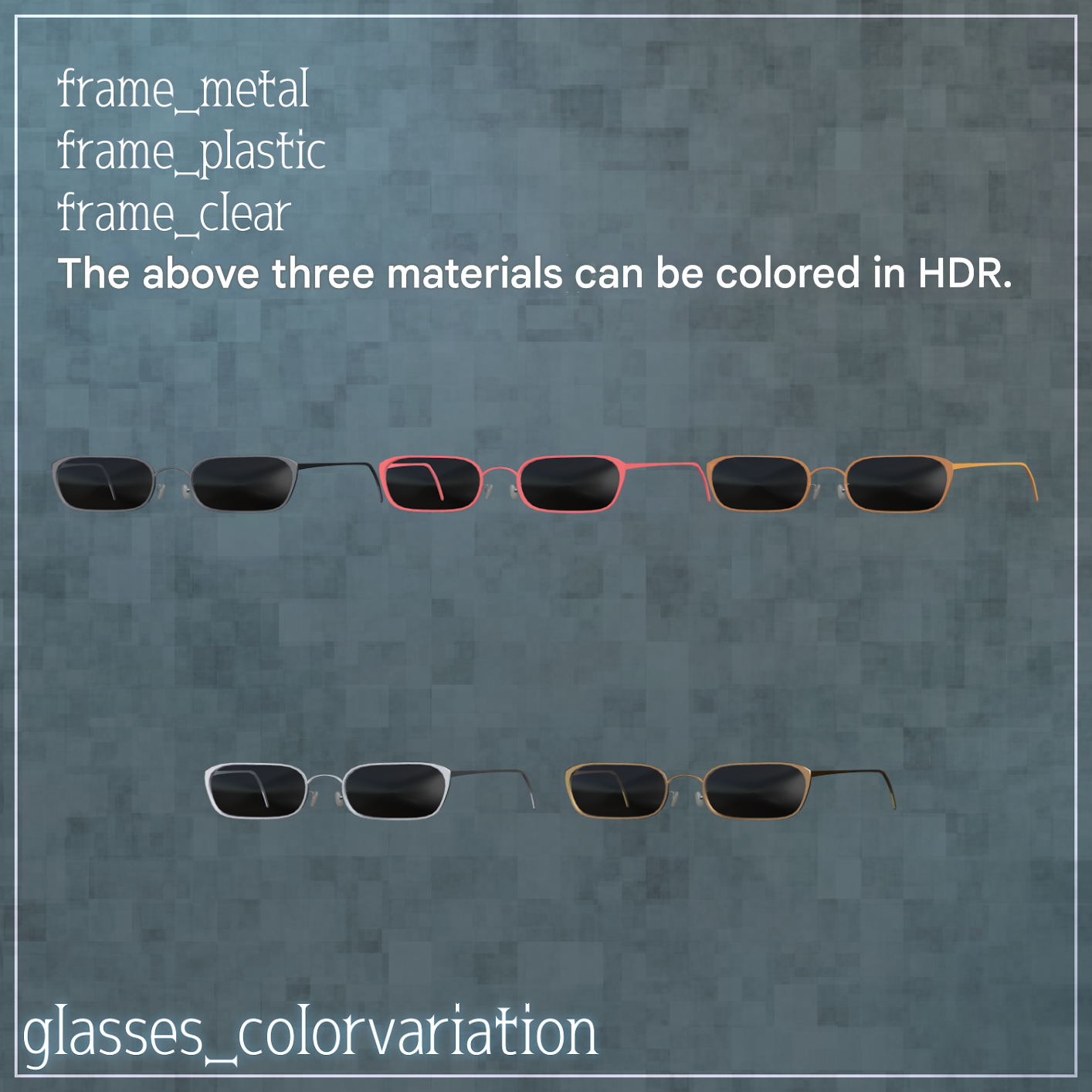
Glasses: The materials frame_metal, frame_plastic, and frame_clear can be changed to any color using the HDR setting in the material properties.
Modification Material: interova_Kaihen is provided in the Mat folder. Since the "Main Color" is set to white, you can use HDR to assign any color you like.
Gradients: interova_Kaihen has masks assigned to the 2nd and 3rd Main Colors. You can create custom mesh/gradient combinations entirely within Unity by adjusting these HDR colors.
Half-Color: The hair material slots are split between left and right. Assign different materials to each side to achieve a half-and-half hair color.
PSD: Use the included .psd files for more detailed customization.
◆ Terms of Use
https://drive.google.com/drive/folders/1qRMXoIxM1ZgacBPfwOigQRtXP1vCbNMn?usp=sharing Please ensure you also follow the terms of use for the base avatar you are using.
◆ Technical Details & Credits
Modeling: Blender 3.2.0
Textures: CLIP STUDIO PAINT
Setup: Unity 2022.3.22f1 / VRChat SDK 3.8.1 / liltoon 1.10.3 / ModularAvatar 1.13.0
Creator: Maori Toy Store (マオリ玩具店)
Shop URL: https://maorigangu.booth.pm/
Support Discord: https://discord.gg/bmw3PWE37M
Featured Asset:
Male Avatar Outfit "Unwind" - By marchmaru: https://booth.pm/ja/items/7248387