
✨Free✨ Quest-Compatible Nine-Tailed Fox - ECOKYUBI / CP3
Tags
Product Description
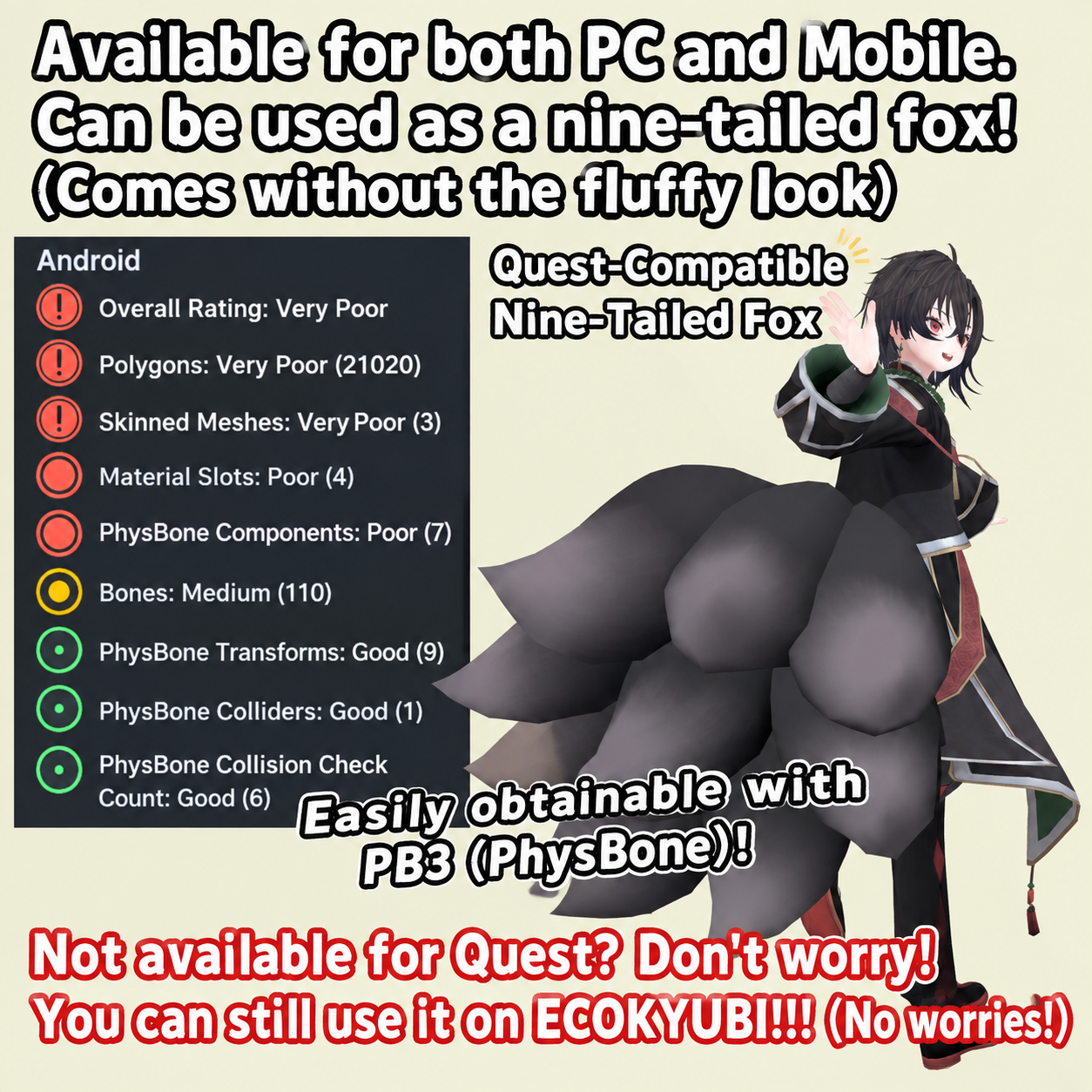
† Don't Give Up on Quest Compatibility! †
Want to make a nine-tailed fox avatar Quest-compatible, but the polygon count isn't even the problem—the sheer number of PhysBones makes it impossible?!
Good news! ECOKYUBI is relatively lightweight, so it might just fit within Quest's performance limits! Or it might not!
Whether it fits within the limits depends on how the original avatar is built, so please keep this in mind.
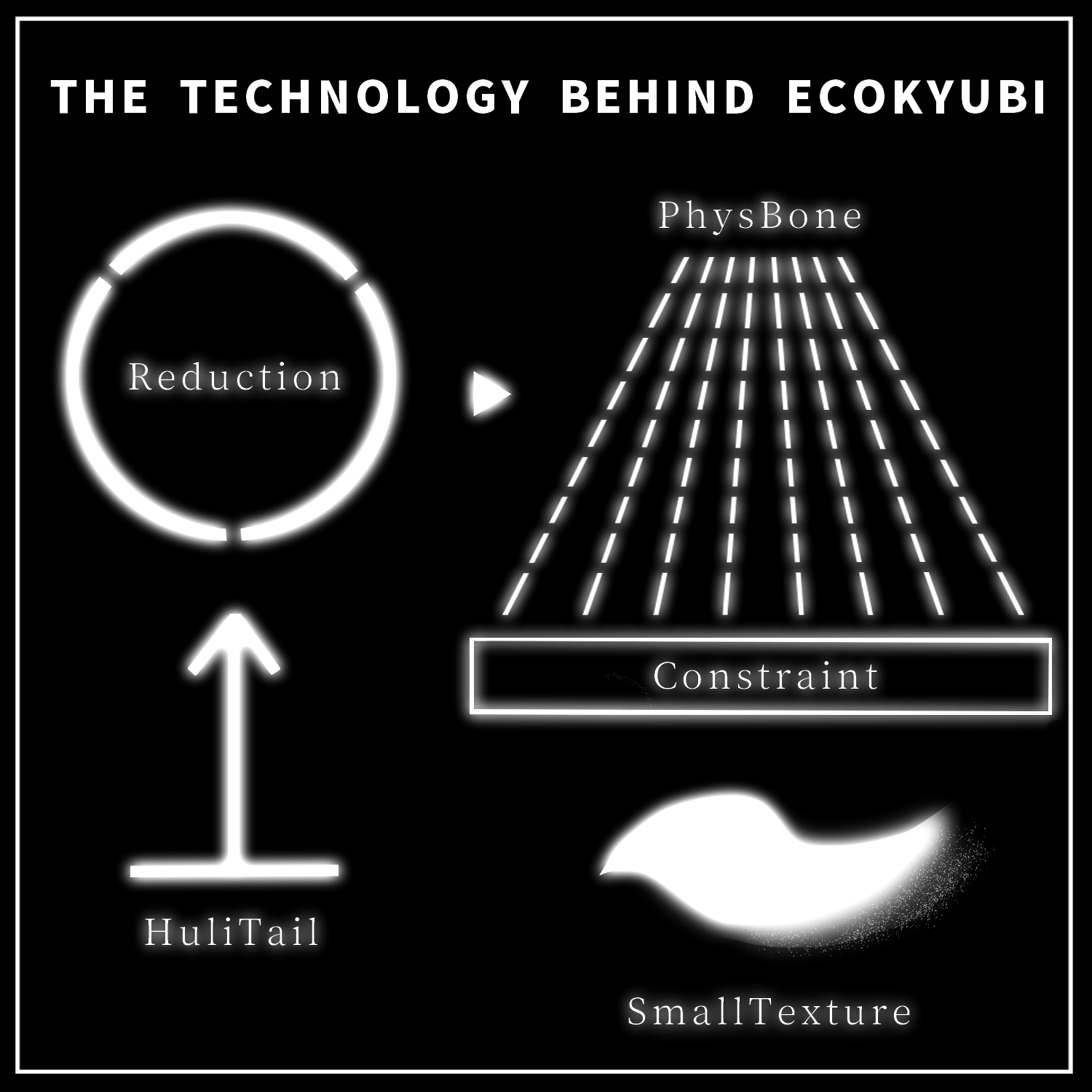
By making extensive use of Constraints, ECOKYUBI achieves rich and expressive tail movement.
Download it and see for yourself!
ECOKYUBI was developed to serve as infrastructure for Mobile-compatible nine-tailed fox avatars, so it is completely free.
Feel free to share it with others!
Please note: This product is an avatar clothing/accessory model. The avatar itself is not included.
Due to the nature of downloadable products, returns and refunds are not available. Please read and agree to the product description and Terms of Use before purchasing.
◆ Item Details
Contents
ECOKYUBI.Unitypackage
FBX
Textures
PSD file for customization
ReadMe.txt
Shaders Used
lilToon
https://lilxyzw.booth.pm/items/3087170
ToonStandard
Included with the VRChat SDK
Required Asset
Modular Avatar
https://modular-avatar.nadena.dev/ja/docs/intro
Model Data
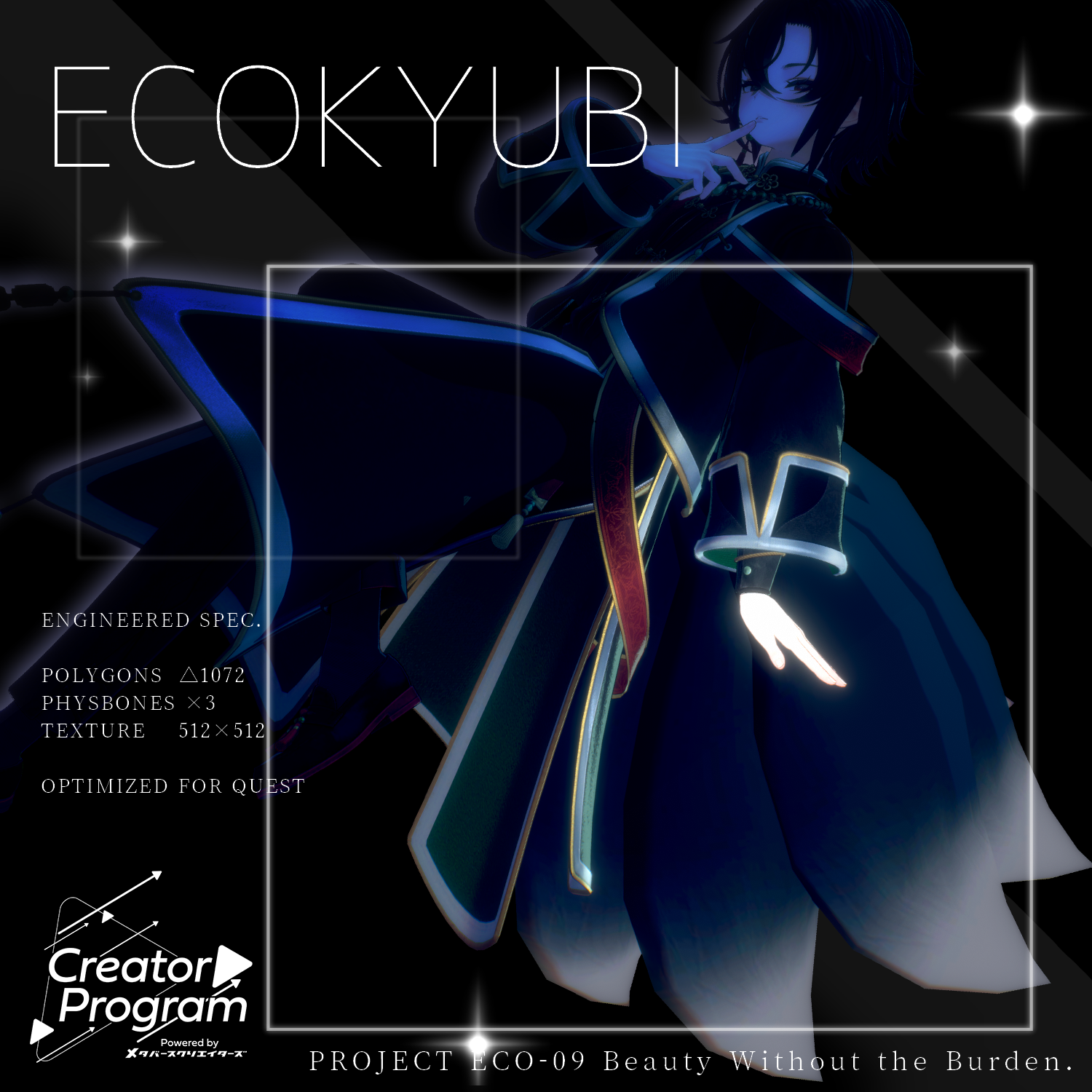
Polygons: 1,072
Meshes: 1
Materials: 1
PhysBone Components: 1 (3 bones)
Constraints: 24
Import path:
Assets > MetaverseCreators_CP > 663_chanSHOP > ECOKYUBI
◆ Installation
Set up the latest VRChat SDK through VCC.
Install the required assets (lilToon and Modular Avatar) through VCC.
Import the latest package for the avatar you want to use.
Place the avatar (and any dressing/customization Prefab, if applicable) into the Scene Hierarchy.
If necessary, hide unnecessary avatar clothing such as default outfits or underwear, or set them to Editor Only.
Drag ECOKYUBI.Prefab directly under the avatar.
Adjust the ECOKYUBI Transform in the Scene—position, scale, and rotation—to your liking.
Upload the avatar through the VRChat SDK.
The default position is aligned for the +Head body.
A ToonStandard material is included. For Quest compatibility, replace the default material with ToonStandard.
Tail Movement Options
Two tail movement styles are included:
sinnnari
purupuru
purupuru is set to Editor Only by default. To use it, change its Tag to Untagged, enable it, and disable or delete sinnnari.
◆ Quest / Mobile Compatibility
When using PhysBones on Quest, you must comply with the performance rank limits on the Quest side.
Please refer to the official VRChat documentation for details:
https://creators.vrchat.com/avatars/avatar-performance-ranking-system/#pc-default-performance-rank-blocking
Support for Quest compatibility itself is not provided. Please configure and optimize your avatar at your own discretion.
◆ Features
ECOKYUBI includes an idle animation to give the tails a more appealing appearance.
To disable it, turn Idle_ON OFF from the Expression Menu.
Adjustable Tail Scale
The normal size is Scale 50%. A radial puppet allows you to adjust the scale from there.
You can temporarily shrink the tails when they are too large and get in the way, or enlarge them enough to wrap around your friends.
Please do not use the size function in ways that inconvenience others, such as intentionally blocking someone's vision.
◆ Color Customization
Replace the color-variation materials in:
Common > Material
You can also customize the colors using the included PSD file.
PSD Information
The textures have been designed to be relatively simple.
Please note that the textures are not separated into individual layers for each model part.
Depending on the software you use, the PSD may not open correctly. However, no particularly unusual layers are used, so it should generally be compatible.
Color-change clipping mask layers are provided for each layer, such as shadows. Simply use the Fill/Bucket tool with your desired color on the appropriate clipping mask to easily recolor the texture.
◆ Terms of Use
https://drive.google.com/drive/folders/1qRMXoIxM1ZgacBPfwOigQRtXP1vCbNMn?usp=sharing
Please also follow the Terms of Use of the original avatar you are using.
◆ Development Environment
Modeling: Blender 4.5
Textures: CLIP STUDIO PAINT
Setup: Unity 2022.3.22f1
VRChat SDK - Avatars: 3.10.4 (VCC)
lilToon: 2.3.4
Modular Avatar: 1.17.1
◆ Credits
Creator: Virtual Garo Roromi (バーチャル餓狼ロロミ)
https://twitter.com/vgaro663
BOOTH: https://663-chanshop.booth.pm/
For inquiries and support, please contact us via BOOTH messages.