
Mottari Jellyfish - VRChat Hair / CP45
Tags
Product Description
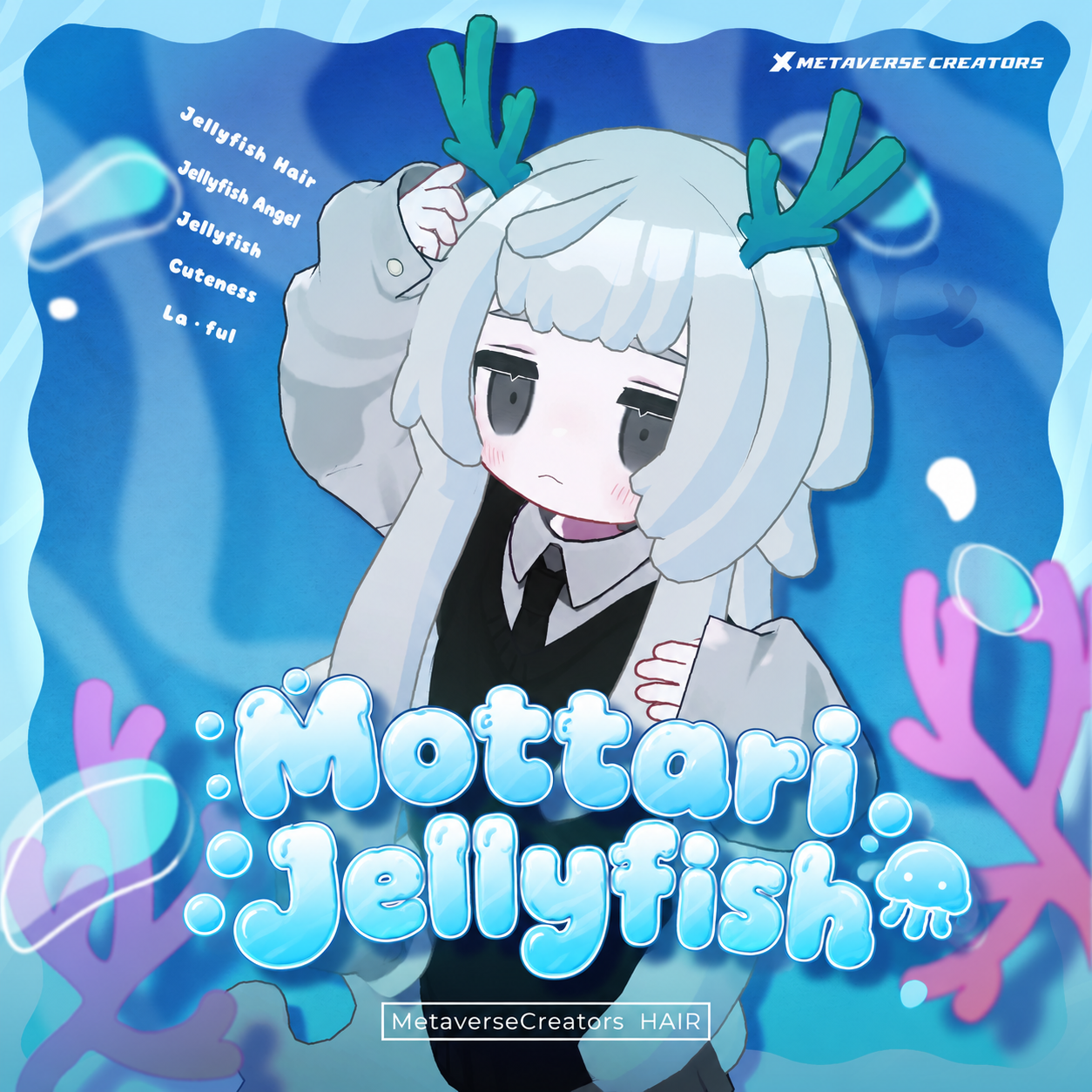
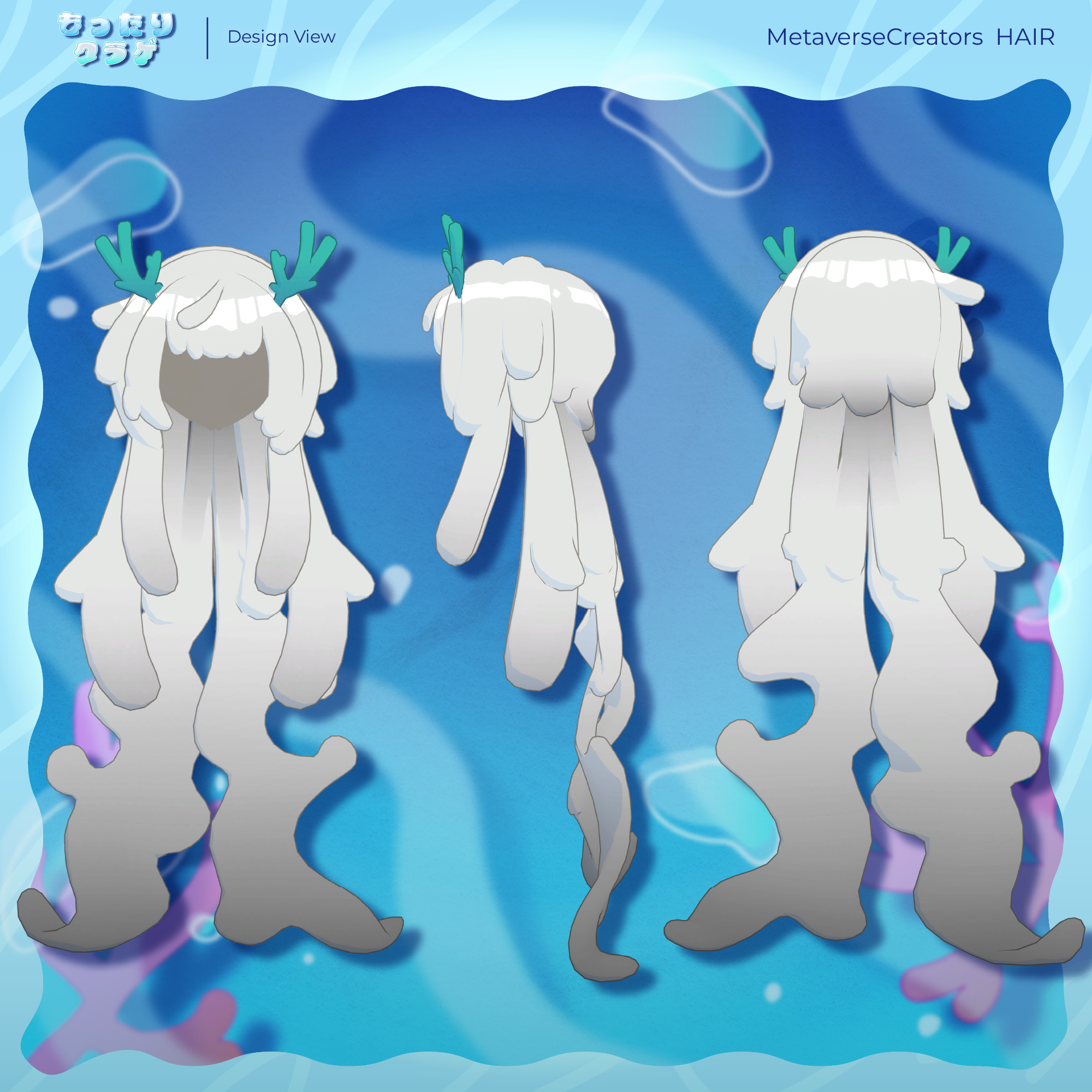
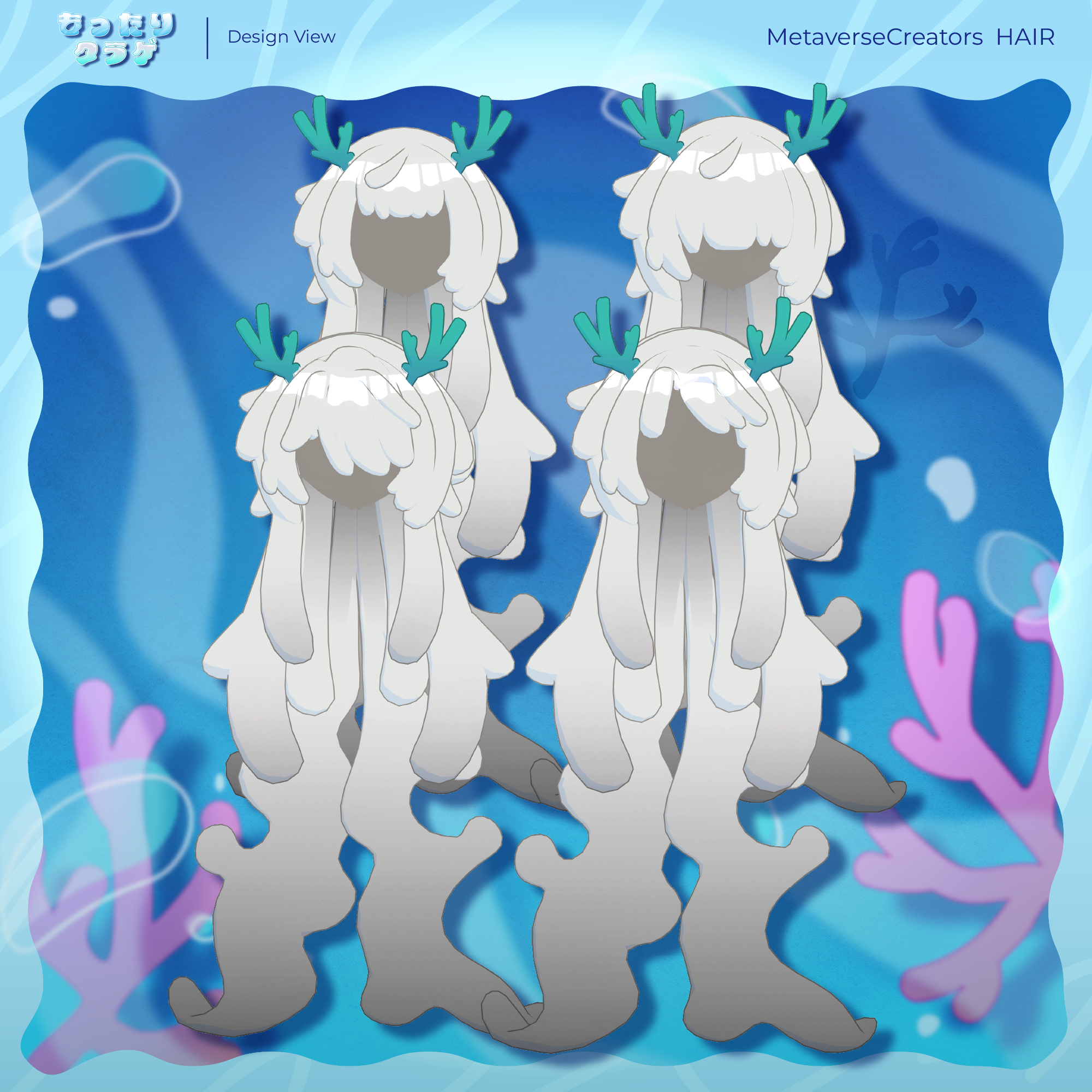
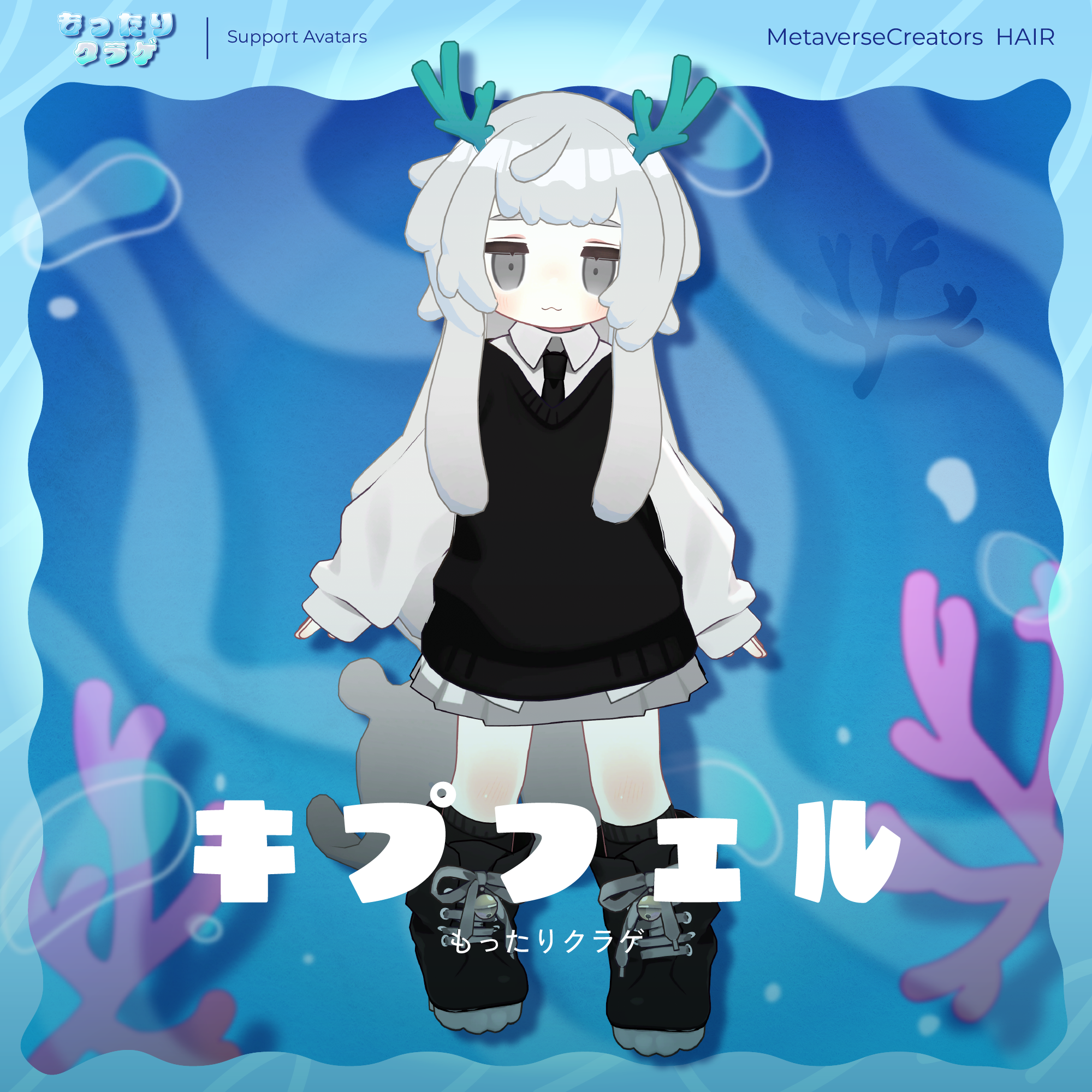
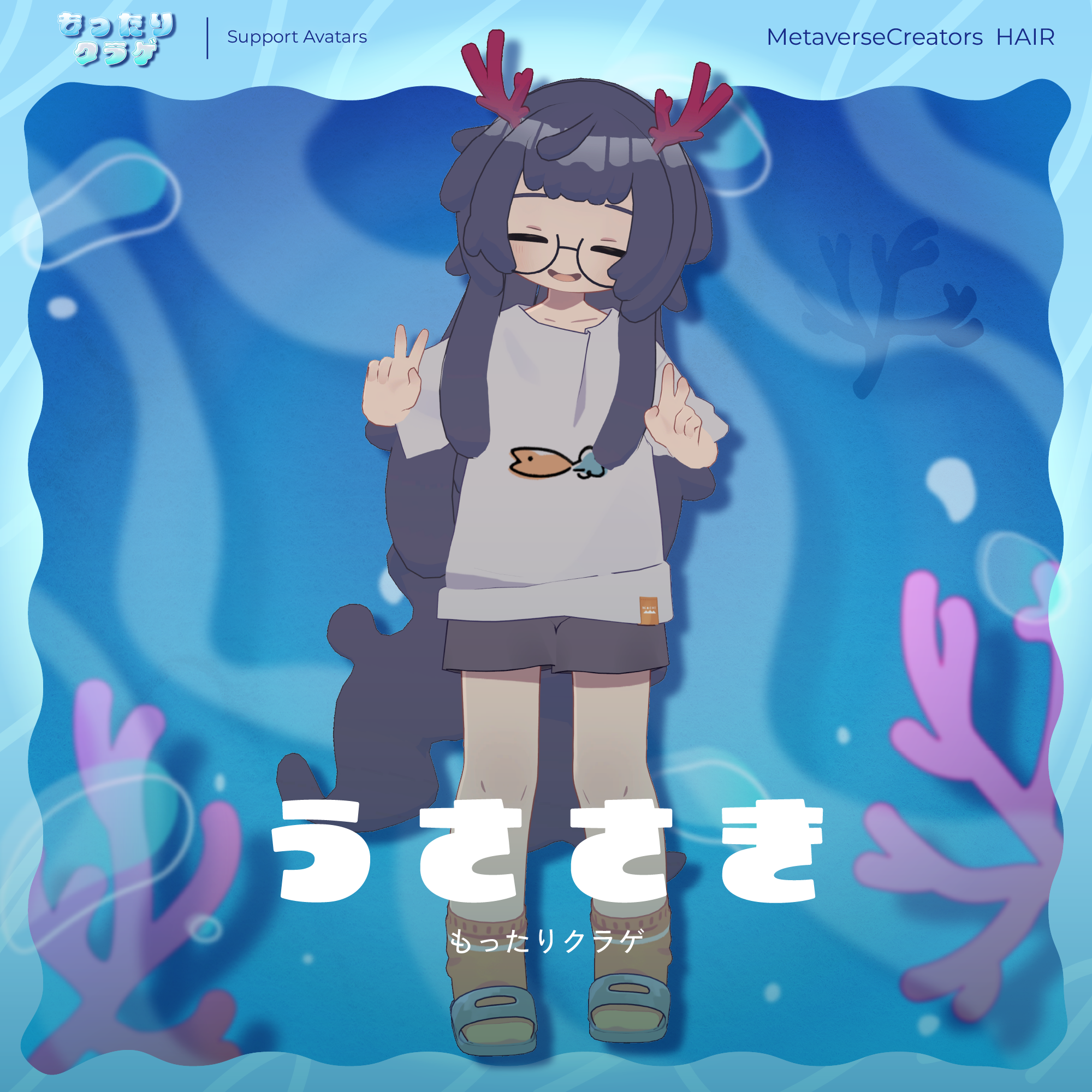
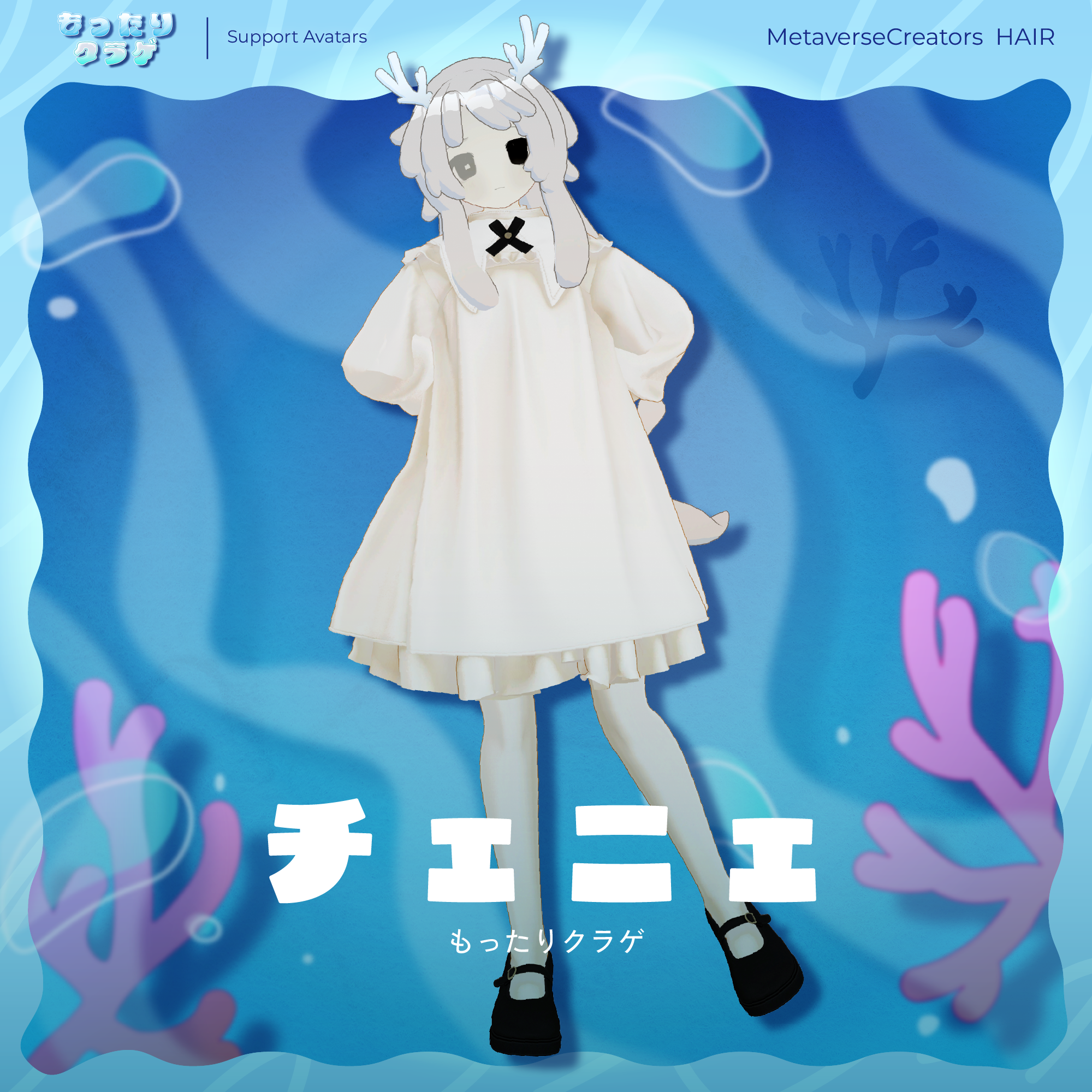
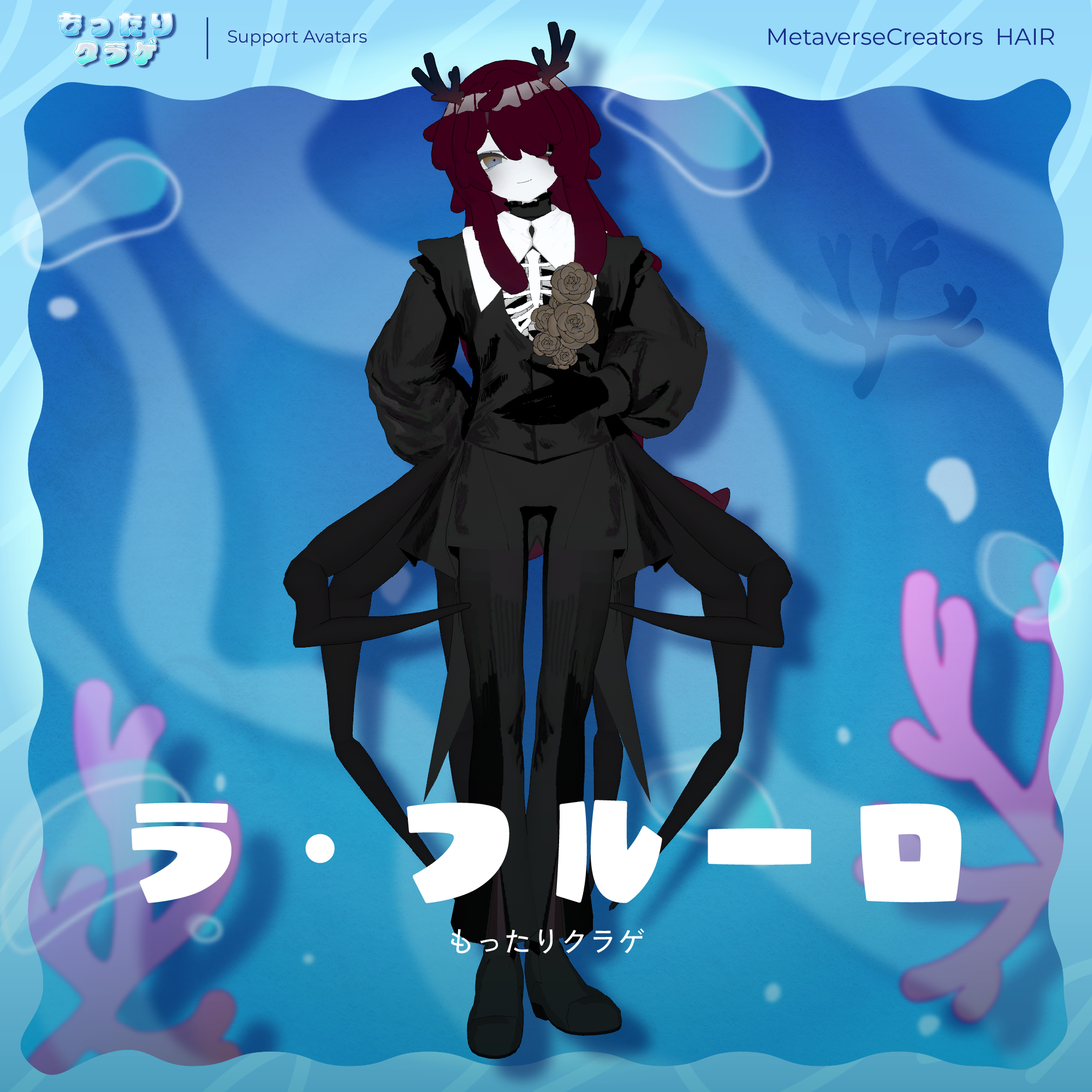
Mottari Jellyfish Hair
A soft, rounded hairstyle with a jellyfish-inspired silhouette.
Please note: This product is a hairstyle model for avatars. The avatar itself is not included.
Due to the nature of downloadable products, returns and refunds are not available. Please read and agree to the product description and Terms of Use before purchasing.
◆ Item Details
● Contents
MOTTARIKURAGE_Hair.Unitypackage
FBX
Textures
PSD/CLIP files for customization
ReadMe.txt
Shader Used
lilToon
https://lilxyzw.booth.pm/items/3087170
Required Asset
Modular Avatar
https://modular-avatar.nadena.dev/ja/docs/intro
◆ Model Data
Total: 19,292 polygons
Coral: 2,048 polygons
Hair_Base: 636
Hair_ahoge: 208
Hair_back: 1,232
Hair_front1: 912
Hair_front2: 1,328
Hair_front3: 1,200
Hair_front4: 1,824
Hair_side: 3,968
Hair_sideburns: 2,576
Hair_tails: 3,360
Meshes: 11
Materials: 1
PhysBone Components: 8
The model is divided into many separate objects to maximize customization options. For optimized use, merging the meshes with Avatar Optimizer is recommended.
Import path:
Assets > MetaverseCreators_CP > sarayashikihensanjo > MOTTARIKURAGE_Hair
◆ Compatible Avatars
Kipfel — Original 3D Model
https://mukumi.booth.pm/items/5813187
Semi-compatible versions, adjusted in Unity from the base model:
Usasaki — Original 3D Model
https://mukumi.booth.pm/items/3550881
La Fleur — Non-Human Brother 3D Model Ver. 2.4 | MOCBody_M
https://mocmomo.booth.pm/items/5788478
Chenier_remake — Original 3D Model Ver. 2.0
https://mocmomo.booth.pm/items/8070203
Numerous Shape Keys are included for adjusting the overall size and position.
You are also welcome to try fitting the hairstyle to avatars that are not listed as compatible.
If multiple objects have Shape Keys with the same name, setting them to the same value will generally allow for smoother adjustments.
● Shape Key Overview
General
Width → Narrow the overall width
Height → Reduce the overall height
Depth → Reduce the overall depth
Crown_wide → Widen the temple area
Crown_narrow → Narrow the temple area
Nape_front → Move the nape forward
Nape_back → Move the nape backward
Nape_up → Move the nape upward
Nape_down → Move the nape downward
Hair_front1
Front1_down → Move the bangs downward
Hair_front2
Front2_up → Move the bangs upward
Front2_down → Move the bangs downward
Hair_front3
Front3_up → Move the bangs upward
Front3_down → Move the bangs downward
Hair_front4
Front4_L_down → Move the left bang downward
Front4_R_down → Move the right bang downward
◆ Installation
Set up the latest VRChat SDK through VCC.
Install the required assets (lilToon and Modular Avatar) through VCC.
Import the latest package for your avatar.
Import this product's package.
Place the avatar (and any dressing/customization Prefab, if applicable) into the Scene Hierarchy.
If necessary, hide unnecessary avatar parts such as the original hairstyle or ears, or set them to Editor Only.
Drag MOTTARIKURAGE_HAIR_for_[AvatarName].Prefab directly under the avatar.
Adjust the scale, position, and Shape Key values to fit the avatar. If a pre-adjusted Prefab is included, this step is not necessary.
Upload the avatar through the VRChat SDK.
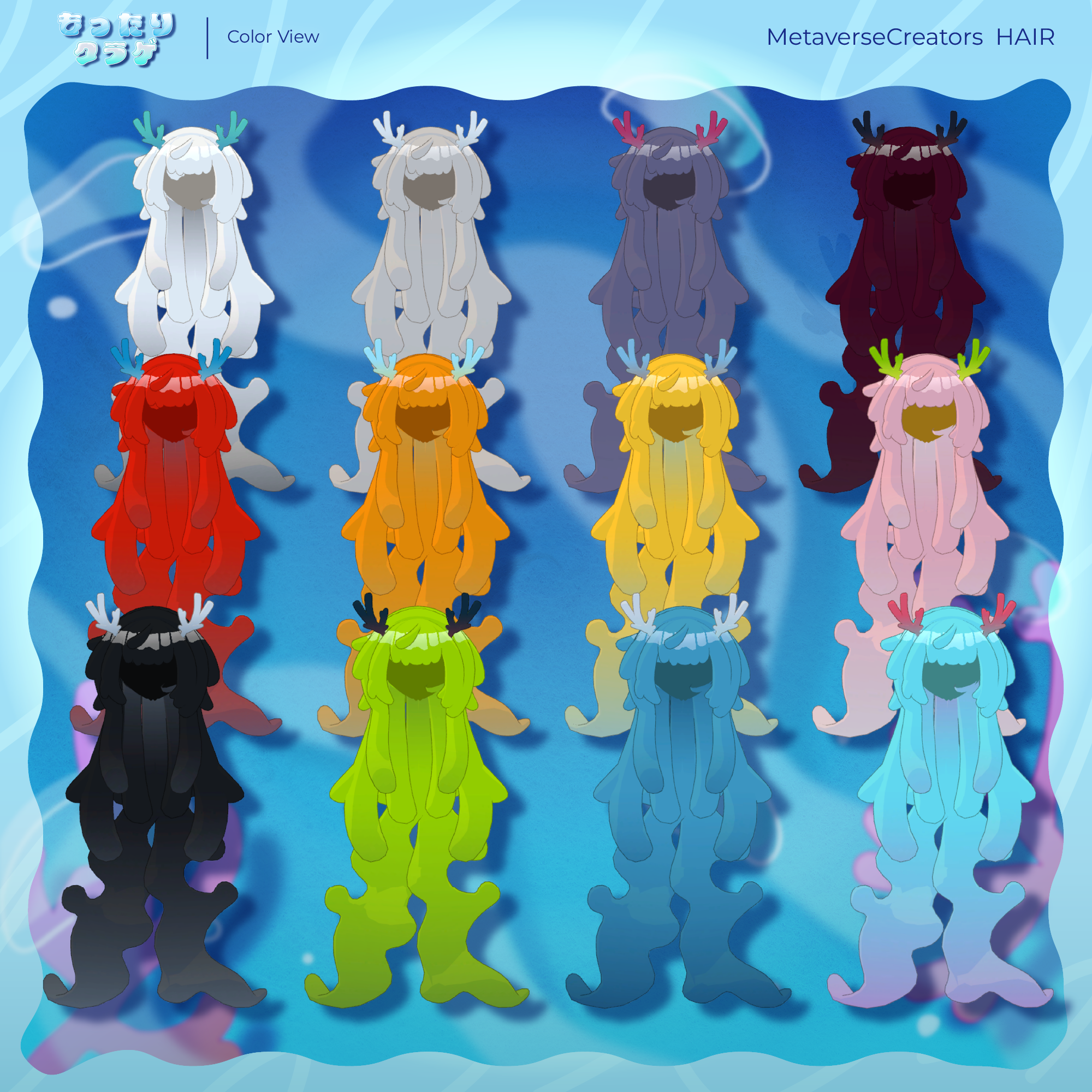
◆ Color Customization
Replace the color-variation materials in:
Common > Material
You can also customize the colors using the included PSD or CLIP files.
◆ Terms of Use
https://drive.google.com/drive/folders/1qRMXoIxM1ZgacBPfwOigQRtXP1vCbNMn?usp=sharing
Please also follow the Terms of Use of the original avatar you are using.
◆ Development Environment
Modeling: Blender 4.2.3 LTS
Textures: CLIP STUDIO PAINT
Setup: Unity 2022.3.22f1
VRChat SDK - Avatars: 3.10.4 (VCC)
lilToon: 2.3.4
Modular Avatar: 1.17.1
◆ Credits
Creator: Sarayashiki Hensanjo (皿屋敷編纂所)
https://sarayashiki.booth.pm/
For inquiries and support, please contact us via BOOTH messages.