
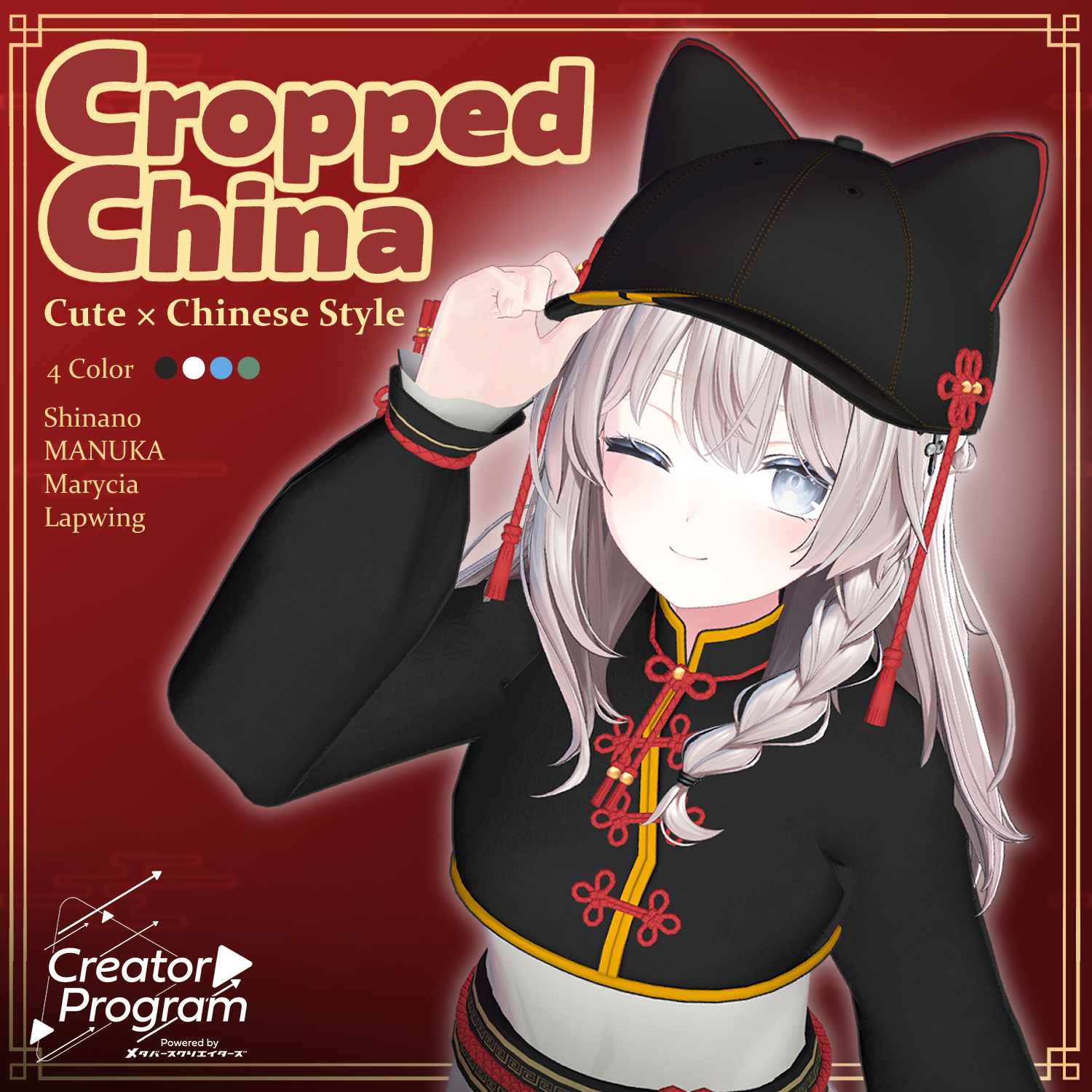
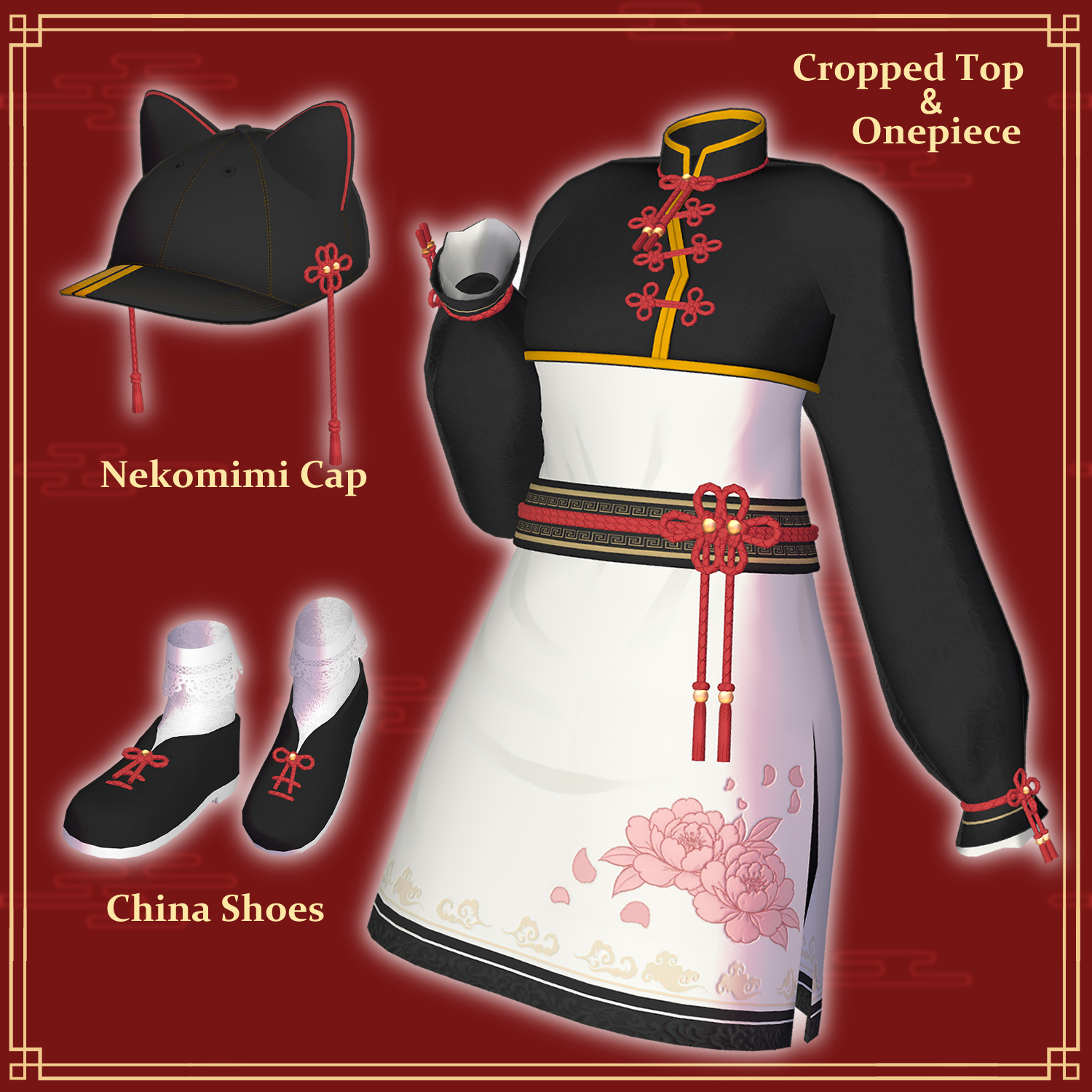
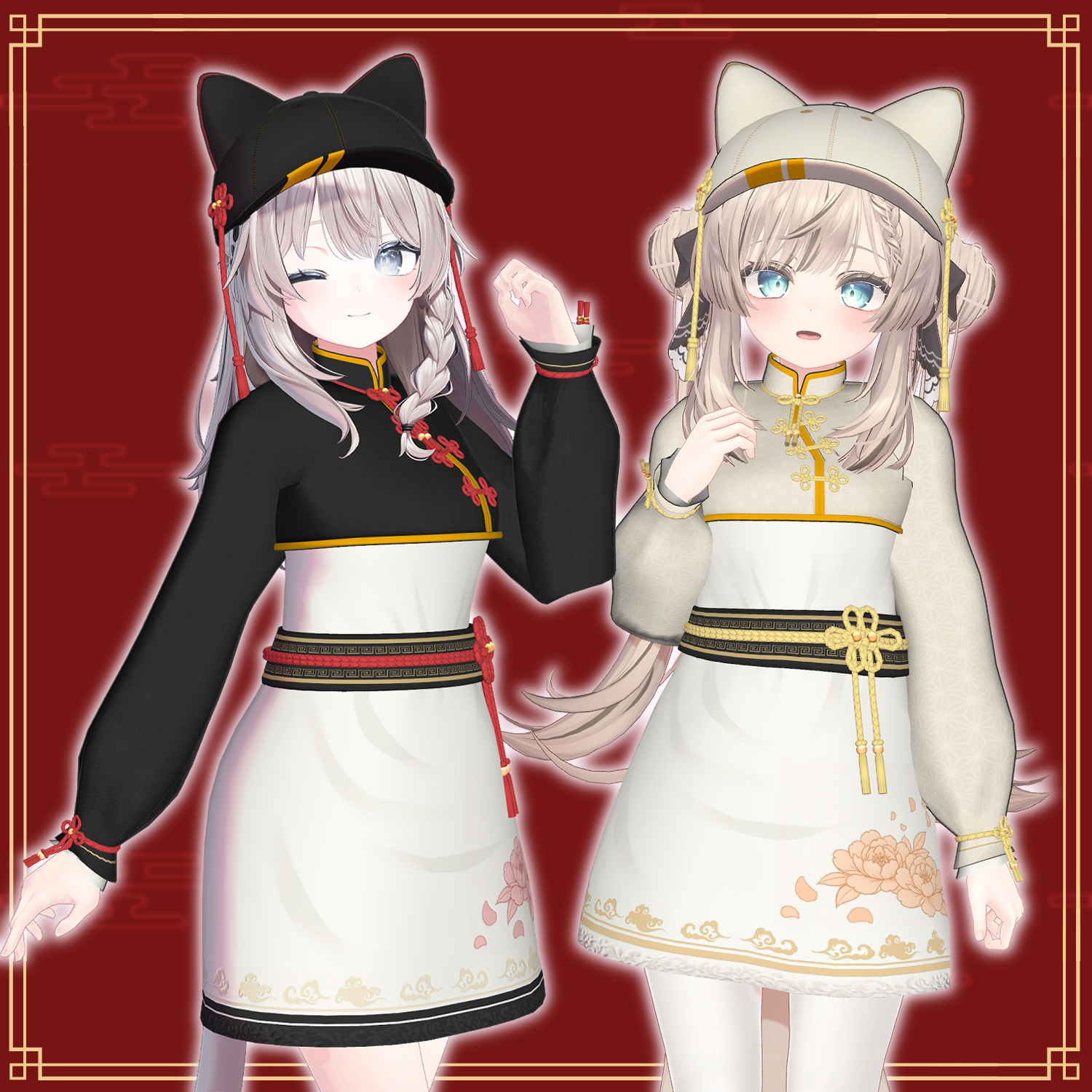
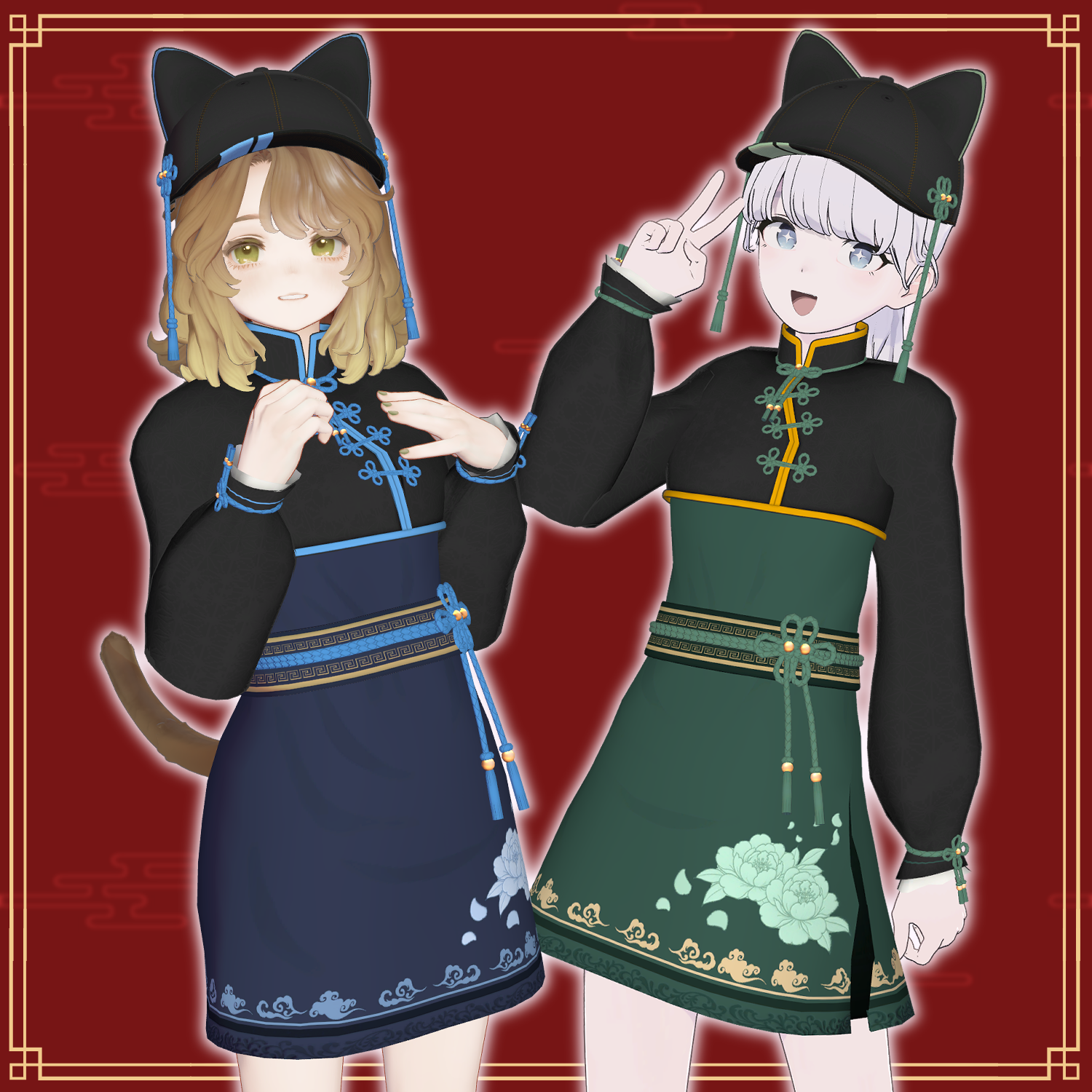
Product Description
◆ Cropped China ◆
Creator: BT
A women’s outfit featuring intricate Chinese-inspired design elements, suitable for everyday wear.
※ This product is a clothing model for avatars. Avatar body data is not included.
※ Due to the nature of downloadable products, returns and refunds are not available. Please review the product description and terms of use before purchasing.
◆ Item Overview
● Contents
CroppedChina_For_◯◯.Unitypackage (◯◯ indicates the compatible avatar name)
PSD file for customization
ReadMe.txt (this document)
Shaders used
liltoon
https://lilxyzw.booth.pm/items/3087170
Required assets
Modular Avatar
https://modular-avatar.nadena.dev/ja/docs/intro
● Model Data
Polygon count: Total 44,020 polygons
CC_Cap: 8,836
CC_Tops: 21,028
CC_Onepiece: 7,496
CC_Shoes: 6,660
Mesh count: 4
Material count: 6
PB components: 11
Import folder path
Assets > MetaverseCreators_CP > FirstEye > CroppedChina
◆ Compatible Avatars
Original 3D Model “Shinano”
https://booth.pm/ja/items/6106863
Original 3D Model “Manuka”
https://booth.pm/ja/items/5058077
Marycia (Original 3D Model)
https://booth.pm/ja/items/6305948
Lapwing
https://kujishift.booth.pm/items/4993931
※ Shape keys may differ depending on the avatar.
※ When dressing the avatar, a shape key is used to hide the base body (making it appear like a stick).
◆ Installation Instructions
Set up the latest VRC SDK in VCC
Install required assets (liltoon, Modular Avatar) via VCC
Import the latest package of your avatar
Import this package
Drag and drop the avatar (or prefab for outfit/customization) into the Scene Hierarchy
Hide or set unnecessary avatar clothing (default outfit, underwear, etc.) to “Editor Only” if needed
Drag and drop “CroppedChina_For_◯◯.Prefab” directly under the avatar
Upload the avatar via VRC SDK
※ This outfit uses Modular Avatar’s “MA Shape Changer.”
When you drag and drop the outfit under the avatar, the avatar’s shape keys will automatically activate, slimming the body or hiding parts of the mesh. This prevents clipping between the outfit and the avatar body.
If you do not need the “MA Shape Changer” set on the outfit mesh, you may remove or adjust it as desired.
※ If parts of the avatar body appear unintentionally thin after dressing, reset the corresponding shape keys to 0 and confirm the body displays correctly.
◆ Color Customization
Replace materials in the Common > Material folder to switch color variations.
You can also modify colors using the included PSD file.
◆ Terms of Use
https://drive.google.com/drive/folders/1qRMXoIxM1ZgacBPfwOigQRtXP1vCbNMn?usp=sharing
※ Please also follow the terms of the original avatar.
◆ Production Environment
Modeling: Blender Ver. 5.0.0
Texturing: CLIP STUDIO PAINT
Setup: Unity Ver. 2022.3.22f1
VRChat SDK - Avatars Ver. 3.10.2 (VCC)
liltoon 2.3.2
Modular Avatar 1.16.2
◆ Credits
Creator: BT
https://firsteye.booth.pm/
https://x.com/BT_T45
Support / Contact
https://discord.gg/bmw3PWE37M