
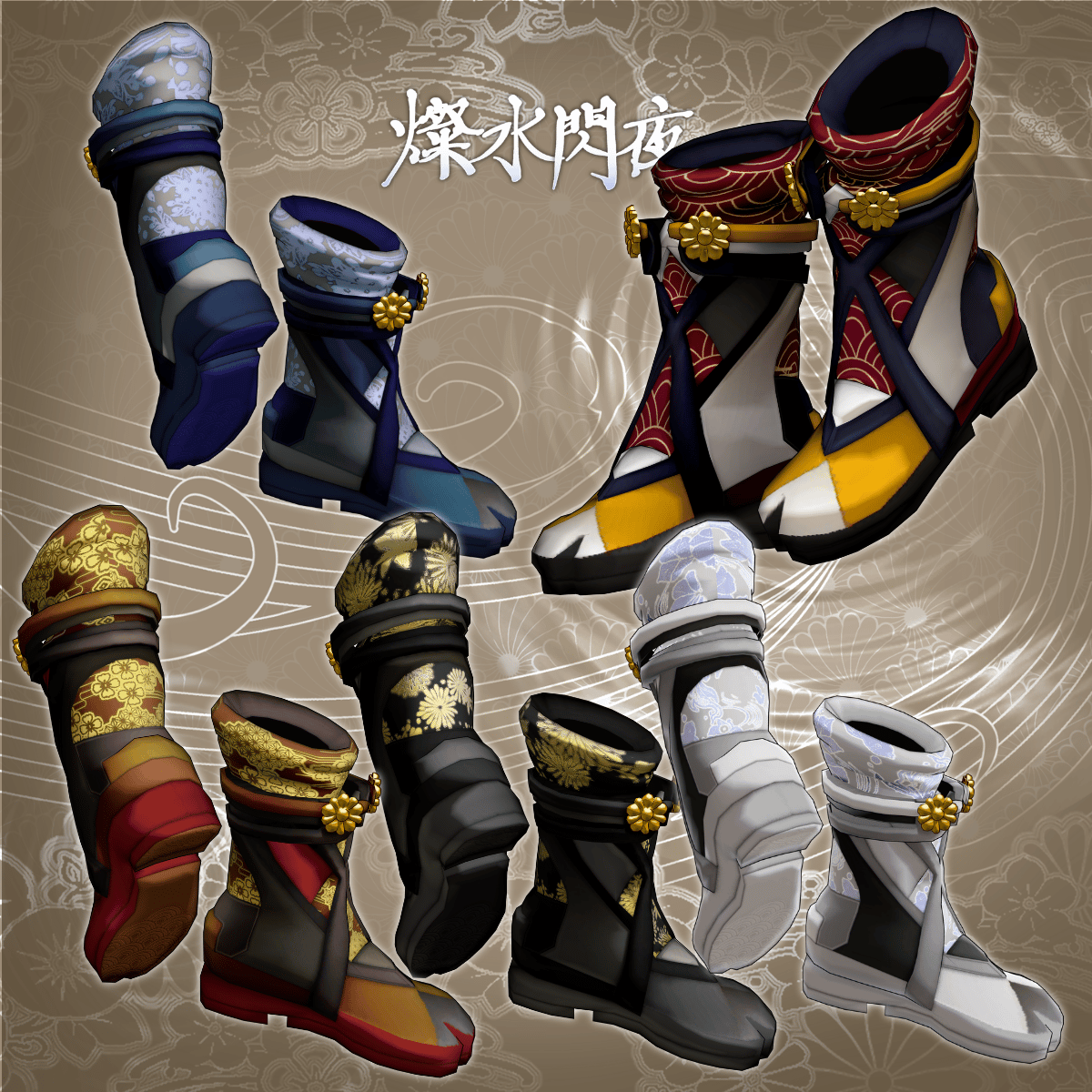
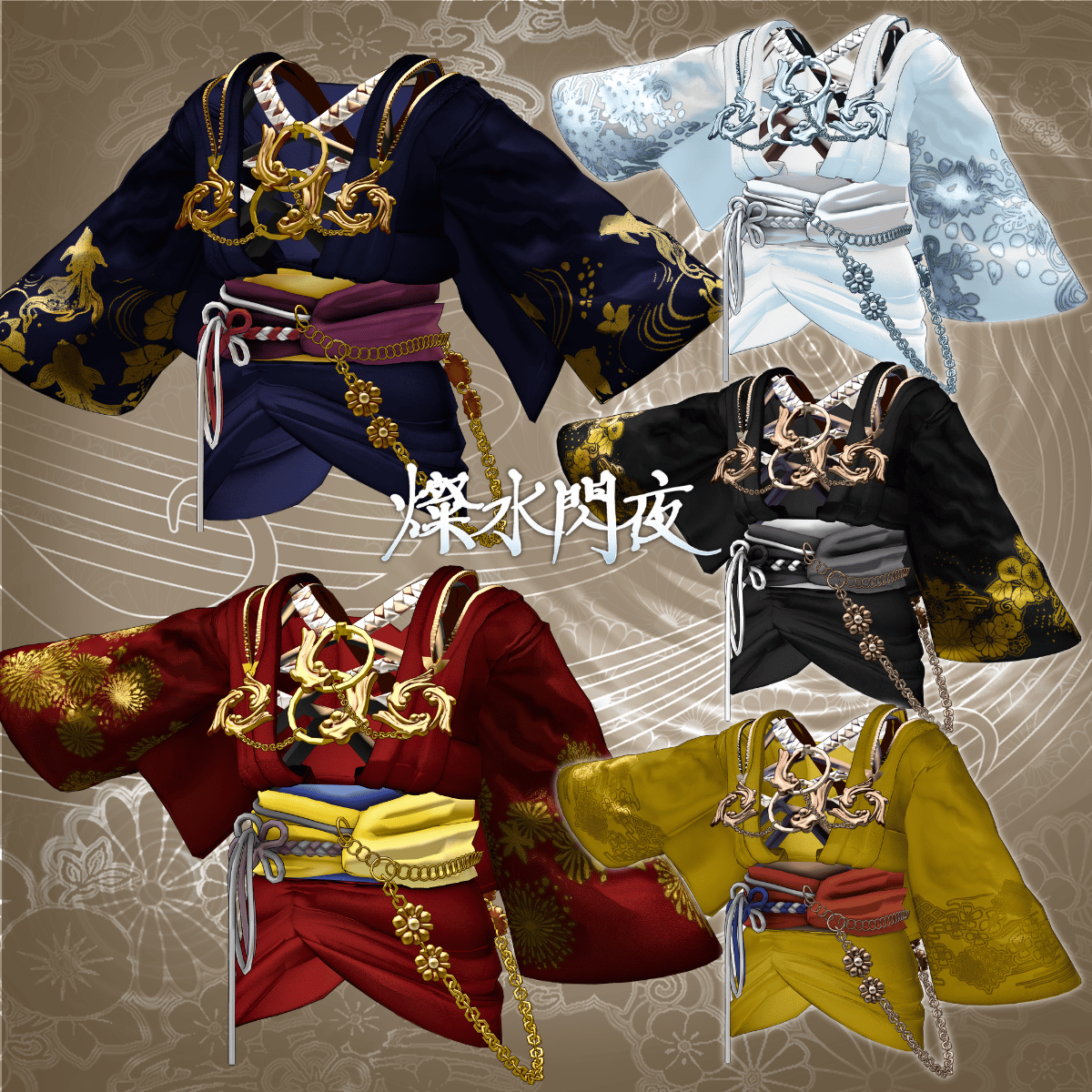
Product Description
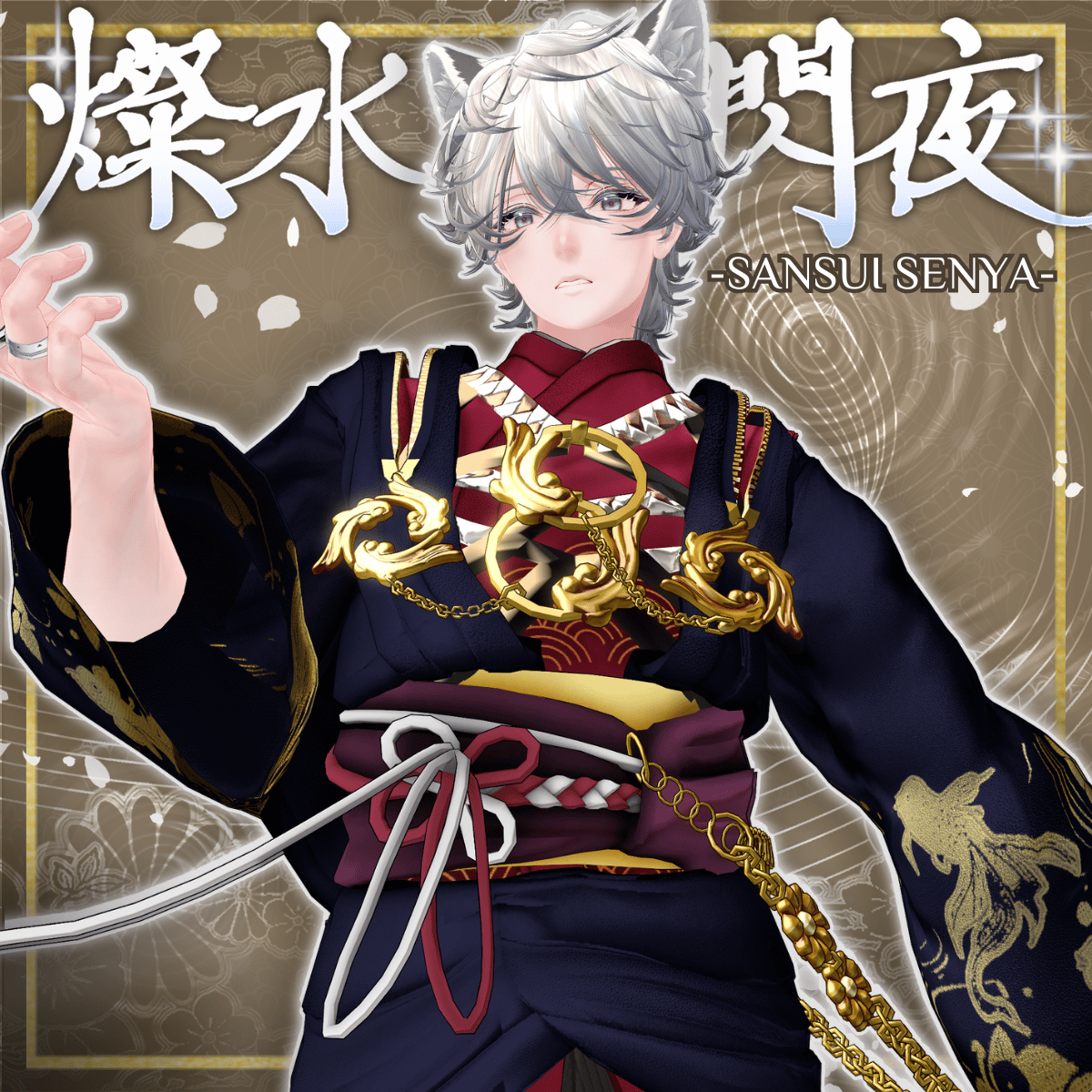
◆ Sansui Senya (燦水閃夜) ◆
Creator: DEMITASS-KUN
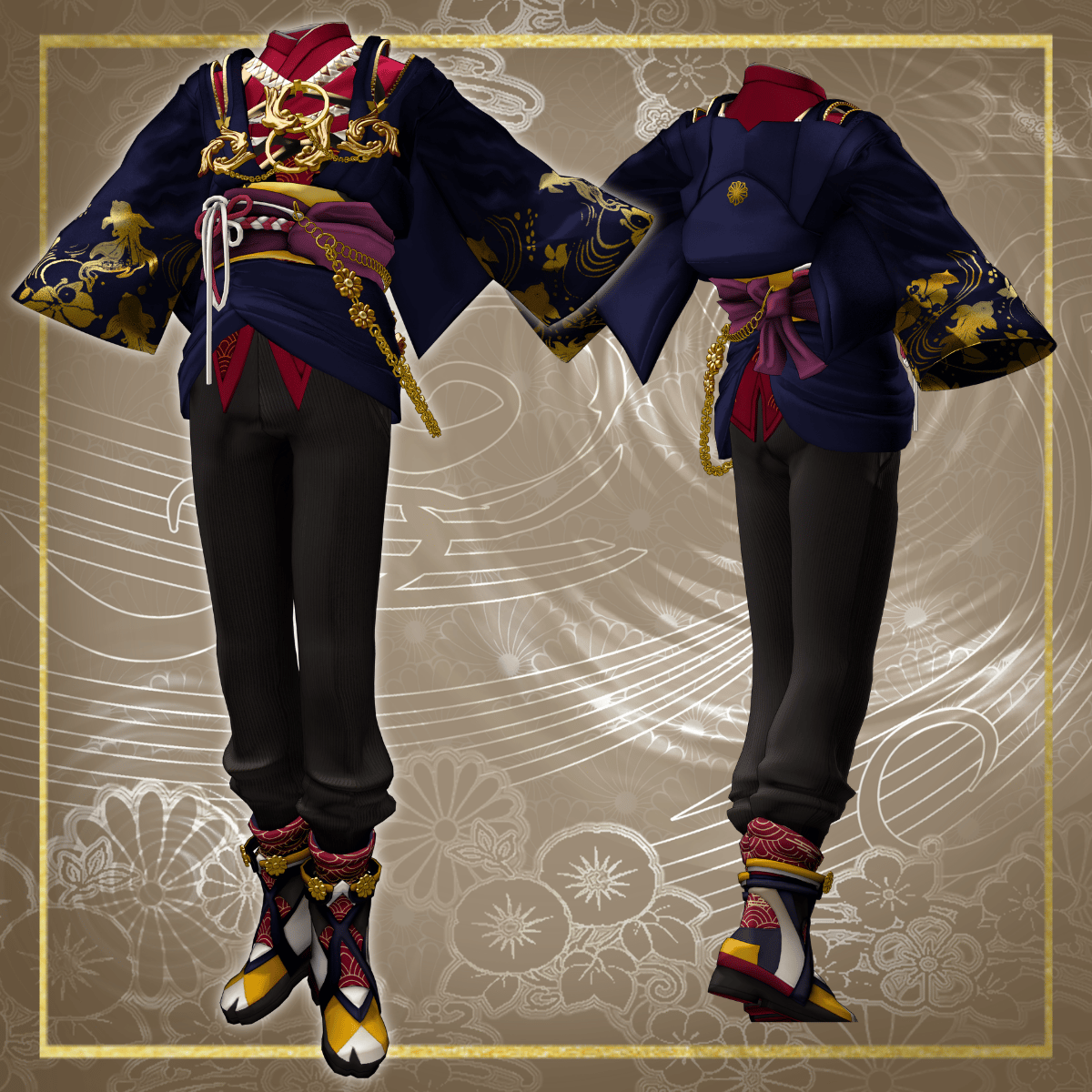
A gorgeous Japanese-style outfit for men, featuring goldfish-inspired accessories that gently sway at the chest. Suitable for everyday use.
※ This product is a clothing model for avatars. Avatar body data is not included.
※ Due to the nature of downloadable products, returns and refunds are not available. Please review the product description and terms of use before purchasing.
◆ Item Overview
● Contents
Sansui_Senya_◯◯.Unitypackage (◯◯ indicates the variation name)
ReadMe.txt (this document)
Shaders used
liltoon
https://lilxyzw.booth.pm/items/3087170
Required assets
Modular Avatar
https://modular-avatar.nadena.dev/ja/docs/intro
● Model Data
Polygon count: Total 41,122 polygons
SS_Accessory_01: 9,534
SS_Accessory_02: 8,848
SS_Boots: 6,000
SS_Haori: 10,355
SS_Pants: 4,915
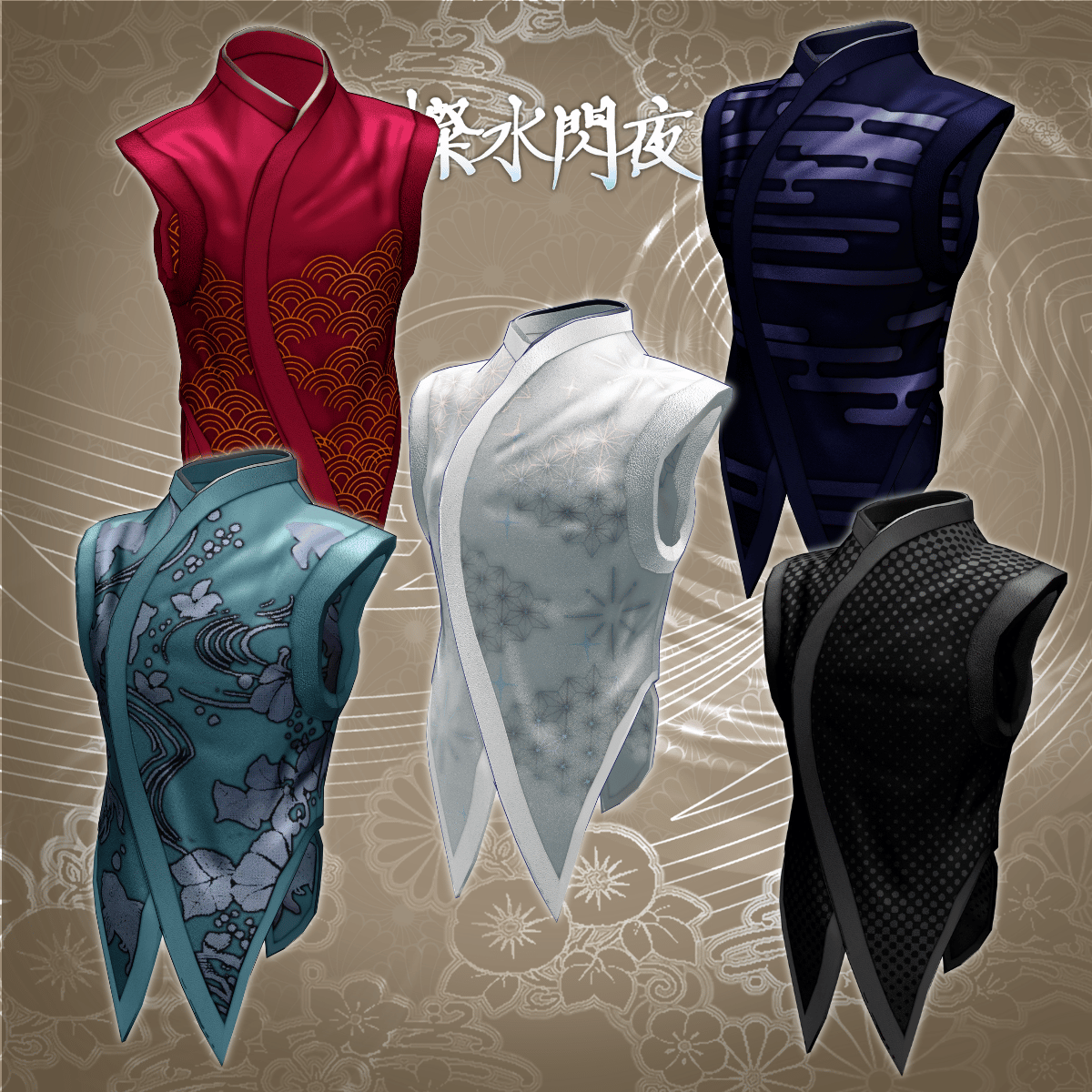
SS_Tops: 1,470
Mesh count: 6
Material count: 6
PB components: 11
Import folder path
Assets > MetaverseCreators_CP > demitassstore > Sansui_Senya
◆ Compatible Avatars
Original 3D Model: Hanka
https://studioyono.booth.pm/items/6970249
Minase (VRChat avatar)
https://booth.pm/ja/items/4013951
Original 3D Model: Komano
https://booth.pm/ja/items/5260363
Original 3D Model: Bokusei (PlusHead body)
https://booth.pm/ja/items/5727810
※ When dressing the avatar, a shape key is used to hide the base body (making it appear like a stick).
◆ Installation Instructions
Set up the latest VRC SDK in VCC
Install required assets (liltoon, Modular Avatar) via VCC
Import the latest package of your avatar
Import this package
Drag and drop the avatar (or prefab for outfit/customization) into the Scene Hierarchy
Hide or set unnecessary avatar clothing (default outfit, underwear, etc.) to “Editor Only” if needed
Drag and drop “AvatarName_Sansui_Senya.Prefab” directly under the avatar
Upload the avatar via VRC SDK
※ This outfit uses Modular Avatar’s “MA Shape Changer.”
When you drag and drop the outfit under the avatar, the avatar’s shape keys will automatically activate, slimming the body or hiding parts of the mesh to prevent clipping with the outfit.
If you do not need the “MA Shape Changer” set on the outfit mesh, you can remove or adjust it as desired.
※ For +Head avatars, the MA Shape Changer may not work properly if the body mesh name differs (this data uses “PlusHead” as the mesh name).
In that case, please rename the mesh or manually adjust shape keys.
※ If parts of the avatar body appear unintentionally thin after dressing, reset the corresponding shape keys to 0 and confirm the body displays correctly.
◆ Color Customization
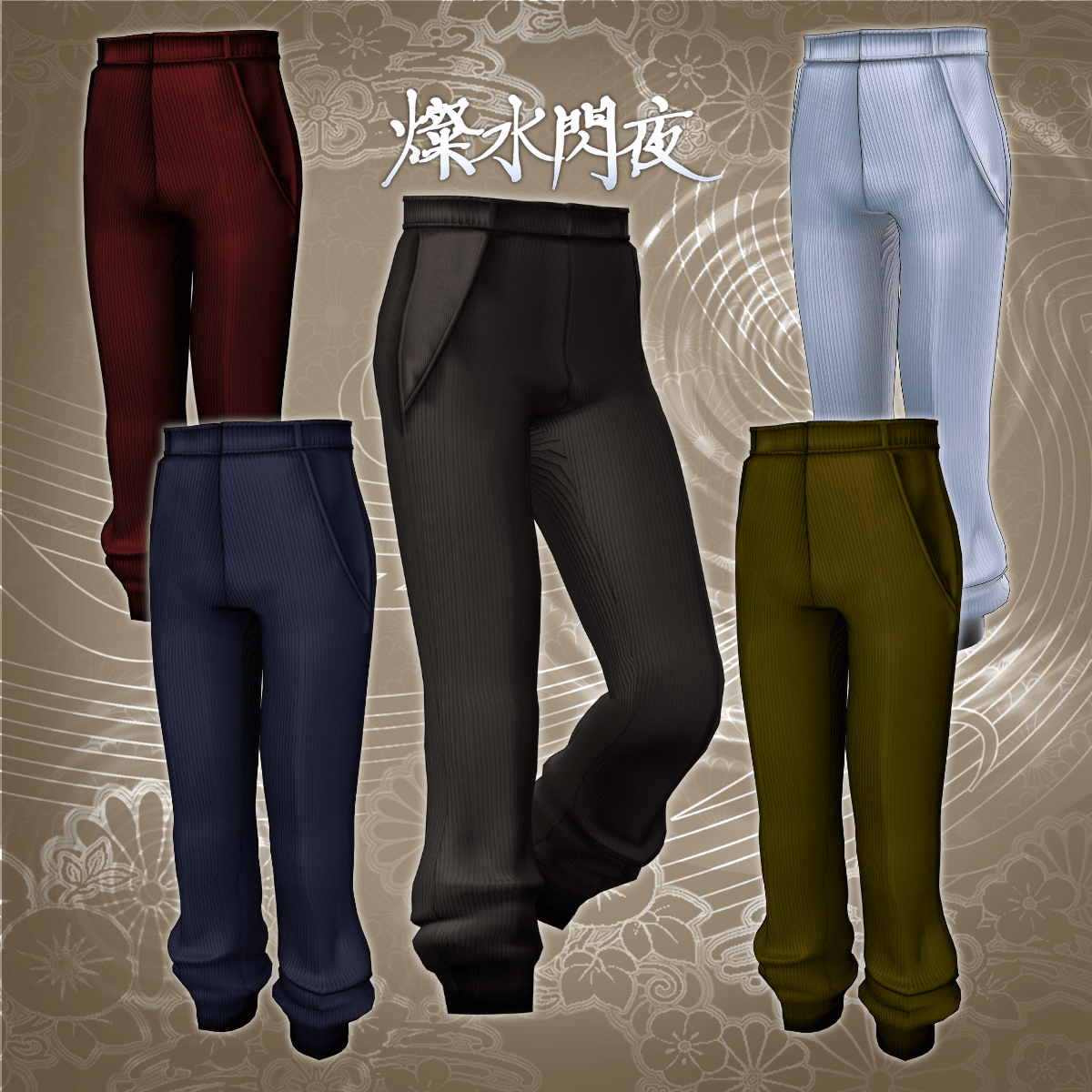
Replace materials in the Common > Material folder to switch color variations.
You can also edit colors using the included PSD or CLIP files.
◆ Terms of Use
https://drive.google.com/drive/folders/1qRMXoIxM1ZgacBPfwOigQRtXP1vCbNMn?usp=sharing
※ Please also follow the terms of the original avatar.
◆ Production Environment
Modeling: Blender Ver. 3.6.5
Texturing: CLIP STUDIO PAINT
Setup: Unity Ver. 2022.3.22f1
VRChat SDK - Avatars Ver. 3.10.2 (VCC)
liltoon 2.3.2
Modular Avatar 1.16.2
◆ Credits
Creator: DEMITASS-KUN
https://demitassdemitass.wixsite.com/demitass-kun-portal
https://demitass.booth.pm/
Support / Contact
https://discord.gg/bmw3PWE37M