
Product Description
◆ ColdNoize ◆
Creator: marchmaru / Unclassics
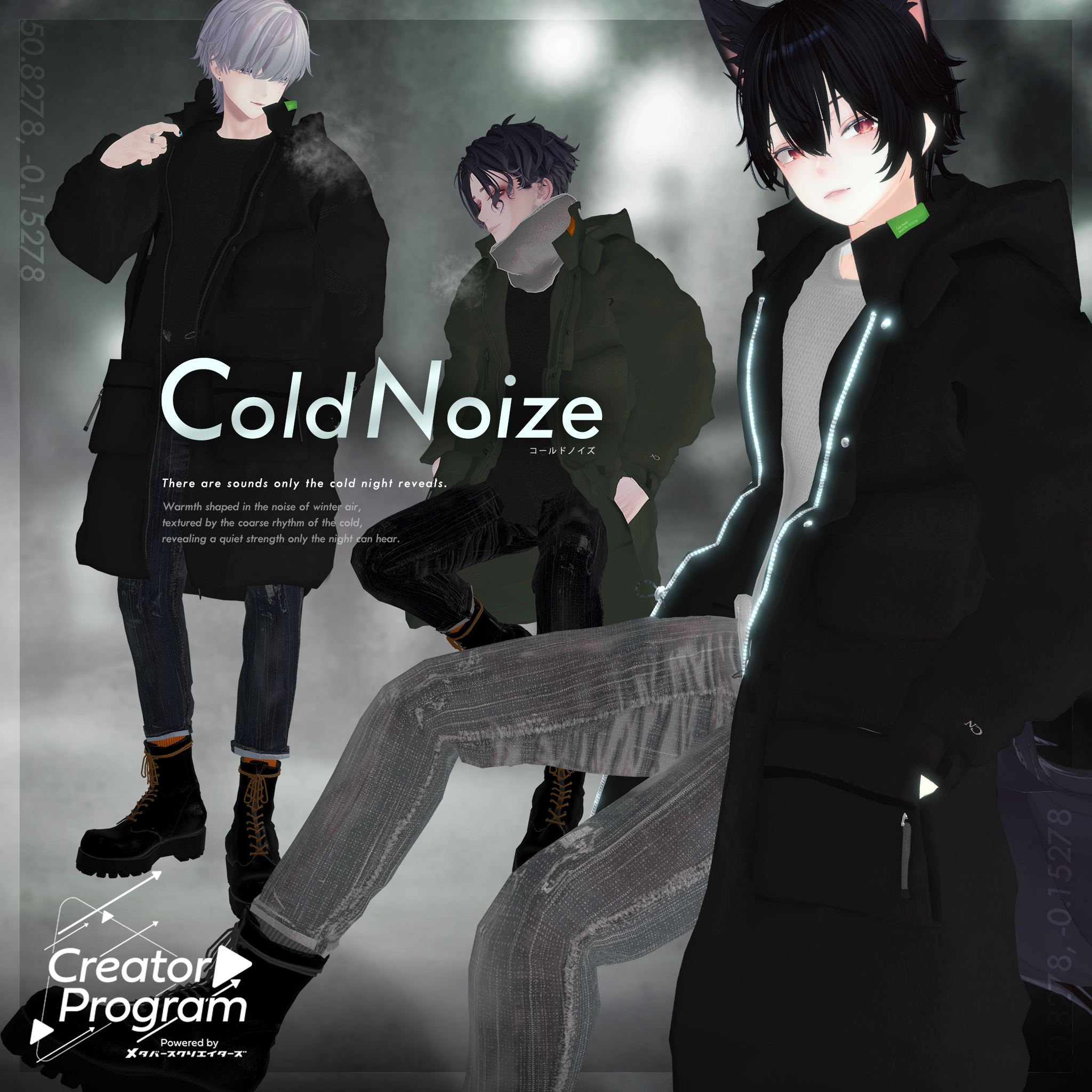
“There are sounds you can hear only on a cold night.”
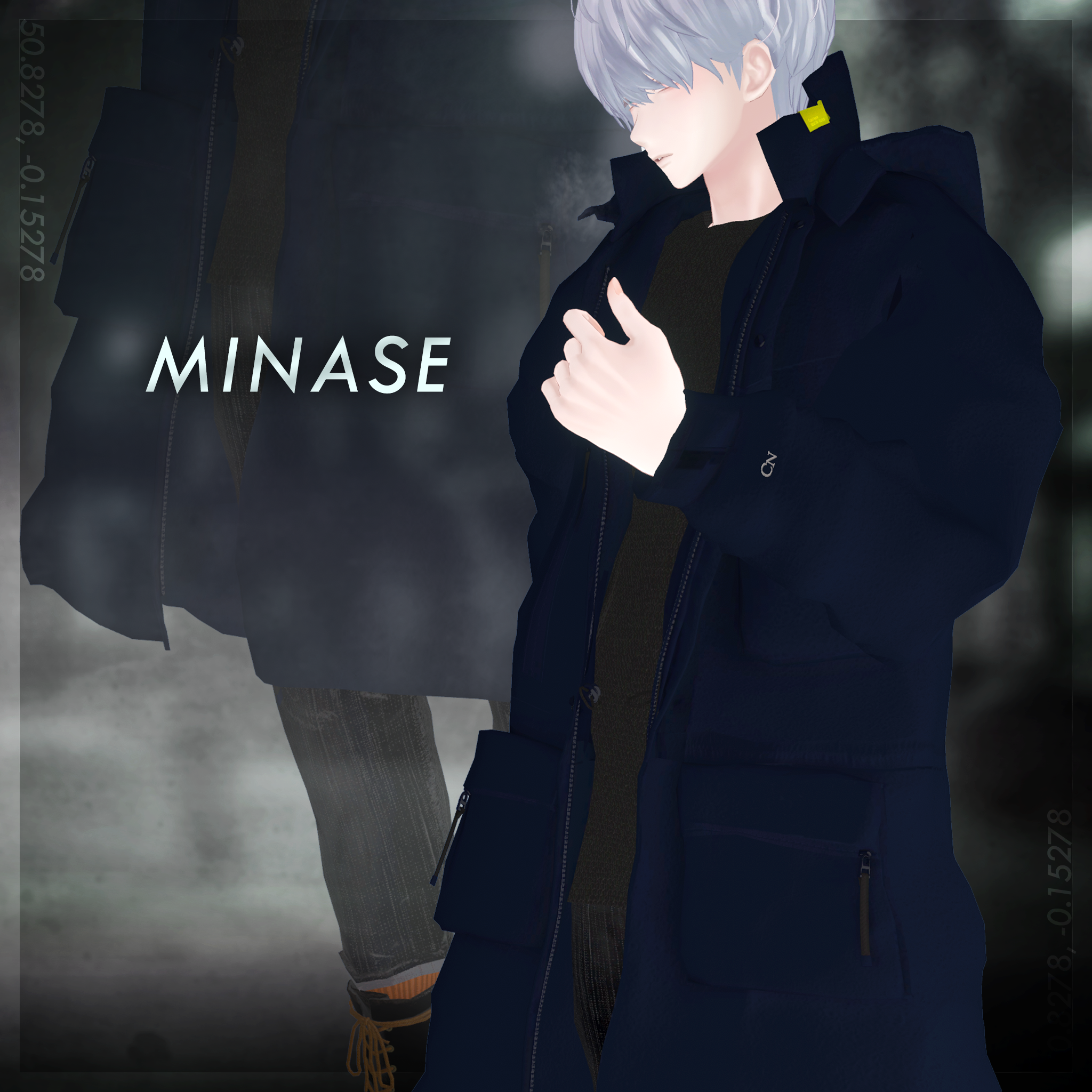
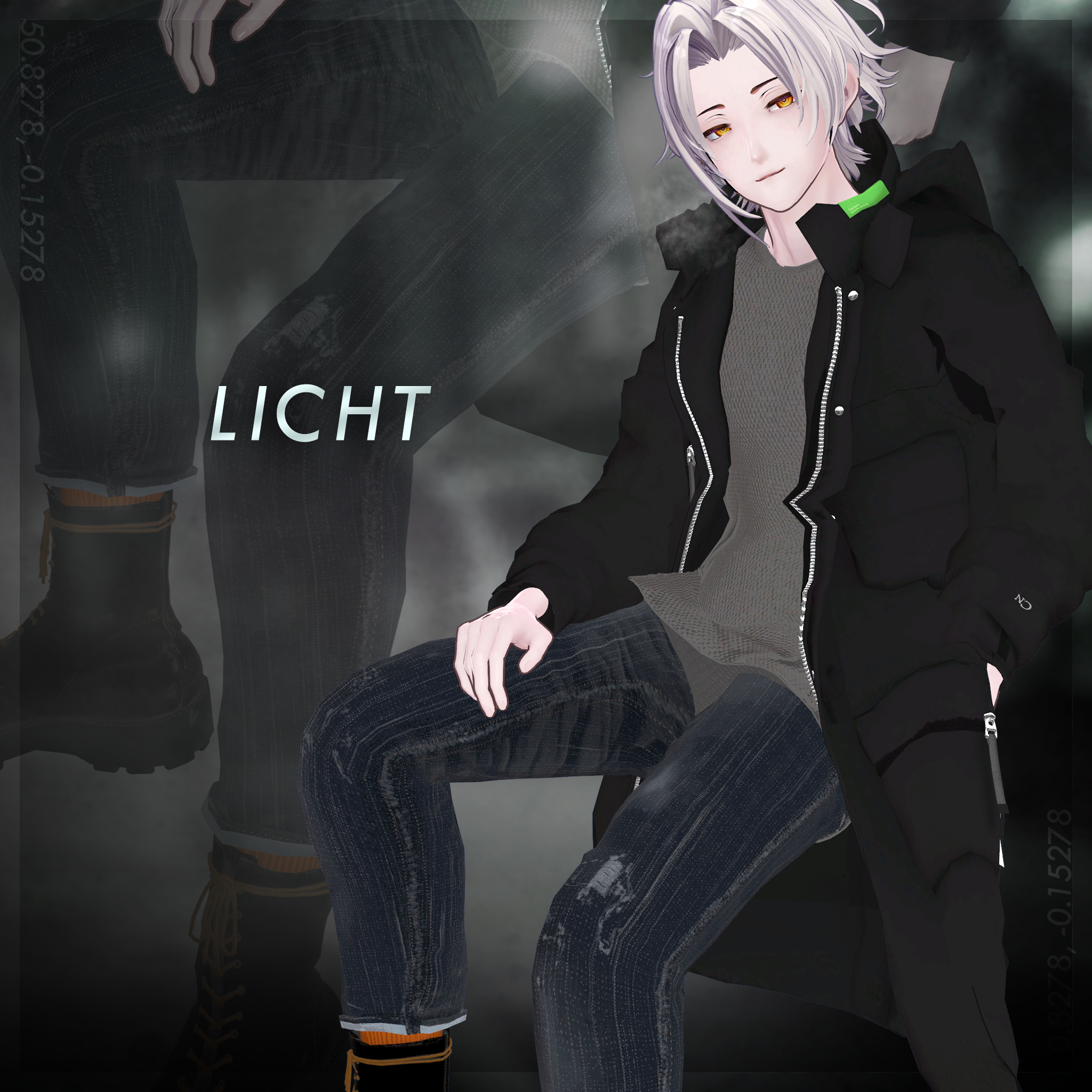
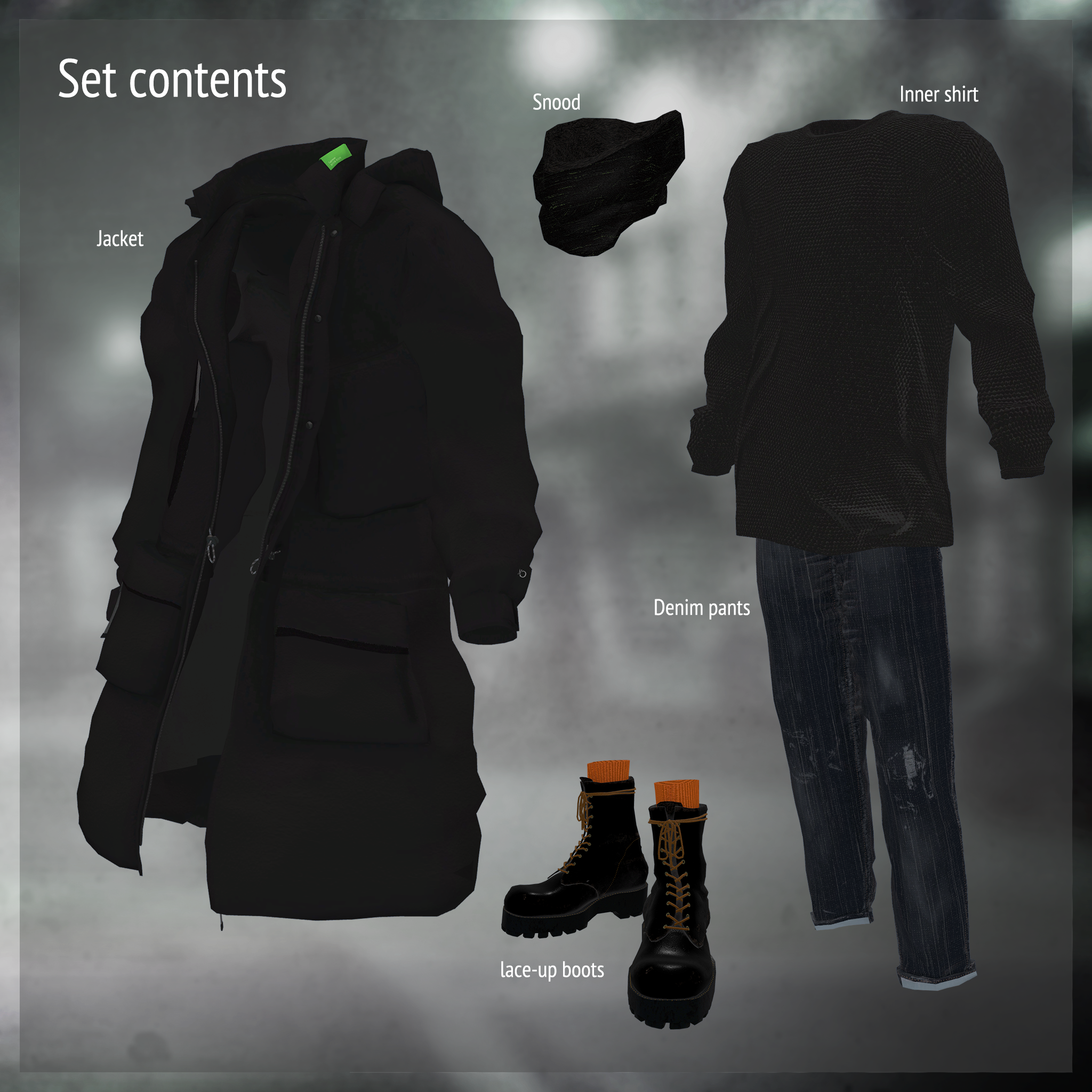
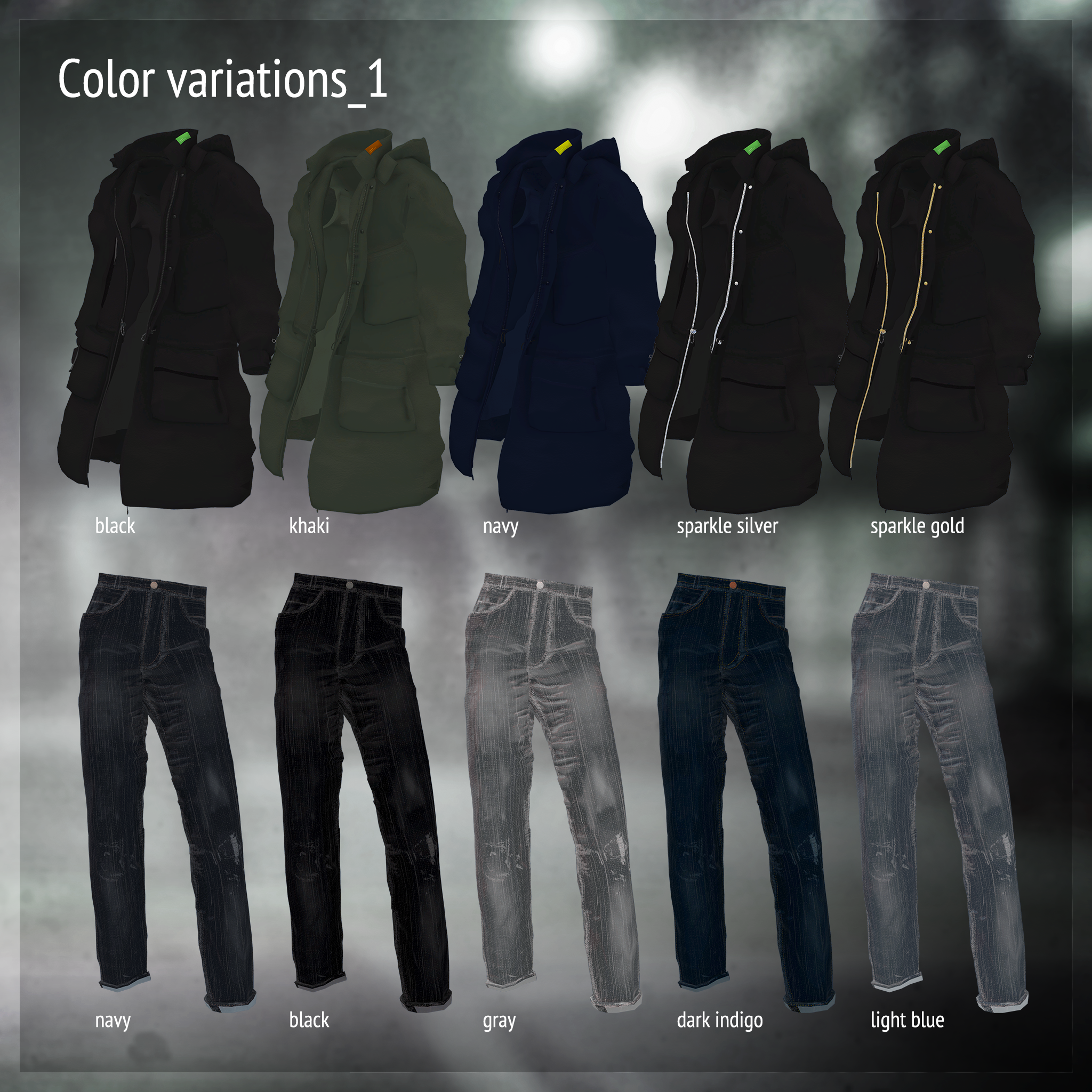
A casual set inspired by the Mods aesthetic: a jacket, denim pants, and boots.
The nylon of the jacket has a rugged, masculine crispness, while the denim and boots have the look of well-worn, well-loved materials.
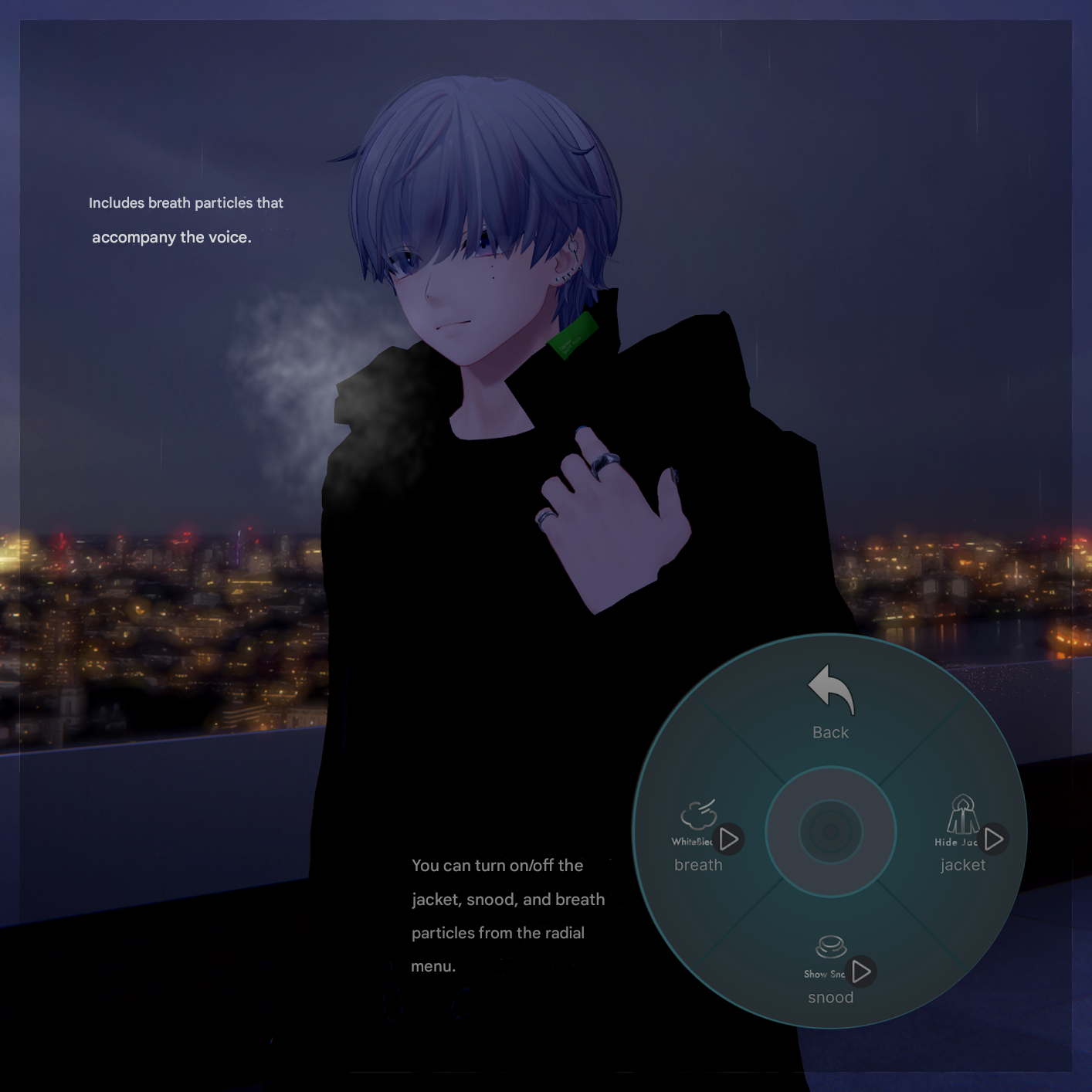
Includes a breath particle effect to evoke the chill of the outdoors.
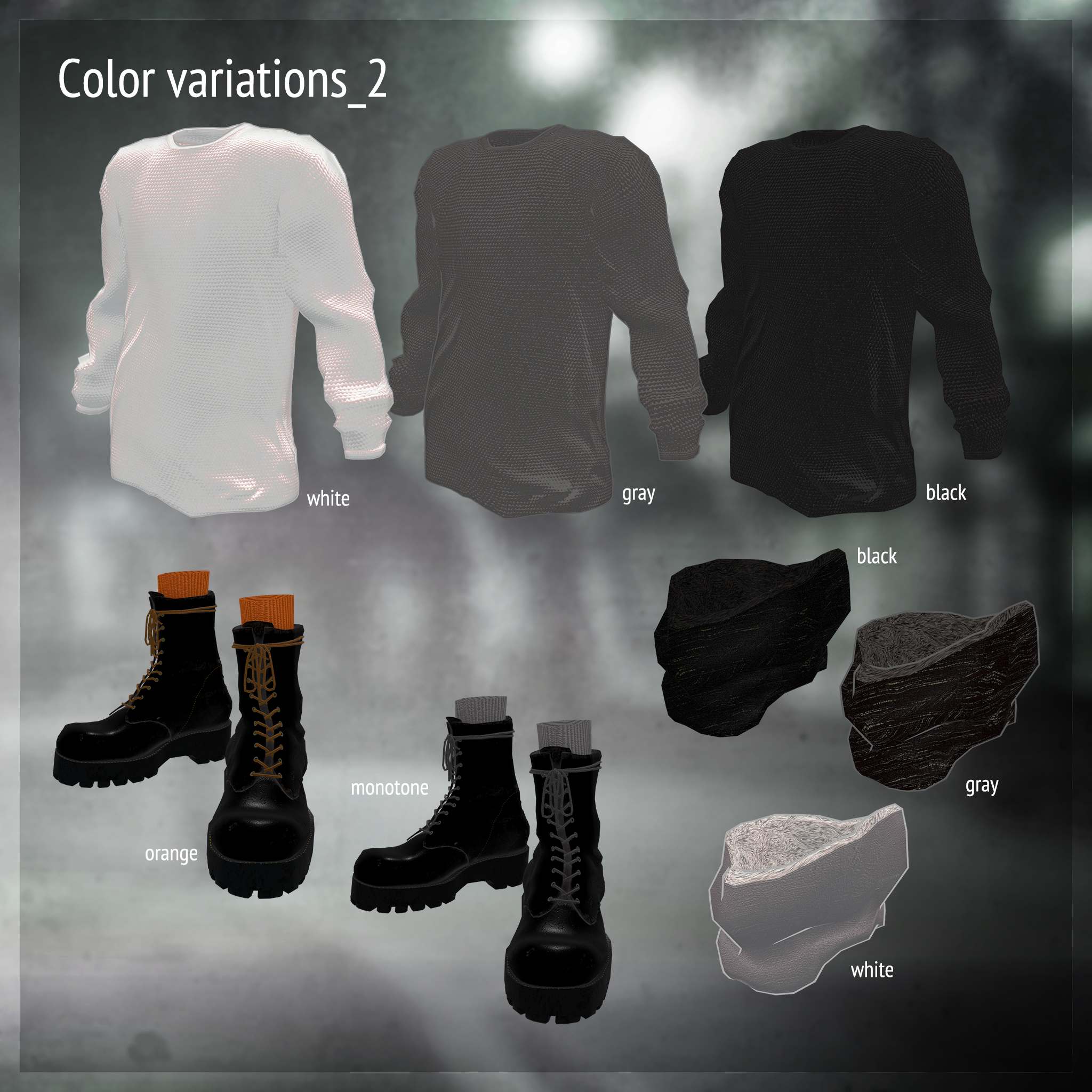
A thermal-style long-sleeve shirt for layering and a warm snood are also included.
The jacket, snood, and breath particle can be toggled ON/OFF from the menu.
Jacket shapekeys allow you to hide the collar tag and the “CN” embroidery on the left hand.
Snood shapekeys allow minor adjustments to its front height and shape.
※ This product is a clothing model for avatars. The avatar itself is not included.
※ Due to the nature of digital downloads, returns and refunds are not available. Please review and agree to the product description and Terms of Use before purchasing.
◆ Item Overview
● Contents
ColdNoize_◯◯.Unitypackage (◯◯ = variation name)
ReadMe.txt (this document)
PSD for editing
Shader Used
liltoon
https://lilxyzw.booth.pm/items/3087170
Required Assets
Modular Avatar
https://modular-avatar.nadena.dev/ja/docs/intro
● Model Data
△ Total polygons: 38,834
CN_jacket: 17,102
CN_pants: 4,505
CN_innerShirts: 3,889
CN_snood: 606
CN_shoes: 12,732
Mesh count: 5
Material count: 4
PhysBone components: 15
Constraint count: 2
Particles: 1
Import Folder
Assets > MetaverseCreators_CP > marchmaru_Unclassics > ColdNoize
※ This outfit uses shapekeys that hide the avatar’s base body (turning it into a simplified “stick form”) when wearing the clothing.
◆ Installation Guide
Set up the latest VRC SDK via VCC.
Install required assets (liltoon, Modular Avatar) via VCC.
Import the latest package of the base avatar you are using.
Import this product’s package.
Drag your avatar (and any outfit/editable prefab) into the Scene Hierarchy.
Hide or set to Editor Only any unnecessary clothing on the avatar (default outfit, underwear, etc.).
Drag ColdNoize_[AvatarName].Prefab directly under your avatar.
Upload the avatar from the VRC SDK.
Notes on Modular Avatar Functions
This outfit uses MA Shape Changer.
When placed under the avatar, the avatar’s shapekeys automatically activate to slim the body or hide mesh regions that would otherwise clip with the clothing.
If you prefer not to use these features, you may remove them.
For PlusHead-compatible MAShapeChanger:
Some avatars may use different mesh naming conventions (this item uses PlusHead).
If the component does not apply correctly, adjust by renaming the avatar’s mesh or manually adjusting shapekeys.
If parts of the base body unintentionally remain thinned after dressing, set the corresponding shapekey back to 0 and verify the correct appearance.
◆ Editing & Customization
To replace textures, edit the files inside:
Common / Texture
◆ Terms of Use
https://drive.google.com/drive/folders/1qRMXoIxM1ZgacBPfwOigQRtXP1vCbNMn?usp=sharing
※ Please also follow the Terms of Use of the base avatar used with this outfit.
◆ Production Environment
Modeling: Blender Ver. 4.1.1
Textures: Photoshop 2024
Setup: Unity Ver. 2022.3.22f1
VRChat SDK – Avatars Ver. 3.7.0 (VCC)
liltoon 1.9.0
ModularAvatar 1.10.3
◆ Credits
Creator: marchmaru / Unclassics
https://lit.link/marchmaru
https://unclassics.booth.pm/
Contact / Support
https://discord.gg/bmw3PWE37M