
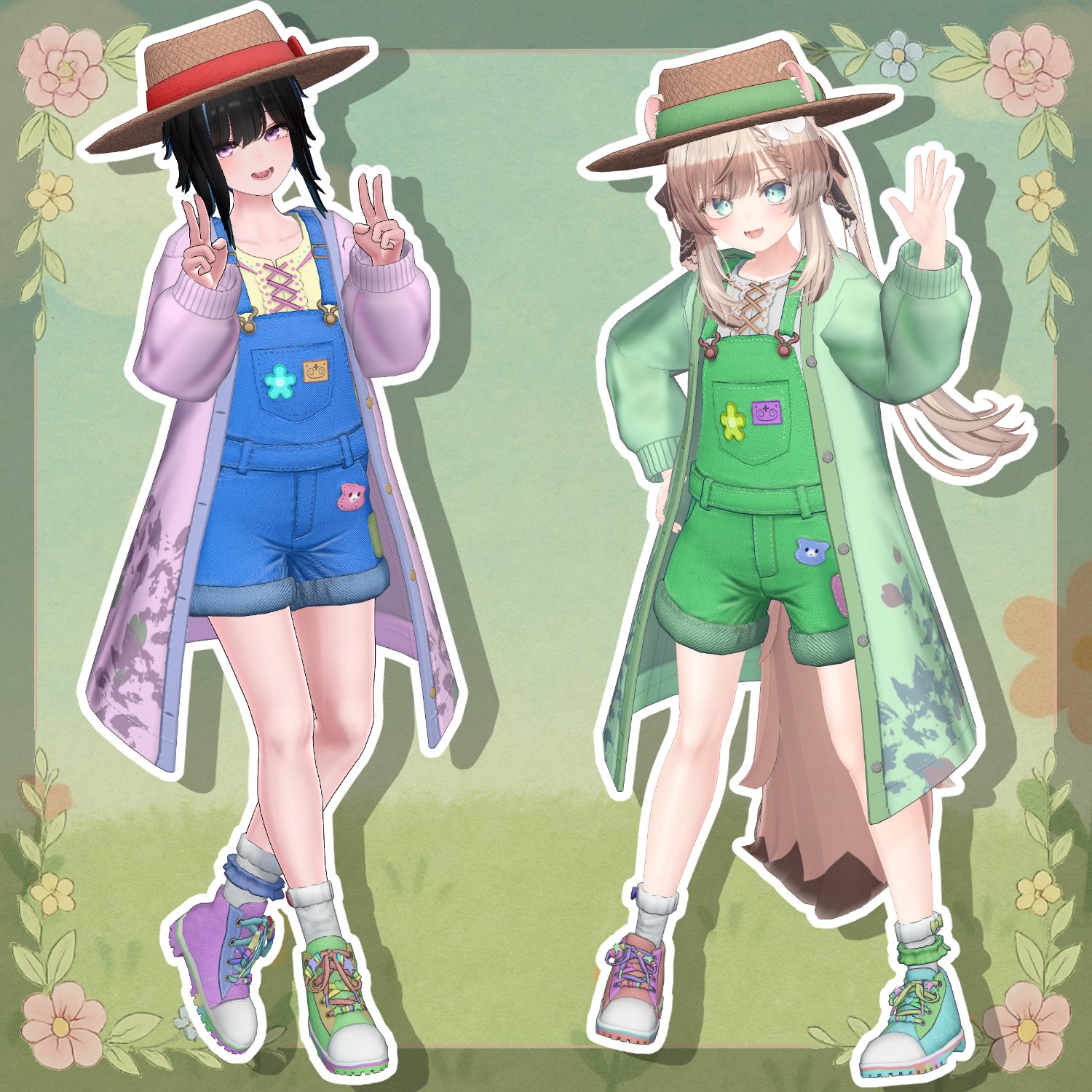
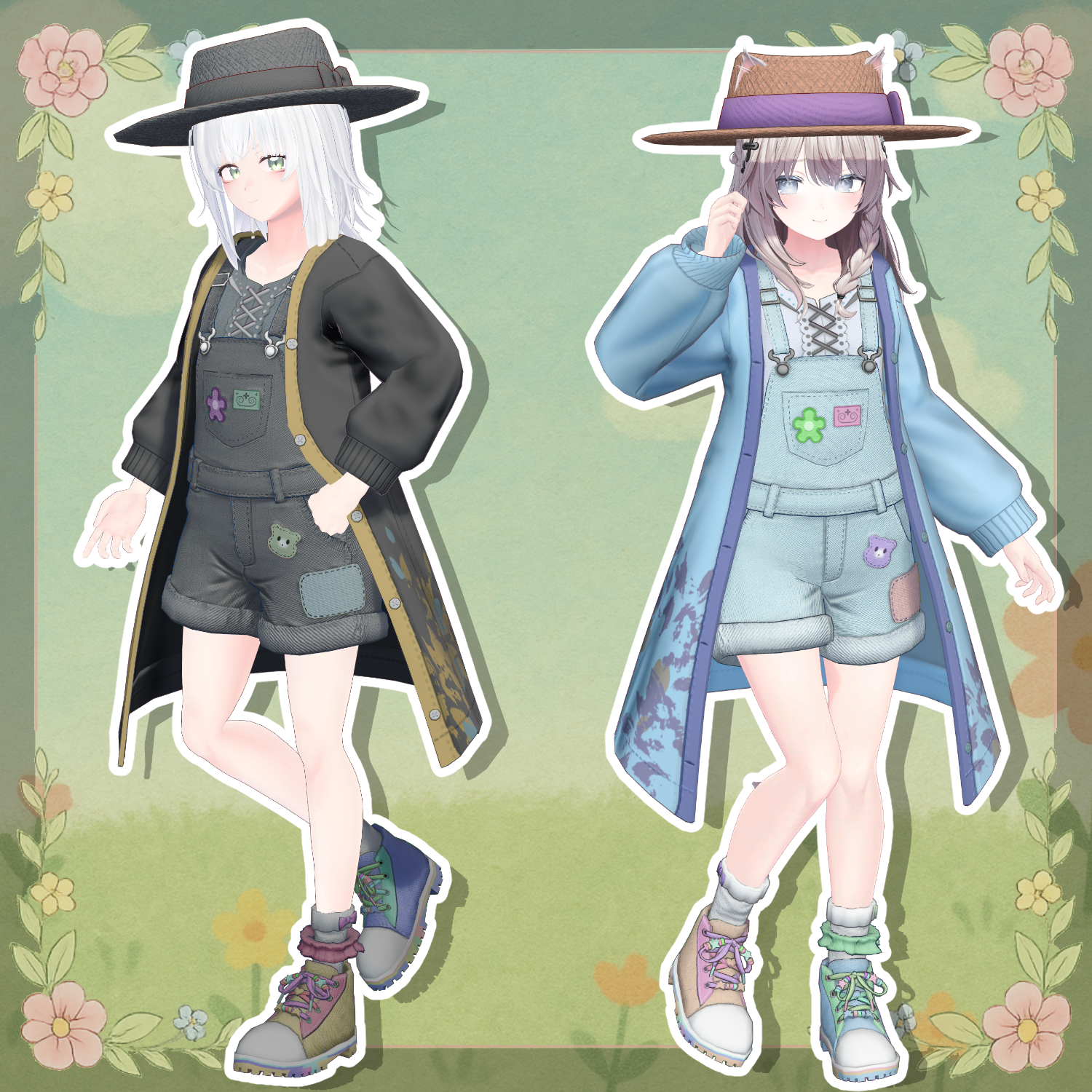
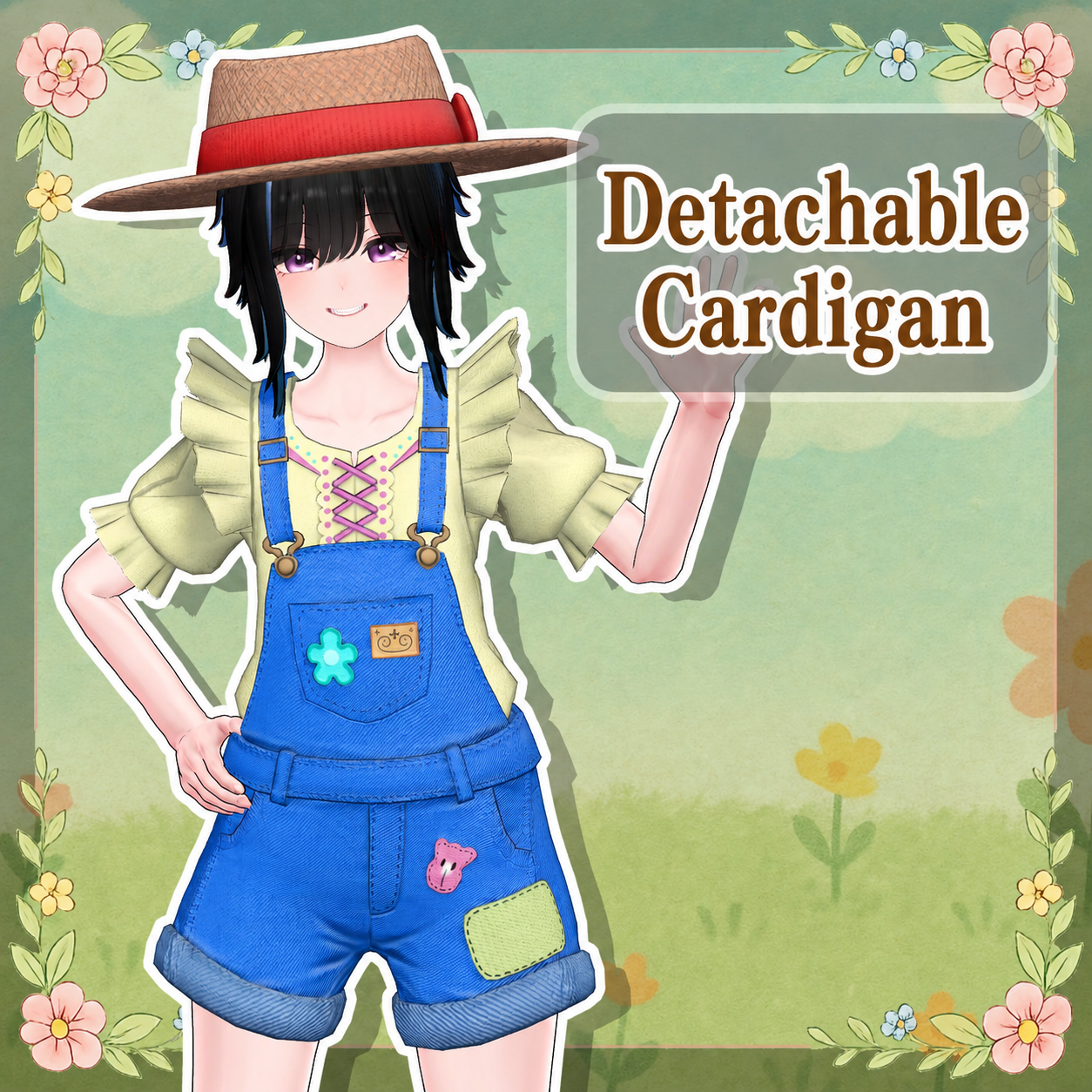
Product Description
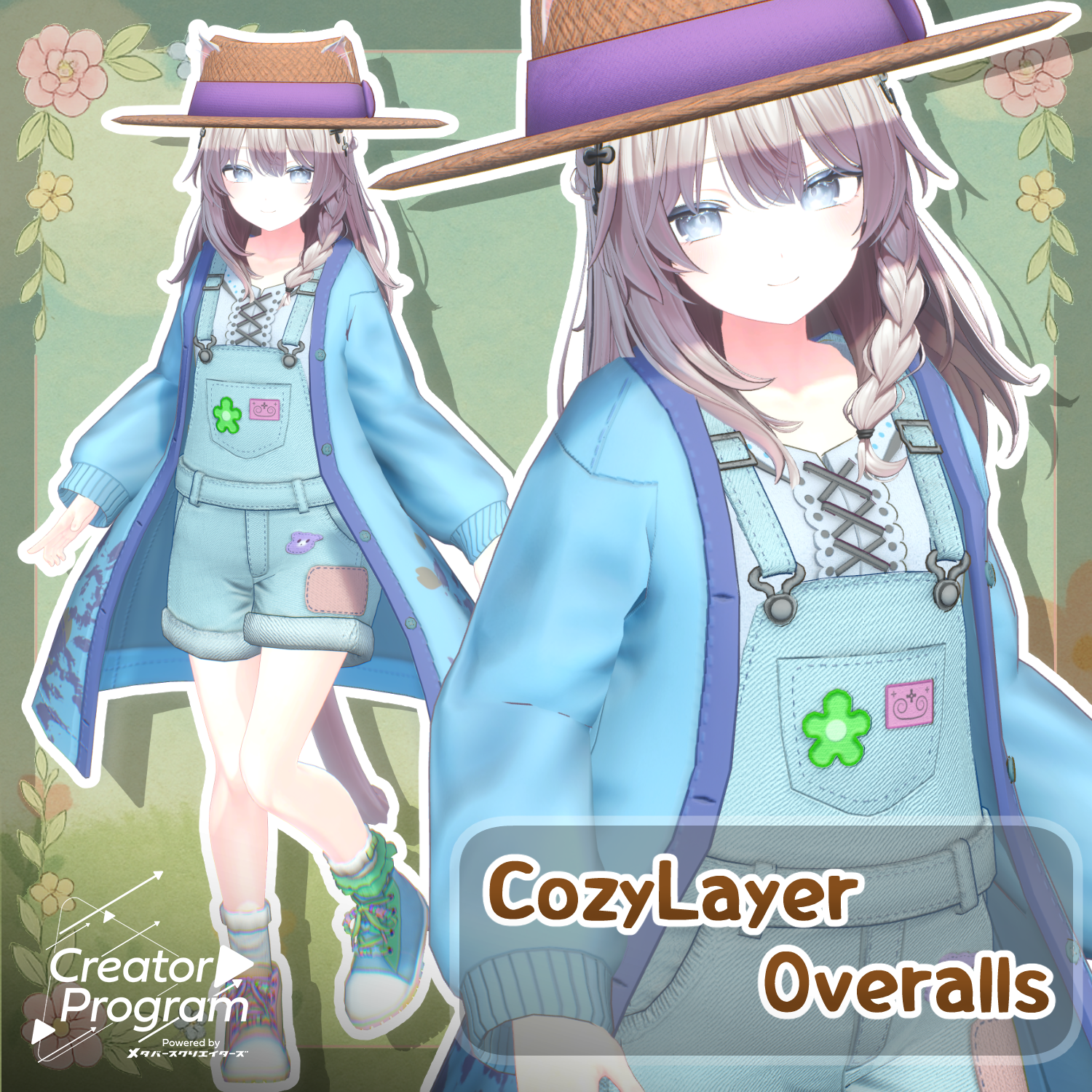
◆ CozyLayer Overalls ◆
Creator: Domuemon
This outfit is especially recommended for those who love overalls or enjoy girly fashion.
It also works well for outdoor scenes such as spring walks and picnics.
※ This product is an outfit model for avatars. The avatar base data is not included.
※ Due to the nature of digital downloadable products, returns and refunds are not possible. Please review and agree to the product description and terms of use before purchasing.
◆ Item Overview
● Contents
CozyLayerOveralls_◯◯.Unitypackage
FBX
Textures
ReadMe.txt (text)
Shader used:
lilToon
https://lilxyzw.booth.pm/items/3087170
Required assets:
Modular Avatar
https://modular-avatar.nadena.dev/ja/docs/intro
● Model Data
Total polygon count: 35,988 polygons
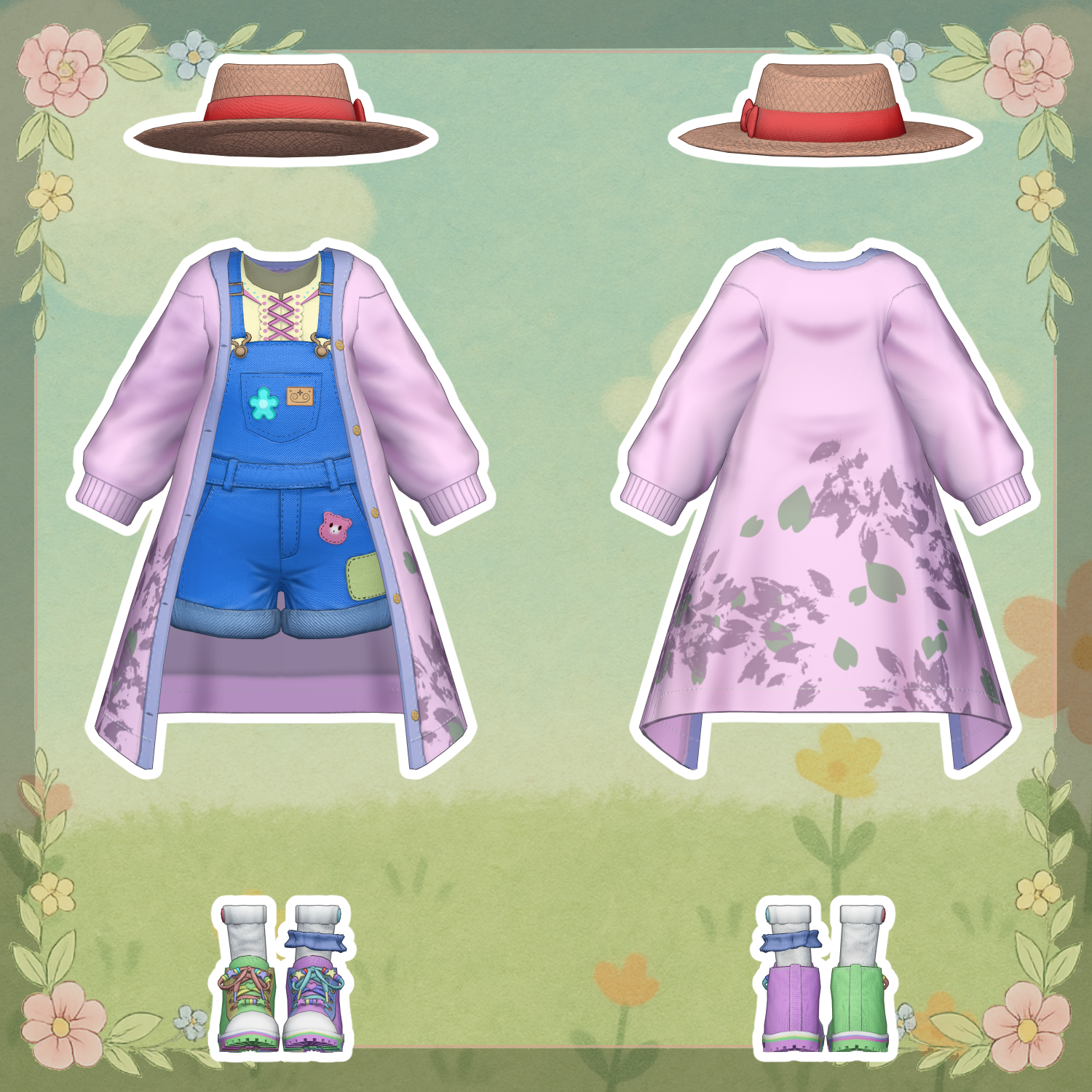
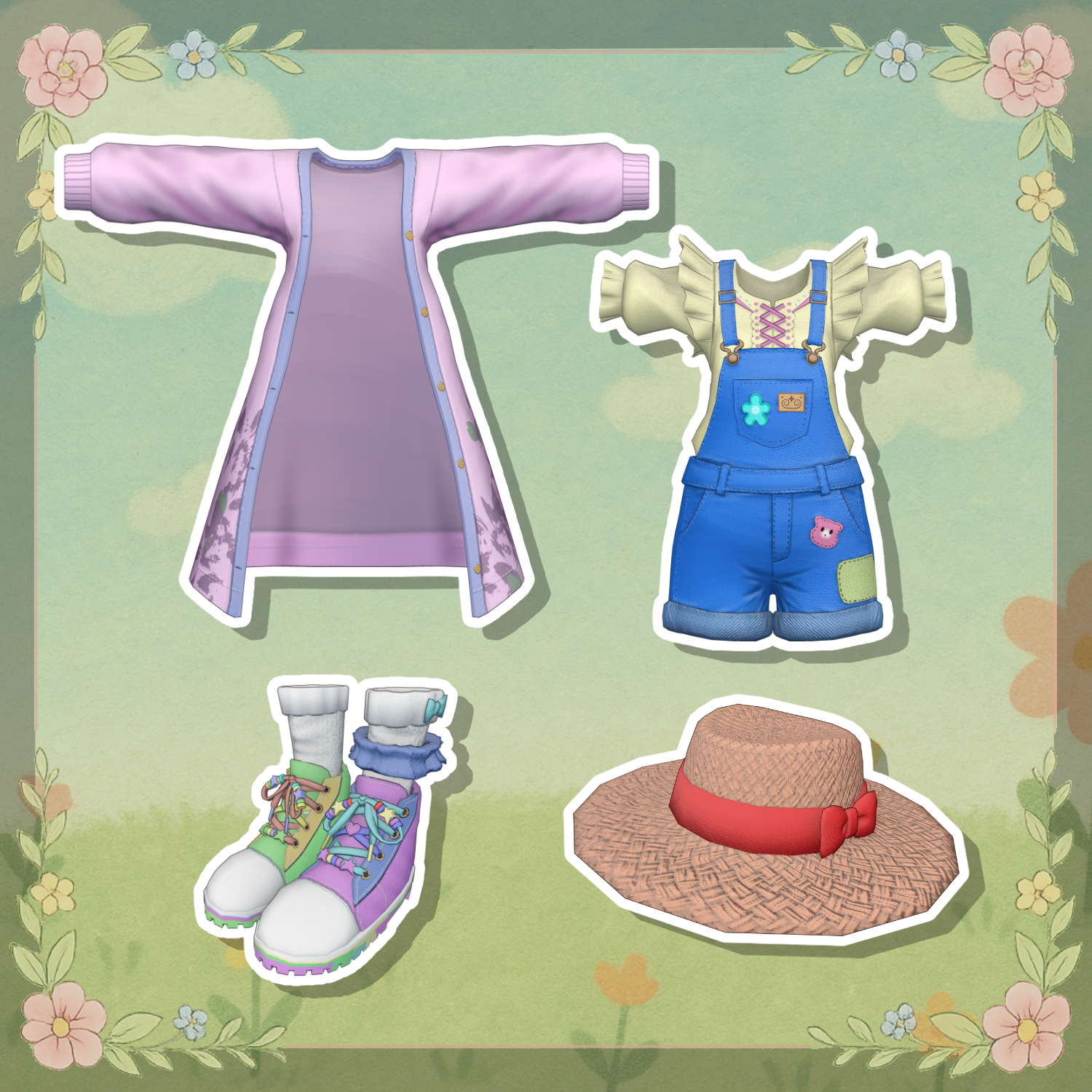
Cardigan: 3,440
Hat: 1,440
Overalls: 12,294
Shoes: 18,814
Mesh count: 4
Material count: 2
Import folder:
Assets > MetaverseCreators_CP > Domuemon_Workshop > CozyLayerOveralls
◆ Supported Avatars
Original 3D Model “Minagi”
https://metacreatorstyo.booth.pm/items/7430855
Original 3D Model “YUI”
https://metacreatorstyo.booth.pm/items/7684880
Original 3D Model “Shinano”
https://ponderogen.booth.pm/items/6106863
Original 3D Model “Manuka”
https://jingo1016.booth.pm/items/5058077
※ When wearing the outfit, shape keys are used to hide parts of the base body (making it appear stick-like).
◆ Installation Instructions
Set up the latest VRChat SDK in VCC
Install required assets in VCC (lilToon, Modular Avatar)
Import the latest version of each avatar
Import this product’s package
Drag and drop the avatar (or clothing prefab for customization) into the Scene Hierarchy
Hide or set unnecessary clothing (default outfits, underwear, etc.) to Editor Only
Drag and drop “OutfitName_AvatarName.Prefab” under the avatar
Upload using the VRChat SDK
※ This outfit uses Modular Avatar’s “MA Shape Changer” feature.
When the outfit is placed under the avatar, body shape keys are automatically enabled, making the body thinner or hiding mesh parts so the outfit does not clip with the body. If not needed, you may remove the MA Shape Changer component.
※ If, after setup, parts of the body appear unintentionally thin, reset the relevant shape keys to 0 and ensure the base body is visible.
◆ Color Customization
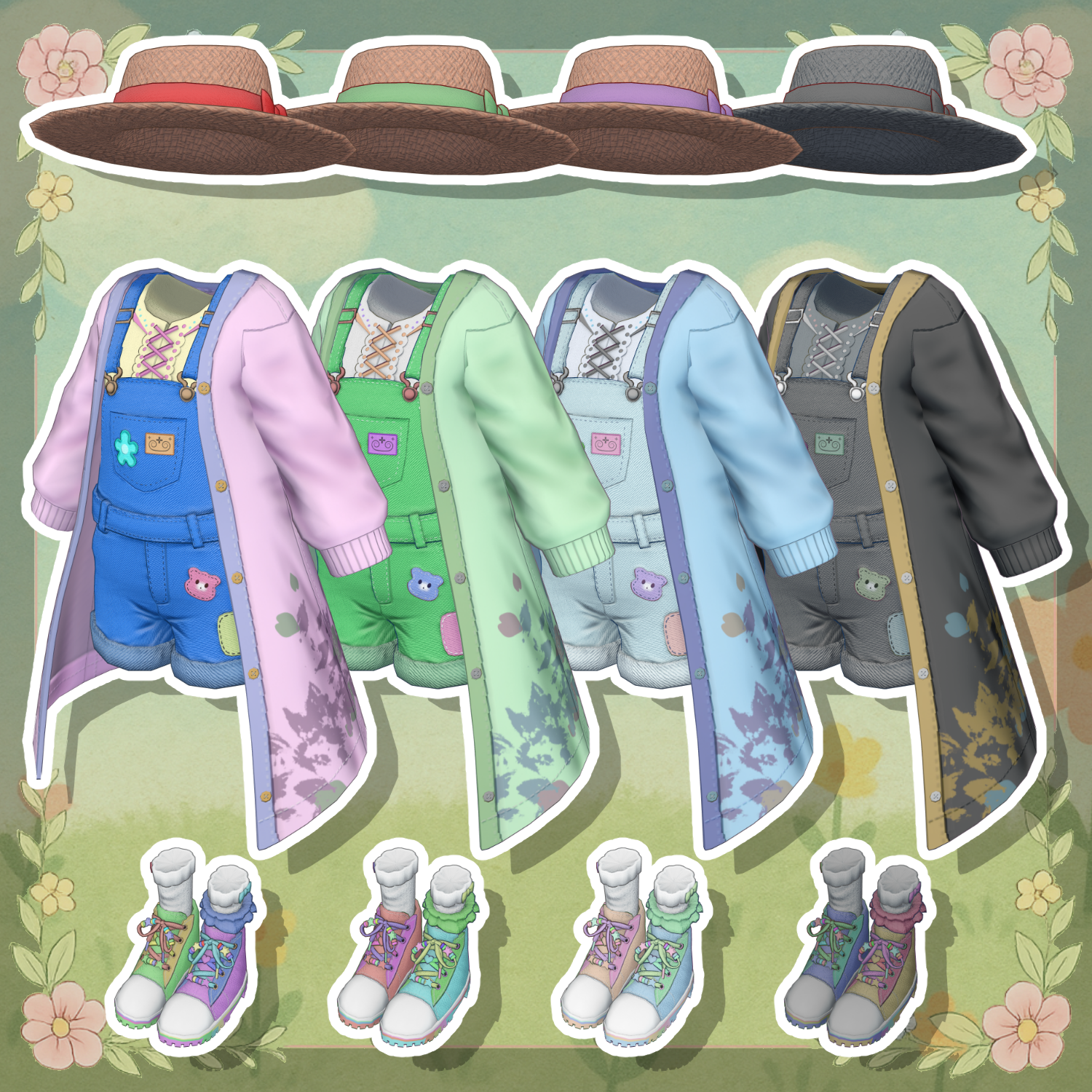
You can replace materials in the “Common > Material” folder with color variants.
You can also modify colors using the included PSD or Clip Studio Paint files.
◆ Terms of Use
https://drive.google.com/drive/folders/1qRMXoIxM1ZgacBPfwOigQRtXP1vCbNMn?usp=sharing
※ Please comply with the original avatar’s terms of use.
◆ Production Environment
Modeling: Blender Ver. 4.5.4
Textures: Substance 3D Painter 2026
Setup: Unity 2022.3.22f1
VRChat SDK - Avatars Ver. 3.10.1 (VCC)
lilToon 2.3.2
Modular Avatar 1.17.0-alpha.0
◆ Credits
Creator: Domuemon
X (Twitter): https://x.com/Vdomuemon
BOOTH: https://domuemon.booth.pm/
Support / Contact:
https://discord.gg/bmw3PWE37M