
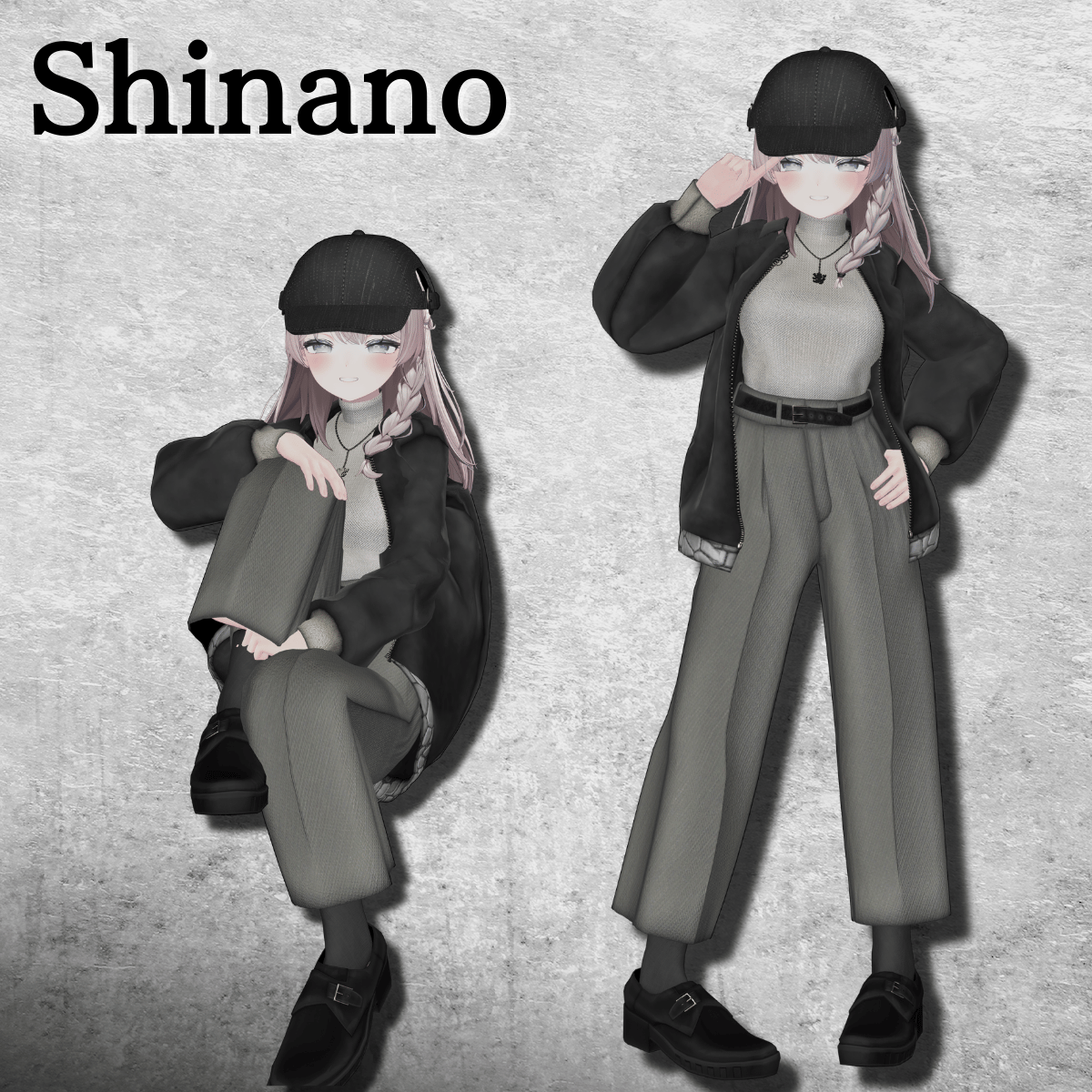
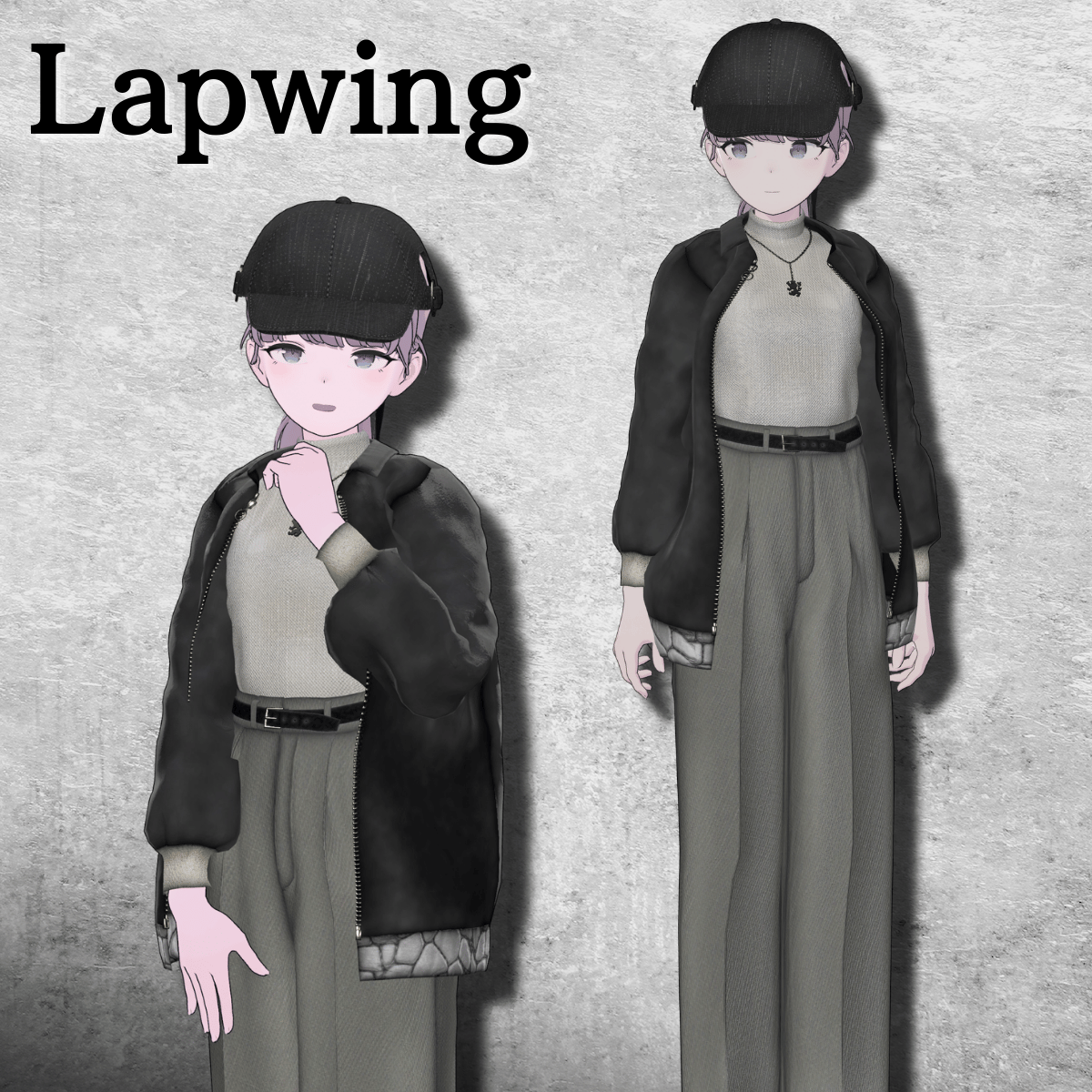
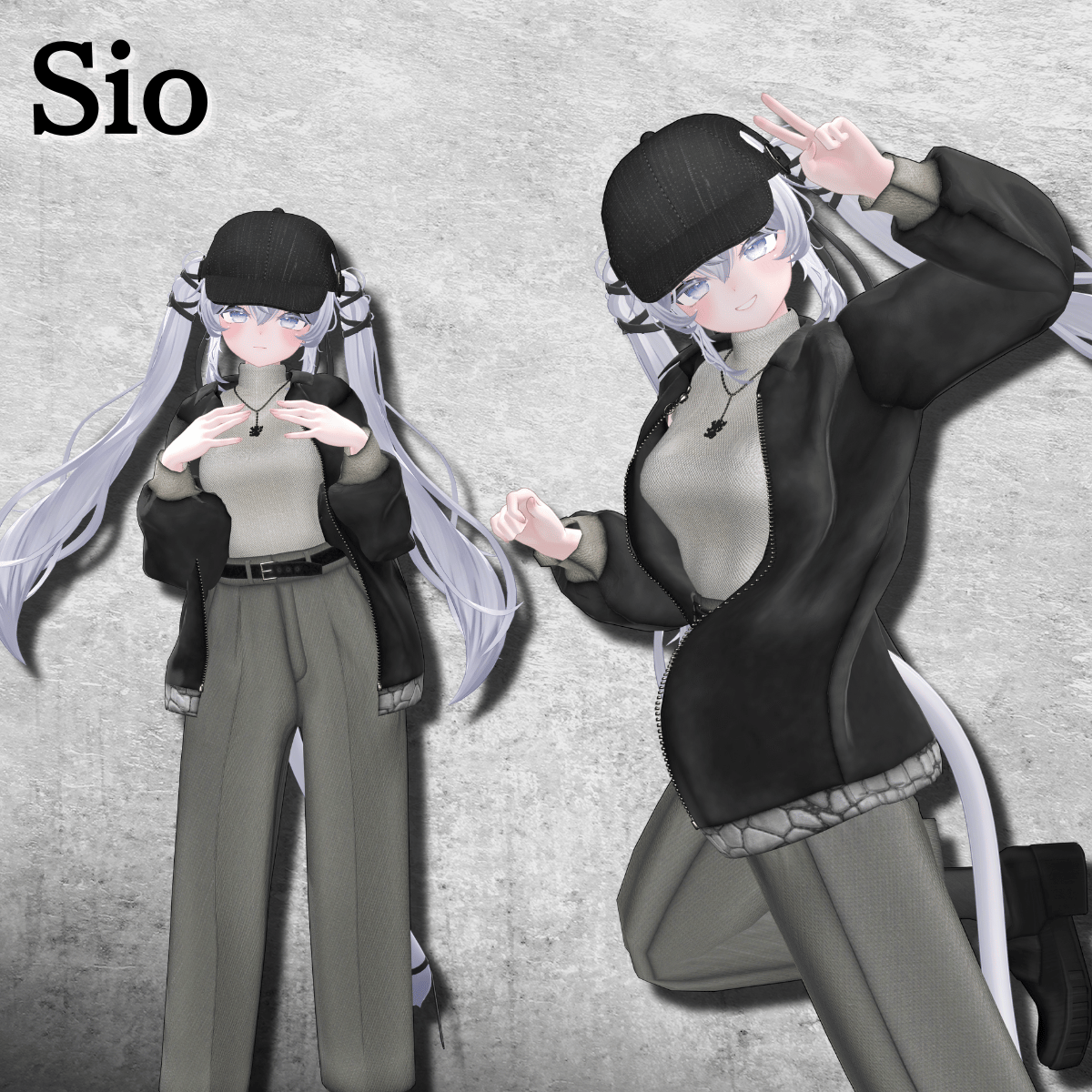
Product Description
◆ City Winter Street Coordination ◆
Creator: Tokagehausu
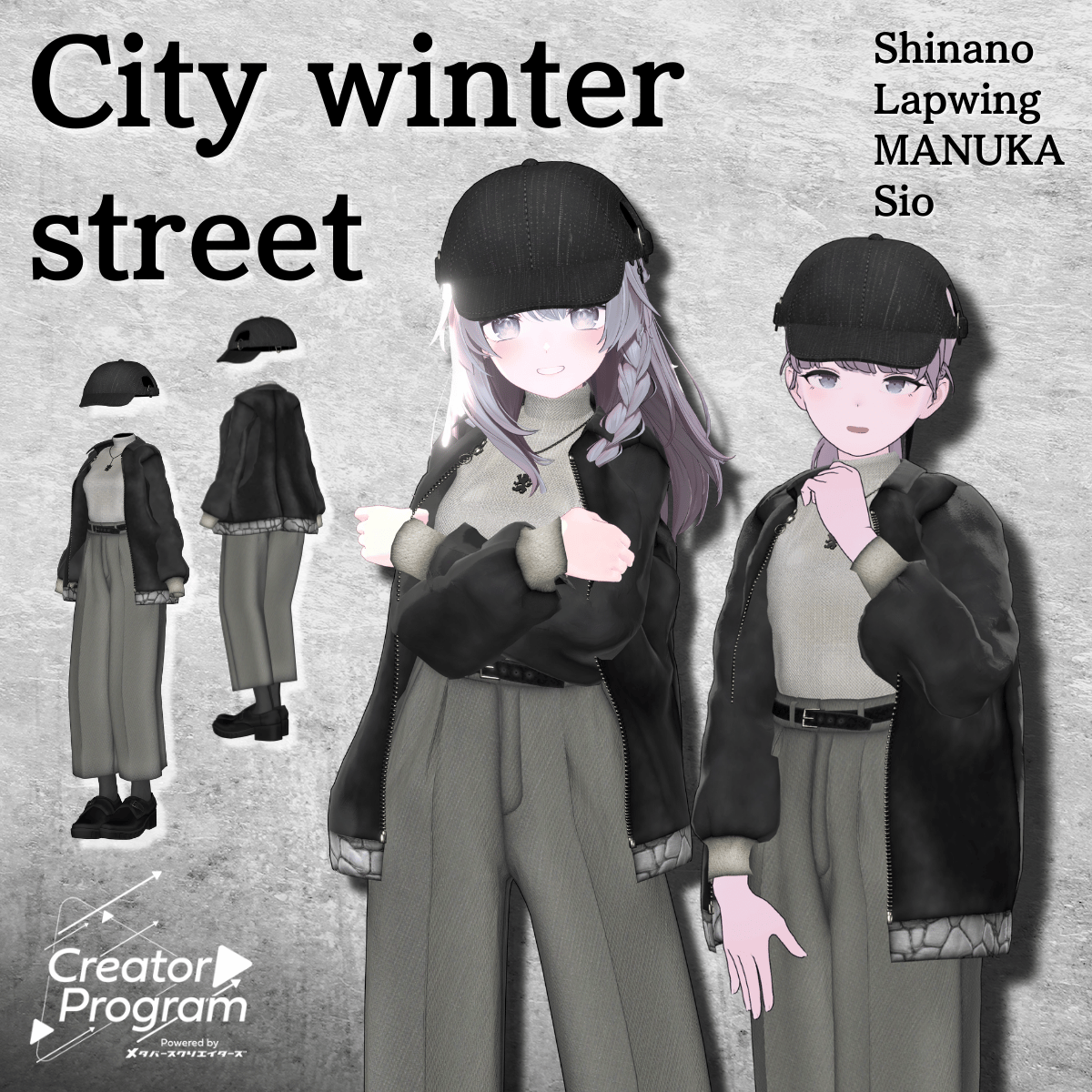
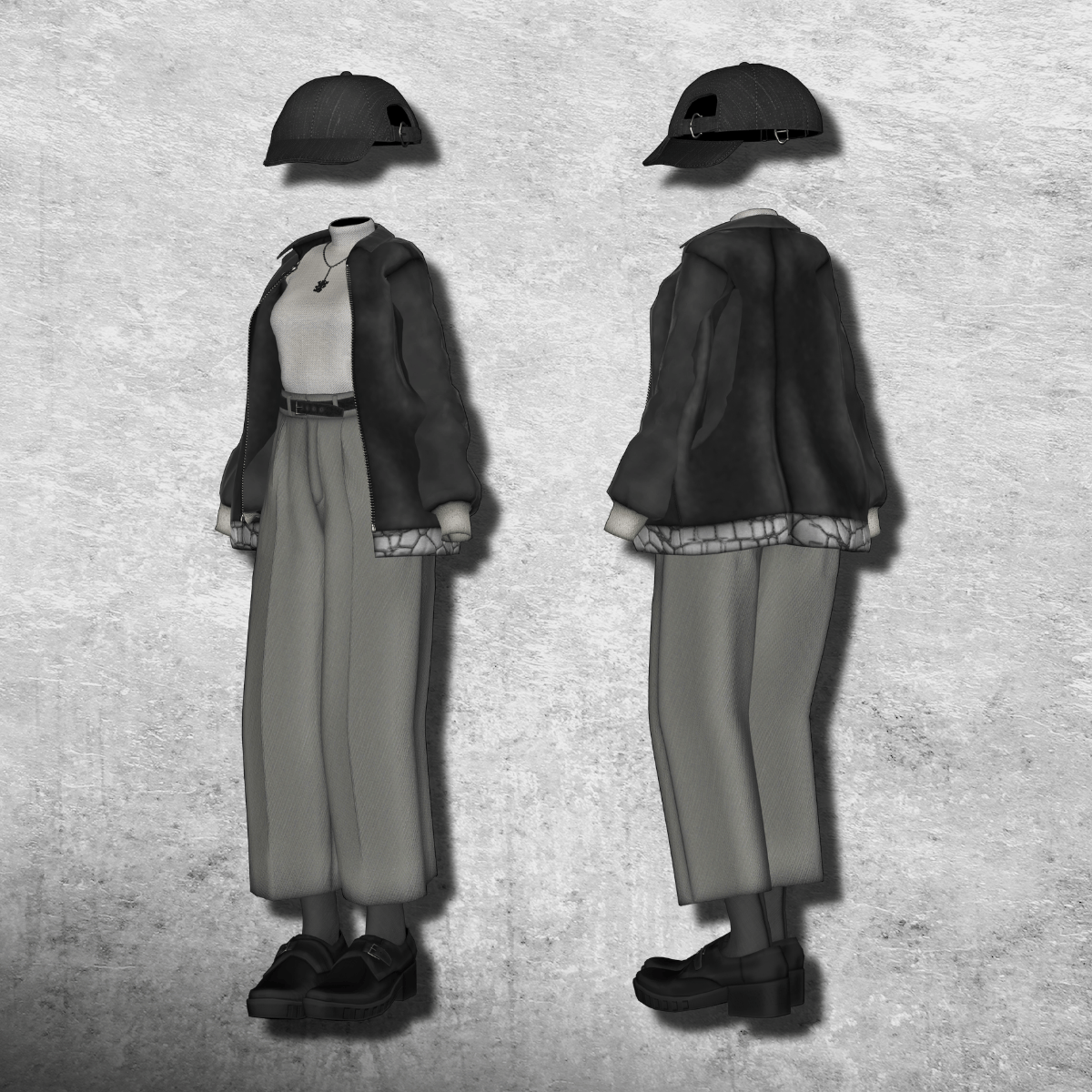
A knit and jacket combination that pairs perfectly with winter city streets.
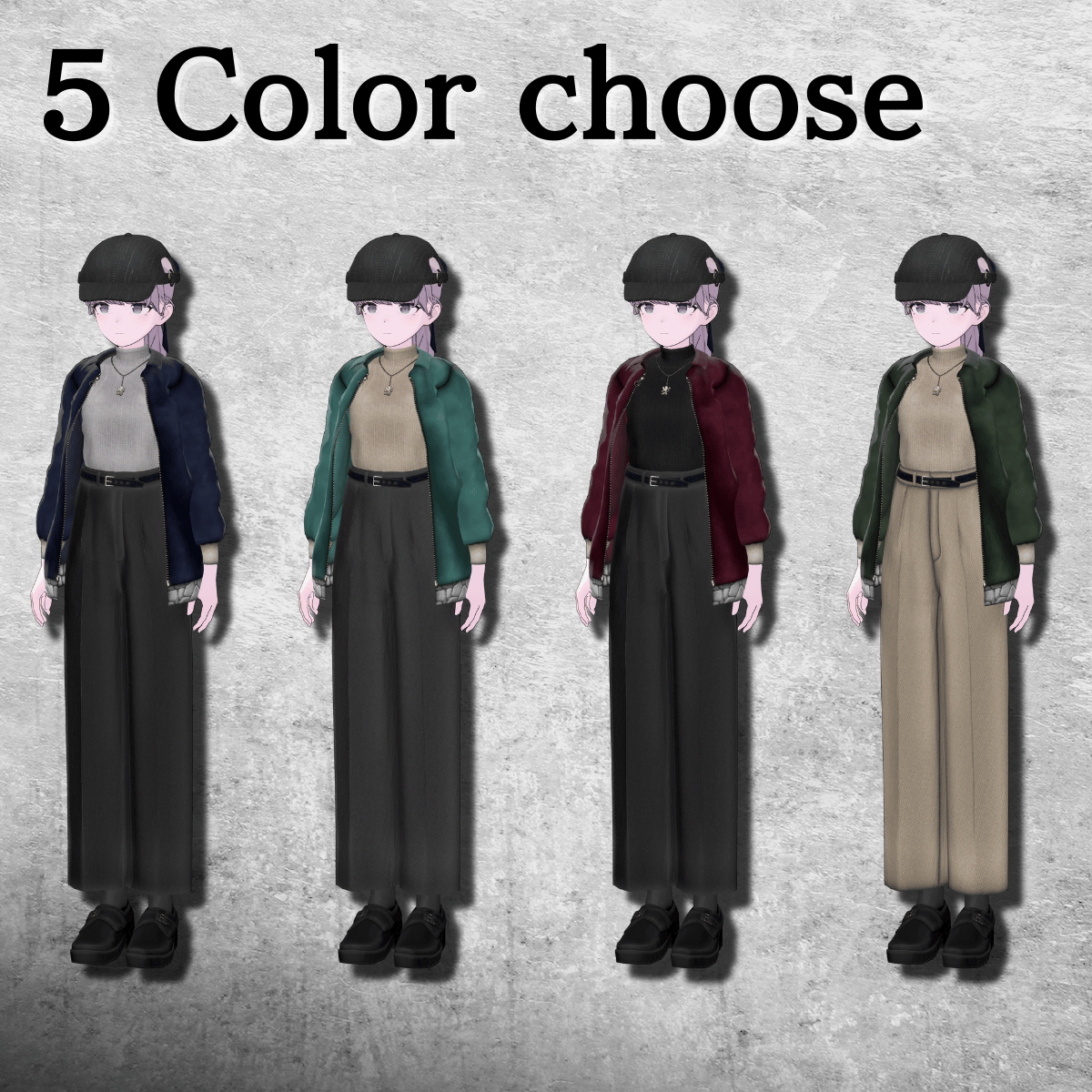
In addition to the base color, there are a total of five color variations for outerwear and other parts. Please mix and match as you like.
⚠️ Important Notes
This product is an outfit model for avatars. Avatar base models are not included.
Due to the nature of downloadable products, refunds and returns are not available. Please review the product description and terms of use before purchasing.
◆ Item Overview
● Contents
City Winter Street Coordination (CWSC) (for each avatar).Unitypackage
FBX
Textures
ReadMe.txt
● Required Shader
liltoon
https://lilxyzw.booth.pm/items/3087170
● Required Asset
Modular Avatar
https://modular-avatar.nadena.dev/ja/docs/intro
● Model Data
Total Polygon Count: 62,133 polygons
Belt: 2,676
Hat: 4,158
Inner: 8,496
NeckChain: 22,756
Pants: 6,282
Shoes: 4,480
Outer: 13,285
Mesh Count: 7
Material Count: 5
Import Folder
Assets > MetaverseCreators_CP > Tokagehausu > City winter street Coordination > (Folder for each avatar)
◆ Compatible Avatars
Shinano
https://booth.pm/ja/items/6106863
Sio
https://booth.pm/ja/items/5650156
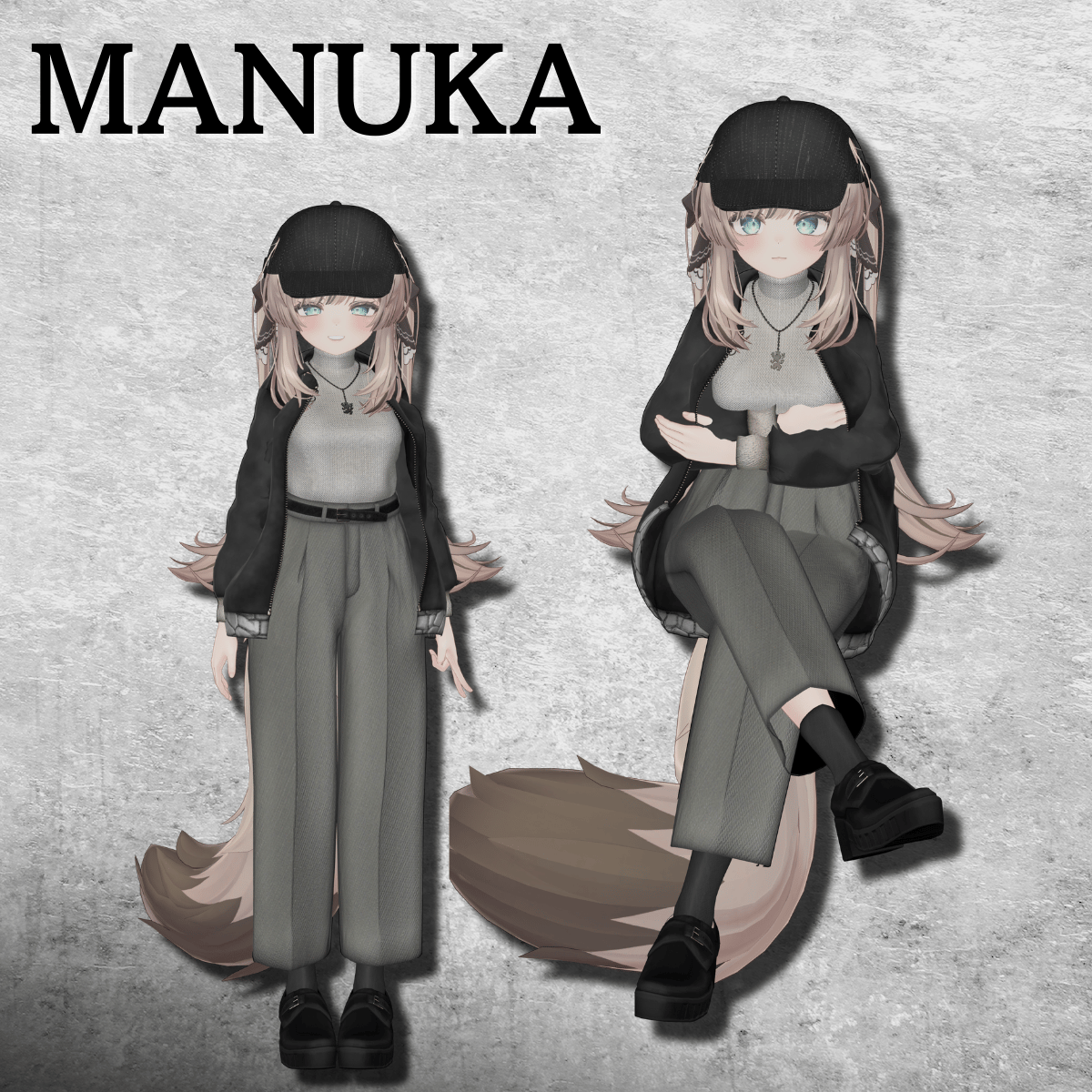
Manuka
https://booth.pm/ja/items/5058077
Lapwing
https://booth.pm/ja/items/4993931
When dressing the avatar, body-hiding shapekeys (which slim the body) are used.
Supported Shapekeys
Shinano: Breast_big
Sio: Breast_Big / Breast_Small
Manuka: Breast_Big
◆ Installation Instructions
Set up the latest VRC SDK in VCC.
Install required assets (liltoon, Modular Avatar) via VCC.
Import the latest version of the avatar package.
Import this product’s package.
Drag and drop the avatar (or dressing/modification prefab) into the Scene Hierarchy.
Disable unnecessary default clothing (set to Editor Only if needed).
Drag and drop "City winter street Coordination_AvatarName.Prefab" directly under the avatar.
Upload the avatar via VRC SDK.
⚠️ If any part of the body becomes unintentionally slim after dressing, reset the corresponding body shapekey to 0 and confirm the body is properly displayed.
⚠️ When using Lapwing’s default hair, hair clipping may occur.
Please disable the physbone component of xLapPonyFrontHairRoot before use.
◆ Color Customization
The combinations shown in the thumbnail have ready-made prefabs available.
For other color combinations, please replace the materials manually:
Common > Material > Color 1–5
Replace the material with your desired color variation.
◆ Terms of Use
https://drive.google.com/drive/folders/1qRMXoIxM1ZgacBPfwOigQRtXP1vCbNMn?usp=sharing
Please also follow the terms of use of the base avatar.
◆ Production Environment
Modeling: Blender Ver4.5 Stable LTS
Texture: Adobe Substance 3D
Setup: Unity Ver2022.3.22f1
VRChat SDK - Avatars Ver3.9.0 (VCC)
liltoon 1.10.3
ModularAvatar 1.14.3
◆ Credits
Creator: Tokagehausu
https://metacreatorstyo.booth.pm/items
https://tokagehaususshop.booth.pm/
Support / Inquiries:
https://discord.gg/bmw3PWE37M