
Product Description
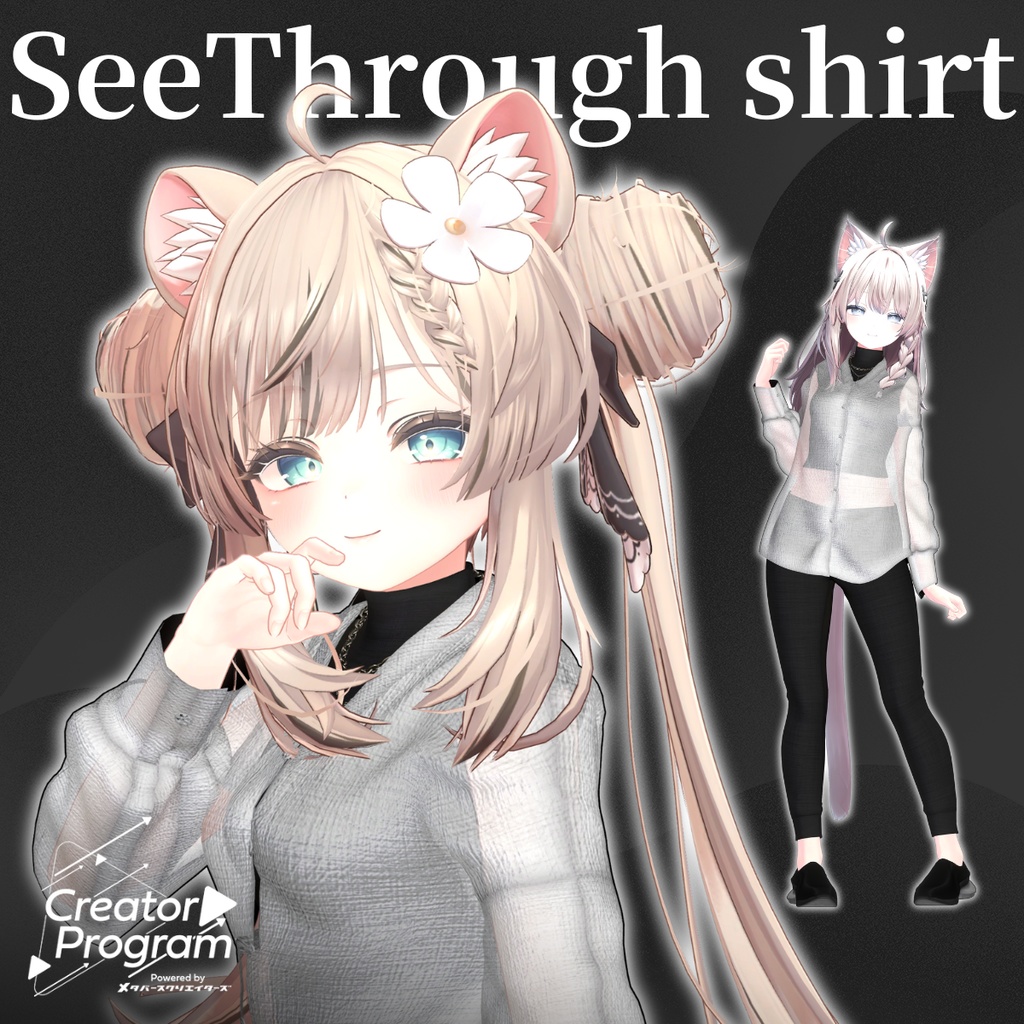
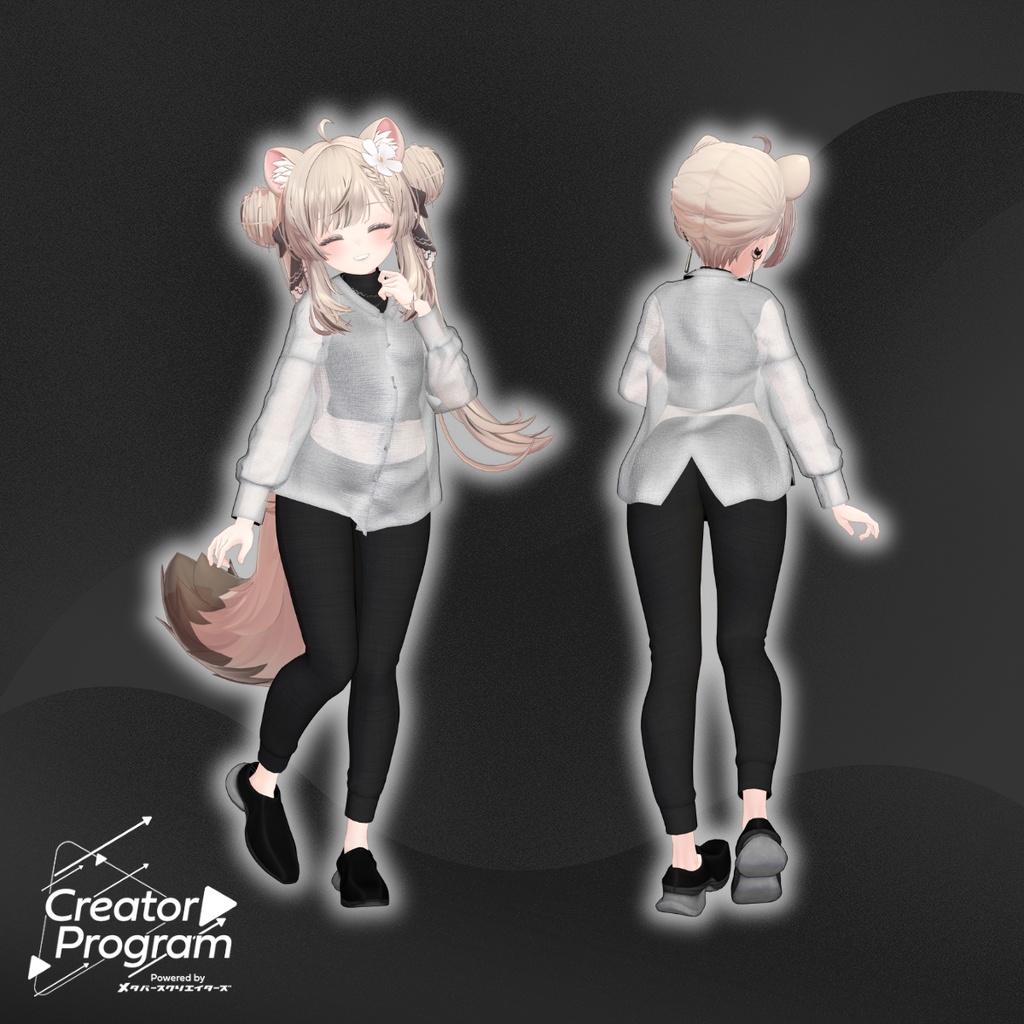
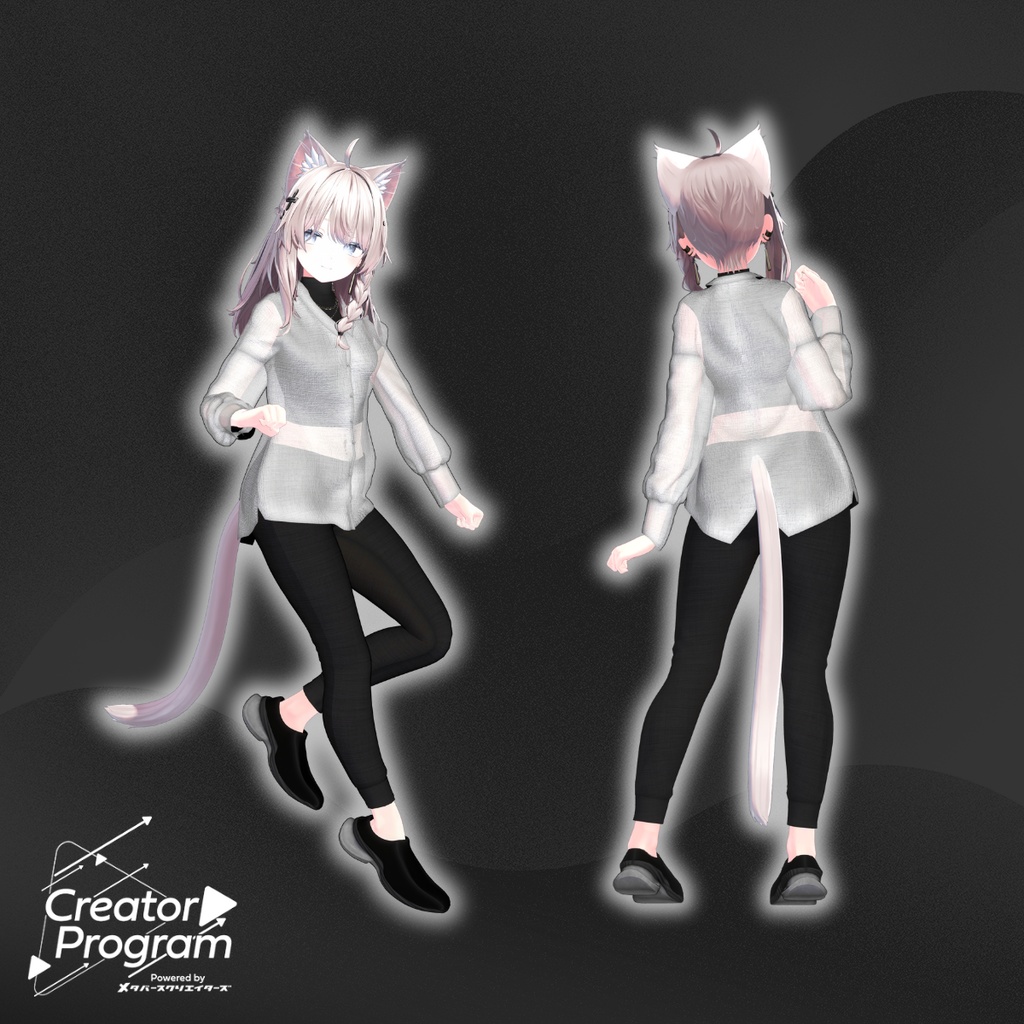
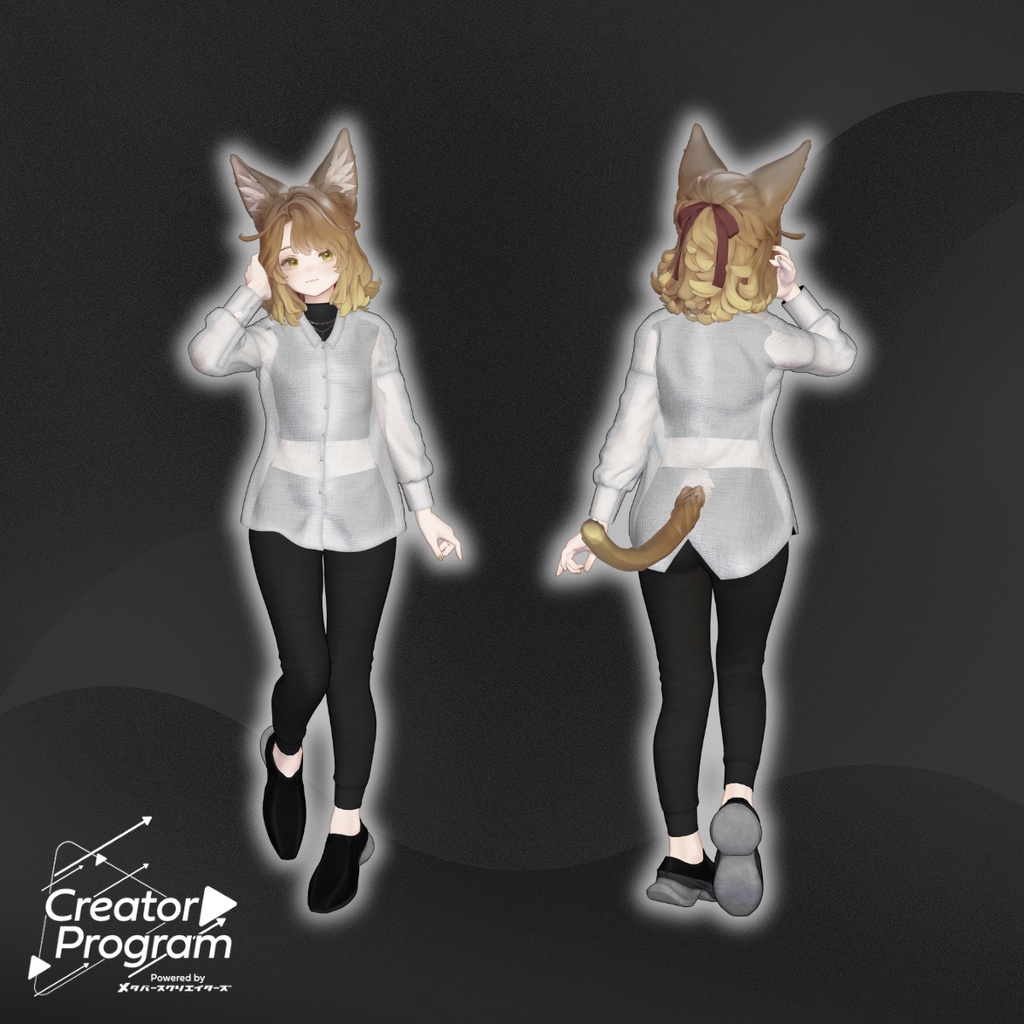
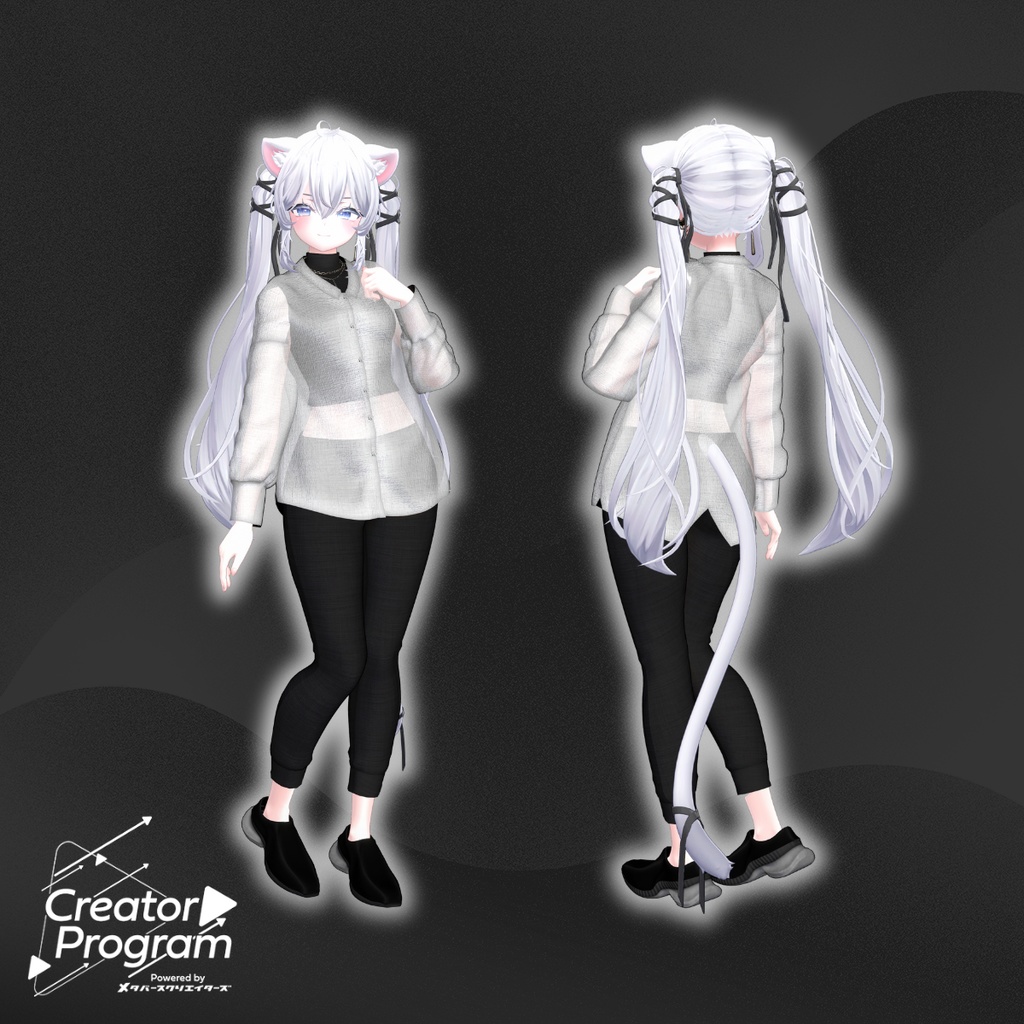
◆ See-through Shirt Glyzinien ◆
Creator: Tokage House (とかげはうす)
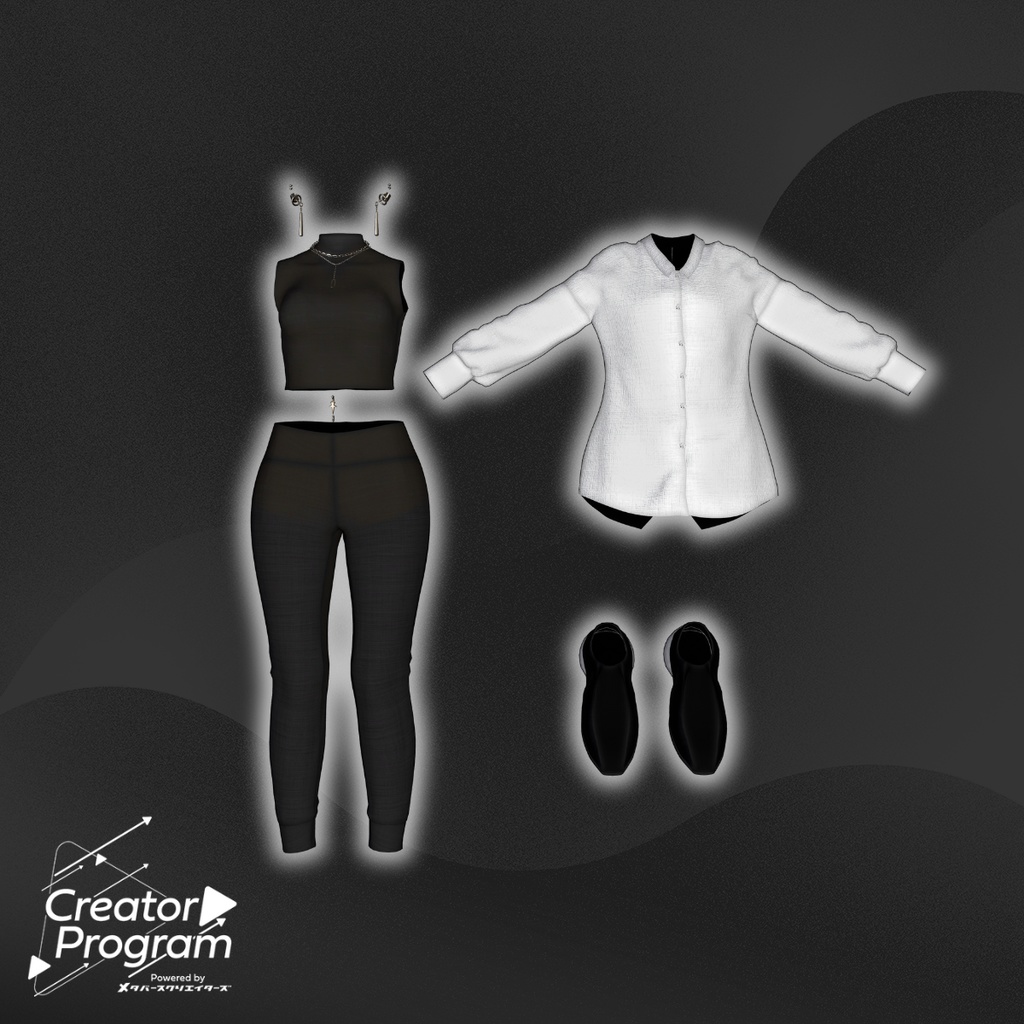
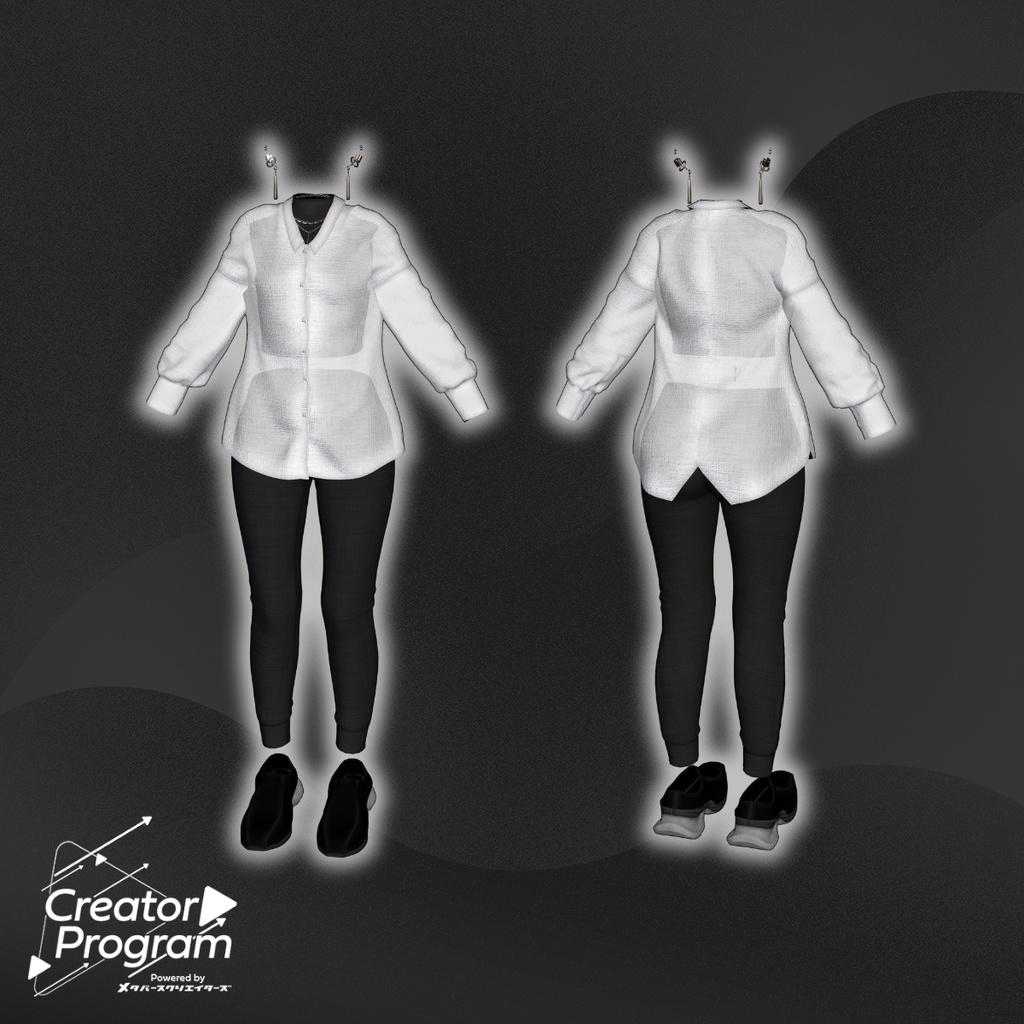
A fitted sportswear set paired with a sheer shirt.
Comes with accent earrings, and each part can be used individually for many different outfit combinations.
※ Important Notes
This product is a clothing model for VRChat avatars. The avatar model itself is not included.
Due to the nature of digital products, returns and refunds are not possible.
Please read and agree to the product description and Terms of Use before purchasing.
◆ Item Overview
● Included Files
Glyzinien (per-avatar) .Unitypackage
FBX
Textures
PSD/CLIP files for editing
ReadMe.txt (this document)
● Shader Used
liltoon
https://lilxyzw.booth.pm/items/3087170
● Required Asset
Modular Avatar
https://modular-avatar.nadena.dev/ja/docs/intro
◆ Model Data
Total polygons: 77,031
Mesh count: 7
Material count: 4
Import Folder
Assets > MetaverseCreators_CP > Tokagehausu > Glyzinien > (Avatar-specific folder)
◆ Supported Avatars (English Names)
Shinano – Original 3D Model
https://booth.pm/ja/items/6106863
Sio / Shio – Original 3D Model
https://booth.pm/ja/items/5650156
Manuka – Original 3D Model
https://booth.pm/ja/items/5058077
Marycia – Original 3D Model (#Marycia3D)
https://booth.pm/ja/items/6305948
Note:
This outfit uses shapekeys that hide the avatar’s body (the “stick figure” hiding method) when worn.
◆ Installation Guide
Set up the latest VRC SDK via VCC
Install required assets (liltoon, Modular Avatar) in VCC
Import the latest version of your avatar
Import this product’s Unitypackage
Drag your avatar (or modification prefab) into the Scene Hierarchy
Hide unnecessary clothing (default outfit, underwear, etc.) using Editor Only
Drag Glyzinien_アバター名.Prefab under your avatar in the hierarchy
Upload your avatar through the VRC SDK
※ After dressing the avatar
If any part of the avatar body becomes unintentionally thin, reset the affected body shapekey(s) to 0 and confirm that the body is displayed correctly.
◆ Terms of Use
https://drive.google.com/drive/folders/1qRMXoIxM1ZgacBPfwOigQRtXP1vCbNMn?usp=sharing
Please follow the usage rules of the base avatar as well.
◆ Production Environment
Modeling: Blender Ver 3.6.5
Textures: Adobe Substance 3D
◆ Credits
Creator: Tokage House (とかげはうす)
https://metacreatorstyo.booth.pm/items
https://tokagehaususshop.booth.pm/
Support Contact
https://discord.gg/bmw3PWE37M