
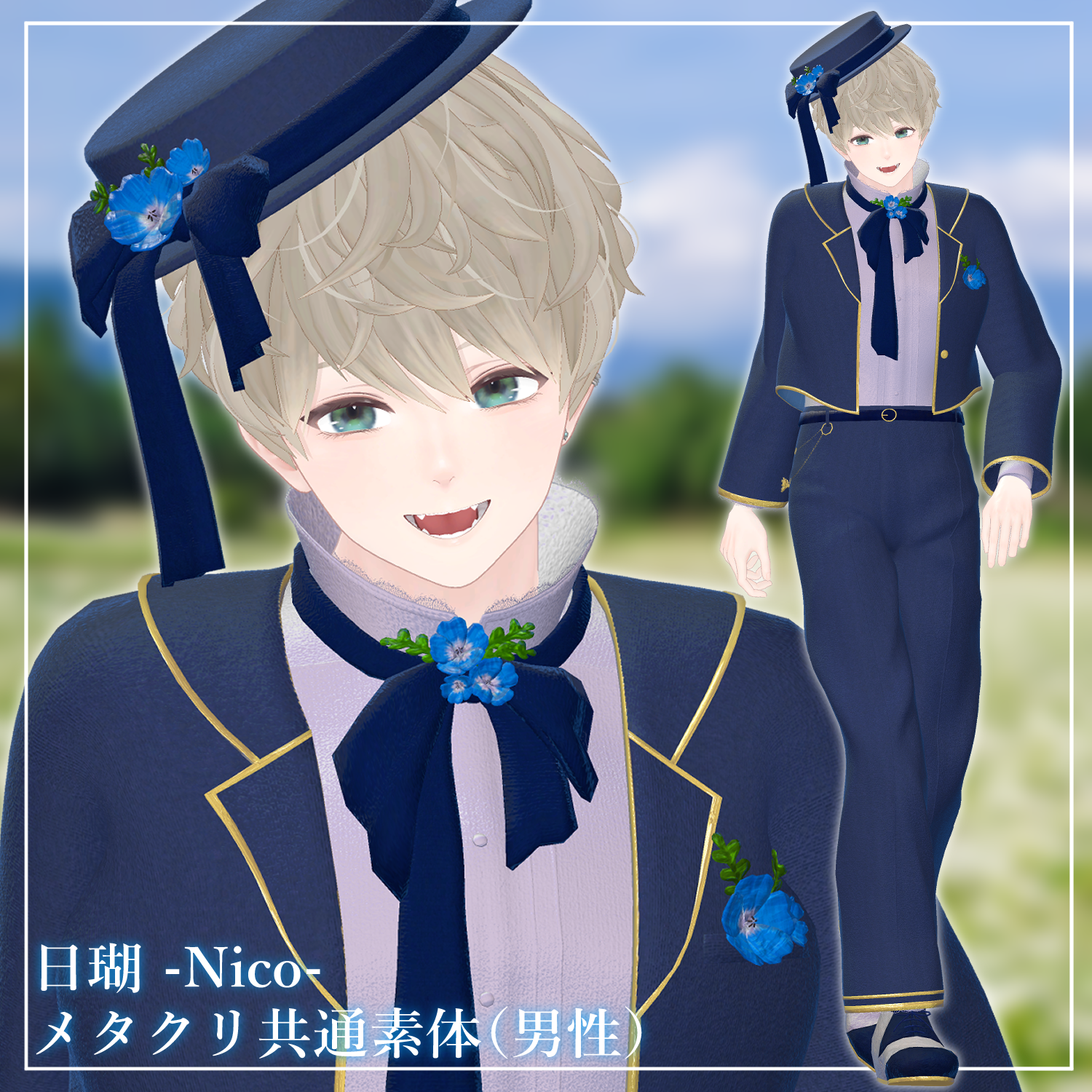
Product Description
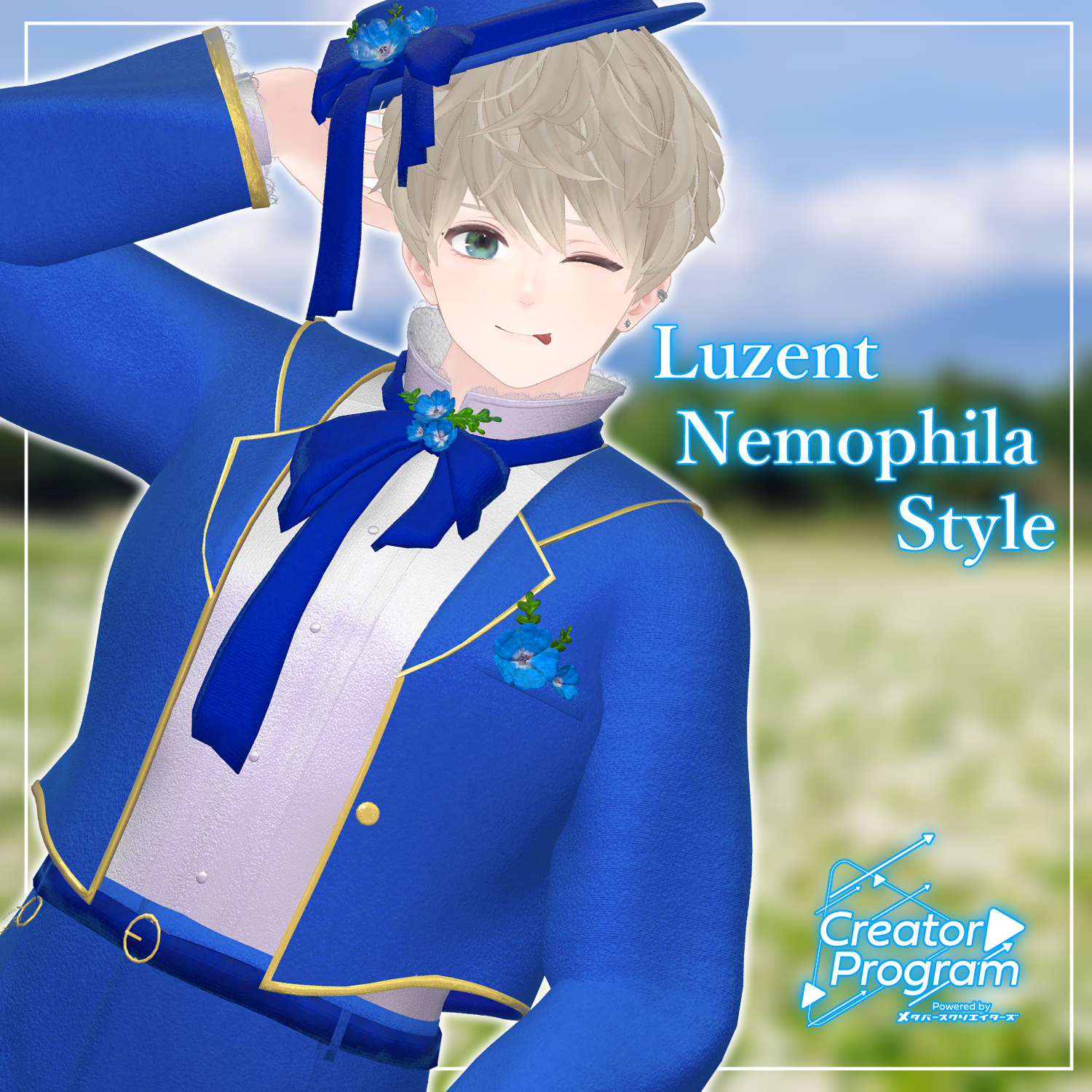
◆ Luzent Nemophila Style ◆
Creator: Voddolesu
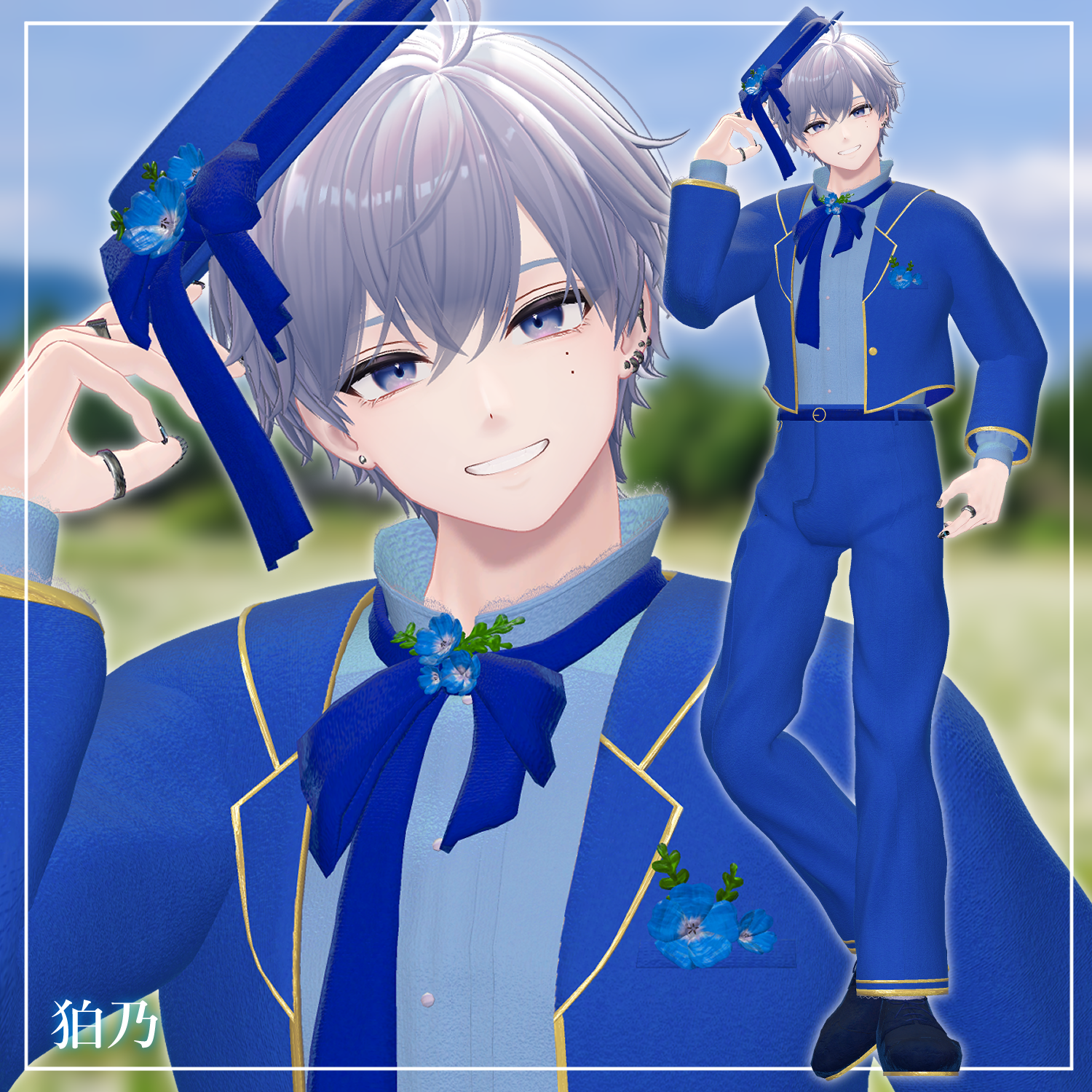
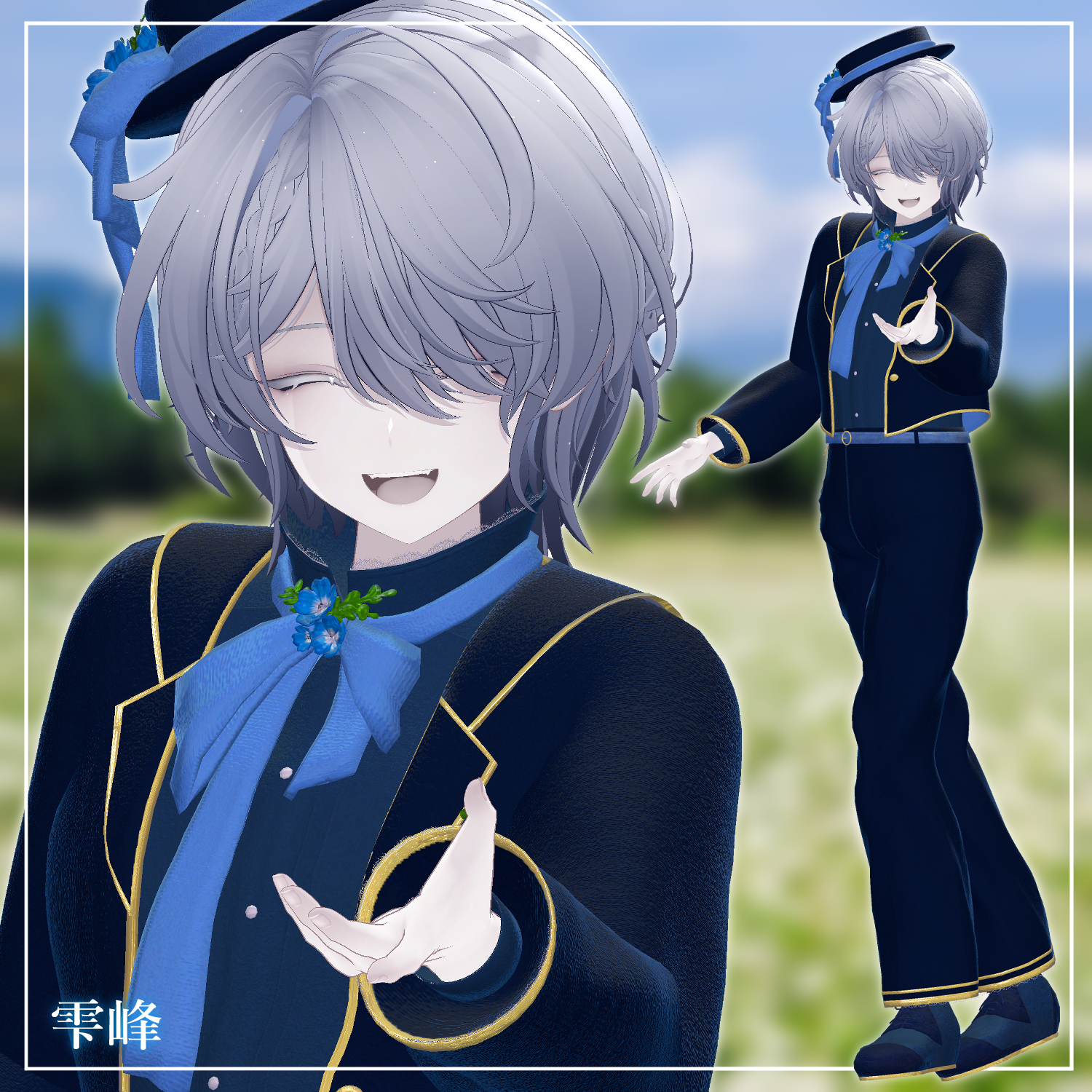
A coordinate set themed around nemophila flowers, with a touch of cuteness added.
The flowers and lace can be toggled off via shape keys.
This product is a costume model for avatars. Avatar body data is not included.
Due to the nature of digital downloads, refunds and returns are not accepted. Please read the product description and terms of use before purchasing.
◆ Item Overview
Contents
LuzentNemophilaStyle _ ○○.Unitypackage
FBX
Textures
ReadMe.txt (this document)
Shader Used
liltoon — https://lilxyzw.booth.pm/items/3087170
Required Assets
Modular Avatar — https://modular-avatar.nadena.dev/ja/docs/intro
Model Data
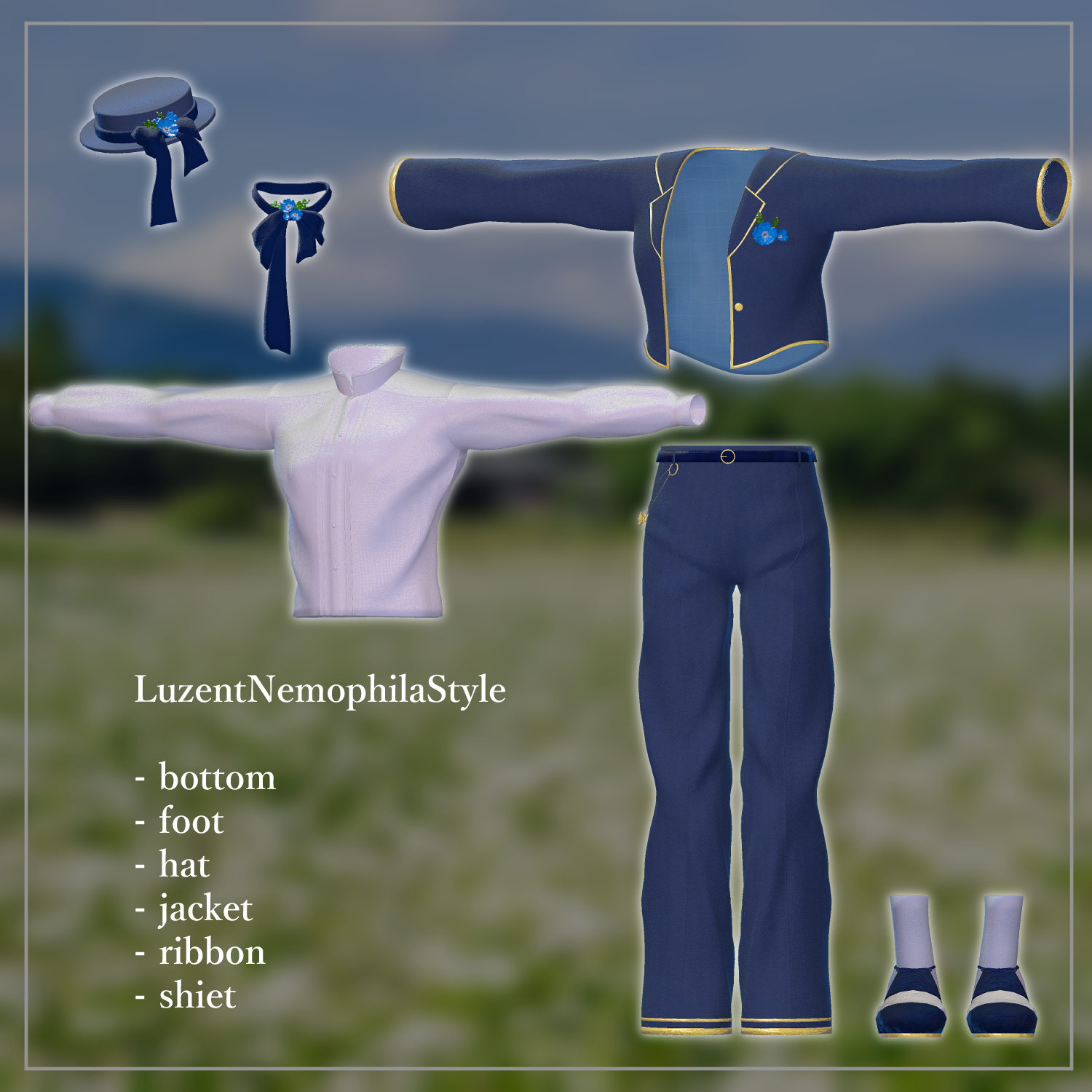
Total Polygons: 48,188
Bottom: 12,320
Foot: 3,260
Hat: 4,742
Jacket: 14,050
Ribbon: 4,354
Kimono: 9,462
Meshes: 6
Materials: 5
PhysBone Components: 9
Import Folder Path:
Assets > MetaverseCreators_CP > Rhombus > LuzentNemophilaStyle
◆ Compatible Avatars
Original 3D Model "Hanka" — https://booth.pm/ja/items/6970249
Original 3D Model "Komano" — https://booth.pm/ja/items/5260363
Original 3D Model "Shizune" — https://booth.pm/ja/items/7684873
Original 3D Model "Bokusei" (PlusHead body) — https://booth.pm/ja/items/5727810
Original 3D Model "Nico" — https://metacreatorstyo.booth.pm/items/8000819
Original 3D Model "Nehail" — https://booth.pm/ja/items/7425658
When dressing the avatar, a shape key that hides the base body (making it rod-like) is used.
◆ Setup Instructions
Set up the latest VRC SDK via VCC
Install the required assets (liltoon, Modular Avatar) in VCC
Import the latest package for your avatar body
Import this costume package
Drag and drop your avatar (or its customization/modification prefab, if applicable) into the Scene Hierarchy
Hide or set to Editor Only any unwanted default clothing or underwear on the avatar as needed
Drag and drop "CostumeName_AvatarName.Prefab" directly under the avatar in the hierarchy
Upload the avatar via VRC SDK
This costume uses the Modular Avatar feature "MA Shape Changer." Dropping the costume under the avatar will automatically activate the base body's shape keys, slimming the body or removing mesh in areas affected by shape keys, allowing the costume to be worn without clipping. If you don't need the MA Shape Changer set on the costume mesh, feel free to delete it or adjust as you prefer.
Regarding MA Shape Changer for +Head avatars: depending on the avatar, the body mesh name may differ (this data's mesh name is set as "PlusHead"), which may cause the component to not function correctly. In that case, please adjust on your end by renaming the base body's mesh or manually adjusting the shape keys.
If any part of the base body appears unintentionally slimmed after dressing, reset that body part's shape key to 0 and verify the body is displaying correctly.
◆ About the +Head Data
The +Head avatar used in the thumbnail is as follows:
Original 3D Model "Lumiere" [+Head] — https://booth.pm/ja/items/5844725
This was created using Bokusei as the base. Semi-compatibility was applied during thumbnail photography, but semi-compatible data is not included in this package.
◆ Color Customization
Color variant materials are available in the Common > Material folder.
◆ Terms of Use
https://drive.google.com/drive/folders/1qRMXoIxM1ZgacBPfwOigQRtXP1vCbNMn?usp=sharing
Please also follow the terms of use for the base avatar you are using.
◆ Development Environment
Modeling: Blender Ver 4.5.5
Textures: Substance 3D Painter 2024
Setup: Unity Ver 2022.3.22f1, VRChat SDK - Avatars Ver 3.9.0 (VCC), liltoon 2.3.2, Modular Avatar 1.14.3
◆ Credits
Creator: Voddolesu
https://voddolesu.art/
https://voddolesu.booth.pm/ (personal BOOTH)
Support
https://discord.gg/bmw3PWE37M