
Mimika Face Capture: Video to ARKit Face Animation (Blender Add-on)
Product Description
This product contains AI-generated content.
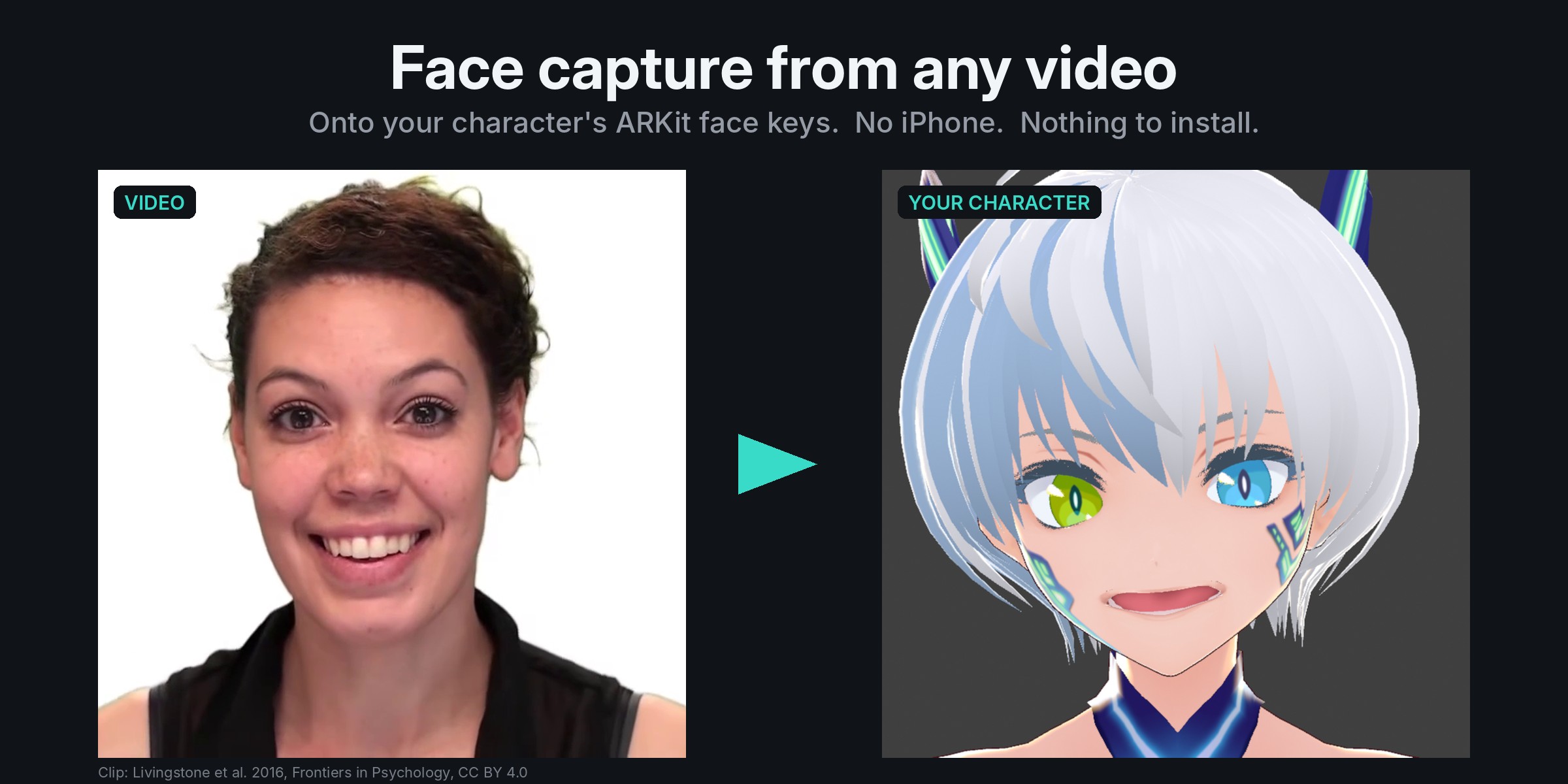
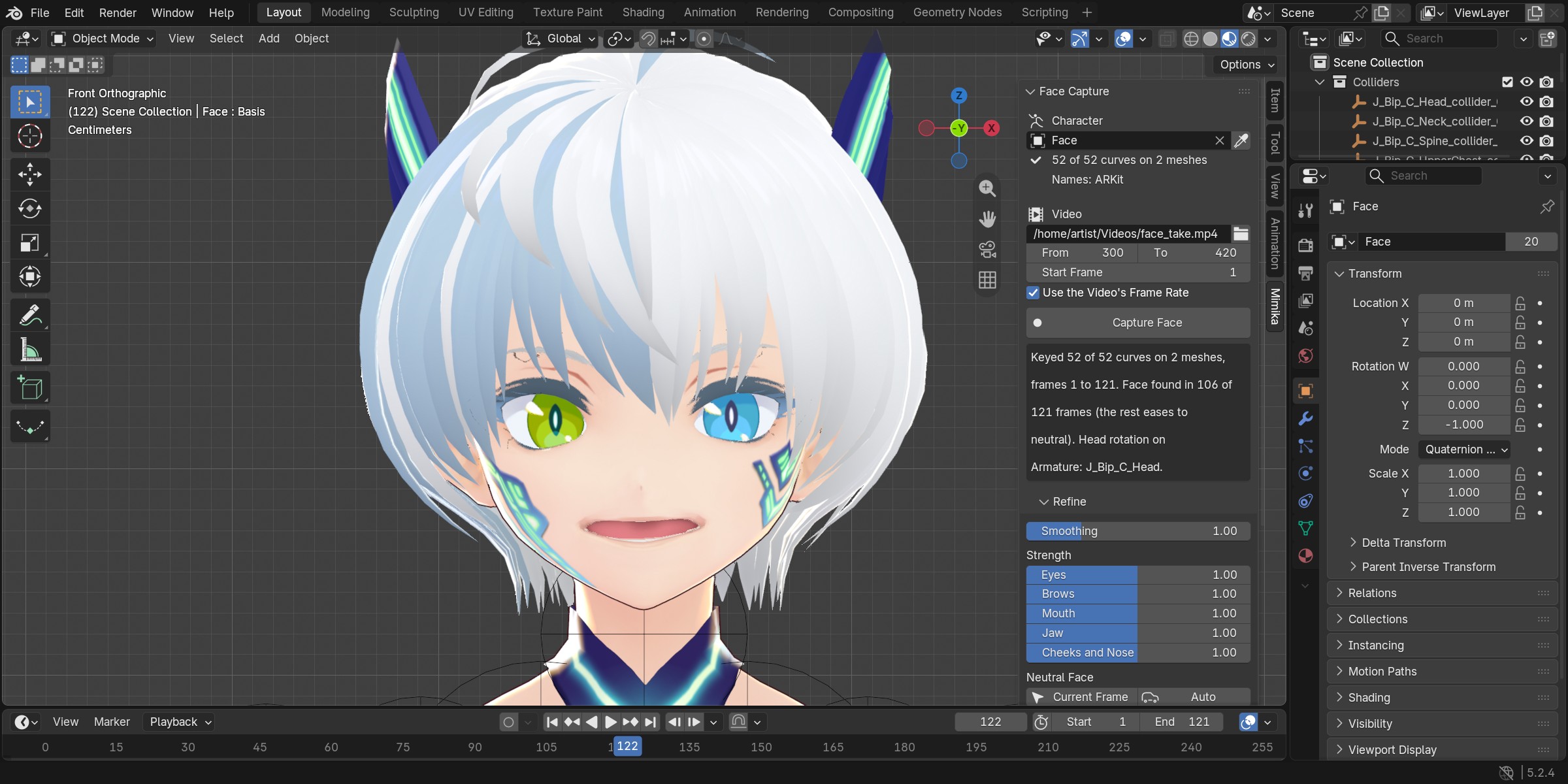
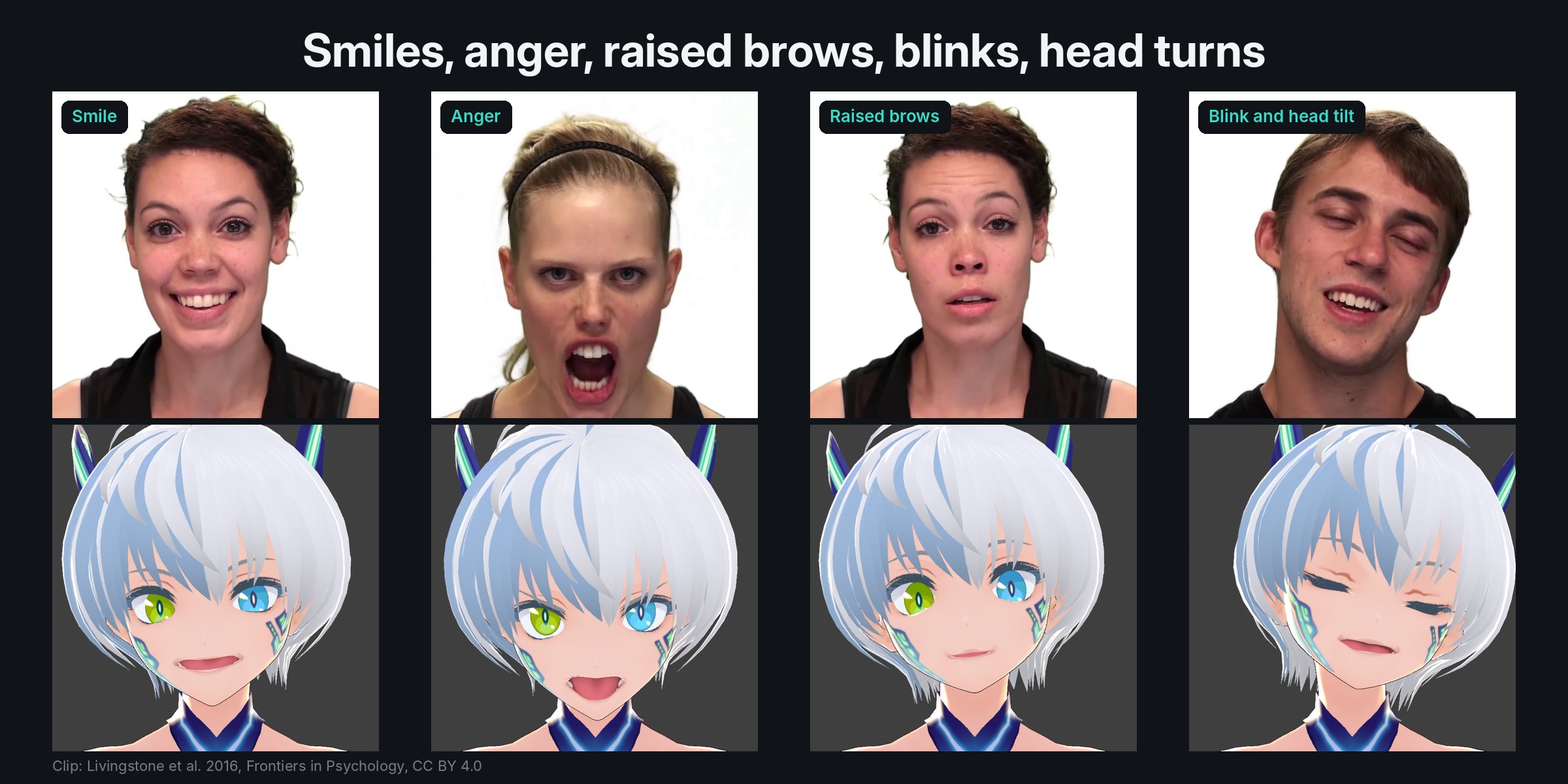
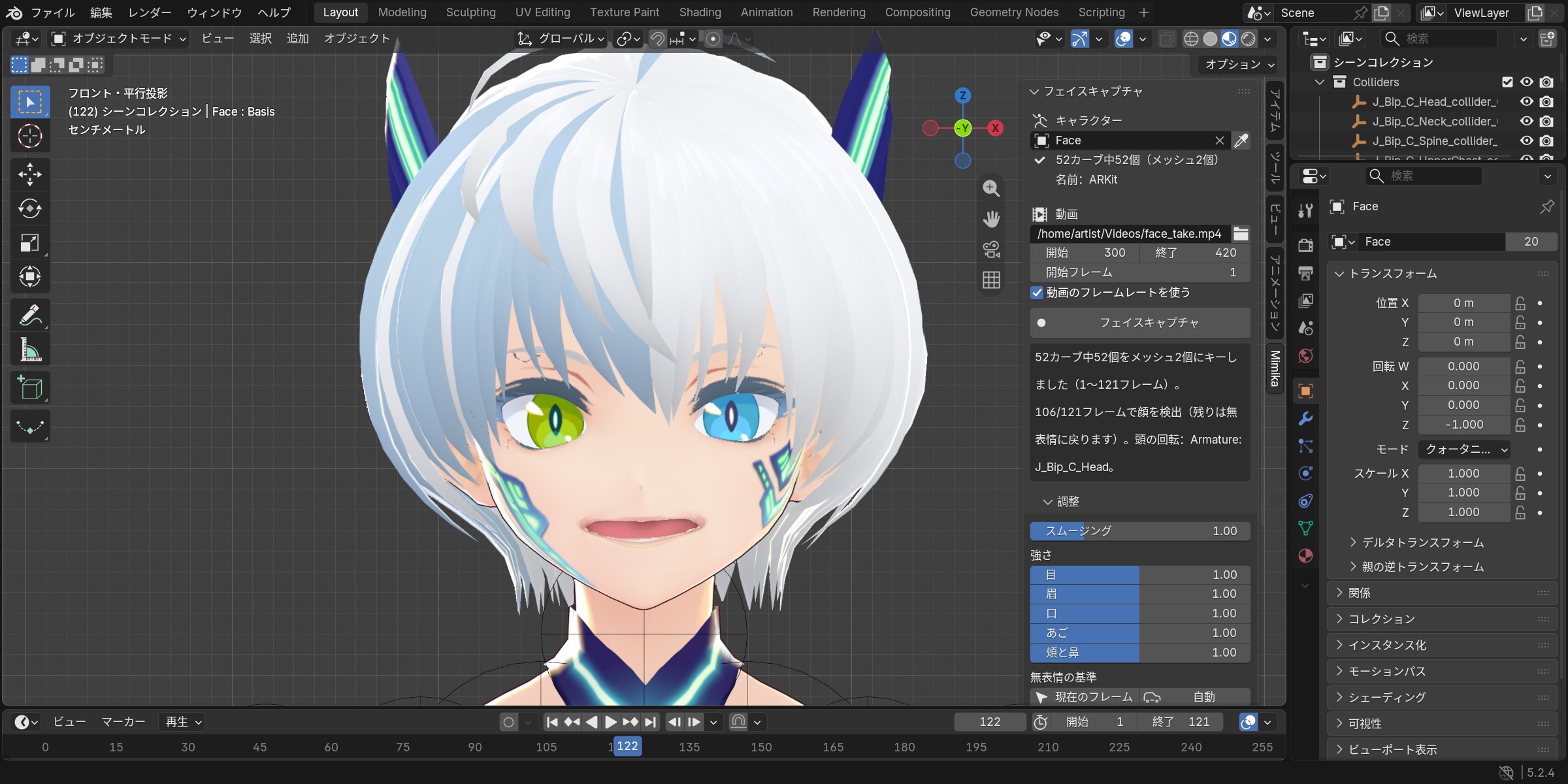
Film your face with a phone or webcam, pick the video in Blender, press Capture Face. Mimika follows the face through every frame and keys the 52 ARKit face curves on your character: blinks, eye look, brows, jaw, smiles, lip shapes and the head turn.
No iPhone, no depth camera, no app. It works with the video files you already have.
Nothing to install
- One small zip (about 3 MB). No Python packages, no 300 MB downloads, no admin rights, no graphics card.
- Everything runs inside Blender, offline. Your video never leaves your computer.
- The same zip for Windows, macOS and Linux, Blender 4.2 LTS to 5.2.
Made for the characters people actually use
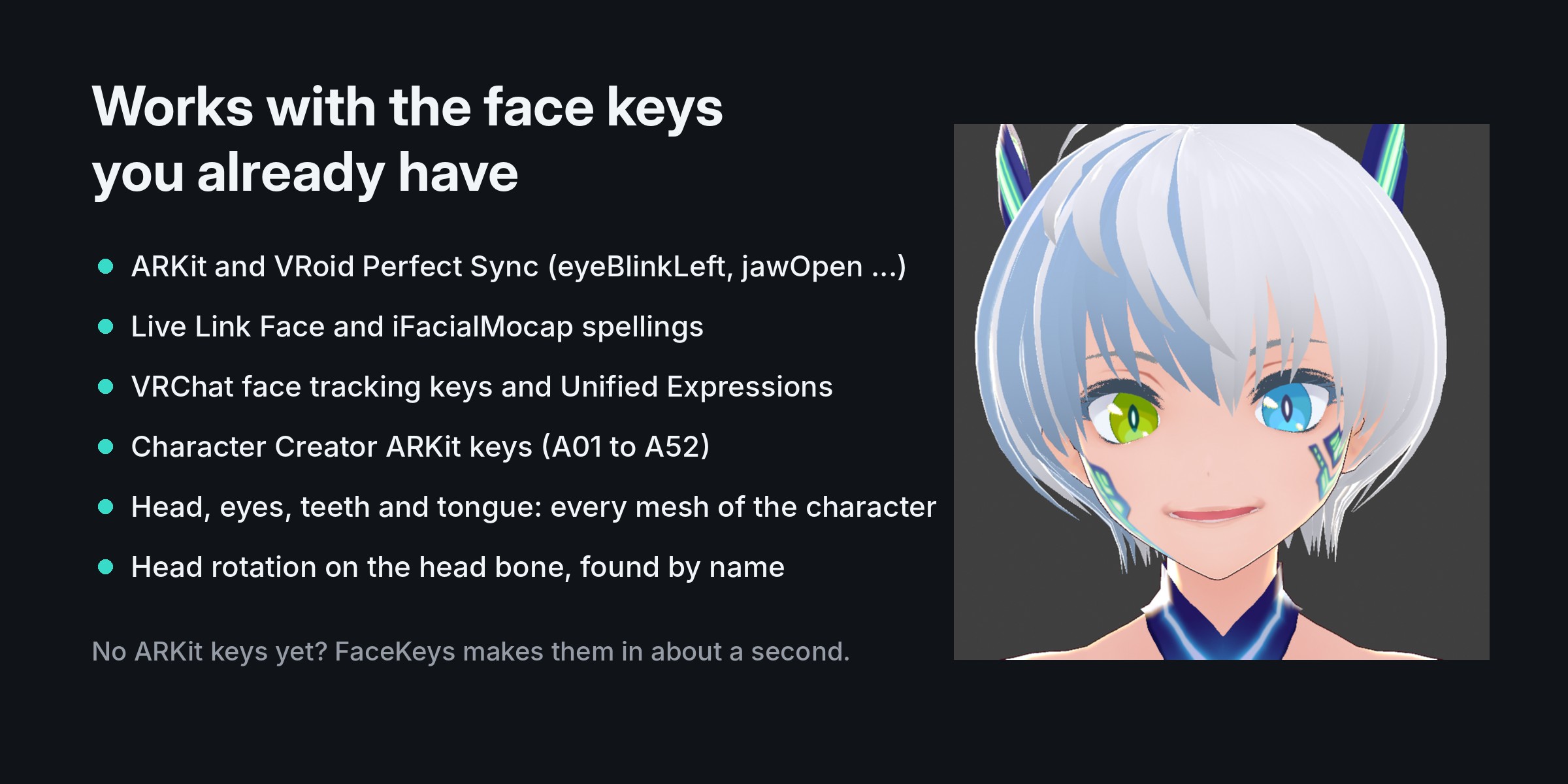
- Finds the face keys by name on every mesh of the character (head, eyes, teeth, tongue): ARKit and VRoid Perfect Sync names, Live Link Face and iFacialMocap spellings, Character Creator ARKit keys (A01 to A52), VRCFaceTracking Unified Expressions and VRChat's built-in face tracking keys.
- No ARKit keys yet? Make them in seconds with our FaceKeys add-on, or use Faceit's.
Refine without capturing again
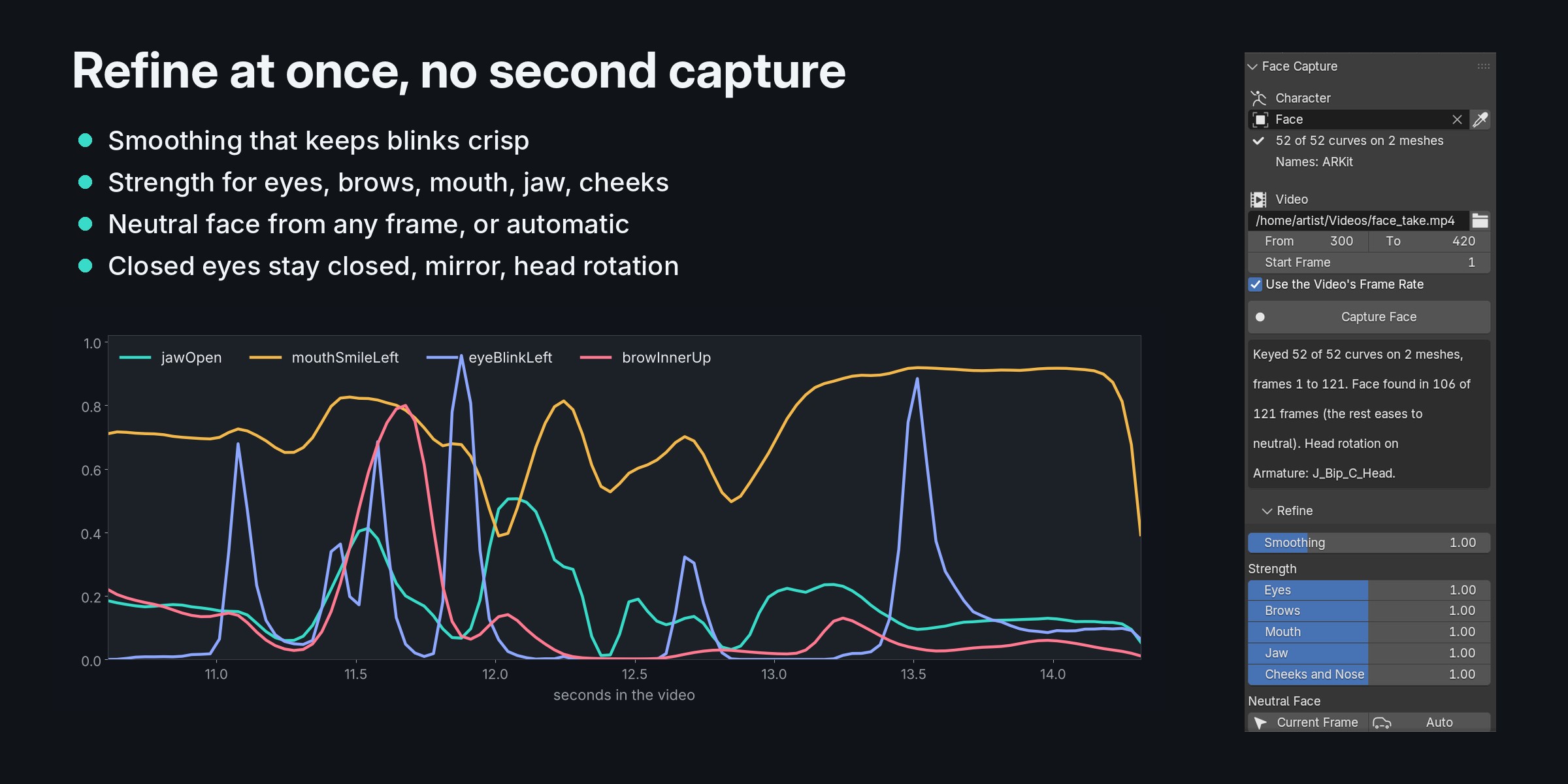
- Smoothing that keeps blinks crisp and calms the brows.
- Strength for eyes, brows, mouth, jaw, cheeks and nose.
- Neutral face from any frame, or found for you from the calm part of the clip.
- Closed eyes stay closed, mirror for selfie videos, eye look on or off.
- Head rotation onto the head bone, found by name (VRoid, Mixamo, Rigify, Character Creator and more).
- Every change shows at once: the take is stored in your .blend file.
Also
- Blender stays free while it works: the capture runs in the background with a progress bar. Esc stops it and changes nothing.
- Show Video Beside: the clip plays next to your character in the viewport, frame for frame.
- Save the take as a Live Link Face CSV (52 curves and head angles) for other tools.
- Reads phone videos (H.264 and HEVC); clips filmed sideways are turned upright for you.
- Japanese interface (日本語).
Good to know
- One face per video, seen from the front or a little to the side, with light on the face.
- The face model reads 51 of the 52 curves: tongueOut is not read from video.
- Cheek puff and nose sneer come out weaker than on an iPhone capture; use the Cheeks and Nose strength.
- A 30 second clip takes about a minute (measured on two processor cores, no graphics card used).
Install
Download the add-on folder mimika_1.0.0 (Download Folder). You get a .zip file: keep it zipped. In Blender 4.2 or newer: Edit > Preferences > Get Extensions, the arrow menu at the top right, Install from Disk, pick the zip. The Mimika tab appears in the 3D Viewport sidebar (press N).
Included
The Mimika 1.0.0 add-on folder with the face models (nothing else to download), updates and e-mail support ([email protected]).
License: Mimika add-on code: GNU GPL 3.0 or later. The face models are Google's MediaPipe models, under the Apache License 2.0.
Credits
Demo clip in the pictures: Supplemental Video 1 from Livingstone S, Vezer E, McGarry L, Lang A, Russo F (2016), Frontiers in Psychology, DOI 10.3389/fpsyg.2016.00780, licensed CC BY 4.0, via Wikimedia Commons; cut, cropped and shown beside the character. The people in the clip do not endorse this product. Character: VRoid sample avatar (CC0).