
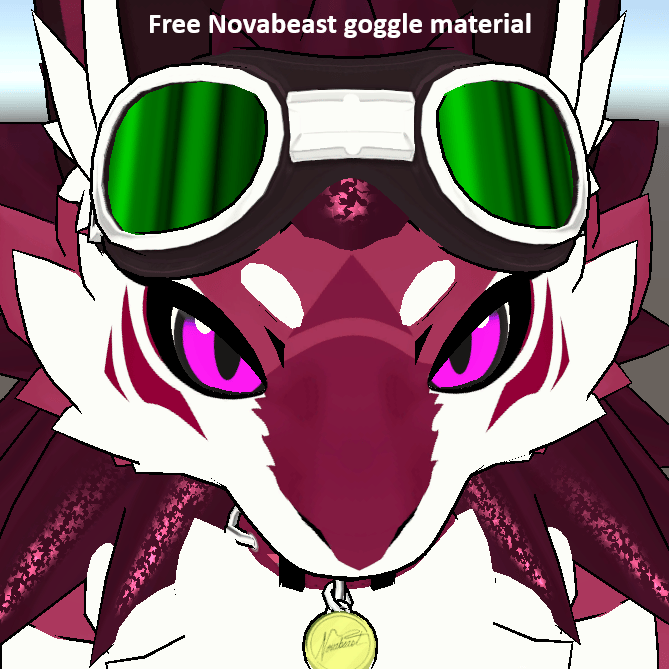
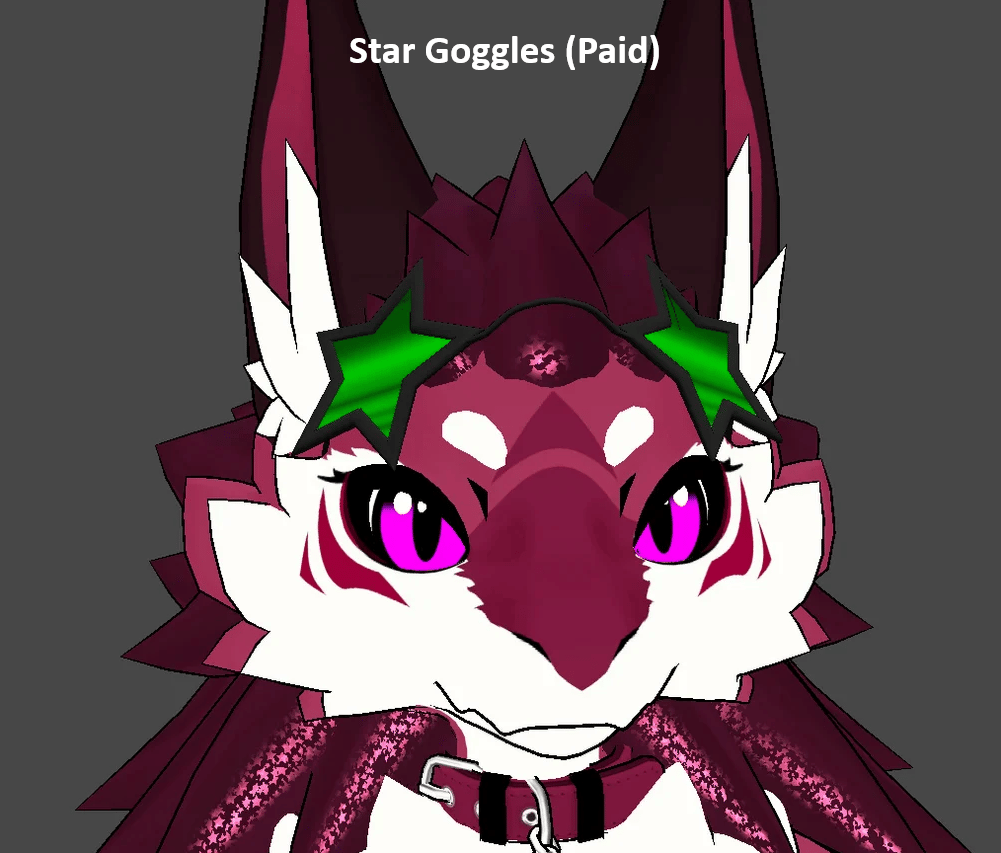
Product Description
Instructions for use:
- Install poiyomi shader (https://www.poiyomi.com/download/)
- Install audiolink package either manually or from creator companion.
- Install unitypackage
- Select novaGoggleAudioLink material and change it to poiyomi toon
- replace goggle lens with it
- profit
Details about optional Audiolink Novabeast star goggles
Style Variants
- Black
- White
- Blue
- Red
- Custom color easily changeable on shader material.
Technical Features
- Lightweight Performance: Only 712 triangles.
- Texture Variants: Four variants, all with AudioLink support.
- Ease of Use: Full drag-and-drop install with VRCFury.
- Compatible with existing novabeast goggles bones and can be dragged same way as the original.
- Toggle between goggles and glasses.
Requirements
- VRCFury → vrcfury.com/download
- Poiyomi Shaders → poiyomi.com/download
(Just copy/paste the addresses into your browser.)
What’s Included
- UnityPackage file with the NovaBeast Star glasses setup
Summary
- Polygon Count: 712 triangles (performance-friendly)
- Texture Options: Four colors with easy customization.
- Installation Tool: VRCFury (drag-and-drop prefab integration)
- Shader Requirement: Poiyomi Shaders (for toon styling & AudioLink)
- User-friendliness: Fully plug-and-play for VRChat creators
- Included Files: UnityPackage
Quick Notes
- Avatar shown in preview is not included
- Requires Unity with VRCFury installed
- Made for the NovaBeast avatar (not a universal outfit)
- For personal use only (do not redistribute or resell)