
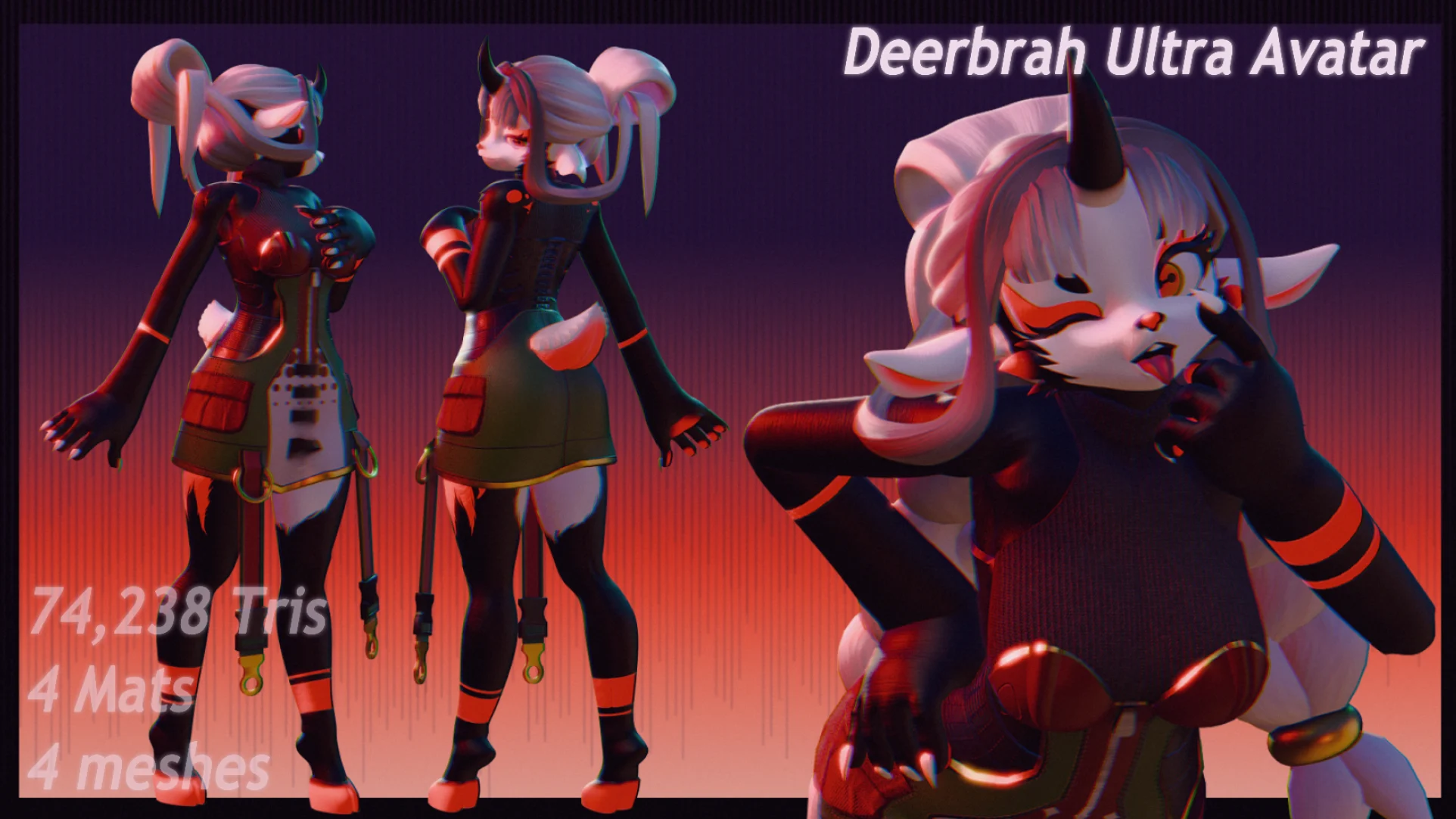
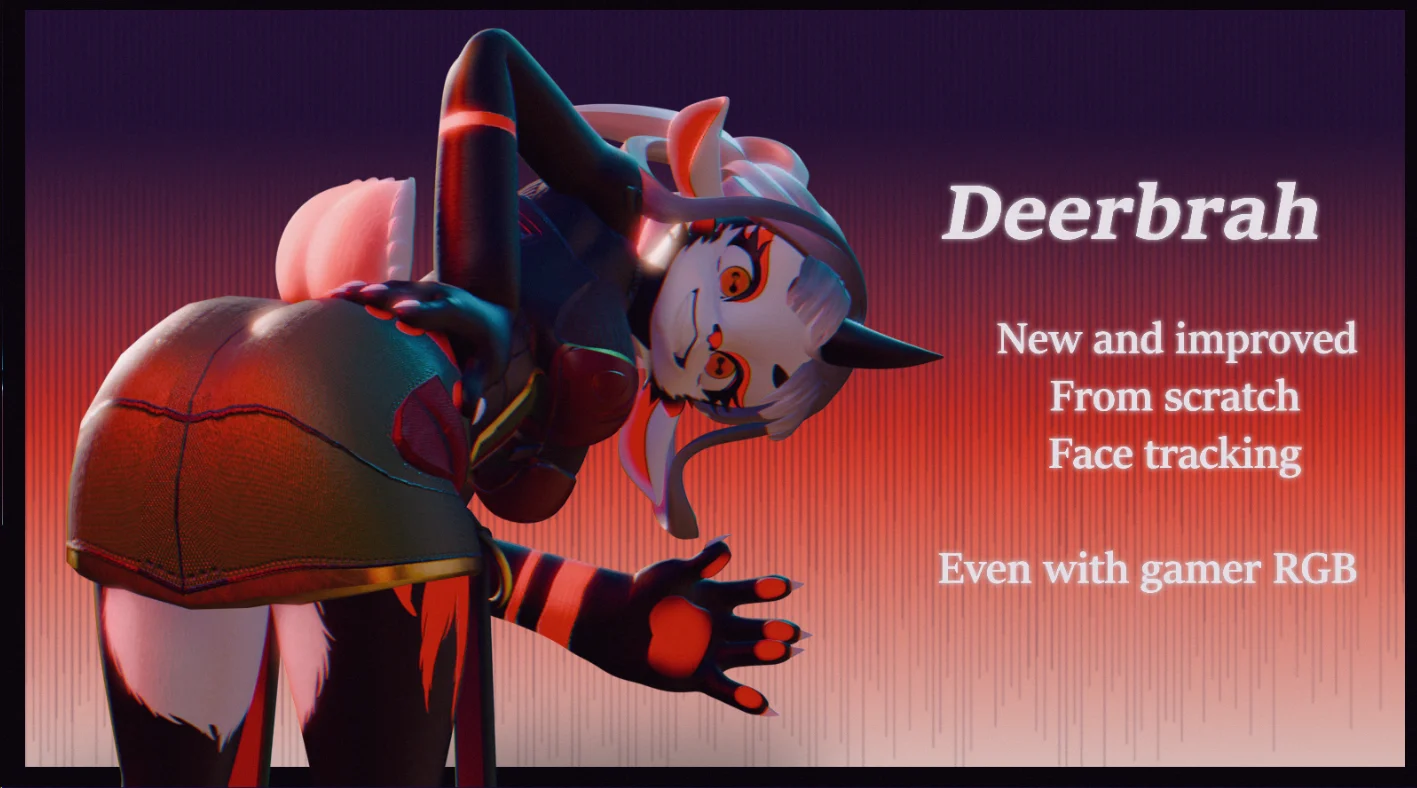
Deerbrah Ultra Avatar
Product Description
TRY THE MODEL ON FOR FREE BEFORE YOU BUY
https://vrchat.com/home/avatar/avtr_71d774b6-2121-4334-ab24-14fce93536d2
Deerbrah Ultra Avatar + Base
A stylized lamb/goat avatar package for VRChat featuring both a customizable base model and a fully featured avatar setup.
Designed for creators who want a clean editable base alongside a ready-to-use avatar with advanced customization features.
✦ Included Products
Deerbrah Ultra Avatar
A fully featured VRChat avatar setup with customization systems, toggles, expressions, and RGB controls.
comes with the Base
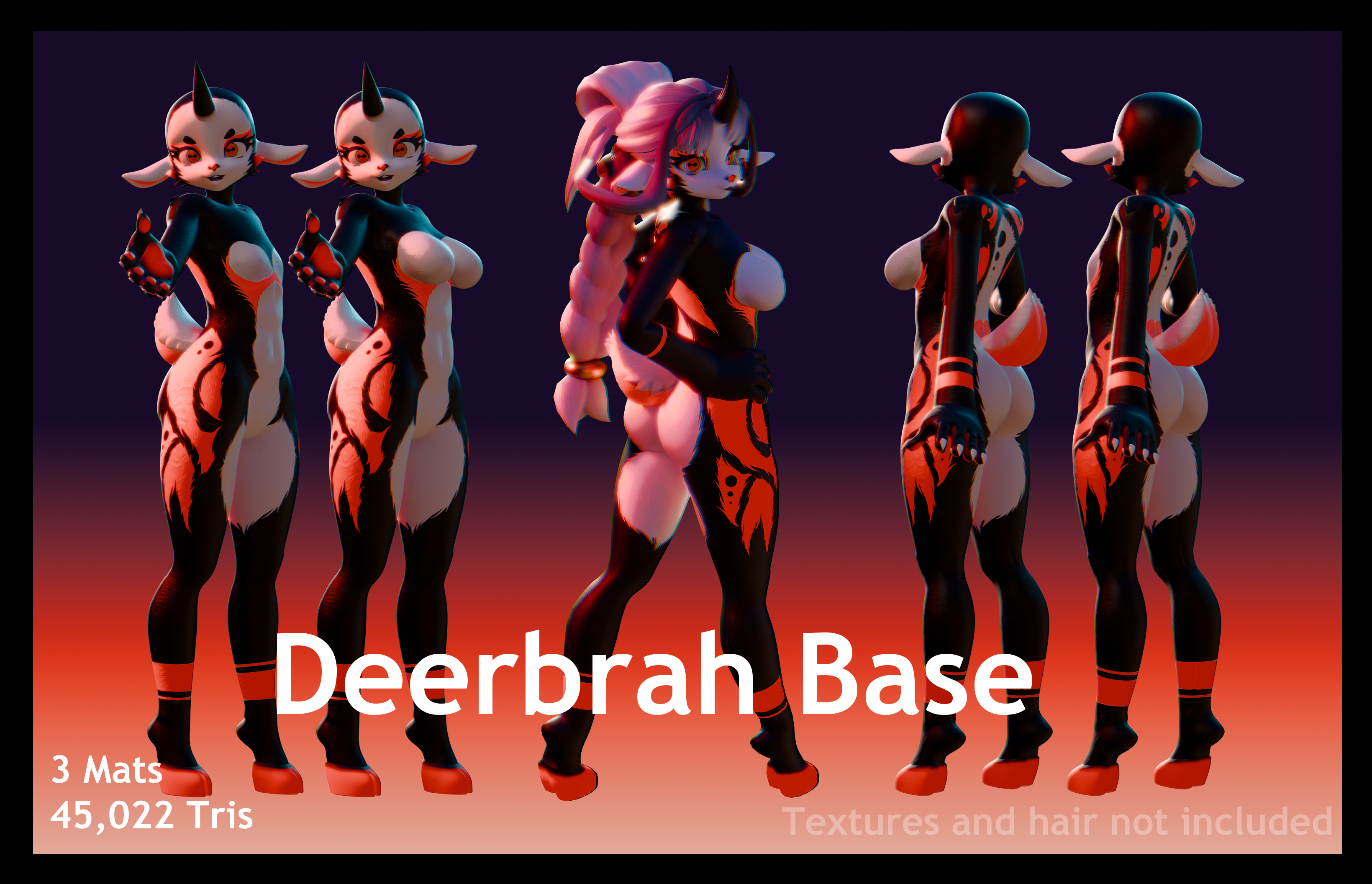
Deerbrah Base
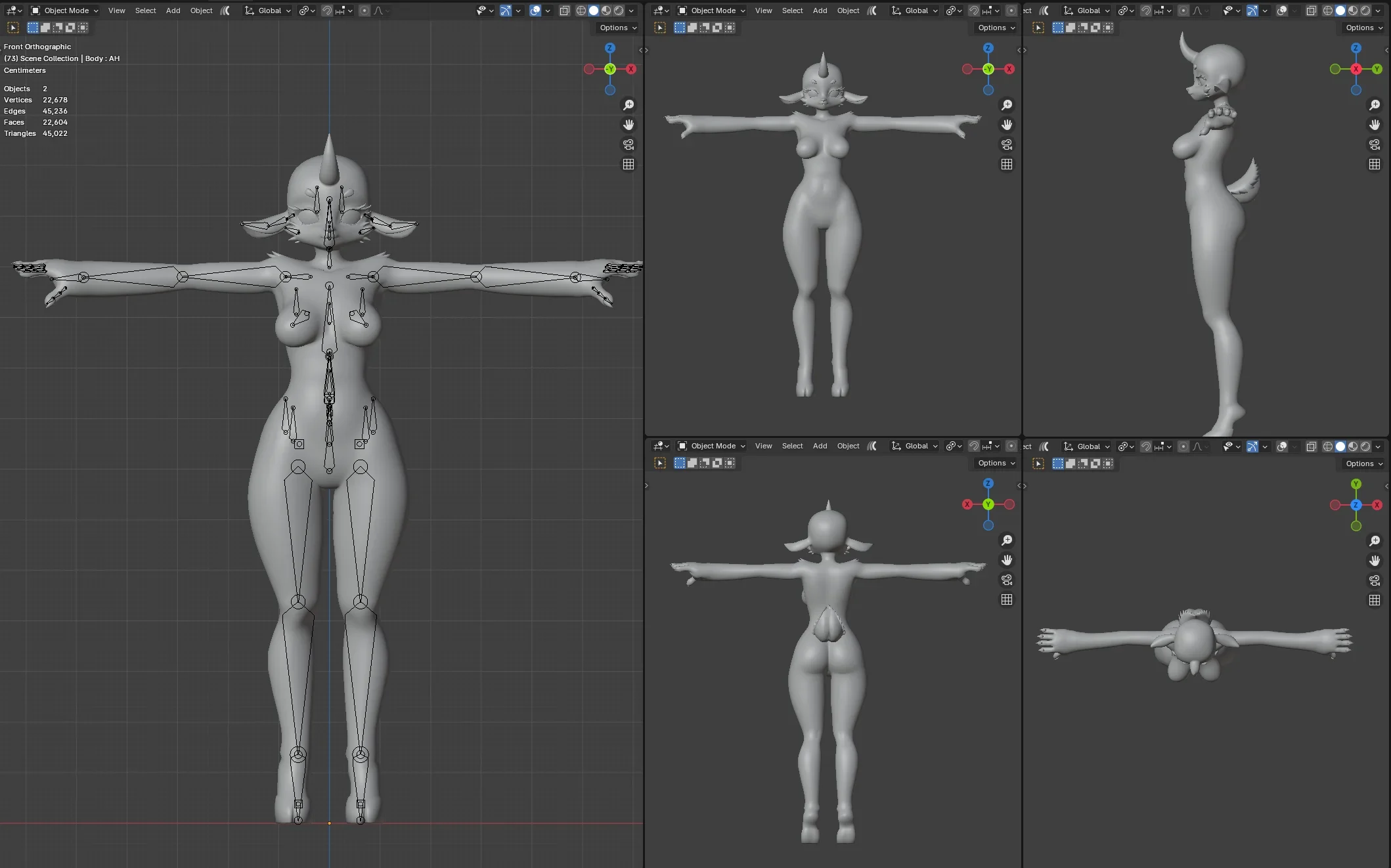
A clean editable base intended for personal customization, recolors, mesh edits, and creator workflows.
✦ Deerbrah Ultra Features
Avatar Features
⋆ Horn Toggle
⋆ Dress Toggle
⋆ Bangs Toggle
⋆ Braids Toggle
⋆ Eye Variations
⋆ Facial Expressions
⋆ RGB Customization
✦ Model Information
Deerbrah Ultra Avatar
⋆ 74,238 Tris
⋆ 4 Materials
⋆ 4 Meshes
Deerbrah Base
⋆ 45,022 Tris
⋆ 3 Materials
⋆ 1 Mesh
✦ Package Contents
⋆ Deerbrah Ultra FBX
⋆ Deerbrah Base FBX
⋆ Substance Painter FBX
⋆ Unity Package (SDK3 Ready)
⋆ Materials & Textures
⋆ Prefab Setup
✦ Requirements
⋆ VRCSDK3 Avatar SDK
⋆ Poiyomi Toon Shader
⋆ Unity 2019.4.31f1
⋆ VRCFury (optional, for additional setup/features)
✦ Credits
Twitter/X:
https://x.com/Nars_VR
Video by The.Miz.Doll on instagram
✦ User Agreement
Allowed
⋆ Recolors
⋆ Texture edits
⋆ Mesh edits
⋆ Personal customization
Not Allowed
⋆ Reselling the package
⋆ Sharing files with others
⋆ Claiming this avatar or its assets as your own work
✦ Personal License
⋆ This package may NOT be redistributed, shared, or leak in any form
⋆ This avatar may NOT be uploaded as public on any social VR platform
⋆ This model may NOT be used commercially under the Personal License
⋆ Do NOT purchase if you have no Unity or Blender knowledge
⋆ Edits may ONLY be shared with users who already own the same Deerbrah package
✦ Commercial License
THE COMMERCIAL LICENSE PACKAGE DOES NOT INCLUDE THE BASE FBX
The original or near-original model may NOT be redistributed or resold
⋆ Edited versions may NOT be sold for less than $30 USD
⋆ Significant edits may be redistributed or sold
⋆ You may create paid products, content, and or videos
⋆ Proper credit to the original Deerbrah base is required
⋆ You may restrict redistribution of your own edited products
⋆ Your customers may sell creations containing this base ONLY if they also own the Commercial License for the original Deerbrah package
⋆ Do NOT purchase if you have no Unity or Blender knowledge
✦ Import Instructions
Unity Setup
- Import the latest version of Poiyomi first
- Import the Unity package
- Open the avatar prefab/scene
- Upload through SDK3 normally
Blender Export Instructions
- Go to
File > Export > FBX - In the Main tab, change export mode from
All LocaltoFBX All - Open the Armatures tab
- Disable
Add Leaf Bones - Export
✦ Notes
⋆ Intended for VRChat use
⋆ Basic Unity knowledge is strongly recommended
⋆ Blender knowledge is recommended for advanced customization
⋆ Colors and appearance may vary depending on lighting/shader settings
⋆If there are any questions message me on twitter