Product Description
A little rabbit that reacts to your hand signs. 🐰
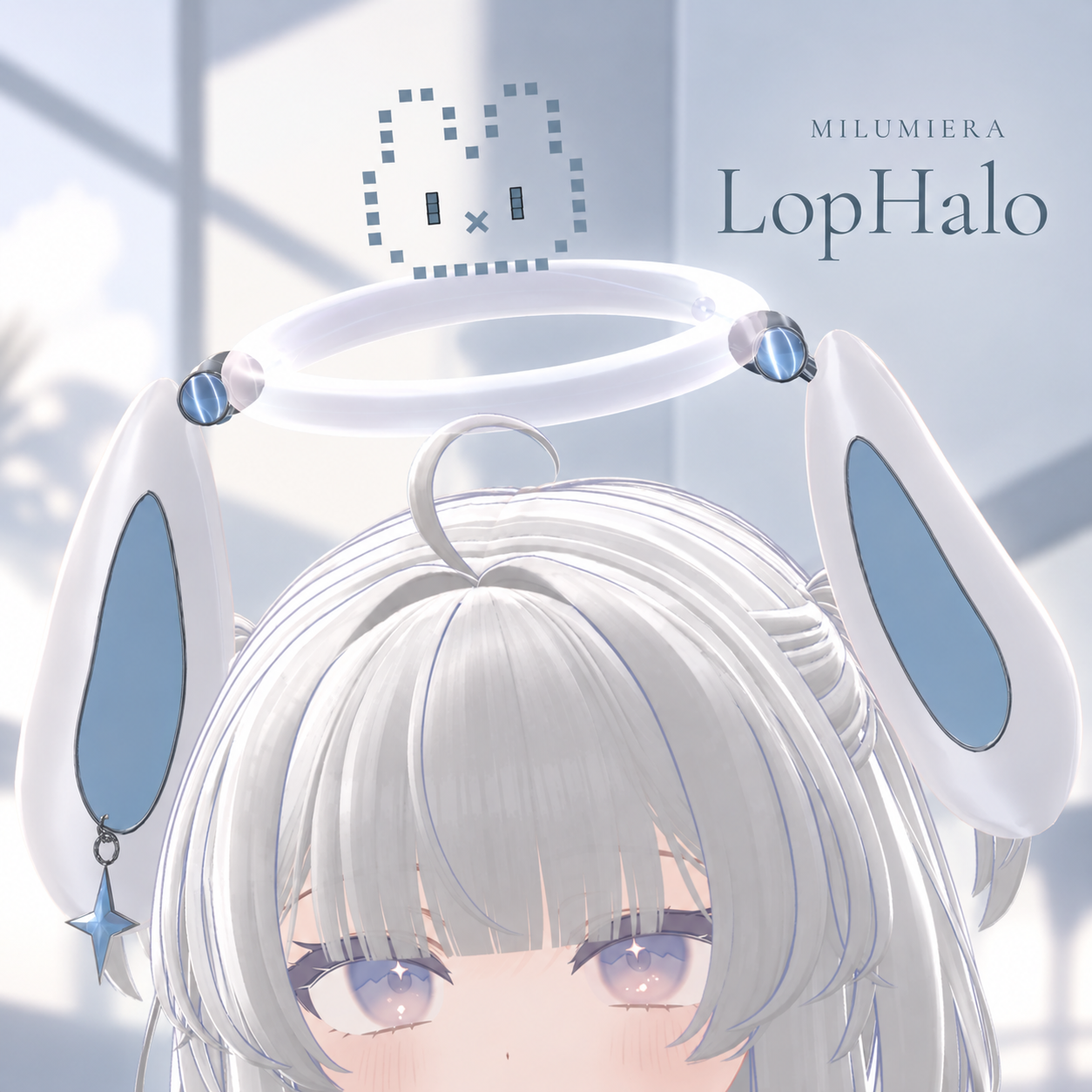
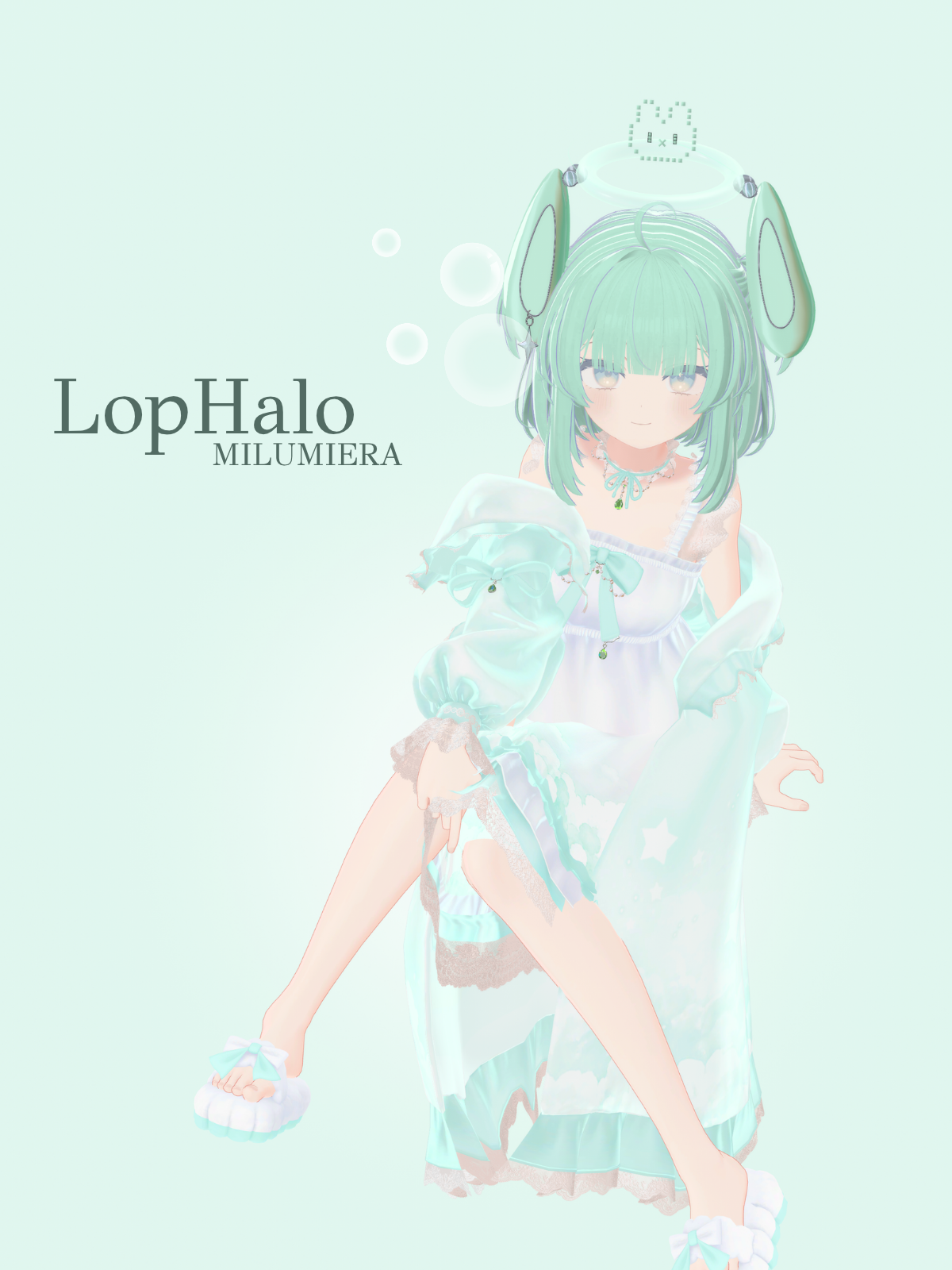
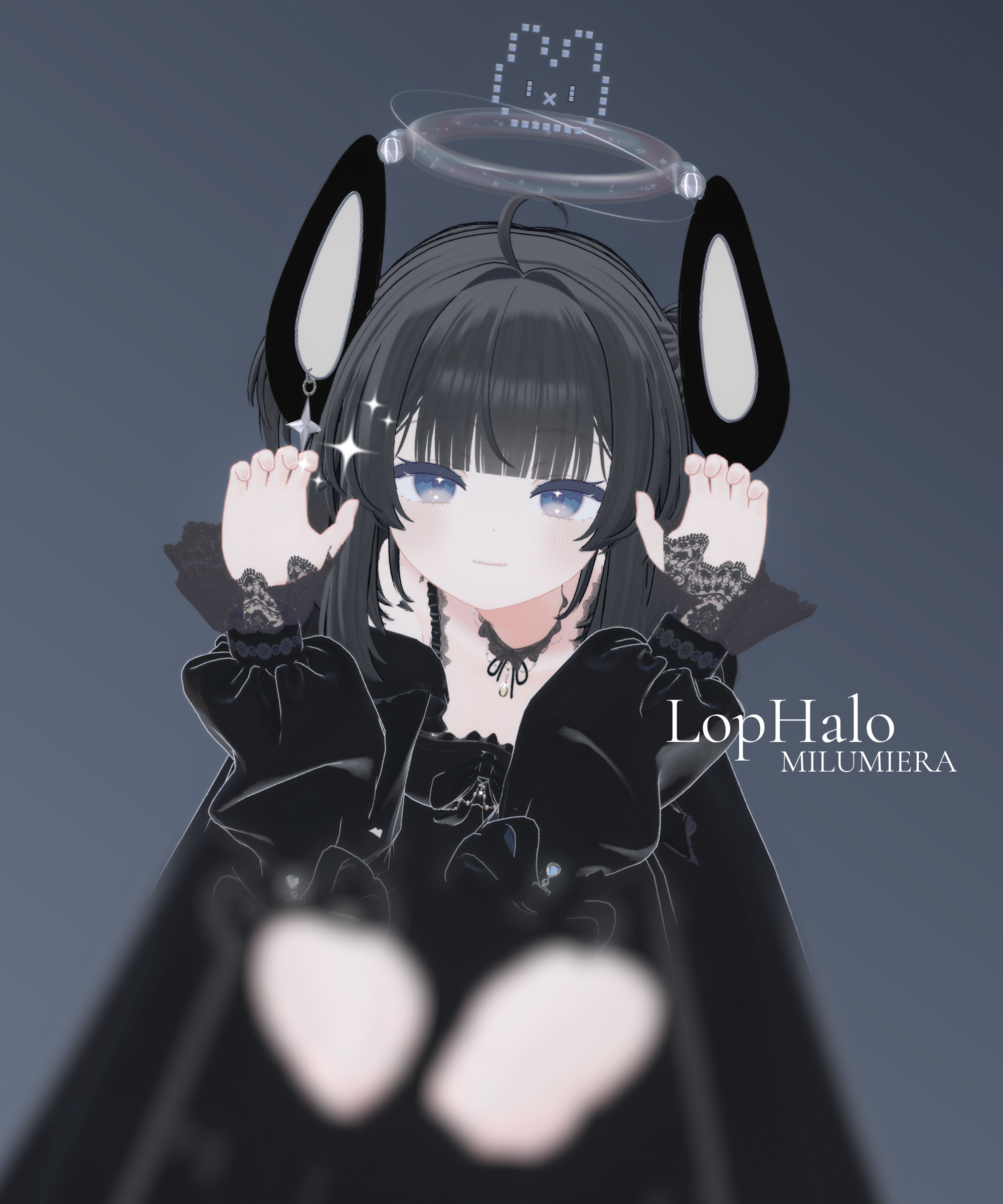
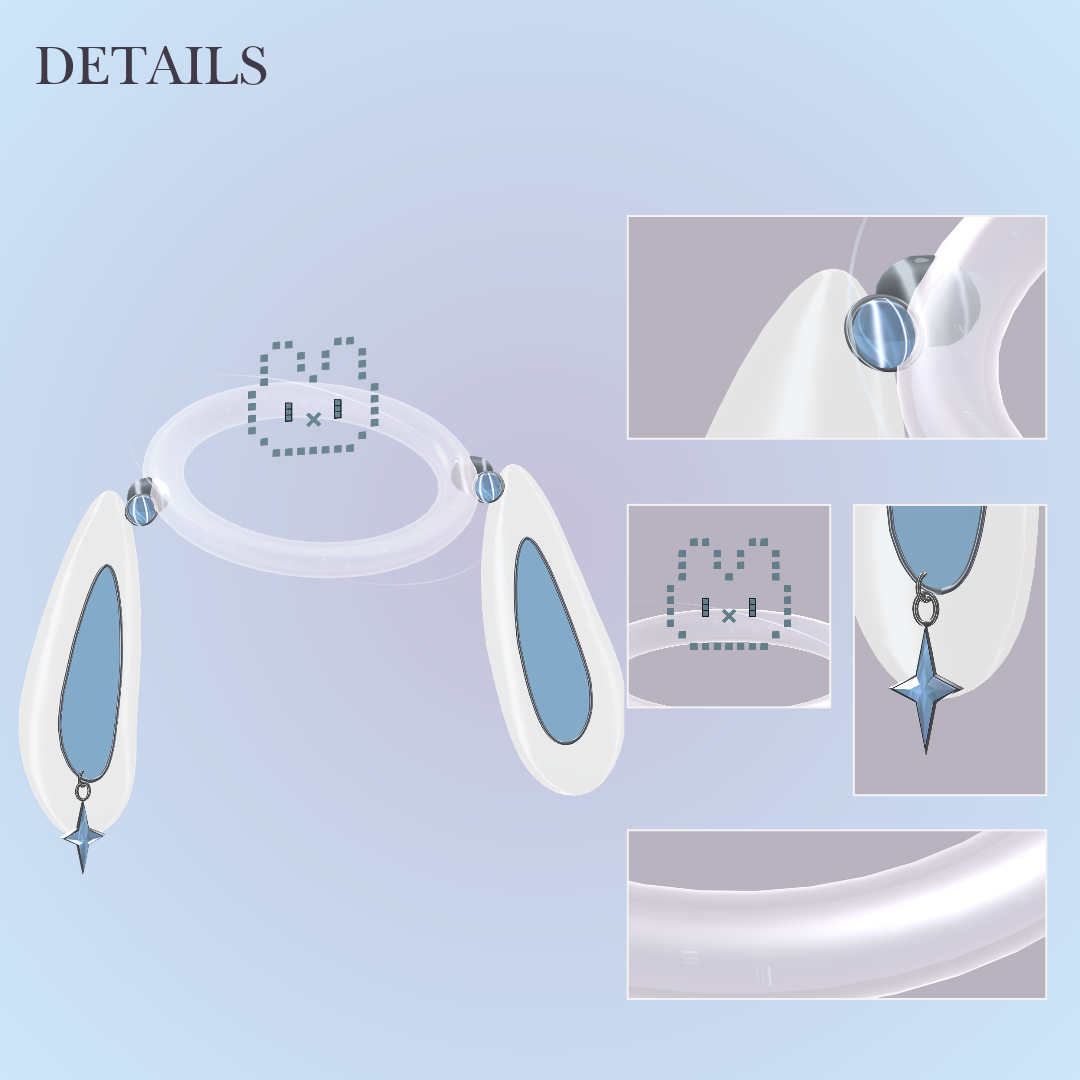
Its pixel face scatters and reforms above your head, with floppy ears and a tiny orbiting planet.
✦ Features
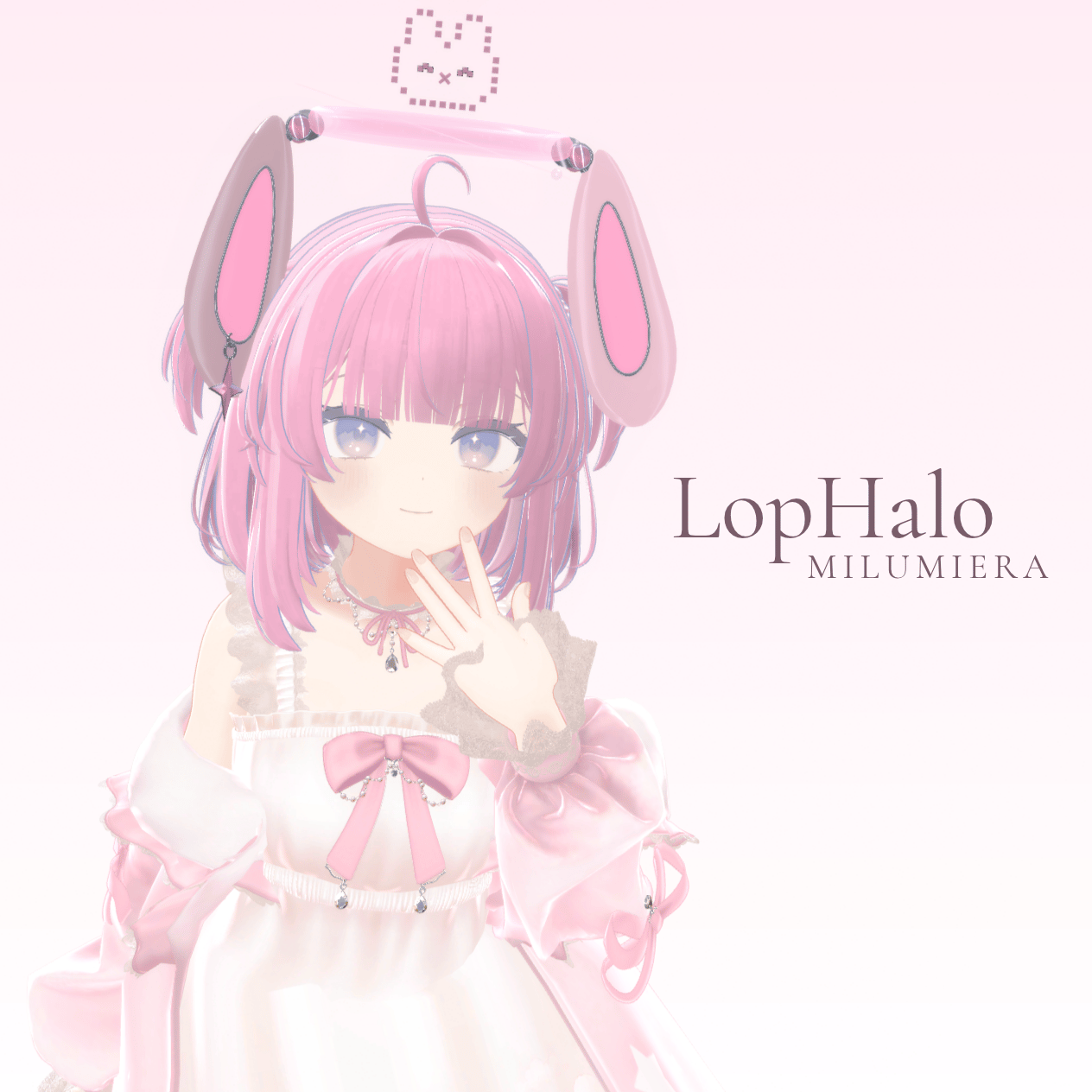
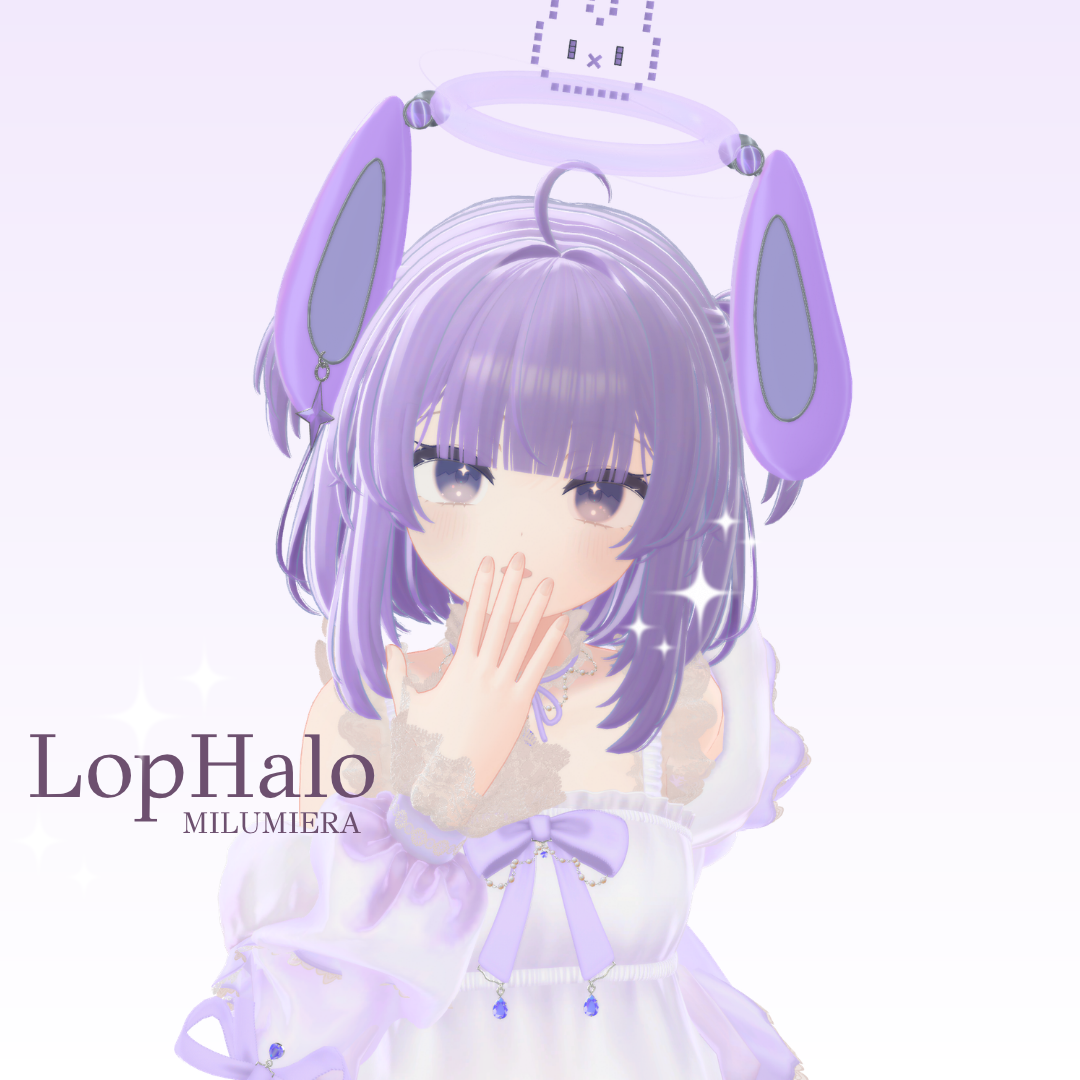
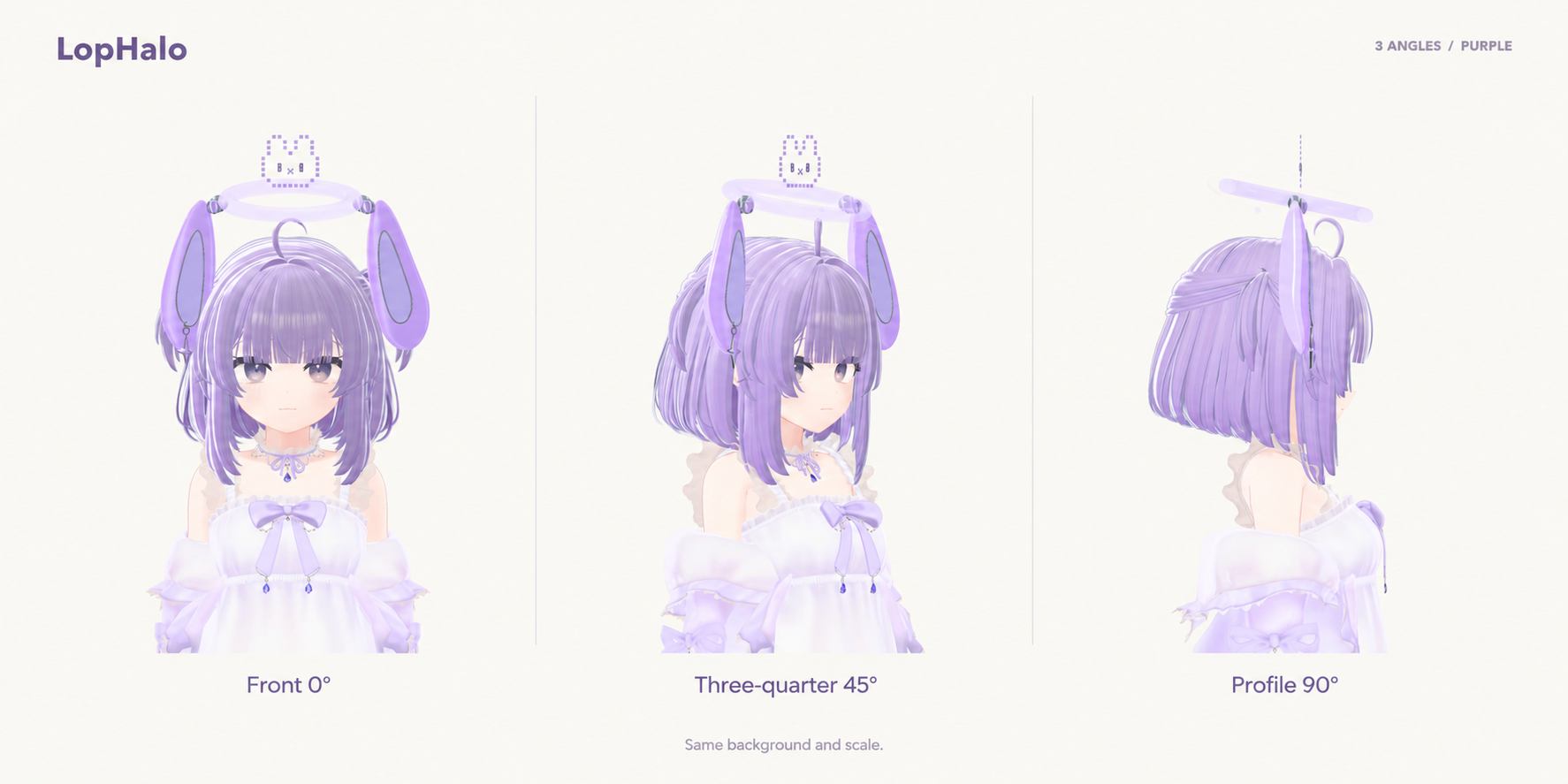
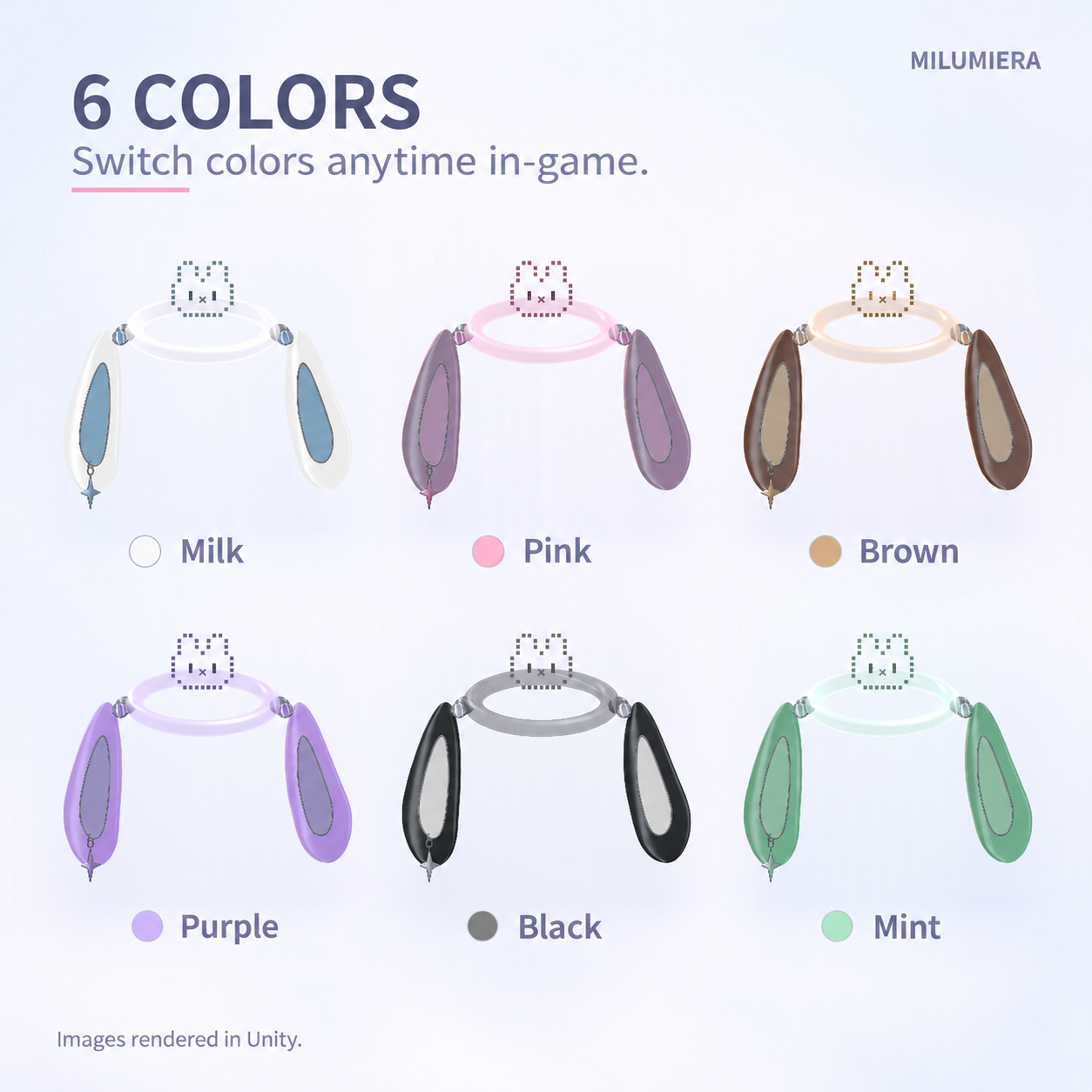
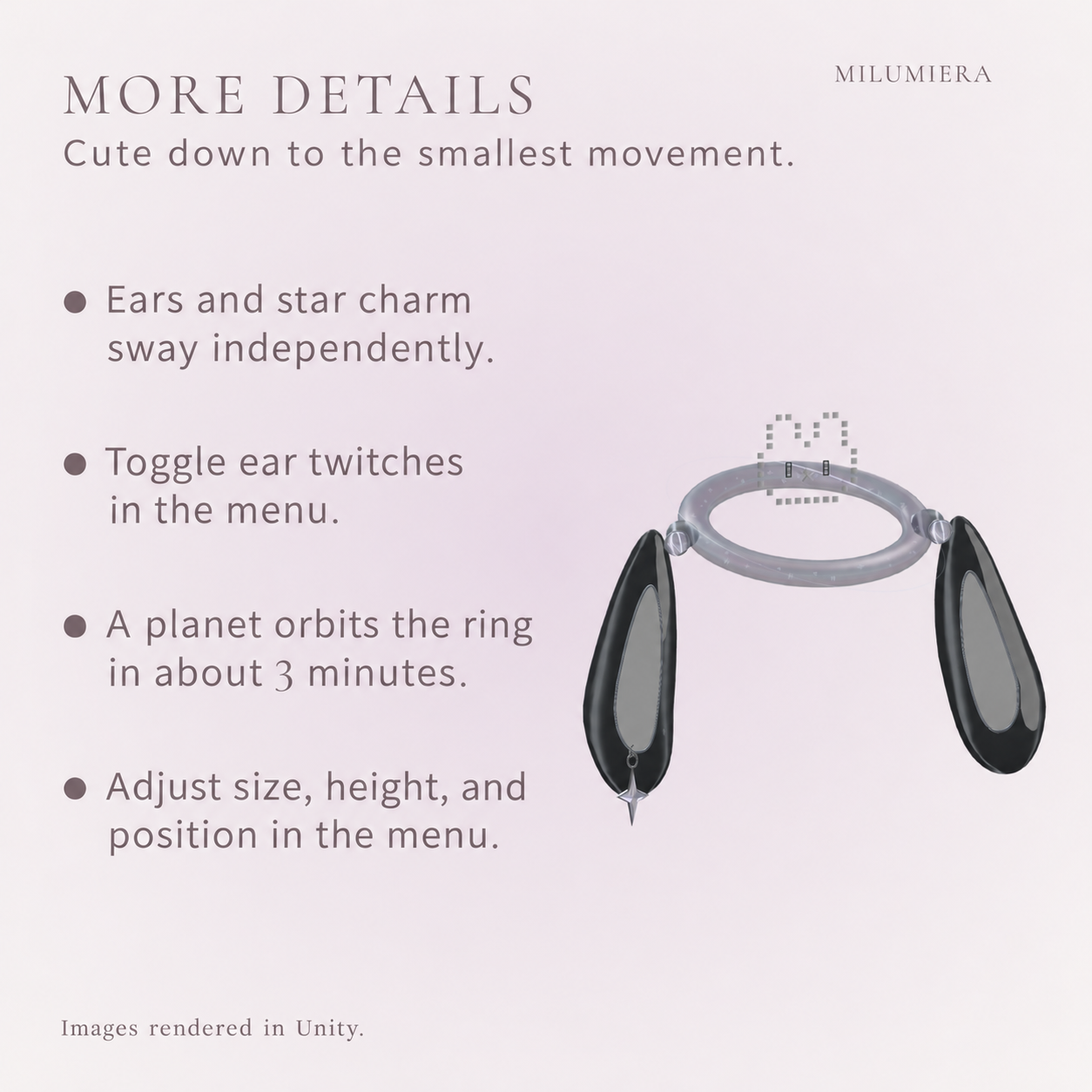
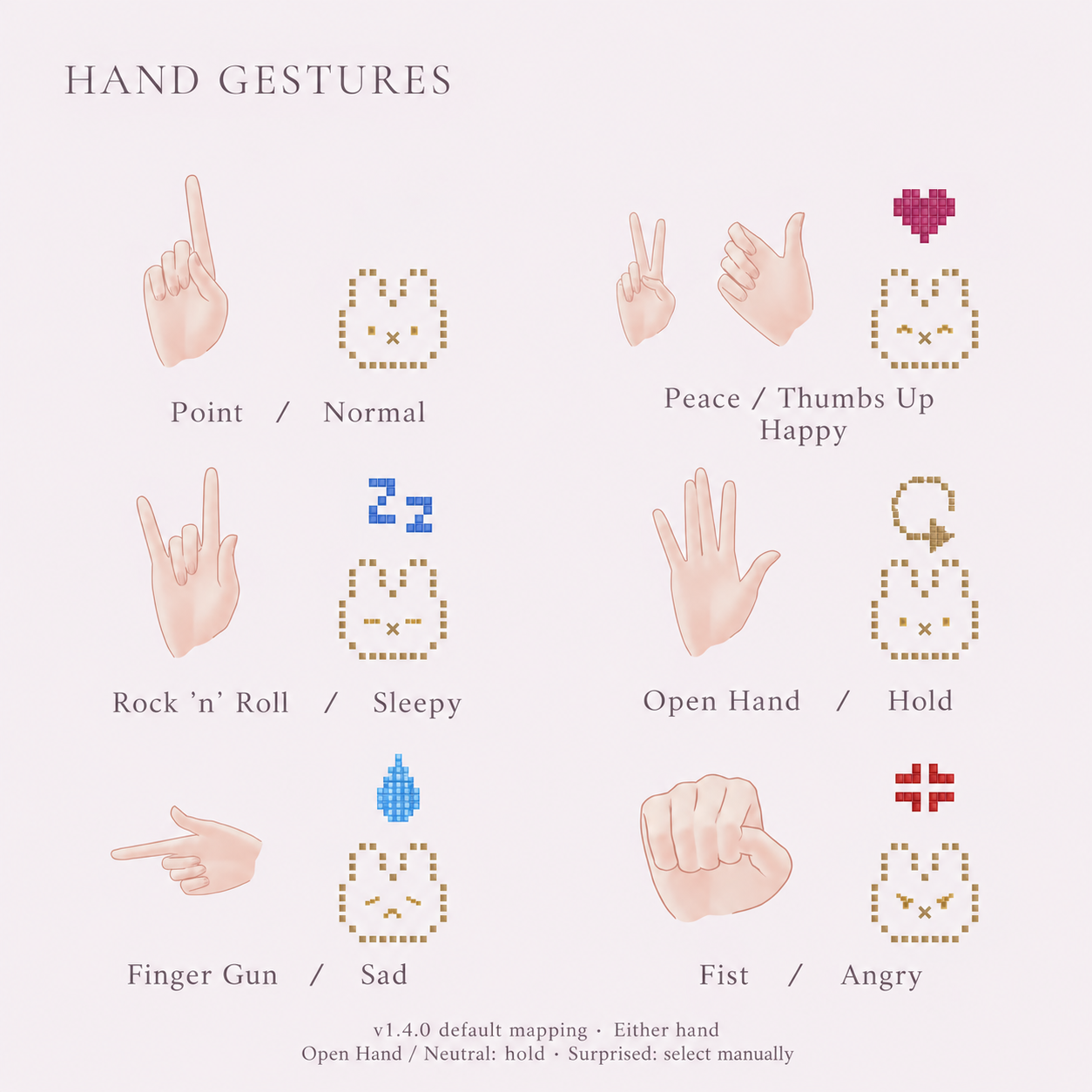
Six expressions and six colors, with a half-second pixel transition, bouncing ears, a swaying star and an orbiting planet.
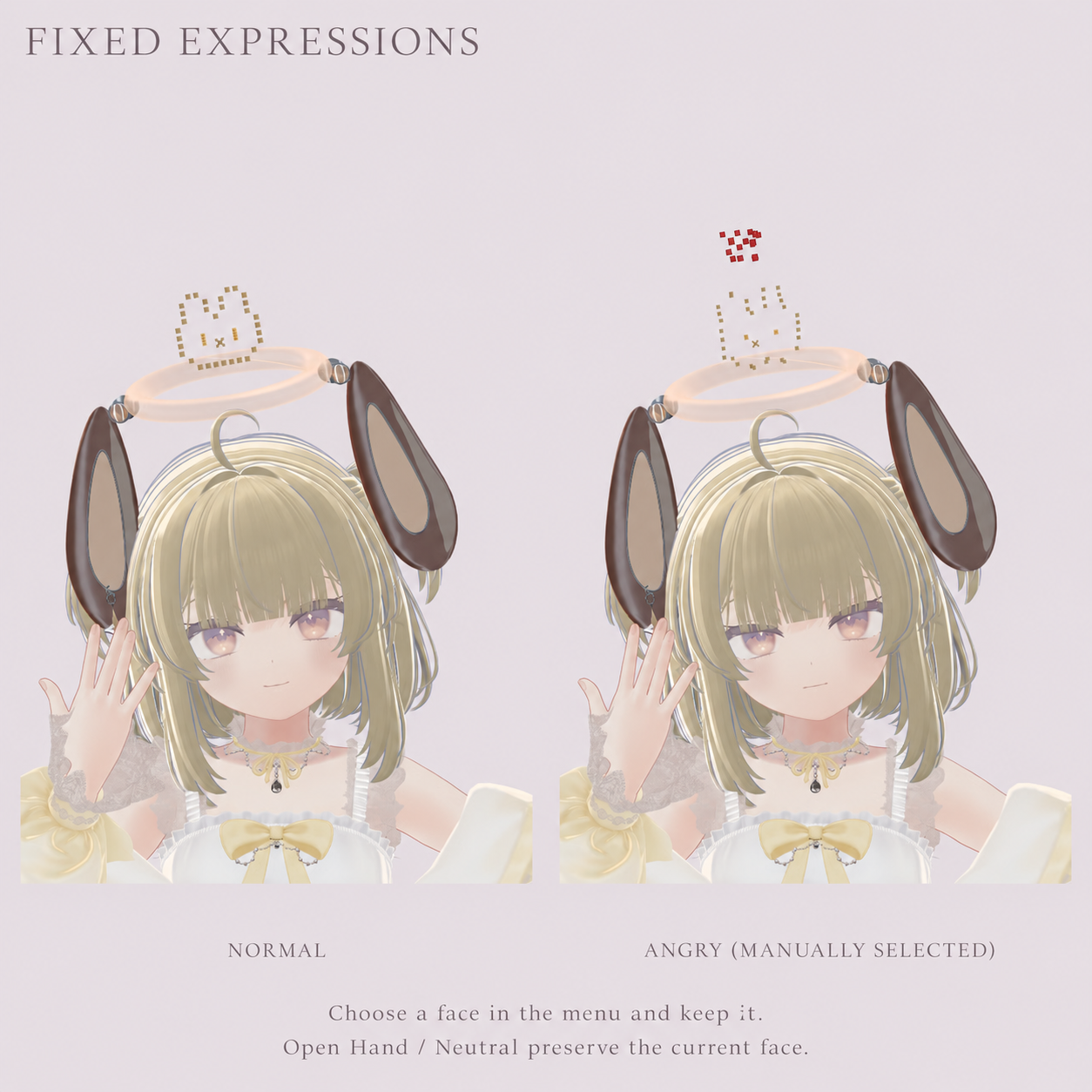
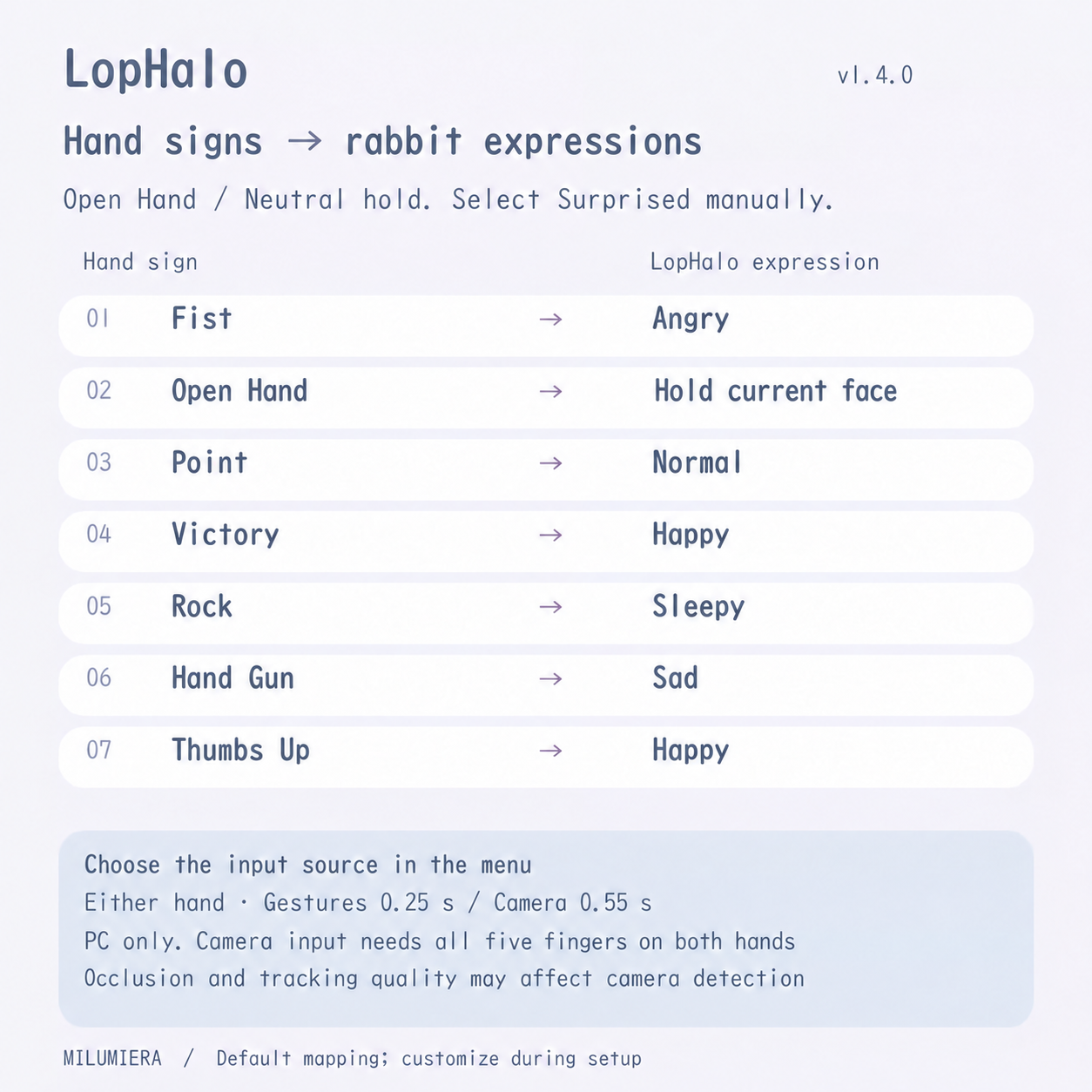
Input from either hand, customizable hand-sign mapping, fixed expressions and an automatic photo cycle. Choose standard gestures or built-in camera finger tracking in settings. Japanese/English menus included.
✦ Requirements
VRChat PC only; no Quest/Android support. For Humanoid avatars with a consistent Write Defaults policy in normal FX layers.
Unity 2022.3.22f1 / Avatars SDK / lilToon. Modular Avatar is not required.
lilToon: Download
Camera input requires VRChat hand-tracking settings and all five Humanoid fingers on both hands.
✦ Setup
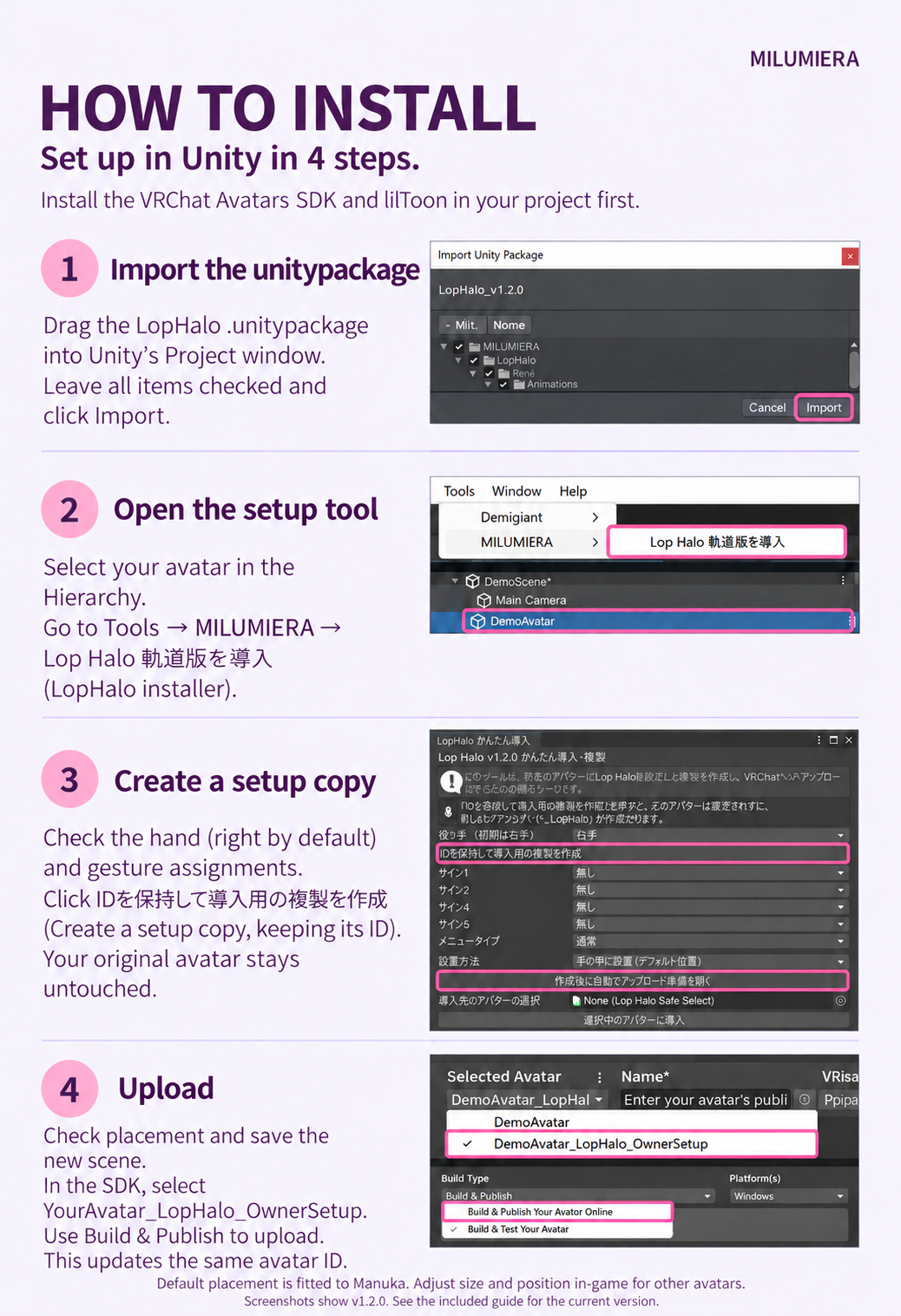
Import the full package, select your avatar, then open Tools > MILUMIERA > LopHalo Setup / かんたん導入.
Default placement is based on Manuka. Adjust the fit and upload with the SDK. Full JP/EN instructions included.
✦ Good to know
• Open Hand and Neutral hold the previous expression; select Surprised manually. Camera input depends on tracking quality/occlusion and cannot distinguish open hand from tracking loss.
• Your avatar’s face may react to the same signs. Glow varies with world bloom. Optional face tracking requires compatible hardware plus VRCFT/OSC.
• Avatar, clothing and hair are not included.
✦ Stats & terms
v1.4.0 / JP/EN guides and terms. Accessory only: 33,522 tris / 6 renderers.
A new installation adds 18 synced bits, or 50 with fit-adjustment sync. Updates preserve existing sync settings, so this may differ.
Personal/business use, modification and media use allowed. No redistribution or Public avatars accessible to non-owners. See included terms; message us on Jinxxy for support.
Avatar shown: Manuka by STUDIO JINGO — Avatar page (not included).
✦ More from MILUMIERA
Like this style? Follow MILUMIERA for new accessories and outfits.
Photos and work in progress: @MILUMIERA_VRC