Product Description
VRC To OBS
Capture and Display World Camera Feeds in VRChat
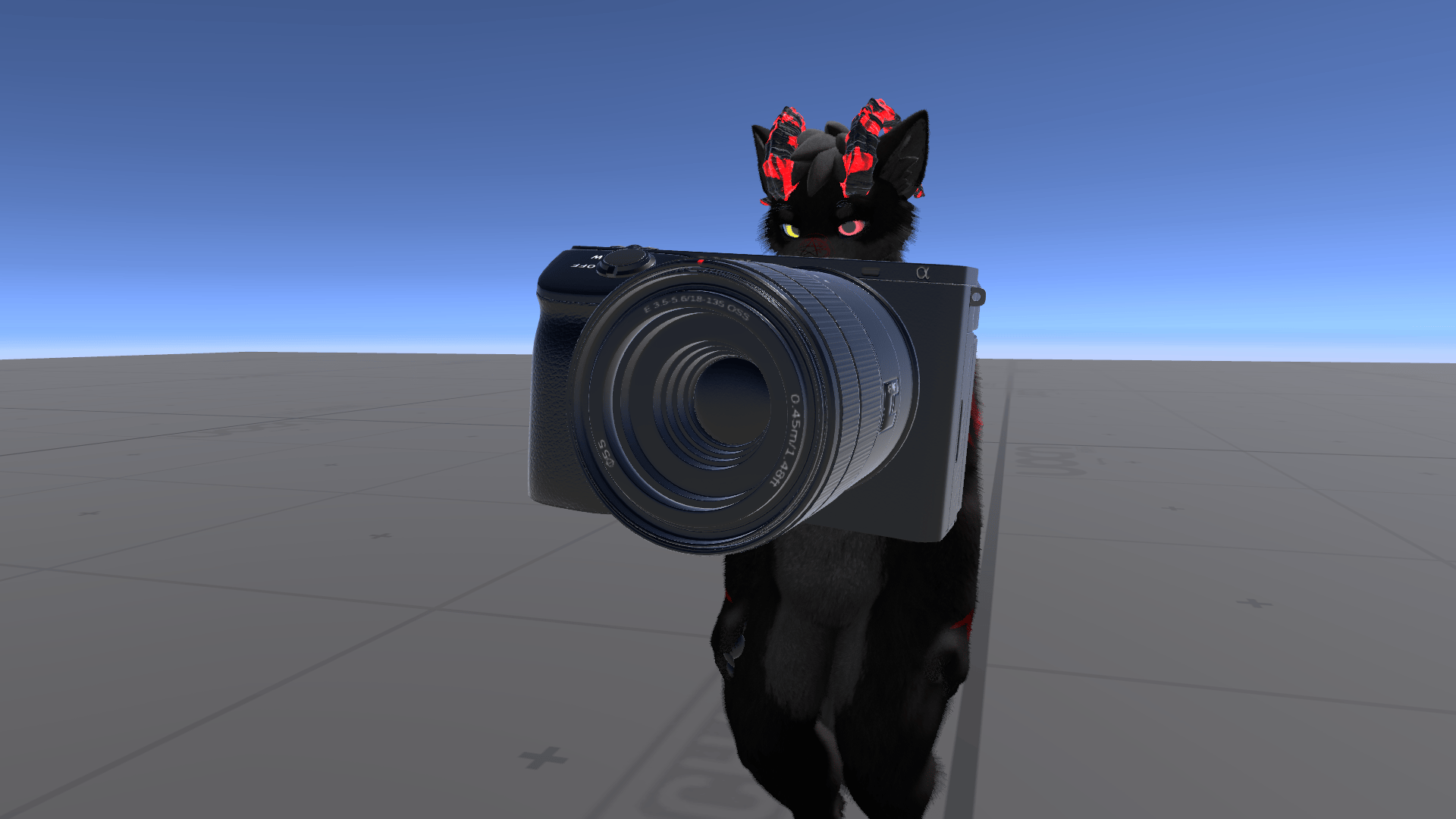
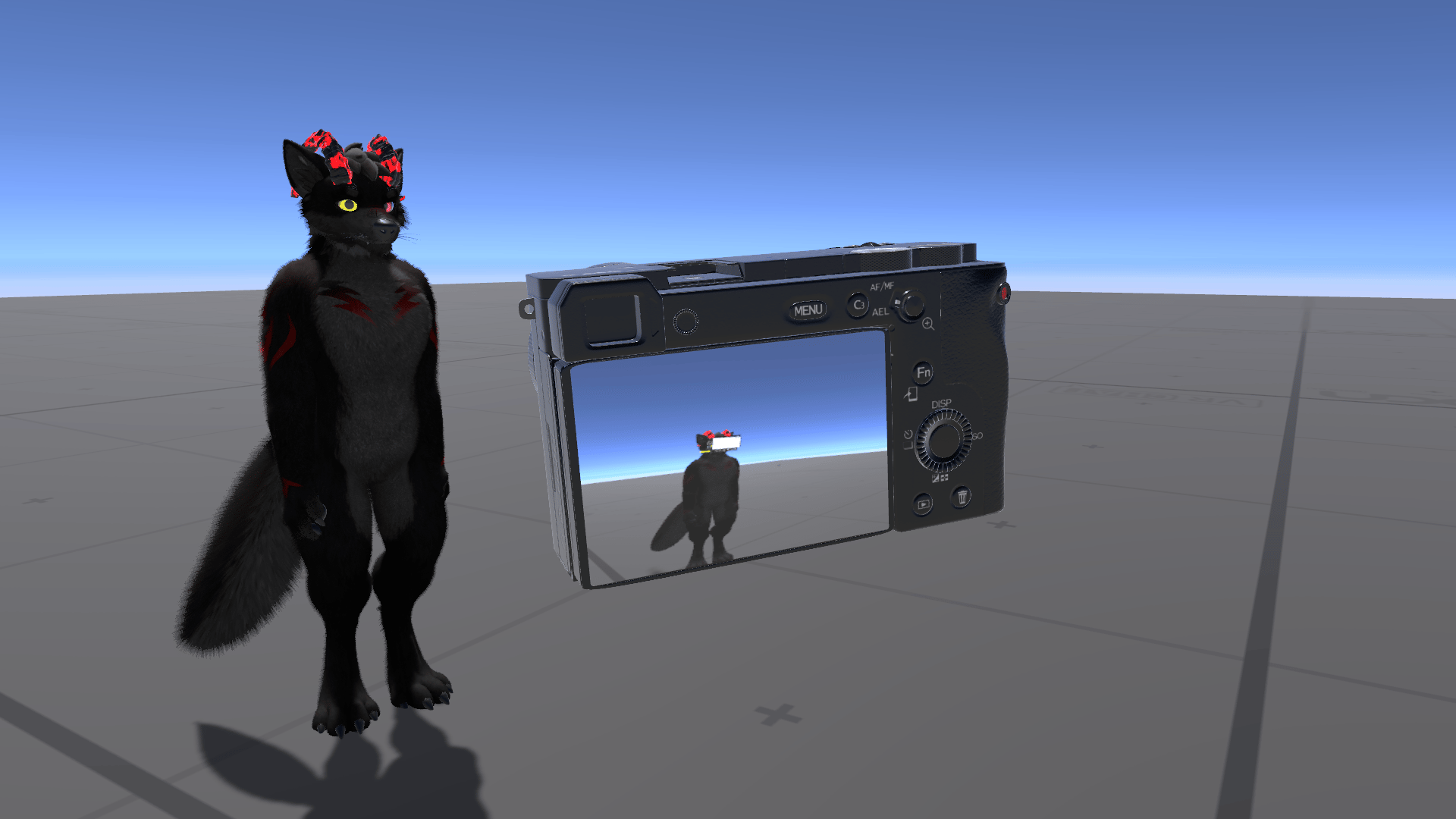
VRC To OBS is a specialized shader system for VRChat creators and streamers who need to display in-world camera feeds on surfaces during streams and recordings.
How It Works
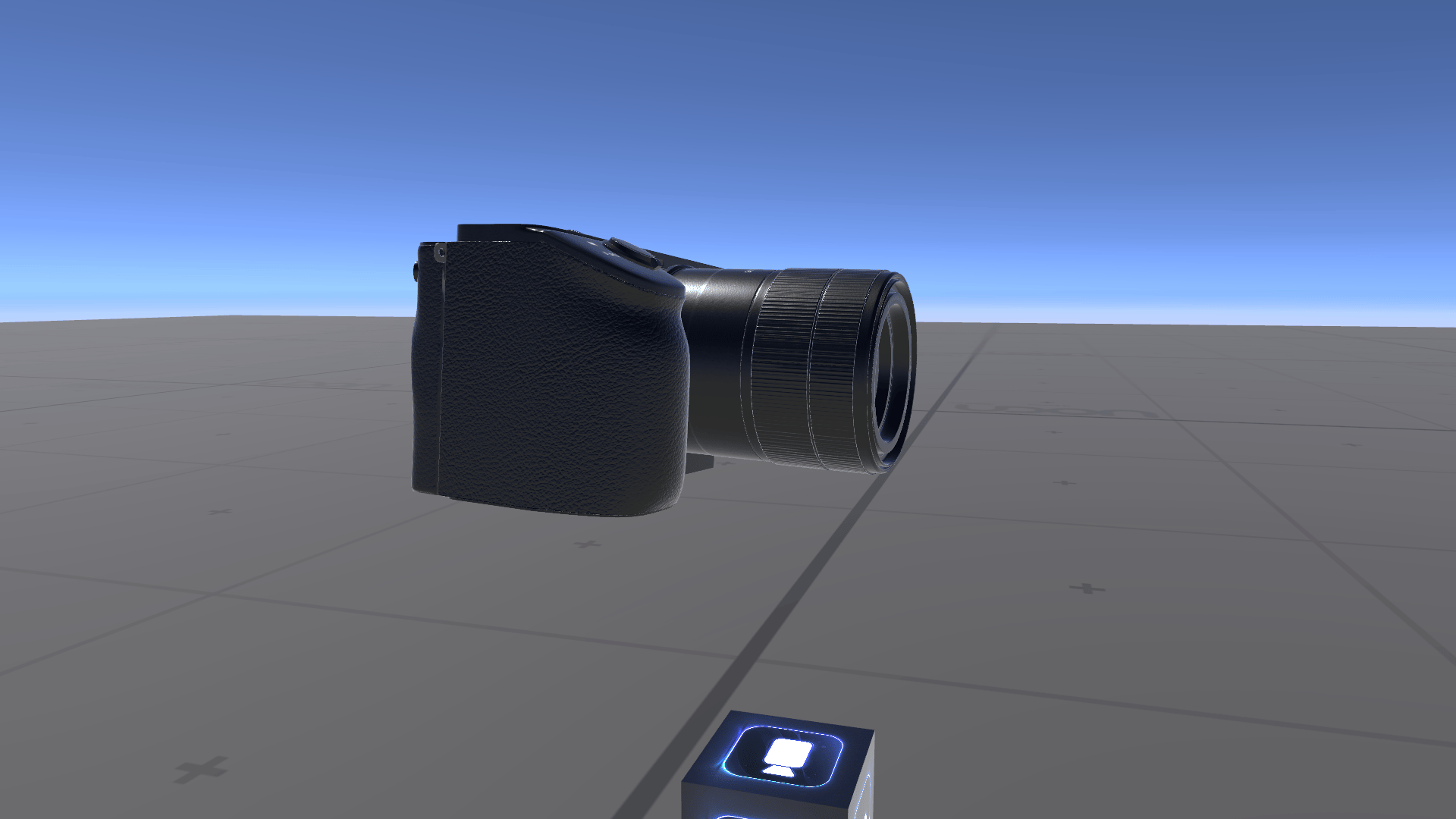
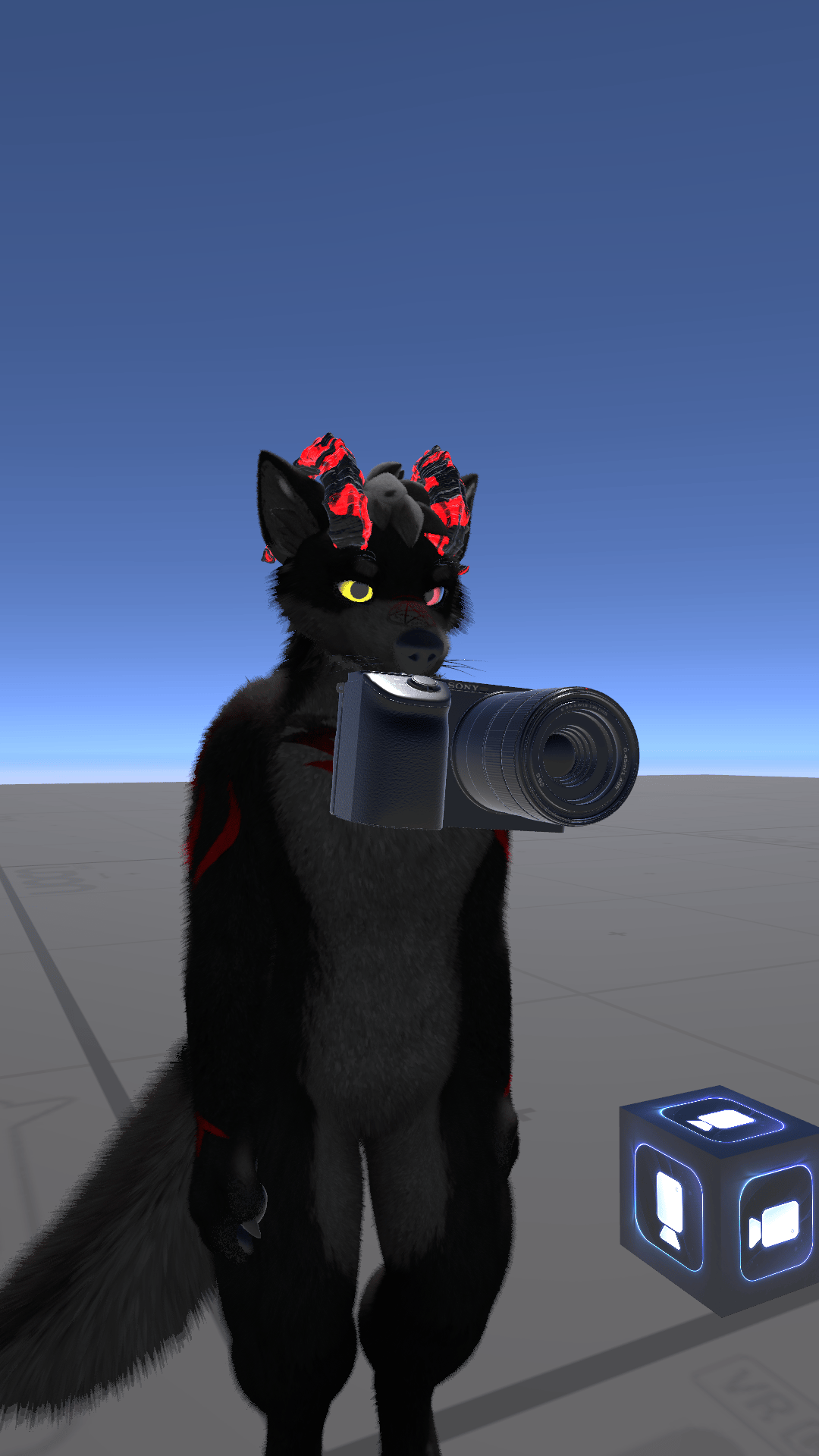
Place a render texture from any world camera into the shader. When you enter a cube with this shader material applied, your VRChat camera automatically takes over the feed and displays what you see on the cube's surface. Step outside the cube and the shader deactivates—perfect for portable camera displays or streaming setups.
Key Features
- Bounds Detection: Only activates when your camera is physically inside the object
- Full Color Control: Adjust brightness, contrast, saturation, and gamma for perfect output levels
- Transform Controls: Flip the image vertically/horizontally or offset the view
- Distance Fade: Automatically fades the display based on proximity to the surface
- Camera Type Detection: Works across desktop, VRChat headset, and streaming output resolutions
- Debug Mode: Test the shader behavior without VRChat's camera restrictions
Use Cases
- Streaming setups with portable camera monitors
- In-world production equipment visualization
- Camera feed displays for collaborative content creation
- Technical demos and presentations in VRChat worlds
Simply assign your world camera's render texture to the _MainTex property and you're ready to go.